
Element Note: Digital Notebook
Handwritten Notes & PDF Markup
Designed for iPhone, iPad, Mac
Free · In-app purchases
- Age rating4+
- CategoryProductivity
- DeveloperSoysauce Lab
- LanguagesEnglish+ 11 more
- Size128.1 MB
Links to the official App Store page
Download.org hosts no file of Element Note: Digital Notebook. The button opens its official App Store page, published by Soysauce Lab. Listing last checked on Nov 21, 2026.
Screenshots
About
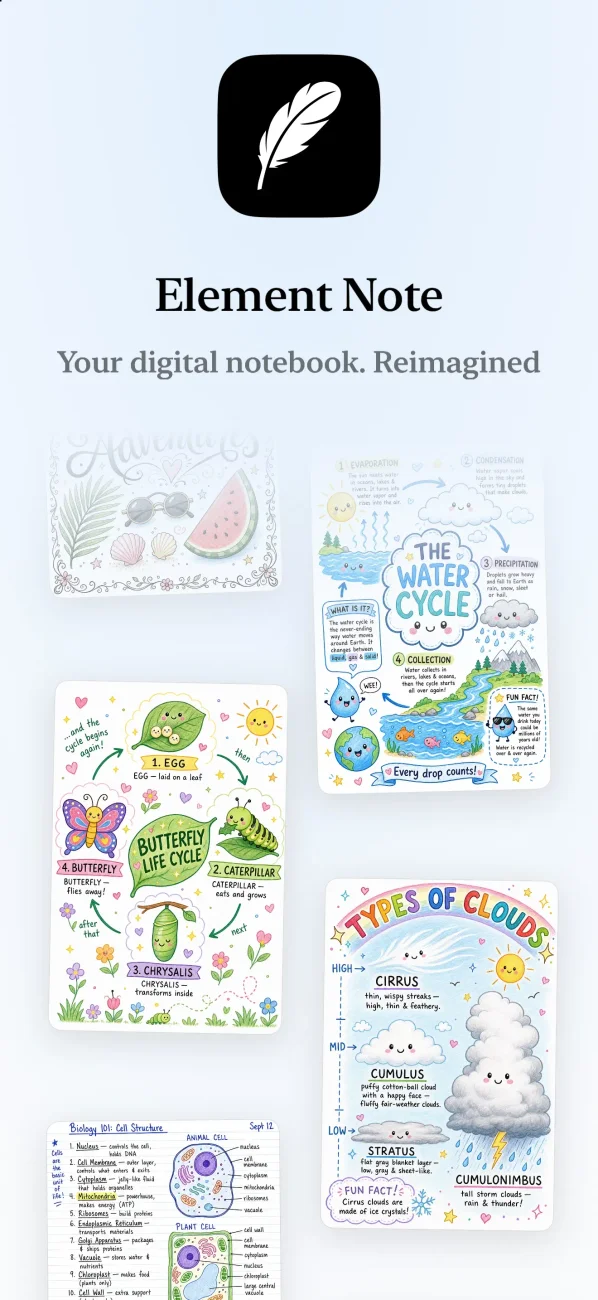
Element Note is a digital notebook for handwritten notes, PDF markup and sketching on iPad, iPhone and Mac. Write with brushes that feel like the real thing, make every page your own, and find anything you've written in seconds.
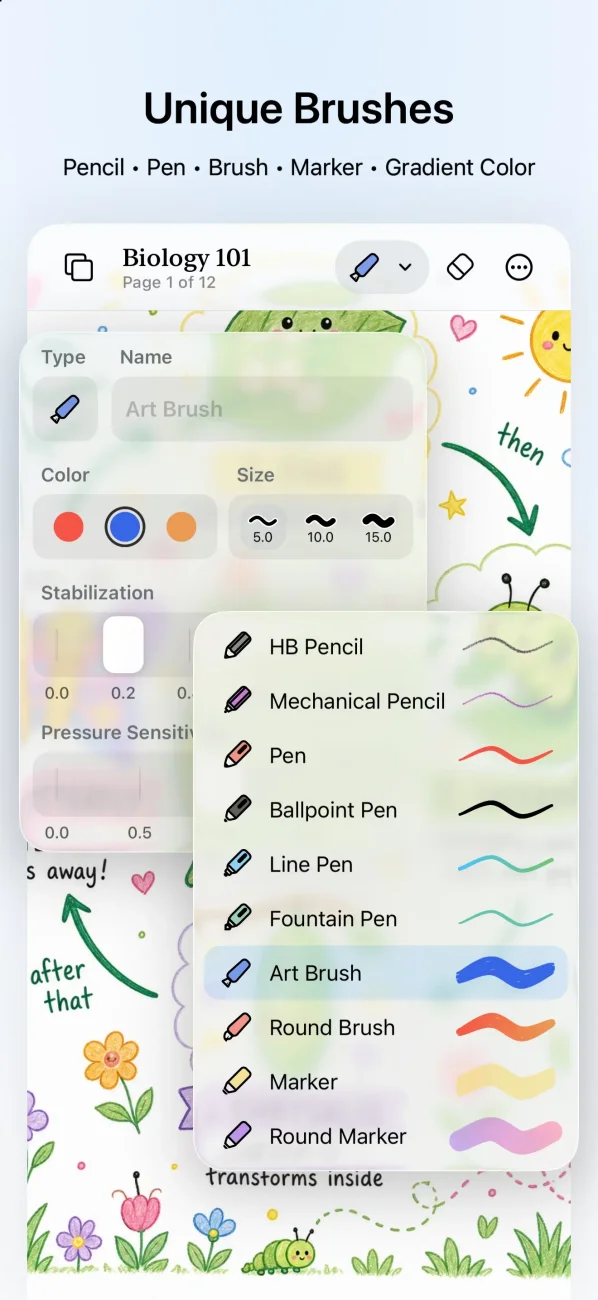
UNIQUE BRUSHES
• HB Pencil, Mechanical Pencil, Pen, Line Pen, Fountain Pen, Art Brush, Round Brush, Marker and Round Marker
• Strokes respond to Apple Pencil pressure, and markers glide over ink without covering it
• Gradient ink for more expressive notes
• A drawing engine built on Metal keeps every stroke smooth and immediate
MARK UP ANY PDF
• Bring in lecture slides, papers and worksheets
• Highlight, circle and write right on the page with the same pens you take notes with
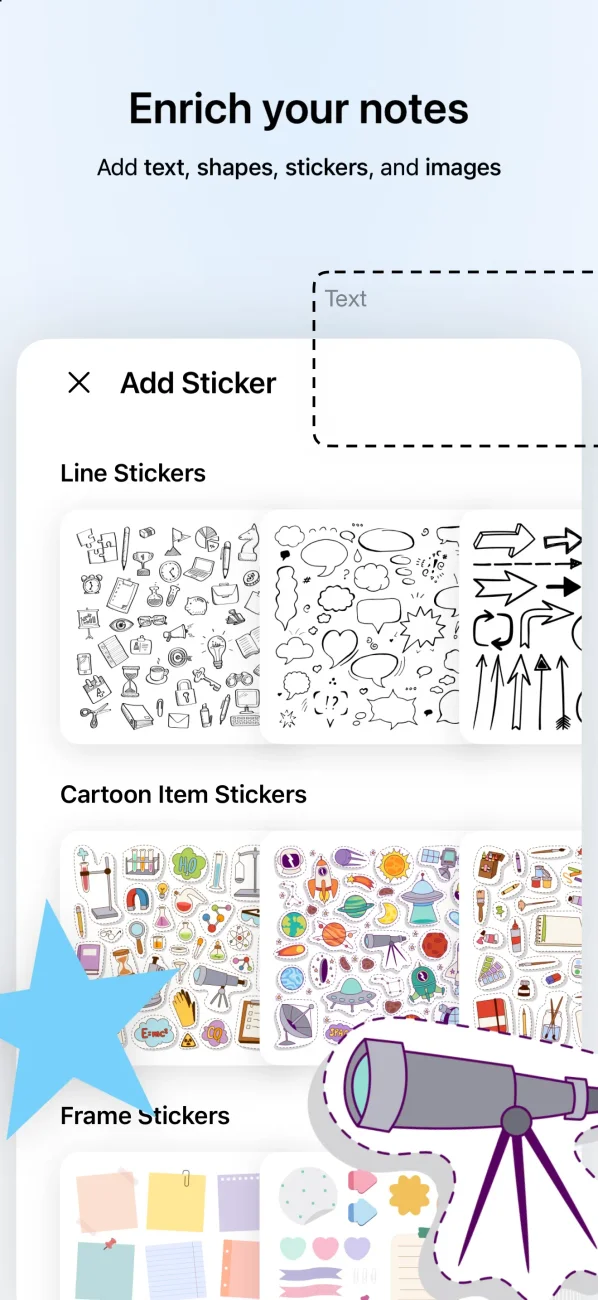
MAKE EVERY PAGE YOURS
• Add text, shapes, stickers and images anywhere on a page
• Over a thousand hand-drawn stickers built in
• Plain, ruled, grid, dot, Cornell and music paper, or design your own
• Write page by page, or spread out on an infinite canvas
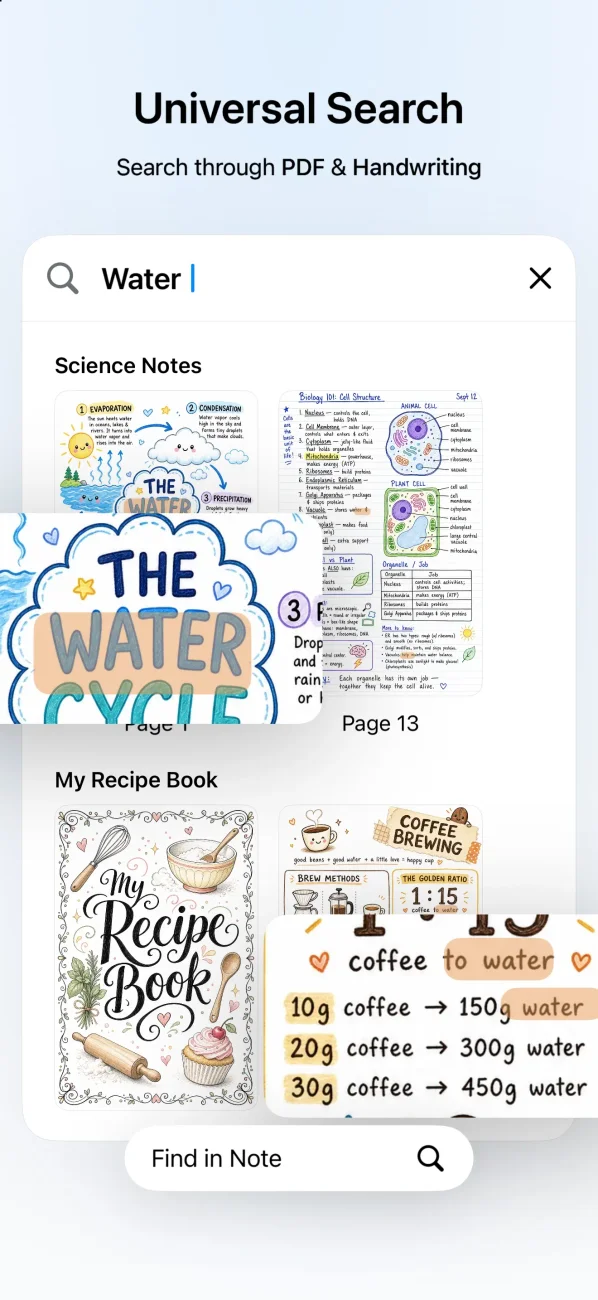
SEARCH YOUR HANDWRITING
• Element Note reads your handwriting and every PDF on device
• Search finds the page you need, and your notes never leave your device to do it
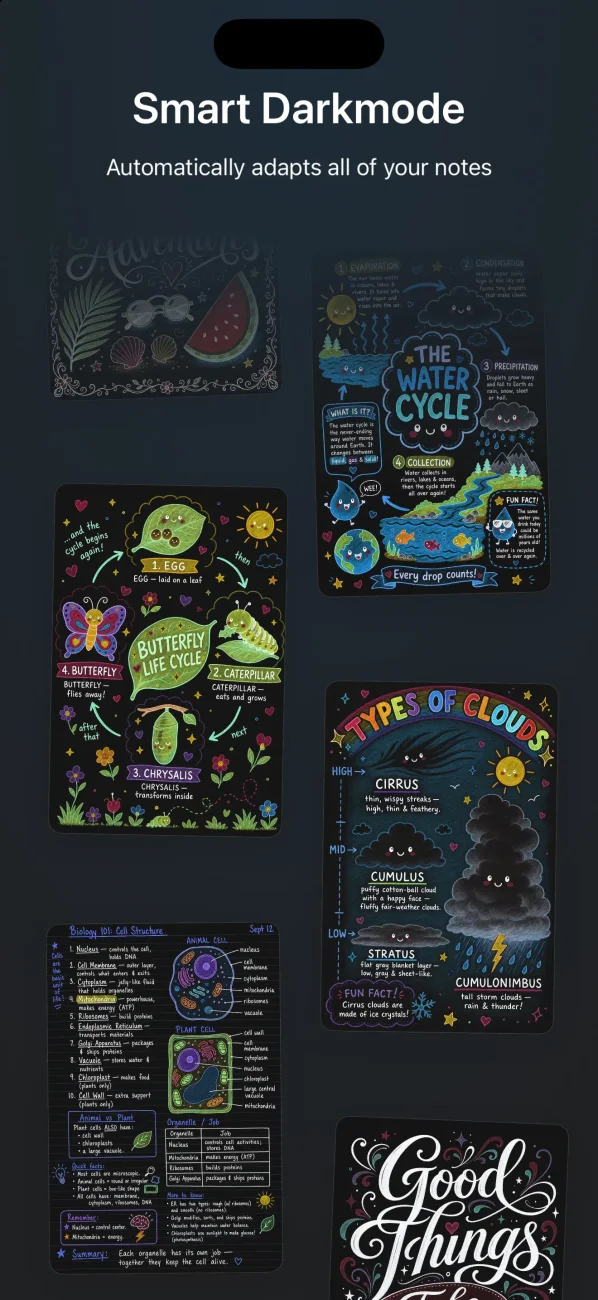
SMART DARK MODE
• Your notes follow your device into dark mode: the paper turns dark and colors stay vivid, without changing a single stroke you wrote
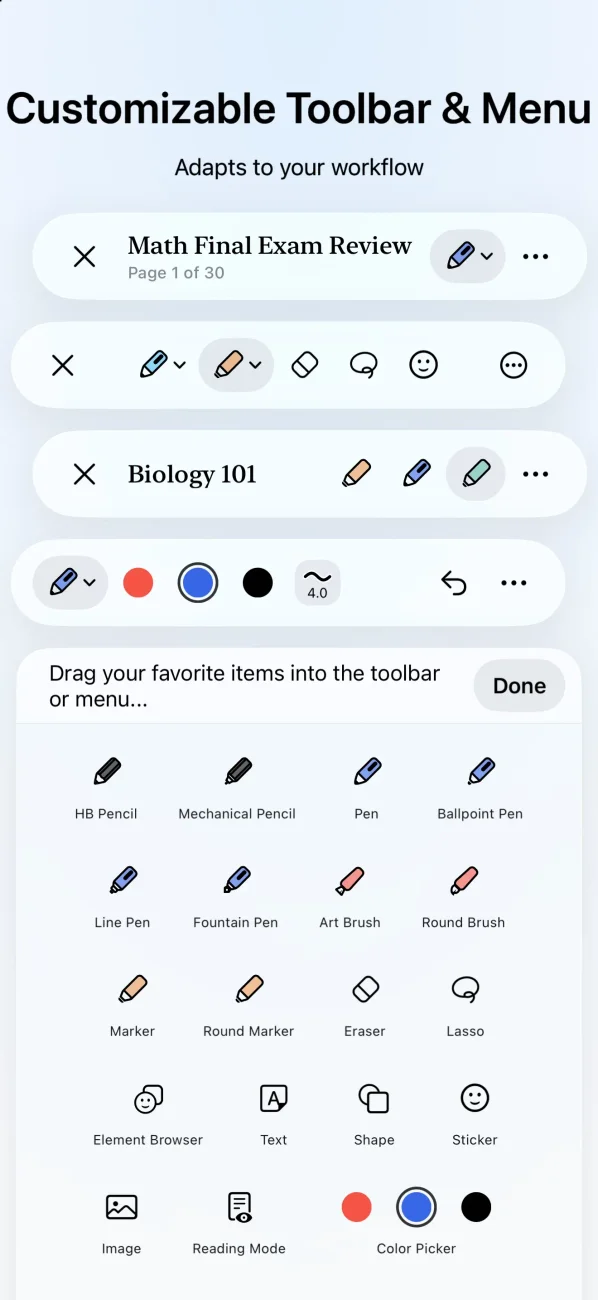
ORGANIZE, SYNC AND SHARE
• Put your favorite pens, colors and tools in a toolbar you arrange
• Select many notes or pages at once and drag them where they belong
• Sync through your own iCloud: nothing passes through our servers
• Share a notebook over iCloud and work on it with up to 100 people
FREE TO TRY
Element Note is free to try with up to 3 notes. Unlock unlimited notes with a subscription or a one-time purchase.
Terms of Use: https://elementnote.app/terms
Privacy Policy: https://elementnote.app/privacy
What’s new
Version 2.14.0 · Nov 19, 2026
New
• Element Note now fits iPhone Duo: its toolbars stand along the edge of the screen on either display.
• Every paged note ends with a blank page ready to write on. Pull past it to add another.
App privacy
What Soysauce Lab declares on the App Store about how this app handles data.
-
Data linked to you
May be collected and linked to your identity.
- Purchases
- Contact info
- User content
- Identifiers
- Usage data
-
Data not linked to you
May be collected but is not linked to your identity.
- Identifiers
- Diagnostics
Privacy practices may vary, for example with the features you use or your age.
Information
- Seller
- Soysauce Lab
- Category
- Productivity
- Version
- 2.14.0
- Updated
- Nov 19, 2026
- Released
- Nov 3, 2022
- Size
- 128.1 MB
- Requires
- iOS 17.0 or later
- Age rating
- 4+
- Price
- Free
- In-app purchases
- Yes
- Languages
- English, French, German, Hindi, Italian, Japanese, Korean, Portuguese, Russian, Simplified Chinese, Spanish, Thai
- Copyright
- © Soysauce Lab
You might also like
-
 Notes Writer: PDF, Quiz, DocsFlashcards, Voice Recorder, AI
-
 Feenote - Notes and listsNote-taking & handwriting
-
 MyScript Notes: AI HandwritingSmart note taking, PDF & study
-
 Noteful: Notes & PDF MarkupHighlight. Write. Learn.
-
 Kilonotes-Notes & Mark up PDFHandwritten Notes, PDF Editing
-
 Noteshelf: AI Notes & PDFHandwriting, Planner & Journal
-
 CollaNote: Notes & PDF Markup25+ Pens to Take Better Notes
-
 Prodrafts - Infinite NotesHandwriting, PDF & Mind Maps
-
 Freenotes®: AI Notes TakingDocs PDF Memo Planner Pencil
-
 Penbook: Paper Planner & NotesJournal, Notebook & Study