
Blocks – HTML Viewer & Library
Your own files, one tap away
Designed for iPhone
Free
- Age rating17+
- CategoryProductivity
- DeveloperKeltson Howell
- LanguagesEnglish
- Size12.8 MB
Links to the official App Store page
Download.org hosts no file of Blocks – HTML Viewer & Library. The button opens its official App Store page, published by Keltson Howell. Listing last checked on Nov 16, 2026.
Screenshots
About
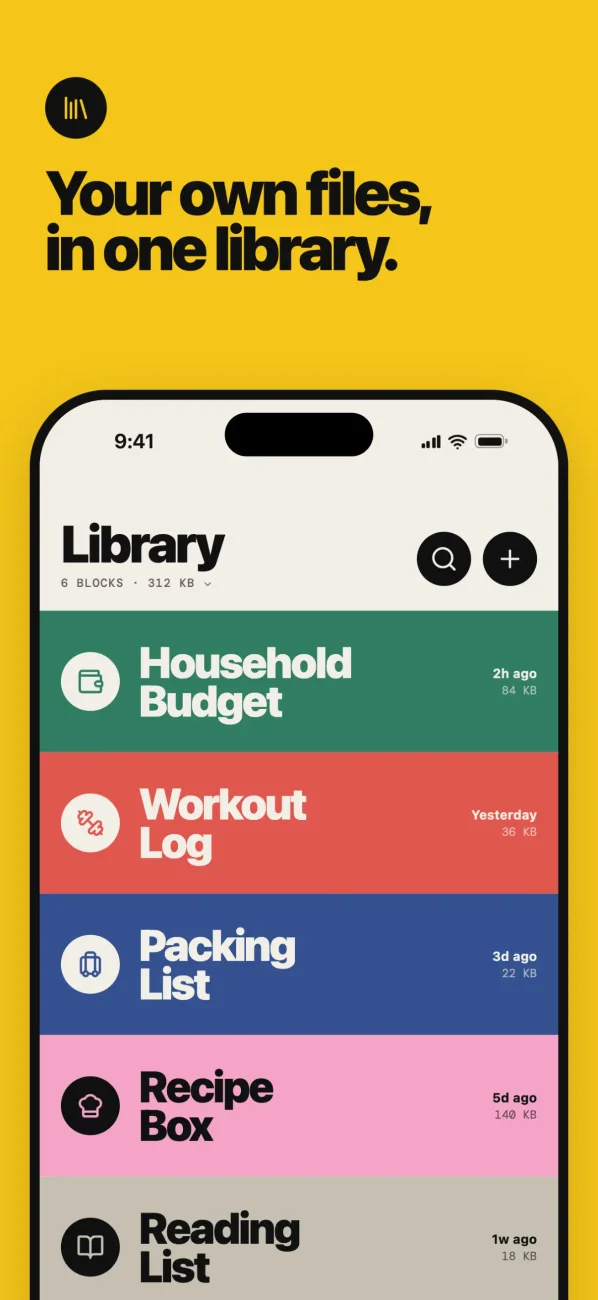
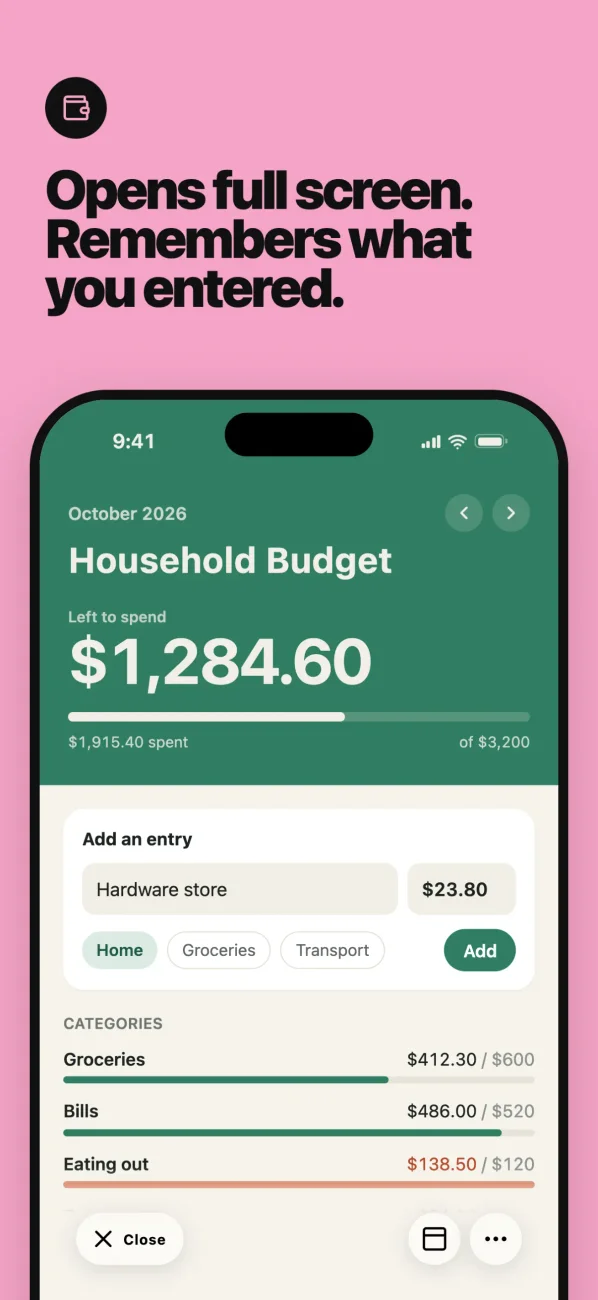
Blocks is a private library for your web pages: a household budget you made, a workout log, a packing list, or a recipe card a friend sent you. Add an .html file, or a .zip folder of files, and it becomes a block in your library. Tap it and it opens full screen with its own saved data.
YOUR FILES, YOUR LIBRARY
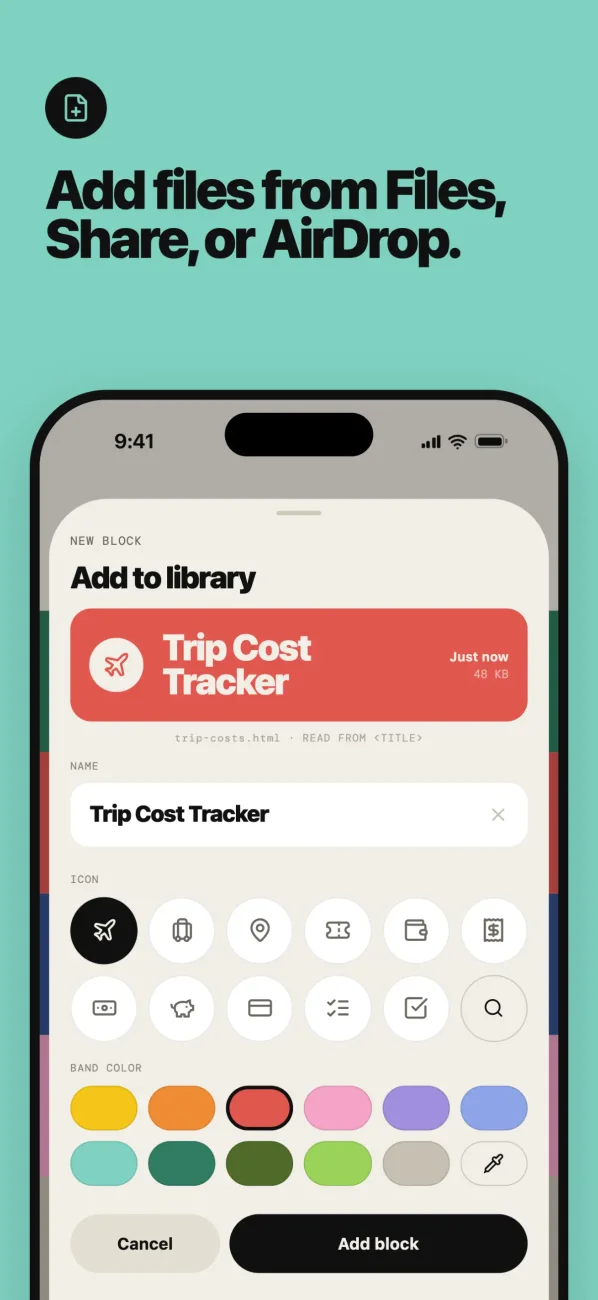
• Add files from the Files app, the Share sheet or AirDrop.
• Each block gets its own color band and icon, picked up from the page where it can be.
• Search by name, sort by last opened, date added or name, and find blocks from Spotlight.
EVERY BLOCK REMEMBERS
• What you type into a page is saved for that block, and stays when you close and reopen it.
• Each block keeps its data separate from every other block.
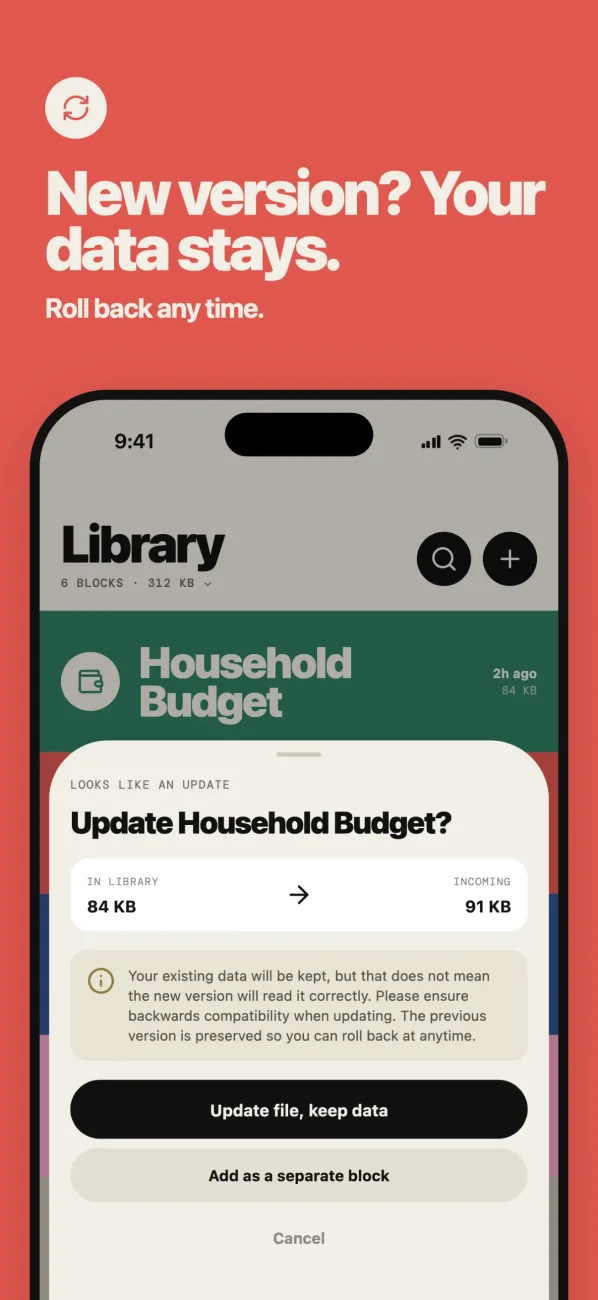
• Got a newer copy of a file? Add it again and Blocks offers to update the block. Your saved data stays. Changed your mind? Roll back to the previous version, data intact.
BACKED UP TO YOUR ICLOUD
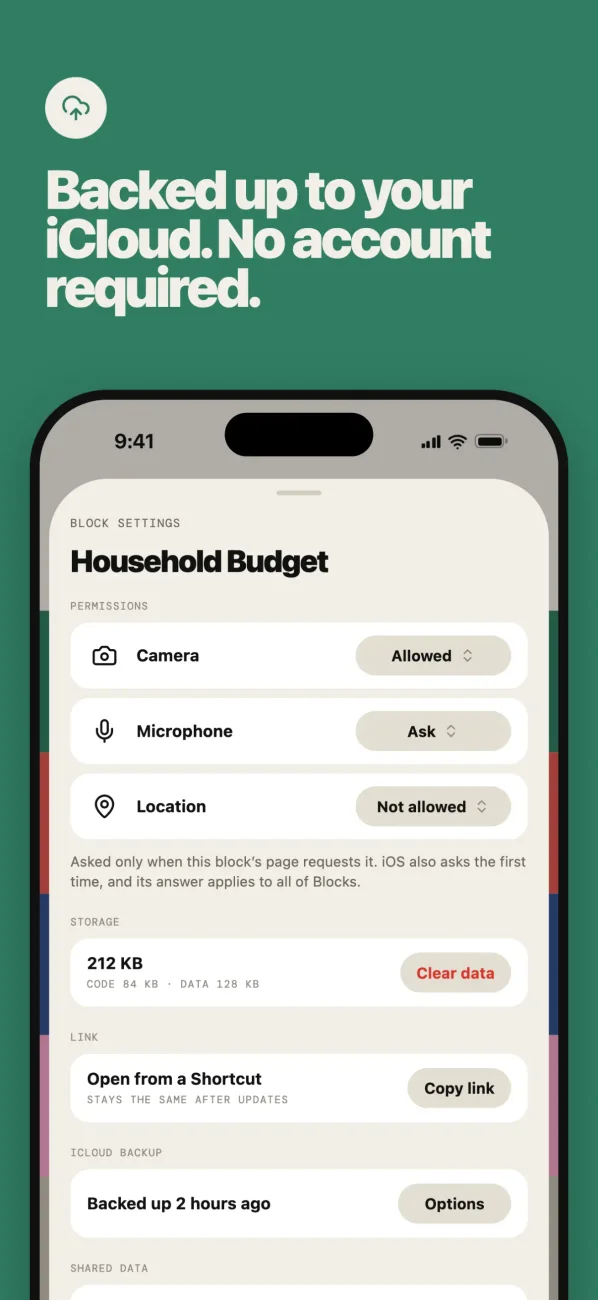
• iCloud Backup copies each block and its saved data to your own private iCloud, so they come back on a new iPhone.
• Back up any block on demand, or restore its data from a backup.
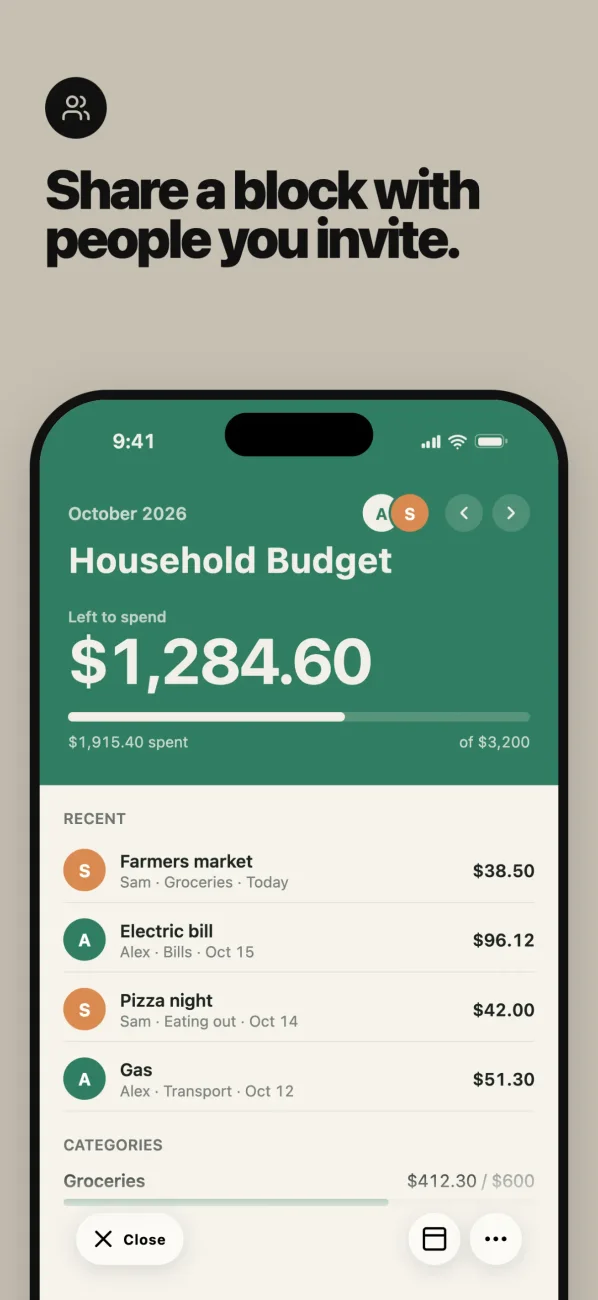
SHARE A BLOCK'S DATA WITH PEOPLE YOU INVITE
• For pages that support it, share one block's data with family or friends using Apple's standard sharing. Keep a household budget or a shared list in step on everyone's phone.
• You choose who joins, and whether each person can edit or only view. Anyone can leave, and you can stop sharing at any time.
• Everyone needs Blocks, iCloud and their own copy of the page.
YOU'RE IN CONTROL
• Camera, microphone and location are asked per block, remembered for that block only, and can be changed in Block Settings.
• See how much space each block and its data use, and clear a block's data when you want a fresh start.
• Make text bigger or smaller, hide the buttons for more room, and turn your phone sideways when a page needs it.
• Pages that save files hand them to the Share sheet, so you can keep them in Files.
• Copy a block's link to open it from a Shortcut.
PRIVATE BY DESIGN
No account, no ads, no tracking, no subscriptions. Your files stay on your iPhone and in your own iCloud. We can't see them.
NEW TO BLOCKS?
A Getting Started block is waiting in your library. It's a short checklist that shows you around, and ticks some items off by itself as you try them.
Blocks works with self-contained HTML files: one you saved, one you were sent, or one you wrote yourself. Your files live on your iPhone, so they open without a connection, unless a page itself uses the internet. Blocks doesn't come with pages of its own apart from Getting Started: bring the ones you want to keep.
App privacy
What Keltson Howell declares on the App Store about how this app handles data.
-
Data not collected
The developer does not collect any data from this app.
Privacy practices may vary, for example with the features you use or your age.
Information
- Seller
- Keltson Howell
- Category
- Productivity
- Version
- 1.0
- Updated
- Nov 4, 2026
- Released
- Nov 4, 2026
- Size
- 12.8 MB
- Requires
- iOS 26.0 or later
- Age rating
- 17+
- Price
- Free
- Languages
- English
- Copyright
- © 2026 Keltson Howell
You might also like
-
 StuffioOrganize Your Belongings
-
 Nodus - ZettelkastenPlain text, connected thinking
-
 Meeting Intelligence: AI NotesLive AI help in your meetings
-
 miu – Minimal Text EditorText Editor
-
 Xcalidraw Whiteboard DiagramFlowchart, Mind Map, Sketch
-
 .html — HTML ReaderViewer to open and save files
-
 Droppp - File TransferJust drag files to your device
-
 HTML Reader OfflineRead HTML & ZIP Files Anywhere
-
 Canvs.io whiteboardReal-time collaboration
-
 MindPulse - AI Mind MapPlan, Brainstorm & Organize