
Droppp - File Transfer
Just drag files to your device
Designed for iPhone, iPad
Free · In-app purchases
- Age rating4+
- CategoryProductivity
- DeveloperPixelBrick
- LanguagesEnglish+ 31 more
- Size11.8 MB
Links to the official App Store page
Download.org hosts no file of Droppp - File Transfer. The button opens its official App Store page, published by PixelBrick. Listing last checked on Nov 20, 2026.
Screenshots


About
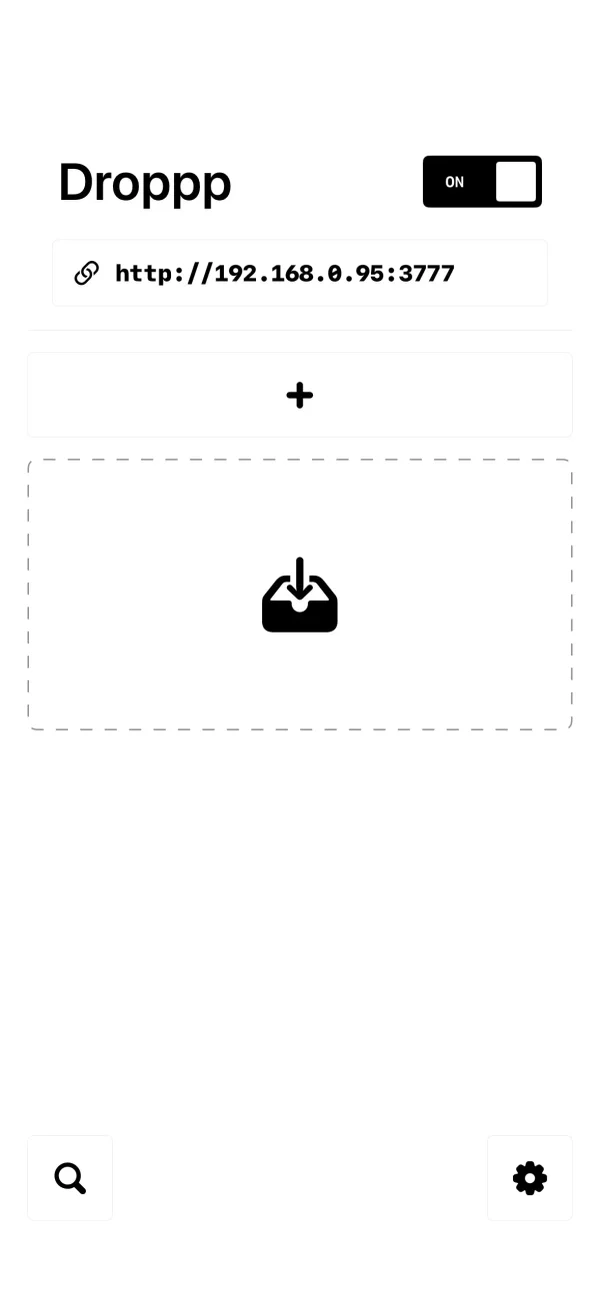
Droppp is a simple local file transfer app for iPhone and iPad that works over Wi-Fi and Personal Hotspot.
Use Droppp when AirDrop is not available, cable transfer is inconvenient, or you do not want to upload files to the cloud. Connect both devices to the same Wi-Fi network, or connect the other device to your iPhone or iPad’s Personal Hotspot. Transfer files through a browser without installing any extra desktop program.
Turn on the local file drop server in Droppp, then open the displayed address in a browser on another device. You can also scan the QR code or change the server port. Keep Droppp open with your device’s screen on during transfers.
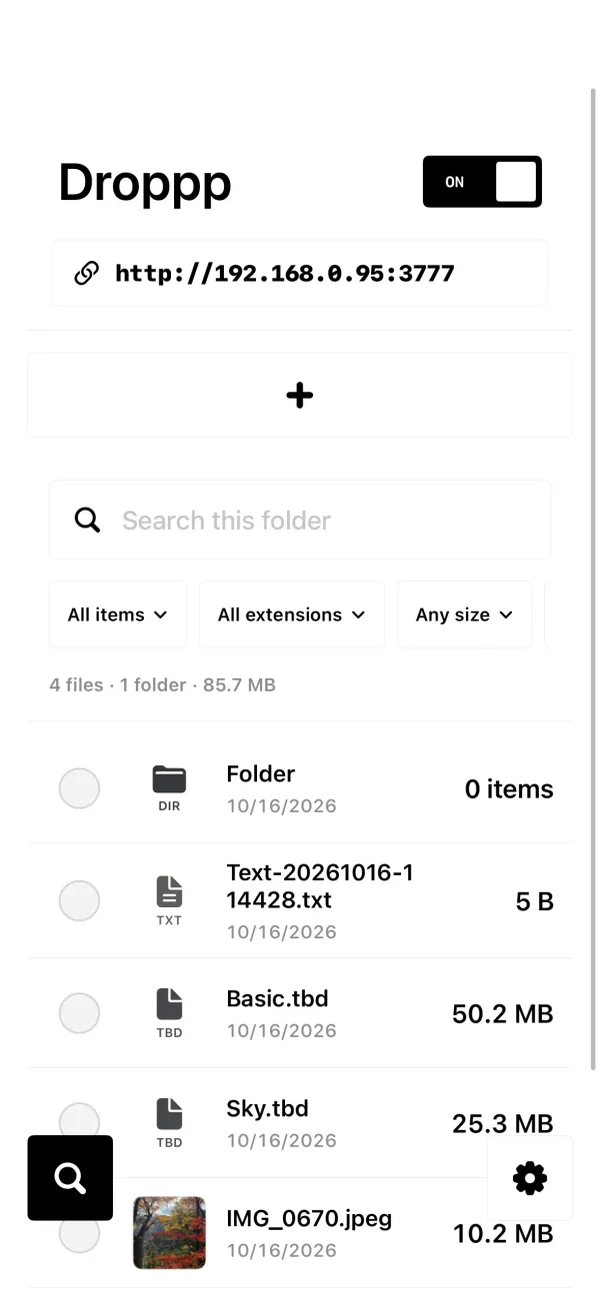
Drag and drop or choose photos, videos, documents, ZIP files, and more on the web page. Received files are saved locally inside Droppp and can be viewed, shared, deleted, or moved to other apps. Select multiple files and drag them to apps that support drag and drop.
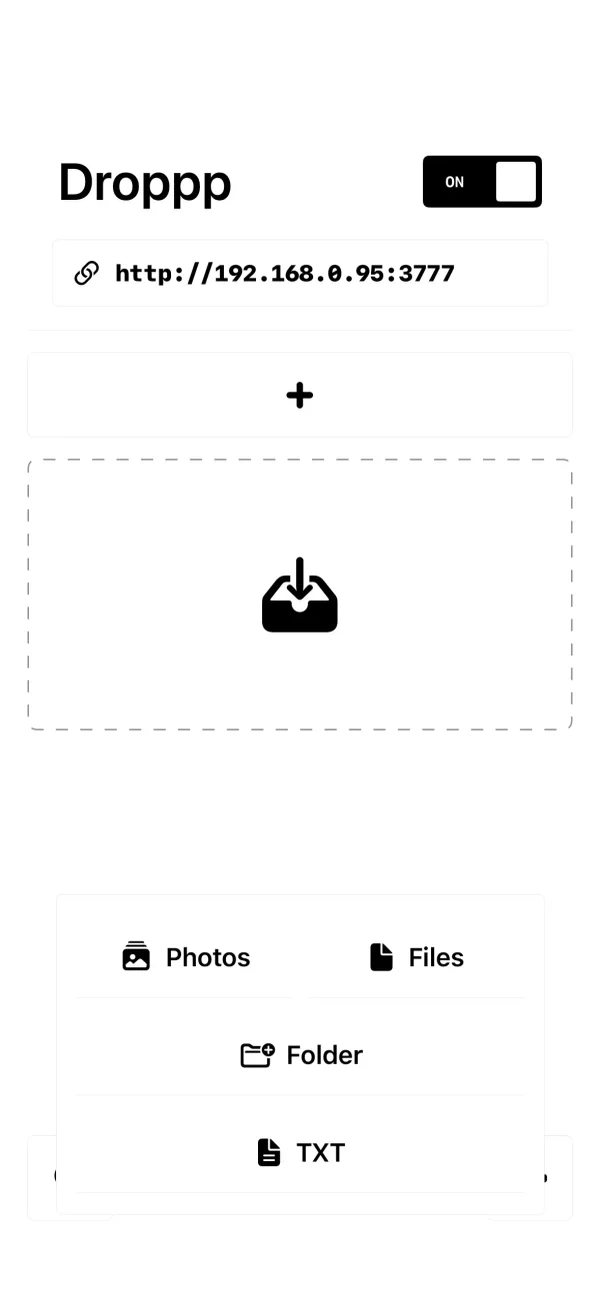
Folders make it easier to organize incoming files. Create named folders and nested folders, then drag files or folders where they belong. Share or delete folder contents in Droppp, and view or download them from the local web viewer.
Access Droppp’s Files folder in Apple’s Files app and copy files between it and Droppp storage. You can also link folders from the Files app, including iCloud Drive folders. Changes to files in a linked folder apply to the original folder. View its files, upload new files, and download them through the web viewer too.
Droppp works without accounts or login. Files are transferred directly between devices over your local connection, without requiring cloud upload.
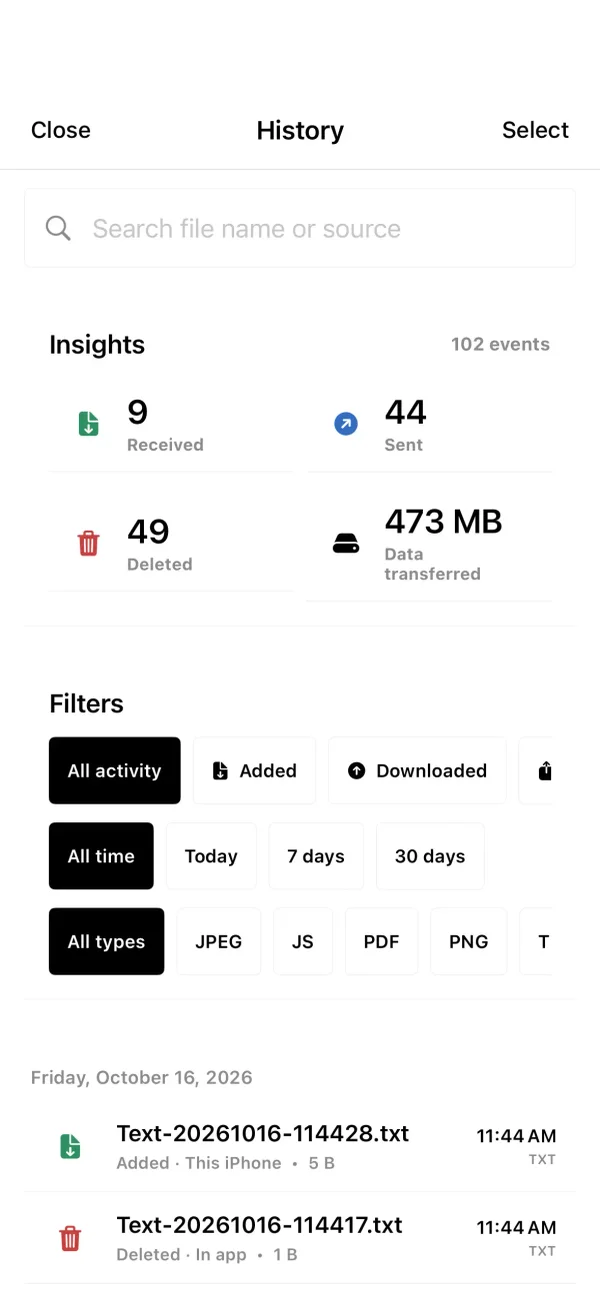
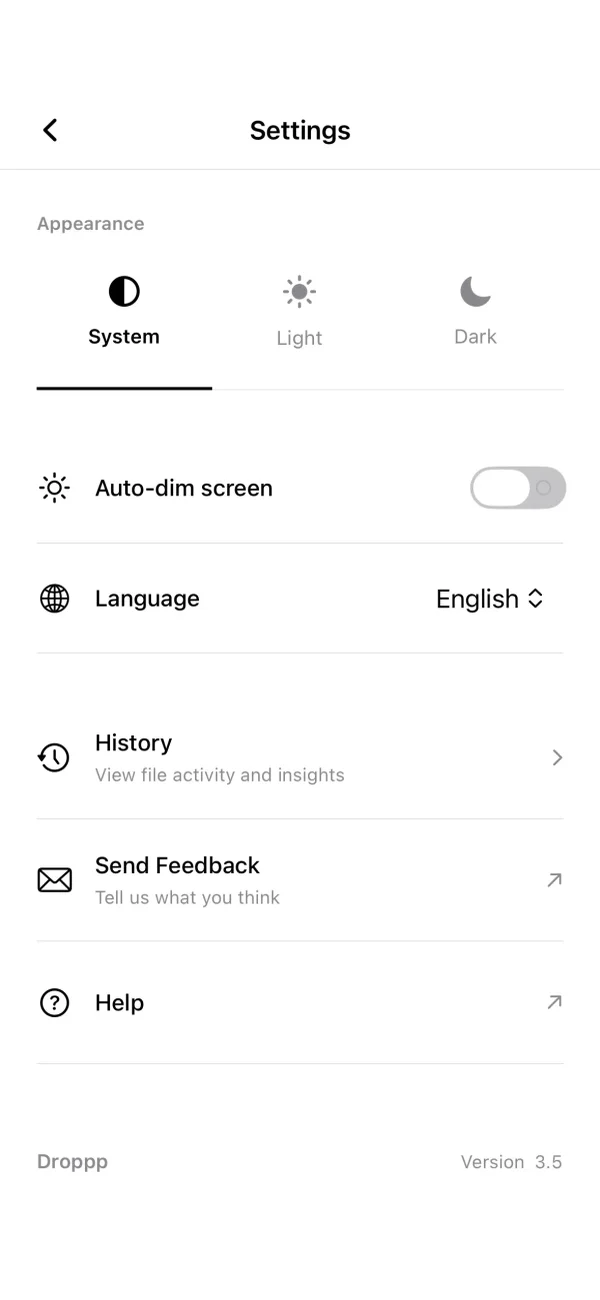
History Insights helps you review recent transfer activity. You can disable history recording in Settings when you do not need it.
Key Features
- Transfer files through a browser over Wi-Fi or Personal Hotspot
- Send files directly to your iPhone or iPad
- Drag and drop or choose files to upload
- Store received files locally inside Droppp
- View, share, delete, and organize saved files
- Create named folders and nested folders
- Copy files between Droppp storage and Files
- Link folders from the Files app, including iCloud Drive
- Select multiple files and drag them to other apps
- Drop files from other apps into Droppp
- View and download files and folder contents from the web
- Create TXT files and URL links from the web page
- Check recent activity with History Insights or disable recording
- No account, login, or cloud upload required
- Quick guide in Settings > Help
Useful for
- Sending files from a Windows PC to iPhone
- Moving files from Android, Mac, tablets, or other devices to iPad
- Receiving files without cables, messengers, or cloud storage
- Keeping transfers inside your local network
- Collecting temporary files, work files, photos, and documents
Feedback: brick@pixelbricktek.com
Privacy Policy: https://pixelbricktek.github.io/Droppp/privacy
Terms of Use (EULA): https://www.apple.com/legal/internet-services/itunes/dev/stdeula/
What’s new
Version 5.3 · Nov 18, 2026
1. Added larger photo previews in the web viewer.
2. Added video playback controls in the web viewer, including play, pause, mute, and seeking.
3. Made the web startup logo animation smoother and more natural.
App privacy
What PixelBrick declares on the App Store about how this app handles data.
-
Data not collected
The developer does not collect any data from this app.
Privacy practices may vary, for example with the features you use or your age.
Information
- Seller
- PixelBrick
- Category
- Productivity
- Version
- 5.3
- Updated
- Nov 18, 2026
- Released
- Jun 2, 2026
- Size
- 11.8 MB
- Requires
- iOS 18.0 or later
- Age rating
- 4+
- Price
- Free
- In-app purchases
- Yes
- Languages
- English, Arabic, Bengali, Czech, Danish, Dutch, Finnish, French, German, Greek, Hebrew, Hindi + 20 more
- Copyright
- © 2026 PixelBrick
You might also like
-
 PDFOneOrganize, fill and sign PDFs
-
 iMonthSimple Monthly Memo Management
-
 ReplyKit - Text ShortcutsText Expander, Saved Messages
-
 JianBox - Local Document ToolScan, sign, lock. No subs.
-
 Screen Time Control - PausedApp Blocker: Focus Work Study
-
 DocOne ExpressPDF Scanner, Receipts & ID
-
 LemonLogRepair history & evidence log
-
 Tikku: To Do & Block AppsTasks, Focus & App Blocker
-
 Handwritten Digital NotesNote Taking, Journal & Lock
-
 ScanKit: Document & QR ScannerScan, OCR, QR & Create PDFs