BossPDF: PDF Editor & Scanner
Edit, Sign, Document Converter
Designed for iPhone, iPad
Free · In-app purchases
- Age rating4+
- CategoryProductivity
- DeveloperZingyBear Technologies LLP
- LanguagesSpanish
- Size13.4 MB
Links to the official App Store page
Download.org hosts no file of BossPDF: PDF Editor & Scanner. The button opens its official App Store page, published by ZingyBear Technologies LLP. Listing last checked on Nov 16, 2026.
Screenshots

About
All-in-One PDF Editor, Scanner & Converter for iPhone
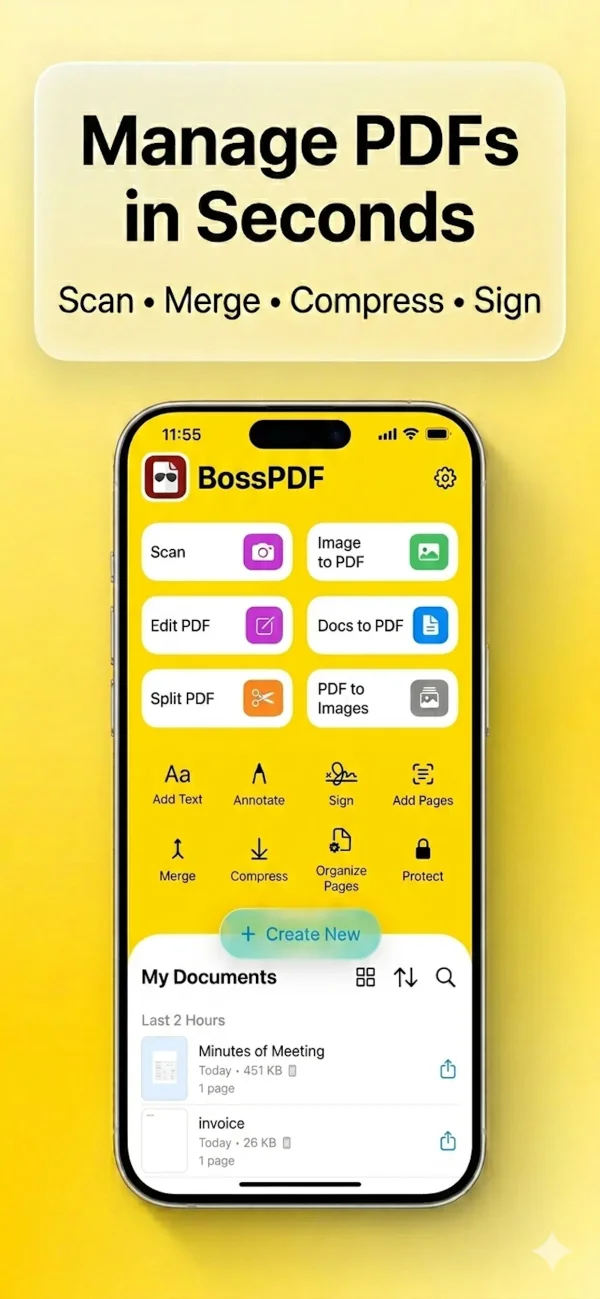
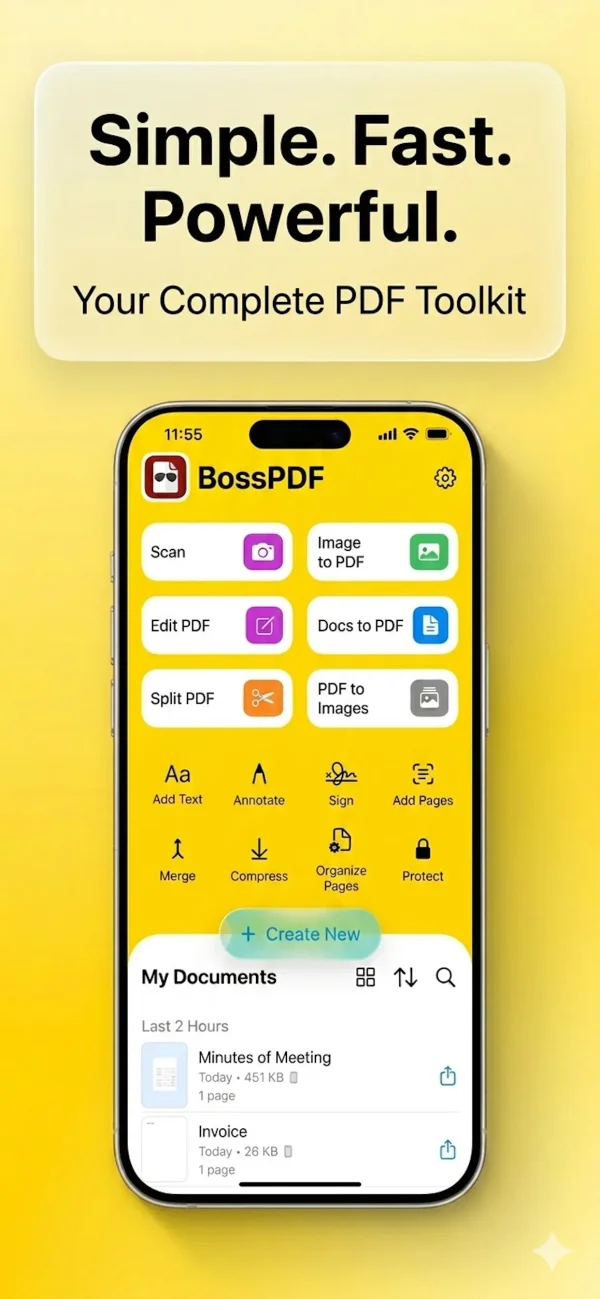
BossPDF is a powerful yet simple PDF editor and scanner that lets you scan documents, merge PDF files, compress PDFs, sign contracts, and organize pages — all in one place.
Whether you need to convert photos to PDF, split large files, or protect documents with a password, BossPDF makes managing PDFs fast and effortless.
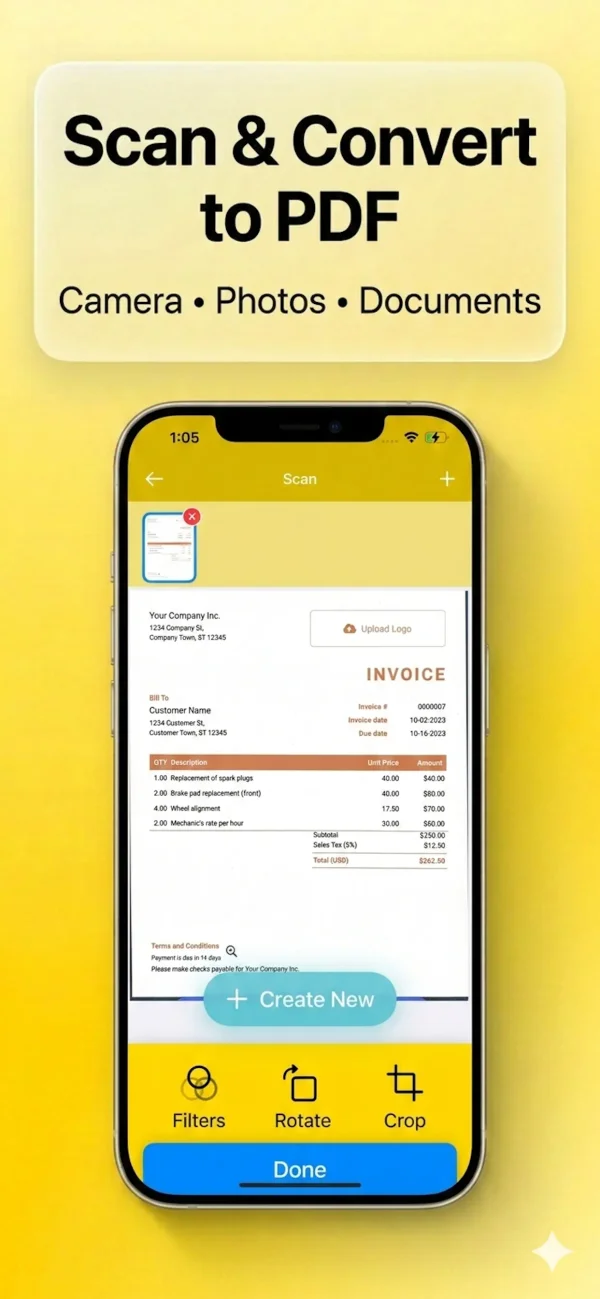
1. Scan & Convert to PDF
- Scan documents with your camera
- Convert photos to PDF instantly
- Image to PDF in seconds
- Docs to PDF from files
- Export PDF to images
• Open PDF from other apps using “Open With”
Perfect for receipts, contracts, notes, schoolwork, and business documents.
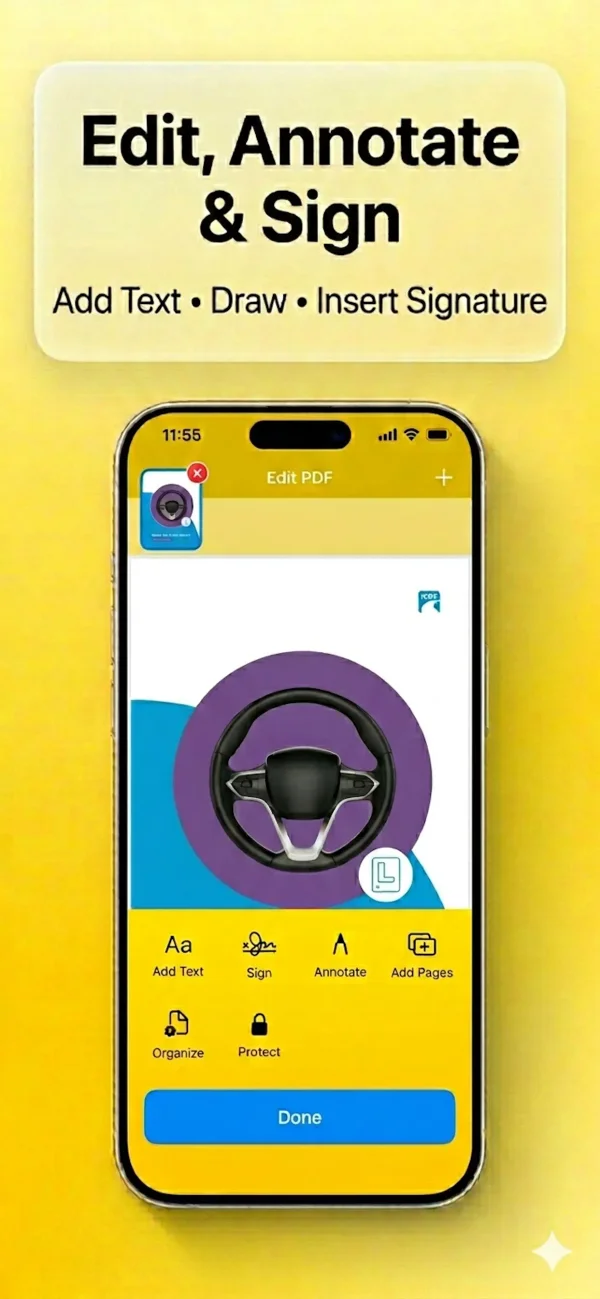
2. Edit, Annotate & Sign PDFs
- Add text to PDF
- Highlight, draw and annotate
- Insert signature and sign PDF
- Save and reuse signatures
- Add pages to PDF
- Edit documents anytime, anywhere
Everything you need in a reliable PDF editor for iPhone.
3. Merge, Split & Organize Pages
- Merge multiple PDF files
- Split PDF by page range
- Reorder pages with drag and drop
- Organize PDF pages easily
- Extract selected pages
- Duplicate or rotate pages
Built for people who need full control over their documents.
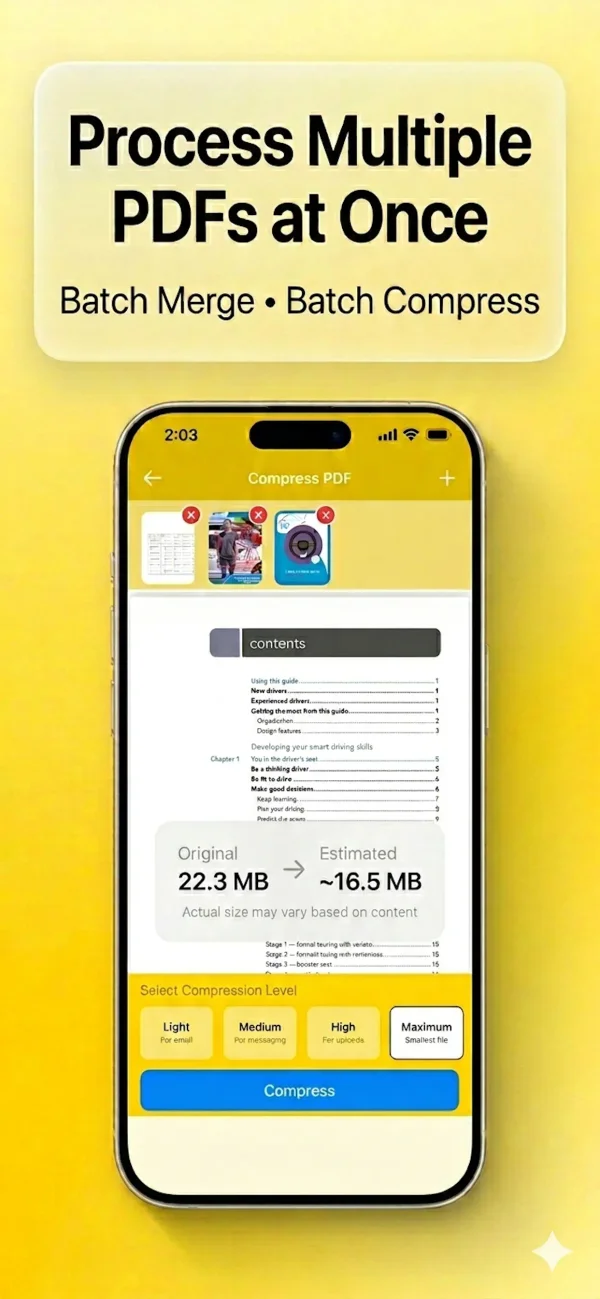
4. Bulk PDF Processing (Pro Feature)
Save time with powerful bulk mode:
- Merge multiple PDFs at once
- Batch compress PDF files
- Convert multiple documents in one go
- Secure multiple files together
Designed for professionals, students, and business users handling many files daily.
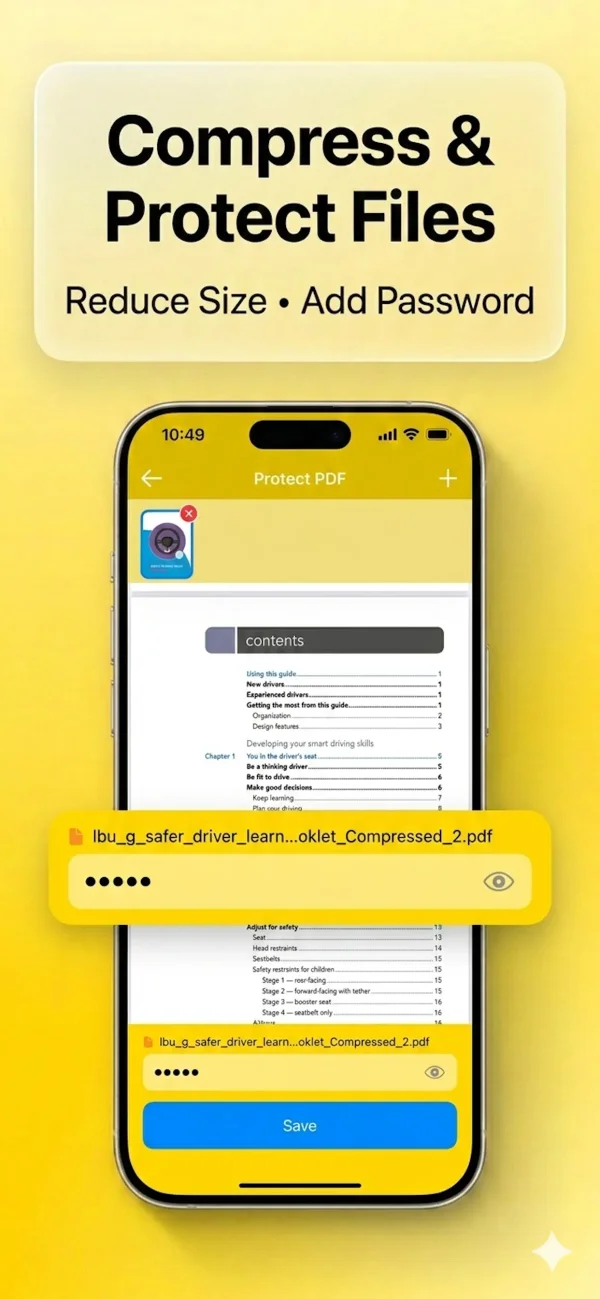
5. Compress & Protect
- Reduce PDF file size
- Compress PDF without losing quality
- Protect PDF with password
• Secure sensitive documents
- Manage file permissions
Share smaller files faster and keep private data safe.
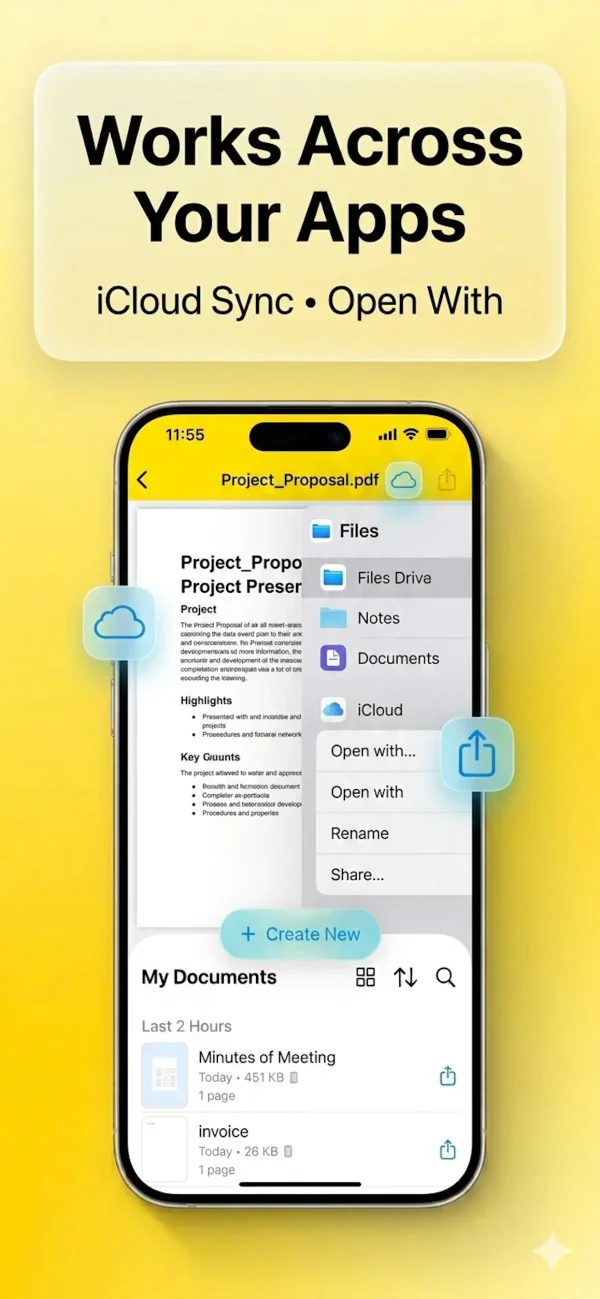
6. Sync & Access Anywhere
- iCloud sync support
- Access documents across devices
- Seamless file management
- Works with Files app
Your PDFs stay organized and available when you need them.
7. Why Choose BossPDF?
- Clean, fast and easy to use
- Powerful PDF editor and scanner in one app
- Bulk PDF tools for advanced users
- No complicated menus
- Built for productivity
8. Subscription
- Plans: Annual $19.99 Plan and Weekly $1.99 Plan
- Payment will be charged to your Apple ID account at confirmation of purchase.
- Subscription automatically renews unless canceled at least 24 hours before the end of the current period.
- Your account will be charged for renewal within 24 hours prior to the end of the current period.
- You can manage or cancel your subscriptions in your App Store account settings after purchase.
- Any unused portion of a free trial period (if offered) will be forfeited when you purchase a subscription.
Terms of Use (EULA):
https://www.apple.com/legal/internet-services/itunes/appstore/dev/stdeula/
Privacy Policy:
https://zingybear.com/privacy
BossPDF replaces multiple apps with one simple solution for scanning, editing, merging, compressing and managing PDF files.
Download BossPDF today and take full control of your PDFs.
What’s new
Version 1.3.1 · May 22, 2026
Fixed few bugs
App privacy
What ZingyBear Technologies LLP declares on the App Store about how this app handles data.
-
Data linked to you
May be collected and linked to your identity.
- Purchases
- Usage data
- Diagnostics
Privacy practices may vary, for example with the features you use or your age.
Information
- Seller
- ZingyBear Technologies LLP
- Category
- Productivity
- Version
- 1.3.1
- Updated
- May 22, 2026
- Released
- Mar 5, 2026
- Size
- 13.4 MB
- Requires
- iOS 26.2 or later
- Age rating
- 4+
- Price
- Free
- In-app purchases
- Yes
- Languages
- Spanish
- Copyright
- © 2026, ZingyBear Technologies LLP
You might also like
-
 3 thingWrite, Share, Check
-
 PDF Editor: Scan, Sign, FillConvert, Read & Edit Documents
-
 Split PDF: Extract PagesDivide & Organise PDFs Easily.
-
 Photo to PDF: LyoPDFImage Scanner & Converter
-
 BookyAIEdit the text in your PDFs
-
 PDF Scanner & Doc EditorScan, OCR & Merge PDF Files
-
 Workspace for WordPressAI chat that can run your site
-
 PDF Opus: Scanner & EditorScan Documents, Sign & Convert
-
 Memento Mori: Life in weeksProductivity
-
 MM Car DriveDriving Days & Track Fuel