Calculator XLt
5 in 1 Calculator
Designed for iPhone, iPad, iPod touch
Free · In-app purchases
- Age rating4+
- CategoryProductivity
- DeveloperGero Mazza
- LanguagesEnglish+ 3 more
- Size11.0 MB
Links to the official App Store page
Download.org hosts no file of Calculator XLt. The button opens its official App Store page, published by Gero Mazza. Listing last checked on Nov 18, 2026.
Screenshots

About
5 for the Price of 1!
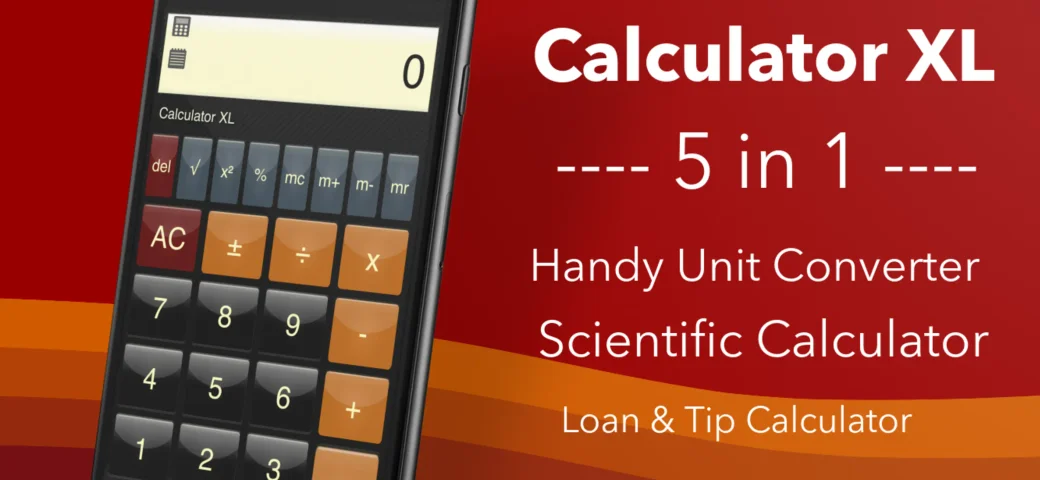
Calculator XL is a Universal App for iPhone, iPad, iPod, and iMac, offering:
• Standard Calculator
• Scientific Calculator
• Unit Converter
• Loan Calculator
• Tip Calculator
Quick, accurate, and easy to use, Calculator XL features large, illuminated buttons for standard operations and a sleek, polished design.
Features:
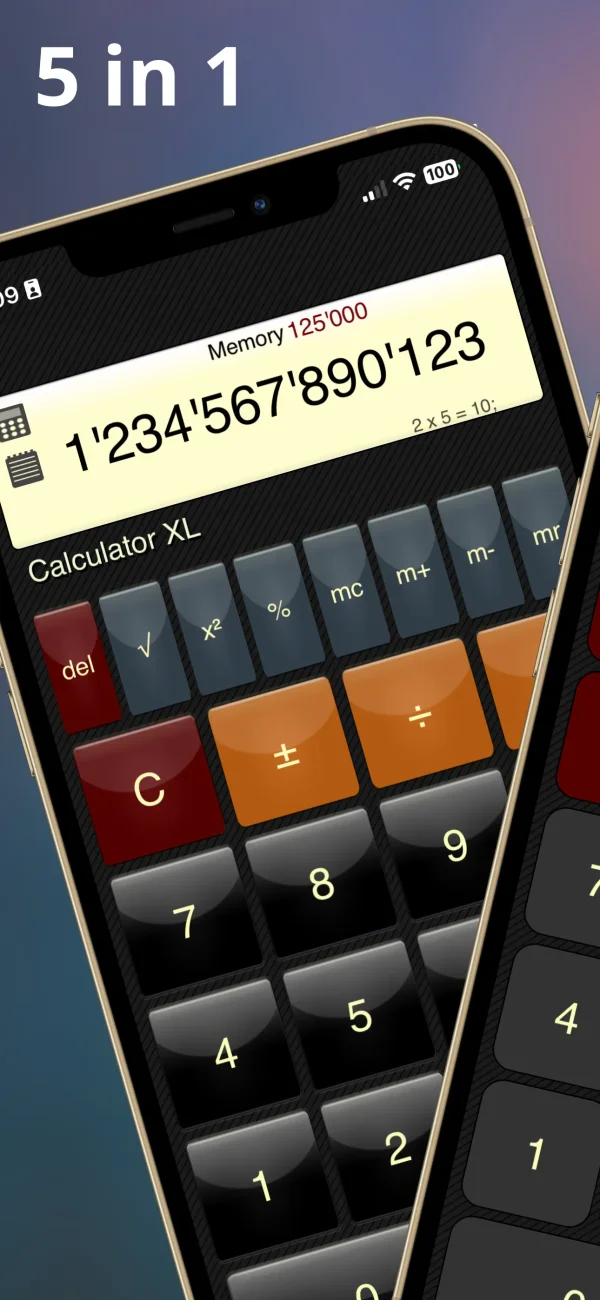
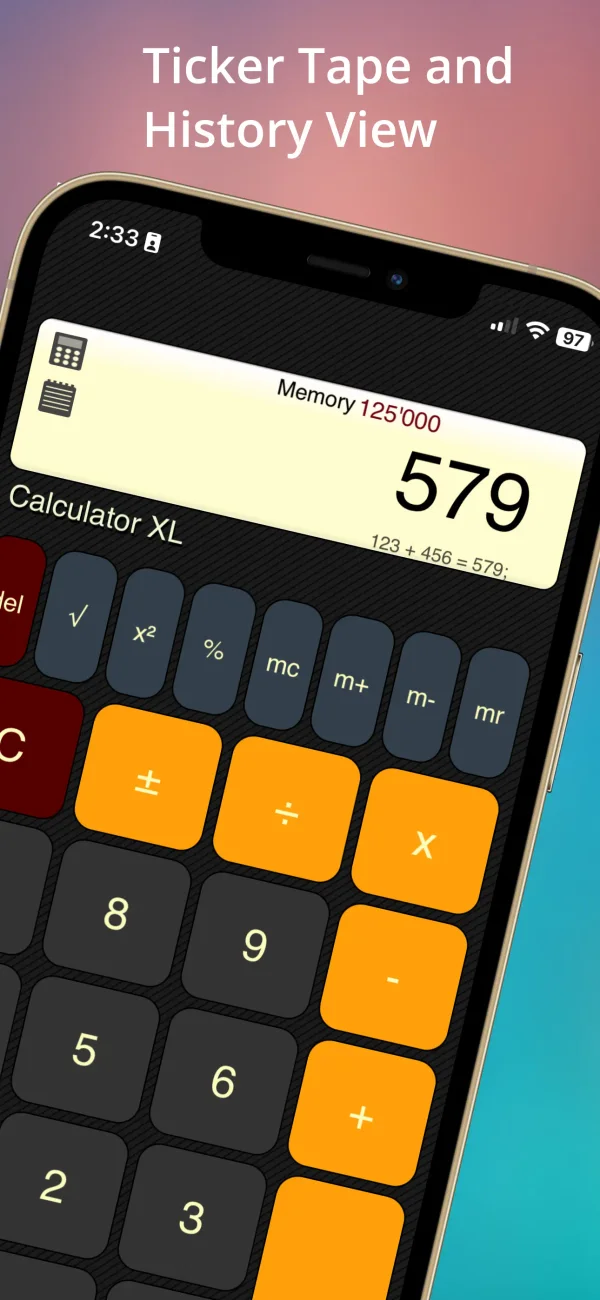
• Standard Calculator: Extra-large buttons with additional features like delete, x², √, and %.
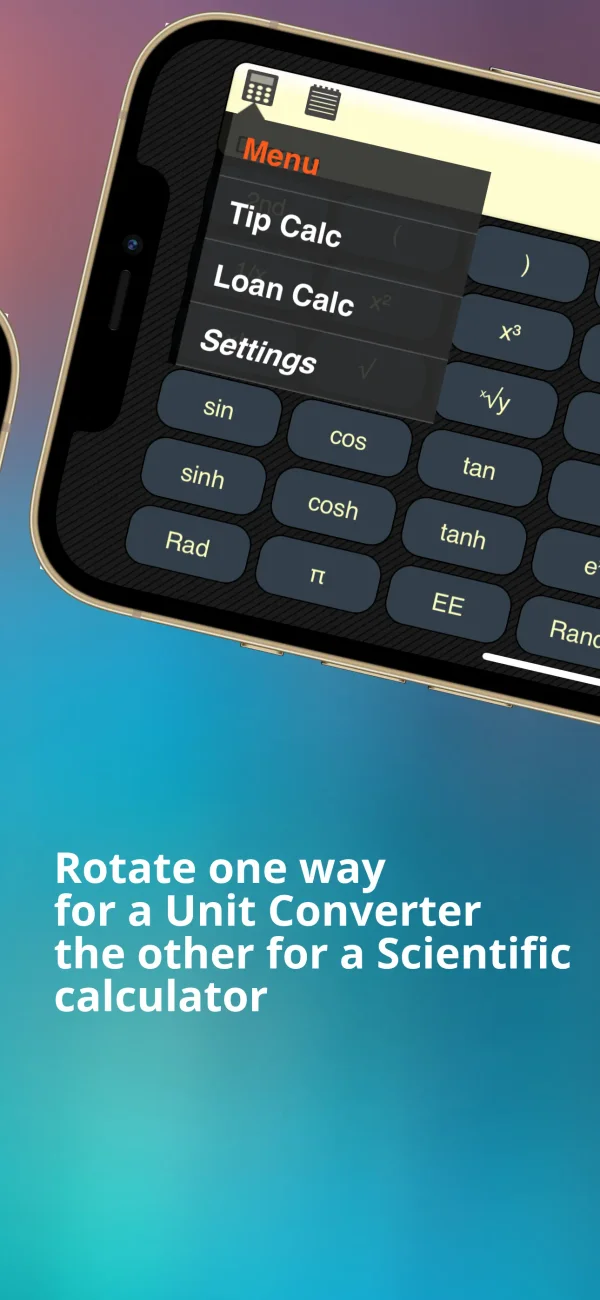
• Scientific Calculator: 30 advanced functions with color-coded, multifunction buttons.
• Unit Converter: Supports length, volume, weight, and temperature conversions, with color-coding for Imperial and US units. Perfect for any use, especially in the kitchen!
On iPad, switch between calculators with the flip of a switch. On iPhone, rotate left for the Scientific Calculator or right for the Unit Converter.
Extra Features:
• History list of calculations
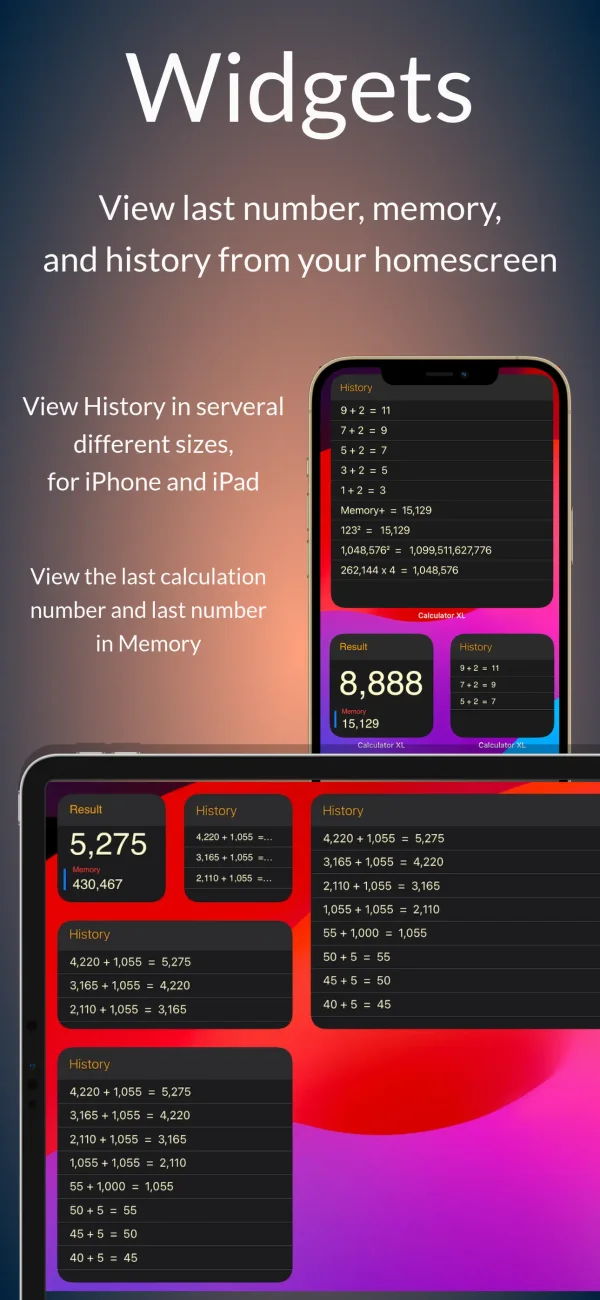
• Widgets. 2 types, one for history, and one for current number and memory
• 29 types of unit conversions with color-coding
• 30 scientific functions
• Handy delete (Del) button
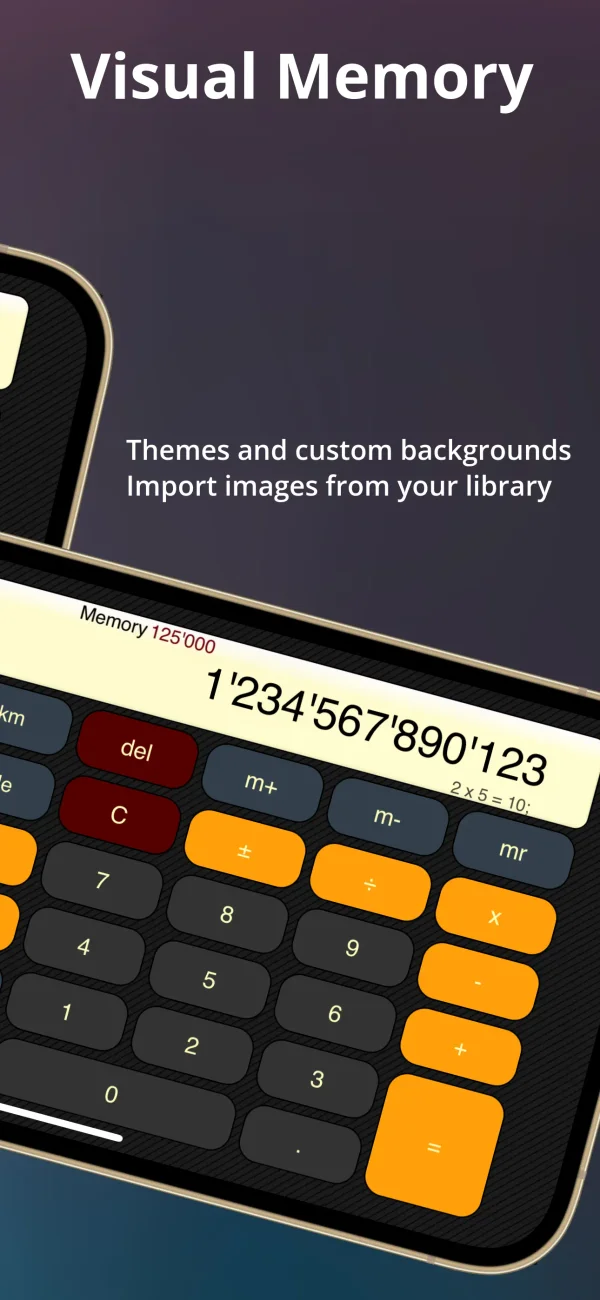
• Memory with preview display
• Extra-large buttons for ease of use
• One-tap copy
• x², √, and % in standard mode
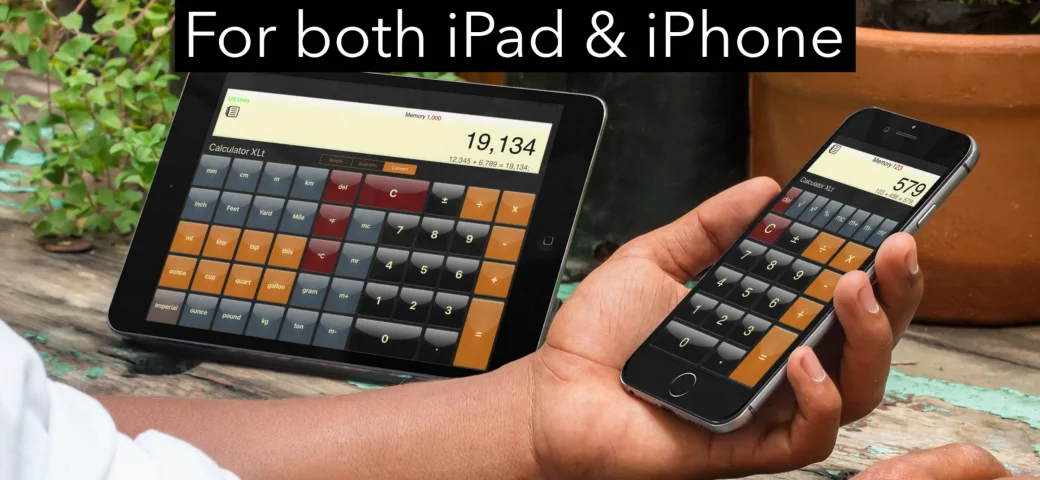
Calculator XLt Free is the free version of Calculator XL, available for both iPad and iPhone.
What’s new
Version 4.4 · May 13, 2025
Modern Theme is now free! Find it in settings.
App privacy
What Gero Mazza declares on the App Store about how this app handles data.
-
Data not collected
The developer does not collect any data from this app.
Privacy practices may vary, for example with the features you use or your age.
Information
- Seller
- Gero Mazza
- Category
- Productivity
- Version
- 4.4
- Updated
- May 13, 2025
- Released
- Nov 20, 2011
- Size
- 11.0 MB
- Requires
- iOS 15.6 or later
- Age rating
- 4+
- Price
- Free
- In-app purchases
- Yes
- Languages
- English, French, German, Spanish
- Copyright
- © Gero Mazza
You might also like
-
 Calculator - Simple & StylishA calculator app is useful
-
 Scientific Calculator *Math & financial Calculator
-
 Calculator: Basic & ScientificCurrency, Units & History Calc
-
 Calculator: ProPlus Calc for iPad & iPhone
-
 Fraction Calculator Plus #1Decimal Converter,Construction
-
 WorkTime: Shift Work CalendarJob schedule & hours tracker
-
 Sticky Notes: Free Note TakingTo Do List & Notepad Reminders
-
 Easy Voice RecorderAudio and voice recorder
-
 List Maker ◎Grocery, Shopping, To Do
-
 Notebook – AI Notes, NotepadVoice Memo, To-Do & Planner