Calisthenics Timer
Stopwatch overlay for holds
Designed for iPhone, iPod touch
Free
- Age rating4+
- CategoryPhoto & Video
- DeveloperJoshua Van der Merwe
- LanguagesEnglish
- Size32.4 MB
Links to the official App Store page
Download.org hosts no file of Calisthenics Timer. The button opens its official App Store page, published by Joshua Van der Merwe. Listing last checked on Nov 19, 2026.
Screenshots

About
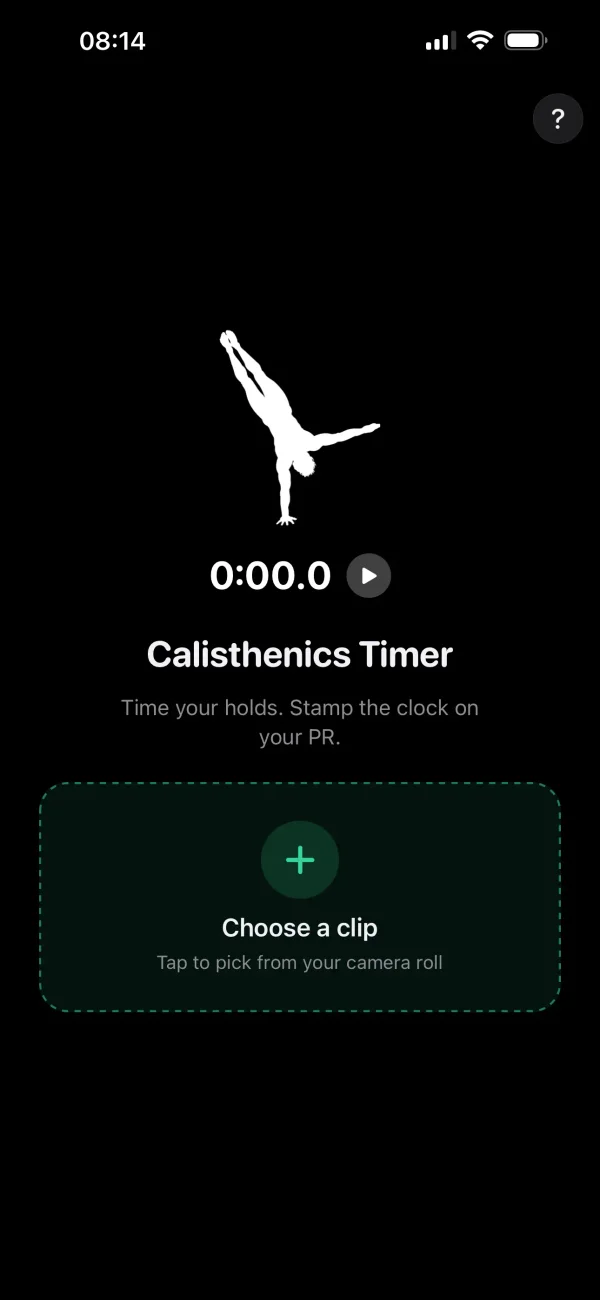
Add a timer to your hold and see how long it actually was.
Pick a clip, drop a stopwatch on it, and set exactly when it starts and stops. Add text and drawings if desired.
You see the result while you edit it, then export the video with all of it baked in.
For handstands, planches, levers, and anything else you want to time.
WHAT YOU CAN DO
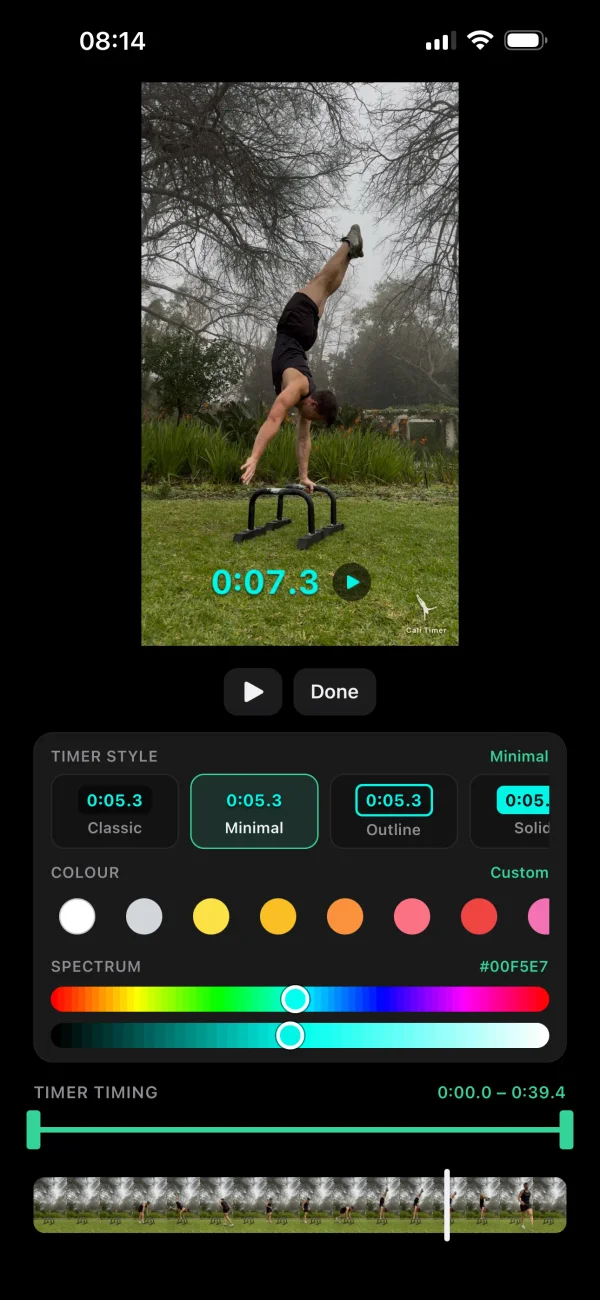
• Place a stopwatch and set its start and end to the frame
• Four timer styles, and any colour you want
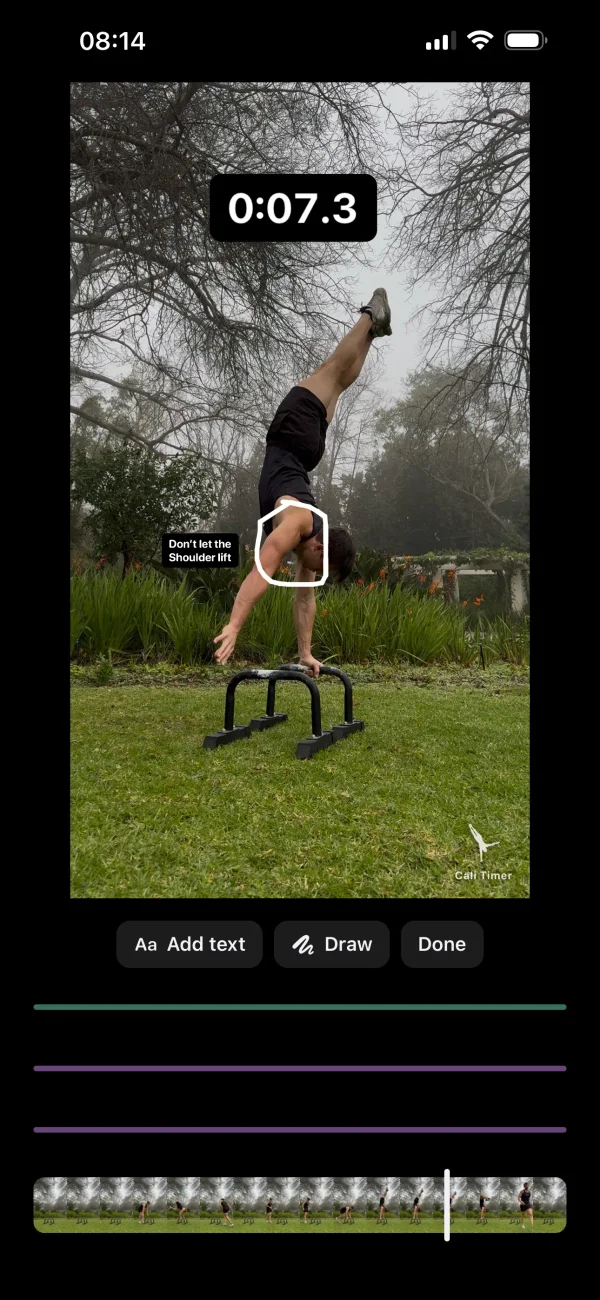
• Drag, pinch and rotate anything on the video
• Add as many text notes as you need, each with its own timing
• Style captions properly: weight, opacity, shadow, outline, label
• Draw over the video, and time each stroke separately
• Watch the whole thing full screen before you commit
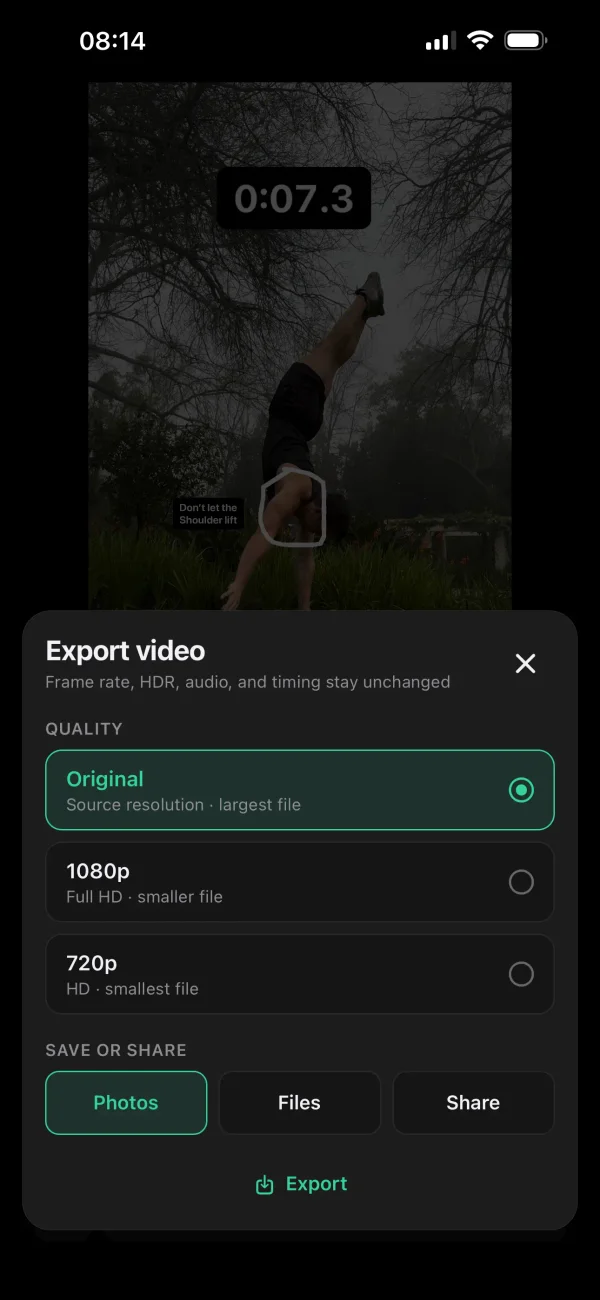
• Export at original, 1080p or 720p
• Save to Photos or Files, or share it straight out
YOUR VIDEO NEVER LEAVES YOUR PHONE
Everything is processed on the device. There's no account, and nothing is uploaded.
Calisthenics Timer is free, with ads. Free exports carry a small Cali Timer watermark — tap it before exporting to watch a rewarded ad and clear it from that video. If there's no ad to show, it comes off anyway.
What’s new
Version 1.0.3 · Aug 26, 2026
Text overlays got real controls. Thickness, opacity, shadow, border and
label are each their own setting now instead of four fixed presets, so a
caption can look the way you want it.
• Shadow — how strong it is and which way it falls
• Border — an outline around the letters themselves
• Label — a plate behind the text, with its own colour and translucency
• Full colour spectrum for text, timer and drawing colours
• Hold any timing lane to zoom into the timeline
Fixes: overlays now show on the very first frame of a trimmed clip, a
faded caption exports faded instead of solid, and the text panel no
longer hides behind the keyboard on smaller iPhones.
App privacy
What Joshua Van der Merwe declares on the App Store about how this app handles data.
-
Data used to track you
May be used to track you across apps and websites owned by other companies.
- Identifiers
-
Data linked to you
May be collected and linked to your identity.
- Location
- Identifiers
- Usage data
-
Data not linked to you
May be collected but is not linked to your identity.
- Purchases
- Diagnostics
Privacy practices may vary, for example with the features you use or your age.
Information
- Seller
- Joshua Van der Merwe
- Category
- Photo & Video
- Version
- 1.0.3
- Updated
- Aug 26, 2026
- Released
- Aug 7, 2026
- Size
- 32.4 MB
- Requires
- iOS 15.1 or later
- Age rating
- 4+
- Price
- Free
- Languages
- English
- Copyright
- © 2026 Joshua Van der Merwe
You might also like
-
 HyperChronoTime-Lapse Video Stopwatch
-
 Video Stopwatch CameraTimer overlay on Sport clips
-
 Simple Sepia PhotoNostalgia in Every Shot
-
 Buongiorno AIAI Effects & Video Maker
-
 How Attractive am I TestRate your photo
-
 Pictify AI: Avatar GeneratorAI Avatar & Photo Enhancer
-
 Aitori - AI写真&動画作成Photo & Video
-
 Fuji Recipes - Film simulationCamera Control
-
 StarryLens - Night Sky CameraAstrophotography | Star Trails
-
 VeomixAI Turns Vision Video