
Camera Display
Remote Camera & Live Monitor
Designed for iPhone, iPad
Free · In-app purchases
- Age rating4+
- CategoryPhoto & Video
- DeveloperNataliia Kovryzhenko
- LanguagesEnglish
- Size6.0 MB
Links to the official App Store page
Download.org hosts no file of Camera Display. The button opens its official App Store page, published by Nataliia Kovryzhenko. Listing last checked on Nov 14, 2026.
Screenshots

About
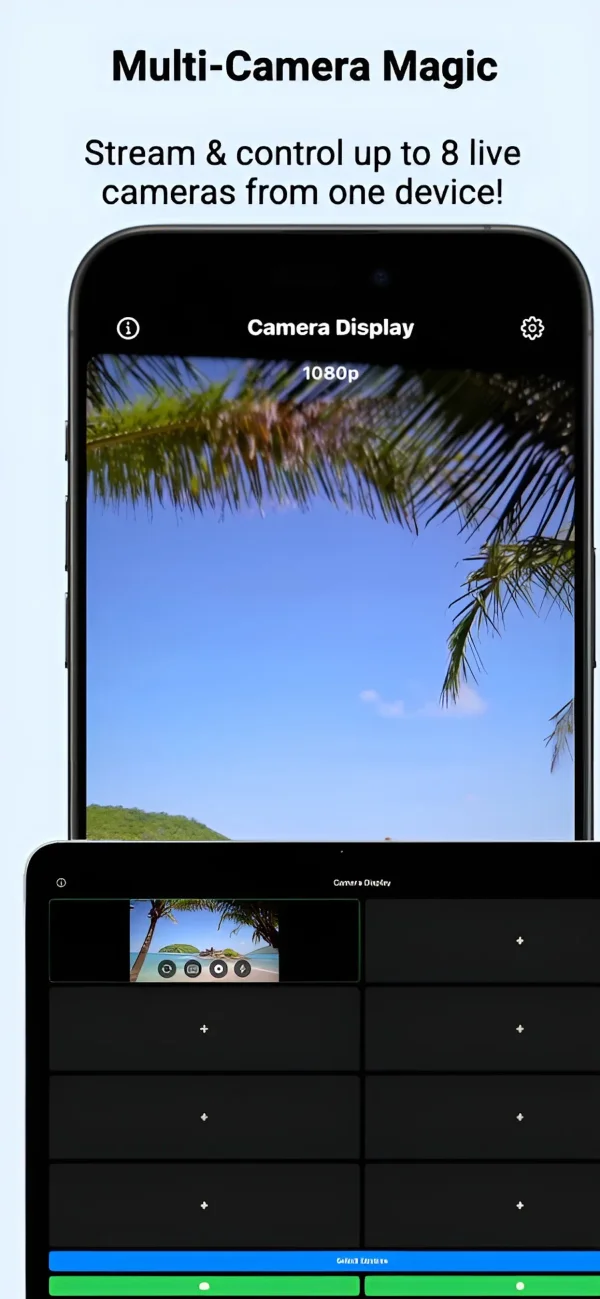
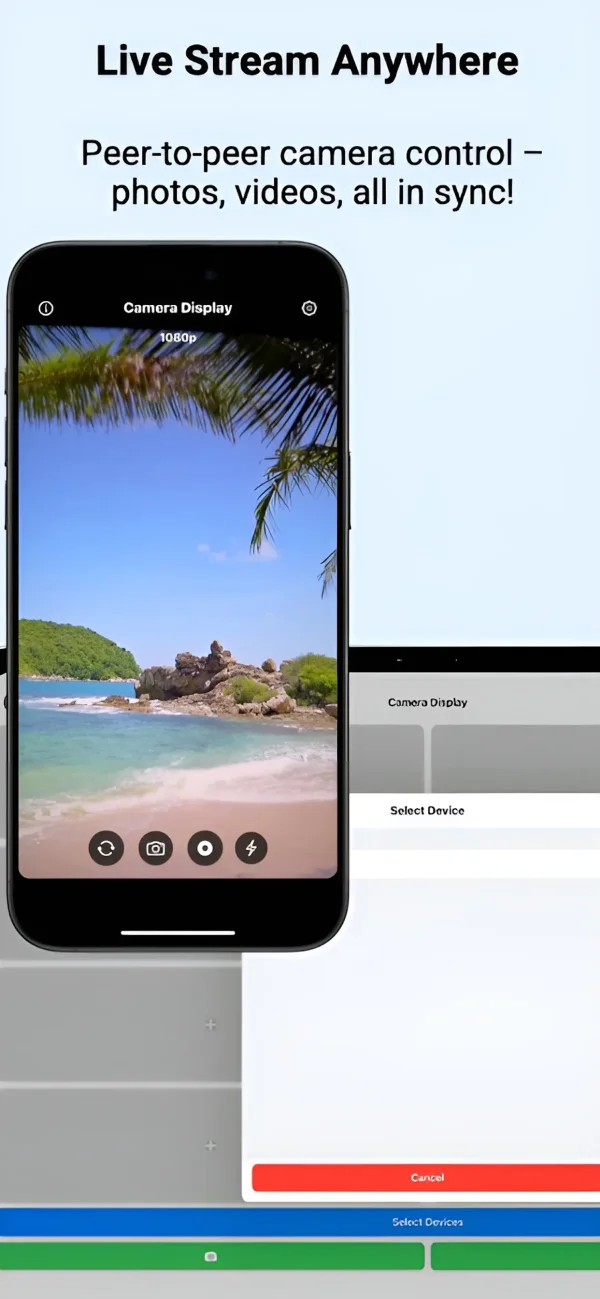
See the shot before you take it. Camera Display turns your iPhone or iPad into a live camera monitor and remote control for nearby devices.
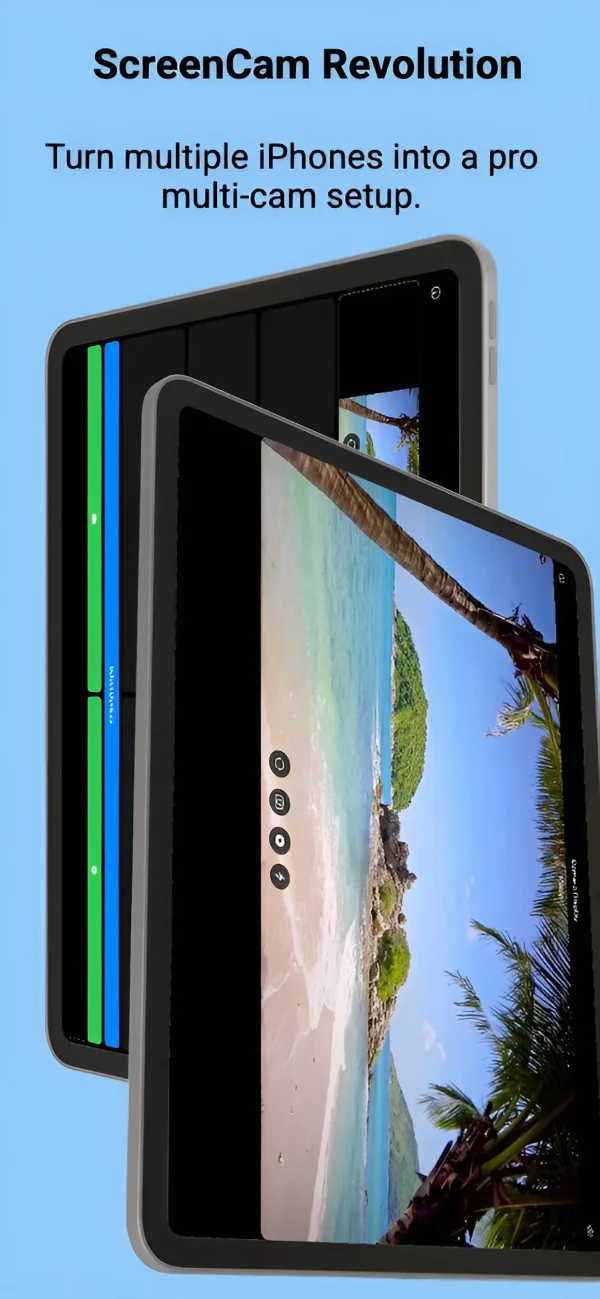
Place a camera where you need it, check the framing on another screen, and capture the moment without walking back to the device. Use it for solo videos, tutorials, product shots, group photos, and multi-angle creative projects.
LIVE CAMERA PREVIEW
View connected cameras in a grid or open an individual feed full screen. Keep an eye on different angles from one place.
REMOTE CAMERA CONTROLS
Switch between front and rear cameras, adjust zoom and focus, choose video quality, and control the flash or torch on supported devices.
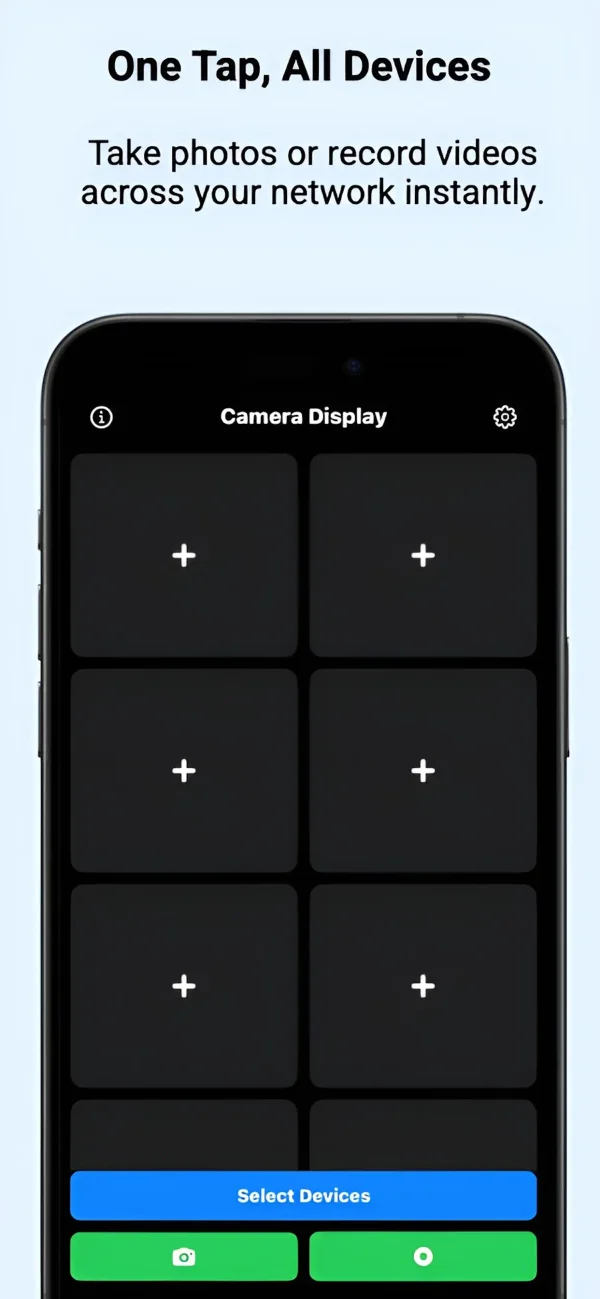
ONE TAP, MULTIPLE CAMERAS
Use the main photo and recording buttons to send capture commands to all connected devices. Use the controls in an individual camera view to control just that device. Timing depends on the connection and each device.
SAVE ON THE CAPTURING DEVICE
Photos and videos are saved on the device that captures them, with permission to access Photos. Video can include audio when microphone access is allowed.
FREE TO START
Connect to one other device with the free, ad-supported plan. The optional one-time Pro purchase removes ads and unlocks connections to multiple devices. No subscription.
MADE FOR IPHONE AND IPAD
Choose a light, dark, or system appearance. The app interface supports English, Spanish, German, Russian, and Ukrainian.
GET CONNECTED
Install Camera Display and keep it open on each device. Keep the devices nearby, enable Wi-Fi and Bluetooth, and allow Local Network access when prompted. Camera controls and available quality depend on the device hardware. Camera Display is designed for nearby-device use, not remote monitoring over the internet.
Support: https://www.myhvn.space/camera-display-support/
Privacy: https://www.myhvn.space/camera-display-support/privacy.html
What’s new
Version 1.3.4 · Oct 19, 2026
The version number in Settings now matches the installed app version.
Updated App Store information with clearer descriptions of remote camera controls, multi-device capture, and the optional Pro upgrade.
App privacy
What Nataliia Kovryzhenko declares on the App Store about how this app handles data.
-
Data used to track you
May be used to track you across apps and websites owned by other companies.
- Purchases
- Usage data
- Diagnostics
-
Data not linked to you
May be collected but is not linked to your identity.
- Purchases
- Usage data
- Diagnostics
Privacy practices may vary, for example with the features you use or your age.
Information
- Seller
- Nataliia Kovryzhenko
- Category
- Photo & Video
- Version
- 1.3.4
- Updated
- Oct 19, 2026
- Released
- Sep 27, 2025
- Size
- 6.0 MB
- Requires
- iOS 17.6 or later
- Age rating
- 4+
- Price
- Free
- In-app purchases
- Yes
- Languages
- English
- Copyright
- © 2026 MYHVN
You might also like
-
 Camera Remote ControllerWireless viewfinder & monitor
-
 PeerCam Live MonitorTwo devices. One live camera.
-
 CamMonitor: Live ViewfinderBig-screen viewfinder over LAN
-
 Full Screen Camera ProDistraction-Free Photo & Video
-
 Damn CamRelayRemote Camera & Live Monitor
-
 Mirage CaptureWireless Webcam, Mic & Monitor
-
 ActionCheese – Multicam RemoteMulticam crew in your pocket
-
 MirrorLive – Camera MonitorWireless video assist & remote
-
 MyTwinLens: Remote CameraLive Photo & Video Vlog Angle
-
 Videk DirectorLive Multi-Camera Studio