Camera Scanner - PDF
Scan Documents to PDF & Files
Designed for iPhone, iPod touch
Free · In-app purchases
- Age rating4+
- CategoryBusiness
- DeveloperPosition Mobile Ltd SEZC
- LanguagesEnglish+ 7 more
- Size81.6 MB
Links to the official App Store page
Download.org hosts no file of Camera Scanner - PDF. The button opens its official App Store page, published by Position Mobile Ltd SEZC. Listing last checked on Nov 20, 2026.
Screenshots

About
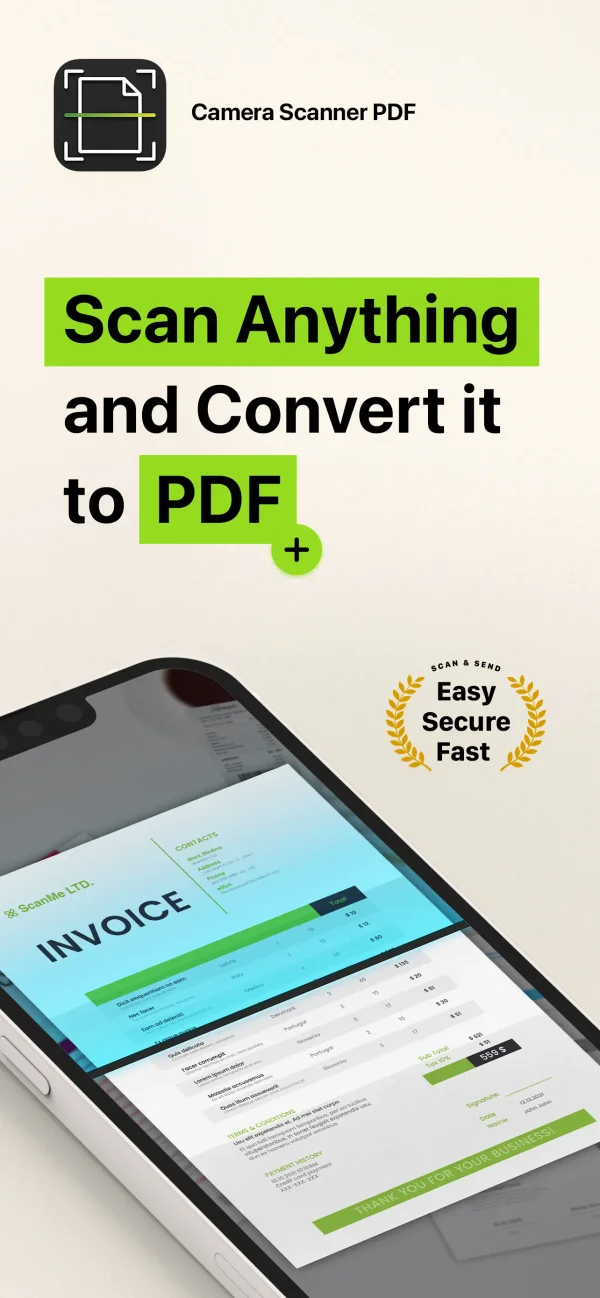
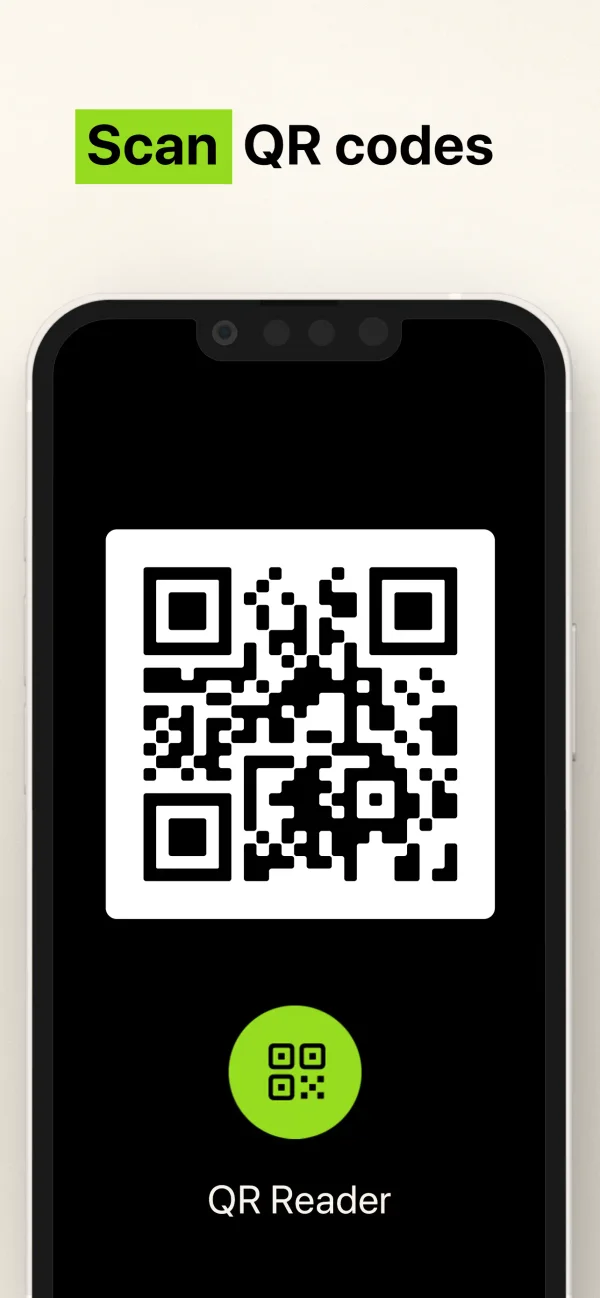
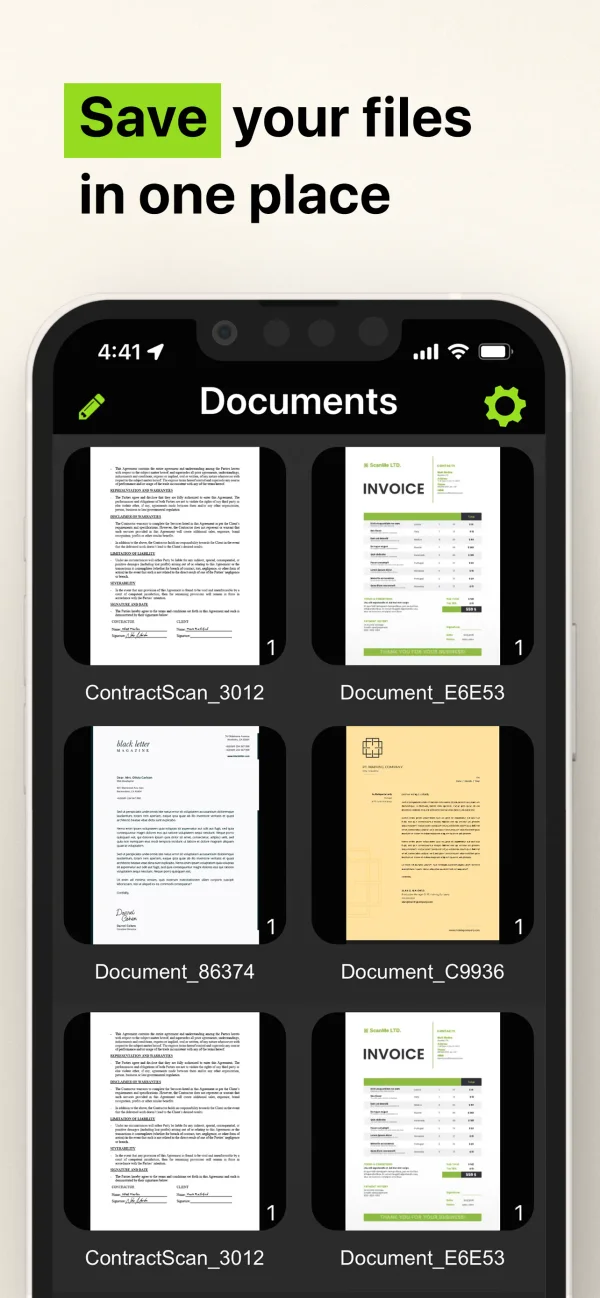
The Camera Scanner - PDF app offers you the most accurate PDF scanning capabilities using our powerful text editing (OCR) engine. With enhanced Optical Character Recognition software, you can now edit and sign documents much easier. Your device will become your essential portable document scanner. Manage an endless number of files and folders with just a few taps and keep all your documents securely in one place. You can even share your favorite documents with others easily and immediately or sign them.
Use your phone to scan any hand written, printed or graphic material such as:
- Contracts
- Business Cards
- Expenses
- School or university documents
- Books
- Notes
- IDs (Driver's License, Passports, Personal Identification, etc)
- Tax Forms & Tax Documents
PDF Document Scanner with OCR app is easier than ever to use and with a pixel perfect design. Simply follow these easy steps:
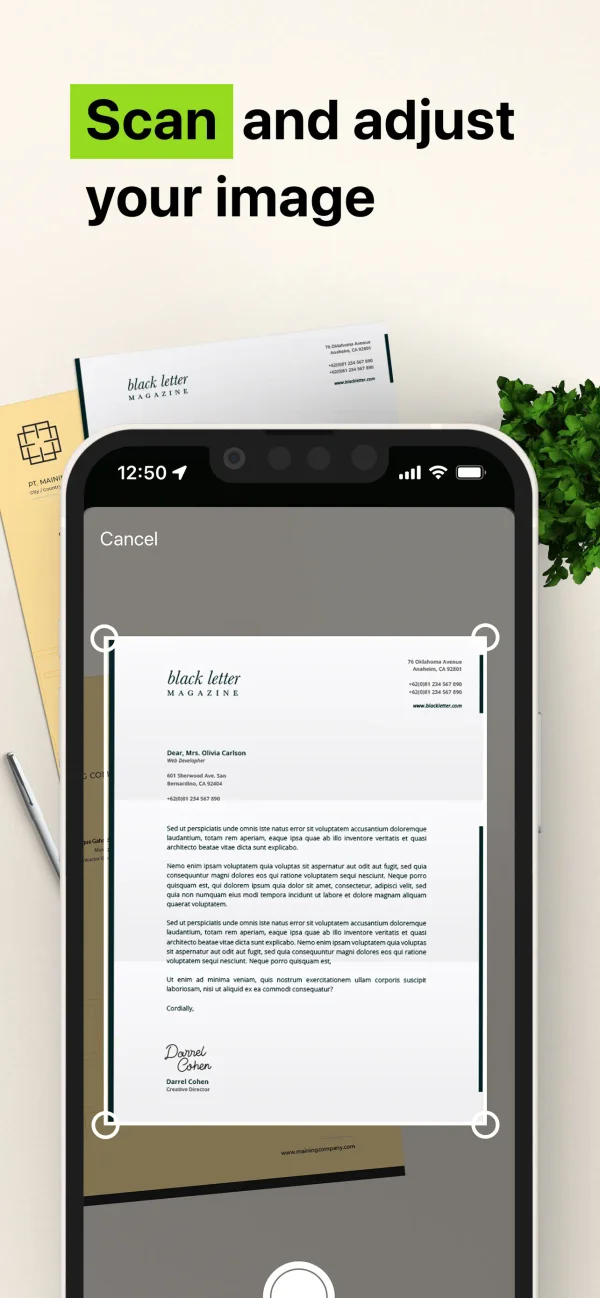
- SCAN documents from your camera, photos or even from your clipboard
- EDIT your documents in order to fit your needs (crop, blur and use many other filters)
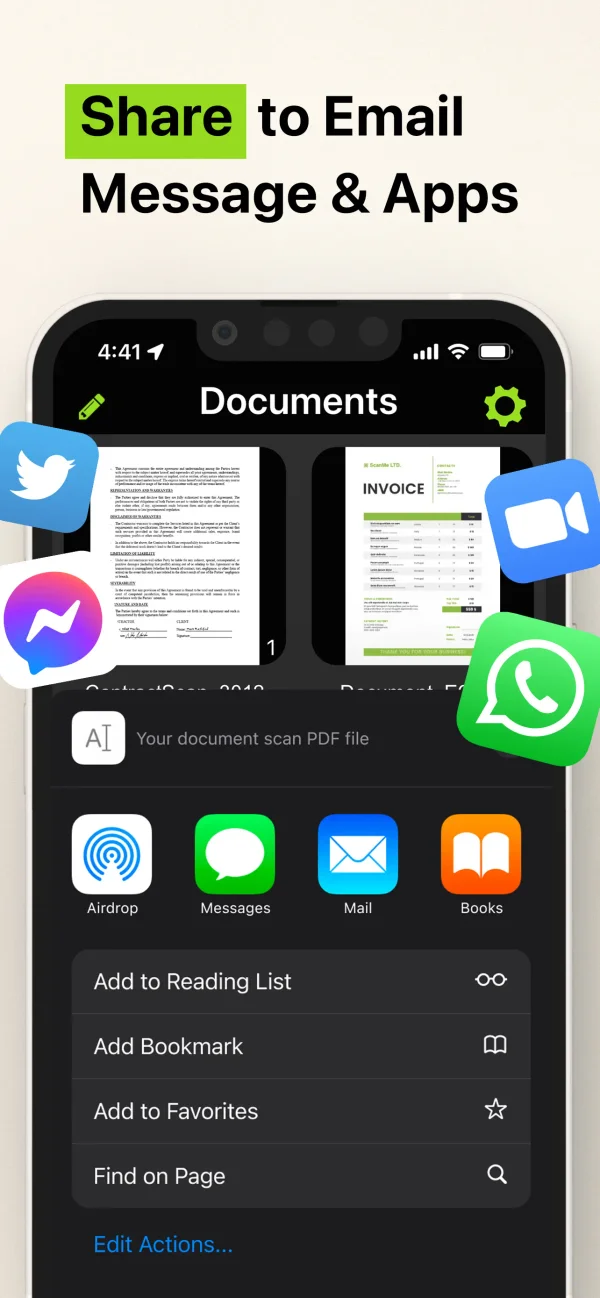
- PRINT or SHARE your PDF files with anyone via email, message or any other platform that you use
- COPY TEXT from your digital scans
- STORE securely all your documents on your device with no additional cloud storage cost involved
- SIGN your docs in a secure environment
This app is your best ally for scanning purposes!
--------------------------------------
PDF Document Scanner with OCR Premium Subscription
--------------------------------------
Upgrade to the Premium version in order to:
- Share your files with no limits
- Use our powerful character recognition engine (OCR) to copy and edit text from your scanned files
- Enjoy an ad-free experience
Document Scanner – PDF, OCR app has different subscription plans.
Subscription payments are charged to your iTunes account at confirmation of purchase. Subscription automatically renews unless auto-renew is turned off at least 24 hours before the end of the current subscription period or trial. Subscriptions starting with a trial automatically renew for the indicated price after the trial period ends. Any unused portion of a free trial period, if offered, will be forfeited when you purchase a premium subscription during the trial period.
Subscriptions may be managed by you and auto-renewal may be turned off by going to your Account Settings after purchase ("Settings" -> "iTunes & App Store" -> "Apple ID" and select "Subscriptions")
* Link to Terms of Use: http://iosdocumentscanner.com/pp.html#terms-of-service
* Link to Privacy Policy: http://iosdocumentscanner.com/pp.html#privacy-policy
What’s new
Version 15.5 · Dec 3, 2024
Usual bug fixing and improvements.
App privacy
What Position Mobile Ltd SEZC declares on the App Store about how this app handles data.
-
Data not linked to you
May be collected but is not linked to your identity.
- User content
- Usage data
- Diagnostics
Privacy practices may vary, for example with the features you use or your age.
Information
- Seller
- Position Mobile Ltd SEZC
- Category
- Business
- Version
- 15.5
- Updated
- Dec 3, 2024
- Released
- Aug 12, 2020
- Size
- 81.6 MB
- Requires
- iOS 15.0 or later
- Age rating
- 4+
- Price
- Free
- In-app purchases
- Yes
- Languages
- English, French, German, Italian, Portuguese, Romanian, Spanish, Traditional Chinese
- Copyright
- © Copyright (c) 2020 - Position Mobile - All Rights Reserved
You might also like
-
 PDF Scanner to scan DocumentsScanning picture in file app
-
 Scanner Vault: PDF & OCR ScanDocument Image Text Converter
-
 Scanner App: Docs Scan & SignDocuments and photos into PDF
-
 Camera Scanner - PDF Scan OCRScan Documents, Photo to PDF
-
 One Scan: PDF Doc ScannerAI OCR, Sign, Photos, Receipts
-
 Camera Scanner: PDF ConverterPDF Scanner, Document Scanner
-
 Cam Scan - PDF Scanner & OCRScan Docs, Convert & Share
-
 Faster Scan - Fast PDF ScannerEdit PDF, OCR, Send Email, Fax
-
 PDF Document Scanner App °The PDF Converter Photo to PDF