
Cinch – Reminders & Tasks
Reminders, made beautiful.
Designed for iPhone, iPad, Mac
Free · In-app purchases
- Age rating4+
- CategoryProductivity
- DeveloperPetr Selinger
- LanguagesEnglish+ 11 more
- Size28.9 MB
Links to the official App Store page
Download.org hosts no file of Cinch – Reminders & Tasks. The button opens its official App Store page, published by Petr Selinger. Listing last checked on Nov 18, 2026.
Screenshots
About
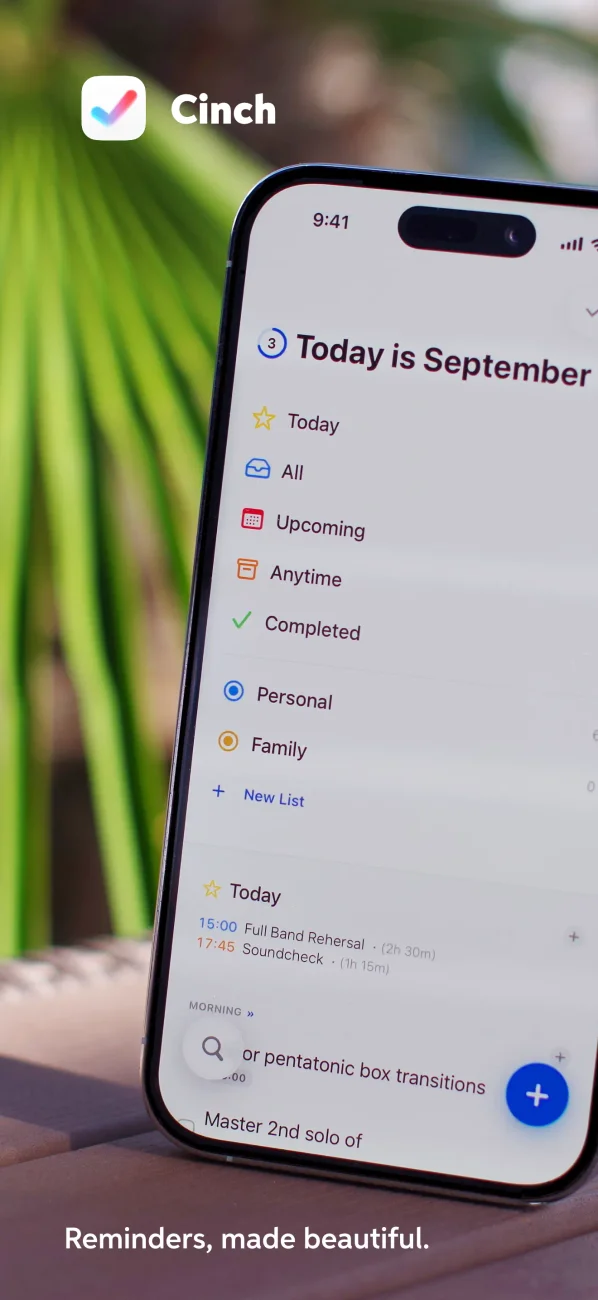
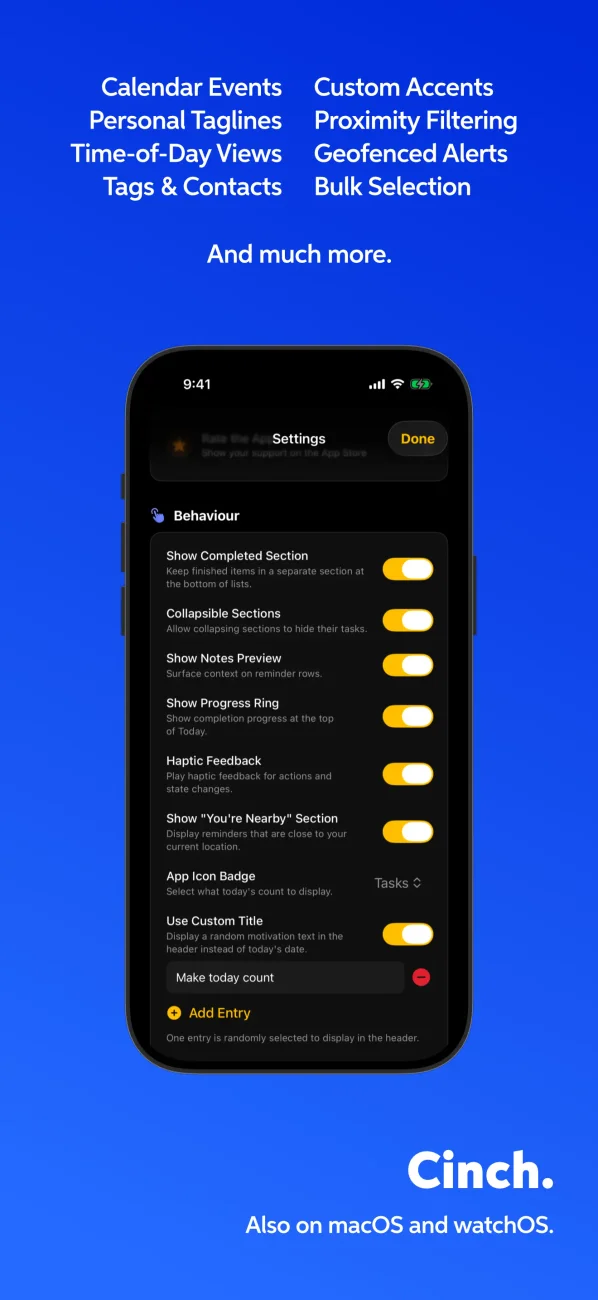
Apple Reminders is reliable, private, and built right into your devices. For those who prefer a more visual, spacious approach, Cinch offers a calm alternative designed around intentional daily focus.
Cinch is a clean, lightweight client built directly on top of your system's existing database. It brings an airy, timeline-based layout to the tools you already rely on, without forcing you to sign up for a new service or move your data.
YOUR DATA STAYS YOURS
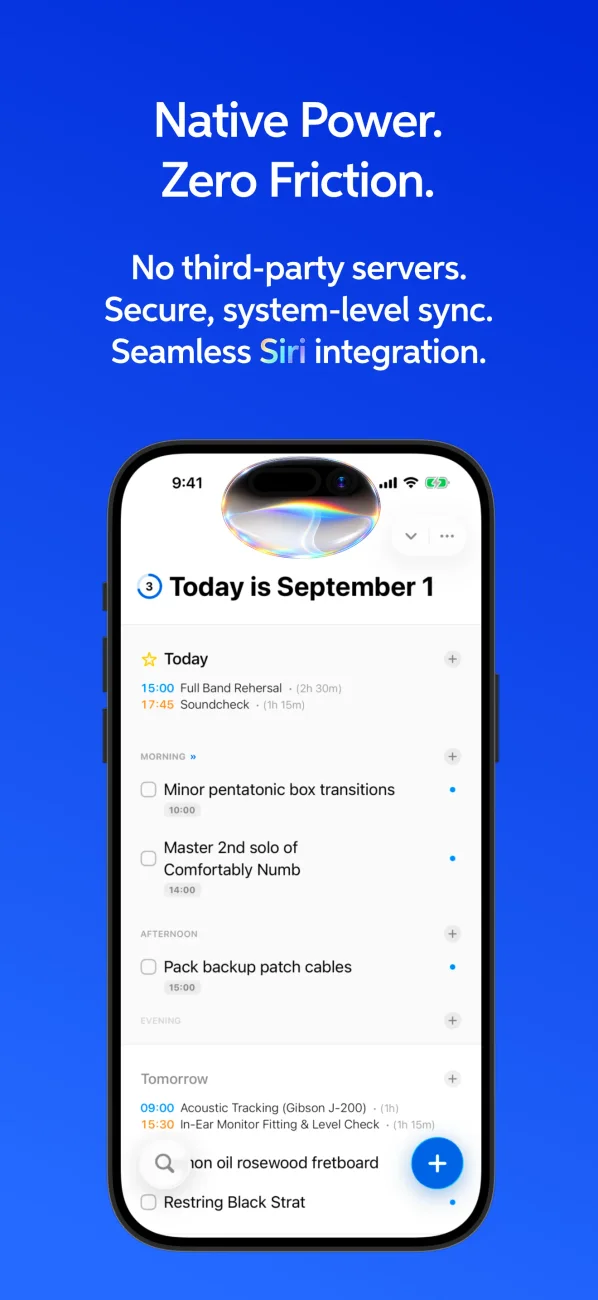
Cinch doesn’t require an account or operate third-party servers for storing your tasks. Your reminders remain in Apple Reminders and sync through your personal iCloud account when iCloud synchronization is enabled. Changes made in Cinch remain available in Apple Reminders and through Siri.
A CALM, SPACIOUS LAYOUT
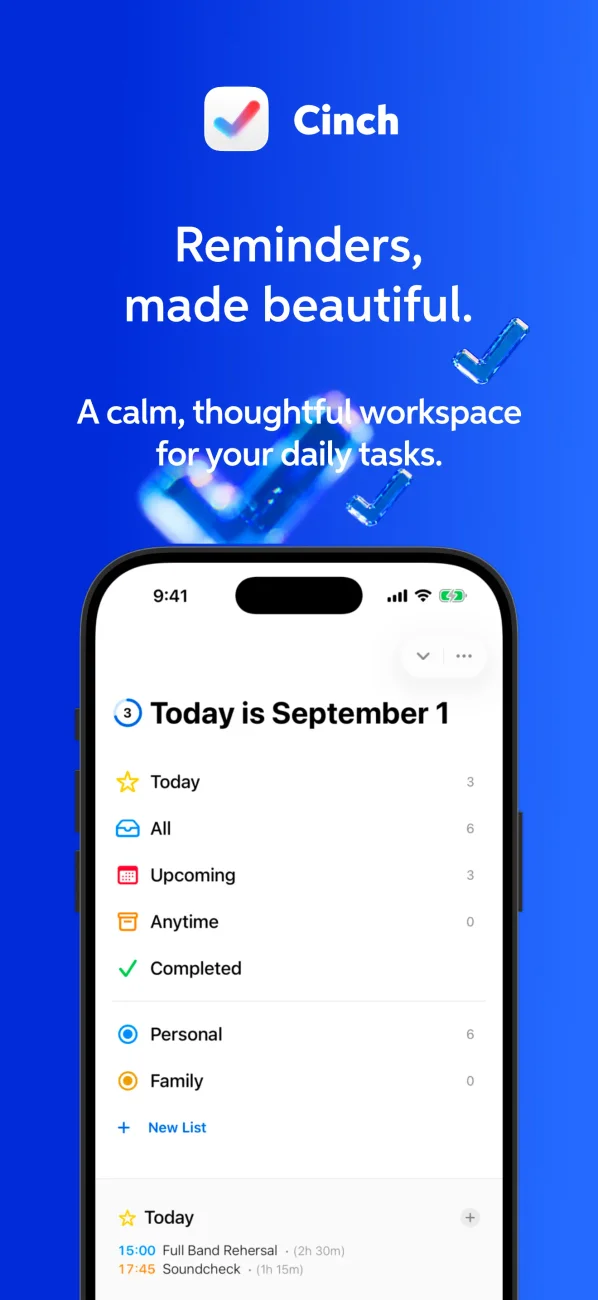
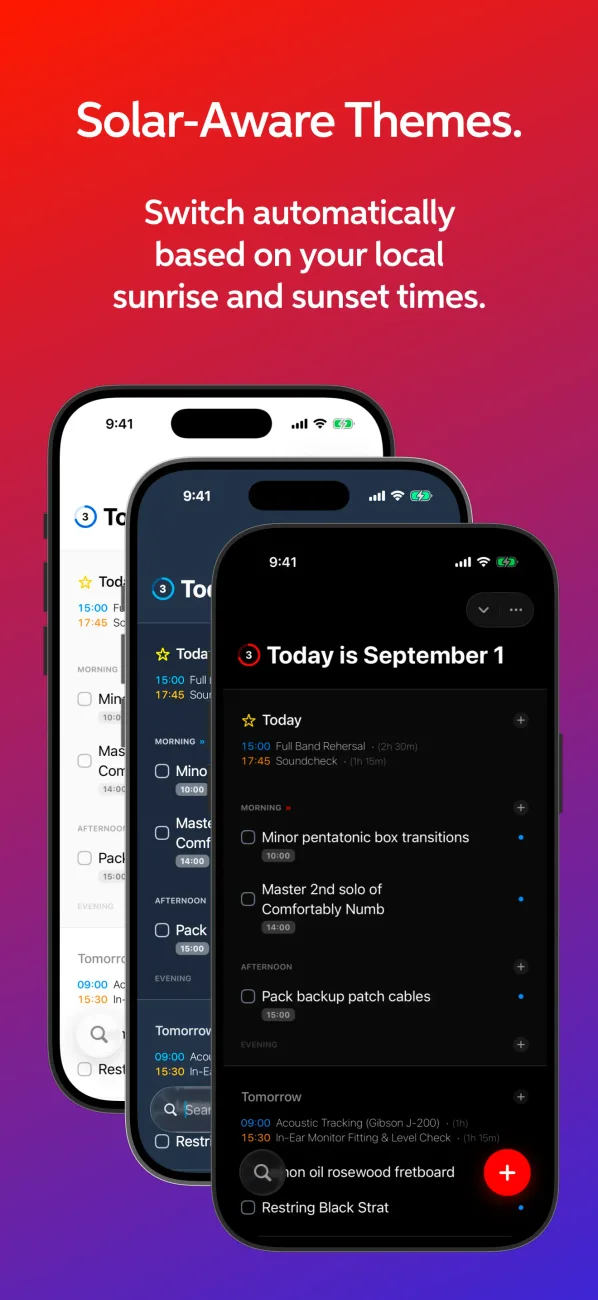
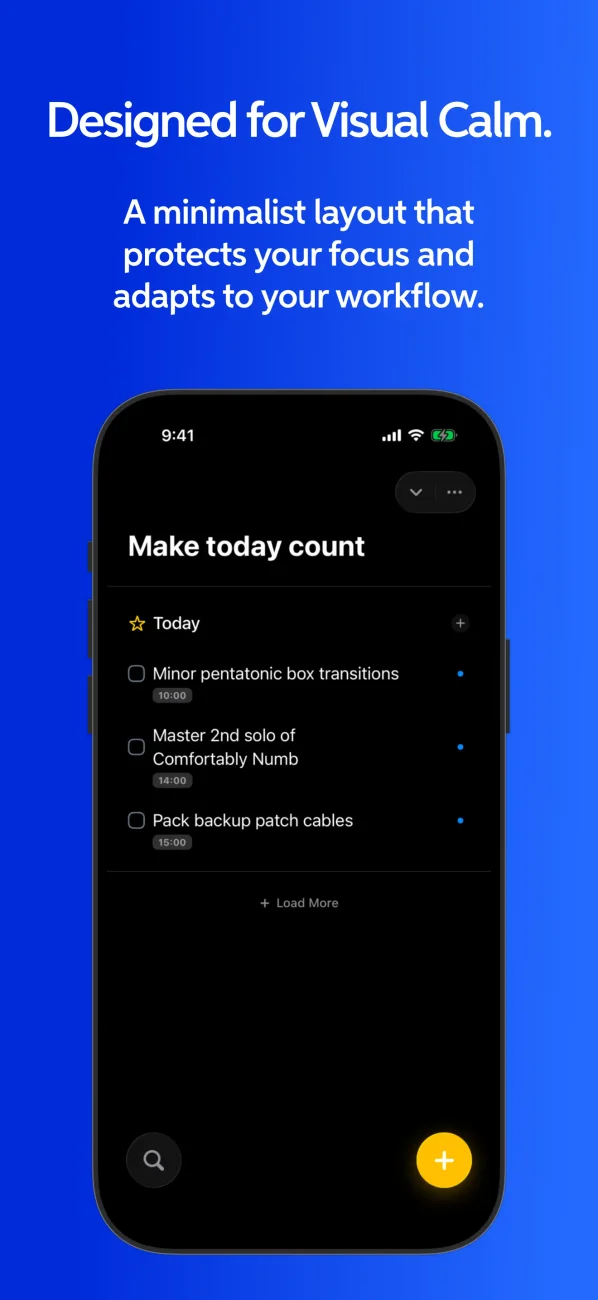
The interface is designed with generous spacing and simple typography to make your day easier to scan.
• Visual Timelines: Your tasks are organized chronologically by day. If you need to postpone something, just drag and drop the item to a future date.
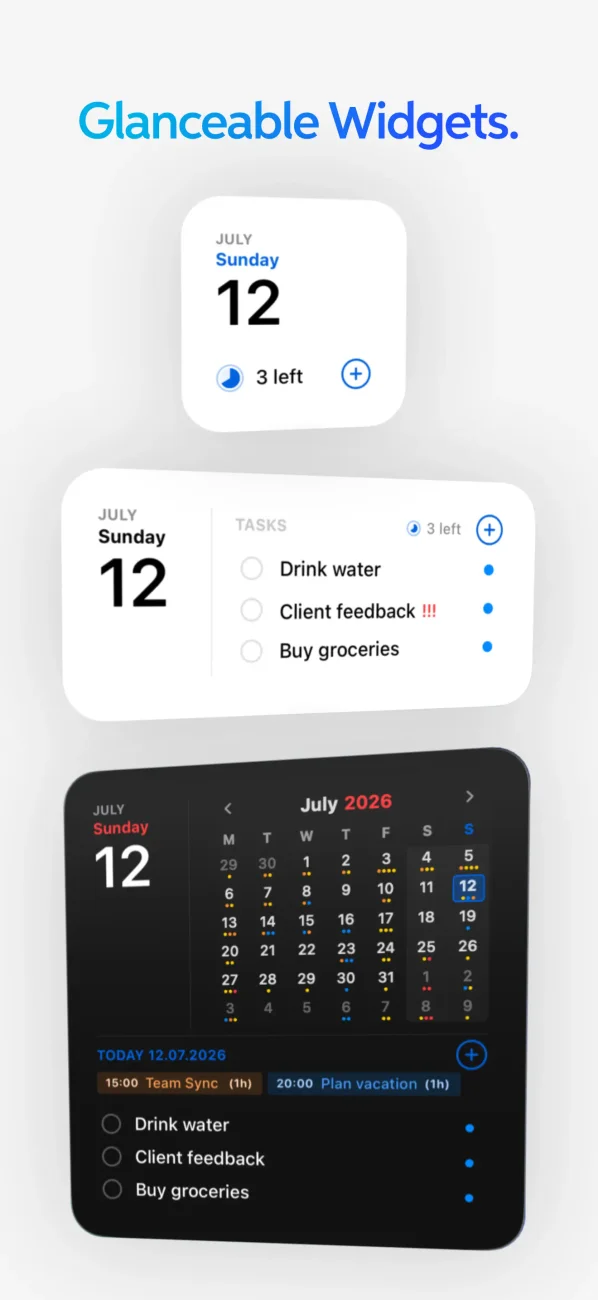
• Integrated Dashboard: See your calendar events and reminders together in one place. Customize your view by pinning your most-used lists and adding a personal tagline for daily focus.
PRACTICAL TOOLS
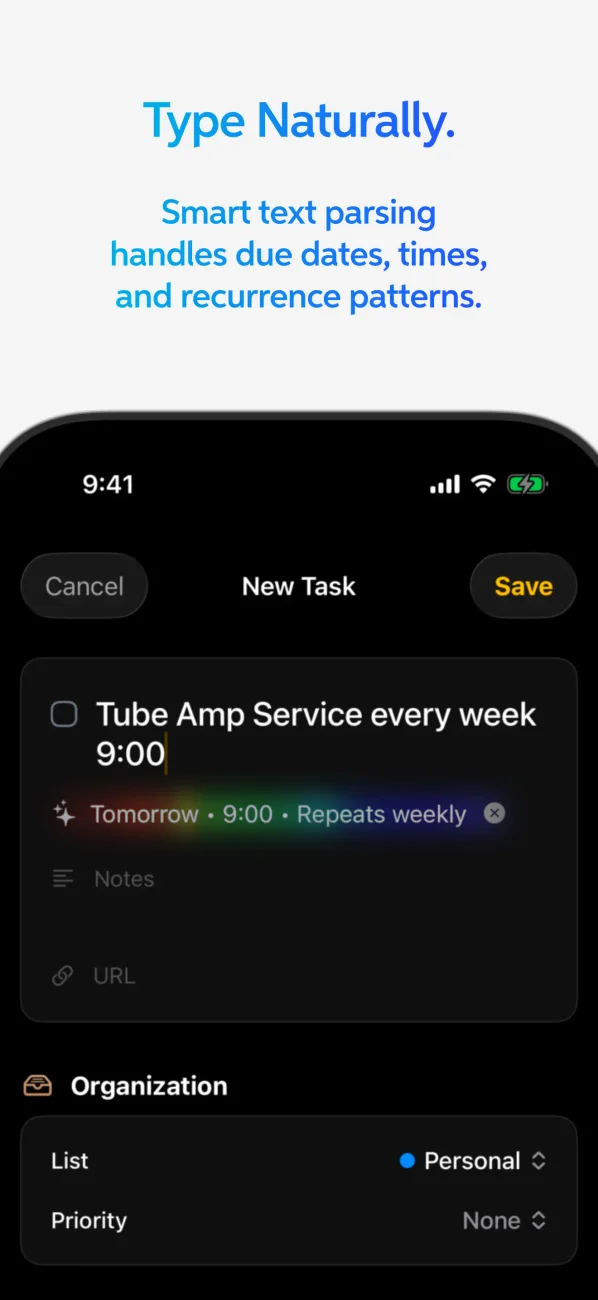
• Natural Language Input: Type tasks naturally, like "Review project details every Tuesday at 10am." Cinch automatically schedules the task and keeps the title clean — no complicated menus.
• Location Alerts: Receive an alert when you arrive at or leave a specific address, making location-based tasks useful at the right moment.
• Simple Organization: Customize lists with color schemes and sort tasks by priority or due date. On Mac, global keyboard shortcuts let you quickly add tasks from anywhere.
Enjoy the trusted, private Apple foundation you rely on every day, paired with a calm and distraction-free workspace.
Note: Natural language input is currently supported in English.
CINCH PRO
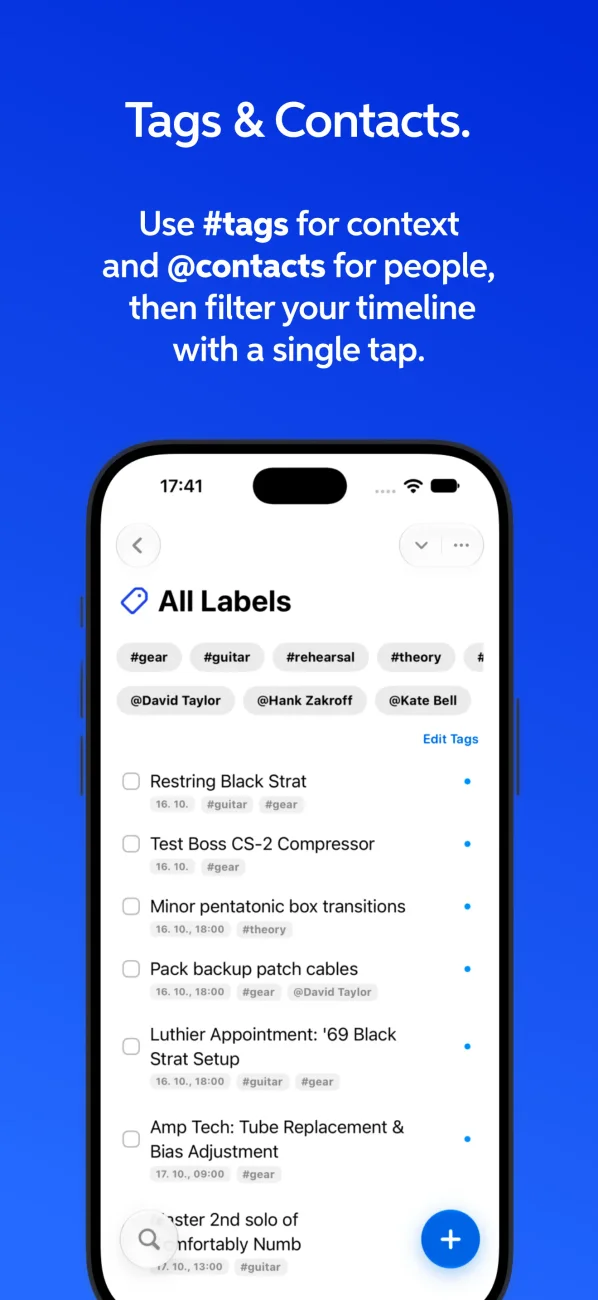
Cinch is free to use with one custom list. Cinch Pro is an optional auto-renewing yearly subscription that unlocks unlimited custom lists, inline calendar events, labels (tags & contacts), location-based tasks, and custom theme accents. Cinch Pro supports Family Sharing.
Payment is charged to your Apple Account when the purchase is confirmed. The subscription renews automatically unless canceled at least 24 hours before the end of the current subscription period. You can manage or cancel your subscription in your App Store account settings.
--
Privacy Policy: https://getcinch.app/privacy-policy/
Terms of Use: https://www.apple.com/legal/internet-services/itunes/dev/stdeula/
What’s new
Version 1.7.3 · Oct 26, 2026
What’s new in Cinch – Reminders & Tasks:
- Various bug fixes and improvements
App privacy
What Petr Selinger declares on the App Store about how this app handles data.
-
Data not collected
The developer does not collect any data from this app.
Privacy practices may vary, for example with the features you use or your age.
Information
- Seller
- Petr Selinger
- Category
- Productivity
- Version
- 1.7.3
- Updated
- Oct 26, 2026
- Released
- Sep 1, 2026
- Size
- 28.9 MB
- Requires
- iOS 17.6 or later
- Age rating
- 4+
- Price
- Free
- In-app purchases
- Yes
- Languages
- English, Czech, French, German, Italian, Japanese, Korean, Polish, Portuguese, Simplified Chinese, Slovak, Spanish
- Copyright
- © Petr Selinger
You might also like
-
 Classycal – Calendar & TasksAgenda, reminders, with style
-
 Kan Do: Project ManagementProductivity
-
 Marko: Markdown ViewerFast, native offline reader
-
 Stash: Fast Add to ClipboardSnippets, links, photos, files
-
 Ivy: Plan. Do. Reflect.Daily commitment and reminders
-
 TypeDrawYour new Notebook
-
 2Do: To Do List & Task ManagerPlanner, Reminders, Notes, GTD
-
 Anchor: Time Blocking PlannerDaily Calendar & Focus Timer
-
 Parchment: Agenda & Daily NoteStay Organized Stay Productive
-
 Stash Anything: Save LinksBookmark Everything for Later