Blue Hour: Visual Timer
Calm countdown you can see
Designed for iPhone, iPad
Free · In-app purchases
- Age rating4+
- CategoryProductivity
- DeveloperMoses Smith
- LanguagesEnglish
- Size2.9 MB
Links to the official App Store page
Download.org hosts no file of Blue Hour: Visual Timer. The button opens its official App Store page, published by Moses Smith. Listing last checked on Nov 15, 2026.
Screenshots


About
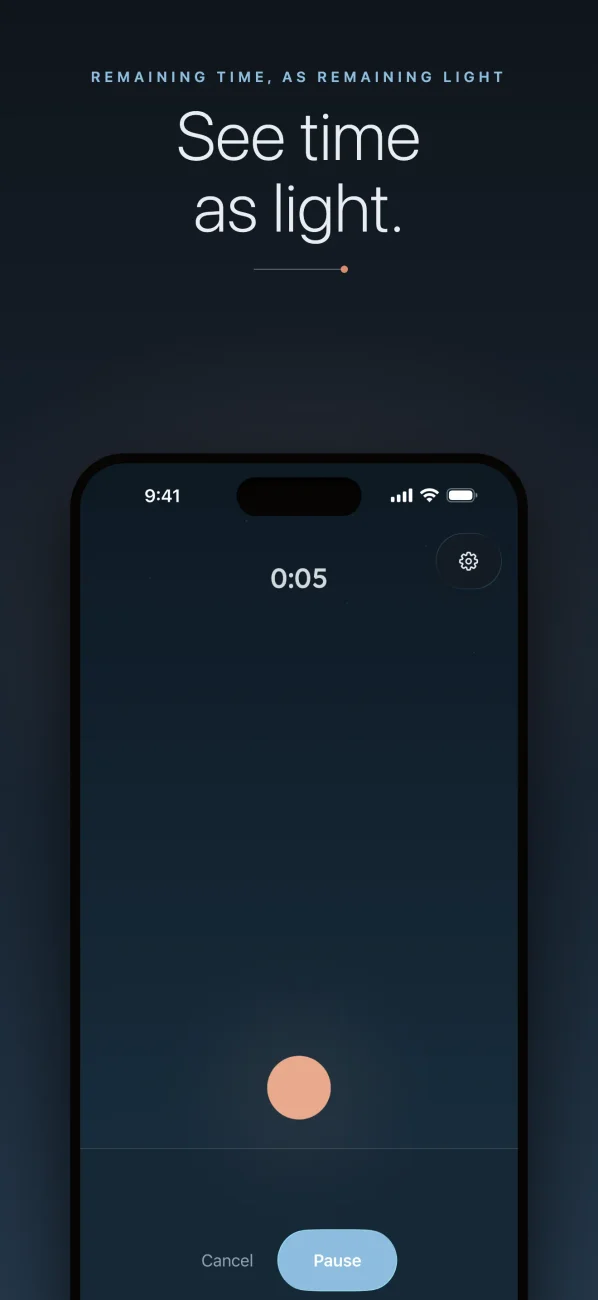
Blue Hour turns time into light: a sun sinks toward the horizon as your timer runs, so you can feel how much is left without reading a number. Built kindly for ADHD and time-blindness, calm enough for classrooms and kids. No account, no ads, no streaks. Free forever, with a tip jar in Settings.
RAISE THE SUN
Drag the sun up to set your time, one minute to three hours, with soft detents you can feel. Prefer numbers? Tap the readout for a keypad. Three preset chips keep your rituals one tap away.
THE SETTLING DUSK
As the last light falls, the sky deepens and the screen dims a few gentle stops. At zero: two slow breaths of glow, a soft haptic, and an optional two-note chime. No alarm slam. Ever.
THE LIGHT FOLLOWS YOU
A Live Activity keeps the sinking sun on your Lock Screen and in the Dynamic Island. An optional nudge can tell you when time is up, even if you have looked away. Off by default.
CYCLES, GENTLY
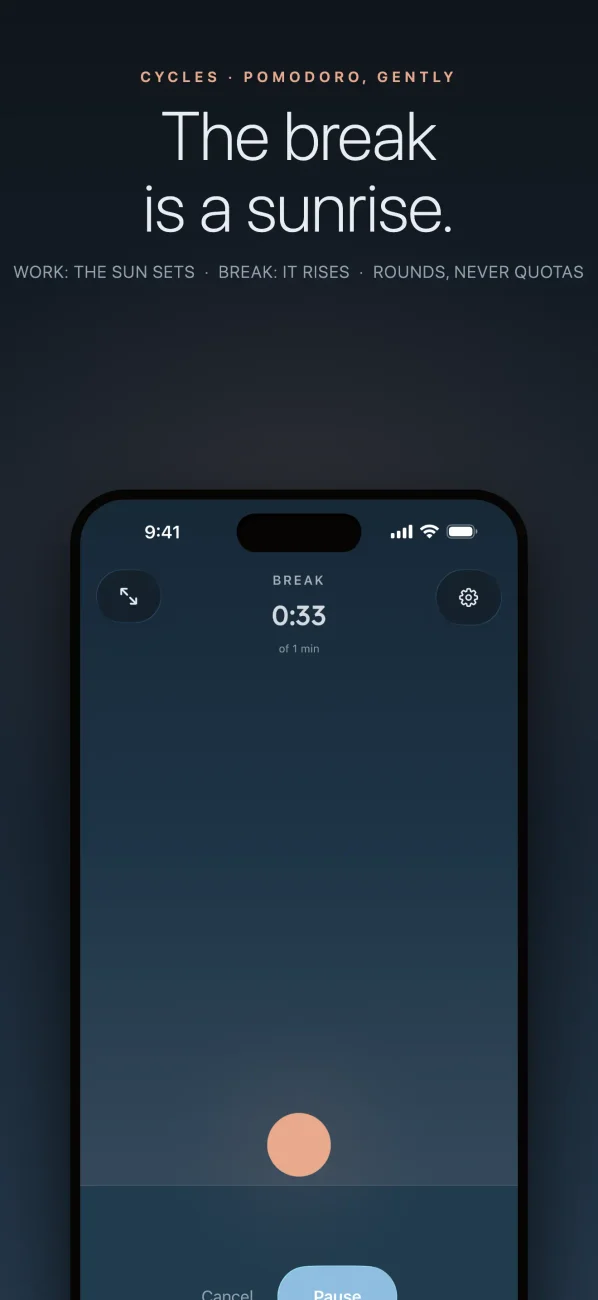
Pomodoro in Blue Hour's language: work while the sun sets, then the break is a sunrise. The sky returns to morning, and the next round starts when you do. Rounds are counted in little suns, never quotas.
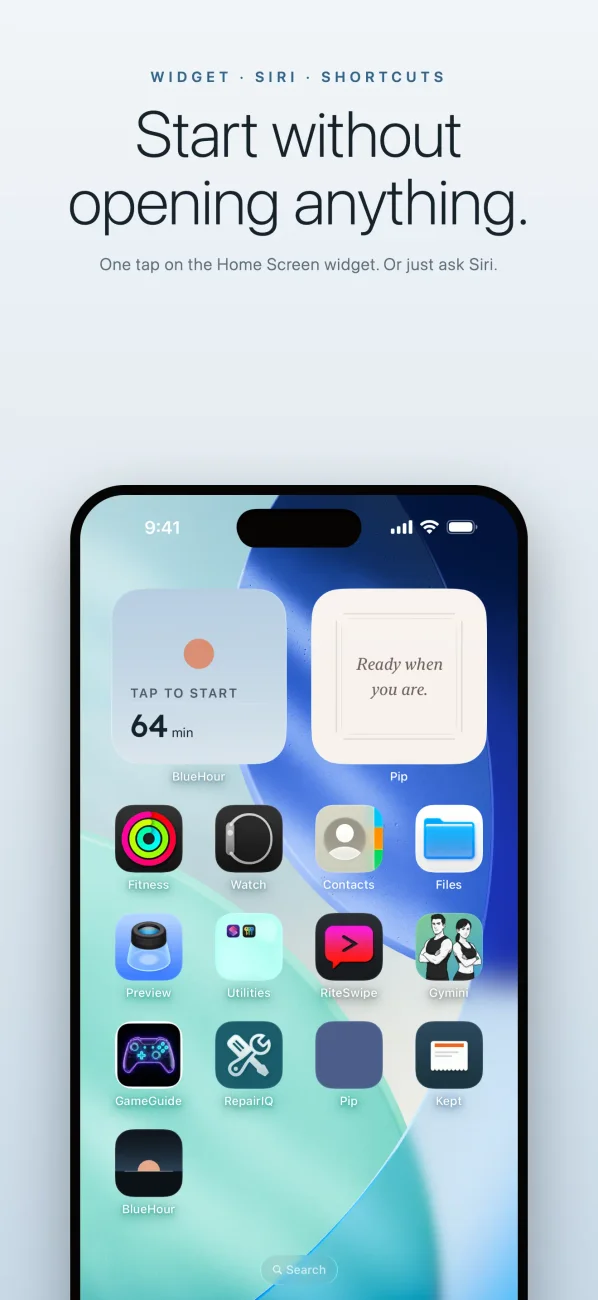
START FROM ANYWHERE
A Home Screen widget starts your usual timer in one tap. Siri and Shortcuts can start, pause, and resume without opening the app.
FOR CLASSROOMS
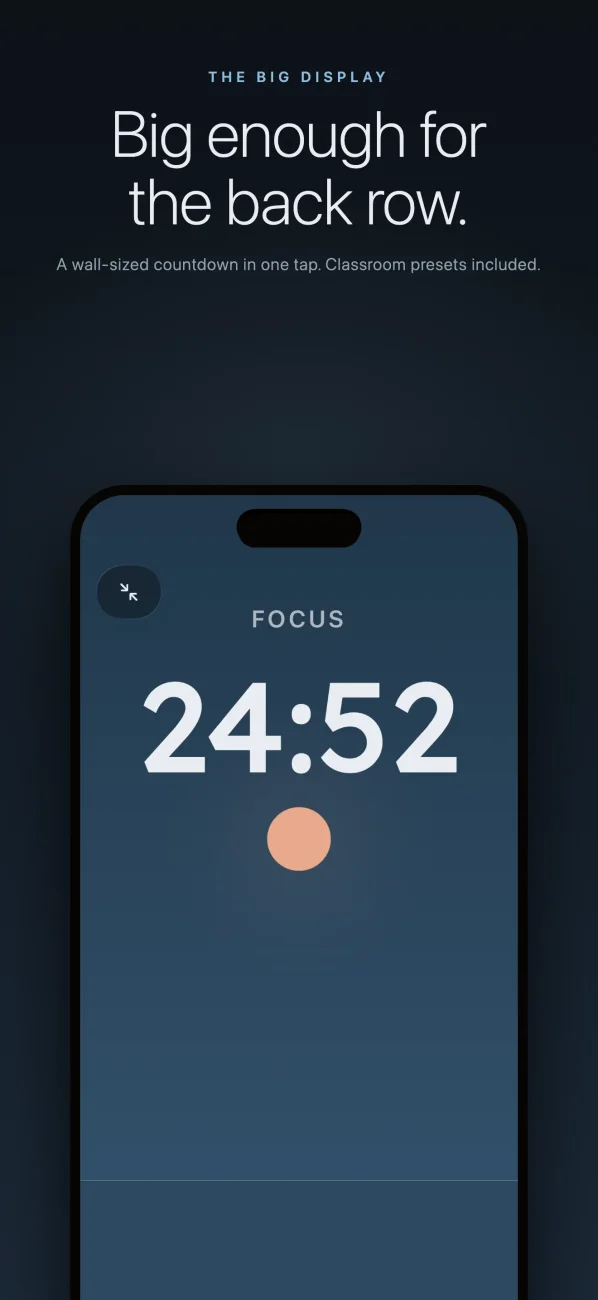
One tap opens the big display: a wall-sized countdown calm enough for a whole room, with a classroom preset set from one to twenty minutes.
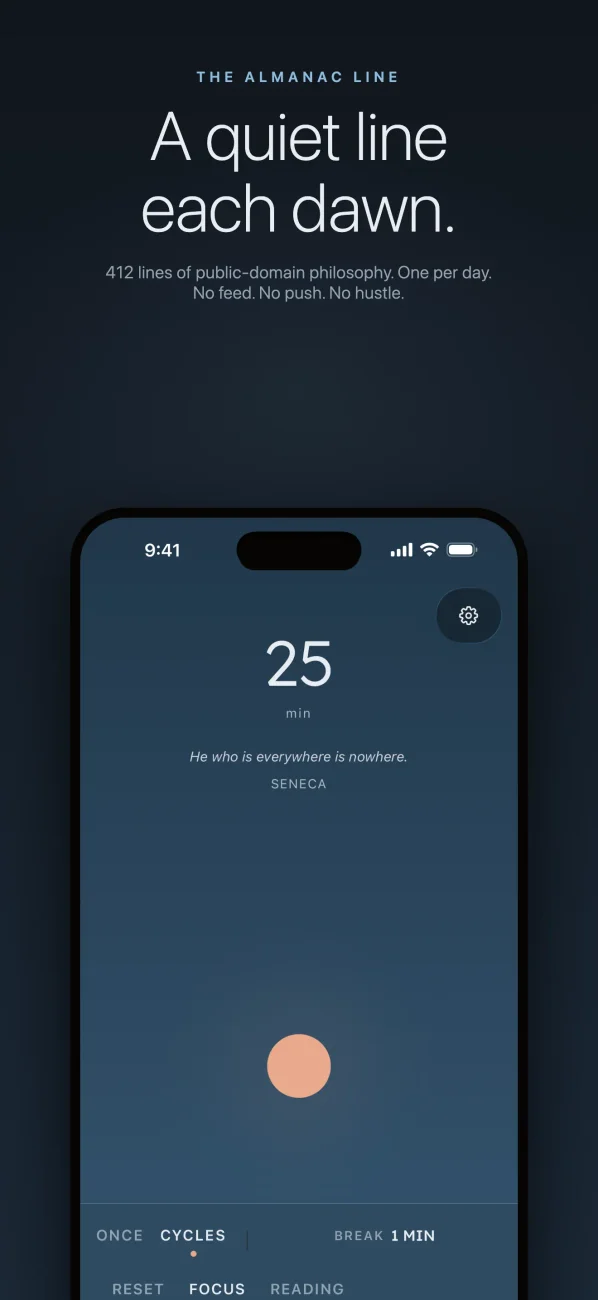
A QUIET LINE EACH DAWN
Every day the idle sky carries one line from 412 public-domain quotations. Seneca, Thoreau, Lao Tzu, old proverbs. One per day. No feed, no push, no hustle.
CALM BY CONSTRUCTION
• Optional halfway and final-minute cues
• Keeps the screen awake while the light falls, if you want
• Wall-clock accurate: background it, come back, the light agrees
• VoiceOver, Reduced Motion, and Dynamic Type are first-class
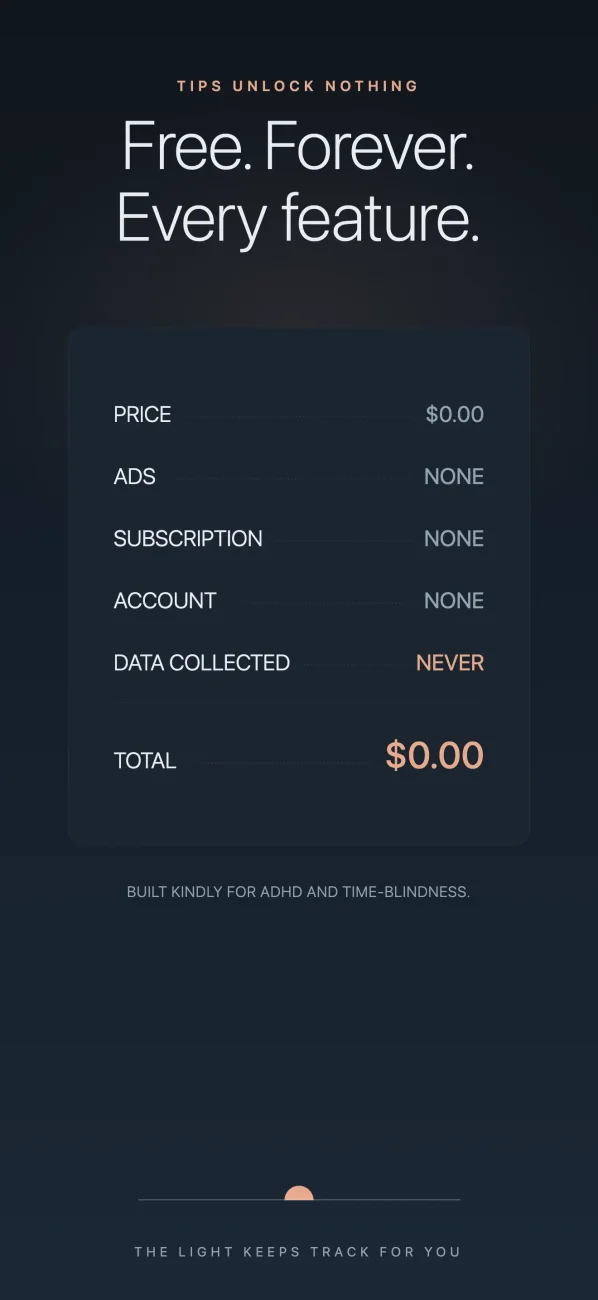
FREE FOREVER
Every feature, free. No premium tier, no subscription. If Blue Hour earns a place on your Home Screen, there is a tip jar in Settings. It unlocks nothing.
PRIVATE BY ARCHITECTURE
No account. No analytics. No tracking. Blue Hour makes zero network calls, and its App Store privacy label is "Data Not Collected," the rare kind that means exactly what it says.
The light keeps track for you.
App privacy
What Moses Smith declares on the App Store about how this app handles data.
-
Data not collected
The developer does not collect any data from this app.
Privacy practices may vary, for example with the features you use or your age.
Information
- Seller
- Moses Smith
- Category
- Productivity
- Version
- 1.0
- Updated
- Aug 2, 2026
- Released
- Aug 2, 2026
- Size
- 2.9 MB
- Requires
- iOS 26.0 or later
- Age rating
- 4+
- Price
- Free
- In-app purchases
- Yes
- Languages
- English
- Copyright
- © 2026 Moses Smith
You might also like
-
 BitEditorEdit a Bit
-
 Recto MDA calm Markdown reader
-
 Skein NotesMarkdown notes, connected
-
 Peak Browser: AI WorkspacePrivate AI Assistant & Kanban
-
 Clastly — Personal DatabaseOrganize anything, your way
-
 To Do List Maker - DoneSnapCapture Tasks & Track Routines
-
 KeepCue: Day Planner, RoutinesVisual Timeline, To-Do Inbox
-
 Handwritten Digital NotesNote Taking, Journal & Lock
-
 PutSpot: Home Item FinderPhotos, Voice Search, QR Tags
-
 Marko: Markdown ViewerFast, native offline reader