Cloudless Notes
Multilingual Hand Writing App
Designed for iPhone, iPad
In-app purchases
- Age rating4+
- CategoryProductivity
- DeveloperROBERT EVAN GAYNOR
- LanguagesEnglish+ 20 more
- Size2.7 MB
Links to the official App Store page
Download.org hosts no file of Cloudless Notes. The button opens its official App Store page, published by ROBERT EVAN GAYNOR. Listing last checked on Nov 12, 2026.
Screenshots

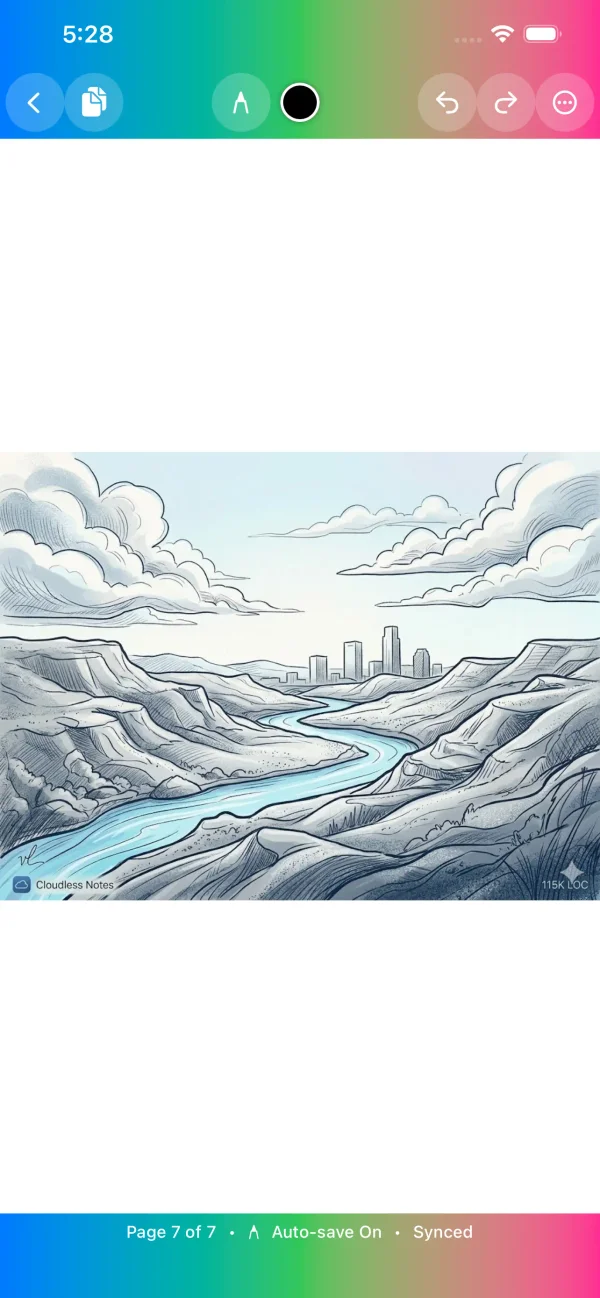
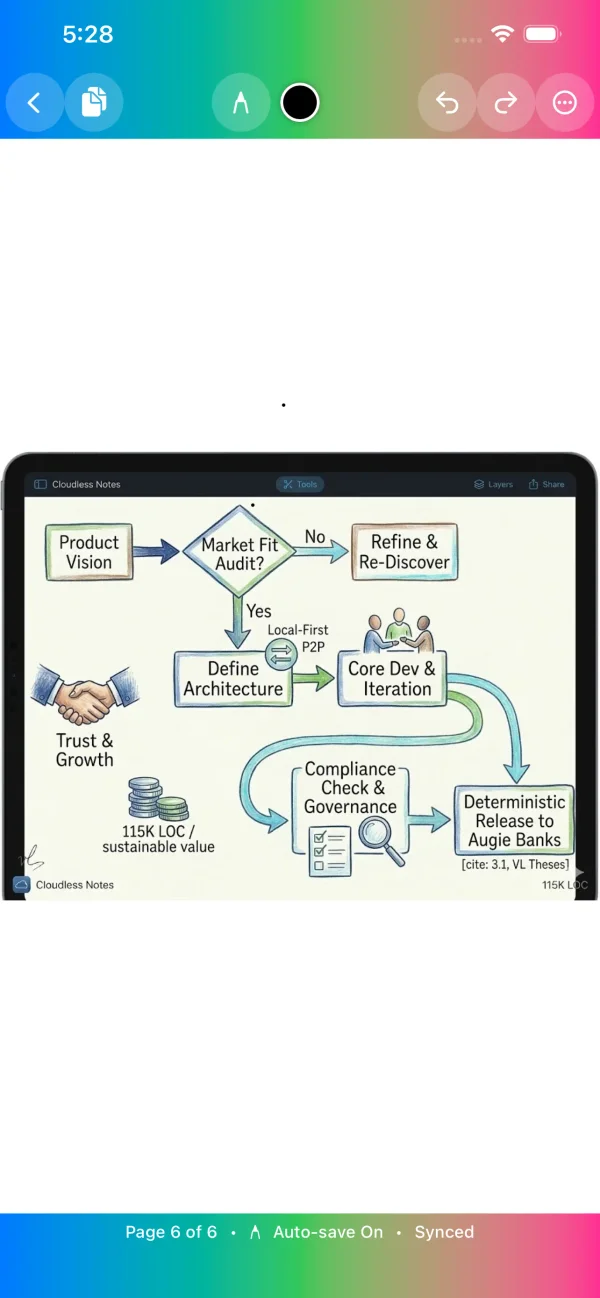

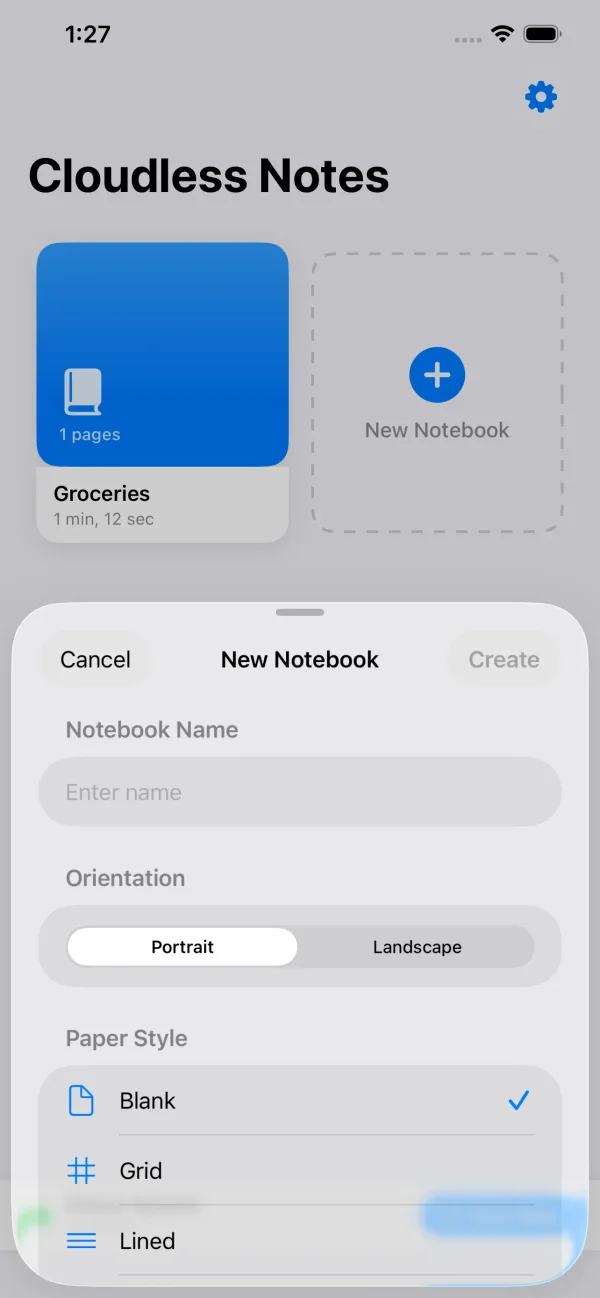


About
Transform your iPad and iPhone into the ultimate multilingual writing companion
Cloudless Notes delivers a premium handwriting experience across 22 languages with no recurring costs—just one purchase for unlimited lifetime access and unlimited notebooks...
NATURAL WRITING EXPERIENCE
• Optimized specifically for iPad's large screen
• Full iPhone compatibility for notes on-the-go
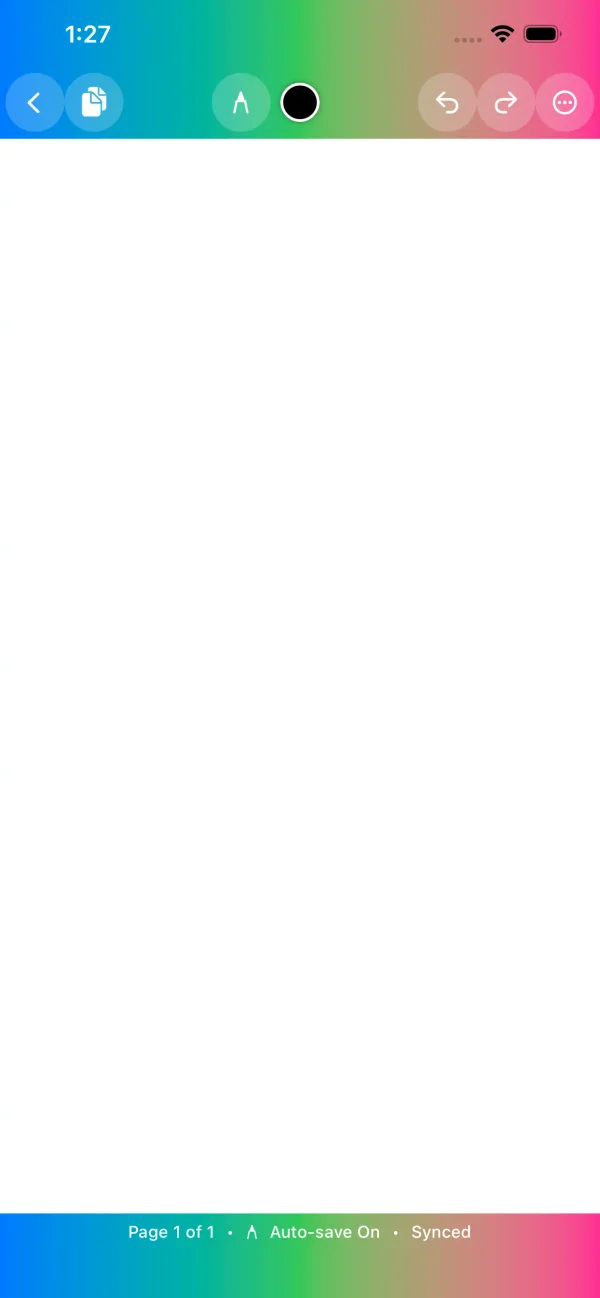
• Complete toolkit: adjustable pen widths, vibrant colors, precise erasers
• Smooth, responsive writing that feels like real paper
100% FULL MULTILINGUAL APP
• Support for 22 languages in one app
• Write seamlessly in any supported language
• Perfect for students, professionals, and multilingual users
SMART FEATURES
• OCR technology converts handwritten notes to editable text
• Import and annotate photos, logos, and images
• Transform handwriting into shareable data files
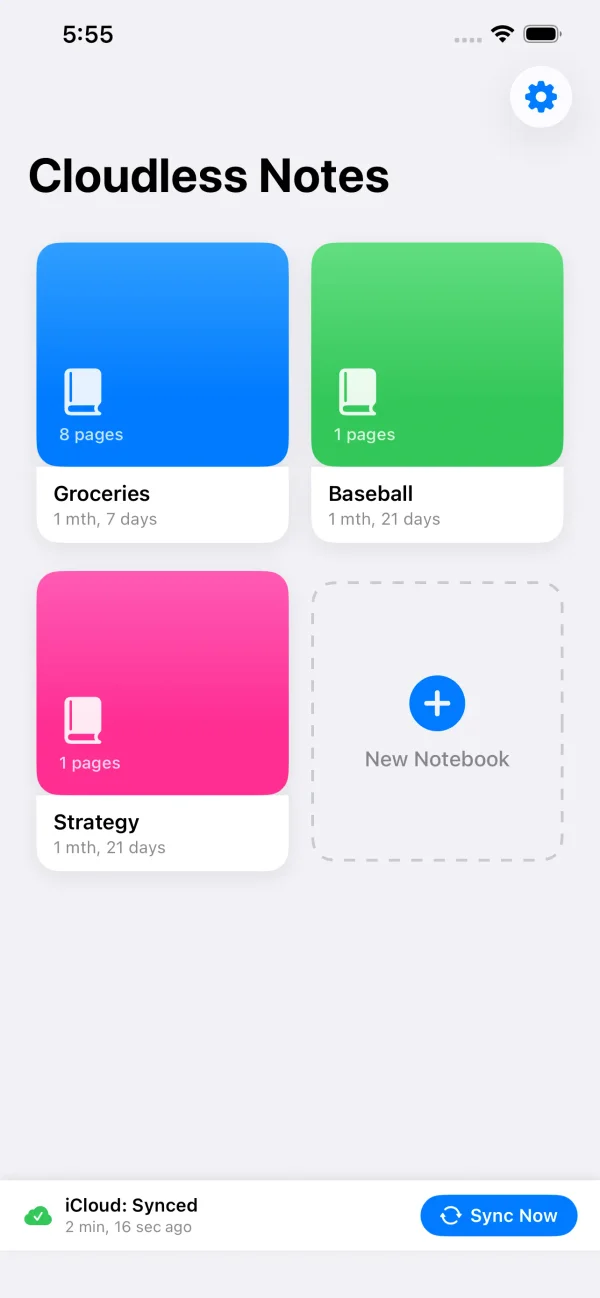
- Cloudsync to keep yur documents in sync between your different devices
PRIVACY FIRST
• 100% local processing—no cloud required
• Your notes never leave your device
• Complete data ownership and control
NO SUBSCRIPTIONS EVER
• One-time purchase for lifetime access and unlimited notebooks
• No hidden fees or recurring charges
• Unlimited notes, unlimited usage
Whether you're taking meeting notes, sketching ideas, or studying in multiple languages, Cloudless Notes provides the tools you need with the privacy you deserve.
Download today and experience handwriting without limits!
handwriting, notes, multilingual, OCR, iPad, privacy, drawing, markup, annotation, documents
What’s new
Version 2.0 · Apr 16, 2026
What's New in v2.0:
- Fixed eraser reliability — erased content no longer reappears when switching tools
- Fixed Apple Pencil exclusivity — finger input reserved for page navigation on iPad, pencil only for drawing
- Improved iCloud sync reliability — completion-based sync coordination replaces timing-based approach, preventing data conflicts between devices
- Fixed cross-device sync for notebook deletions propagating correctly
- Optimized app assets — reduced bundle size by 60%
App privacy
What ROBERT EVAN GAYNOR declares on the App Store about how this app handles data.
-
Data not collected
The developer does not collect any data from this app.
Privacy practices may vary, for example with the features you use or your age.
Information
- Seller
- ROBERT EVAN GAYNOR
- Category
- Productivity
- Version
- 2.0
- Updated
- Apr 16, 2026
- Released
- Mar 3, 2026
- Size
- 2.7 MB
- Requires
- iOS 17.0 or later
- Age rating
- 4+
- In-app purchases
- Yes
- Languages
- English, Czech, Danish, Dutch, French, German, Greek, Hungarian, Indonesian, Italian, Japanese, Korean + 9 more
- Copyright
- © 2026 Vibin Labs
You might also like
-
 Avlu - Memory PalaceNotes you can walk through
-
 mimosa: Notes, PDF & ScannerMistake Notebook & Revision
-
 Pensieve NotePlace Notes in the Real World
-
 Scribbl: Notes & PDF MarkupHandwriting, math and markup
-
 Papyrus - notes, PDFBig notes & PDFs, fluid
-
 Warqa - notebookProductivity
-
 Whiteboard: Draw & PlanDraw, plan and share
-
 BLISS Note: Notes PDF PlannerHandwritten notes & PDF markup
-
 Better Notes: HandwritingHandwrite, sketch & mark PDFs
-
 100 Notes Studio: Pen & PaperNote Taking, Handwriting & PDF