
Cogwright: 2D & 3D Design CAD
Parametric Drafting & Modeling
Designed for iPad
Free · In-app purchases
- Age rating4+
- CategoryGraphics & Design
- DeveloperBonsai Horizons, LLC
- LanguagesEnglish
- Size34.2 MB
Links to the official App Store page
Download.org hosts no file of Cogwright: 2D & 3D Design CAD. The button opens its official App Store page, published by Bonsai Horizons, LLC. Listing last checked on Nov 18, 2026.
Screenshots
About
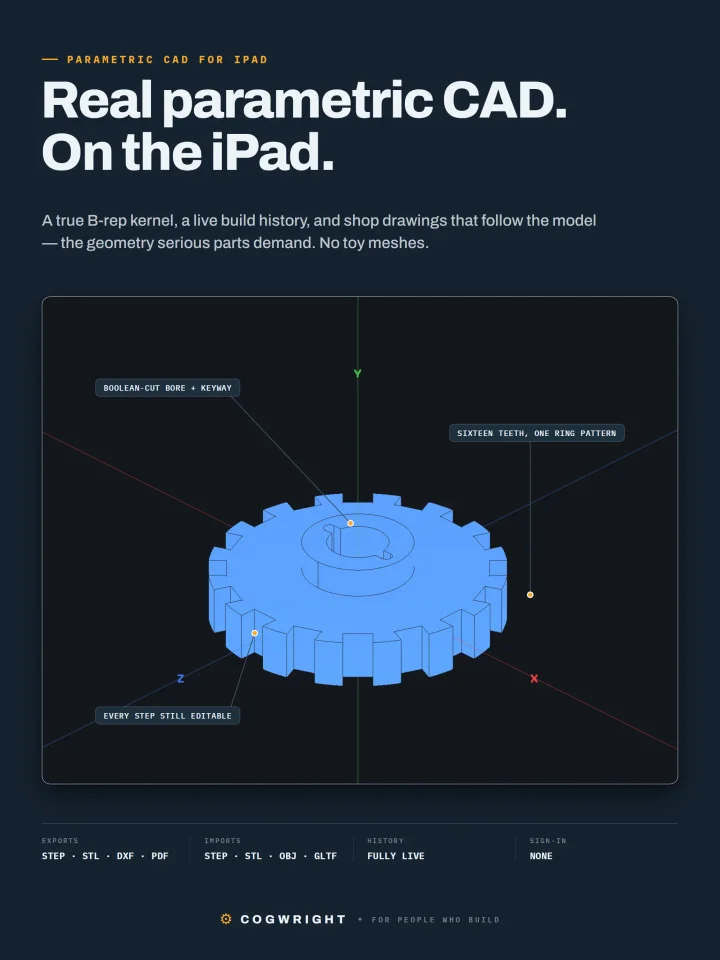
Cogwright is a full parametric CAD studio for iPad and Apple-silicon Macs — 2D drafting, 3D modeling, assemblies, and dimensioned shop drawings, with an editable history behind every part.
Most CAD on a tablet stops once you have a shape. Cogwright answers the two questions that come next: will it hold, and can it actually be made?
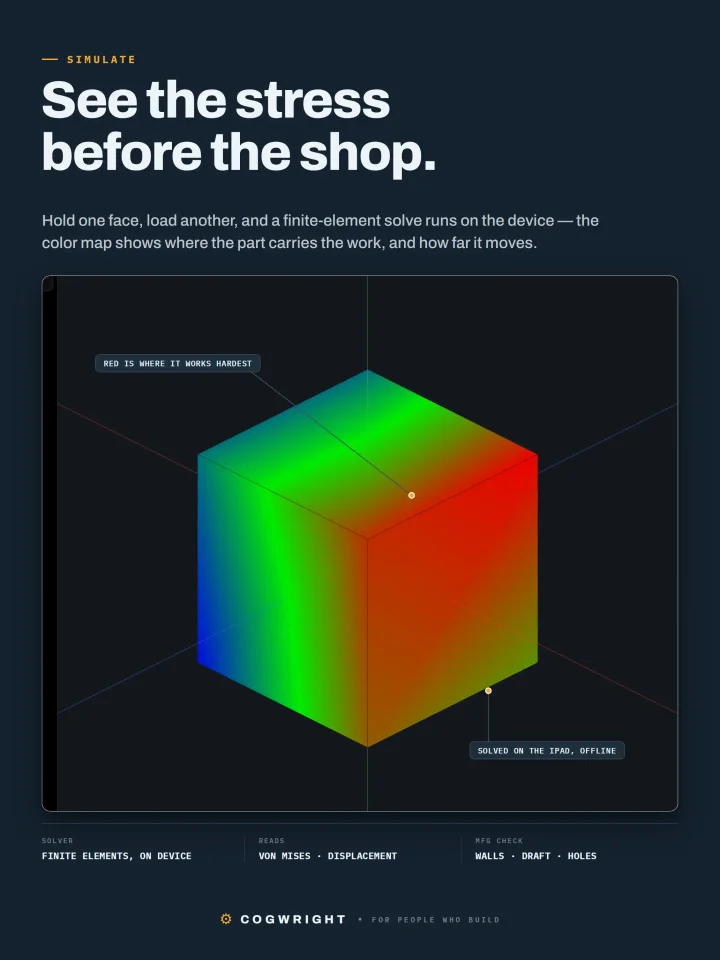
WILL IT HOLD?
A real finite-element strength check, not a guess. Hold one face, push another, and the part lights up from relaxed to working-hardest, with a plain verdict for the material you picked.
CAN IT BE MADE?
Check the part against home 3D printing, a print service, machining, or molding. Cogwright flags what would fail and takes you straight to the spot.
TWO WAYS INTO EVERY PART
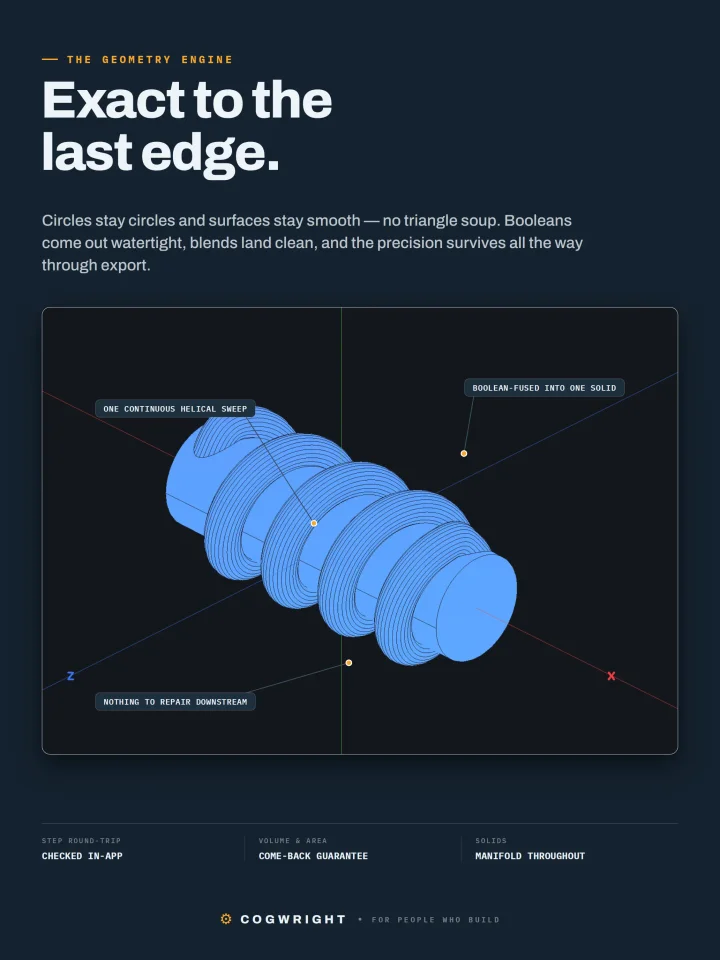
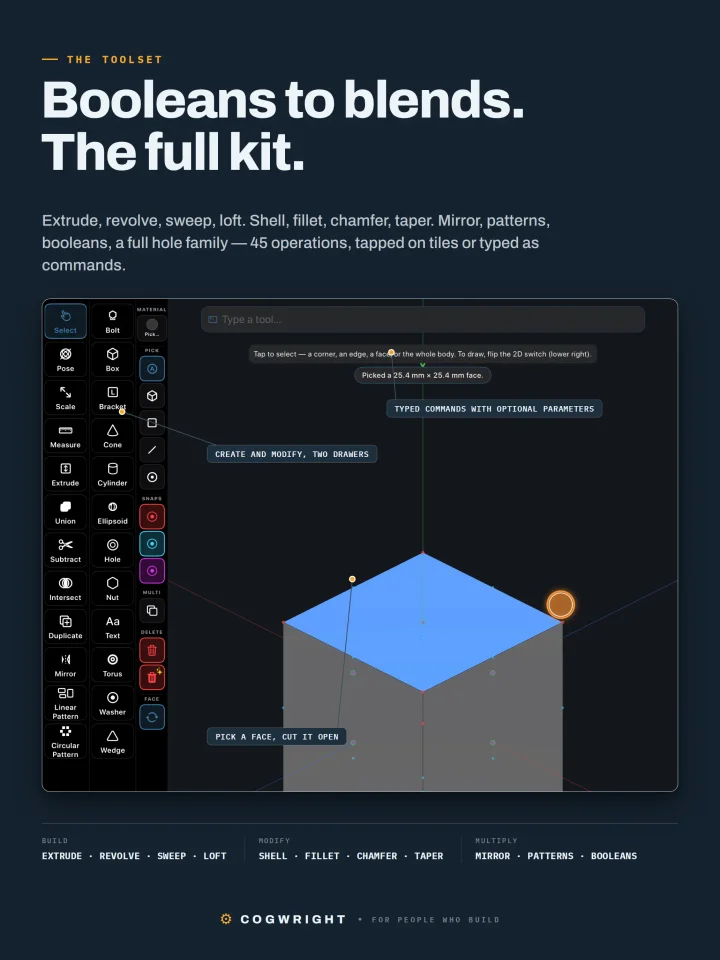
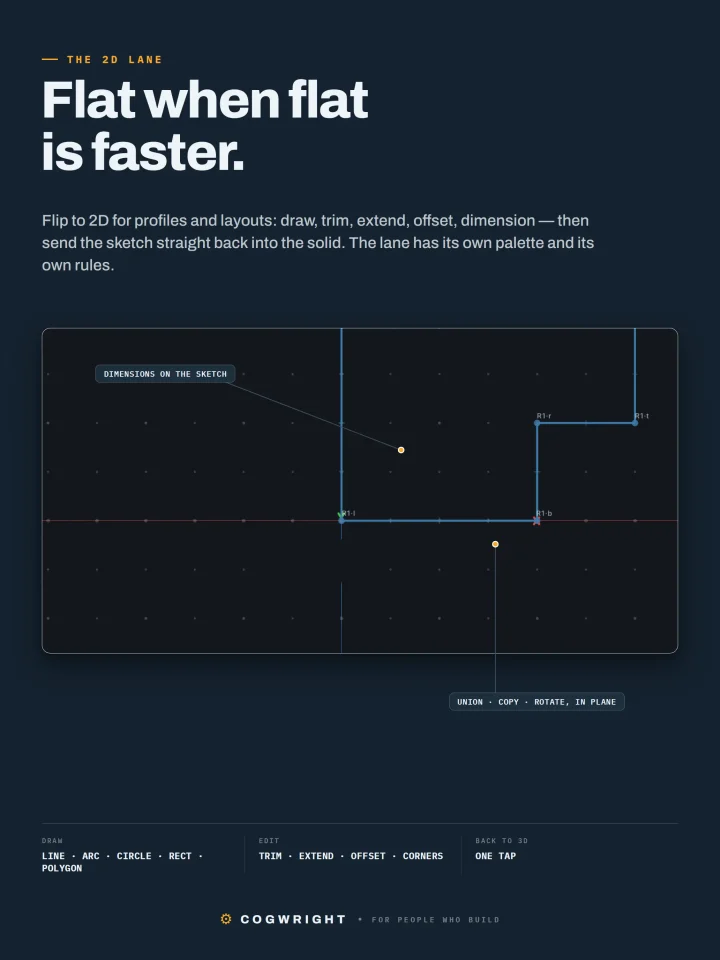
Start in parametric 2D and pull it into 3D, or grab a 3D primitive and deform it — switch back and forth as the job requires. Booleans, extrude and revolve along faces or paths, roundovers, bevels, tapers, hollows, and an algorithmic smoothing pass that solves clean contours across arbitrary seams.
Every tool is both a button you tap and a command you type, and both run the same reversible operation. Start on the toolbars; pick up the command bar when you are ready.
CHANGE YOUR MIND LATER
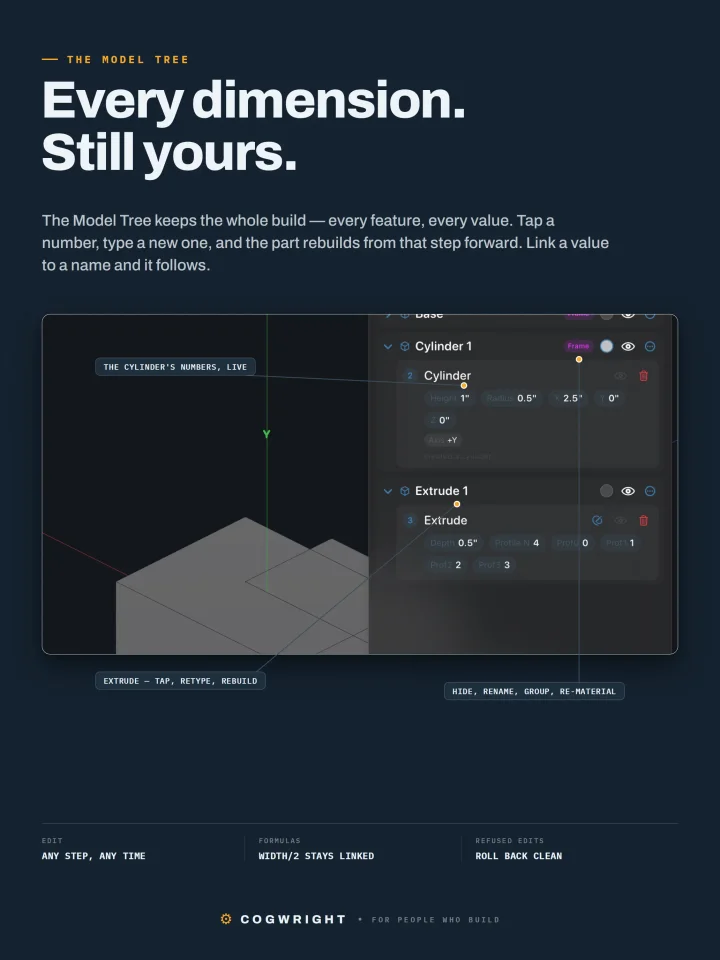
Each part keeps a parametric history. The Steps panel lists every operation with its numbers — change a hole diameter from an hour ago and the whole model rebuilds. If a value cannot work, Cogwright names the step that refused and puts everything back.
Name a size (width = 40), use it or math on it (width/2) in any size field, and one number rebuilds the part.
THE MECHANICAL DETAIL
- Holes sized by screw: say M5 and the standard supplies the clearance — or cut real, printable threads
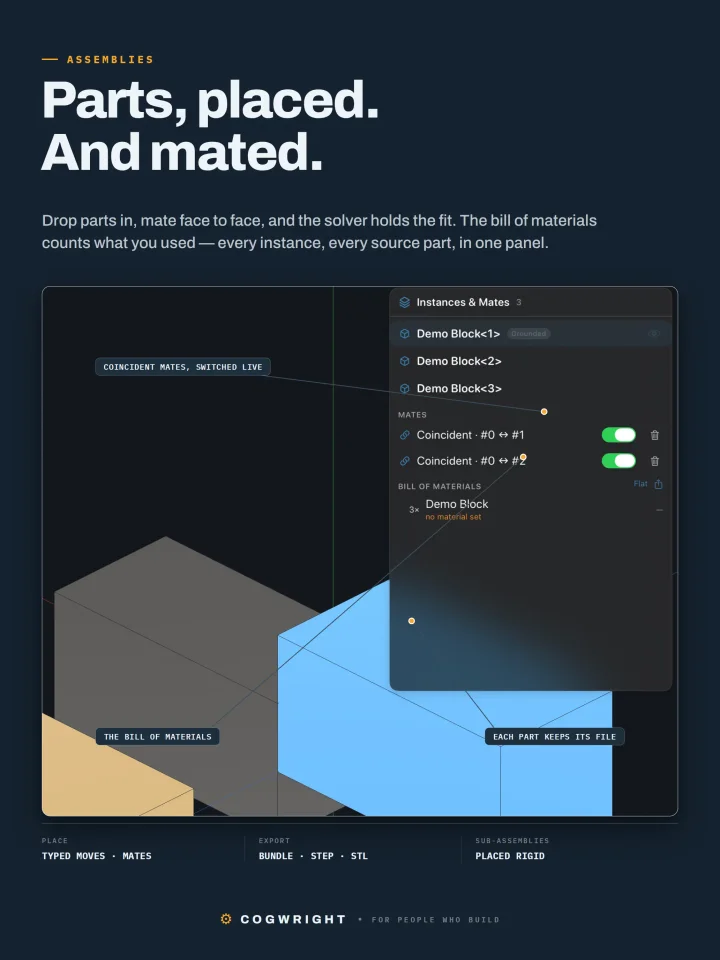
- Assemblies that bring finished parts together
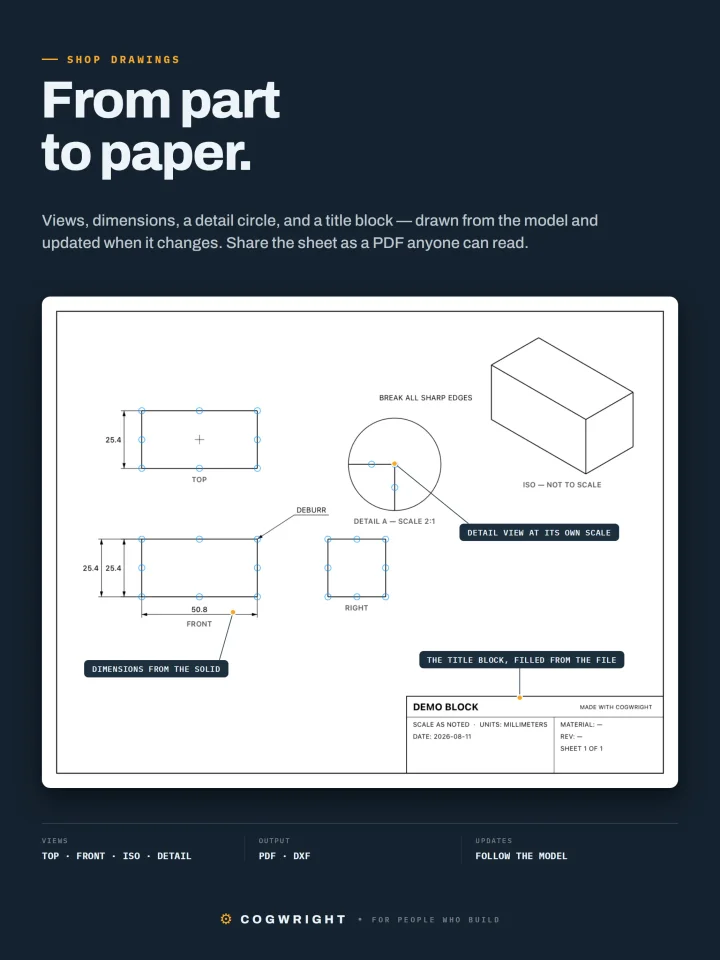
- Dimensioned shop drawings in a dedicated drawings editor, out as PDF
- Sheet-metal flat patterns for the press brake
- Raised or carved text, section views to look inside, and a studio product shot when it is done
- Material weight and rough cost before you commit
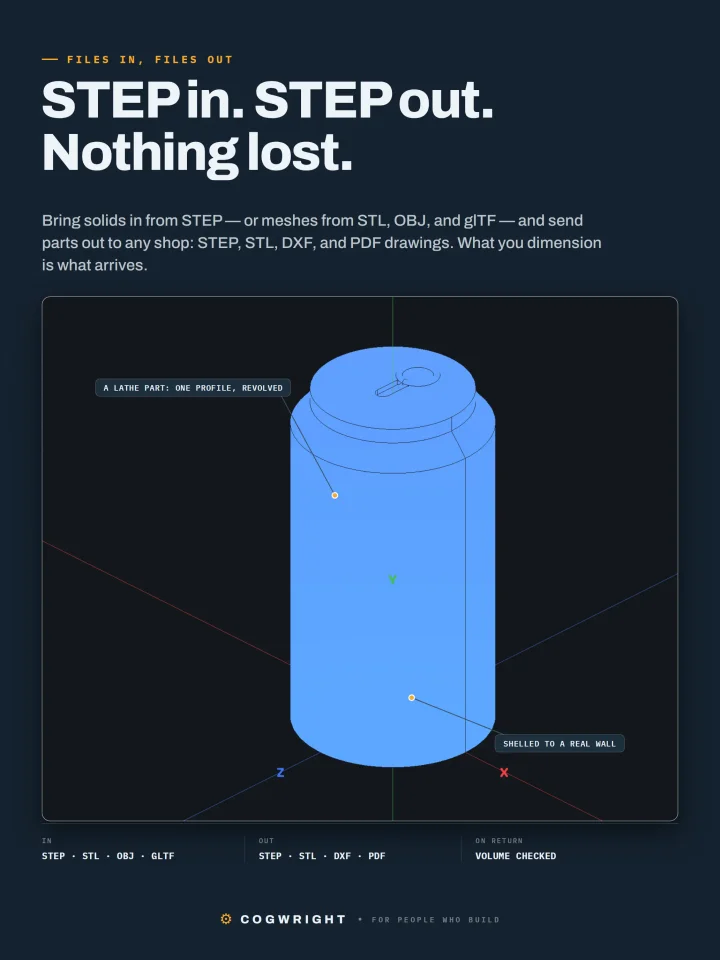
FILES IN AND OUT
STEP export opens correctly in virtually any modern CAD package. STL comes out in millimeters for slicers, DXF for laser cutting, USDZ for AR at real size, OBJ for Blender and game tools. STEP imports from Files, mail, or drag-and-drop, and DXF outlines import as solids you can build on.
Inches or millimeters, per document. Type 12, 12.5mm, 0.5in, or 1/2 — they all mean what you meant.
LEARN THE WHOLE APP
90 lessons teach it one step at a time, and every step checks your work against the engine before moving on. 33 guided builds make real things in front of you — a working hinge, a desk globe, a teapot, an oak tree, the gear-and-worm from our icon — narrated, checked as they go, and runnable from the tiles or as typed commands.
YOUR FILES STAY YOURS
Cogwright runs entirely on your device. No account, no network requirement, no analytics. Diagnostics stay put unless you choose to send a report.
Download free and learn the whole app. Every lesson and guided build is included, and opening, orbiting, measuring, stepping through history, and exporting any part are free forever — with or without a subscription. Files are never held hostage.
Building your own parts needs the paid tier: $3.99 a month, $29.99 a year, or $59.99 once — yours permanently, and old versions never stop working. Subscriptions renew automatically unless turned off at least 24 hours before the period ends; manage or cancel them in your Apple Account settings.
Terms of Use (EULA): https://www.apple.com/legal/internet-services/itunes/dev/stdeula/
Privacy Policy: https://bonsaihorizons.com/privacy/
Every feature works with just your fingers. If you have an Apple Pencil or a hardware keyboard, Cogwright makes beautiful use of them too.
Requires iPadOS 18 or later.
What’s new
Version 2.51.0 · Sep 14, 2026
Several visual enhancements to the user interfaces, including improved info/error messaging, new toolbar appearances, lighting for scene depth, and colors.
App privacy
What Bonsai Horizons, LLC declares on the App Store about how this app handles data.
-
Data not linked to you
May be collected but is not linked to your identity.
- Identifiers
- Usage data
- Diagnostics
Privacy practices may vary, for example with the features you use or your age.
Information
- Seller
- Bonsai Horizons, LLC
- Category
- Graphics & Design
- Version
- 2.51.0
- Updated
- Sep 14, 2026
- Released
- Aug 26, 2026
- Size
- 34.2 MB
- Requires
- iOS 18.0 or later
- Age rating
- 4+
- Price
- Free
- In-app purchases
- Yes
- Languages
- English
- Copyright
- © Bonsai Horizons, LLC
You might also like
-
 Quick3DModeling - CAD & SculptCAD & Sculpt
-
 Vexio3DMobile parametric CAD
-
 CADSketchDraw. Constrain. Extrude.
-
 Part2D: 2D CAD simplifiedSimplified 2D CAD anywhere
-
 Konjur3DBuild on a whim
-
 Pencil to Part: iPad CADDraw it, then 3D print it
-
 Zenve3DParametric CAD for Makers
-
 Schama - 3D Print LibrarySTL, 3MF & OBJ viewer
-
 GCodeReader CNCOffline G-code & CAD viewer
-
 DGArt3D Modeler, Animate & Render