
Quick3DModeling - 3D CAD
Print Parts & Game Characters
Designed for iPad, Mac
Free · In-app purchases
- Age rating4+
- CategoryGraphics & Design
- DeveloperKAZUHIRO KAKIMOTO
- LanguagesEnglish
- Size114.7 MB
Links to the official App Store page
Download.org hosts no file of Quick3DModeling - 3D CAD. The button opens its official App Store page, published by KAZUHIRO KAKIMOTO. Listing last checked on Nov 29, 2026.
Screenshots
About
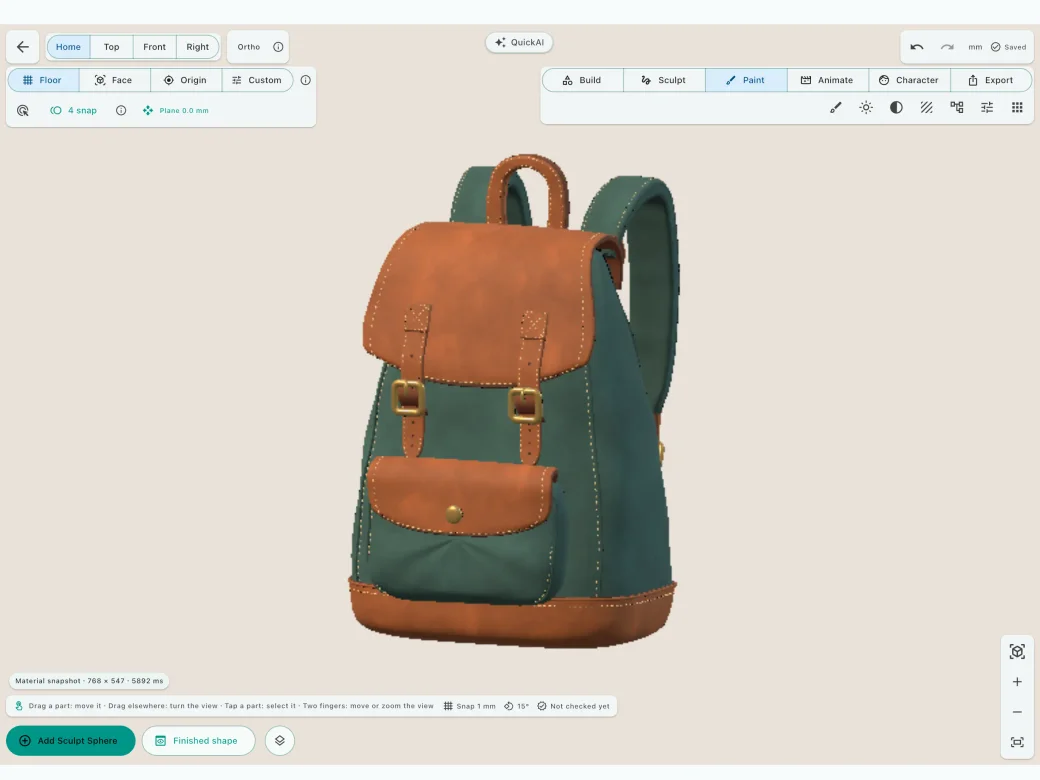
Design phone stands and cases for 3D printing, or sculpt, paint and animate game characters. Beginners can build parts to fit their own measurements and create models that move.
Part design and 3D printing (parametric CAD)
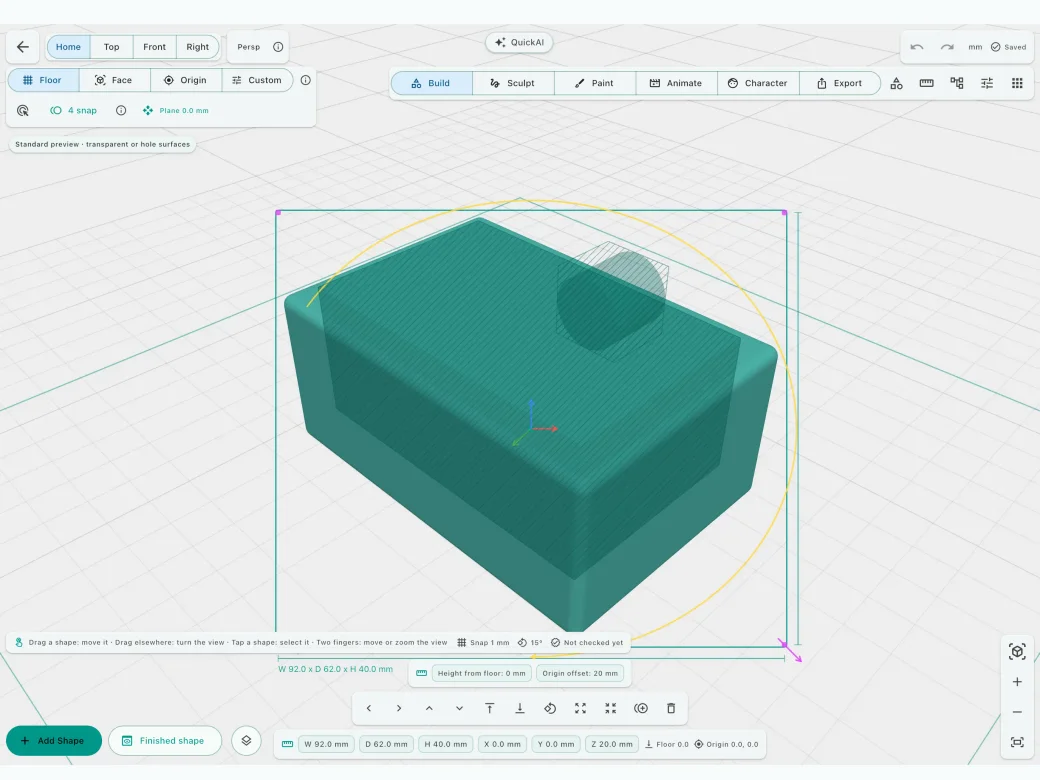
• Combine boxes and cylinders with Boolean unions and cuts to make screw holes and notches. Change widths and hole diameters later in millimeters.
• Resize templates for cable clips, storage cases and hooks. Adjust rounded edges (fillets), chamfers and clearance between parts.
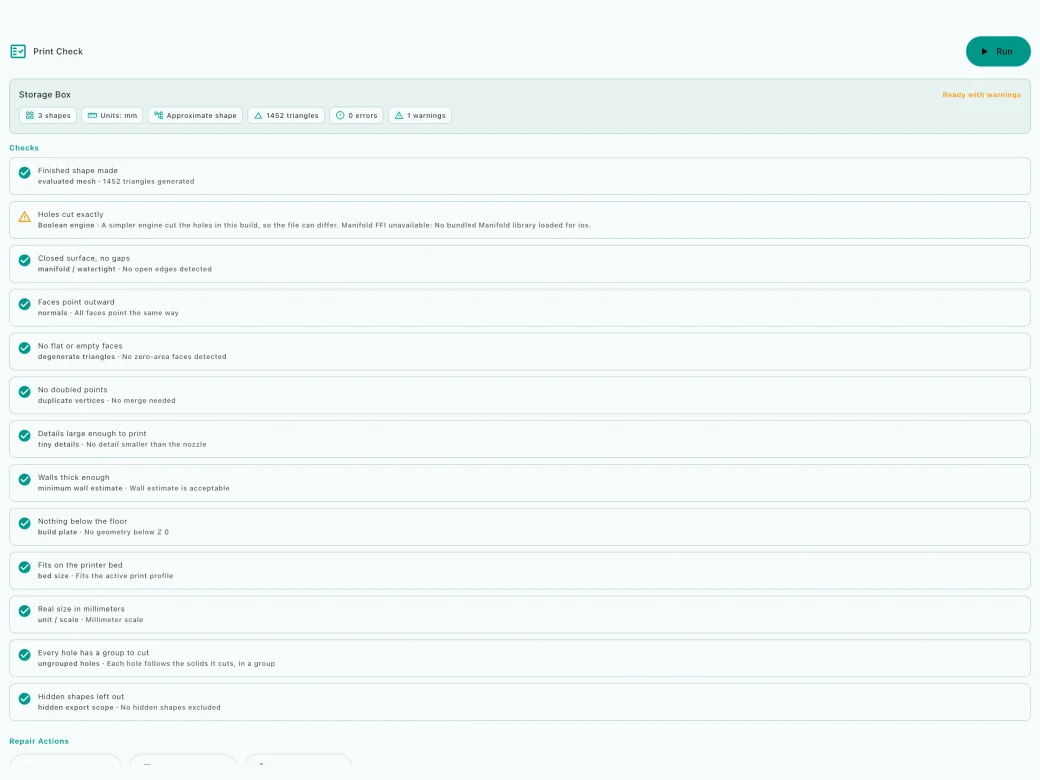
• Check thin walls and parts that extend beyond the print bed. Import and export STL, 3MF and OBJ meshes for your slicer.
Characters and game assets
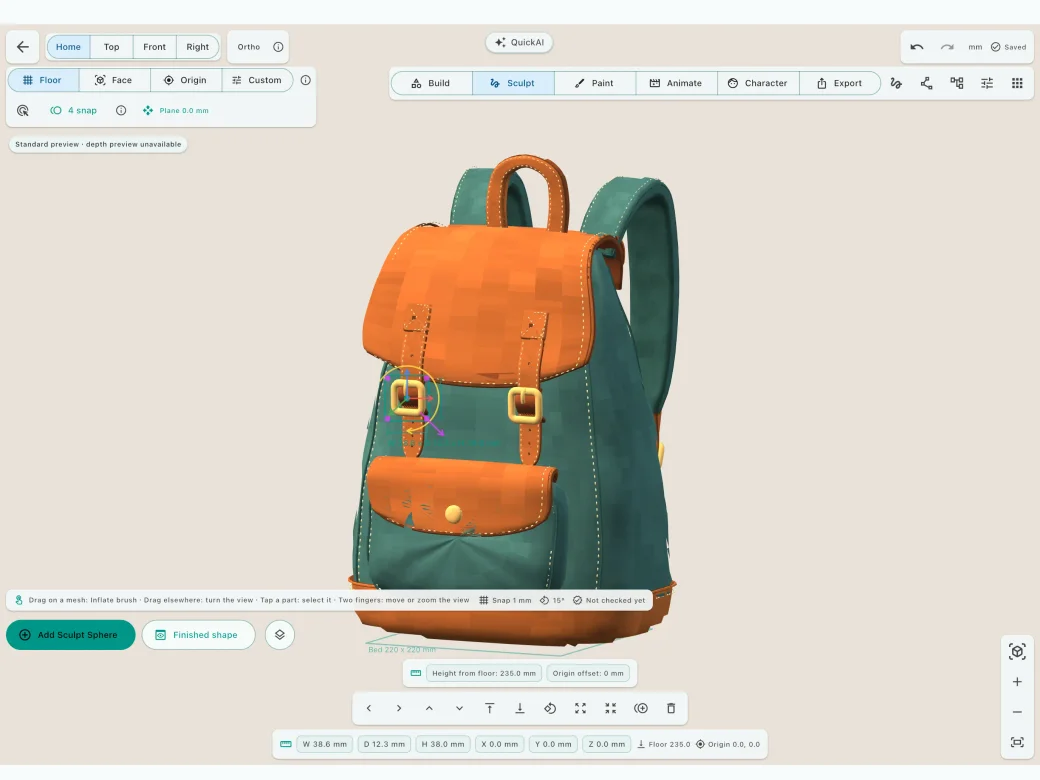
• Use front, side and back views as guides for the face and body. Refine contours with sculpting brushes and paint textures directly on the surface.
• Edit polygon vertices, edges and faces. Adjust UV coordinates to position textures.
• Rig a model with bones and pose it. Animate limbs and facial expressions with keyframes. Export game and AR assets as GLB (glTF), FBX or USDZ.
Lessons and AI tools
• Learn by cutting a round hole in a plate, painting a robot and animating its wave.
• Describe a part and its dimensions to get an AI template suggestion. Connect a compatible image-generation server to create character concept art and three-view reference sheets.
• Connect an MCP-compatible AI agent to create parts, change dimensions and export models.
Who it’s for
• Makers printing household parts, holders and jigs.
• Artists creating and animating original characters for games or other projects.
• Beginners learning 3D modeling through hands-on tutorials.
• Designers using AI or MCP agents to speed up model creation.
Saving and privacy
Basic modeling works offline on your device without an account. Save editable .q3dm projects locally or in a cloud folder you choose, then reopen them to keep working.
Pricing
Try all features for seven days without ads or upgrade reminders. All tools, including modeling and export, stay free afterward. Pro, available yearly or as a one-time purchase, hides mobile ads and desktop upgrade reminders.
Terms of use: https://kakitiro.com/quickapps/quick3dmodeling/terms/
What’s new
Version 5.1.0 · Nov 28, 2026
• Bug fixes and performance improvements.
• UI and design improvements.
App privacy
What KAZUHIRO KAKIMOTO declares on the App Store about how this app handles data.
-
Data linked to you
May be collected and linked to your identity.
- Location
- Identifiers
- Usage data
-
Data not linked to you
May be collected but is not linked to your identity.
- Usage data
- Diagnostics
Privacy practices may vary, for example with the features you use or your age.
Information
- Seller
- KAZUHIRO KAKIMOTO
- Category
- Graphics & Design
- Version
- 5.1.0
- Updated
- Nov 28, 2026
- Released
- Sep 25, 2026
- Size
- 114.7 MB
- Requires
- iOS 15.0 or later
- Age rating
- 4+
- Price
- Free
- In-app purchases
- Yes
- Languages
- English
- Copyright
- © kakitiro.com
You might also like
-
 Cogwright: 2D & 3D Design CADParametric Drafting & Modeling
-
 Kreyon: Draw, Paint & ComicsSketch, Illustrate, Make Manga
-
 Vexio3DMobile parametric CAD
-
 CADSketchDraw. Constrain. Extrude.
-
 Happy Sculpt: 3D Clay ArtSculpt, paint & export in 3D
-
 Inksquad Artist: Tattoo ToolsStencil maker & ink matching
-
 Easy3D: AI 3D ModelingImagine it. Then shape it.
-
 3D Modeling AI: Text To 3DCreate 3D Models with AI
-
 Zenve3DParametric CAD for Makers
-
 Sculptura 2High-Res 3D Sculpting