
CopyReady 3i
GET ACCESS TO DATA WITH A TAP
Designed for iPhone, iPad
Free · In-app purchases
- Age rating4+
- CategoryProductivity
- DeveloperTomoyuki Okawa
- LanguagesEnglish
- Size8.8 MB
Links to the official App Store page
Download.org hosts no file of CopyReady 3i. The button opens its official App Store page, published by Tomoyuki Okawa. Listing last checked on Nov 6, 2026.
Screenshots

About
- GET QUICK ACCESS TO DATA THAT YOU WANT TO COPY AND PASTE WITH JUST A TAP OF THE MOUSE -
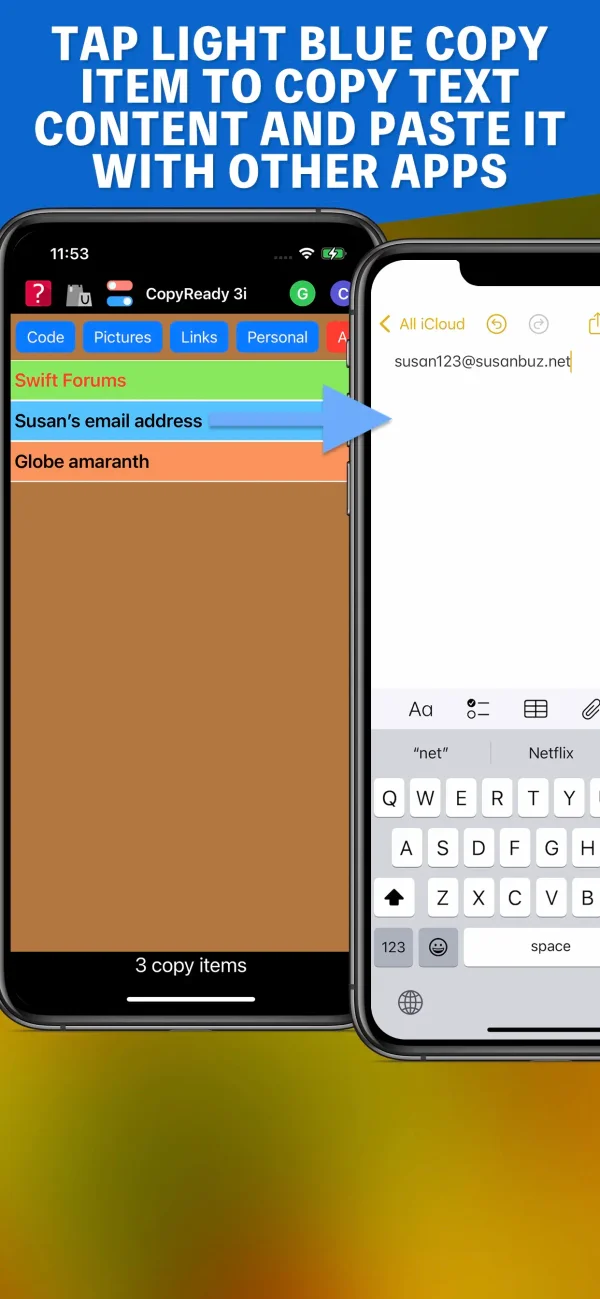
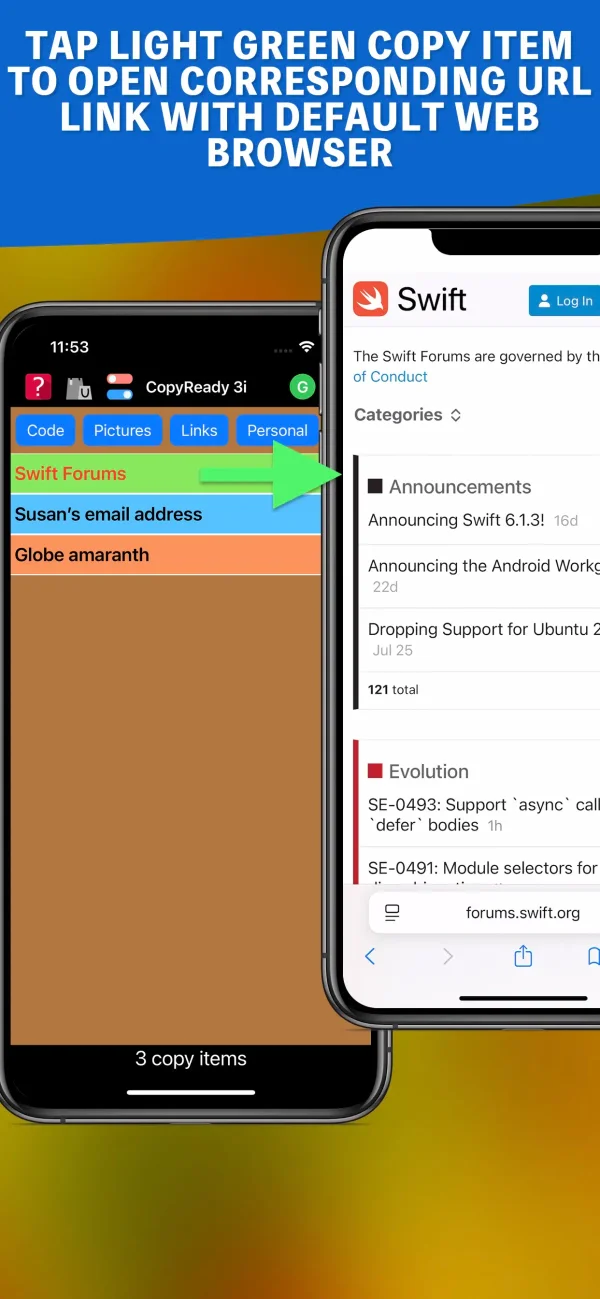
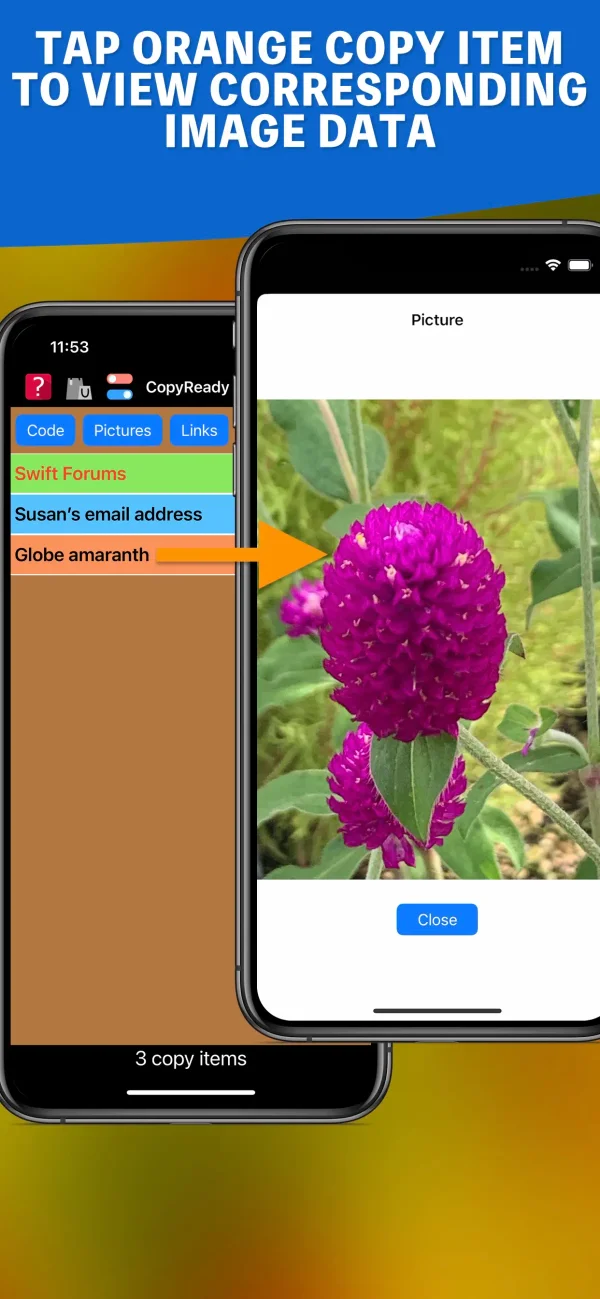
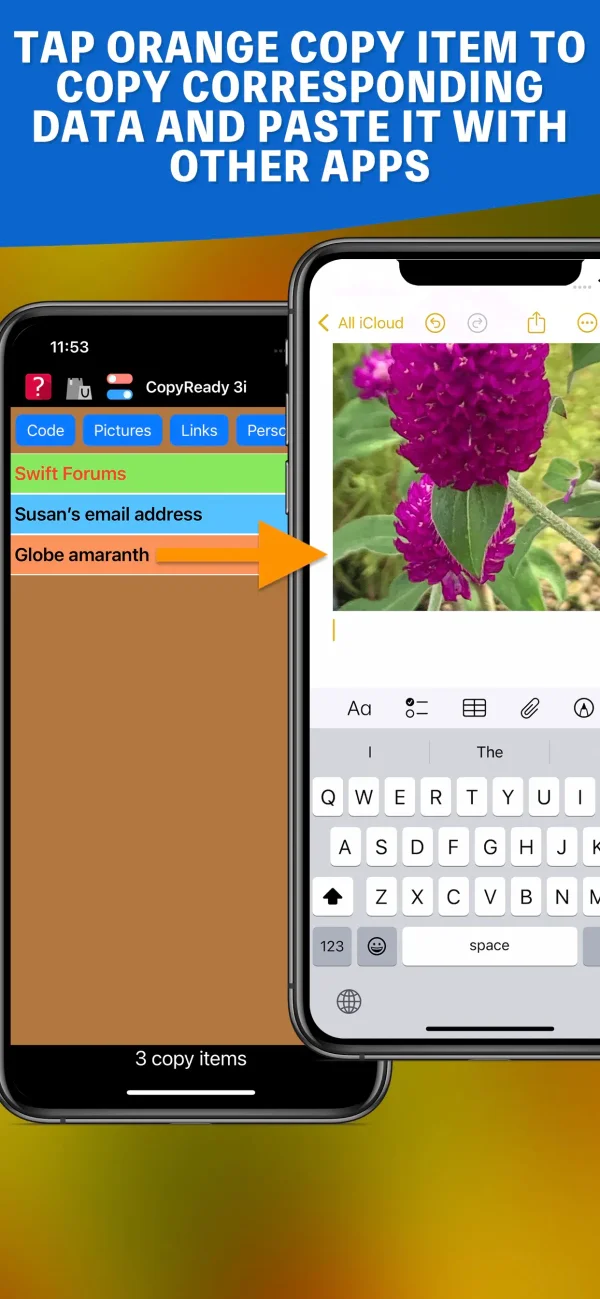
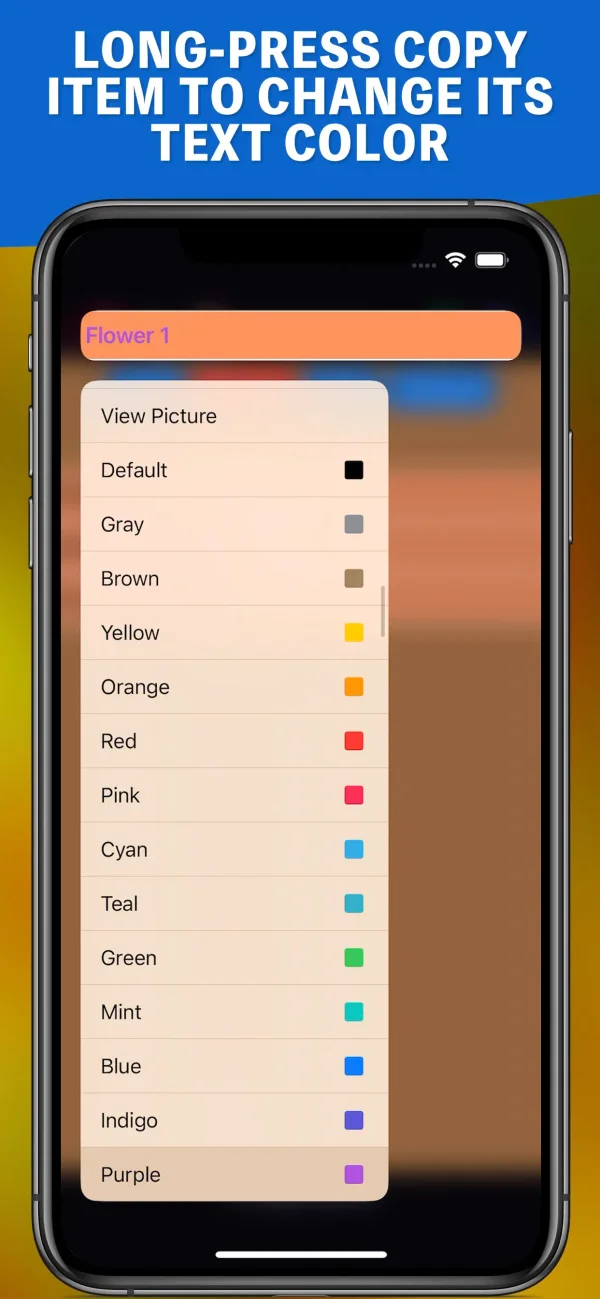
CopyReady 3i is a direct conversion of a desktop application titled CopyReady 3. Just like the desktop version, it lets you manage three different types of files: Text, Image and URL. After you create a group, open the copy item menu and tap the Cr button to create copy items. When you tap a light blue copy item button under the current group button (in red), CopyReady will copy the corresponding text content into the system clipboard. So you can use it long-pressing and selecting Paste with other apps. When you tap an orange copy item button, CopyReady will copy the corresponding image into the system clipboard. You can preview it with this app, or you can use it with other apps by long-press and selecting Paste. Finally, tap a light green copy item button, and CopyReady will open the corresponding URL with your default web browser.
Light blue copy item -> Text
Orange copy item -> Image
Light green copy item -> URL
You can have multiple groups, even tens or hundreds of them. If you have more than one, tap one. And make it active. The current group is shown in red, others being blue. Of course, you can change these group colors.
It's free to download and use it. And you can create as many as 10 copy items without a subscription.
In summary, get copy-ready with CopyReady 3i!
- End user license agreement */
https://blog.mhvt.net/?p=7629#termsofuse
What’s new
Version 3.2.1 · Oct 4, 2025
1. The app now supports the landscape orientation for iPad.
App privacy
What Tomoyuki Okawa declares on the App Store about how this app handles data.
-
Data not collected
The developer does not collect any data from this app.
Privacy practices may vary, for example with the features you use or your age.
Information
- Seller
- Tomoyuki Okawa
- Category
- Productivity
- Version
- 3.2.1
- Updated
- Oct 4, 2025
- Released
- Oct 1, 2025
- Size
- 8.8 MB
- Requires
- iOS 17.0 or later
- Age rating
- 4+
- Price
- Free
- In-app purchases
- Yes
- Languages
- English
- Copyright
- © 2025 Tomato Software
You might also like
-
 PDF To PNG AppPDF To PNG Convertor
-
 Word Editor: DOCX DocumentsDocX Editor: Write & Edit Word
-
 Plander: Planner & CalendarMinimal planner·Widget support
-
 ChatMentor: Smart AI AssistantPowered by ChatGPT,ChatAI
-
 Extended File InfoSee more about your file
-
 FreeSite – Website MakerMake websites the easy way
-
 All Document ReaderAll Document Editor and Viewer
-
 xTiles: notes, tasks, projectsNotepad, Tasks, Planner
-
 Nova Cleaner: AI Clean UpPhoto Clean, Delete Duplicates
-
 minimalist phone ® Block AppsScreen Time Limit & Focus