
Deepnook: Study Pomodoro Timer
AI study coach & white noise
Designed for iPhone, iPad
Free · In-app purchases
- Age rating4+
- CategoryProductivity
- DeveloperSEOK JU KANG
- LanguagesEnglish+ 11 more
- Size24.0 MB
Links to the official App Store page
Download.org hosts no file of Deepnook: Study Pomodoro Timer. The button opens its official App Store page, published by SEOK JU KANG. Listing last checked on Nov 12, 2026.
Screenshots

About
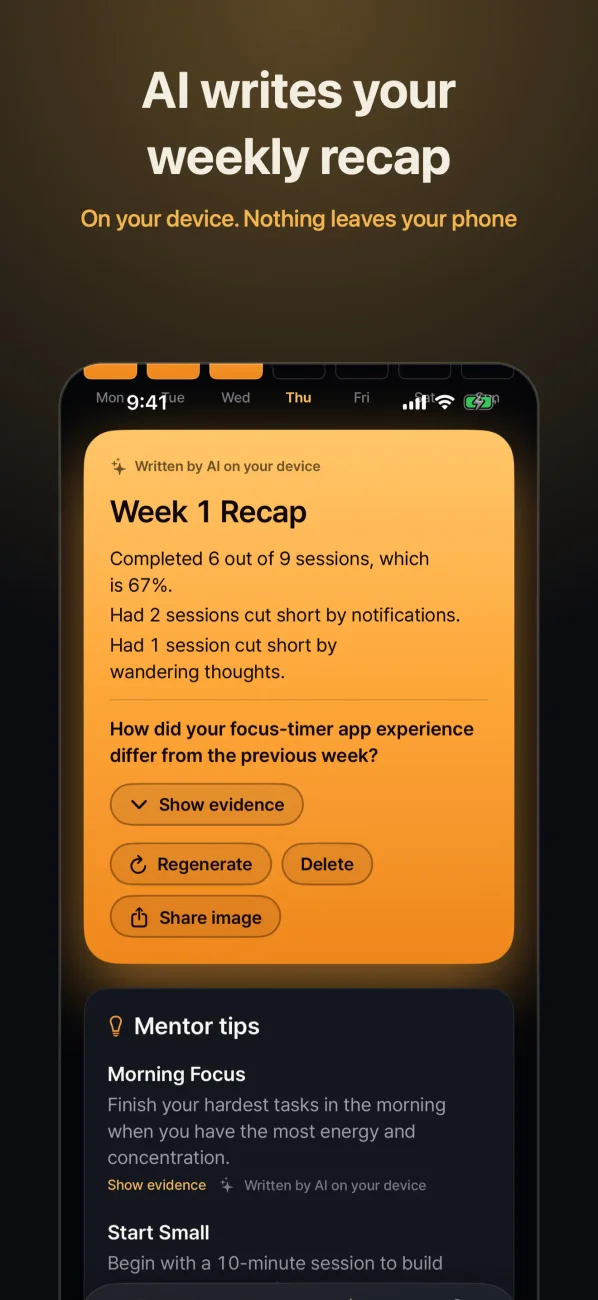
Turn on the light and focus. An AI mentor on your device reads your focus patterns.
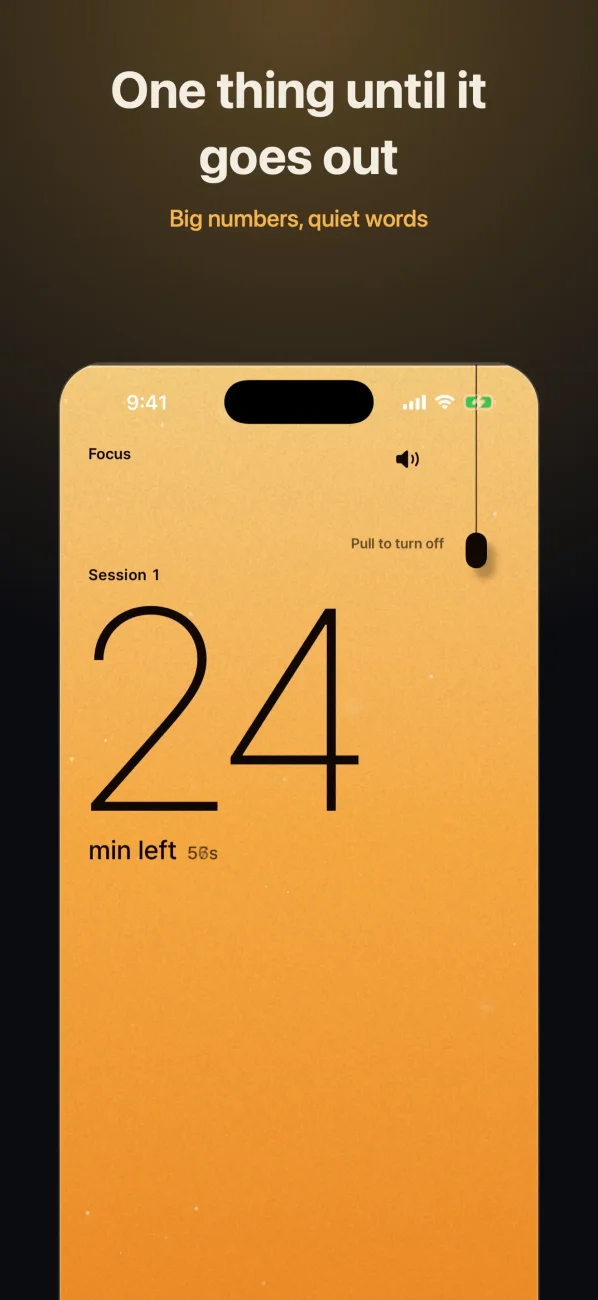
Deepnook is a calm Pomodoro focus timer. The screen darkens from above and only a strip of light remains. Big numbers, quiet words, and a gentle "that's okay" when you end early.
Built for studying, exam prep, reading and deep work: split your study time into Pomodoro sessions and let the AI coach find the rhythm that suits you.
AI THAT STAYS ON YOUR DEVICE (Apple Intelligence devices)
• AI recaps — your week and month are counted exactly by code, and on-device AI writes the sentences warmly
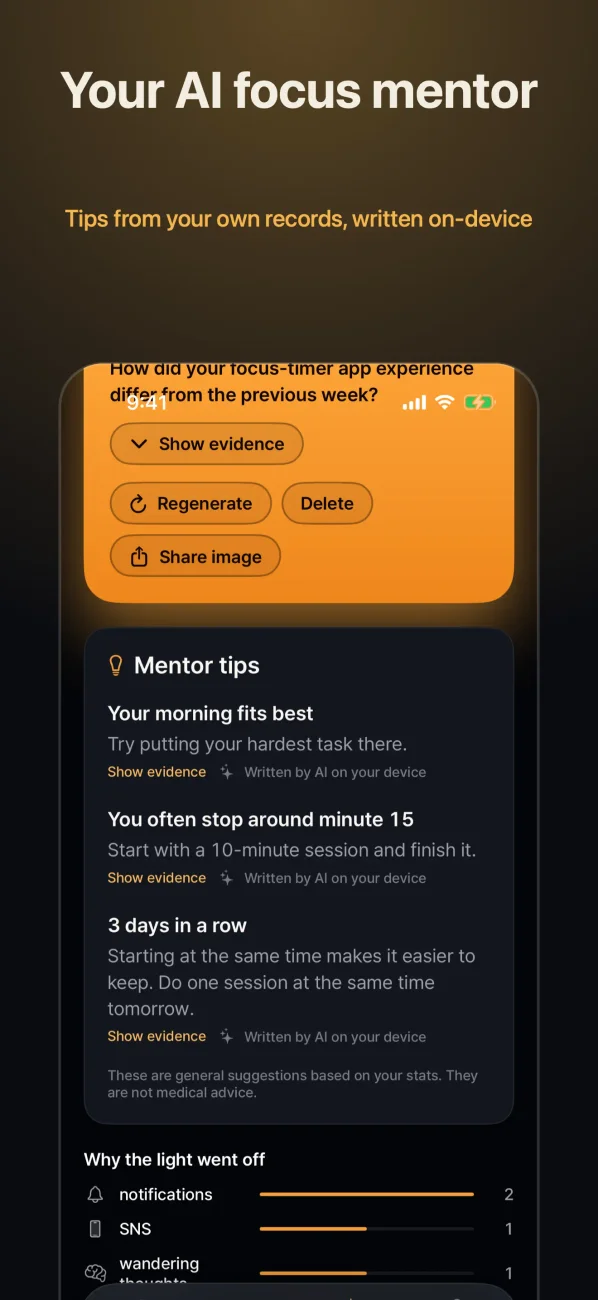
• AI mentor tips — finds the hours that suit you, where sessions break and what pulls you away, then suggests one thing to try today
• All AI runs on your device only: no server, no account, nothing leaves your phone
• On other devices, or in languages the on-device model does not support yet, you get the same statistics with template wording
FOCUS TIMER
• A timer that stays on your Lock Screen and Dynamic Island (Live Activity)
• Pull the cord or long-press to start; the time stays exact even if you reopen the app
• Time pauses when you switch to another app, with a quiet nudge to come back. Locking your screen still counts
• A one-line note and distraction tag after each session (skip them any time)
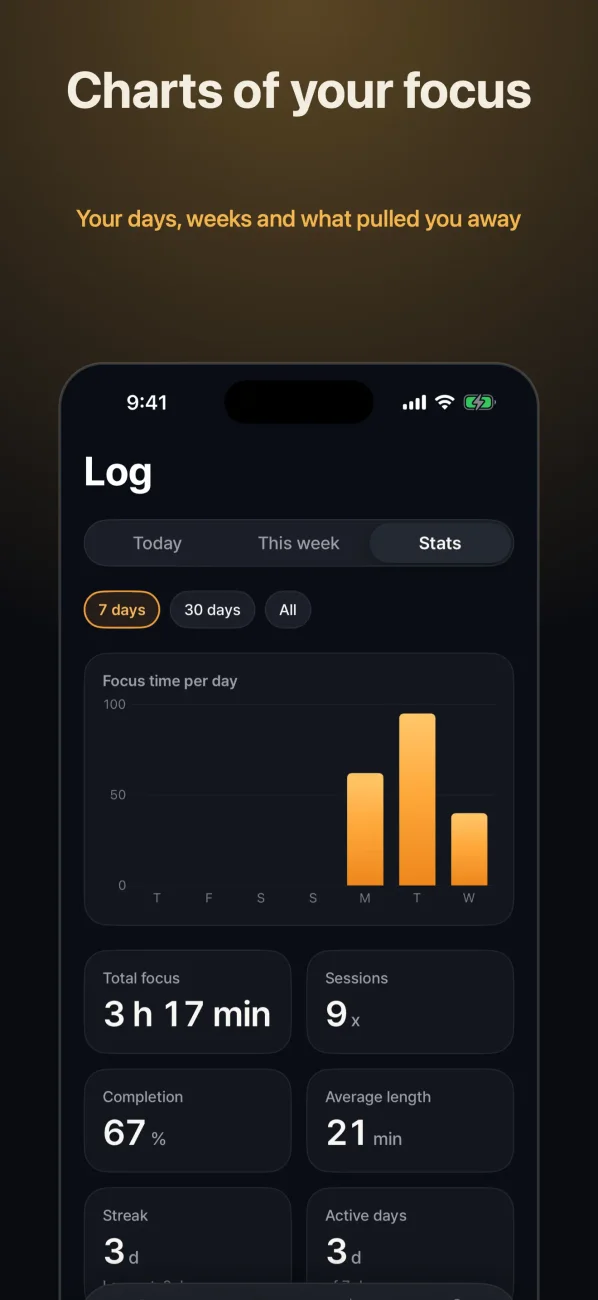
• Stats charts, CSV/JSON export, Home and Lock Screen widgets, Shortcuts, Focus filter, Apple Watch
DEEPNOOK PRO
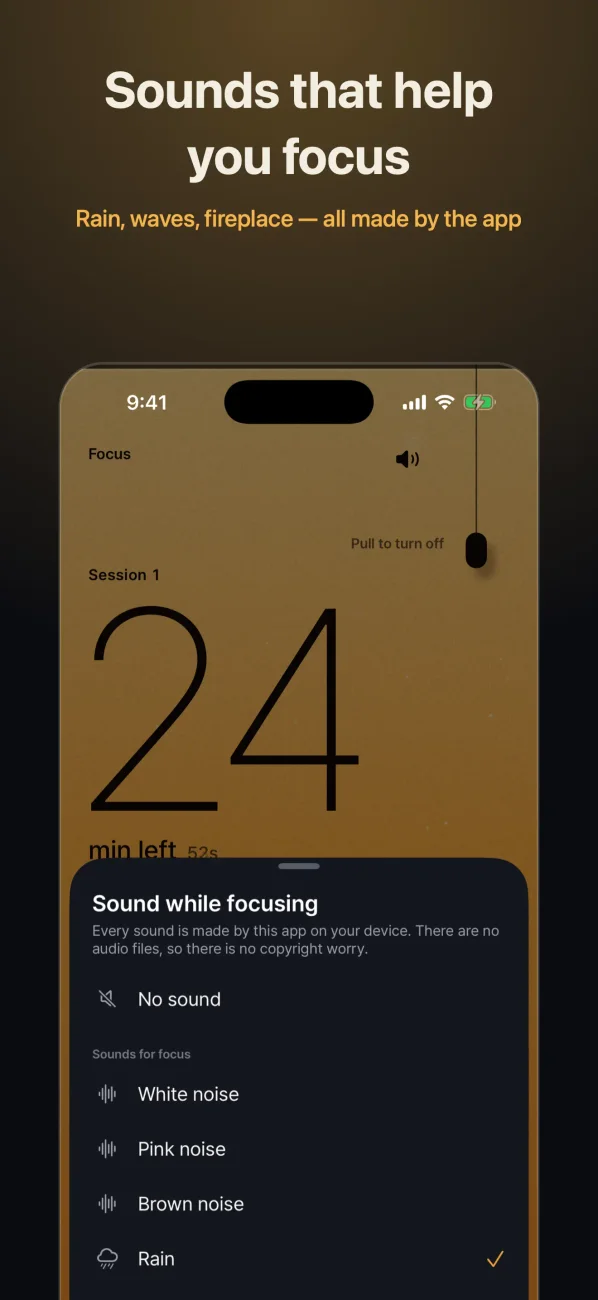
• Focus and break sounds — rain, waves, fireplace, wind, chimes, singing bowl, white/pink/brown noise. Every sound is generated by the app on your device (no audio files)
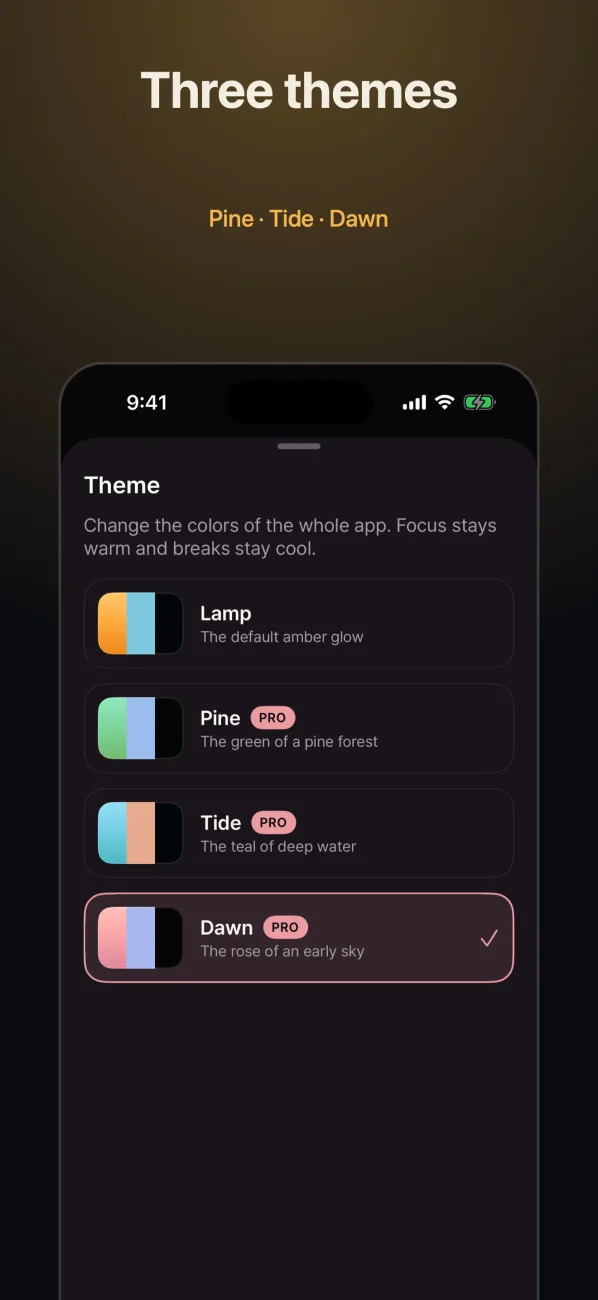
• 3 themes — Pine, Tide, Dawn
• Full-history stats, all widgets, past recaps
• Monthly, yearly (7-day free trial) or lifetime
No account, no ads, no tracking. Your records stay on your device; iCloud sync works only if you turn it on.
Subscription info: payment is charged to your Apple Account at confirmation and renews automatically unless canceled at least 24 hours before the end of the current period. If you do not cancel during a free trial, you are charged when it ends. Manage or cancel in Settings > Apple Account > Subscriptions.
Terms of Use (EULA): https://www.apple.com/legal/internet-services/itunes/dev/stdeula/
Privacy Policy: https://luraai.io/deepnook/privacy/en/
App privacy
What SEOK JU KANG declares on the App Store about how this app handles data.
-
Data not collected
The developer does not collect any data from this app.
Privacy practices may vary, for example with the features you use or your age.
Information
- Seller
- LuraAI
- Category
- Productivity
- Version
- 1.0.0
- Updated
- Oct 24, 2026
- Released
- Oct 23, 2026
- Size
- 24.0 MB
- Requires
- iOS 26.0 or later
- Age rating
- 4+
- Price
- Free
- In-app purchases
- Yes
- Languages
- English, Arabic, French, Hindi, Italian, Japanese, Korean, Portuguese, Simplified Chinese, Spanish, Traditional Chinese, Vietnamese
- Copyright
- © 2026 LuraAI
You might also like
-
 Cairn: Focus & Study TimerPomodoro deep work & habits
-
 Cycle – Focus & Break TimerDeep Work & Smart Break Cycles
-
 Wait — Focus Timer & PlannerDeep Work and Personal OS
-
 ReadFirst: App BlockerScreen time & reading tracker
-
 FlowFocus: Pomodoro TimerADHD Focus, Study & Deep Work
-
 Pomo Easy - Pomodoro TimerFocus timer for work & study
-
 FocusCommit - Pomodoro Timerbe focused, study timer
-
 Tokishil - Gestión del tiempoProductivity
-
 Taptic: Tally CounterCount What Matters
-
 Focus Timer - Time KeeperPomodoro Clock, Stopwatch