Doc OCR - Book PDF Scanner
Recognize Text on Image & Edit
Designed for iPhone, iPad, iPod touch
Free · In-app purchases
- Age rating4+
- CategoryBusiness
- DeveloperIFUNPLAY CO., LTD.
- LanguagesEnglish
- Size244.8 MB
Links to the official App Store page
Download.org hosts no file of Doc OCR - Book PDF Scanner. The button opens its official App Store page, published by IFUNPLAY CO., LTD. Listing last checked on Nov 12, 2026.
Screenshots
About
DocOCR – Smart PDF Scanner & OCR Tool for Education
Turn your iPhone or iPad into a powerful document scanner and text recognizer with DocOCR.
Whether you’re a student, teacher, or school administrator, DocOCR helps you scan, recognize, organize, and share documents easily and securely — all on your device. No internet required for OCR or image processing, ensuring complete privacy and data protection.
- OCR & Document Scanning Made Simple
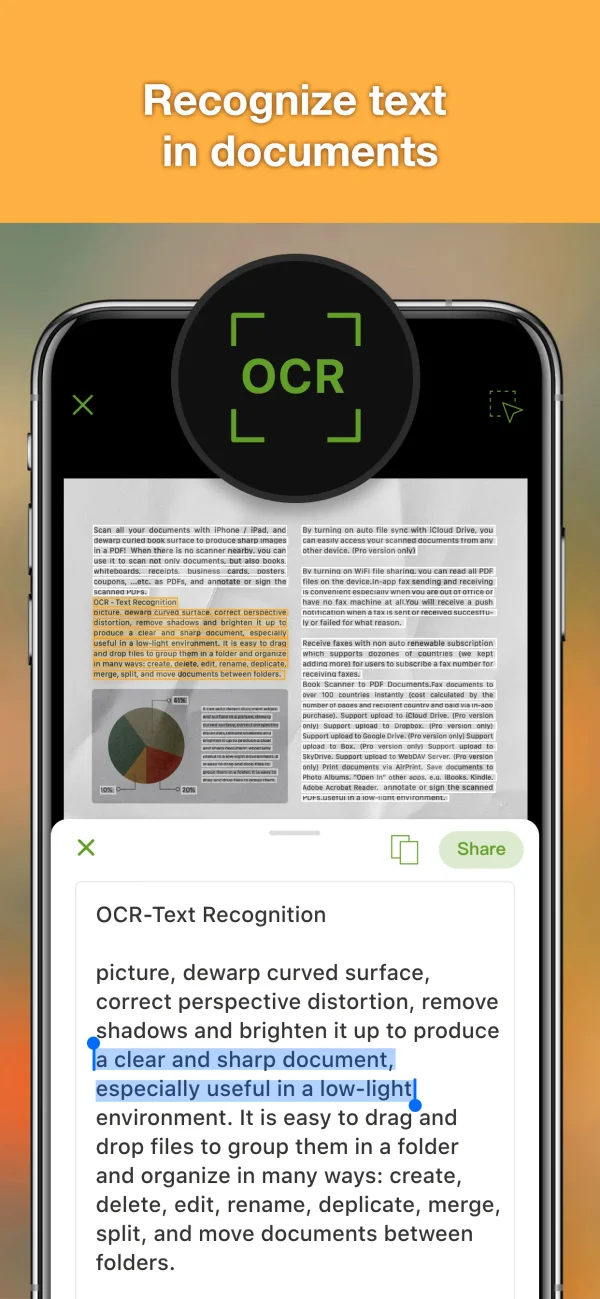
Scan and recognize text from:
• Printed documents
• Books & whiteboards
• Receipts & business cards
• Posters, coupons, and more
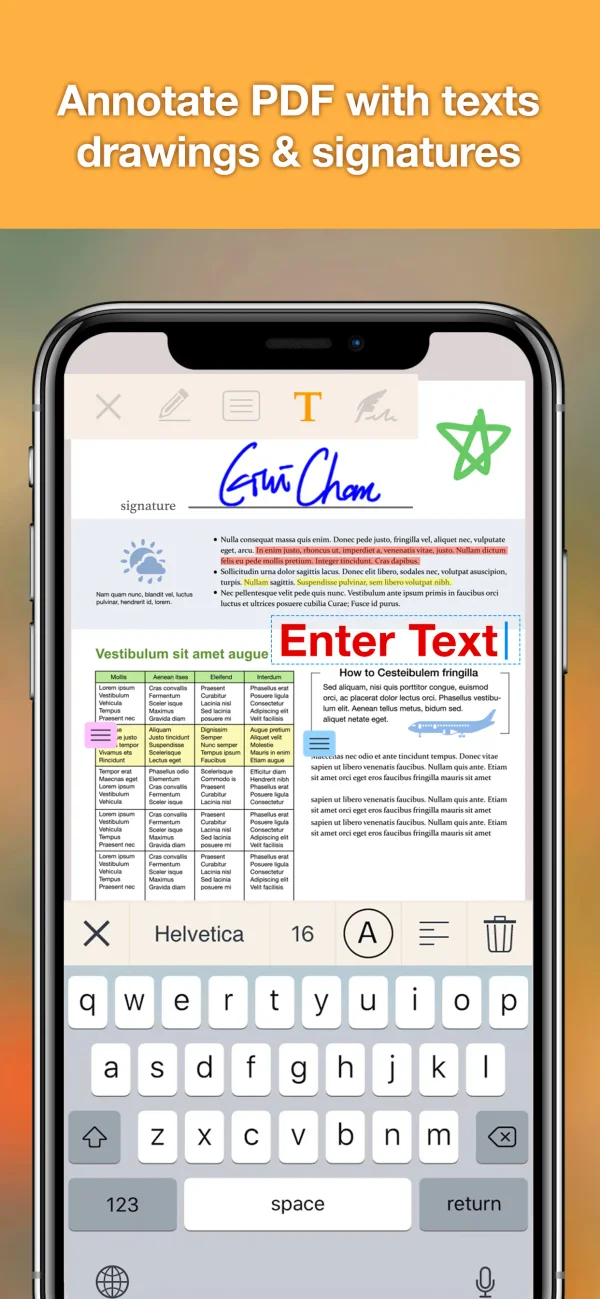
Save scans as searchable PDFs and annotate or sign them directly within the app.
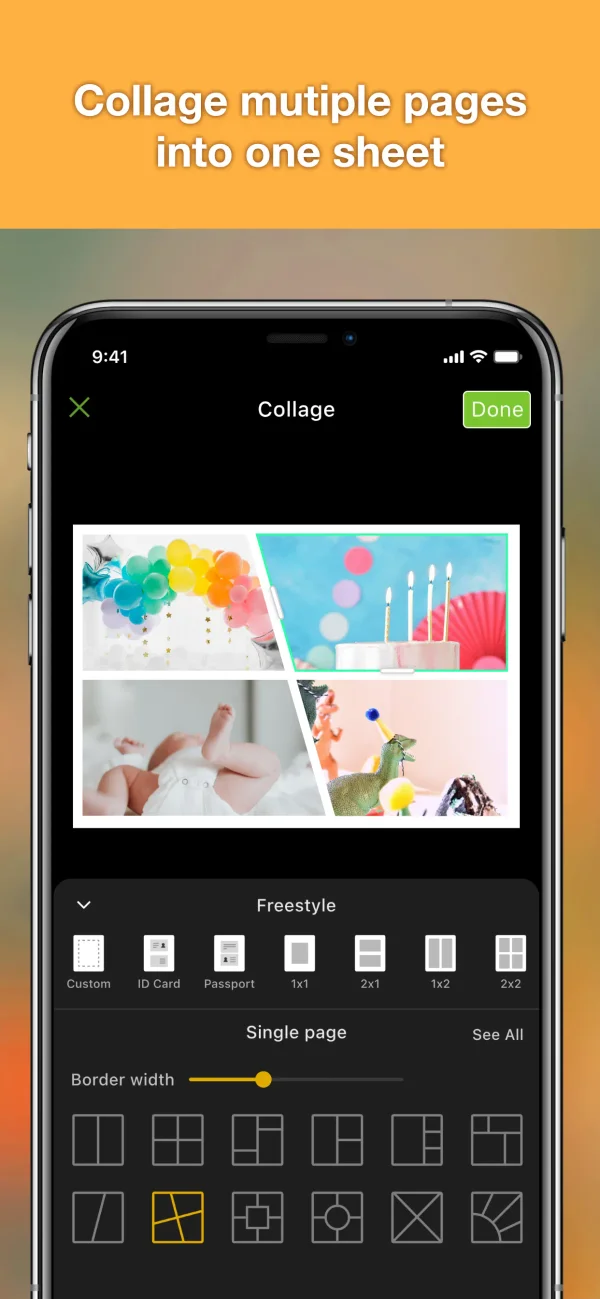
Photo Collage Mode
Combine multiple pages (e.g., front and back of ID cards) onto a single A4/Letter page — perfect for printing or sharing.
- Smart Image Processing
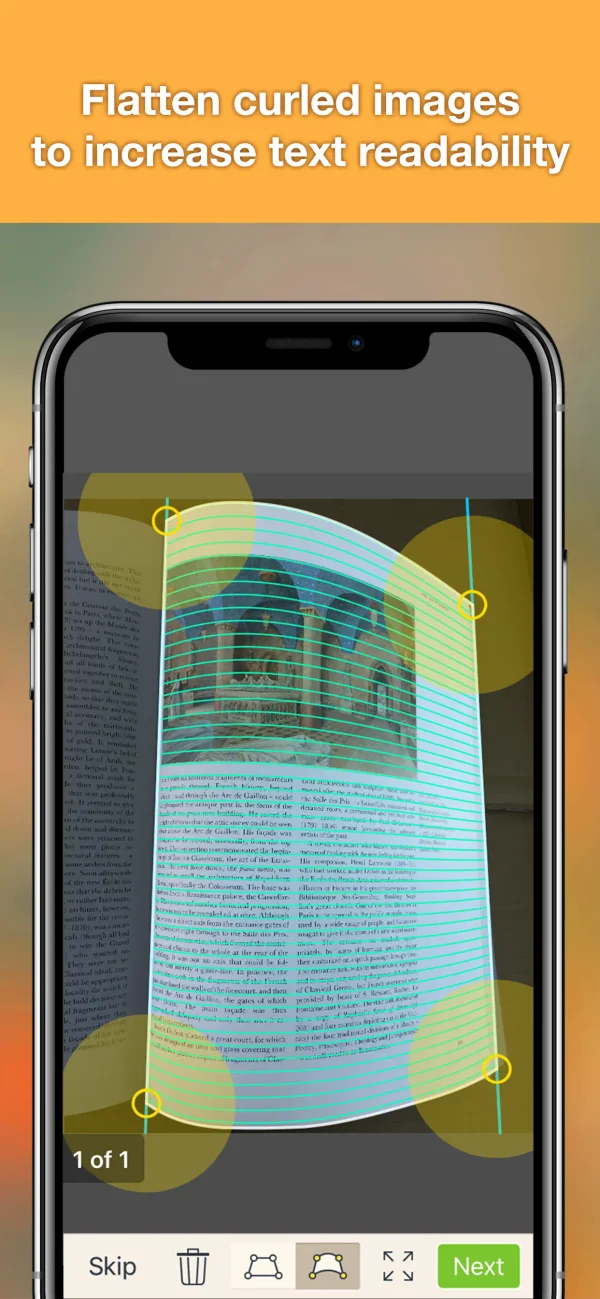
DocOCR automatically:
• Detects document edges
• Corrects perspective and curved surfaces
• Removes shadows and enhances clarity
Ideal for low-light conditions or quick classroom captures.
- Powerful Document Management
Organize your scans with ease:
• Create, rename, merge, split, or move files and folders
• Drag and drop to group documents
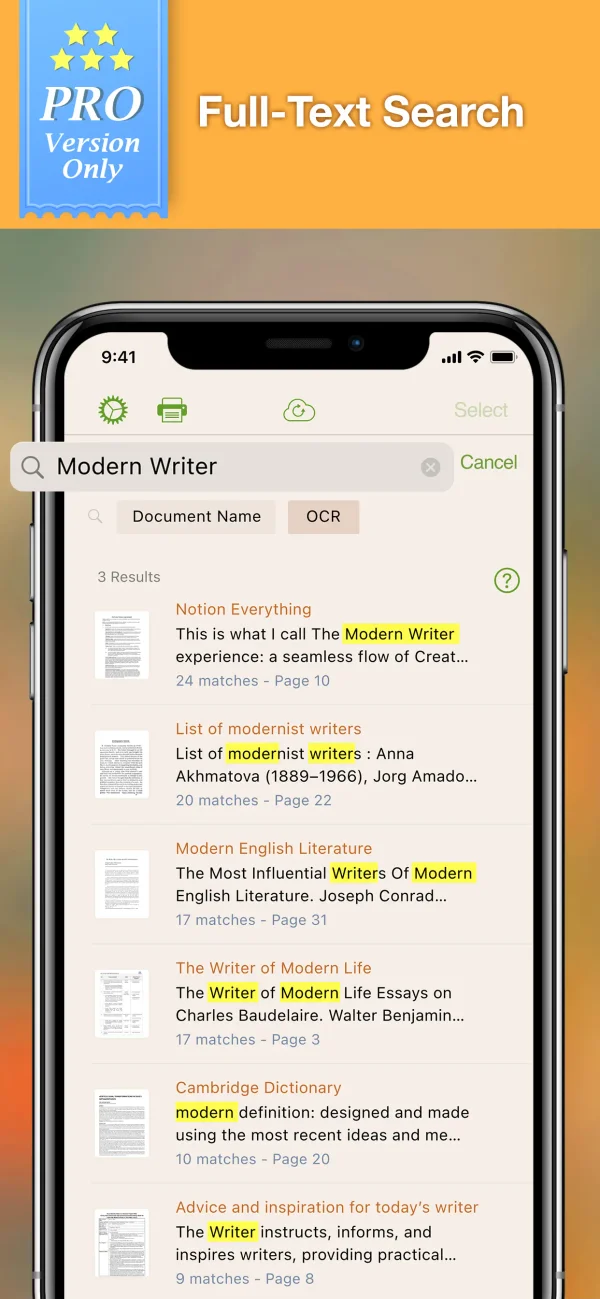
• Full-text search on OCR results (Bronze Plan)
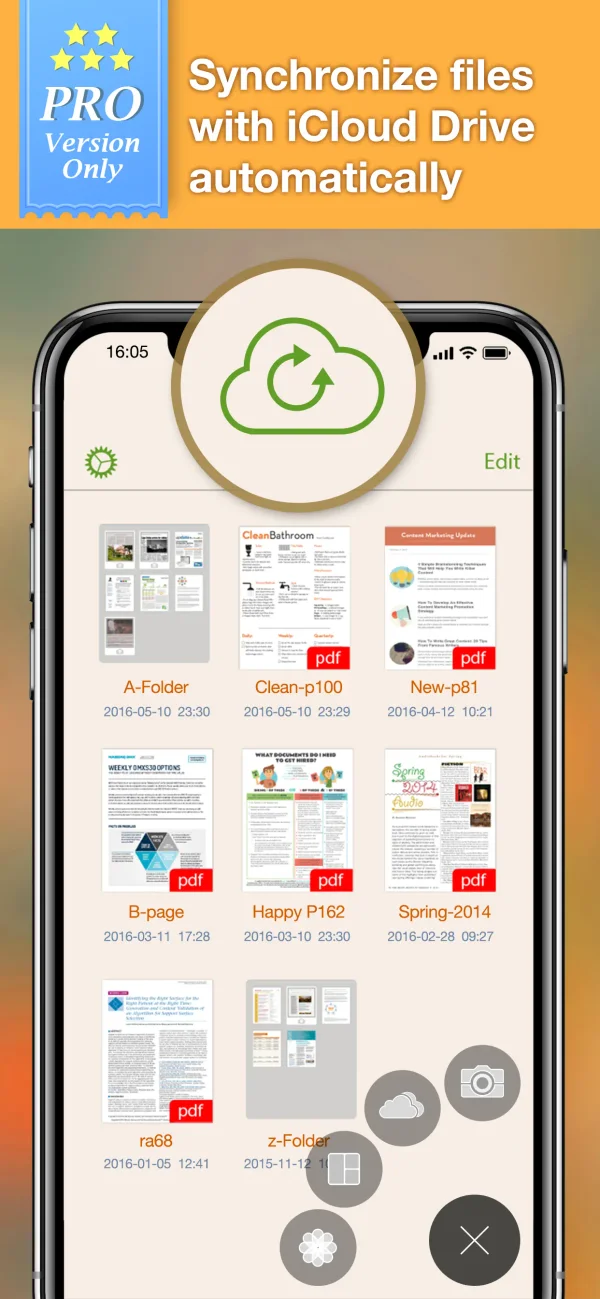
• iCloud Drive sync for access across devices (Bronze Plan)
Import, Export & Share
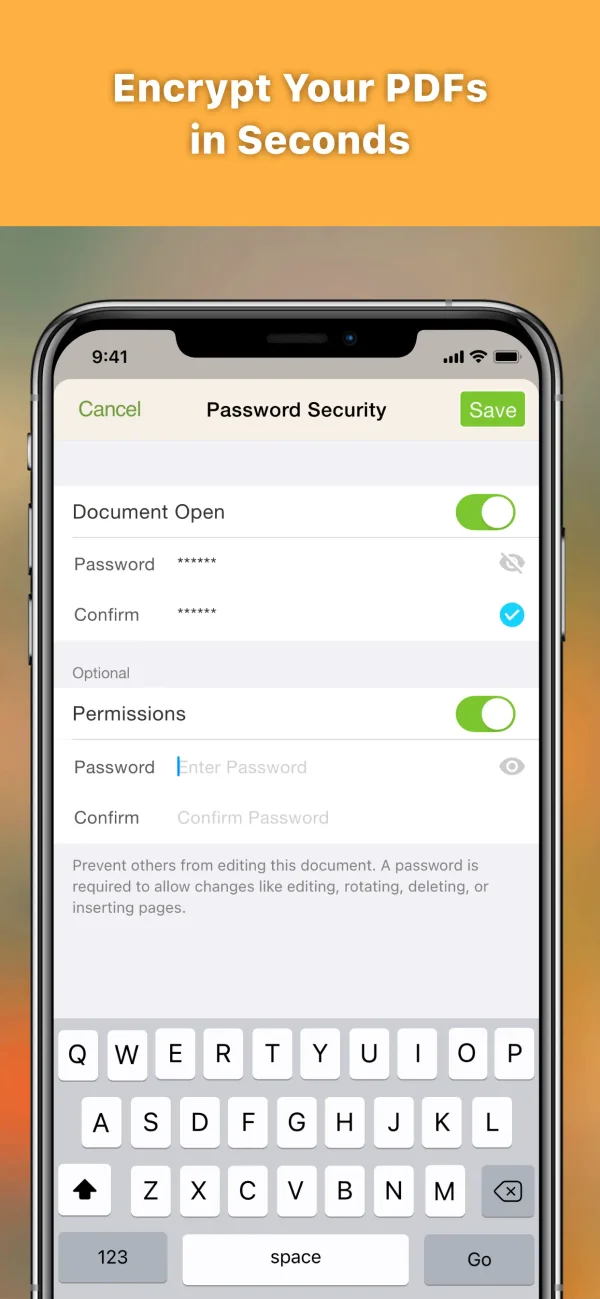
• Support PDF encryption and decryption
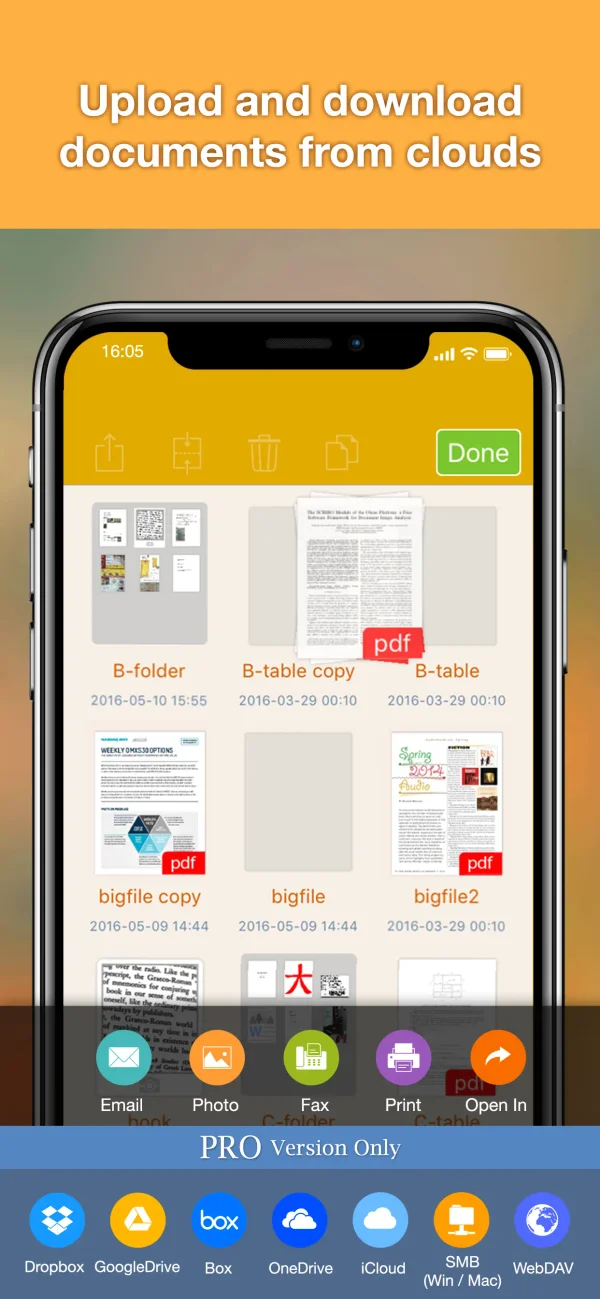
• Email as PDF or JPEG
• Export OCR text as TXT or DOCX
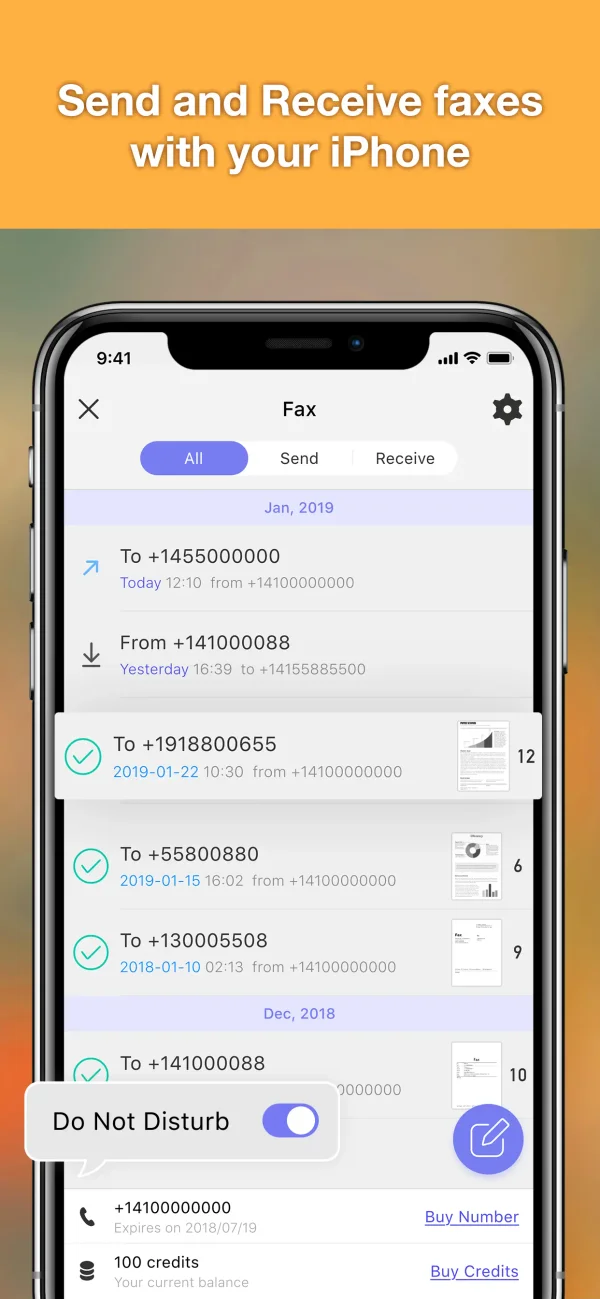
• Fax to 100+ countries (via in-app purchase)
• Print via AirPrint
• Upload/download with: iCloud Drive, Dropbox, Google Drive, OneDrive, Box, SMB, WebDAV (Bronze Plan)
• “Open In” support for apps like iBooks and Adobe Reader
File Import
• Import PDFs or images via “Open In” from other apps
• Import files from your favorite cloud services
Fax Anywhere
• Send/receive faxes directly from the app
• Get notified when fax is sent or received
• Subscribe to a personal fax number for inbound faxes
• Block incoming faxes when not needed
- Bronze Plan Subscription
Unlock advanced features like cloud sync, full-text search, and cloud storage support.
• Billed monthly or annually
• Auto-renews unless canceled 24 hours before the end of the current period
• Manage subscriptions in your App Store account
• Unused trial periods are forfeited upon subscription
Terms of Service: https://ifunplay.com/legal.html
What’s new
Version 6.0.7 · Oct 16, 2026
This update includes stability improvements and bug fixes.
App privacy
What IFUNPLAY CO., LTD. declares on the App Store about how this app handles data.
-
Data used to track you
May be used to track you across apps and websites owned by other companies.
- Identifiers
-
Data not linked to you
May be collected but is not linked to your identity.
- Identifiers
- Usage data
Privacy practices may vary, for example with the features you use or your age.
Information
- Seller
- IFUNPLAY CO., LTD.
- Category
- Business
- Version
- 6.0.7
- Updated
- Oct 16, 2026
- Released
- Sep 7, 2016
- Size
- 244.8 MB
- Requires
- iOS 13.0 or later
- Age rating
- 4+
- Price
- Free
- In-app purchases
- Yes
- Languages
- English
- Copyright
- © 2016 IFUNPLAY CO., LTD.
You might also like
-
 Scanner Vault: PDF & OCR ScanDocument Image Text Converter
-
 SmartScan AIOCR, Translate, AI Chat, Scan
-
 OCR Book Scannerwith ChatGPT and GPT6
-
 Prizmo › Document Scanner, OCRAccurate OCR scan. PDF & DOCX
-
 Text Scanner:Photo to PDFExtract Text with OCR
-
 OCR Scanner : Image to TextImage to Text Scanner
-
 Image scanner - pdf to textScan to pdf & scanbot & OCR
-
 vFlat Scan - PDF & OCR ScannerScan Books Flat — No Cutting
-
 PDF Scan - MAX ScannerPDF Scanner, Scan to PDF
-
 Text Scanner & Image to TextOCR picture photo scan extract