PDF Scanner App: TapScanner
Scan Documents, Sign & Edit
Designed for iPhone, iPad
Free · In-app purchases
- Age rating4+
- CategoryBusiness
- DeveloperSMART MEDIA INTERNET MARKETING LTD
- LanguagesEnglish+ 7 more
- Size190.5 MB
Links to the official App Store page
Download.org hosts no file of PDF Scanner App: TapScanner. The button opens its official App Store page, published by SMART MEDIA INTERNET MARKETING LTD. Listing last checked on Nov 27, 2026.
Screenshots

About
Scan, Print & Share any document to PDF.
The new home for all your paper documents.
Now you can simply scan, import and share right inside the best portable scanner app. Access everything you’ve previously scanned with the TapScanner app.
Why TapScanner?
Join over 100 Million satisfied users all over the world who trust TapScanner to be their tiny portable scanner.
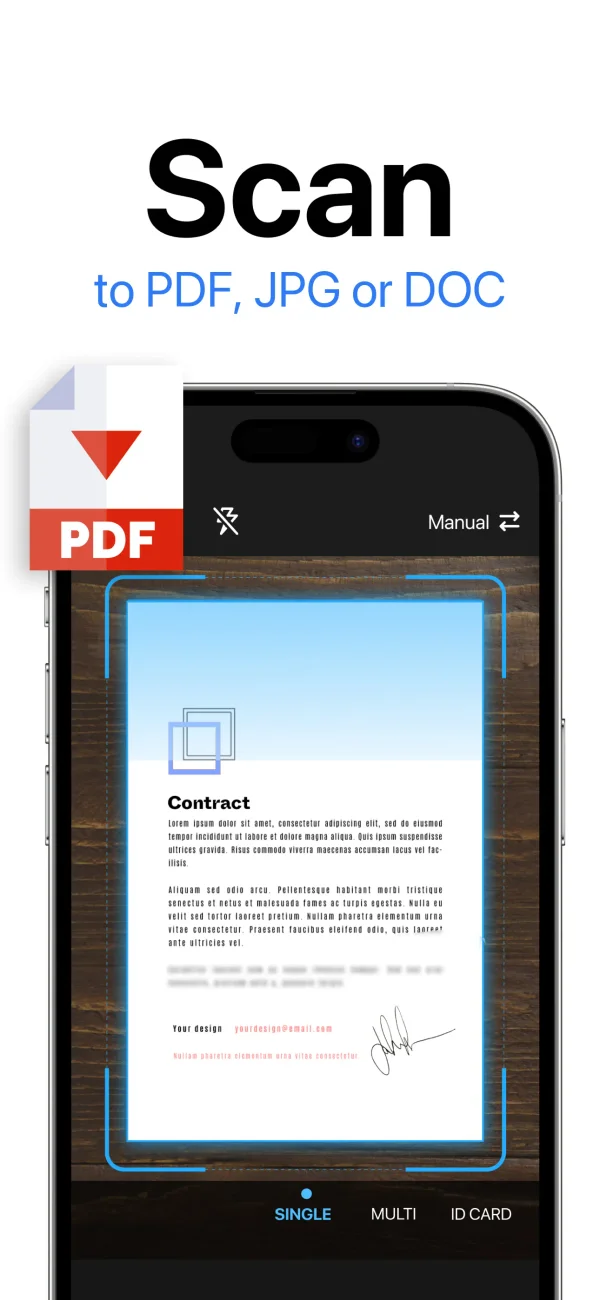
Scan to PDF
• Scan any document and convert to PDF with your mobile device.
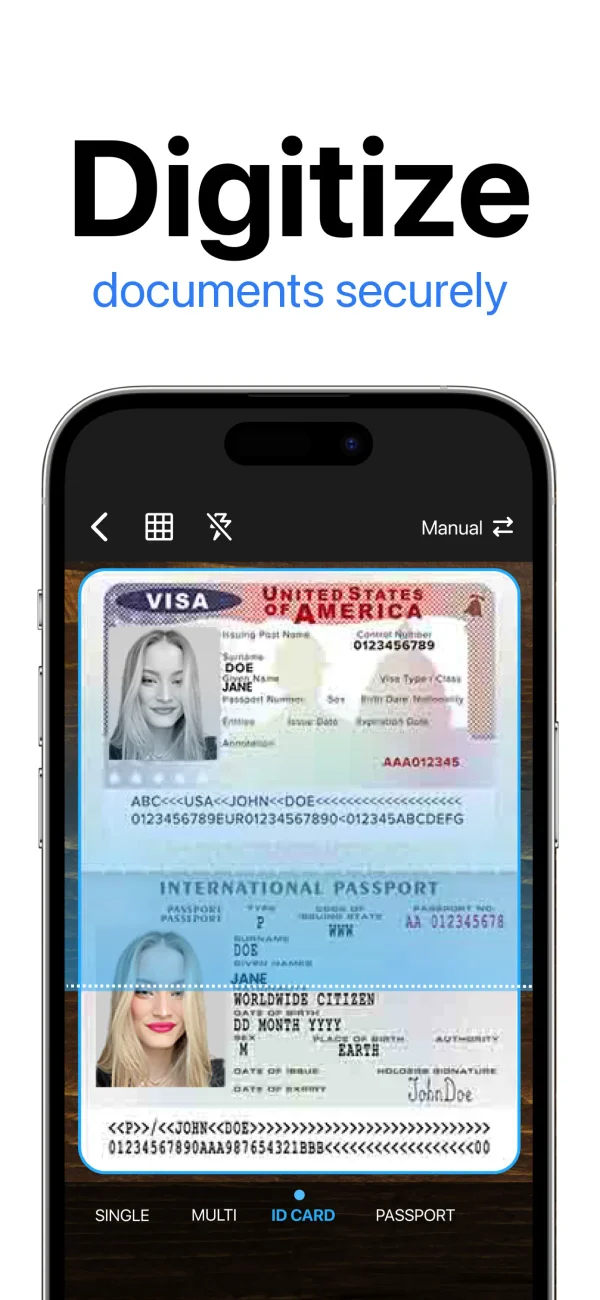
• TapScanner has got you covered with our pdf maker and pdf reader. Receipts, documents, business cards, whiteboards, ID’s, books and photos - From image to pdf immediately
• Scanning made easy
• Get your documents auto cropped and sorted in the way you need them
• Save time cropping each document
Finish your paperwork from anywhere
• Use the best document scanner to attach an E-signature using pdf sign tools.
• Mark and edit fields to add everything you need with an intuitive pdf viewer.
Get the perfect scan - Enhance with Filters
• Powerful filters that will make your documents look professional
• Remove shadows to enhance your scans
• Port to black and white or adjust contrast and brightness
Backup to Cloud
• Just like that, scans on your phone are backed up to your favourite cloud.
• TapScanner’s PDF converter ensures you store a high-quality PDF output from our mobile scanner
Edit text from your scans
• Convert image to text - Edit your scans with OCR
• Export accurate text straight from your docs
• Unlock content and extract text from images through OCR with automated text recognition enhanced by machine learning algorithms
• Read QR codes with the built in QR scanner which supports links, text ISBN and emails - simply access the Qr code reader in the cam scan module
PDF Editor
• Pdf splitter - simply import a pdf file and TapScanner will Split PDF
• It’s never been easier to split pdf into a number of pdf files
Manage your files
• Merge PDF files together to make editing easier
• Combine PDF files quickly to organize your files
Convert files
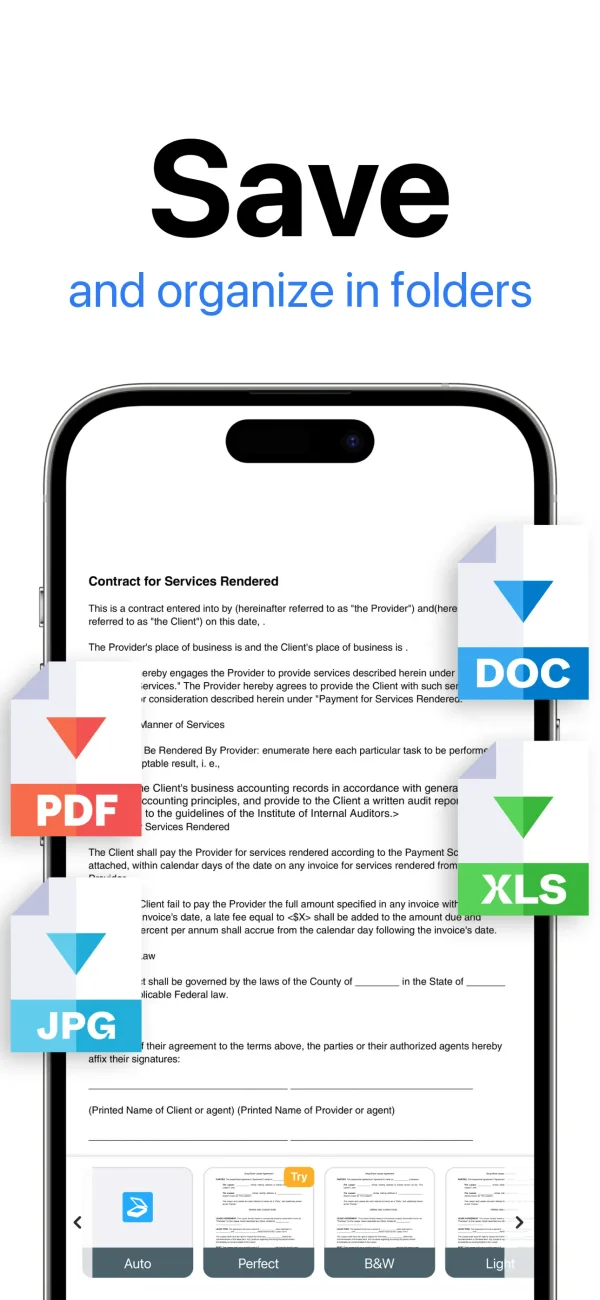
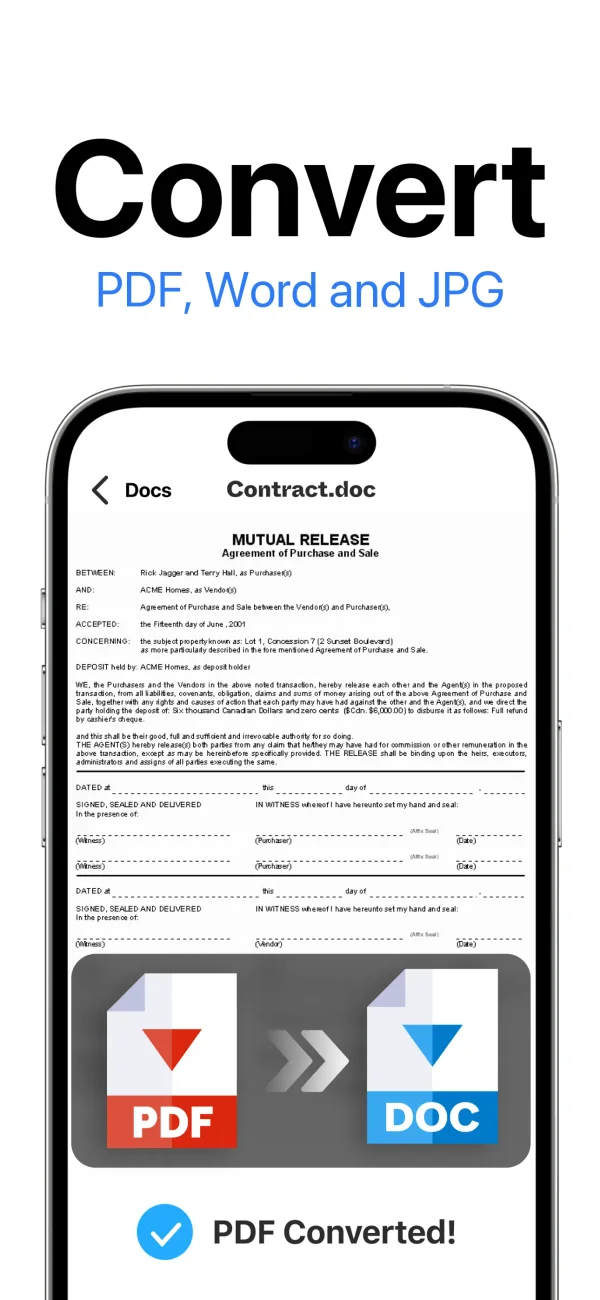
• Share your files in the format you need: convert jpg to pdf files or convert pdf to jpg
• Need a document in word? Convert PDF to word, word to PDF for easy editing
• PDF to docx function will save you time
•PDF to doc functionalities will help you manage your finances
• Magically take images from your camera or gallery and turn them to PDFs with Pdf to jpg and Jpg to pdf conversions
Compress PDF files
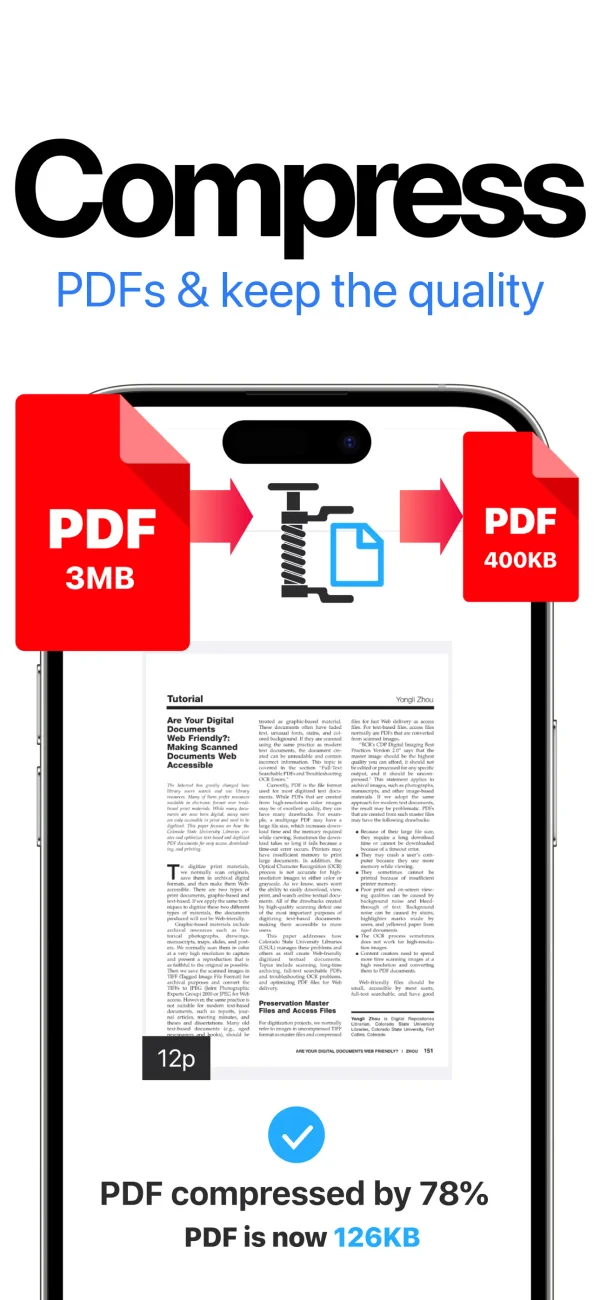
• Easy sharing on chats or email
• Reduce file size or compress pdf to zip
• Making your PDF smaller will help you save space
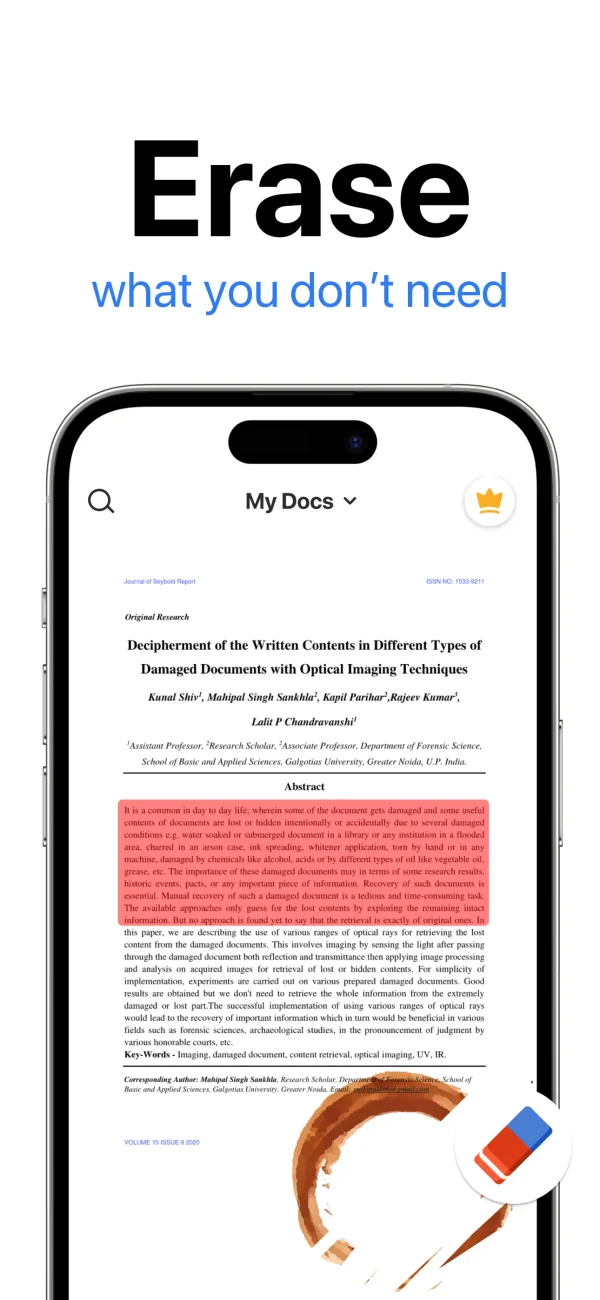
Remove watermarks
• Perfect and clean your scans by removing stains
Protect Files
• Protect PDF with a password
• Keep your files secure - lock PDF
Print
• Using this PDF scanner, you can print directly from our scanner app
Get everyone in on the loop
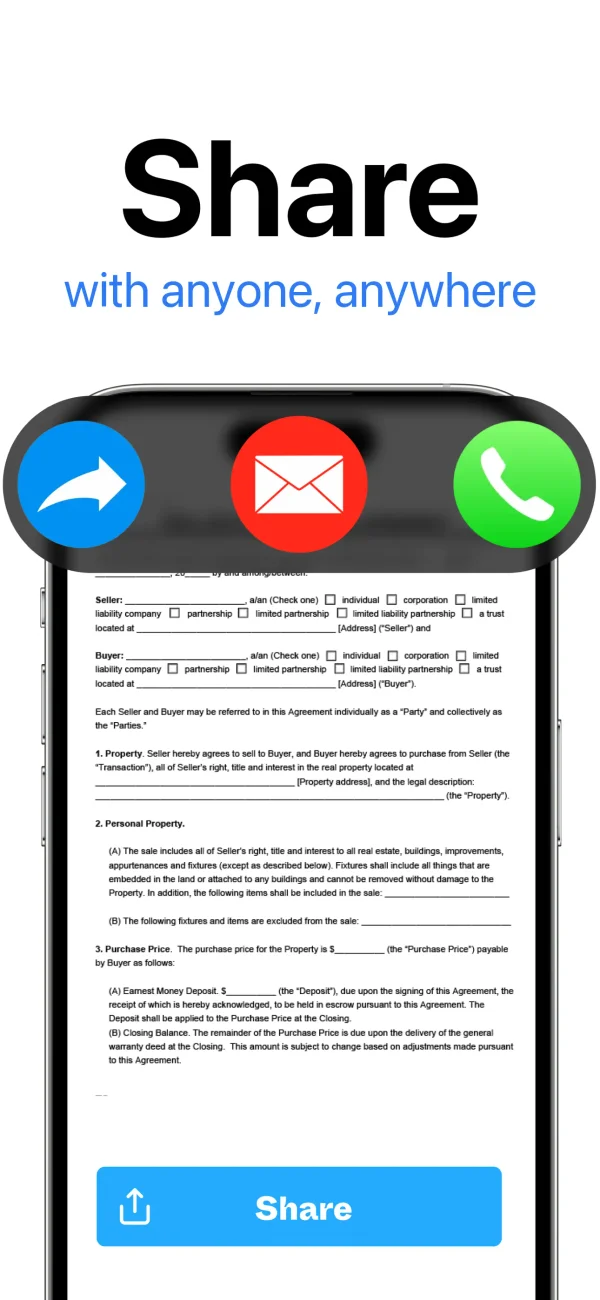
• Share documents easily and quickly
• Seamlessly share to email, social media and instant messaging apps
Sort
• Create folders and tag documents to organize your scans in mobile pdf scanner
• Find documents in your scanned library easily by name, tag or folder
- Subscriptions are billed weekly, monthly or annually at the rate selected depending on the subscription plan.
- Payment will be charged to iTunes Account at confirmation of purchase
- Account will be charged for renewal within 24-hours prior to the end of the current period, and identify the cost of the renewal
- Subscriptions auto-renew at the cost of the chosen package, unless cancelled 24-hours in advance prior to the end of the current period. Subscriptions may be managed by going to your iTunes Account Settings after purchase.
You may manage your subscription and turn off auto-renewal by going to your Account Settings after purchase.
Privacy Policy - https://tap.pm/privacy-policy-v5/
Service Terms - https://tap.pm/terms-of-service/
Powerful High Quality Scanner App - Try Now For Free!
What’s new
Version 4.78.0 · Oct 26, 2026
Just like your documents, Tapscanner needs some editing sometimes too. In this version you will find improvements and bug fixes. We are working hard to improve the app. If you're satisfied, we'd appreciate it if you rate us 5 stars!
App privacy
What SMART MEDIA INTERNET MARKETING LTD declares on the App Store about how this app handles data.
-
Data used to track you
May be used to track you across apps and websites owned by other companies.
- Identifiers
-
Data not linked to you
May be collected but is not linked to your identity.
- Identifiers
- Usage data
- Diagnostics
Privacy practices may vary, for example with the features you use or your age.
Information
- Seller
- SMART MEDIA INTERNET MARKETING LTD
- Category
- Business
- Version
- 4.78.0
- Updated
- Oct 26, 2026
- Released
- May 30, 2018
- Size
- 190.5 MB
- Requires
- iOS 16.0 or later
- Age rating
- 4+
- Price
- Free
- In-app purchases
- Yes
- Languages
- English, French, Hebrew, Portuguese, Russian, Simplified Chinese, Spanish, Turkish
- Copyright
- © Smart Media
You might also like
-
 PDF Scanner・Document ScannerScan ID Card, Sign, OCR & Edit
-
 Scan Hero: PDF ScannerFor Documents, Photos & Text
-
 QR Code Reader & PDF ScannerDocs & Barcode: Scаn and Share
-
 PDF Scanner・Scan Documents AppScan Photo, Passport, ID: Sign
-
 Document Scanner · Scan to PDFFast Scan, Sign & OCR Docs
-
 Scanner – Scan PDF, ID & DocsEdit, Sign, Convert Documents
-
 PDF Converter, Image to PDFPDF Maker - Picture to PDF
-
 SuperScan - PDF Scanner AppDocument Scanner PDF Converter
-
 PDF Scanner App, OCR: DocutainDocument scanner, scan to PDF
-
 Clear Scan: Doc Scanner AppPhoto to PDF, Receipt scanning