DocuMindX
AI Scanner Auto-Organize Docs
Designed for iPhone
Free · In-app purchases
- Age rating4+
- CategoryProductivity
- DeveloperFoshan 312 Chao Cultural Communication Co., Ltd.
- LanguagesEnglish
- Size16.5 MB
Links to the official App Store page
Download.org hosts no file of DocuMindX. The button opens its official App Store page, published by Foshan 312 Chao Cultural Communication Co., Ltd. Listing last checked on Nov 21, 2026.
Screenshots

About
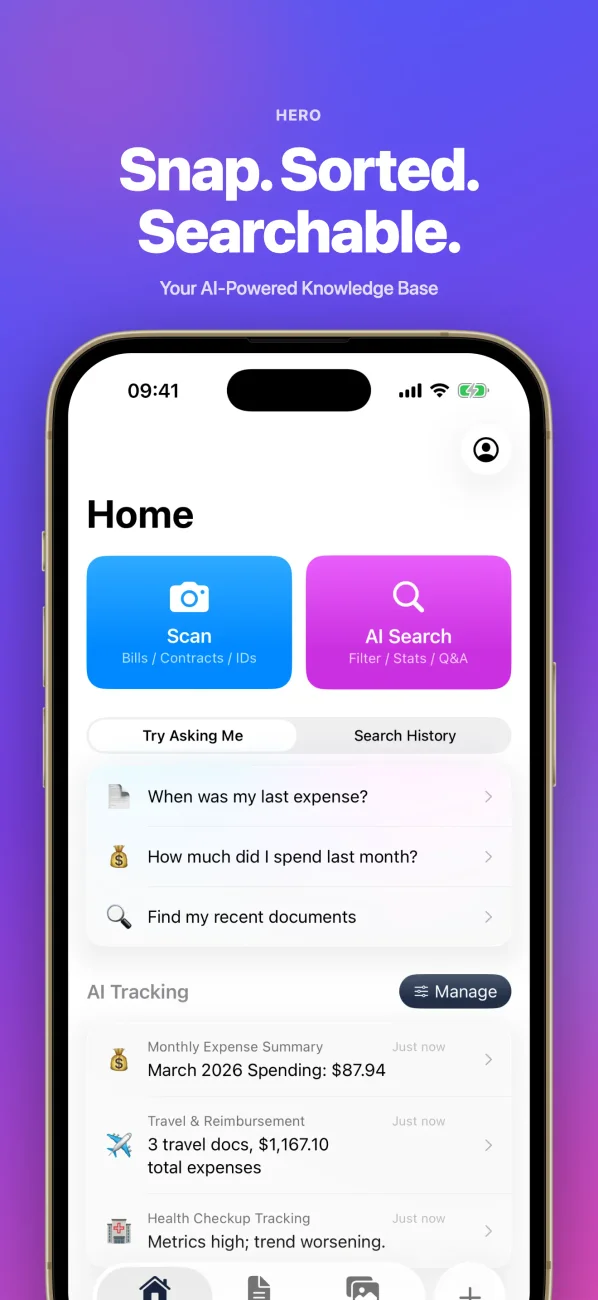
Snap a photo, auto-filed. Search in plain English, found instantly. Your personal knowledge base starts with the first photo.
Invoices, contracts, IDs, business licenses, prescriptions, checkup reports, insurance policies, bank statements, study notes, property deeds — just take a photo. AI recognizes text, extracts key details, and files everything automatically. Every photo you take adds a searchable, queryable smart document to your knowledge base. No manual naming. No manual sorting.
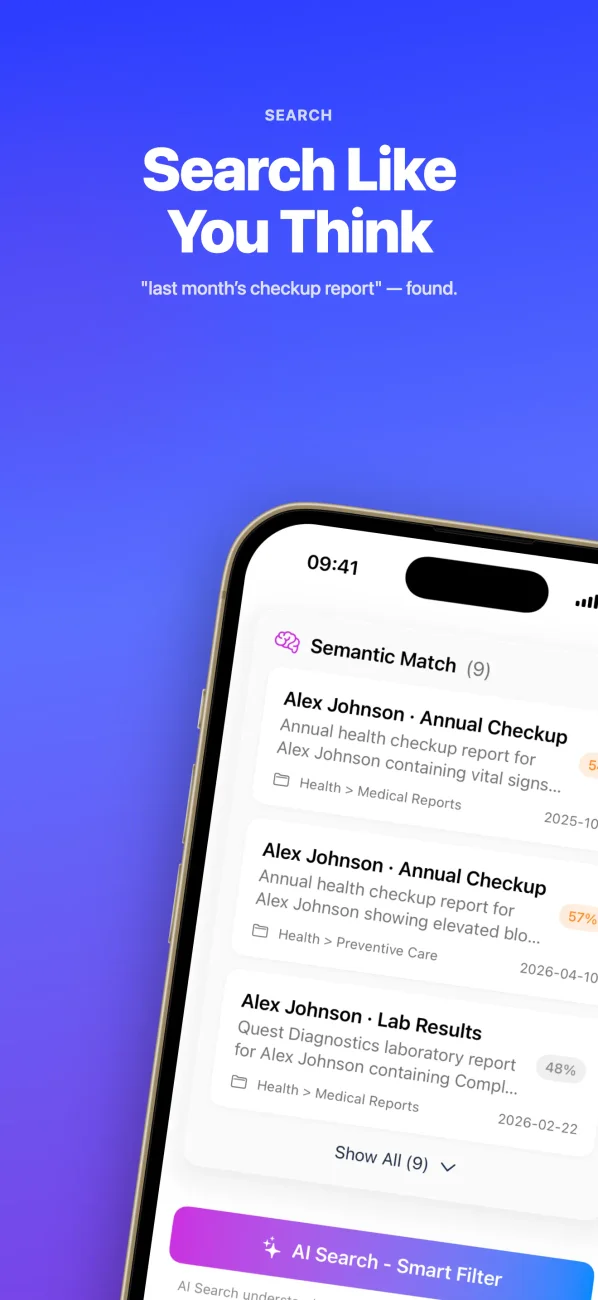
Finding files is faster — just search "last month's checkup report." 10x faster than digging through folders.
— Scan & Auto-Organize —
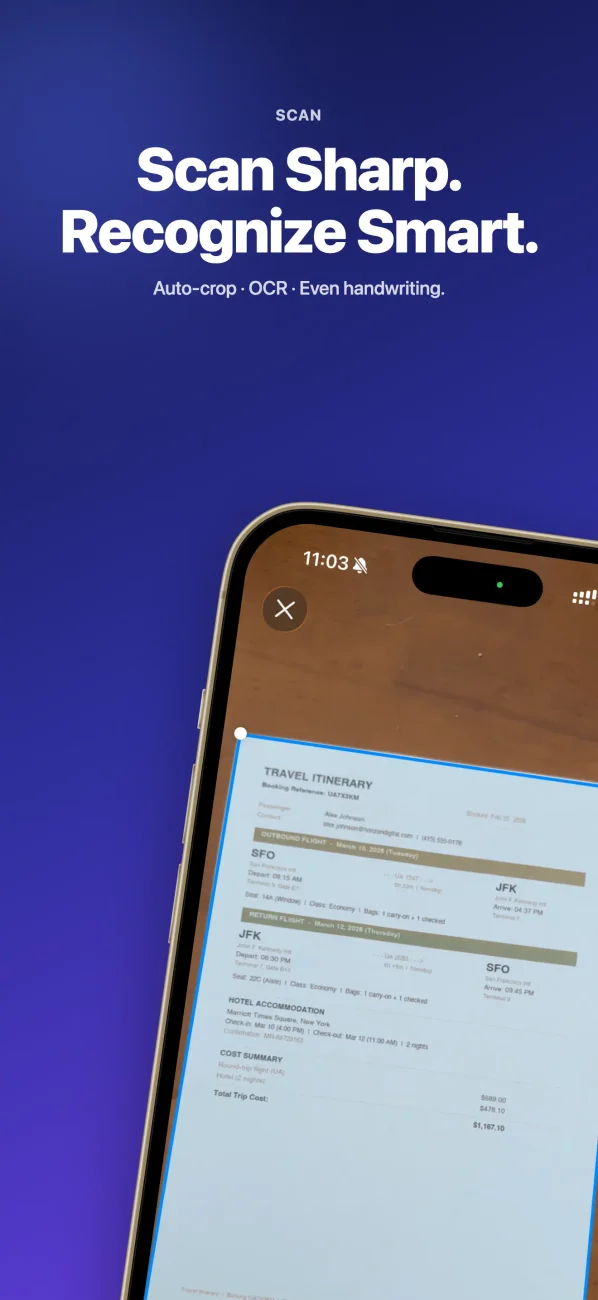
Point your phone, turn paper into digital files instantly:
· Smart Text Recognition: Beyond basic OCR — AI deeply understands document content and structure
· Key Info Extraction: Names, dates, amounts, tax figures — grabbed automatically, no line-by-line reading
· One-Tap Summaries: Get the gist of long documents in seconds
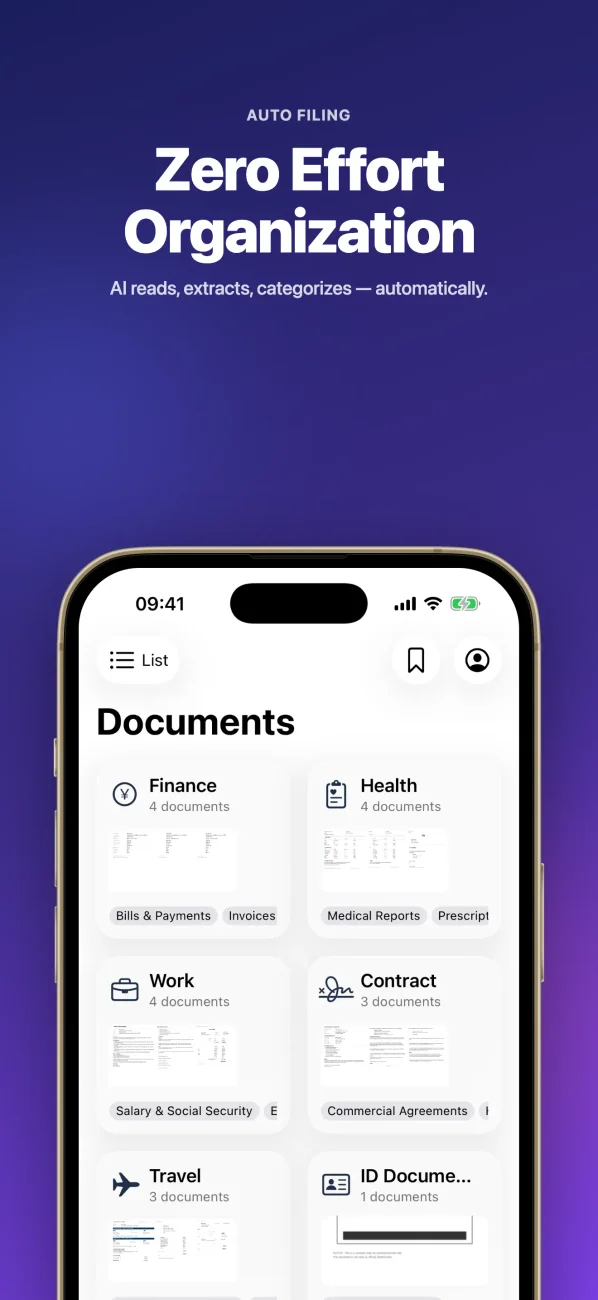
· Smart Filing: AI identifies document types and files them into the right categories
— Finding Files? Just Say It —
Forgot where you saved it? Just search:
· "last month's checkup report"
· "payment terms in the renovation contract"
· "that page of notes from last week's class"
· "car insurance policy from last year"
— Pro Search: Cross-Document Analysis —
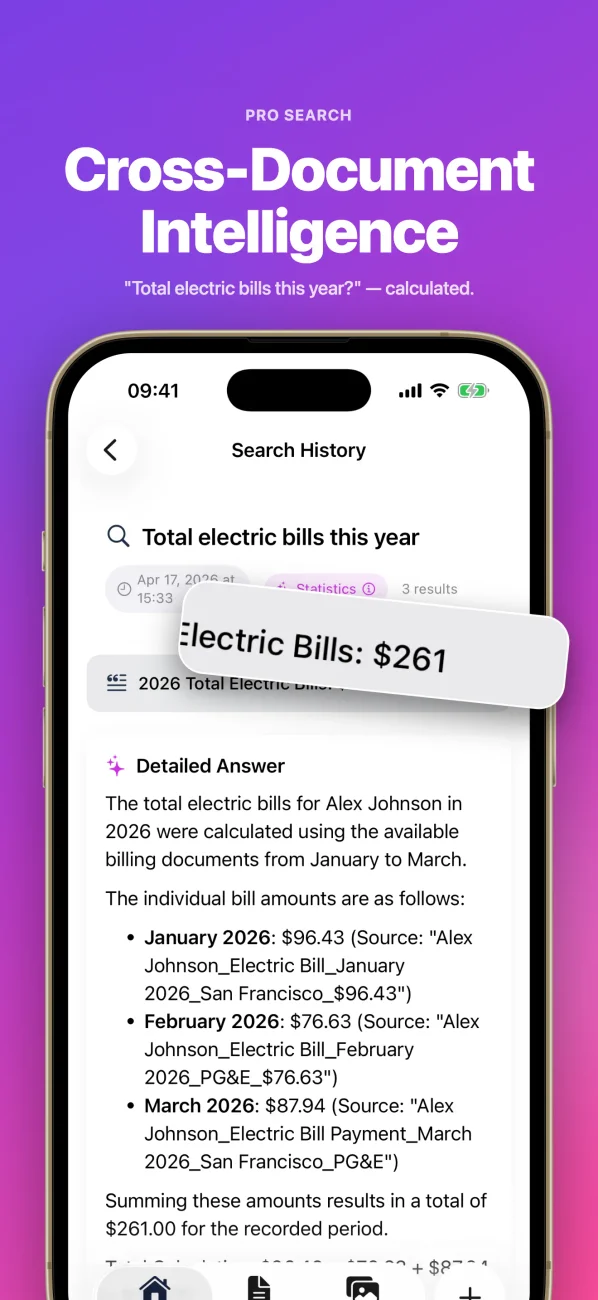
More than finding files — analyze, aggregate, and compare across documents:
· "How many electric bills did I pay this year? What's the total?"
· "How have my health checkup numbers changed over the last three months?"
· "What's different about the payment terms in these two contracts?"
AI understands time-based queries, aggregates data from multiple documents, calculates, compares, and delivers a complete analysis report.
— Smart Briefings: Your Personal Data Analyst —
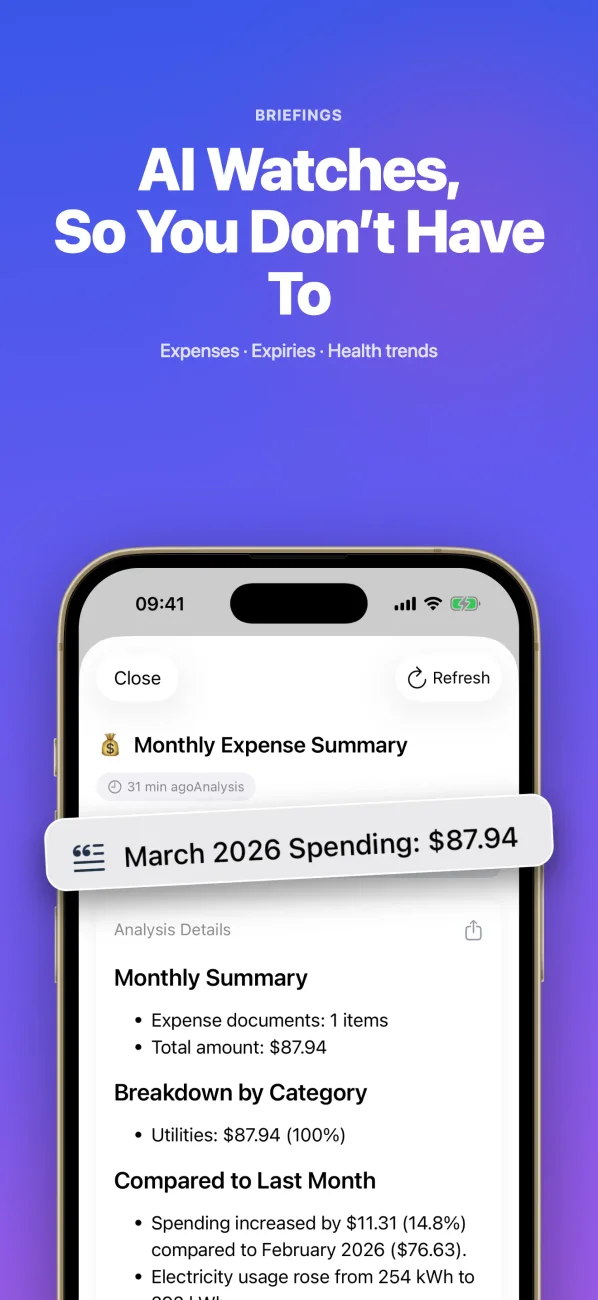
No need to search proactively — AI watches for you:
· 5 System Briefings: Recent activity, content insights, data trends, comparison findings, smart reminders
· Custom Briefings: Type "track monthly dining expenses" and AI creates an analysis template
· Reverse Matching: When new documents arrive, briefings auto-update with relevant changes
· Auto-Refresh: Turn it on, open the home screen, and see the latest analysis — hands-free
10 scenario templates to get started: Expense tracking, contract alerts, ID management, health metrics, insurance overview, and more.
— Select a Document, Ask Questions —
Ask questions about any document — AI answers instantly:
· "What's the tax amount on this invoice?"
· "What does the penalty clause say in this contract?"
Answers are generated from the original text, with sources highlighted and traceable. Your knowledge base doesn't just store files — it answers questions.
— Feature Highlights —
· AI Text Recognition: Image-to-text with deep understanding of document content and structure
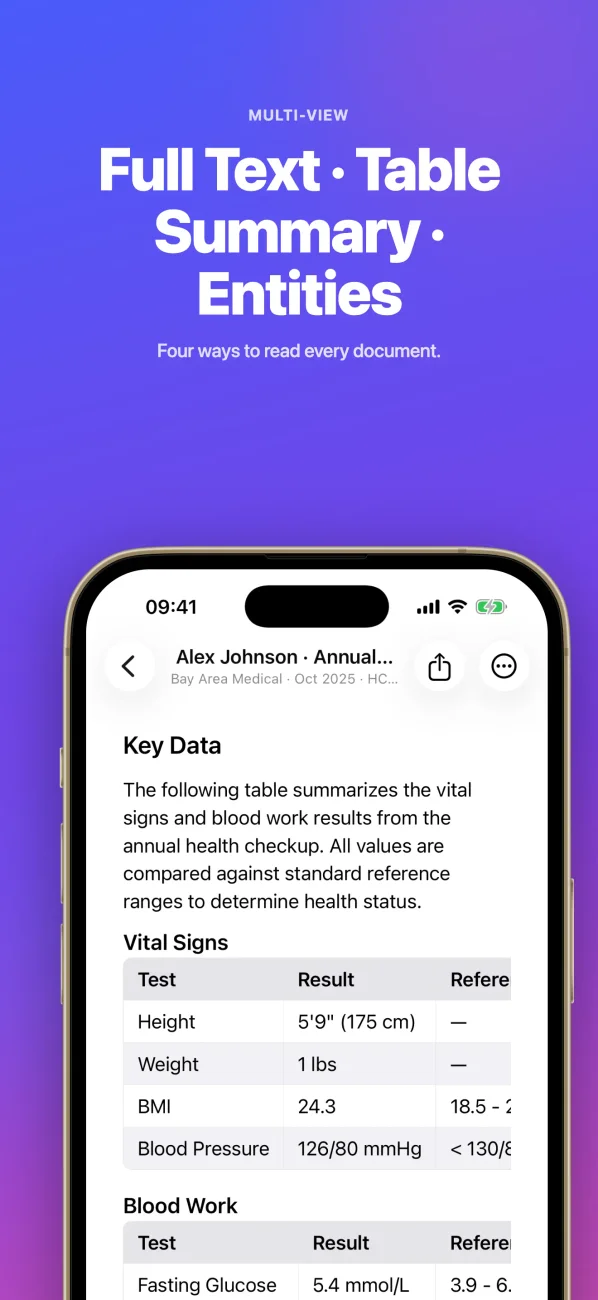
· Full Text / Table / Summary: Three ways to view every document
· Key Info Extraction: Names, dates, amounts auto-organized into info cards
· Smart Categories: AI identifies document types and auto-files them
· Semantic Search: Find any document using natural language
· Pro Search: Cross-document statistics, comparisons, and trend analysis
· Smart Briefings: AI auto-tracks document changes and generates analysis reports
· Smart Q&A: Ask questions about document content, get instant answers with source citations
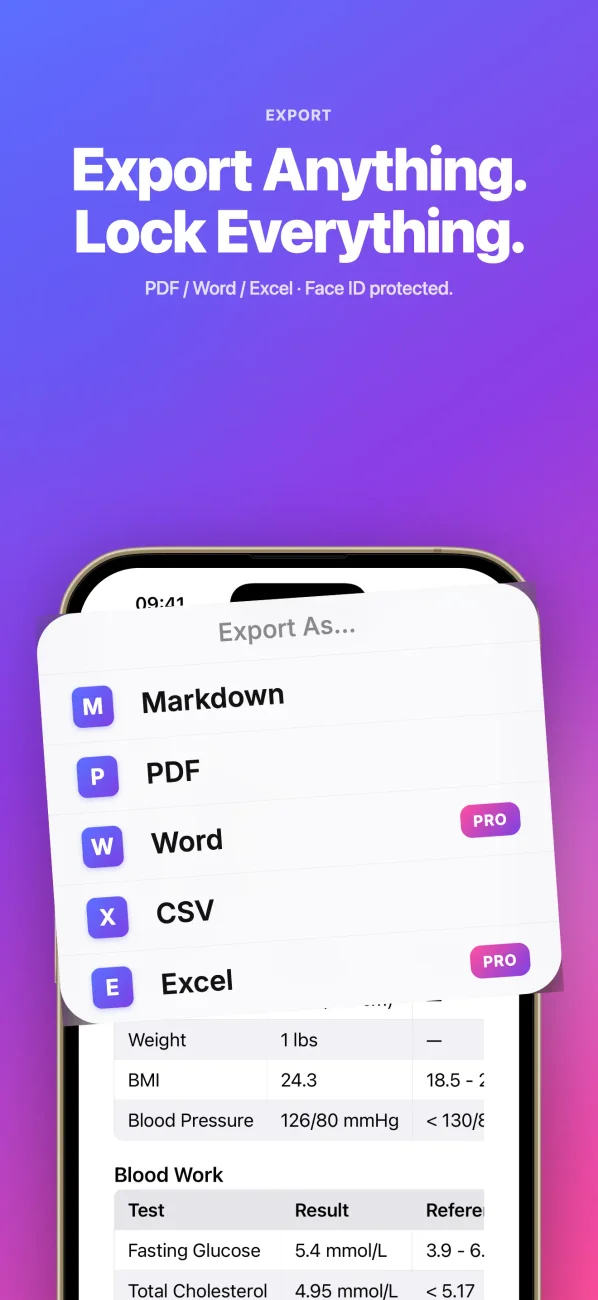
· One-Tap Export: Convert scans to PDF / Word / Excel / Markdown
— Privacy & Security —
· Face ID / Touch ID app lock
· Sign in with Apple — no phone number required
· Encrypted document storage
Privacy Policy: https://zvision-pages.duodianai.com/privacy.html
Terms of Use: https://www.apple.com/legal/internet-services/itunes/dev/stdeula/
Questions or suggestions? Contact us: support@documindx.com
DocuMindX is dedicated to making document management simple and efficient, bringing your paper documents to digital life.
What’s new
Version 0.5.0 · Apr 22, 2026
v0.5.0 — Multi-platform, Multilingual
· Full English support: UI, AI answers, and multilingual document analysis
· Web app launched (app.documindx.com) — scan and organize from any browser
· File upload: import PDF / Word / Excel / ZIP directly
· Trial access: try the full experience before signing up
· Smarter AI: Rerank scoring + improved date recognition
· Polish: localized bookshelf categories, tab-aware PDF export, enhanced Share Extension
App privacy
What Foshan 312 Chao Cultural Communication Co., Ltd. declares on the App Store about how this app handles data.
-
Data linked to you
May be collected and linked to your identity.
- Contact info
-
Data not linked to you
May be collected but is not linked to your identity.
- Diagnostics
Privacy practices may vary, for example with the features you use or your age.
Information
- Seller
- Foshan 312 Chao Cultural Communication Co., Ltd.
- Category
- Productivity
- Version
- 0.5.0
- Updated
- Apr 22, 2026
- Released
- Feb 17, 2026
- Size
- 16.5 MB
- Requires
- iOS 26.0 or later
- Age rating
- 4+
- Price
- Free
- In-app purchases
- Yes
- Languages
- English
- Copyright
- © 2026 佛山市叁壹贰潮文化传播有限公司
You might also like
-
 Momentum - Goal PlannerTurn Your Goals Into Reality
-
 SpeakNotes-AI Notes & MeetingTranscribe.Record.AI notes
-
 DocuMind: Offline PDF AI ChatPrivate Doc Summarize & Search
-
 Document Expiry ReminderPrivacy-First Expiry Tracking
-
 Offline Notes AISummarize Meeting and Photo
-
 Aloudia - Text to SpeechRead PDF & EPUB Aloud Offline
-
 CoreFilesScanner with OCR, File Manager
-
 LocalRAG! - AI Document ChatAI Chat: PDF, Audio & Video
-
 Bendix Brake Pad IdentifierProductivity
-
 The Blocker for Adult ContentFilter Websites & Block Apps