
- Age rating12+
- CategoryDeveloper Tools
- DeveloperTanyu Shi
- LanguagesEnglish+ 1 more
- Size173.6 MB
Links to the official App Store page
Download.org hosts no file of dolaima. The button opens its official App Store page, published by Tanyu Shi. Listing last checked on Nov 25, 2026.
Screenshots
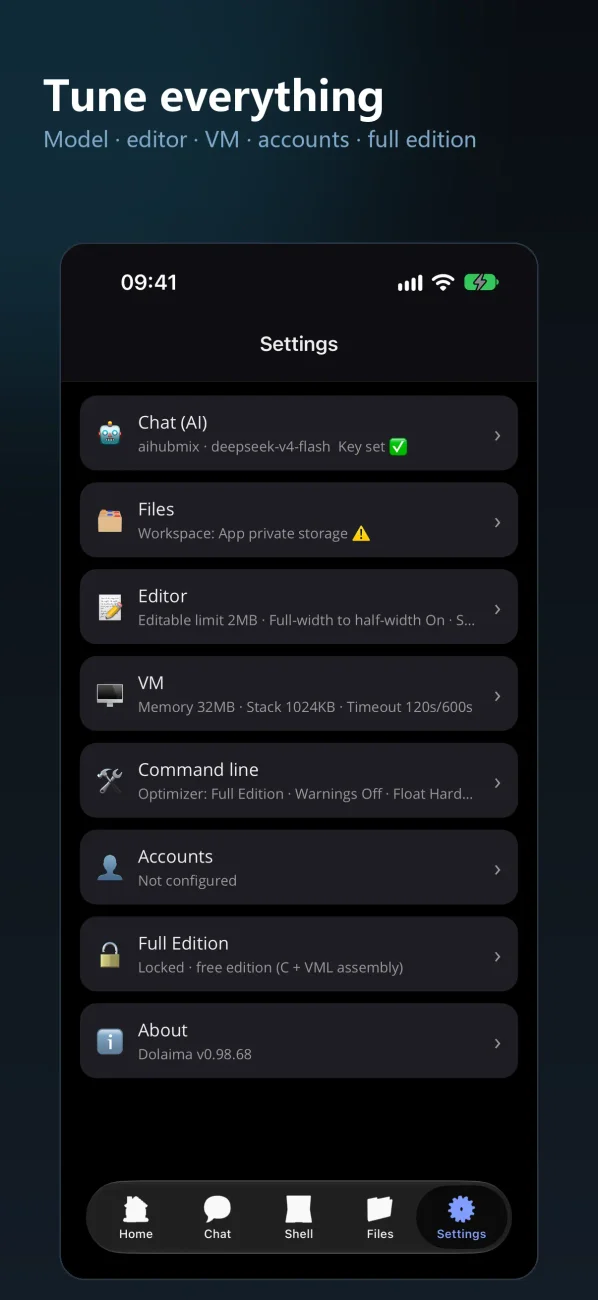
About
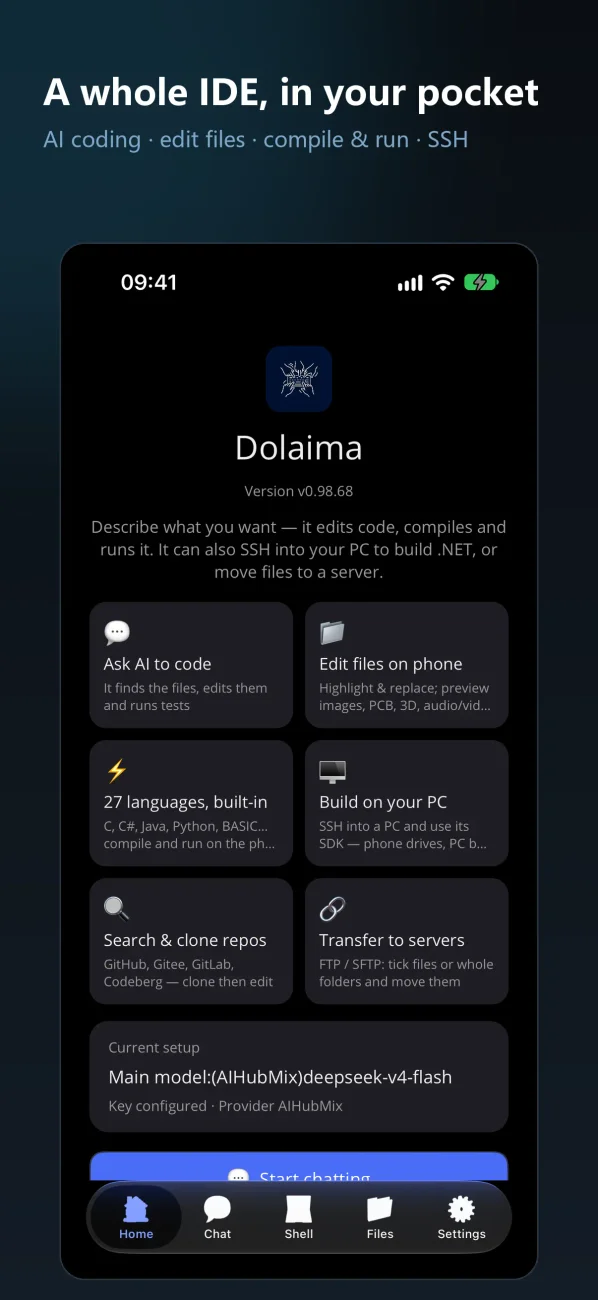
Dolaima is an IDE that lives on your phone and your Mac: an editor, a compiler, an AI coding
assistant, and remote development against your own computer or server.
Everything you expect from an IDE: syntax highlighting, tabs, go-to-definition, find references,
find & replace, file outline, Git change markers. Built-in compilers, so you can run what you
wrote. An AI assistant that reads and edits your files, not just a chat box. And when the
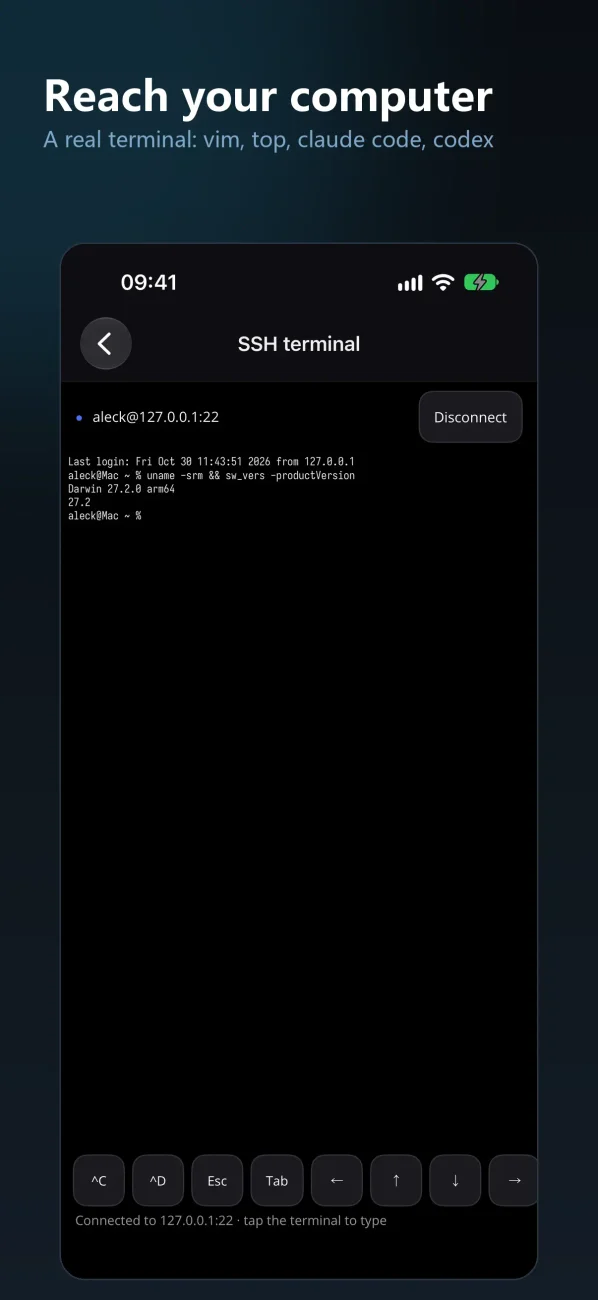
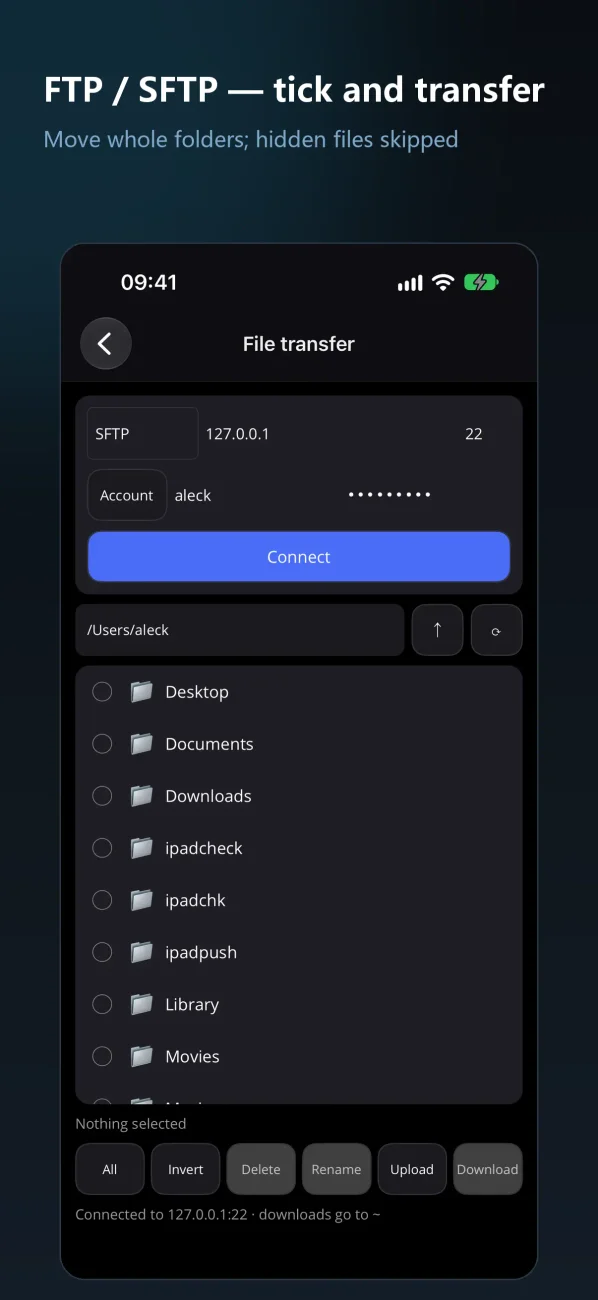
toolchain isn't on the phone (.NET, for example), the standard remote-development path: SSH into
your own computer or server to build there, SFTP/FTP to move files, Git to pull code. Those are
not loose extras — they are what lets an IDE work away from a desktop.
WRITE
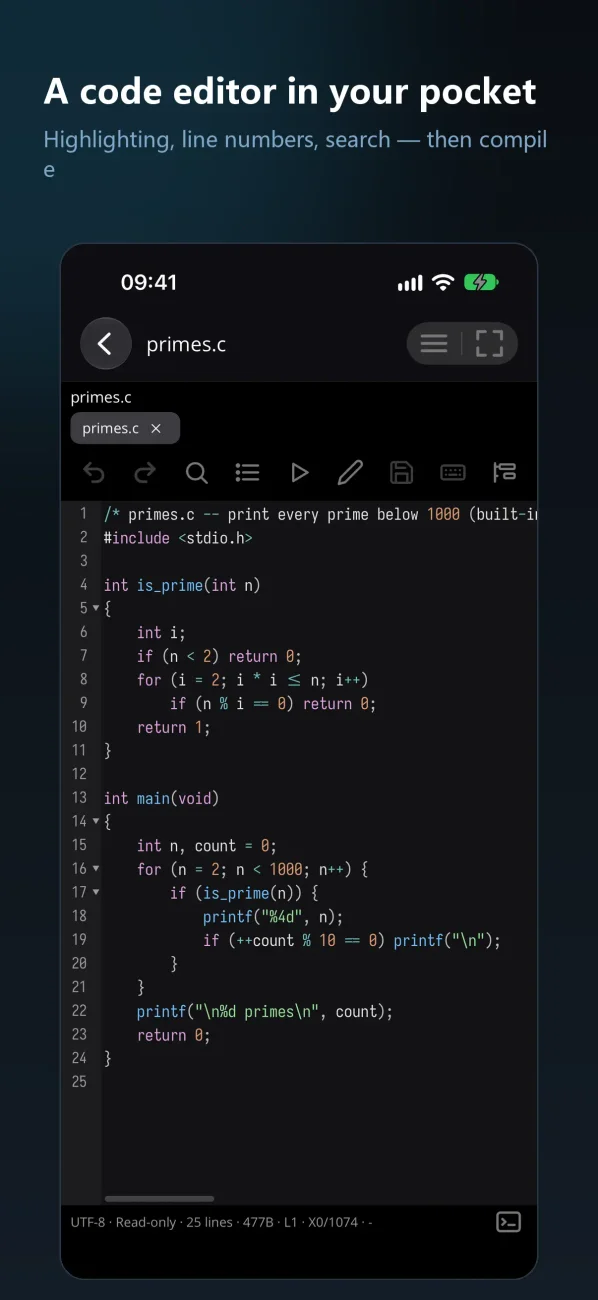
A real code editor: syntax highlighting, line numbers, find & replace, file outline,
go-to-line, tabs. Stays smooth on large files, and auto-converts non-UTF-8 files
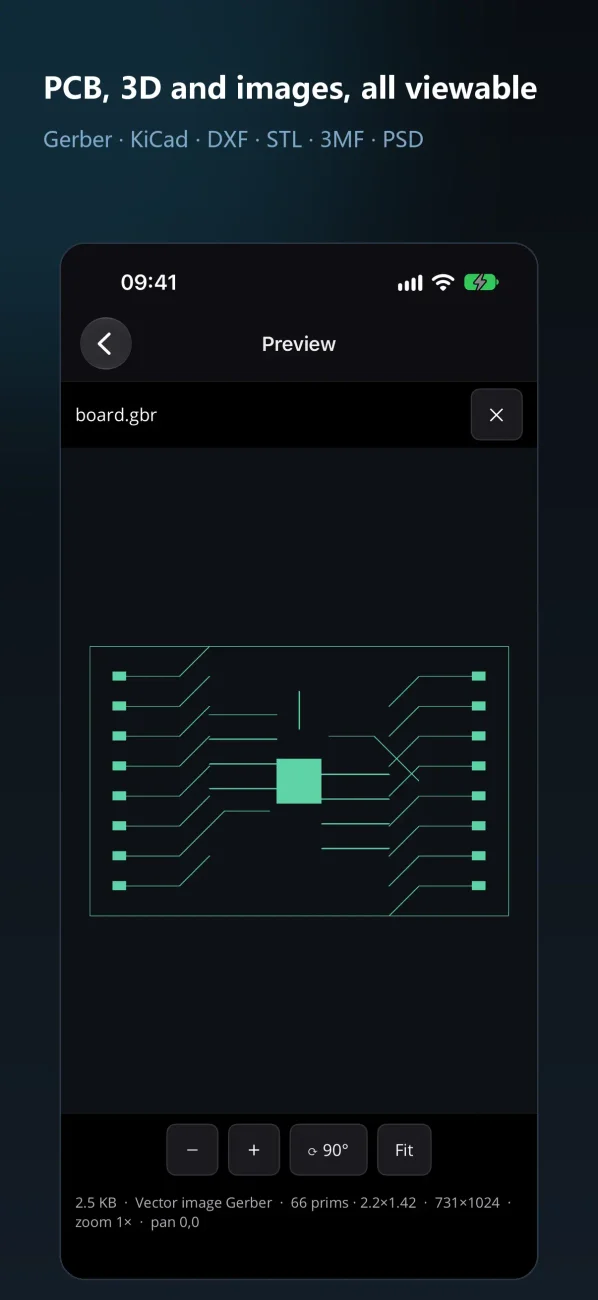
(GBK and friends) when you open them. Markdown, JSON, XML and CSV preview properly —
tables render as tables. Long-press for a magnifier that places the caret between characters.
RUN
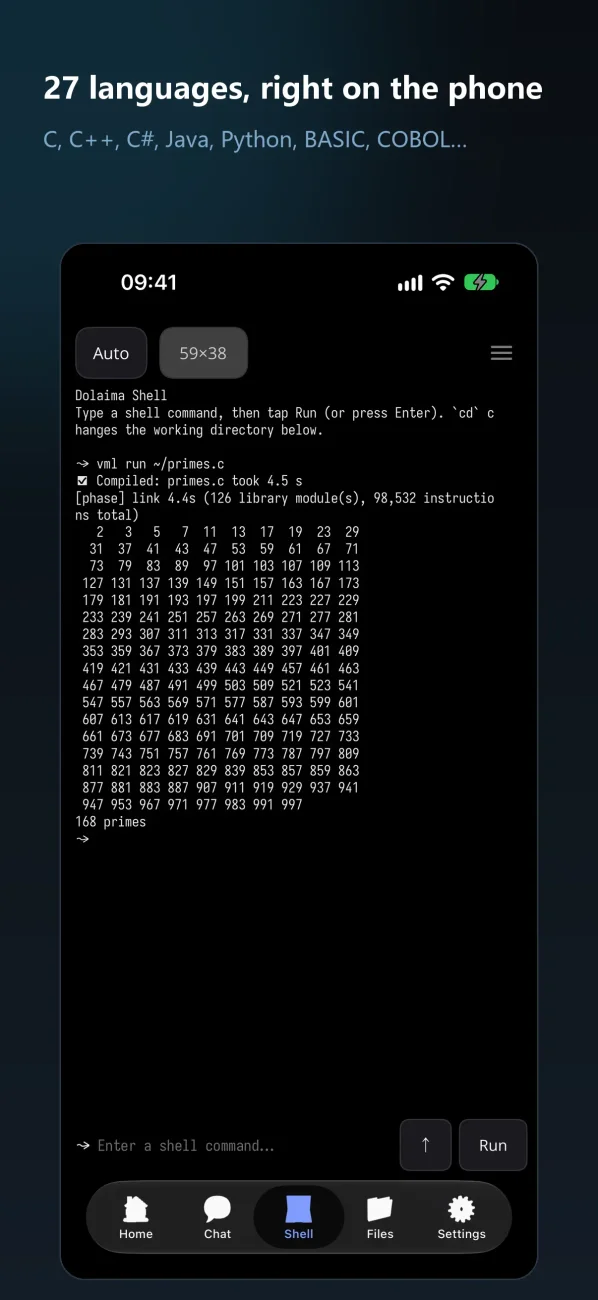
Compilers for 28 languages plus a built-in virtual machine (VML):
C, C++, C#, Java, Kotlin, Python, JavaScript, TypeScript, Go, Rust, Ruby, Perl, PHP,
Swift, Dart, Lua, Scheme, Ada, Fortran, Pascal, BASIC, COBOL, Forth, R, D,
Objective-C, xBase, Ladder.
No network, no external toolchain — compile and run straight away.
Compile errors are marked on the exact line and column, and runtime errors such as
out-of-bounds access point at the line too.
ASK
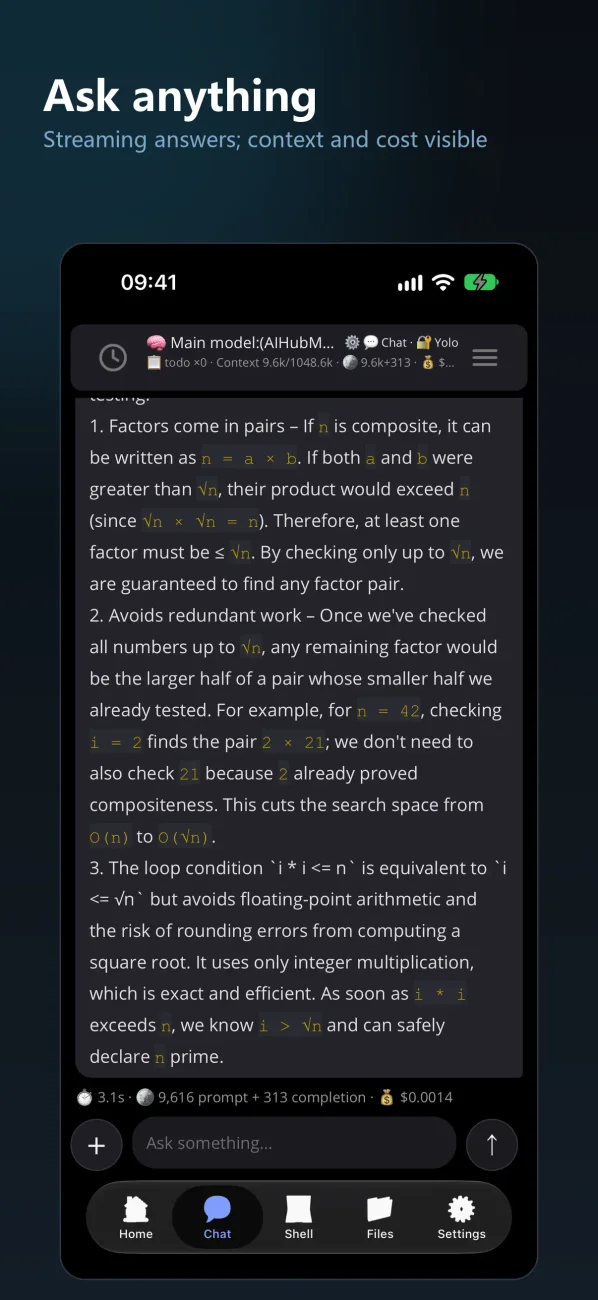
A built-in AI coding agent. Describe the change in plain language and it reads your
files, edits them, and runs the result to check it. It is not just a chat box —
49 tools (read/write, search, shell, Git, images, …) and sub-agents behind it.
Works with many model providers, or a local Ollama. Bring your own API key;
usage is billed by that provider, not by us — nothing is proxied through us.
FILES
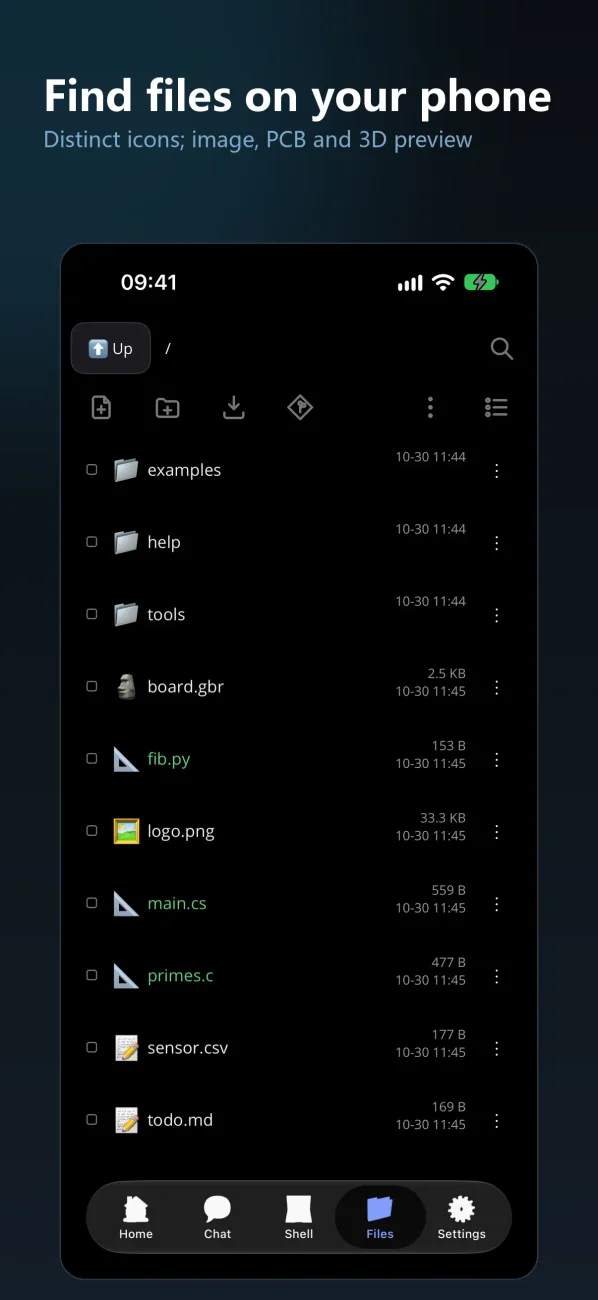
Your workspace is an ordinary folder on the device. Not encrypted, not uploaded.
Open, create, rename and share directly.
FREE vs FULL
Free: the full editor, plus C and VML assembly.
Full Edition (one-time purchase, not a subscription): the other 27 compilers, the O1/O2/O3 optimizer.
Buy once, keep it.
WHO IT IS FOR
· developers who want to fix a line and run it, wherever they are
· people reading code or practising algorithms on the way to work
· beginners who would rather not install a whole toolchain first
No account. No ads. No tracking.
What’s new
Version 1.2.0 · Nov 25, 2026
· Fixed: Code editor input crush
· Added: type straight into the SSH terminal
· Added: full-screen programs work over SSH
· Fixed: the keyboard popped up by itself after connecting and covered half the screen
· Improved: full-screen terminal apps now fill the whole screen on iPhone and iPad
App privacy
What Tanyu Shi declares on the App Store about how this app handles data.
-
Data not collected
The developer does not collect any data from this app.
Privacy practices may vary, for example with the features you use or your age.
Information
- Seller
- Tanyu Shi
- Category
- Developer Tools
- Version
- 1.2.0
- Updated
- Nov 25, 2026
- Released
- Oct 21, 2026
- Size
- 173.6 MB
- Requires
- iOS 15.0 or later
- Age rating
- 12+
- Price
- Free
- In-app purchases
- Yes
- Languages
- English, Simplified Chinese
- Copyright
- © 2026 aleck.shi
You might also like
-
 Termini Desk SSH ClientSFTP, FTP, RDP, Telnet
-
 口袋工坊 - 让创意实现更简单|Todo|记账|日记Developer Tools
-
 Base64 Encoder Decoder JWTHex Base32 URL codec offline
-
 拼顺拉货主Developer Tools
-
 CodePad – Code Editor & IDEWrite & Run Offline
-
 Drover: Steer AI Coding AgentsFor Herdr. No relay, just SSH
-
 Tmux TermSSH & tmux remote client
-
 Moni Proxy: HTTPS CaptureHTTP Debugger, Sniffer & Mock
-
 SIP TelephoneSIP softphone tool
-
 PyStudio - Learn & Run PythonPython Compiler IDE for mobile