Easy Camera Scanner - PDF
scan, edit, save, share PDF
Designed for iPhone, iPod touch
Free · In-app purchases
- Age rating4+
- CategoryUtilities
- DeveloperSuna Ordulu
- LanguagesEnglish+ 12 more
- Size15.3 MB
Links to the official App Store page
Download.org hosts no file of Easy Camera Scanner - PDF. The button opens its official App Store page, published by Suna Ordulu. Listing last checked on Nov 14, 2026.
Screenshots

About
Streamline your daily tasks with Easy Camera Scanner, the smart solution for managing your documents and expenses. Scan receipts, organize paperwork, and boost productivity—all in one app.
Why Easy Camera Scanner?
Revolutionizing the scanner experience, Easy Camera Scanner offers a sleek design and powerful features to make your work and personal life more efficient. Instantly scan, save, and share documents in high-quality PDF.
Key Features:
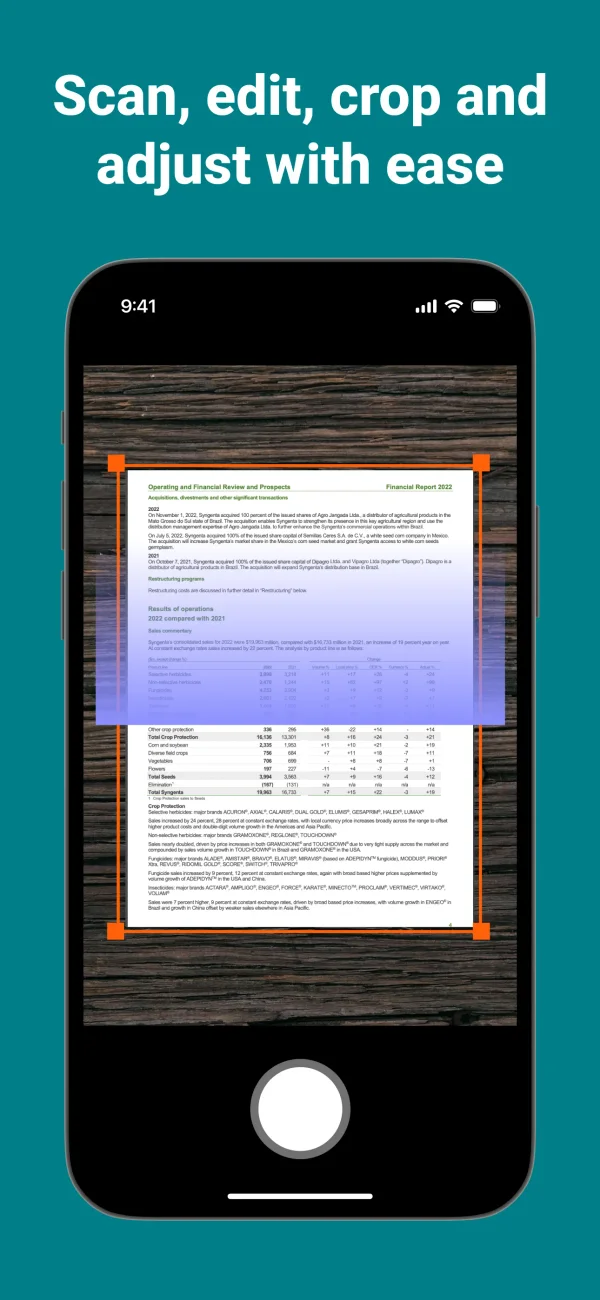
• Effortlessly scan receipts, ID cards, invoices, and more.
• Convert scanned documents into editable text.
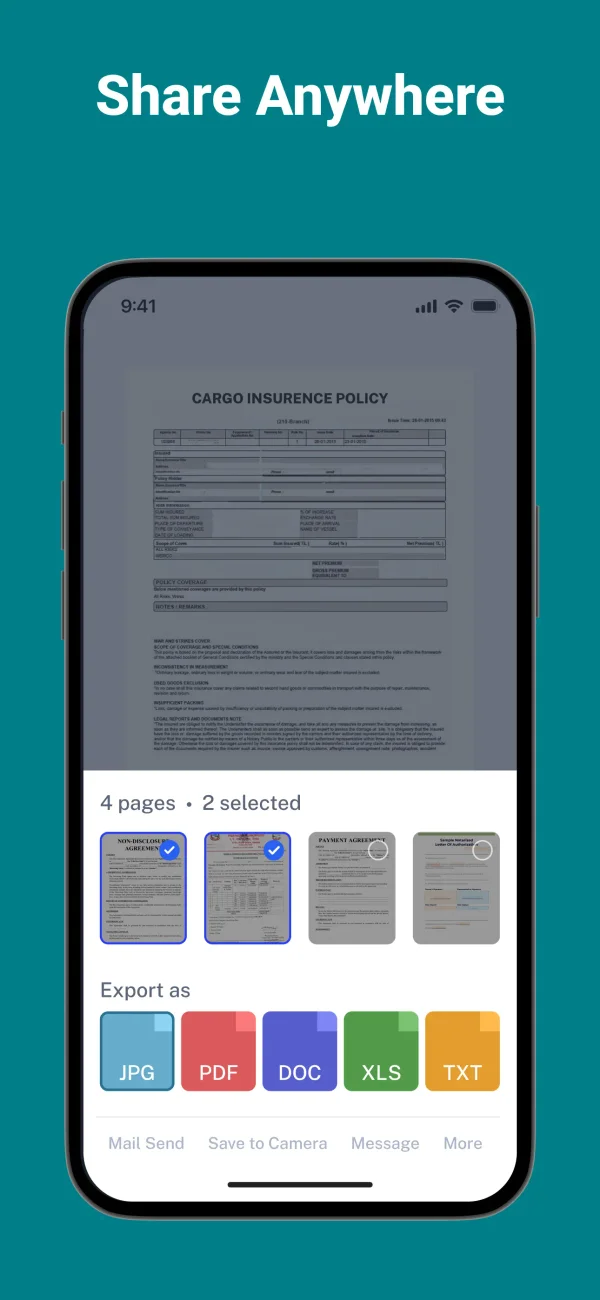
• Save scans as high-resolution PDFs or JPEGs.
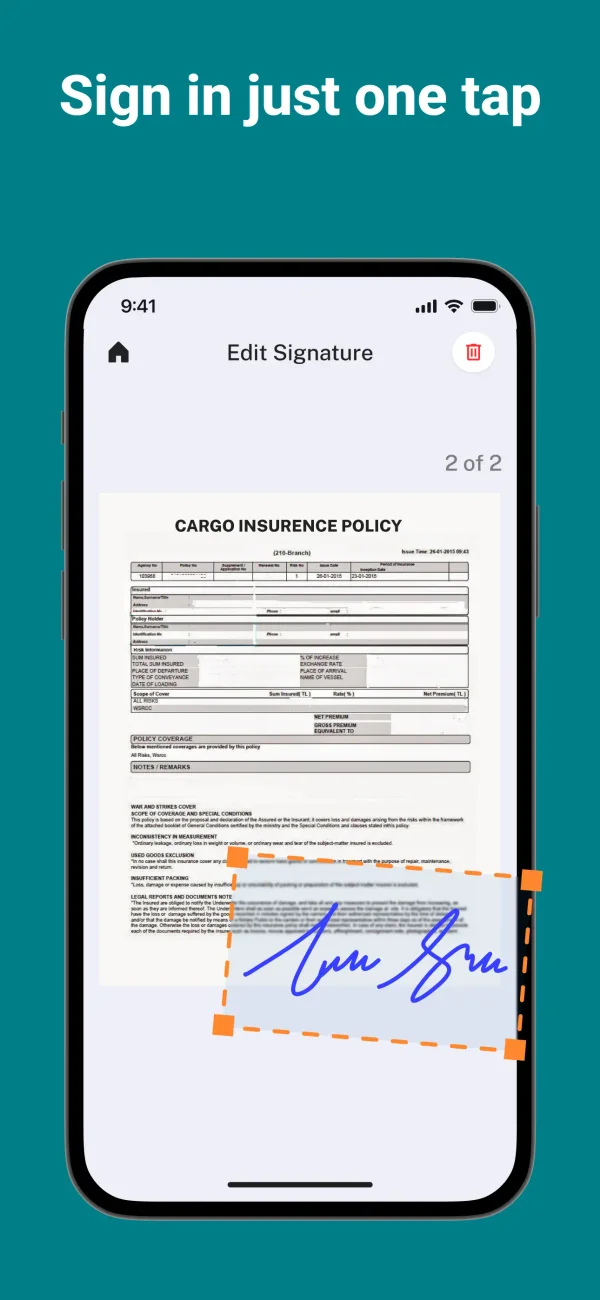
• Sign documents quickly and easily.
• Multipage scanning with automatic shutter and border detection.
• Print scans using any Wi-Fi printer.
• Conveniently save scans to your Camera Roll.
Versatile Scanning Options:
• Official documents: IDs, certificates, business cards.
• Business paperwork: receipts, agreements, invoices, and more.
• Everyday items: to-do lists, sketches, articles, book pages.
Premium Benefits:
• Unlimited scans and folders for maximum organization.
• Effortless e-signature functionality.
Subscription Details:
• Trial and Pricing: 1 week with a 3-day free trial, starting at $1.99 weekly, according to “Apple’s App Store Matrix” equivalent in USD.
• Payment: Charged to your iTunes Account upon purchase confirmation.
• Auto-renewal: Automatically renews unless turned off at least 24 hours before the end of the current period.
• Renewal Charges: Your account will be charged for renewal within 24 hours before the end of the current period.
• Subscription Management: Manage subscriptions and disable auto-renewal in Account Settings. For more details, visit Apple Support.
• Trial/Subscription Expiration: Users will be unsubscribed upon expiration of the current trial/subscription period. The active subscription cannot be canceled during its period. Access to the Interaction tab will be lost after expiration.
• Forfeiture of Trial Period: Any unused portion of a free trial period will be forfeited when a subscription is purchased
Available in-app purchases:
• Weekly subscription, auto-renewal per week
Terms of Service:
https://appfusionutilities.com/ecs/terms_of_use.html
Privacy Policy:
https://appfusionutilities.com/ecs/privacy_policy.html
What’s new
Version 1.0.3 · Jul 18, 2026
NEW IN THIS VERSION
• Reorder pages — press and hold a page, then drag it into place
• Scan filters — clean up documents with Grayscale, Black & White, and Enhanced
• Share as image — send scans as JPG, not just PDF
• PDF password — protect the PDFs you share with a password
• App Lock — keep your documents private with Face ID or passcode
Plus bug fixes and stability improvements throughout the app.
App privacy
What Suna Ordulu declares on the App Store about how this app handles data.
-
Data not collected
The developer does not collect any data from this app.
Privacy practices may vary, for example with the features you use or your age.
Information
- Seller
- Suna Ordulu
- Category
- Utilities
- Version
- 1.0.3
- Updated
- Jul 18, 2026
- Released
- Dec 4, 2024
- Size
- 15.3 MB
- Requires
- iOS 13.0 or later
- Age rating
- 4+
- Price
- Free
- In-app purchases
- Yes
- Languages
- English, Arabic, Dutch, French, German, Hindi, Italian, Japanese, Korean, Portuguese, Spanish, Traditional Chinese + 1 more
- Copyright
- © 2026 appfusionutilities
You might also like
-
 CamScan: Scan DocumentsScan, sign, convert Documents
-
 Image to Text: Scan to ConvertHandwriting to Text Converter
-
 PDF Editor & Scanner: DocKitScan, Edit, Merge & Lock PDFs
-
 PDF Scanner App・Scan DocumentScanning Document, Photos
-
 Scanner PDF : Convert and signSign, scan and convert to pdf.
-
 PDF AI ScannerPDF - Photo & Docs
-
 Scanner PDF.Utilities
-
 Quick PDF-Reader&ViewerPDF Viewer&Editor
-
 PDF Scanner & Document EditorConverter, Reader, Fill & Sign
-
 DocScan App: PDF Scanner, EditUtilities