
EasyNotes: Notes, Memo & Lists
Sticky Notes, Color Notepad
Designed for iPhone, iPad
Free · In-app purchases
- Age rating4+
- CategoryProductivity
- DeveloperGulooloo Tech
- LanguagesEnglish+ 26 more
- Size124.0 MB
Links to the official App Store page
Download.org hosts no file of EasyNotes: Notes, Memo & Lists. The button opens its official App Store page, published by Gulooloo Tech. Listing last checked on Nov 17, 2026.
Screenshots

About
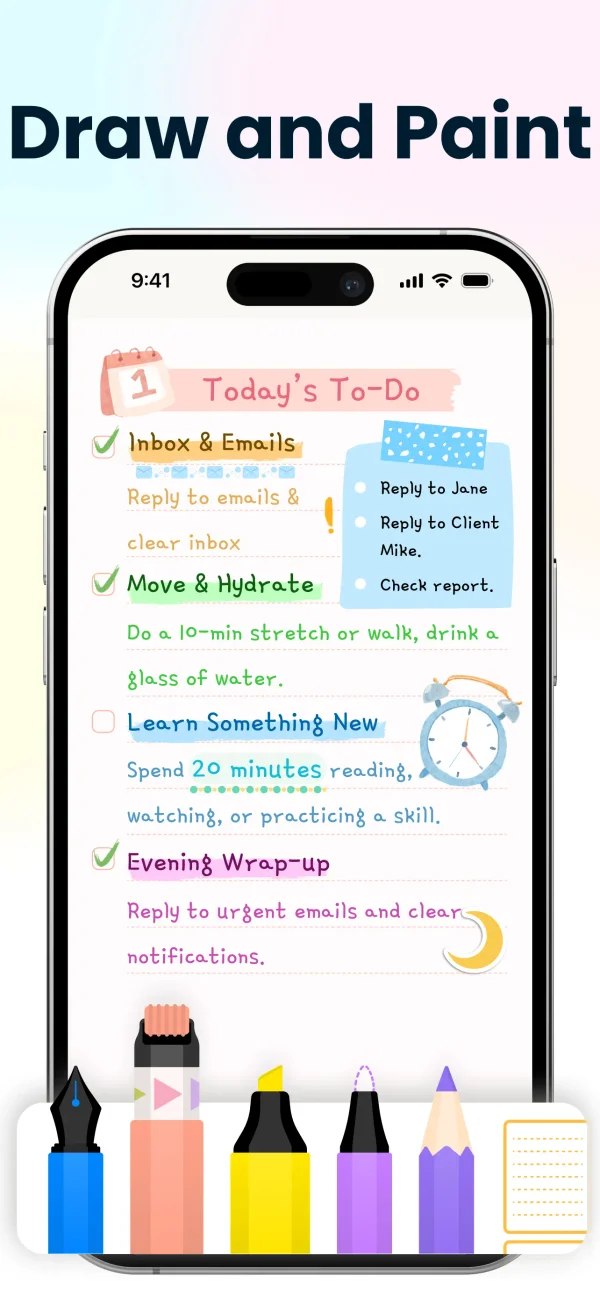
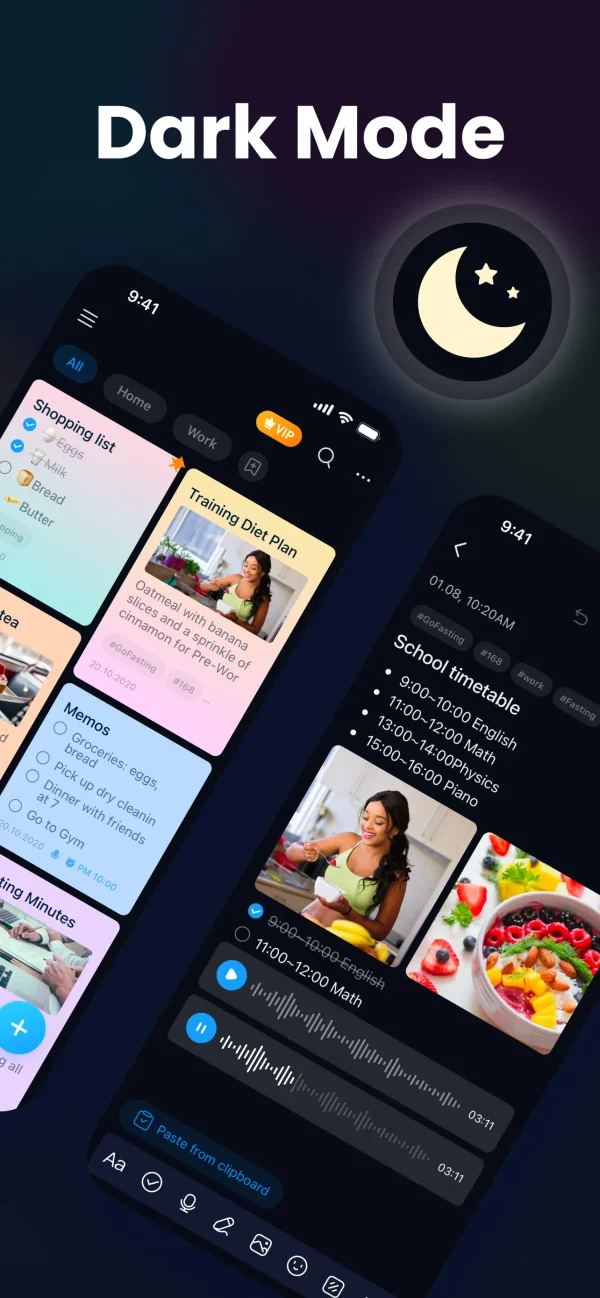
Transform your concepts into reality with EasyNotes. Write notes, attach photos, craft a checklist, sketch ideas, record audio, capture moments, and explore more.
We Can Empower You With:
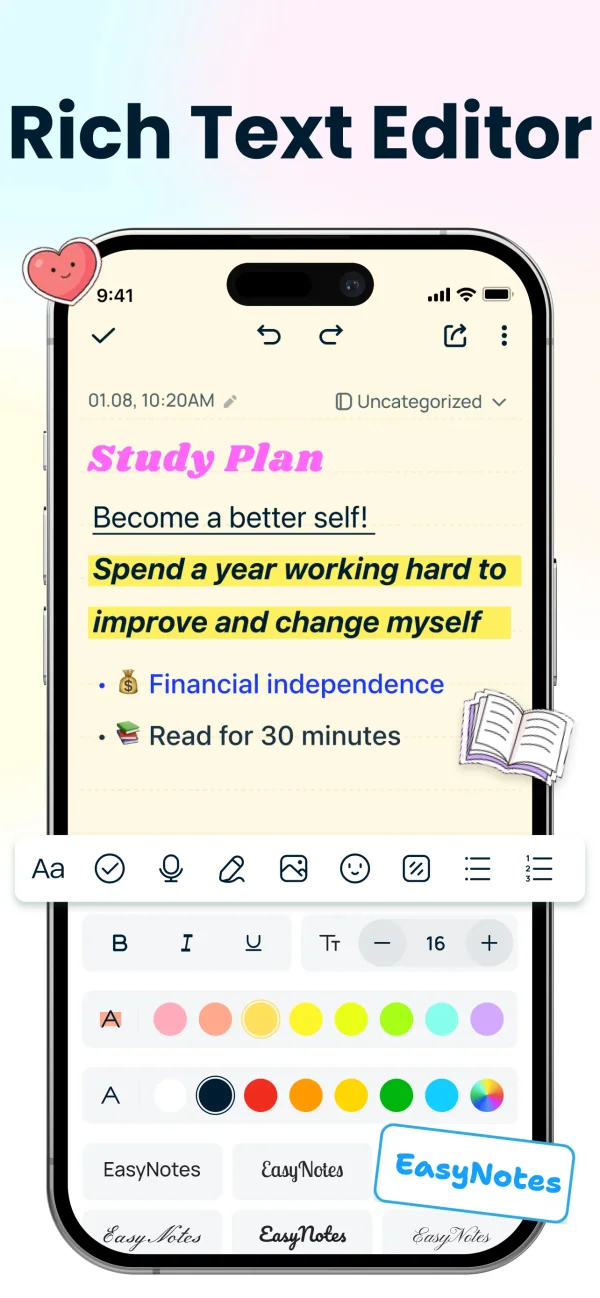
1. Boost your productivity with Rich Text Notes
• Make your memos stand out using bold, italic, and underlining.
• Play with fonts, sizes, and colors to add structure and emphasis.
• Boost readability and organization with bullet and numbered lists.
• Support sharing notes as pictures, exporting to PDF, or printing.
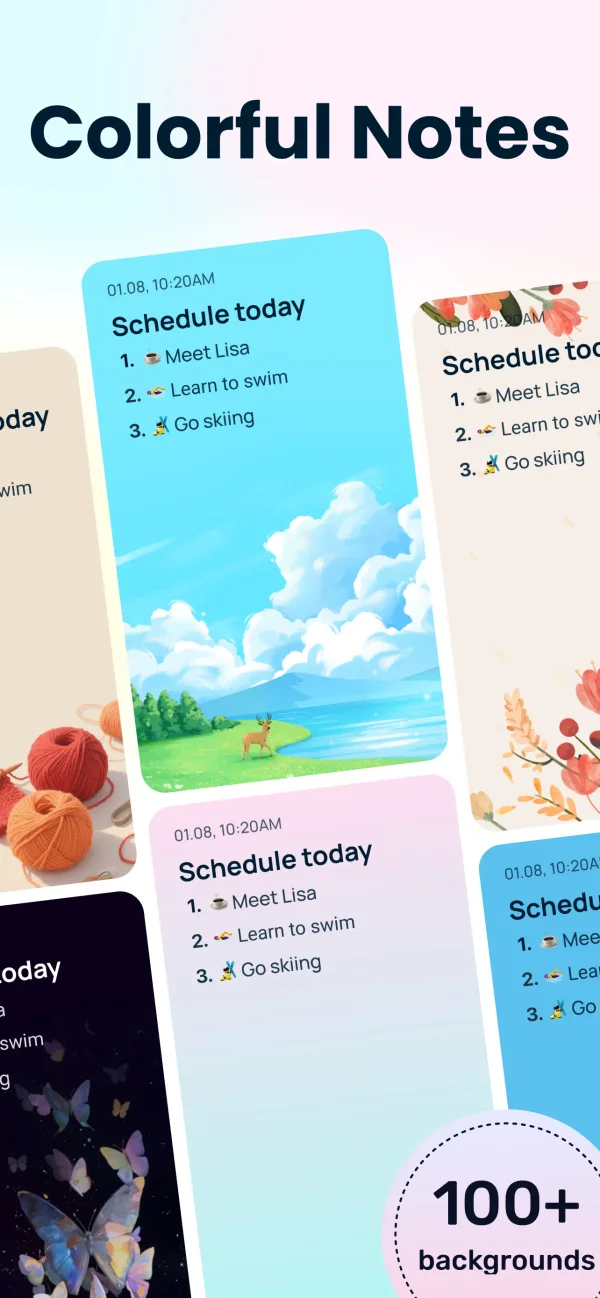
2. Diverse and Colorful Note Background Styles
• Engage in an immersive note-taking atmosphere, a whole new note-taking experience
• Dive into a world of creativity with over 200 colorful note backgrounds.
• Utilize background colors to classify and prioritize your notepad.
• Spread the magic of these colorful notes through sharing with others or printing.
• Immerse yourself in emotions, and elevate your overall note-taking experience with the vibrant notes background elements – these are the benchmarks that guide our notepad background selection.
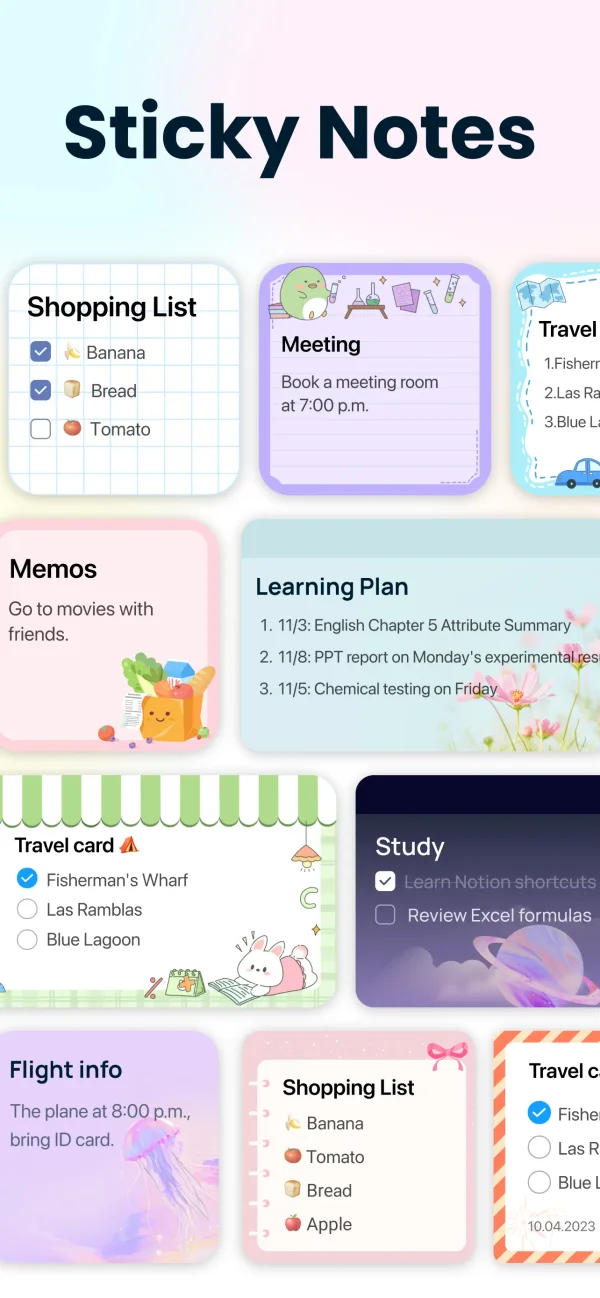
3. Stylish Sticky Notes Widget
• Instantly reach your sticky notes, memos, and checklists right from your Home Screen.
• Choose from a diverse collection of 100+ stylish widget styles.
• Three widget sizes: large, medium, and small, allowing you to select what suits you best.
• Enjoy the convenience of accessing your important notes at a glance.
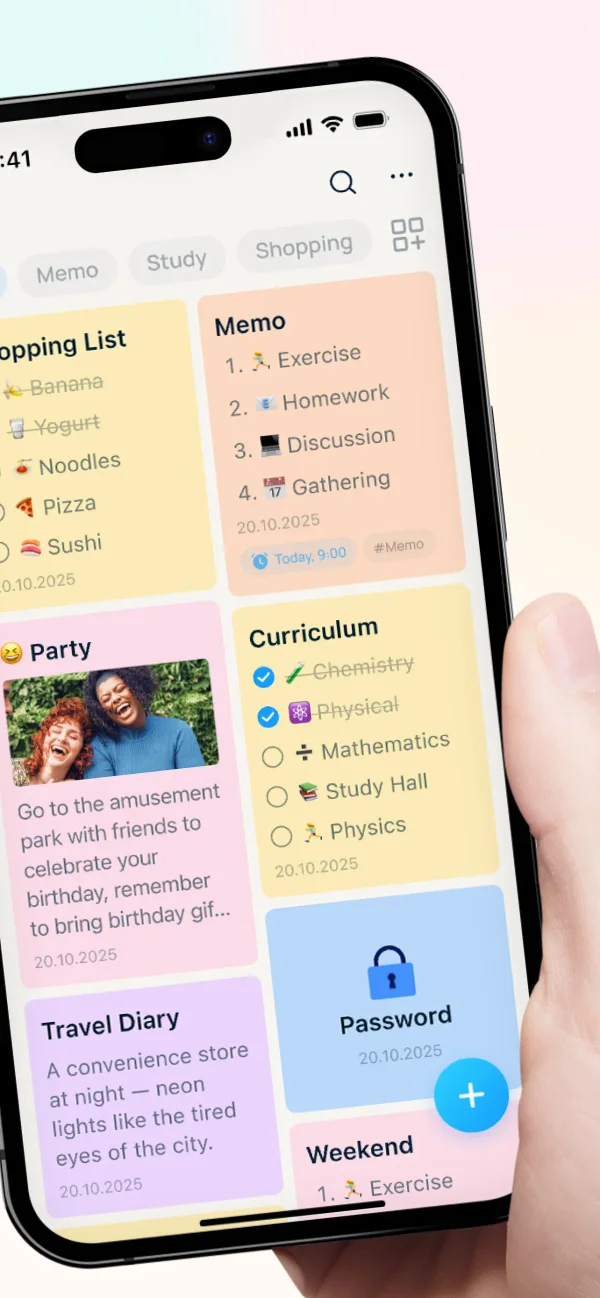
4. Get Notebook Organized
• Switch between list and grid views for easy navigation.
• Keep things in order with tags, reminders, and the archive feature.
• Provides six notebook sorting methods to maximize the satisfaction of different usage habits
• Create personalized categories for work projects, academic pursuits, personal aspirations, daily reflections, and more.
5. Express Yourself with Distinctive Emojis
• Tired of plain text? Infuse your messages with emojis to vividly convey your emotions to your notes.
• Discover our exclusive collection of emojis, offering hundreds of options that include all Usage scenarios for you to choose from.
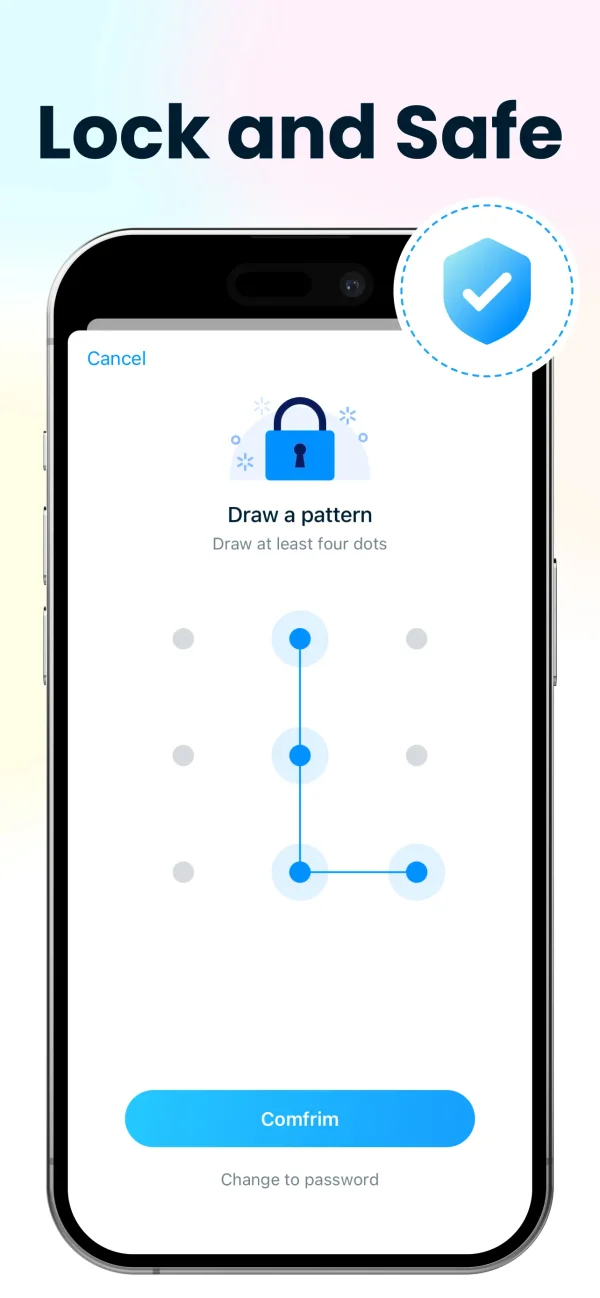
6. Secure Your Notes with Lock Functions
• Safeguard your notebook with multiple security layers, including gesture lock, password lock, fingerprint lock, and face ID.
• You can lock a single category or lock the entire notepad category according to the usage scenario.
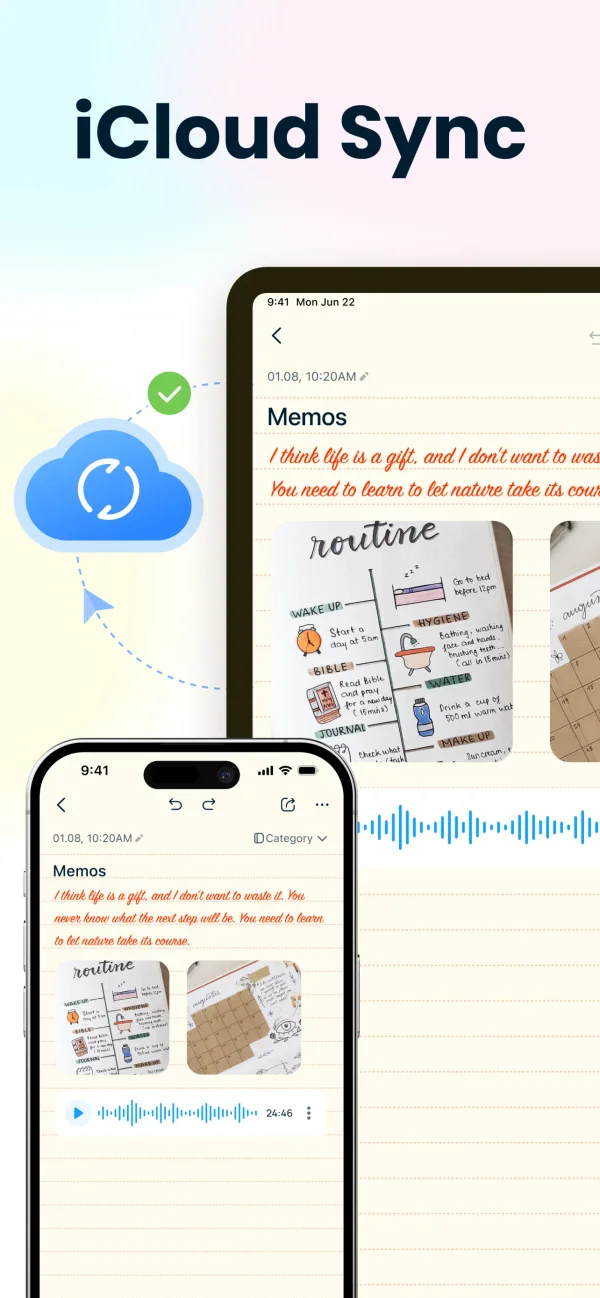
7. iCloud Sync
• iCloud sync makes notepad data safer and fast.
• Enjoy the ease of syncing notebook between your iPad and iPhone, promoting seamless collaboration and enhanced productivity.
8. Never Miss a thing with Note Reminders
• Ensure you stay on top of your tasks by setting timely reminders for important notes or memos.
• Add a personal touch by customizing reminder ringtones to suit your unique routine.
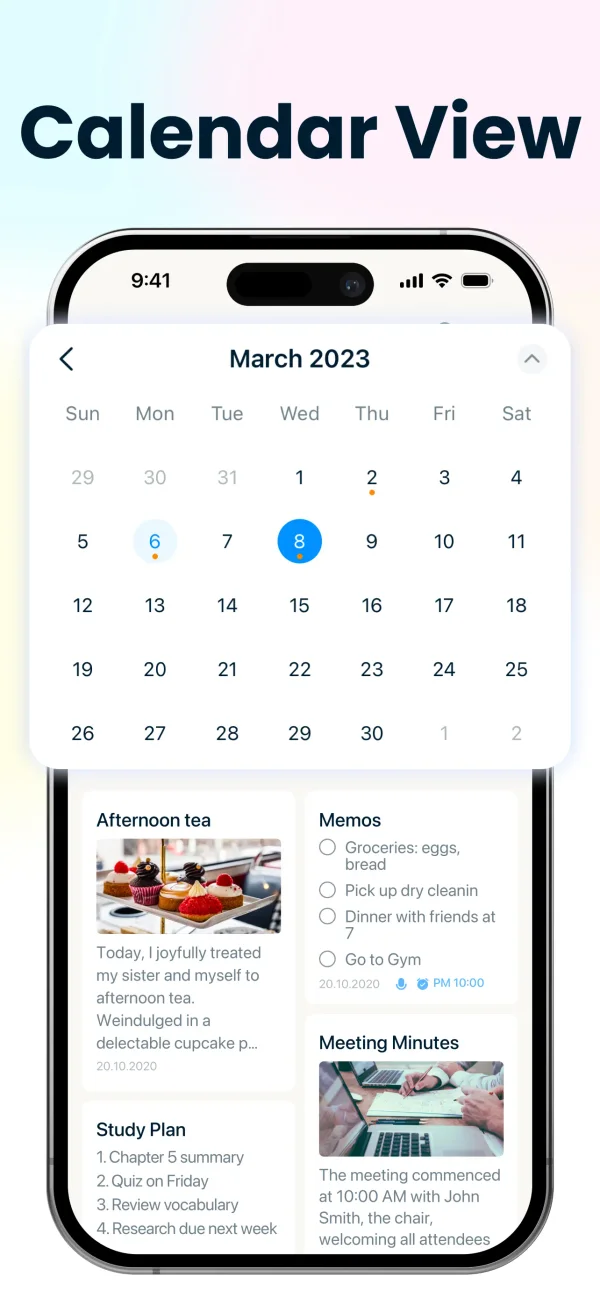
9. View Note in Timeline
• Gain a comprehensive view of your memos, events, and ideas through an intuitive calendar timeline.
Overall, whether it's for work, study, or personal use, EasyNotes is your ultimate note-taking companion.
Download EasyNotes for free on iPad and iPhone and let's make note-taking an enjoyable and productive experience. Join our community of users, and together, we'll keep pushing the boundaries of innovation.
If you have any issues, please mail us:
Email: easynotes.ios@guloolootech.com
Instagram: easynotes. official
Facebook:https://www.facebook.com/easynotes.official
Terms of use:https://guloolootech.com/terms-of-use.html
Privacy Policy:https://guloolootech.com/privacy-policy.html
What’s new
Version 1.3.66 · Nov 3, 2026
1. Bug Fix
App privacy
What Gulooloo Tech declares on the App Store about how this app handles data.
-
Data used to track you
May be used to track you across apps and websites owned by other companies.
- Usage data
-
Data not linked to you
May be collected but is not linked to your identity.
- Usage data
- Diagnostics
Privacy practices may vary, for example with the features you use or your age.
Information
- Seller
- Gulooloo Tech Co., Limited
- Category
- Productivity
- Version
- 1.3.66
- Updated
- Nov 3, 2026
- Released
- Oct 31, 2023
- Size
- 124.0 MB
- Requires
- iOS 16.6 or later
- Age rating
- 4+
- Price
- Free
- In-app purchases
- Yes
- Languages
- English, Arabic, Dutch, Filipino, French, German, Greek, Hindi, Hungarian, Indonesian, Italian, Japanese + 15 more
- Copyright
- © 2021 Gulooloo Tech Co., Limited
You might also like
-
 Notebook – AI Notes, NotepadVoice Memo, To-Do & Planner
-
 Notepad: Easy Notes & MemosSimple Notebook & Writing Pad
-
 Inkpad Notepad - Notes - To doProductivity
-
 WeNote - Notes, Notepad, To doColor Notebook & Calendar
-
 Element Note: Digital NotebookHandwritten Notes & PDF Markup
-
 Digital Notebook - Note TakingFreeform PDF annotation w/ Pen
-
 mimi – Cute notesCustomizable fonts, notes
-
 MyScript Notes: AI HandwritingSmart note taking, PDF & study
-
 Notes Writer: PDF, Quiz, DocsFlashcards, Voice Recorder, AI
-
 Digital Planner – Task JournalRoutine List & Notes Tracker