Richdown
Markdown editor · GitHub-ready
Designed for iPhone, iPad, iPod touch
Free
- Age rating17+
- CategoryProductivity
- DeveloperYo Suzuki
- LanguagesEnglish
- Size8.9 MB
Links to the official App Store page
Download.org hosts no file of Richdown. The button opens its official App Store page, published by Yo Suzuki. Listing last checked on Nov 20, 2026.
Screenshots
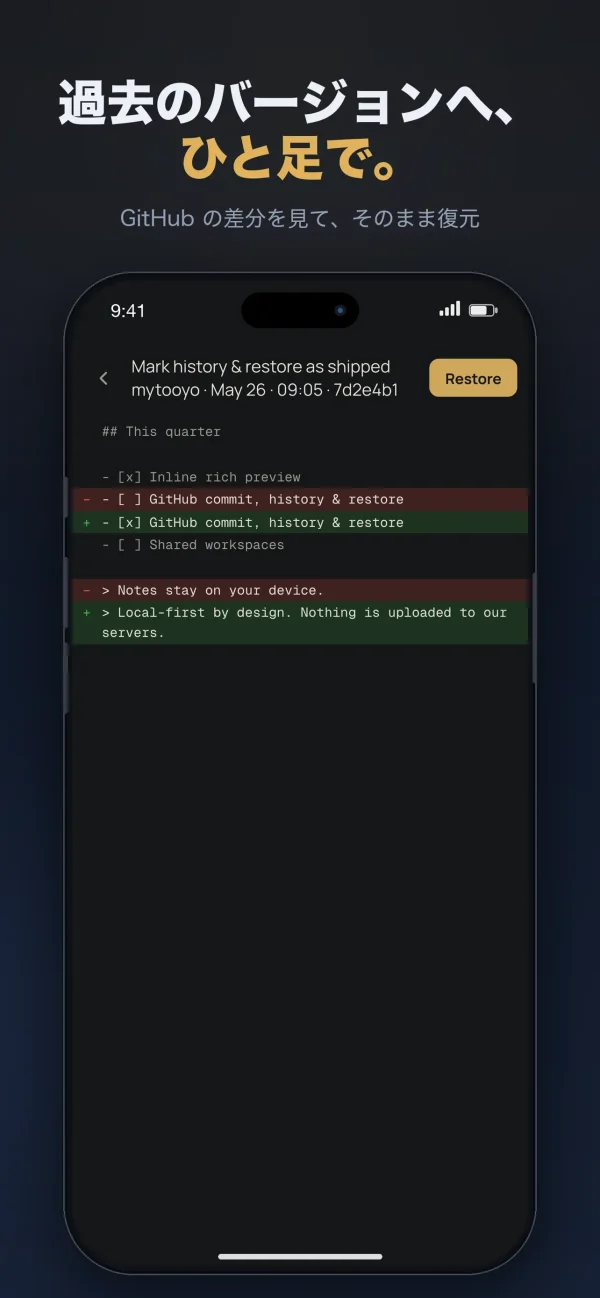
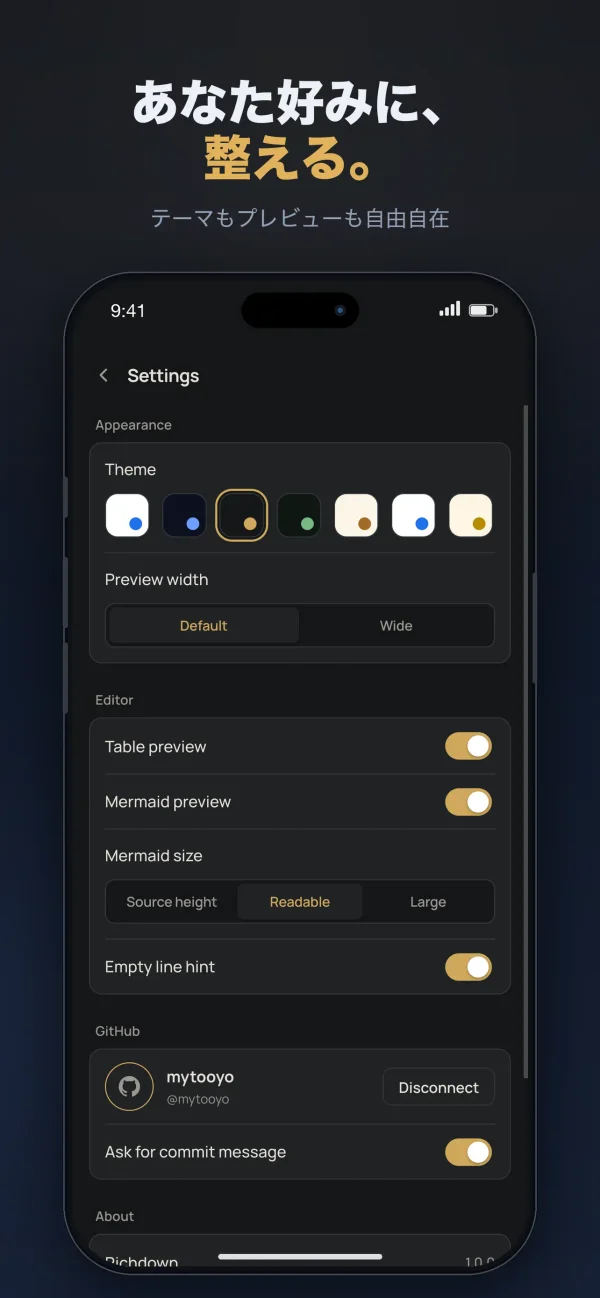
About
Plain Markdown, beautiful the moment you type it.
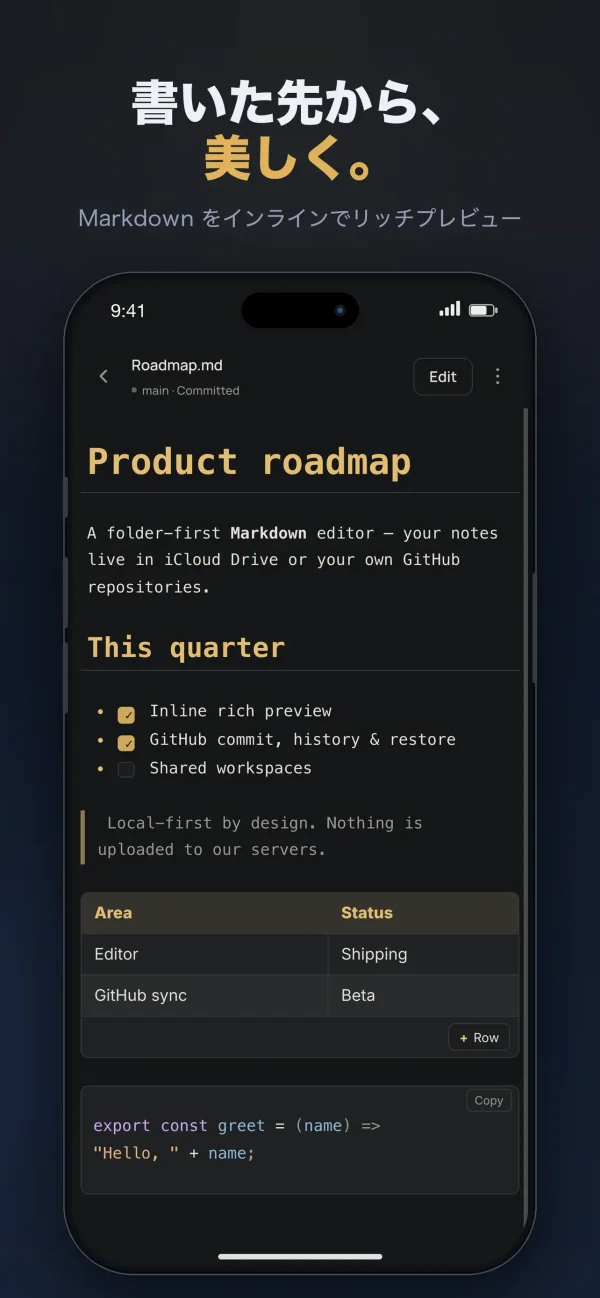
Richdown is a focused Markdown editor that never makes you switch between "writing" and "reading." Headings, tables, code, quotes, task lists, even Mermaid diagrams render inline as you go — so you stay in the flow and watch the finished page take shape.
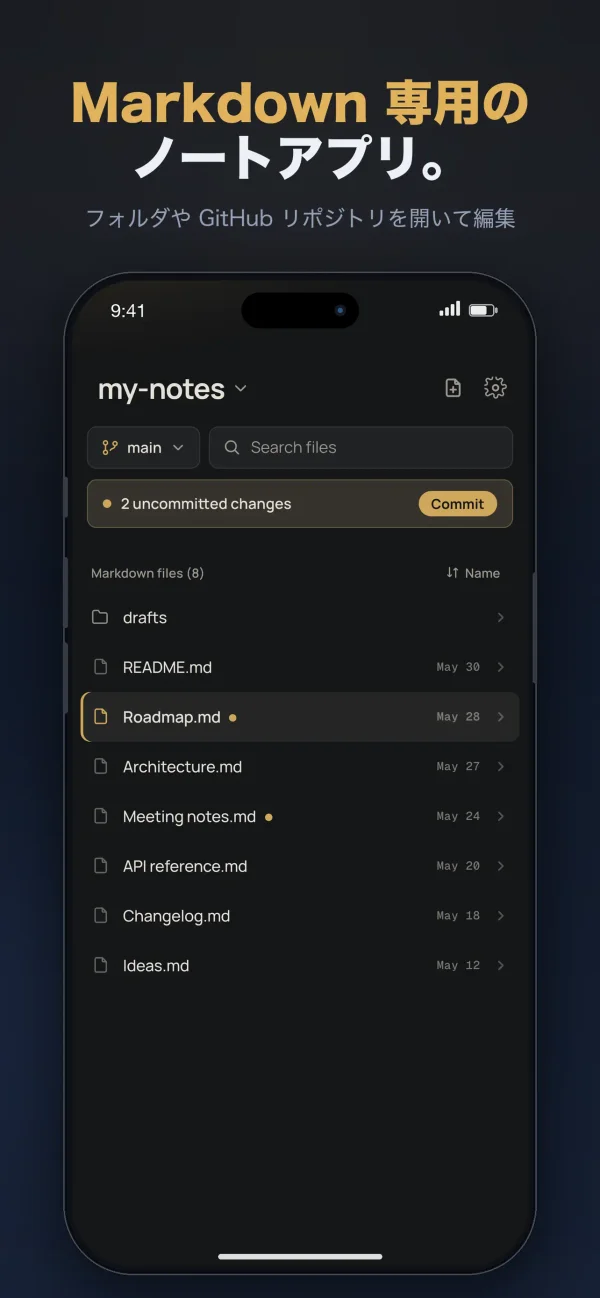
And Richdown doesn't lock your files inside someone else's cloud. Open folders in iCloud Drive or on your device — or work straight in your own GitHub repositories.
— Write —
• Inline rich preview that keeps up with your typing
• Tables, code blocks, quotes, task lists, Mermaid diagrams and images
• Outline view and in-file search to navigate long documents
• A Markdown toolbar above the keyboard for quick formatting
— Keep —
• Open iCloud Drive or on-device folders and edit in place
• Browse subfolders; create, rename and delete files; sort by name or date
• Pull to refresh. Files are stored on your device (iCloud / local) — nothing is uploaded to our servers
— Connect (GitHub, optional) —
• Open your own GitHub repositories, edit, and commit in one go
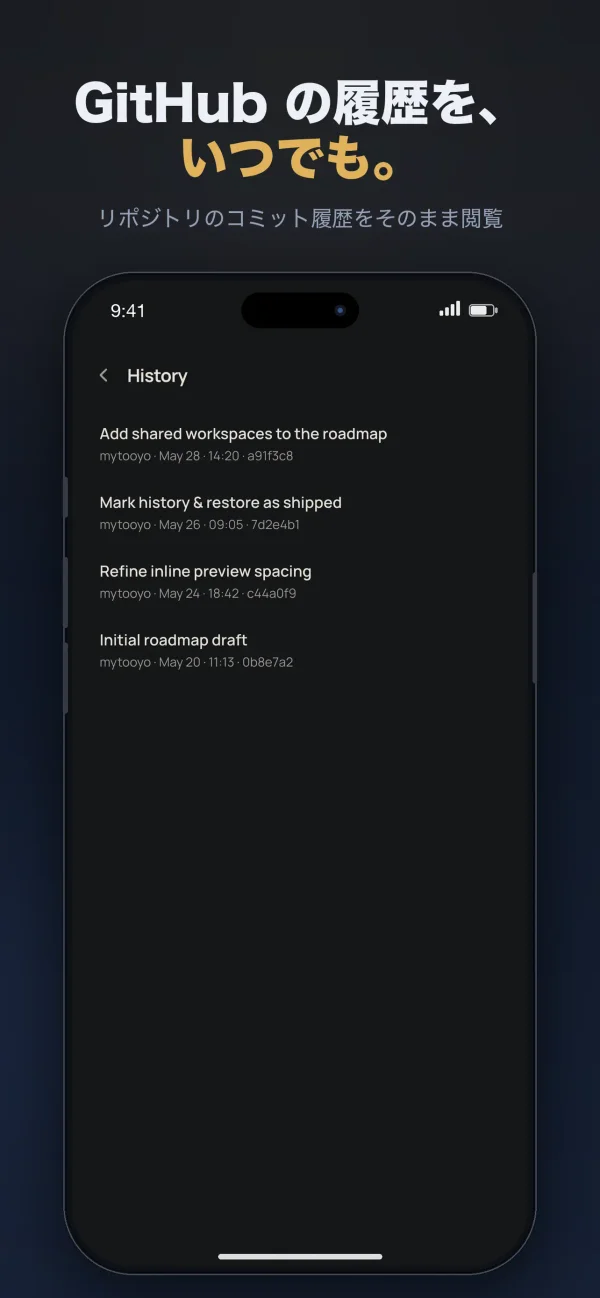
• Browse commit history, diff a past version, and restore it
• Switch and create branches; open pull requests
• Traffic goes straight from your device to GitHub; your access token is kept only in the iOS Keychain
Note: commit, history, diff and restore are GitHub-repository features (plain folders support editing and saving).
— iPad —
• A true two-pane layout: file list on the left, preview on the right
Fast, private, and honest about your files.
Distributed by StructWorks · Contact: support@structworks.dev
What’s new
Version 2.0.1 · Nov 6, 2026
Fixes
• On iPad, confirming Japanese live conversion with Enter could delete the text, or leave it selected so the next key replaced it.
• On iPad, tapping Done or another button at the top right could scroll the document back to the top.
App privacy
What Yo Suzuki declares on the App Store about how this app handles data.
-
Data not linked to you
May be collected but is not linked to your identity.
- Diagnostics
Privacy practices may vary, for example with the features you use or your age.
Information
- Seller
- Yo Suzuki
- Category
- Productivity
- Version
- 2.0.1
- Updated
- Nov 6, 2026
- Released
- Jun 3, 2026
- Size
- 8.9 MB
- Requires
- iOS 15.0 or later
- Age rating
- 17+
- Price
- Free
- Languages
- English
- Copyright
- © 2026 StructWorks.
You might also like
-
 mdTodoMarkdown Tasks on iCloud Drive
-
 Purnote — Plain Markdown NotesFiles you own, in iCloud Drive
-
 Nocturnum: Markdown NotesWrite clearly every day now
-
 NoterivMarkdown notes in plain files
-
 Text EditorMarkdown, code & plain text
-
 Stickier MobileProductivity
-
 NoteList: Todo and MarkdownOrganize your daily Life
-
 Klad: Git & Markdown NotesGit-backed Markdown notes
-
 MathBlocker: Stop ScrollingApp Blocker & Math Practice
-
 Markdown Editor : Md ViewerReader. Convert to pdf. LaTex