eTrackPad: Wireless Trackpad
Gestures, keyboard & remote
Designed for iPhone, iPad
Free
- Age rating4+
- CategoryUtilities
- DeveloperBatuhan Tufekci
- LanguagesEnglish+ 1 more
- Size9.2 MB
Links to the official App Store page
Download.org hosts no file of eTrackPad: Wireless Trackpad. The button opens its official App Store page, published by Batuhan Tufekci. Listing last checked on Nov 18, 2026.
Screenshots


About
Turn your iPad or iPhone into a full-featured wireless trackpad for your Mac. eTrackPad brings every gesture you know from the Magic Trackpad to your touch screen with 1-2 ms latency — plus a remote keyboard, numeric keypad, jog wheel and presentation remote.
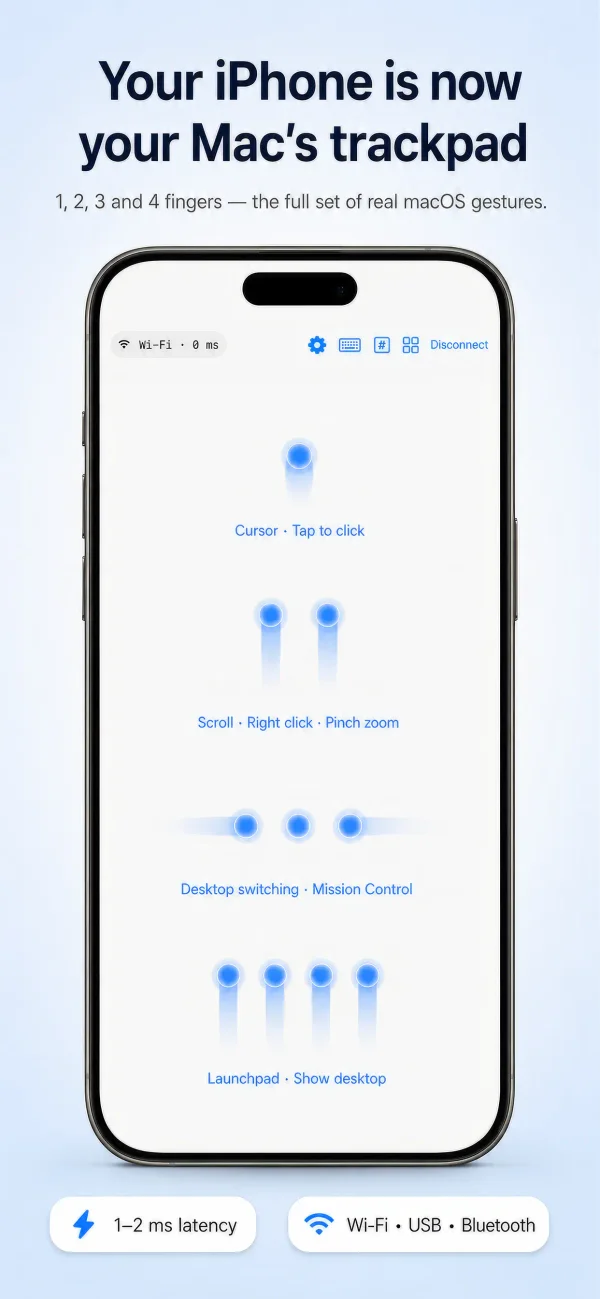
THE REAL macOS GESTURE SET
• 1 finger: cursor, tap to click, tap-press-drag
• 2 fingers: scrolling, right click, pinch to zoom
• 3 fingers: switch between desktops, Mission Control, App Exposé, optional three-finger drag
• 4 fingers: Launchpad, show desktop
MORE THAN A TRACKPAD
• Remote keyboard: type on your Mac from your iPad
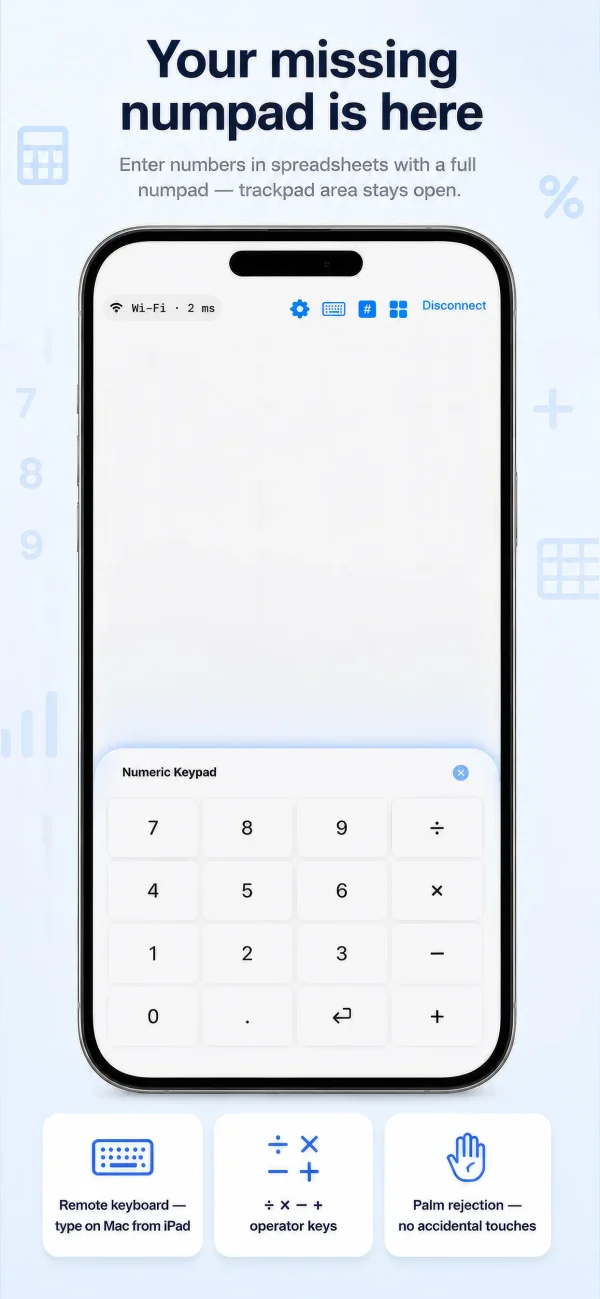
• Numeric keypad: full-size numpad with ÷ × − + operator column
• Media controls: playback and volume keys at your fingertips
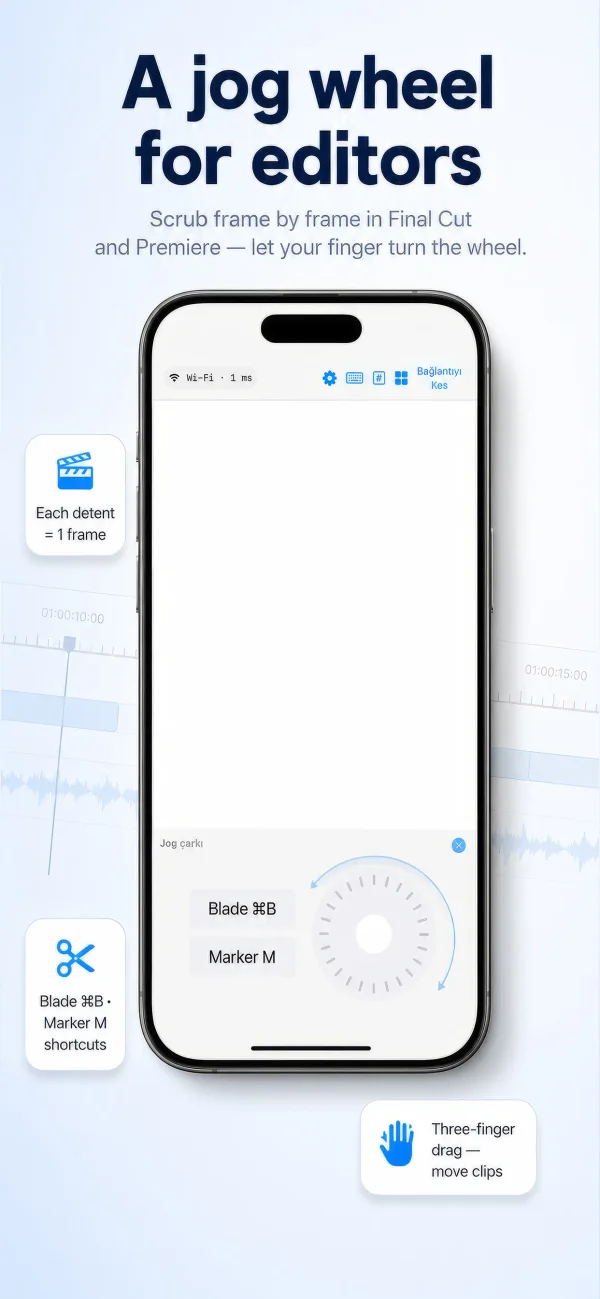
• Jog wheel: step frame by frame in Final Cut and Premiere, with Blade (⌘B) and Marker (M) shortcuts
• Presentation remote: full-screen mode with timer for Keynote and PowerPoint
• Context-aware panels: the right panel opens automatically based on the frontmost Mac app
FAST AND SECURE CONNECTION
• Wi-Fi, USB cable or Bluetooth — your choice
• Automatic discovery, one-time PIN pairing
• All traffic is end-to-end encrypted; your data flows only between your devices and never touches the internet
• No ads, no analytics, no account
FINE-TUNING
• Palm rejection, haptic feedback, natural scrolling
• Adjustable cursor and scroll speed, left-handed mode, light/dark theme
SETUP
Download the free eTrackPad helper app on your Mac (apprip.com), open eTrackPad on your iPad and pair with a PIN — that's it.
FREE AND PRO
Cursor, left click, two-finger scrolling and Wi-Fi connection are completely free. A one-time eTrackPad Pro purchase (not a subscription) unlocks:
• Right click and all gestures
• Pinch and smart zoom
• 3-4 finger gestures
• Remote keyboard
• USB and Bluetooth connection
• Pairing with multiple Macs
REQUIREMENTS
• iOS/iPadOS 16 or later
• macOS 13 Ventura or later + the free eTrackPad Mac helper app (apprip.com)
Questions or feedback: support@apprip.com
App privacy
What Batuhan Tufekci declares on the App Store about how this app handles data.
-
Data not collected
The developer does not collect any data from this app.
Privacy practices may vary, for example with the features you use or your age.
Information
- Seller
- Batuhan Tufekci
- Category
- Utilities
- Version
- 1.0
- Updated
- Jul 25, 2026
- Released
- Jul 25, 2026
- Size
- 9.2 MB
- Requires
- iOS 16.0 or later
- Age rating
- 4+
- Price
- Free
- Languages
- English, Turkish
- Copyright
- © AppRIP
You might also like
-
 HandpadWireless trackpad for your Mac
-
 Padme - Custom keypad for MacTHE macro keypad for your Mac
-
 PadLinker: Trackpad & KeyboardWireless remote mouse
-
 MeiteiMayek CalculatorCalculator in Manipuri Mayek
-
 NoxVault- Password ManagerLocal vault, OTP, backups
-
 Trackpad & KeyboardYour phone as a desktop pad
-
 PhoneAsTrackpadWireless Trackpad & Gestures
-
 uDeck - virtual pocket driveMac USB Drive & File Browser
-
 SysPulse - Linux Monitor & SSHUtilities
-
 HDF5 Viewer · File ReaderDataset Inspector & NetCDF4