
- Age rating4+
- CategoryUtilities
- DeveloperWONHEE JANG
- LanguagesEnglish+ 4 more
- Size3.5 MB
Links to the official App Store page
Download.org hosts no file of PhoneAsTrackpad. The button opens its official App Store page, published by WONHEE JANG. Listing last checked on Nov 24, 2026.
Screenshots
About
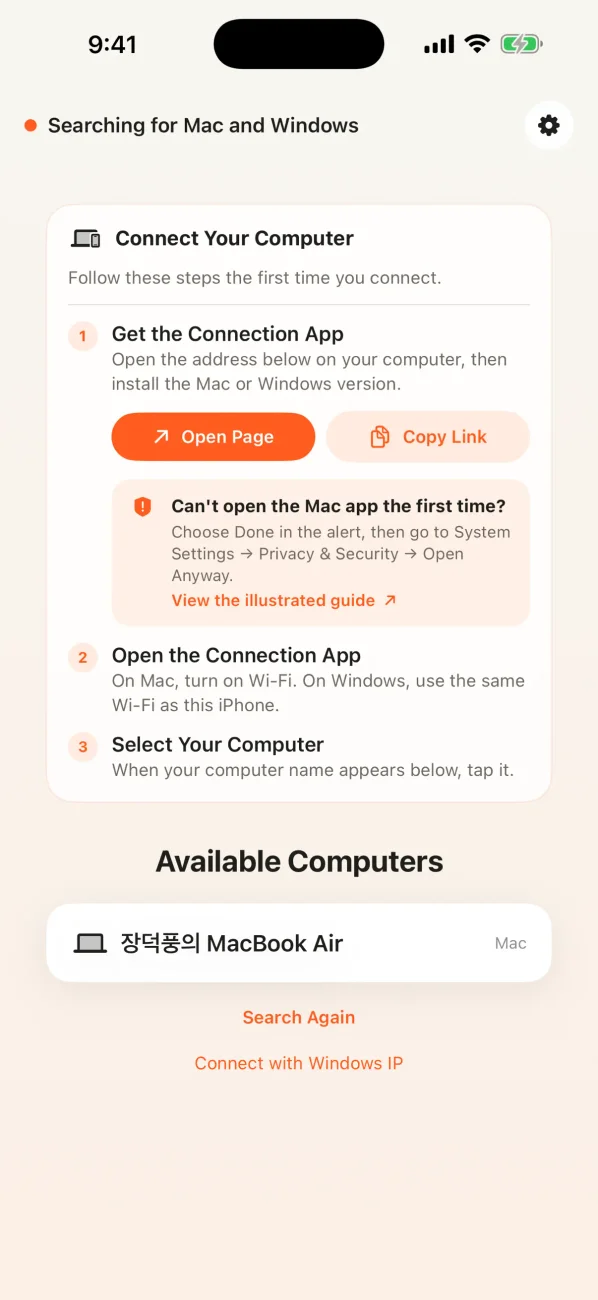
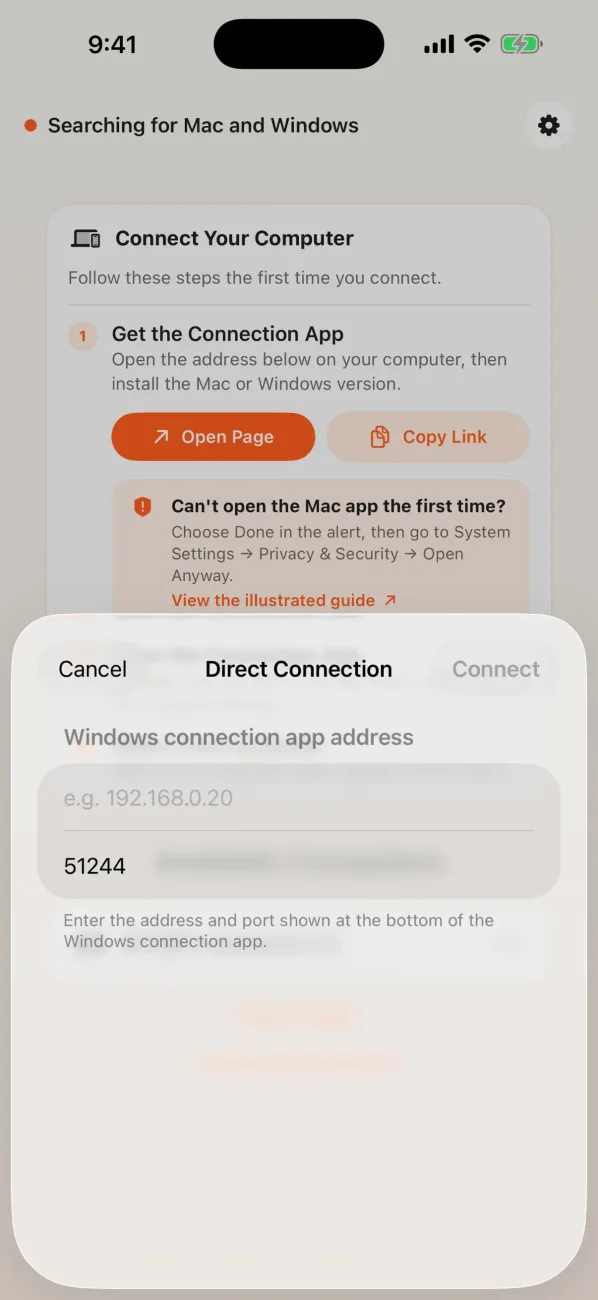
Turn your iPhone or iPad into a natural wireless trackpad for your Mac or Windows PC. Install the free Computer Connection App, open it on your computer, then choose the computer shown on your iPhone.
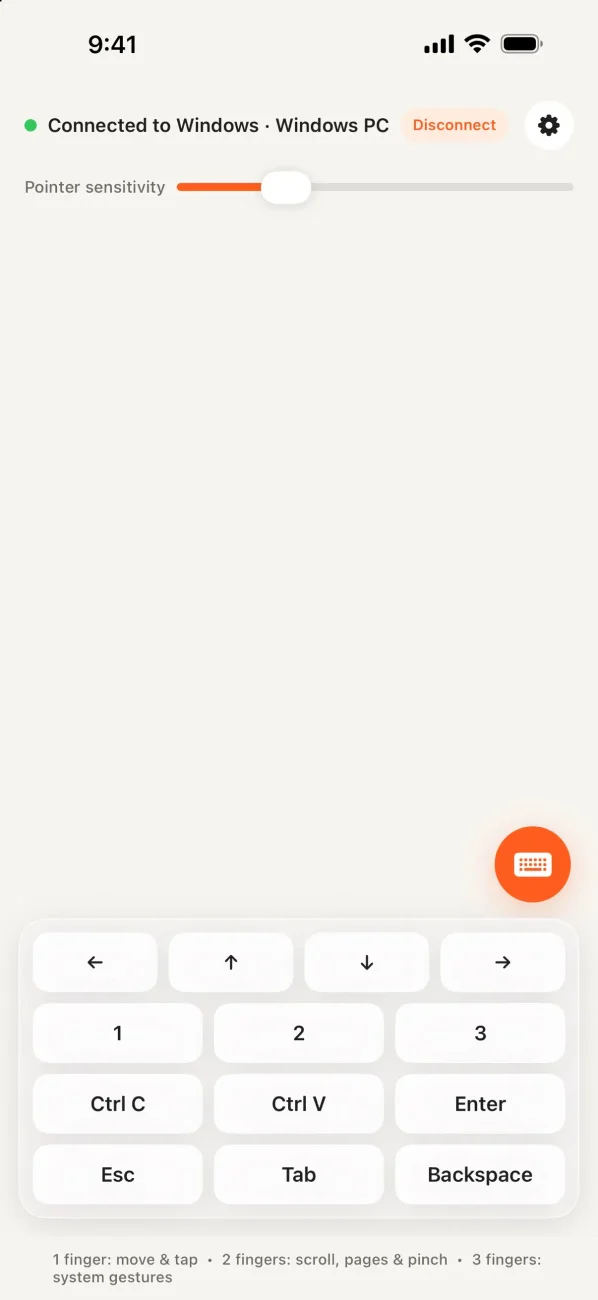
Move the pointer, click, scroll, zoom, drag, switch spaces, and open Mission Control using familiar multi-touch gestures. PhoneAsTrackpad communicates directly over your local Wi-Fi network, with no account and no cloud service.
FEATURES
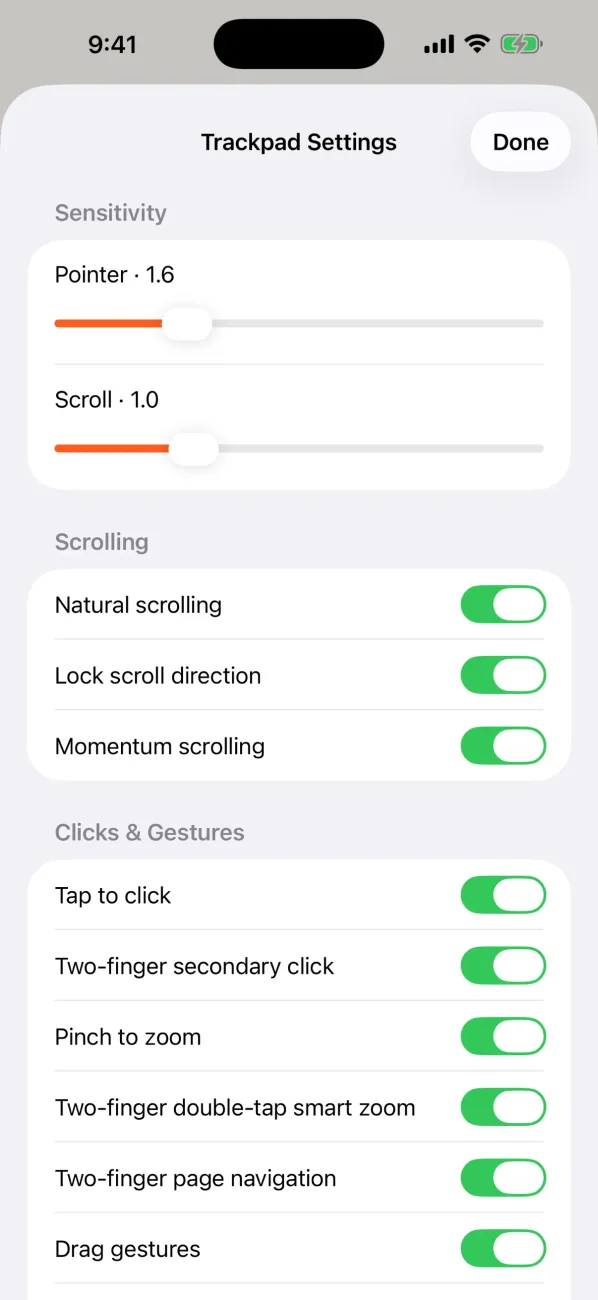
• Smooth pointer movement with adjustable sensitivity
• Tap, double-click, secondary click, and drag
• Natural and momentum scrolling
• Pinch and smart zoom
• Page navigation and system gestures
• Mission Control and space switching on Mac
• Task View and virtual desktop controls on Windows
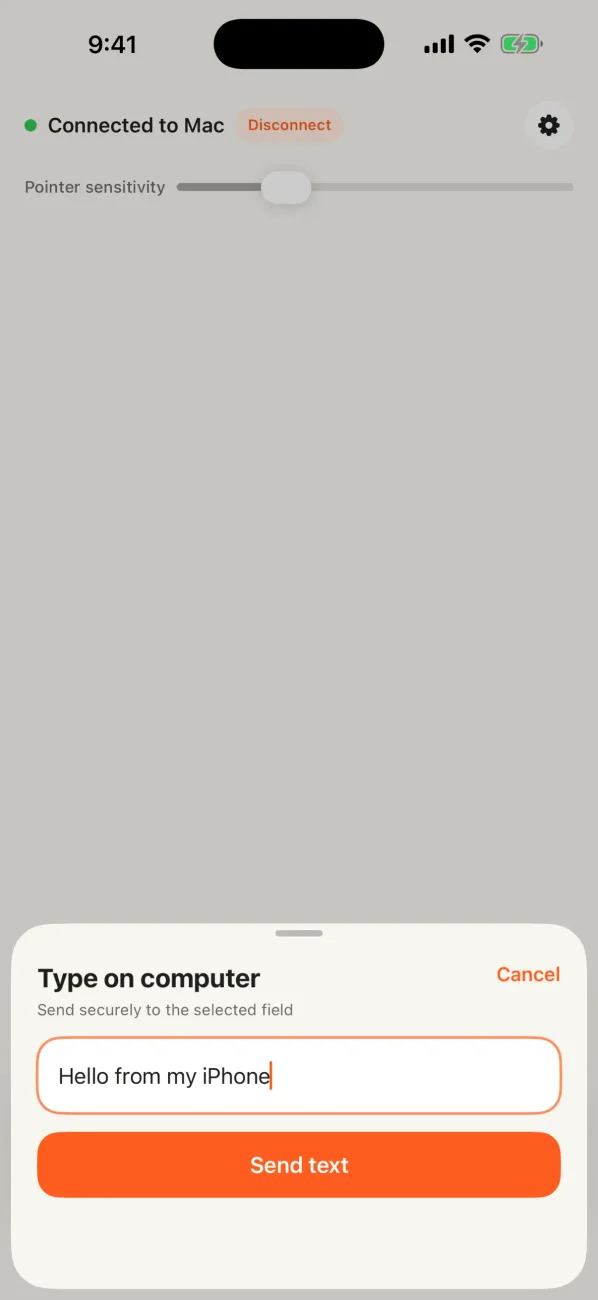
• Arrow keys and customizable buttons for text and shortcuts
• Automatic computer discovery and manual Windows IP connection
• Local diagnostic logs to help troubleshoot connections
CONNECT YOUR COMPUTER
1. Download the free Computer Connection App from our support website.
2. Connect your iPhone and computer to the same Wi-Fi network.
3. Open both apps and choose your computer.
The Computer Connection App is required. macOS 14 or later and Windows 10/11 are supported.
Privacy first: input stays on your local network. We collect no personal data and include no advertising or analytics SDKs.
What’s new
Version 1.0.4 · Nov 23, 2026
• The iPhone and iPad app, Mac and Windows receivers, and online setup guide now support Korean, English, Japanese, Simplified Chinese, and Spanish.
• Connection errors and setup instructions appear in the language you use for the app.
App privacy
What WONHEE JANG declares on the App Store about how this app handles data.
-
Data not collected
The developer does not collect any data from this app.
Privacy practices may vary, for example with the features you use or your age.
Information
- Seller
- WONHEE JANG
- Category
- Utilities
- Version
- 1.0.4
- Updated
- Nov 23, 2026
- Released
- Oct 10, 2026
- Size
- 3.5 MB
- Requires
- iOS 17.0 or later
- Age rating
- 4+
- Price
- Free
- Languages
- English, Japanese, Korean, Simplified Chinese, Spanish
- Copyright
- © 2026 WONHEE JANG
You might also like
-
 eTrackPad: Wireless TrackpadGestures, keyboard & remote
-
 FileBolt: File TransferSend folders privately
-
 CursorSpot - Mouse HighlighterPointer Highlight & Jump
-
 Mobile TouchpadTurn your phone into a mouse
-
 Bluetooth MouseWireless Mouse & Keyboard
-
 SMB Server - ファイル共有PCとワイヤレスでファイル共有
-
 UT RecorderCapture Screen, Audio Recorder
-
 RoomPipeAdd pipelines to scanning room
-
 Image to PDF Converter: TapPDFPhoto to PDF, JPG Scanner
-
 Phone Mouse・Remote・KeyboardMobile Trackpad for Mac & PC