- Age rating4+
- CategoryUtilities
- DeveloperVagram Malkhasian
- Size7.1 MB
Links to the official App Store page
Download.org hosts no file of Exact Seconds. The button opens its official App Store page, published by Vagram Malkhasian. Listing last checked on Nov 18, 2026.
Screenshots


About
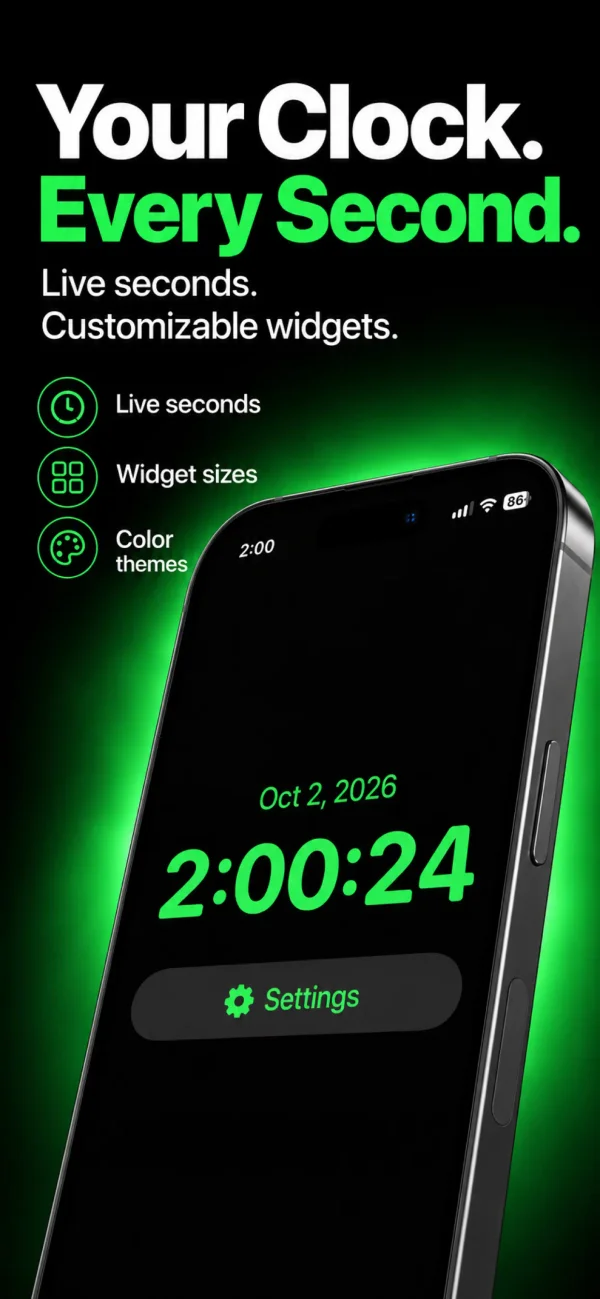
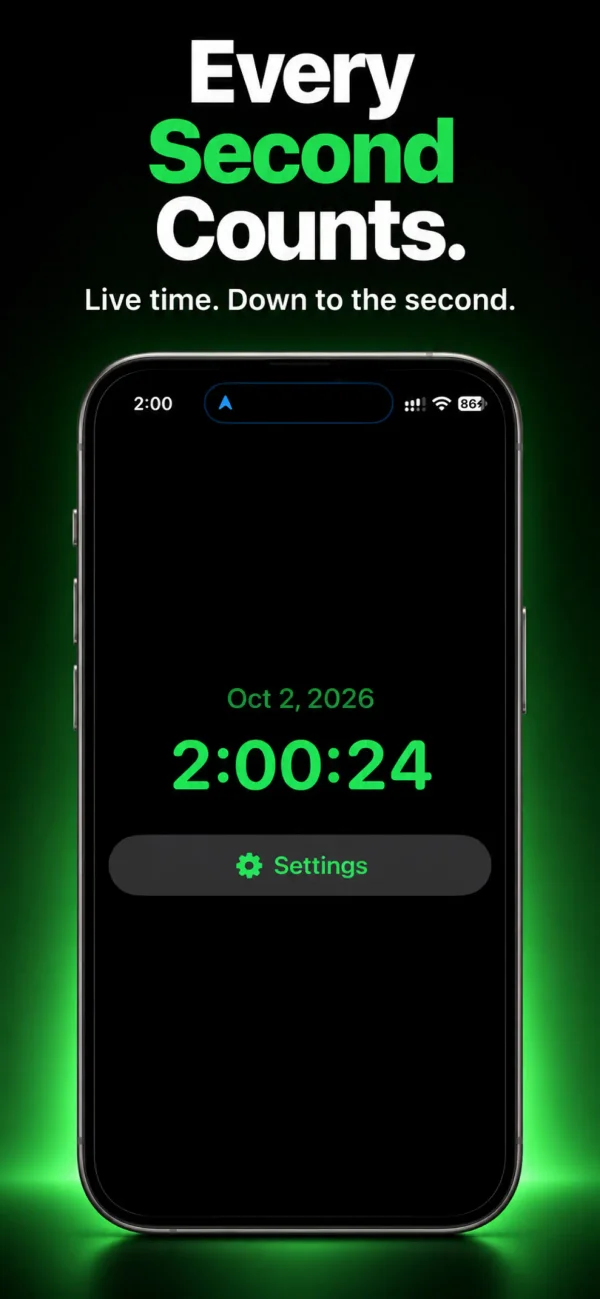
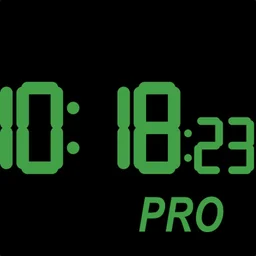
Exact Seconds is a clean, focused clock that shows the current time down to the second.
Use it whenever precise timing matters: coordinate an exact moment, check the current second at a glance, or keep a large, easy-to-read clock open on your iPhone.
CUSTOMIZABLE LIVE CLOCK
Choose the appearance that works best for you. Set the time format, clock color, background, and optional date display directly in the app.
LIVE SECONDS WIDGETS
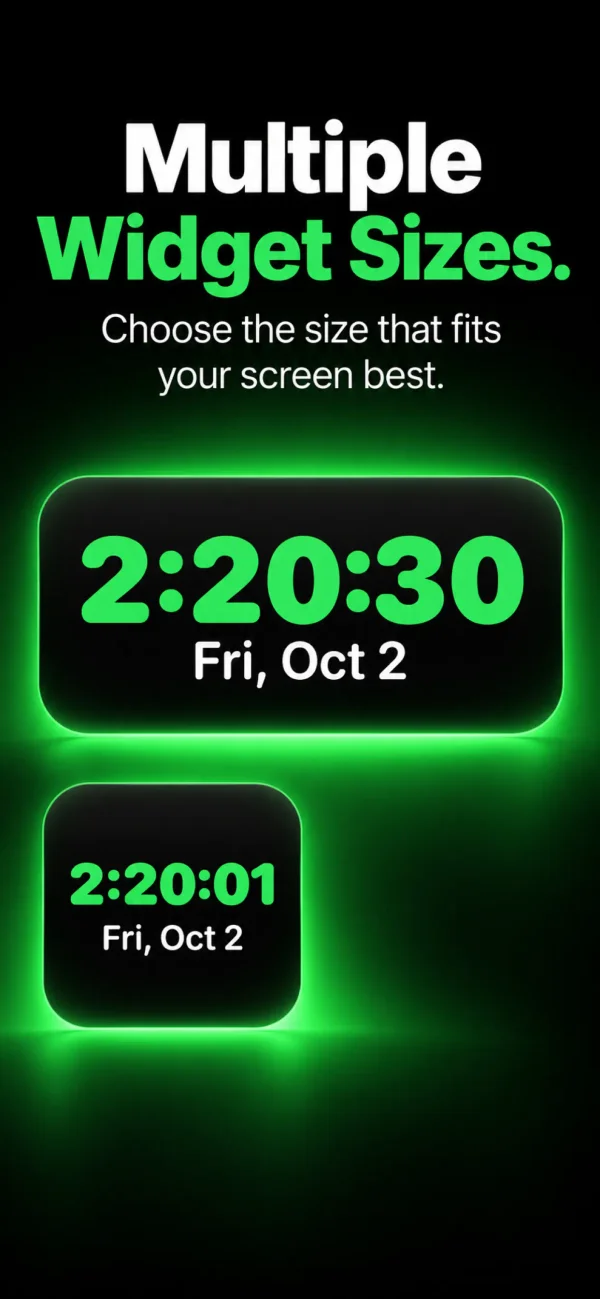
Keep the exact time visible without opening the app. Exact Seconds supports Home Screen widgets, a Lock Screen widget, and supported CarPlay displays.
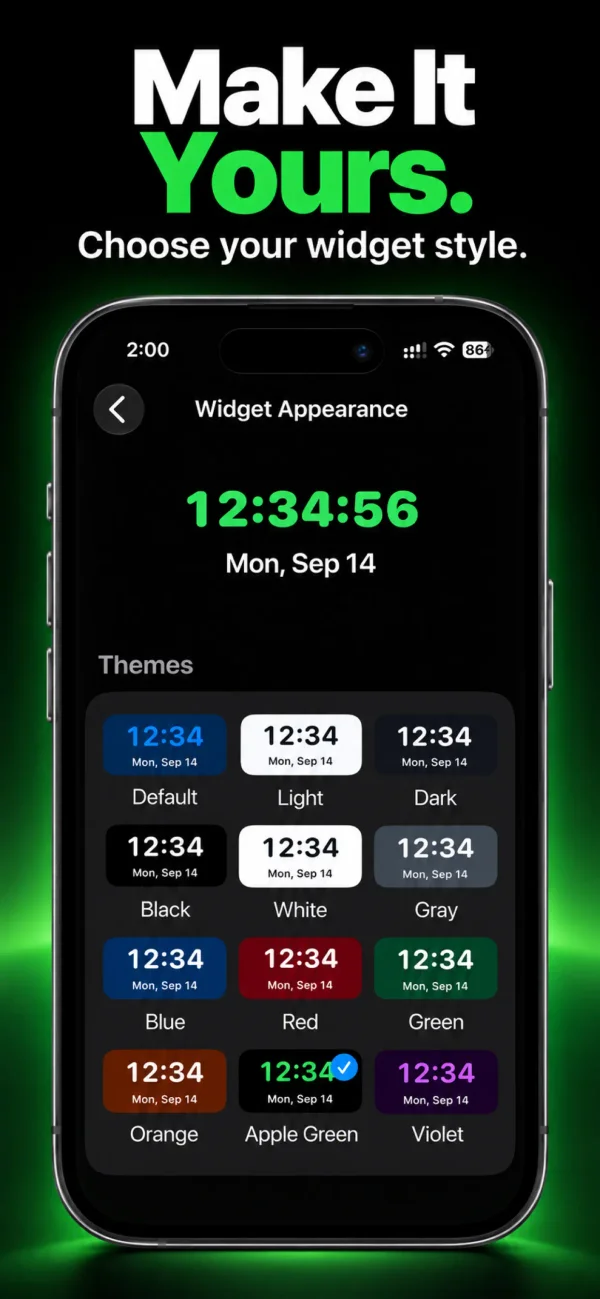
Choose from multiple widget sizes and customize their appearance with built-in themes or independent background, time, and date colors. Appearance changes apply to existing widgets without requiring you to remove and add them again.
Features:
• Large in-app clock with live seconds
• Home Screen widgets with live seconds
• Lock Screen widget with live seconds
• CarPlay widget support
• Multiple widget sizes
• 12 built-in widget themes
• Independent background, time, and date colors
• System, 12-hour, and 24-hour time formats
• Live seconds preserved in every time format
• Multiple in-app clock colors
• Black or white in-app background
• Optional in-app date display
• No account required
• No ads
• No advertising or cross-app tracking
Exact Seconds uses your iPhone system time. For the best accuracy, keep Set Automatically enabled in iOS Date & Time settings.
Exact Seconds uses limited anonymous analytics to understand whether widgets remain active over time and to improve widget reliability. This analytics does not use IDFA and is not used for advertising or cross-app tracking.
What’s new
Version 2.4 · Oct 3, 2026
Exact Seconds 2.4 adds more control over your clock and widgets:
• Choose System, 12-hour, or 24-hour time format while keeping live seconds.
• Pick from 12 widget themes, including Apple Green.
• Customize widget background, time, and date colors independently.
• Widget appearance changes now refresh quickly without removing and re-adding the widget.
• Improved Small and Medium widget layout and readability.
• Fixed an incorrect widget-settings warning and other minor issues.
App privacy
What Vagram Malkhasian declares on the App Store about how this app handles data.
-
Data linked to you
May be collected and linked to your identity.
- Identifiers
- Usage data
Privacy practices may vary, for example with the features you use or your age.
Information
- Seller
- Vagram Malkhasian
- Category
- Utilities
- Version
- 2.4
- Updated
- Oct 3, 2026
- Released
- Jun 24, 2026
- Size
- 7.1 MB
- Requires
- iOS 17.0 or later
- Age rating
- 4+
- Price
- Free
- Copyright
- © 2026 Vagram Malkhasian. All rights reserved.
You might also like
-
 Seconds Clock: Floating & DeskDynamic Island & Lock Screen
-
 SeClock: Seconds Clock WidgetLock Screen & Live Activity
-
 Alarm with Seconds: Exact TimePrecise timer, clock & widget
-
 NiteTime ClockNight Clock, Perfectly Styled
-
 Floatory: Floating Clock PiPPiP clock, date & speed
-
 Atomic Clock: Exact TimeExact time with atomic clocks
-
 Studio Clock - Studio UhrUtilities
-
 Minimal Digital Clock & AlarmAesthetic Nightstand & Desk
-
 Big Time Digital ClockLarge clock with many styles!
-
 Clock SecondsLargest Clock with seconds