SeClock: Seconds Clock Widget
Lock Screen & Live Activity
Designed for iPhone
Free · In-app purchases
- Age rating4+
- CategoryUtilities
- DeveloperKiichi Ito
- LanguagesEnglish+ 1 more
- Size3.4 MB
Links to the official App Store page
Download.org hosts no file of SeClock: Seconds Clock Widget. The button opens its official App Store page, published by Kiichi Ito. Listing last checked on Nov 21, 2026.
Screenshots

About
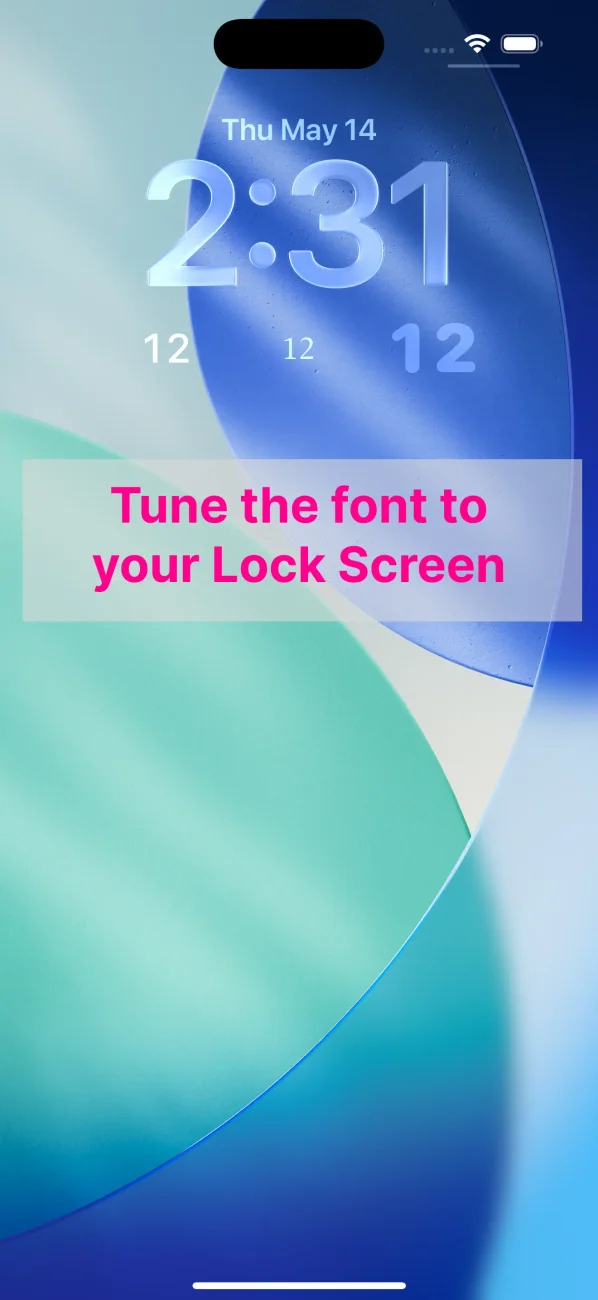
SeClock shows just the seconds on your Lock Screen or Home Screen — the part the system clock leaves out.
Long-press the Lock Screen or Home Screen to add the widget. An in-app purchase lets you tune the font, weight, size, and opacity so the seconds blend into your setup.
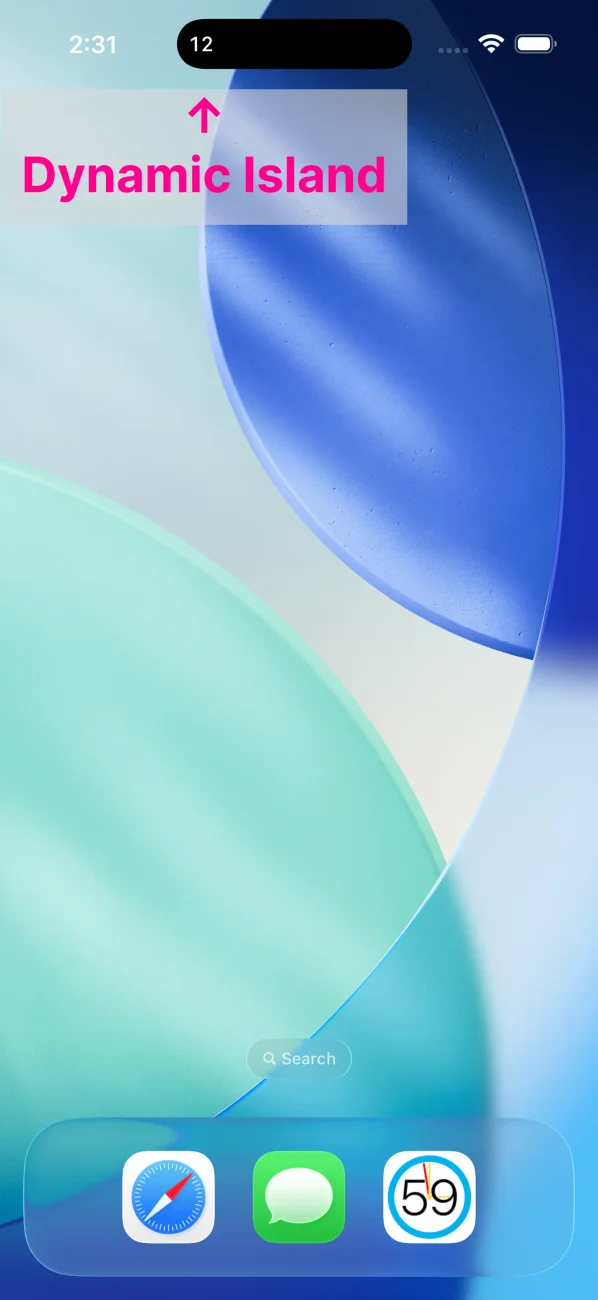
Prefer the Dynamic Island? Tap the button in the app to start a Live Activity that keeps seconds ticking there for up to about 8 hours.
You can also use the app itself as a fullscreen HH:MM:SS clock.
*Widgets and Live Activities may be off by up to about 1 second.
What’s new
Version 1.2.2 · May 18, 2026
- Restored the rectangular Lock Screen widget.
- Added the ability to send feedback.
App privacy
What Kiichi Ito declares on the App Store about how this app handles data.
-
Data not collected
The developer does not collect any data from this app.
Privacy practices may vary, for example with the features you use or your age.
Information
- Seller
- Kiichi Ito
- Category
- Utilities
- Version
- 1.2.2
- Updated
- May 18, 2026
- Released
- Feb 23, 2023
- Size
- 3.4 MB
- Requires
- iOS 17.0 or later
- Age rating
- 4+
- Price
- Free
- In-app purchases
- Yes
- Languages
- English, Japanese
- Copyright
- © Kiichi Itoh
You might also like
-
 Smart Digital & Analog ClockCustomizable Clock with Widget
-
 Exact SecondsLive seconds clock and widgets
-
 Clock Widget - Ultra HD TimeFlip Clock & Countdown Widgets
-
 Digital Clock UltraUtilities
-
 Digital Clock - NeoUtilities
-
 Mugen ClockBig Display & Infinite Themes
-
 Minimum ClockSimple Digital Clock
-
 Seconds Clock: Floating & DeskDynamic Island & Lock Screen
-
 Screen Clock DigitalA huge Screen Digital Clock
-
 SFClockSimple Flip Clock and Calendar