- Age rating4+
- CategoryUtilities
- DeveloperYuya Takamoto
- LanguagesEnglish+ 2 more
- Size13.6 MB
Links to the official App Store page
Download.org hosts no file of Floatimer. The button opens its official App Store page, published by Yuya Takamoto. Listing last checked on Nov 12, 2026.
Screenshots


About
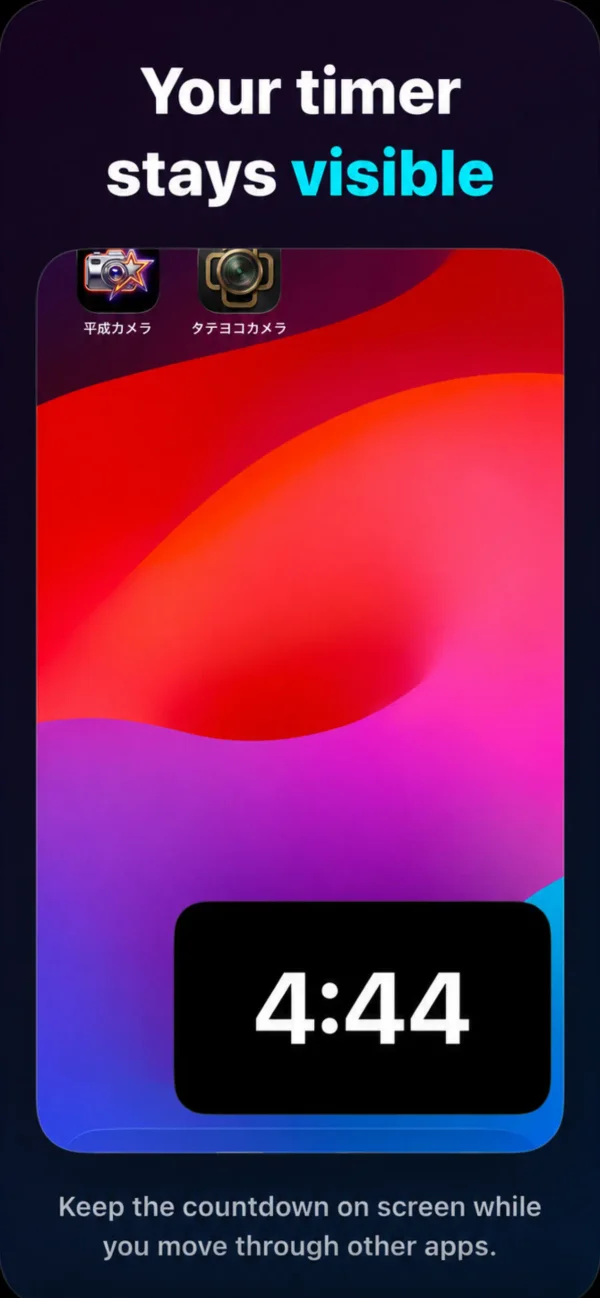
Floatimer is a minimal Picture in Picture timer designed to stay visible while you use other apps.
Whether you are studying, working, presenting, watching videos, browsing, or tracking a task, Floatimer helps you keep time in view without switching back and forth between apps.
MAIN FEATURES
• Floating Picture in Picture timer
Keep your timer visible above other apps with a clean floating PiP window.
• Timer
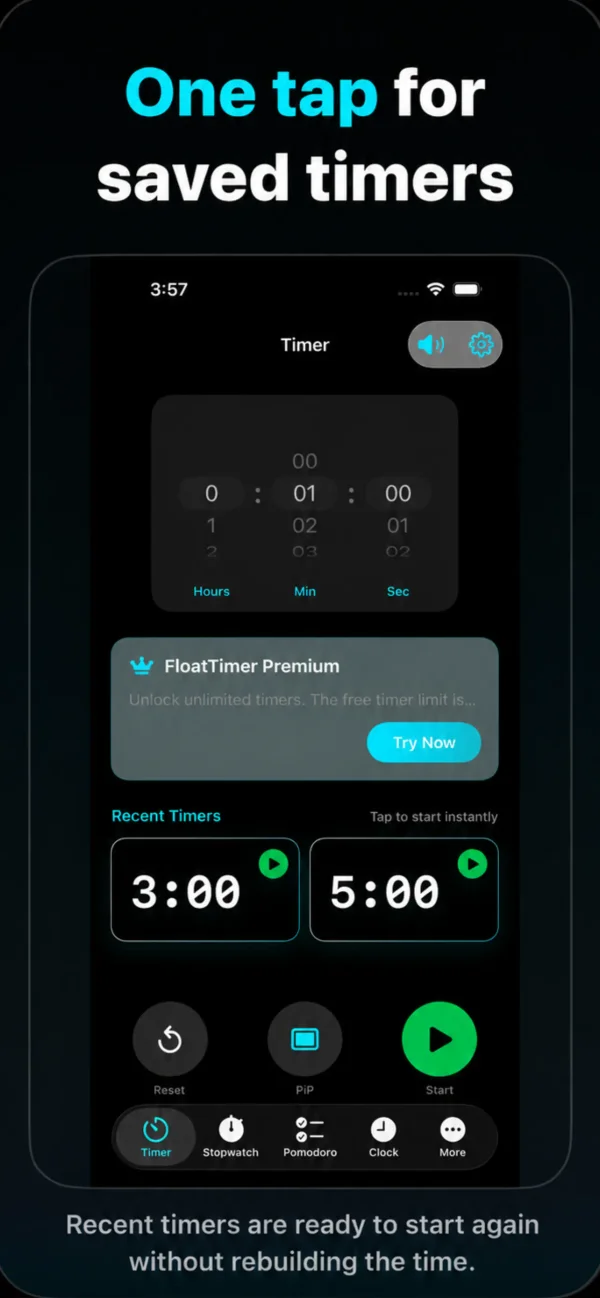
Set hours, minutes, and seconds with a simple picker. Start, pause, reset, and launch PiP quickly.
• Stopwatch
Track elapsed time with a clean digital counter and lap support.
• Pomodoro
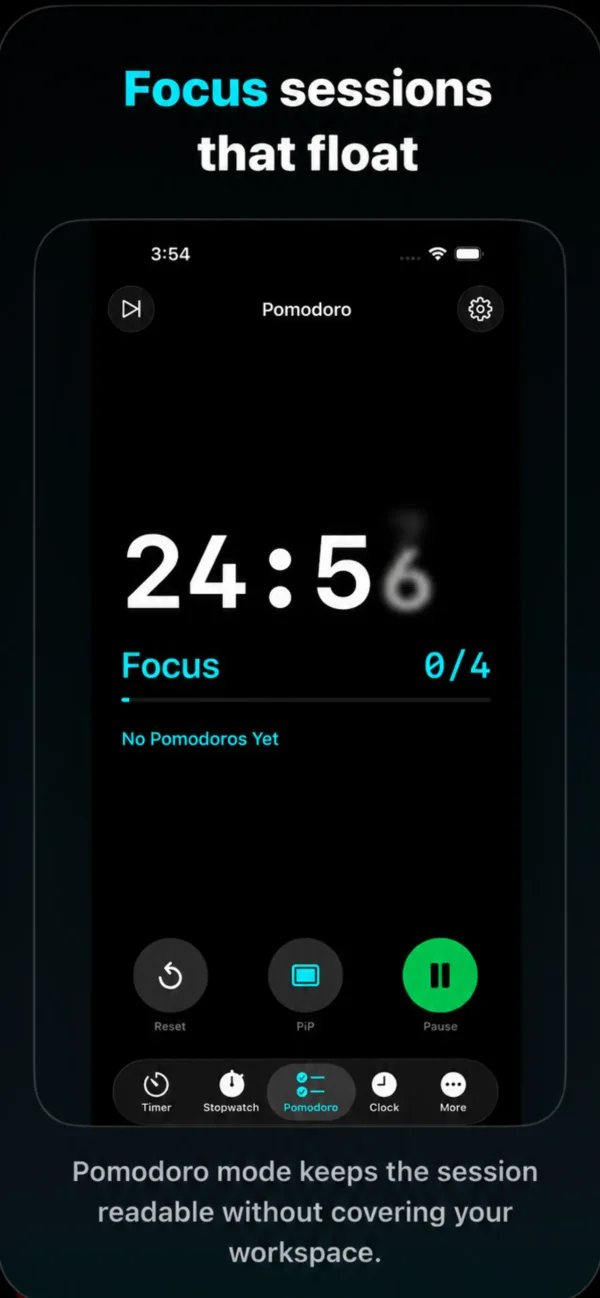
Stay focused with a 25-minute focus timer, break sessions, and progress tracking.
• Floating clock
Show the current time in a floating PiP window while using other apps.
• Clean cyber-minimal design
Pure black interface, neon cyan text, green action buttons, and a focused layout made for readability.
WHY FLOATIMER?
Normal timers disappear when you open another app. Floatimer is built for people who want time to stay visible while multitasking.
Use Floatimer for:
• Study sessions
• Work sprints
• Presentations
• Online lessons
• Workouts
• Cooking
• Video watching
• Browser-based tasks
• Pomodoro focus sessions
• Any task where time should stay on screen
FREE VERSION
The free version includes access to timer, stopwatch, Pomodoro, and clock features with usage limits.
FLOATIMER PREMIUM
Unlock the full experience with Floatimer Premium:
• Longer timer sessions
• Longer stopwatch sessions
• More Pomodoro sessions
• Full floating timer experience
• Premium productivity workflow
Subscription options may include monthly and yearly plans. A lifetime unlock may also be available.
Payment will be charged to your Apple ID account at confirmation of purchase. Subscriptions automatically renew unless canceled at least 24 hours before the end of the current period. You can manage or cancel subscriptions in your App Store account settings after purchase.
Terms of Use / EULA:
https://www.apple.com/legal/internet-services/itunes/dev/stdeula/
What’s new
Version 1.0.1 · Oct 7, 2026
Fixed pausing and resuming after a countdown ends, and corrected overtime calculation when updates are delayed.
App privacy
What Yuya Takamoto declares on the App Store about how this app handles data.
-
Data not collected
The developer does not collect any data from this app.
Privacy practices may vary, for example with the features you use or your age.
Information
- Seller
- Yuya Takamoto
- Category
- Utilities
- Version
- 1.0.1
- Updated
- Oct 7, 2026
- Released
- Jul 15, 2026
- Size
- 13.6 MB
- Requires
- iOS 17.0 or later
- Age rating
- 4+
- Price
- Free
- In-app purchases
- Yes
- Languages
- English, Japanese, Simplified Chinese
- Copyright
- © 2026 Yuya Takamoto
You might also like
-
 PiPomo: Floating Timer ScriptPomodoro, Teleprompter, Clock
-
 Micro Clock: Floating TimerCountdown, Stopwatch & Focus
-
 Floating Clock &StopWatchOverlay, Always-on screen time
-
 FloatingTimer-Suspension ClockUtilities
-
 Floating Clock - Deal SnipingPerfect for sniping deals
-
 Floating Clock: Digital TimerStopwatch, Countdown & Seconds
-
 Pop Out Timer Stopwatch ClockOn-screen floating above apps
-
 Float ClockUtilities
-
 LiveCue TimerPro Timer for Shows & Streams
-
 Second Clock & CountdownFloating Clock, Widget, Alarm