Folda: PDF Document Scanner
Scan to PDF, OCR & ID Card
Designed for iPhone, iPad
Free · In-app purchases
- Age rating4+
- CategoryProductivity
- DeveloperAnh Nguyen
- LanguagesEnglish+ 12 more
- Size44.5 MB
Links to the official App Store page
Download.org hosts no file of Folda: PDF Document Scanner. The button opens its official App Store page, published by Anh Nguyen. Listing last checked on Nov 23, 2026.
Screenshots



About
Turn paper into sharp, searchable PDFs. Folda scans, reads and organizes your documents right on your iPhone and iPad — free and unlimited, with no watermark and no account.
SCAN ANYTHING
• Apple’s document camera finds the page, captures it automatically and scans many pages in a row
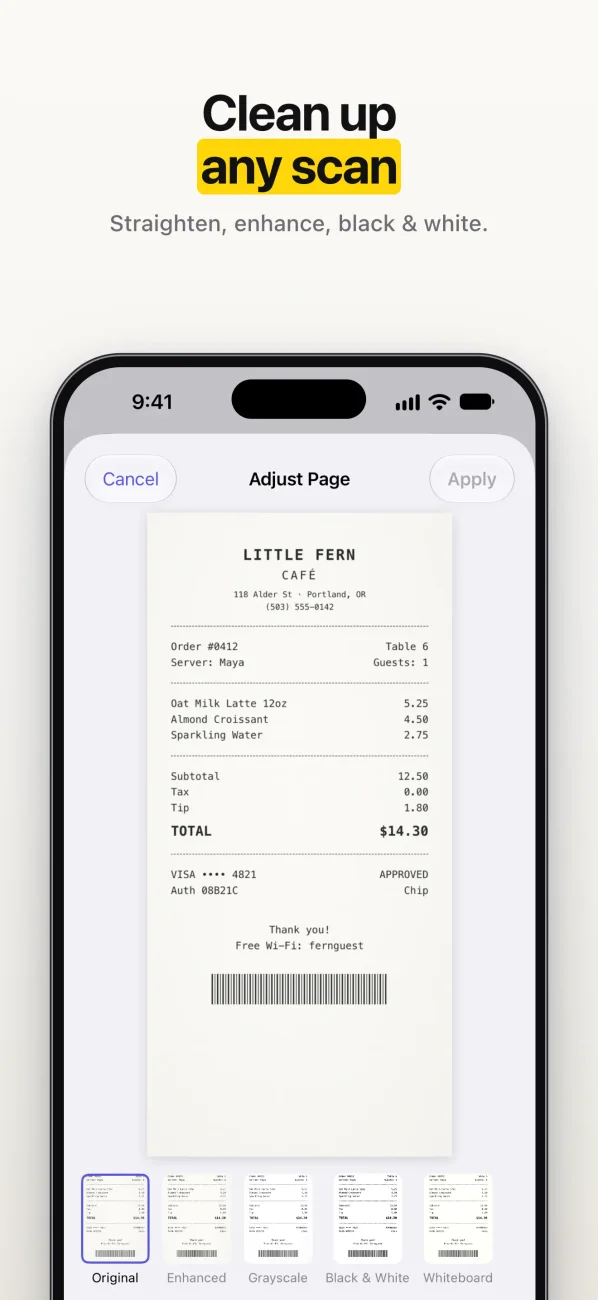
• Straighten, rotate and clean up with Enhanced, Grayscale, Black & White and Whiteboard filters
• Import photos and PDFs from Photos and Files, or open them in Folda from other apps
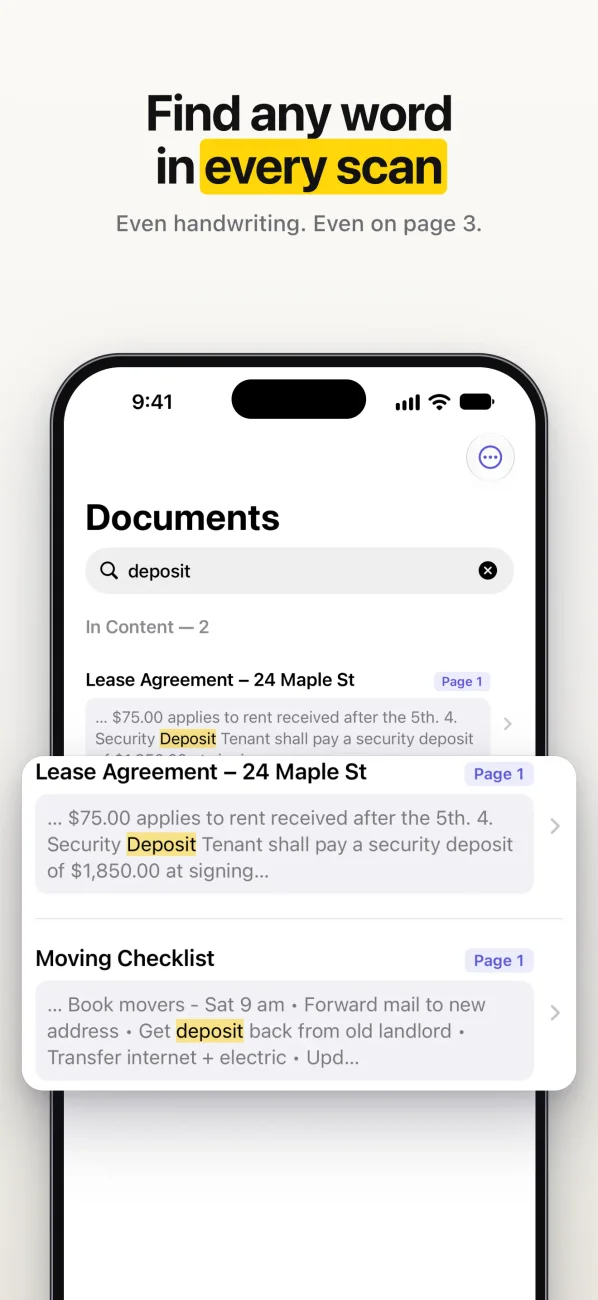
FIND ANY WORD
• On-device text recognition (OCR) makes every page searchable
• Search all your scans at once, even handwriting, and jump straight to the right page
• Copy text from any page, have it read aloud, or translate it
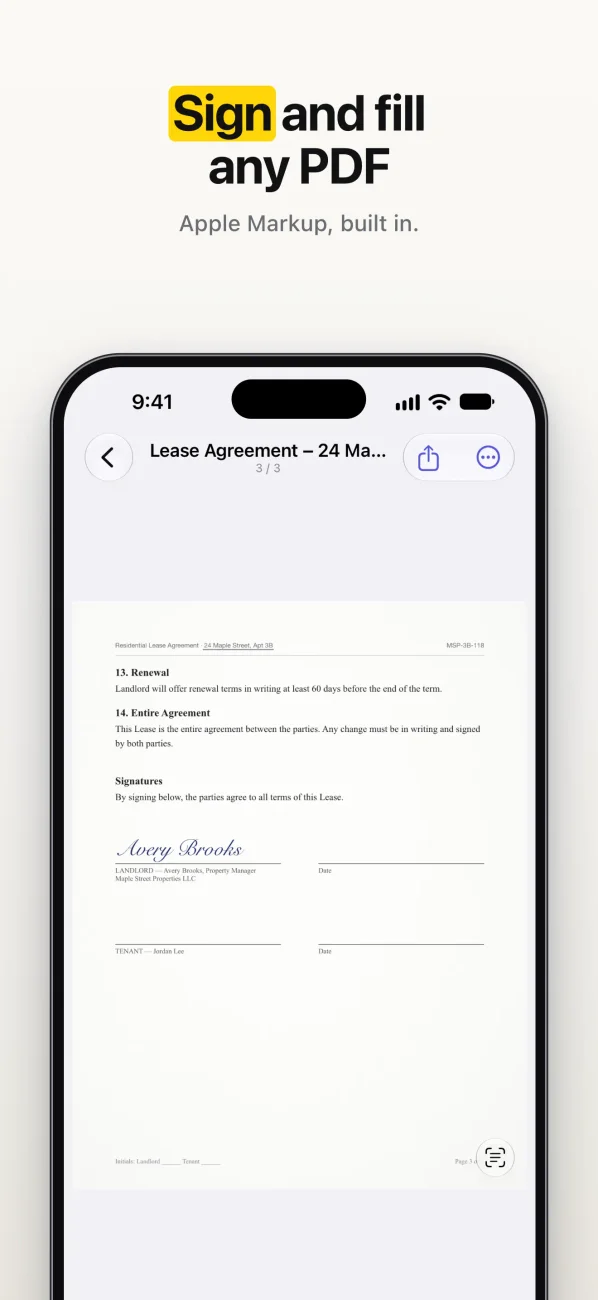
SIGN, REDACT AND SHARE
• Fill in and sign with Apple Markup
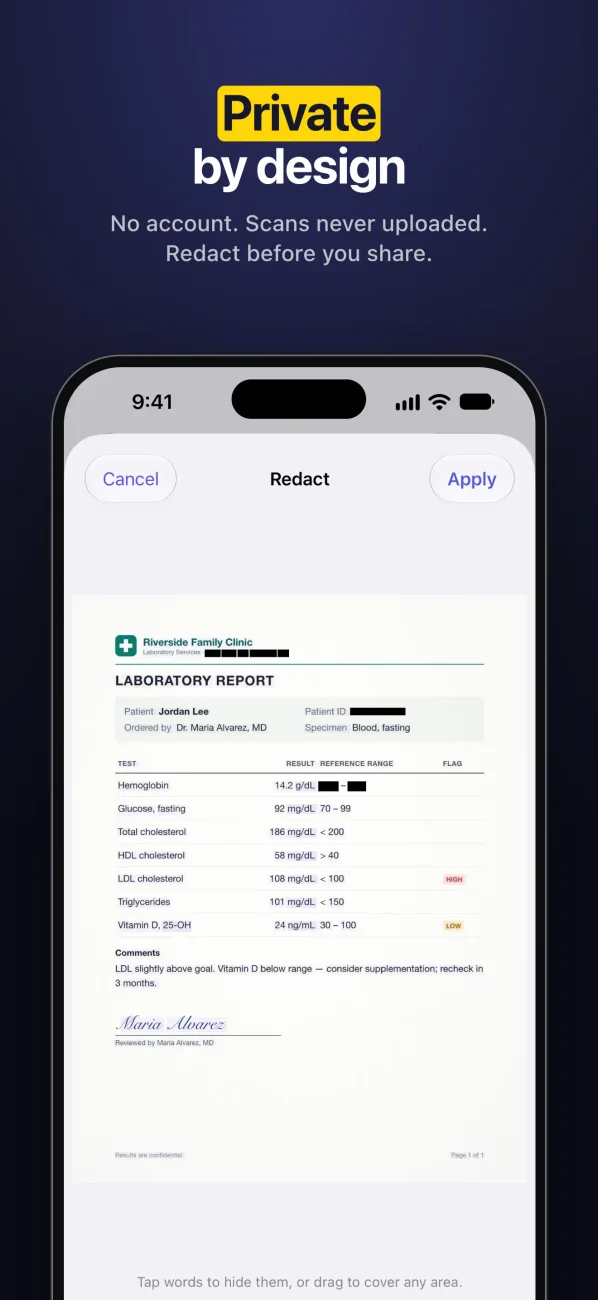
• Redact names and numbers for good before you share
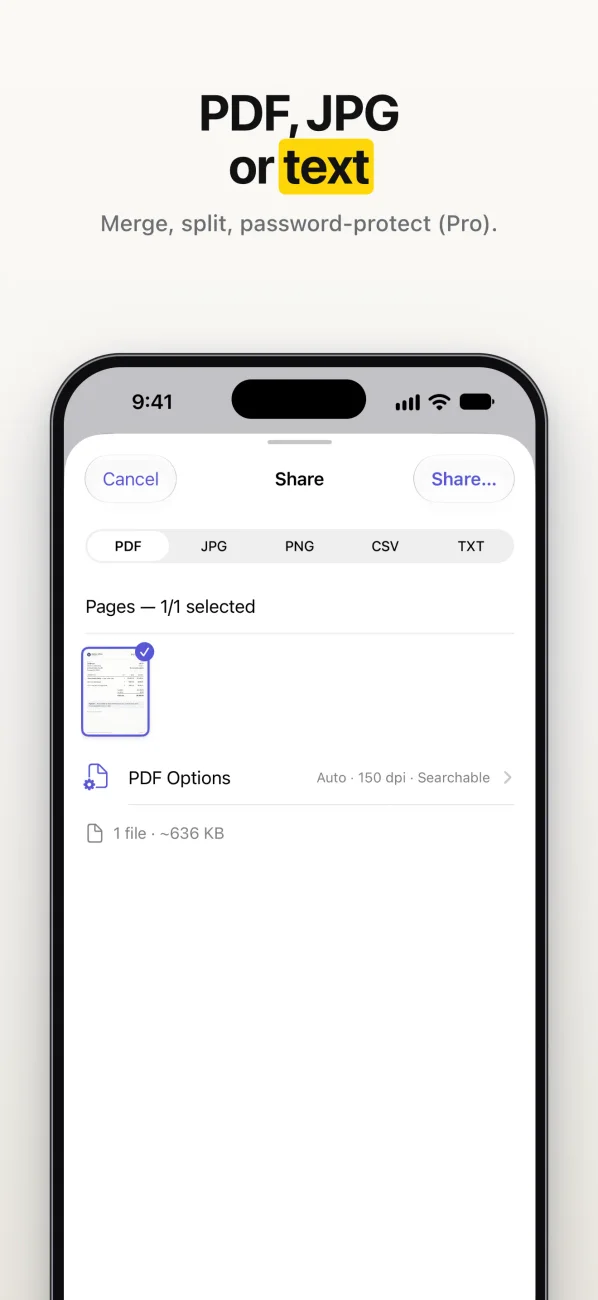
• Share as searchable PDF, JPG, PNG or plain text; merge, split and reorder pages; print
• Scan QR codes and barcodes
ORGANIZED FOR YOU
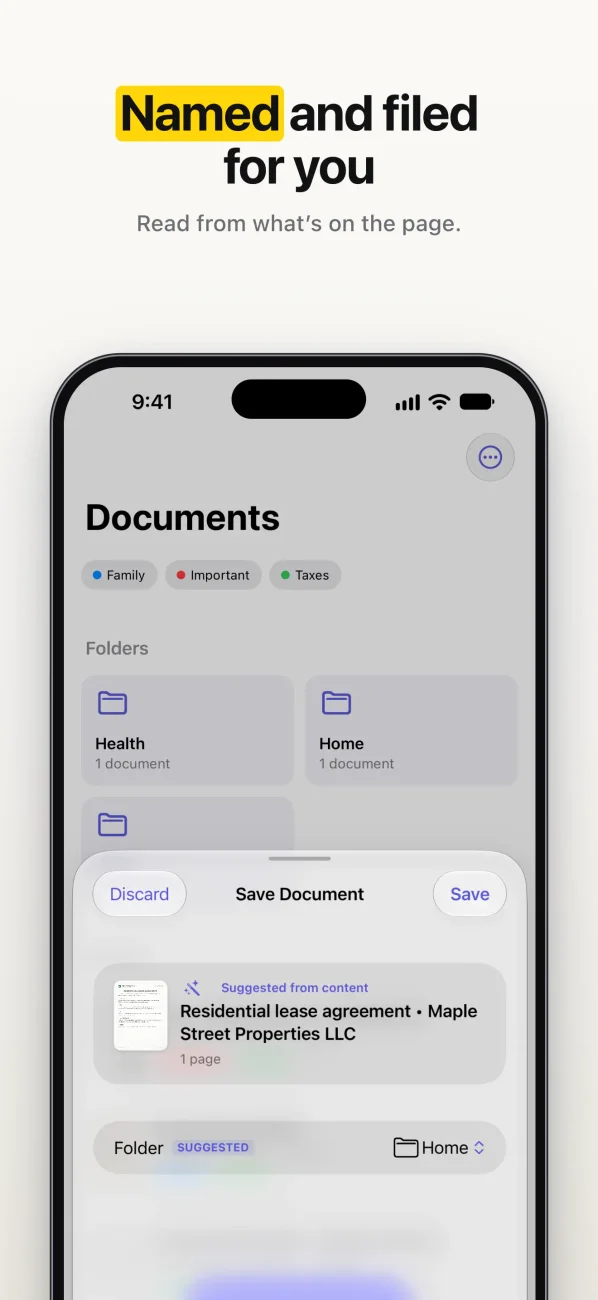
• Names suggested from what’s on the page
• Folders, tags, list or grid, and Recently Deleted
• Spotlight search, Siri Shortcuts, a Quick Scan widget and Control Center buttons
PRIVATE BY DESIGN
• Scanning, text recognition, search and naming happen on your device
• No account, no tracking, and your documents are never uploaded
Folda PRO (optional subscription or one-time purchase)
• Apple Intelligence, on the device: summaries of long documents, questions about a document, smart names and folders, and expense CSVs from receipts (supported devices)
• 300 dpi exports and password-protected PDFs
• App Lock with Face ID or passcode
• Share many documents at once and automatic backup to a folder you choose
• Scan the front and back of an ID card or driver’s license onto one page at actual size, so a printout works like a photocopy
• Book mode that splits an open book into pages, and business cards straight to Contacts
Scanning, text recognition and PDF export stay free and unlimited without Pro.
Terms of Use: https://navlab.app/terms
Privacy Policy: https://navlab.app/privacy
Questions? support@navlab.app
What’s new
Version 2.0.4 · Nov 22, 2026
Smaller PDFs, safer passwords and smoother search.
• PDFs are much smaller: pages are stored as JPEG, and the quality you pick now sets the resolution. Auto makes real A4 or Letter pages, so ID cards print at actual size.
• Password-protected PDFs use AES encryption.
• Search finds phrases that run onto the next line, and stays smooth in big libraries.
• Summaries and answers handle long documents better, including Chinese, Japanese and Korean.
• Fixes for imports, Undo after saving, Save PDFs to a Folder, Spotlight and App Lock.
App privacy
What Anh Nguyen declares on the App Store about how this app handles data.
-
Data not linked to you
May be collected but is not linked to your identity.
- Purchases
- Location
- Identifiers
- Usage data
- Diagnostics
Privacy practices may vary, for example with the features you use or your age.
Information
- Seller
- Anh Nguyen
- Category
- Productivity
- Version
- 2.0.4
- Updated
- Nov 22, 2026
- Released
- Apr 7, 2020
- Size
- 44.5 MB
- Requires
- iOS 18.0 or later
- Age rating
- 4+
- Price
- Free
- In-app purchases
- Yes
- Languages
- English, Dutch, French, German, Italian, Japanese, Korean, Portuguese, Simplified Chinese, Spanish, Traditional Chinese, Turkish + 1 more
- Copyright
- © Anh Nguyen
You might also like
-
 Scanner - convert photo to pdfSign jpg image, ai chat pdf
-
 Document Scanner & TranslateScan to PDF, Word & Excel, OCR
-
 Text Scanner & Image to TextOCR picture photo scan extract
-
 PDF Translate ProTranslate Any PDF
-
 PDF File Translator AppPdf Translation
-
 Scanner: Document Scan AppPDF/OCR docs scan
-
 PDF Translator: Document & OCRTranslate Word, Excel & Scans
-
 Text Capture: Image to TextExtract text from photos
-
 My Scans, best PDF Scanner AppScan, Sign, FAX, Print, Email
-
 Text Scanner OCR App: OCR ScanImage to Text - Word Scan Text