FuaFlow CRM
The CRM for selling by phone
Designed for iPhone, iPad, iPod touch
Free
- Age rating4+
- CategoryProductivity
- DeveloperJOSE ARTURO ORNELAS BRAND
- LanguagesEnglish+ 1 more
- Size46.5 MB
Links to the official App Store page
Download.org hosts no file of FuaFlow CRM. The button opens its official App Store page, published by JOSE ARTURO ORNELAS BRAND. Listing last checked on Nov 23, 2026.
Screenshots


About
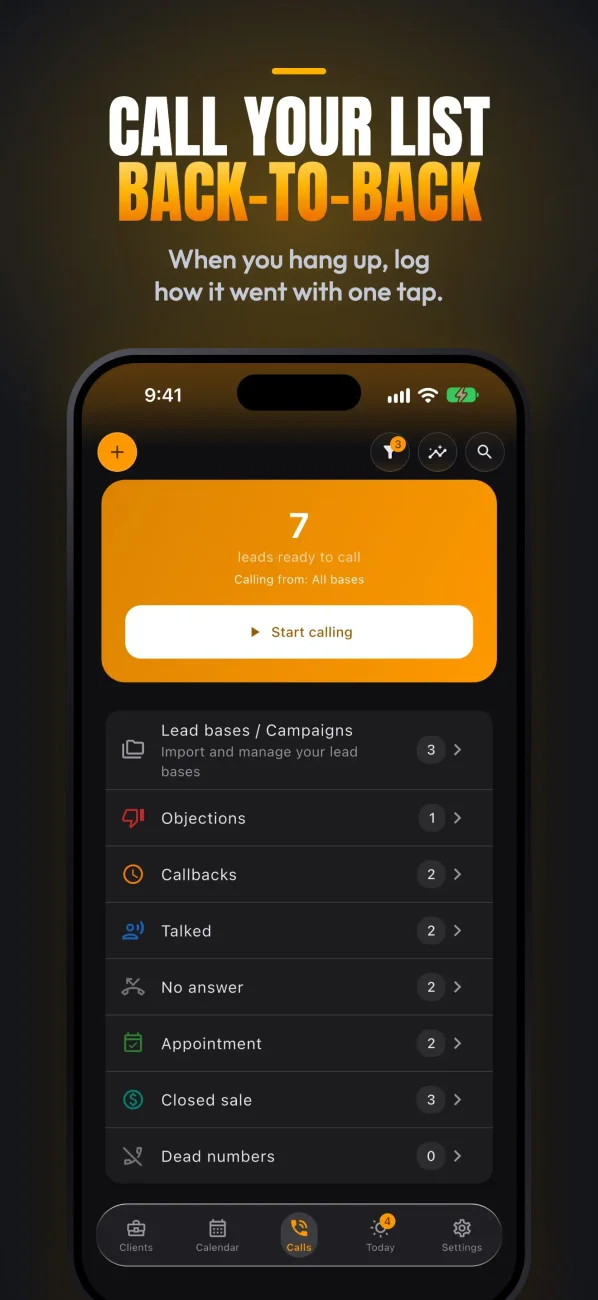
FuaFlow CRM turns your lead list into back-to-back calls: every call logged as you hang up, every appointment booked with a reminder, and every sale measured — no spreadsheets.
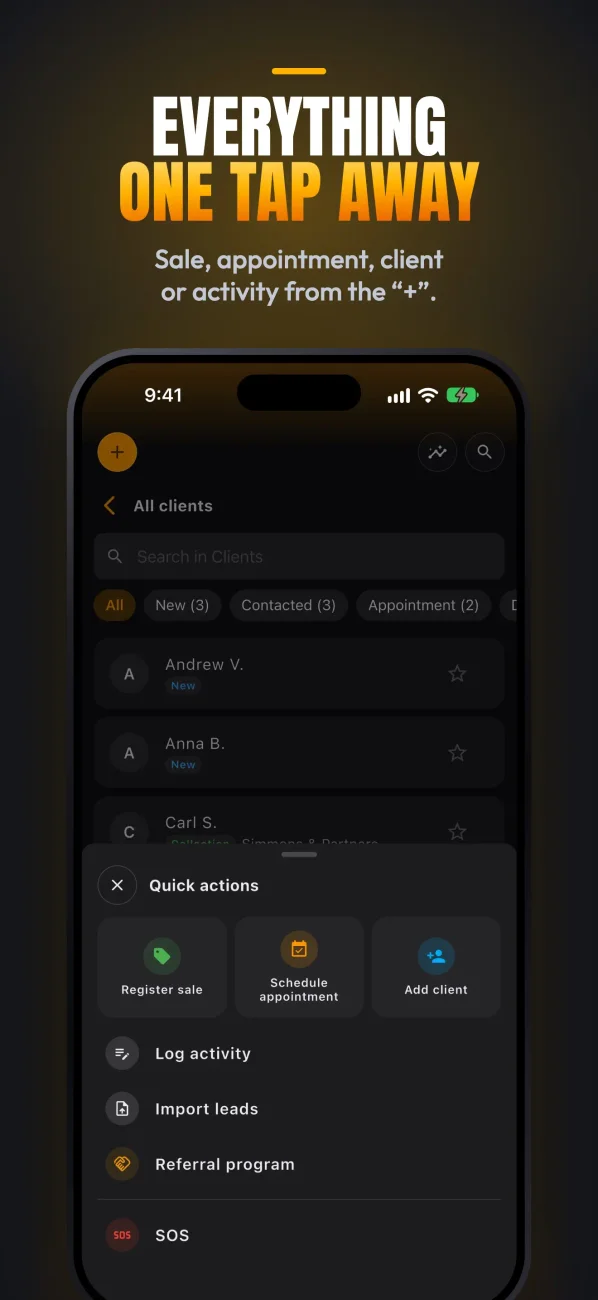
• Import your leads from a CSV or straight from your contacts, with duplicate detection by phone number.
• Call back-to-back: the app lines up your calls and one tap logs what happened when you hang up (a sale is not the same as an appointment).
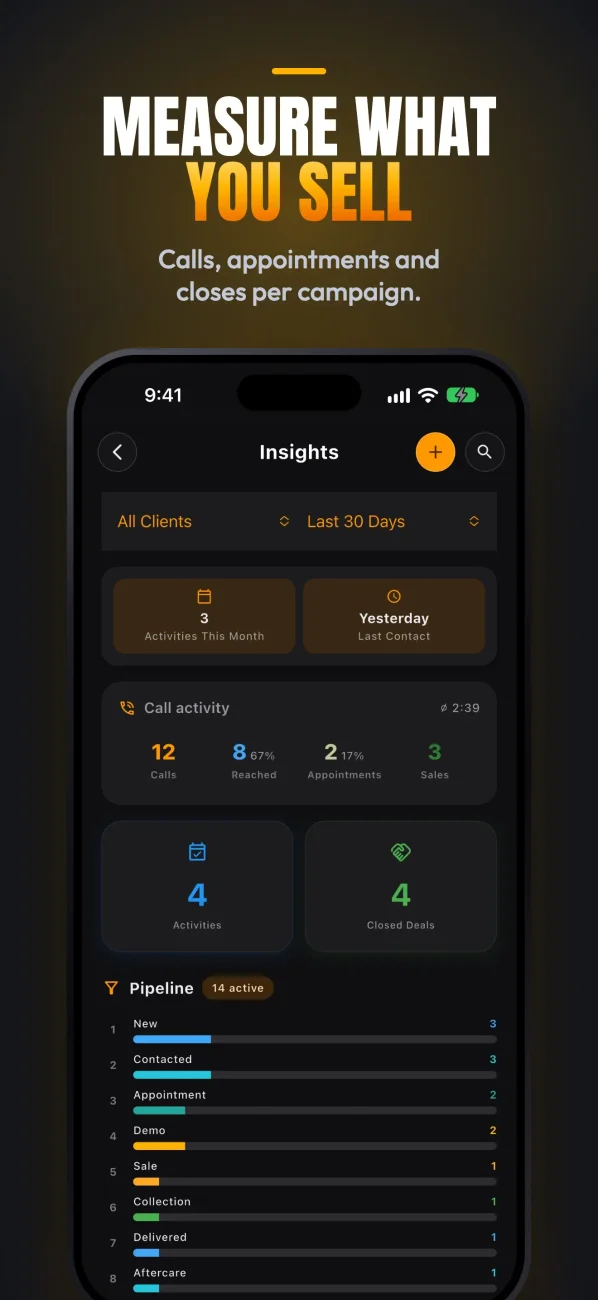
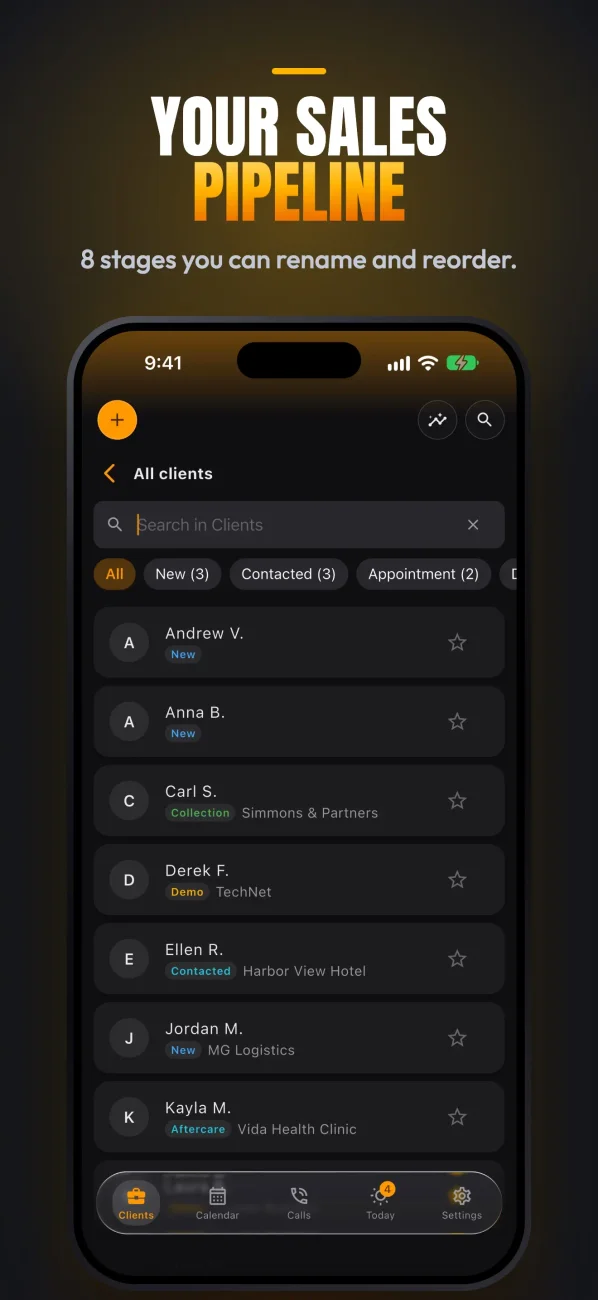
• A pipeline of 8 real sales stages — New, Contacted, Appointment, Demo, Sale, Collection, Delivered, Aftercare — rename and reorder them to match your process.
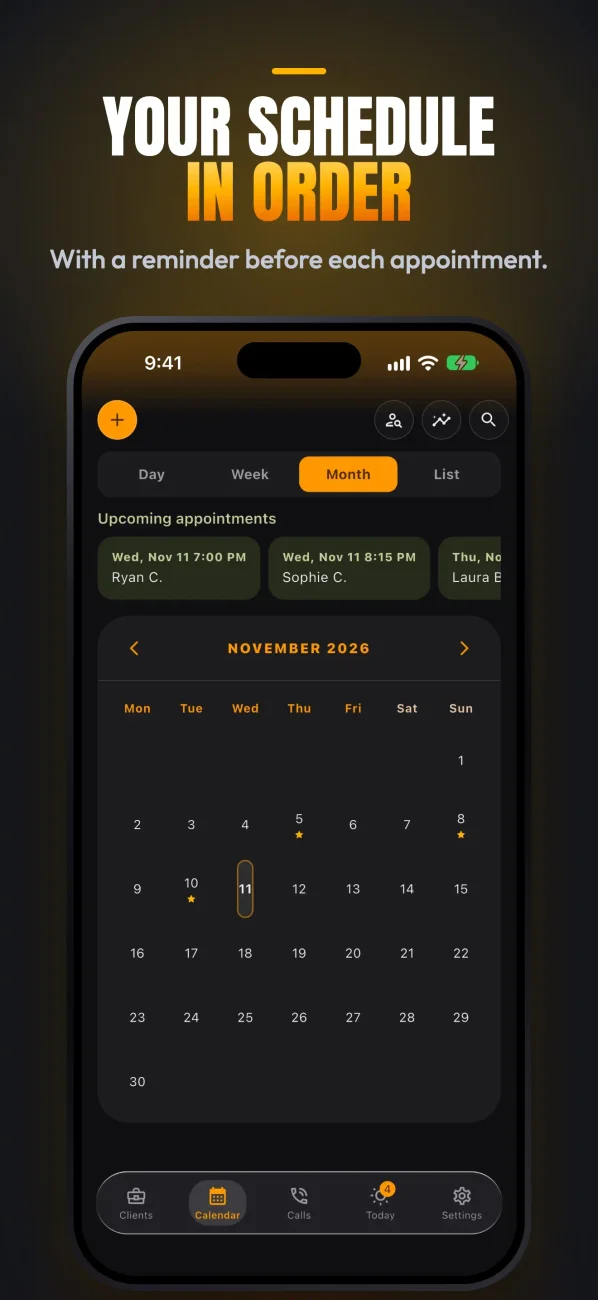
• Appointments with date, place and reminder; every "call me later" stays pinned on your Today screen until you resolve it.
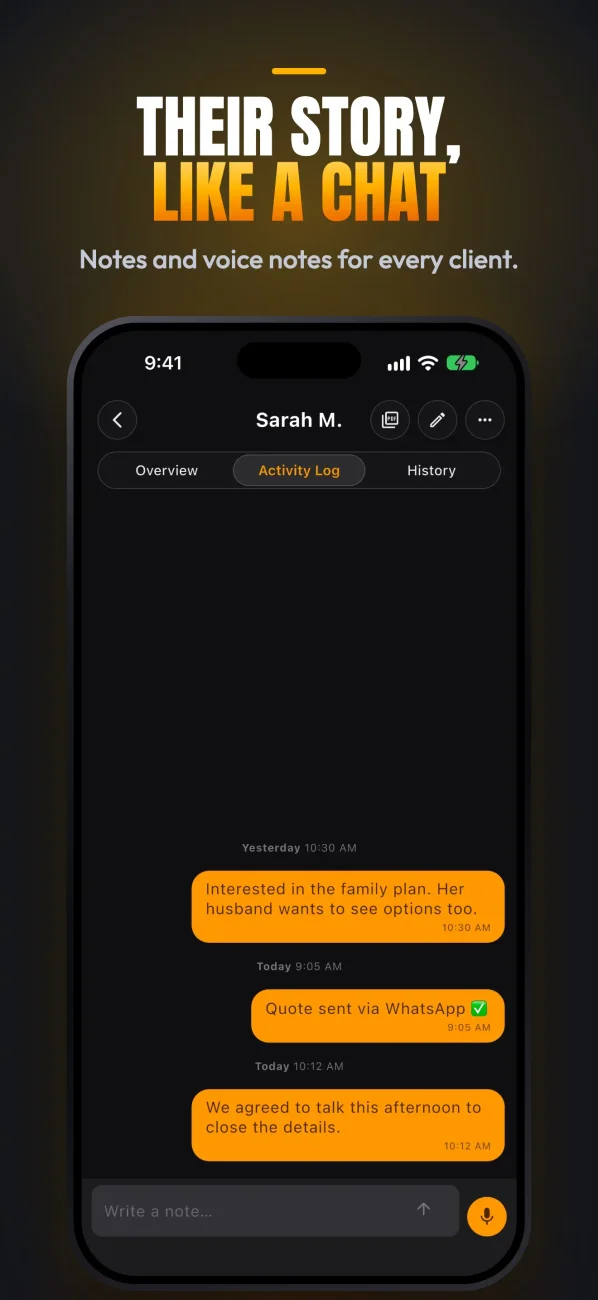
• Chat-style voice notes in every client's follow-up thread.
• Cash or financed sales: payment plans whose payments show up in Today when they’re due (or earlier, if you like), partial deliveries, and inventory that updates when you deliver.
• Per-campaign analytics — every list keeps its own numbers: contacted, appointments, sales and conversion.
• On iPhone, iPad and Mac, and ready for iPhone Duo: on iPad and Mac, the list and the client side by side, with keyboard shortcuts.
• Your data lives on YOUR device: no accounts, no third-party cloud, no trackers. Back everything up (voice notes included) to your own cloud.
Do you lead a sales team? With FuaFlow Teams, each person keeps their own FuaFlow CRM and you get their numbers for the day, end-to-end encrypted. You set goals, campaigns and leads, add a closer or support to their appointments, and get their SOS if they need it.
Is your team's business on FuaFlow Market? Its customers' requests reach you in FuaFlow CRM, end-to-end encrypted: you take them and follow up like with everyone else while you're on the team, since they're the business's customers. You also get your own link and QR so your customers can ask you directly.
Privacy: https://fuaflow.com/crm/privacidad
Terms: https://fuaflow.com/crm/terminos
What’s new
Version 1.8.0 · Nov 19, 2026
• “I'm going to my appointment” looks after you more: if you open the app during your appointment, it asks “Still at your appointment?” and, if your time is close, moves it 30 minutes later; if your battery drops below 15%, it lets the people looking after you know; and your SOS says since when you've been at your appointment and how much battery you had.
• In Settings › SOS, you can have “I'm going to my appointment” also check on you during the appointment, every 30 minutes or every hour.
• For each appointment, you can ask to be reminded of “I'm going to my appointment”: at its time it asks if you're going, so you can turn it on with one tap.
• If you want, your “I'm going to my appointment” SOS sends your contacts with the app the client, place and time of your appointment. It's off by default; turn it on in Settings › SOS.
• A new guide, “How FuaFlow CRM looks after you”, in Settings › SOS: what SOS and “I'm going to my appointment” do, who gets them and when, what data goes and how to turn them off.
• If you're someone's emergency contact, their SOS tells you when they went to their appointment, how much battery they had and, if they aren't connecting, since when.
• For FuaFlow Teams teams: clients in your company's base come with its stages and fields, and their appointments suggest the company's hours. You can apply your company's setup to your own clients too and remove it whenever you want. If you lead a team, FuaFlow Teams can take the setup you already have in your FuaFlow CRM.
• Record fields can now be dates.
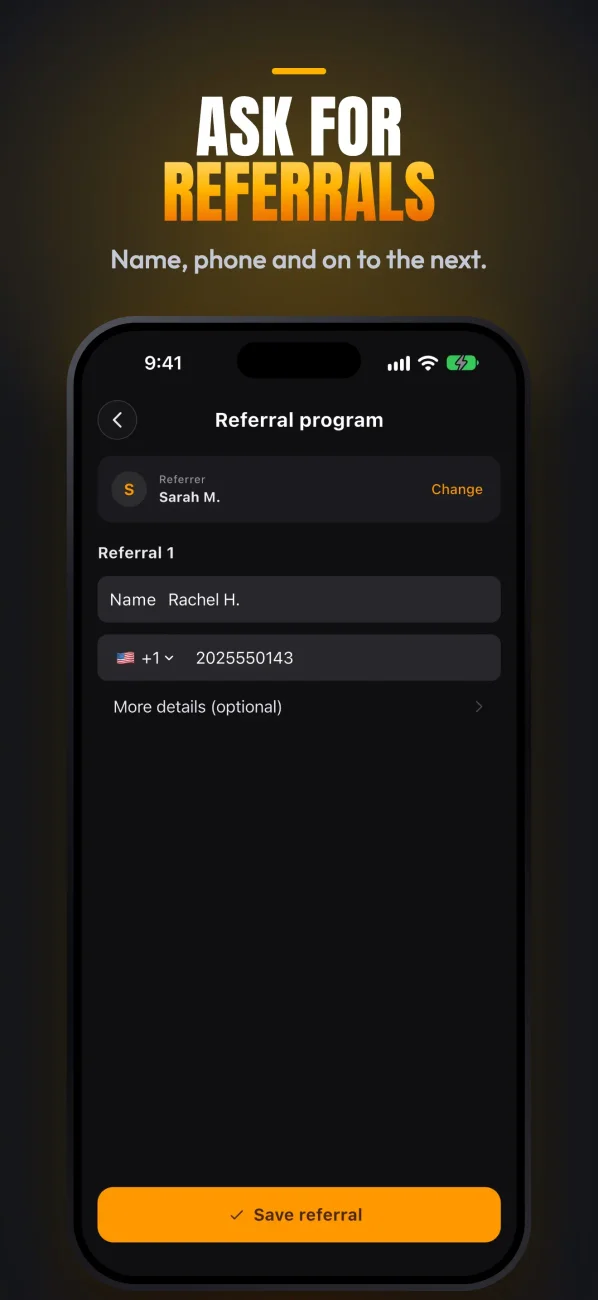
• Today suggests the right moment to recommend: after a sale, send your client your FuaFlow Market link, and after your third sale, pass FuaFlow CRM on to a colleague.
• Golden tickets: recommend FuaFlow CRM and, when someone comes through your link and opens it on 3 different days, you both earn a ticket to unlock seasonal sale animations. For now, Mexico only.
• Accessibility: alert text is easier to read, and VoiceOver says when a button is dimmed.
• The clients CSV shows each client's stage by name.
App privacy
What JOSE ARTURO ORNELAS BRAND declares on the App Store about how this app handles data.
-
Data linked to you
May be collected and linked to your identity.
- User content
- Identifiers
- Usage data
- Other data
Privacy practices may vary, for example with the features you use or your age.
Information
- Seller
- JOSE ARTURO ORNELAS BRAND
- Category
- Productivity
- Version
- 1.8.0
- Updated
- Nov 19, 2026
- Released
- Nov 6, 2026
- Size
- 46.5 MB
- Requires
- iOS 15.0 or later
- Age rating
- 4+
- Price
- Free
- Languages
- English, Spanish
- Copyright
- © 2026 José Arturo Ornelas Brand