Pythona - Python 3 IDE
Python Code Editor & AI Agent
Designed for iPhone, iPad
Free · In-app purchases
- Age rating4+
- CategoryDeveloper Tools
- Developer志远 刘
- LanguagesEnglish+ 9 more
- Size577.7 MB
Links to the official App Store page
Download.org hosts no file of Pythona - Python 3 IDE. The button opens its official App Store page, published by 志远 刘. Listing last checked on Nov 23, 2026.
Screenshots
About
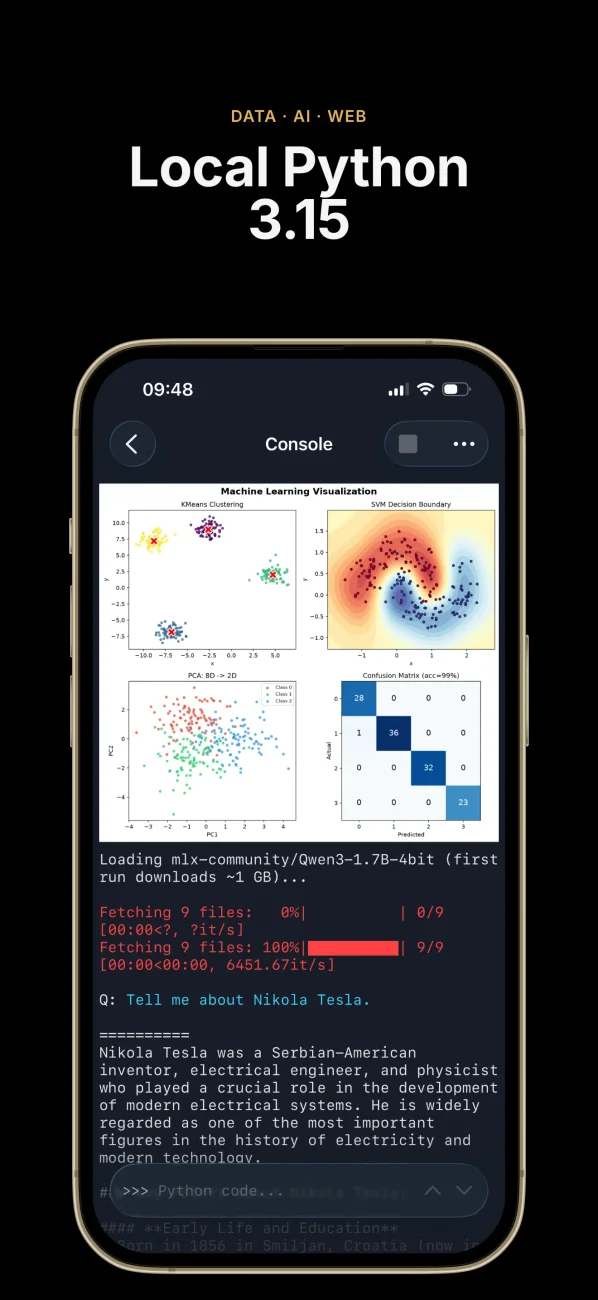
Run Python — and large language models, fully on-device — right on your iPhone and iPad. Pythona is a full-featured Python 3.15 IDE that brings real scientific computing, notebooks, and local AI to your device.
Jupyter-style notebooks
Write and run Python in cells, just like Jupyter — charts, tables, images, and math render inline. Open, edit, and save .ipynb files to run data analysis and experiments anywhere.
On-device AI & machine learning
Run large language models entirely on-device with MLX, Apple's ML framework for Apple Silicon — inference runs locally, no API keys required. Try the included local LLM demo to get started in seconds.
Scientific computing, preinstalled
NumPy, SciPy, scikit-learn, Pandas, Matplotlib, OpenCV and more come precompiled and ready to import.
A local Python environment
- Python 3.15 with popular libraries
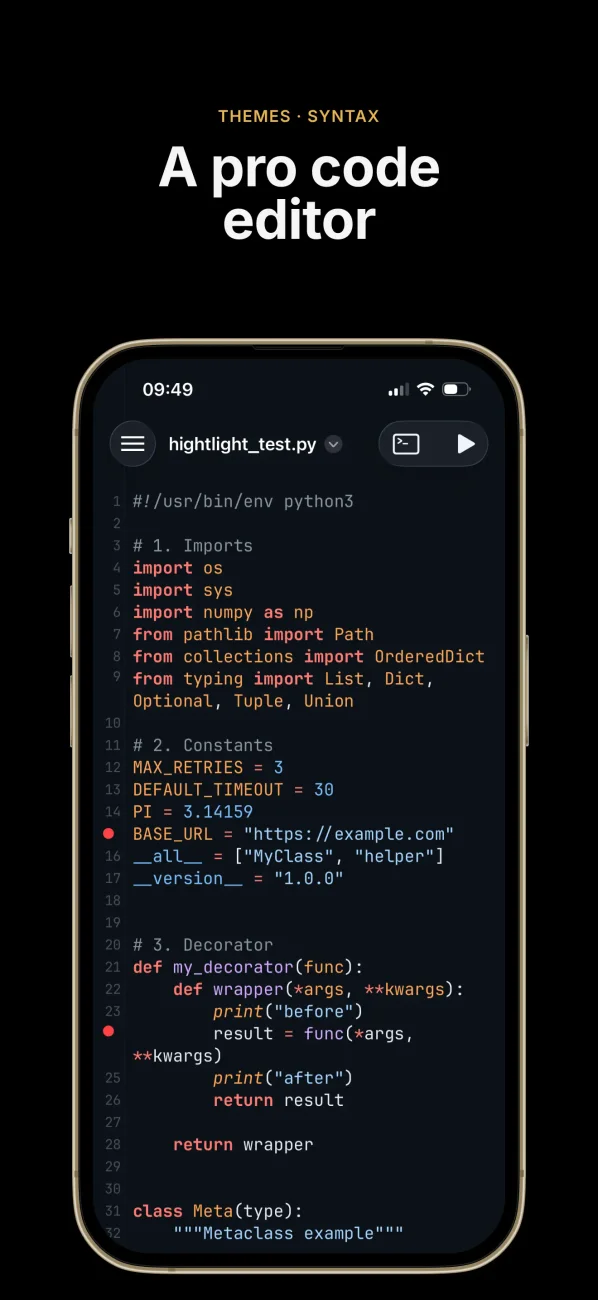
- Smart, fast code completion
- Syntax highlighting for many languages (JavaScript, C, Rust, Go, HTML, CSS, Shell, and more)
- Markdown file preview
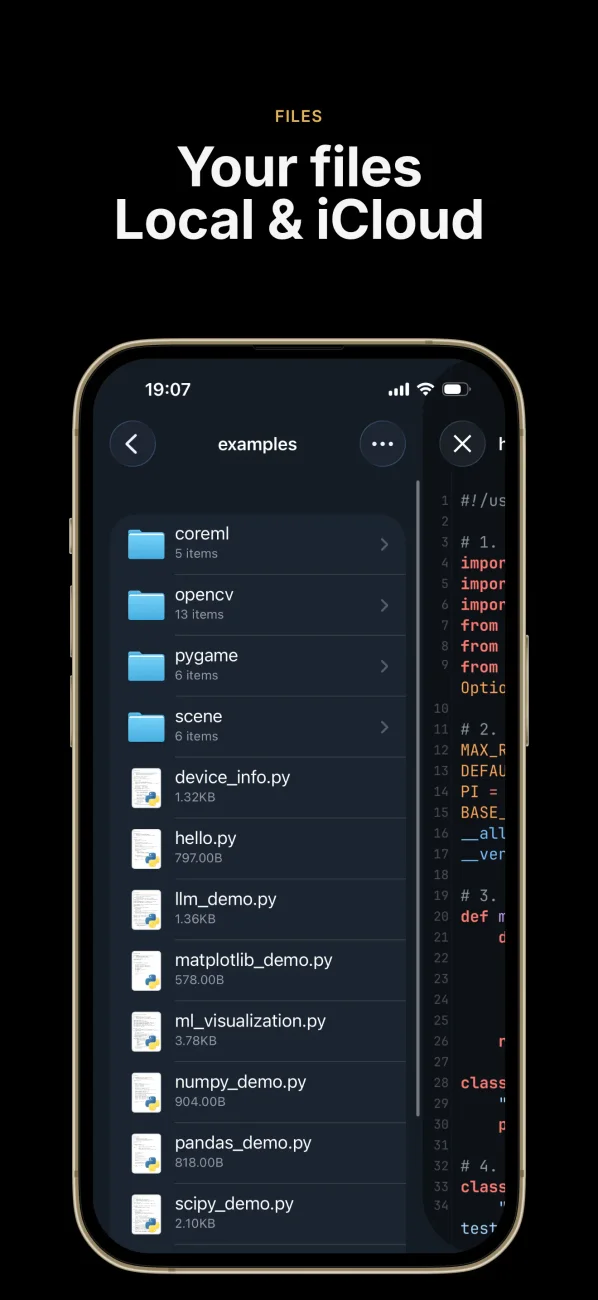
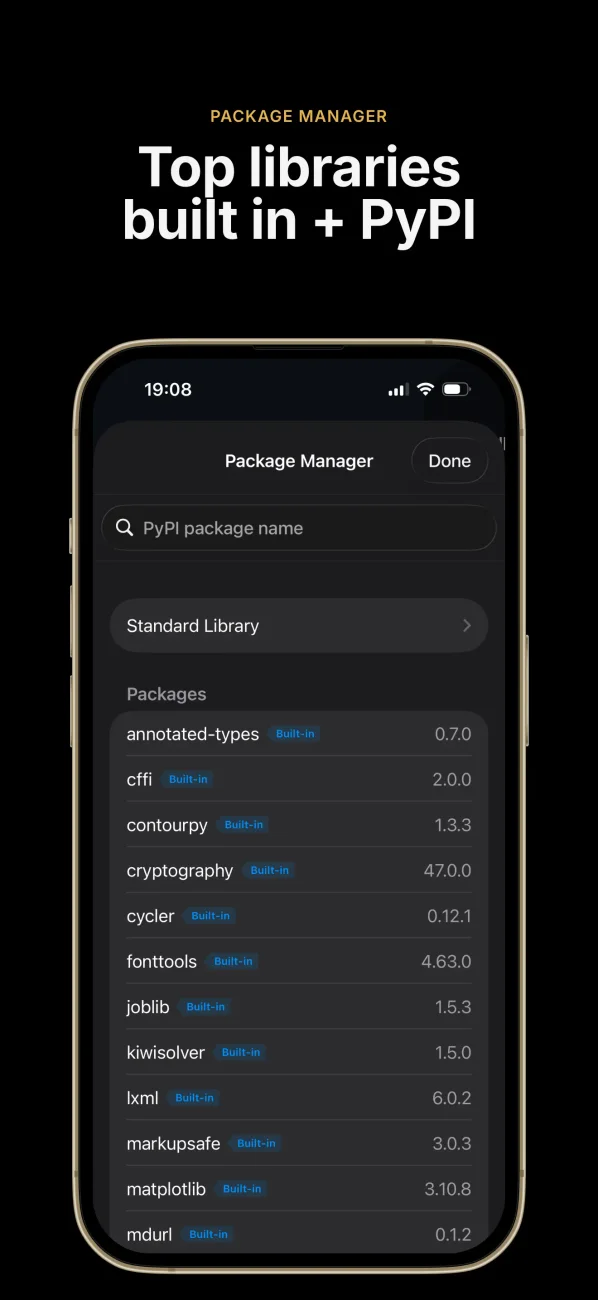
- Create, save, and organize your scripts, and install more pure-Python packages via the built-in package manager
Whether you're prototyping ML ideas, running data analysis, or learning Python on the go, Pythona puts a genuinely capable Python environment in your pocket.
What’s new
Version 2.9.0 · Nov 21, 2026
• Added “Ask AI” in the editor for questions about selected code and “Analyze with AI” in the console for investigating script errors.
• The AI assistant now supports images. Turn on Image Understanding to attach images to your questions or let the assistant view images in the current workspace.
• Sped up search result highlighting and code outline navigation in large files. Fixed misplaced handles on multiline selections and extra blank lines that could appear when pasting text with mixed line endings.
• Added jiter 0.19.0 as a bundled library. You can now install the OpenAI and Anthropic Python SDKs from the package manager and use them in your scripts.
• Updated the bundled libraries opencv-python 5.1.0.95, opencv-contrib-python 5.1.0.95, Pydantic 2.14.4, pydantic-core 2.50.5, Astropy 8.0.3, PyYAML 6.0.4, cloudpickle 3.1.3, narwhals 2.29.0, and regex 2026.11.19.
App privacy
What 志远 刘 declares on the App Store about how this app handles data.
-
Data not collected
The developer does not collect any data from this app.
Privacy practices may vary, for example with the features you use or your age.
Information
- Seller
- 志远 刘
- Category
- Developer Tools
- Version
- 2.9.0
- Updated
- Nov 21, 2026
- Released
- Mar 23, 2026
- Size
- 577.7 MB
- Requires
- iOS 17.0 or later
- Age rating
- 4+
- Price
- Free
- In-app purchases
- Yes
- Languages
- English, French, German, Japanese, Korean, Portuguese, Russian, Simplified Chinese, Spanish, Traditional Chinese
- Copyright
- © 2025 Yosorable
You might also like
-
 PyStudio - Learn & Run PythonPython Compiler IDE for mobile
-
 Python Code Editor & IDEPython 3 Compiler: Run & Learn
-
 PythonIDE Python 3 Code EditorOffline IDE, Jupyter, SSH & AI
-
 Python Code App - IDE & EditorPython coding, run, debug
-
 Python Coding Editor & IDELearn Python 3, IDE & Compiler
-
 Python Studio - Python CodingPython Coding Platform
-
 PyodiosOffline Python notebook & REPL
-
 Pytonic: Python Compiler & IDELearn to Code, Practice DSA
-
 CodePad – Code Editor & IDEWrite & Run Offline
-
 Pad Code AI: Code Editor & IDERun Python, C++ & JavaScript