LayerPocket
Offline PSD Layer Editor
Designed for iPhone, iPad, iPod touch
Free · In-app purchases
- Age rating4+
- CategoryGraphics & Design
- Developer旭鑫 汪
- LanguagesEnglish+ 20 more
- Size22.8 MB
Links to the official App Store page
Download.org hosts no file of LayerPocket. The button opens its official App Store page, published by 旭鑫 汪. Listing last checked on Nov 17, 2026.
Screenshots
About
PSD work should not stop when you leave your computer.
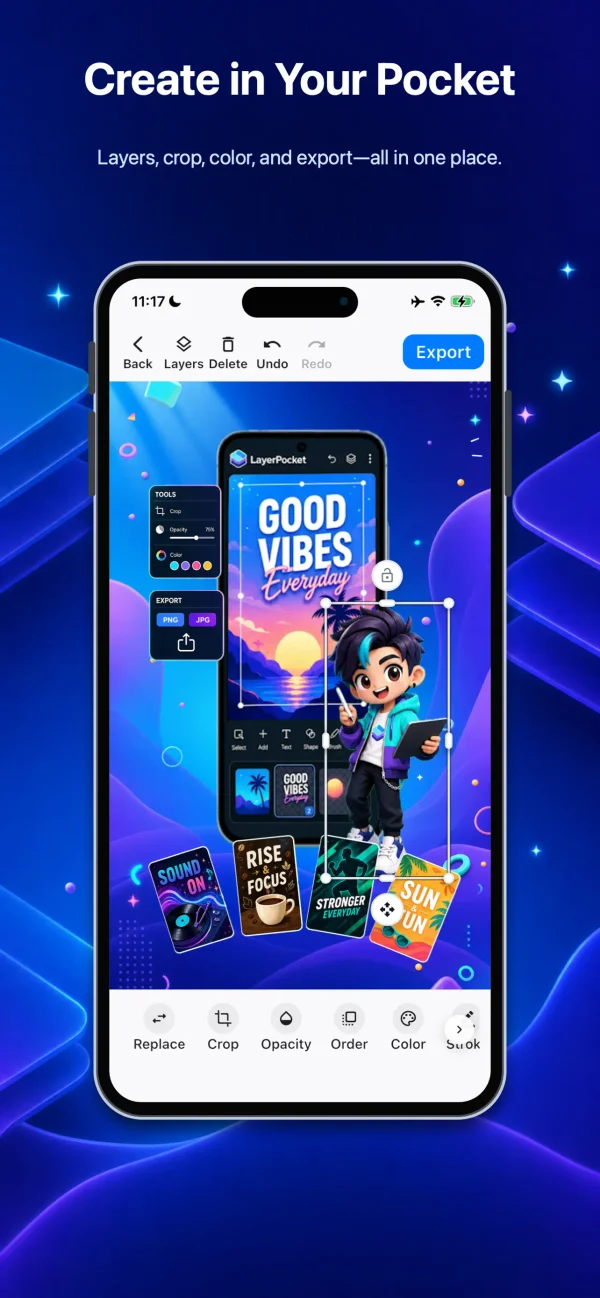
LayerPocket is an offline layer editor for iPhone and iPad. Open a local PSD, update campaign text, replace a product image, adjust colors, or create a social post—without uploading your files.
OPEN PSD FILES, EDIT BY LAYER
• Import local PSD files from Files
• Show, hide, lock, duplicate, delete, and reorder layers
• Expand or collapse layer groups to find content quickly
• Undo and redo while the original PSD remains untouched
TEXT THAT WORKS YOUR WAY
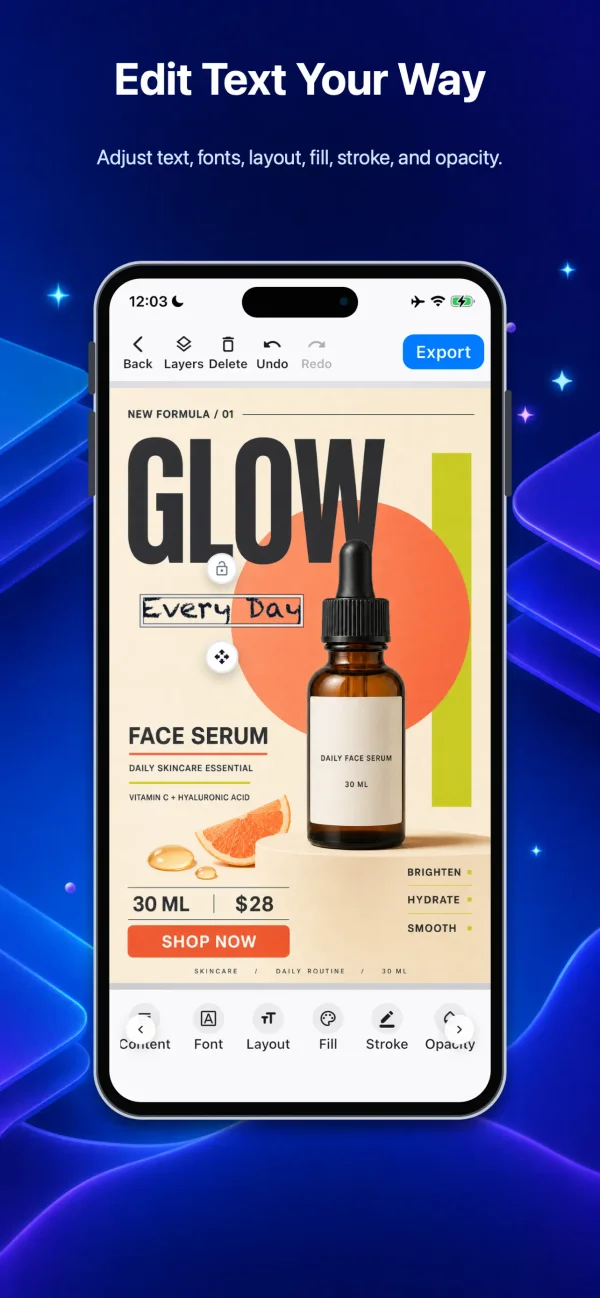
• Change text and choose from system fonts
• Import local TTF and OTF font files
• Adjust size, line spacing, letter spacing, and alignment
• Apply bold, italic, underline, solid or gradient fills, strokes, and opacity
IMAGE AND LAYER TOOLS
• Add or replace images from Photos
• Move, scale, rotate, flip, and precisely nudge layers
• Crop to a square, circle, oval, triangle, or rectangle
• Adjust color, opacity, blur, stroke, and edge feather
• Erase selected areas while preserving the source image
• Move layers up, down, to the front, or to the back
START WITH A BLANK CANVAS
• Choose popular canvas sizes or enter custom dimensions
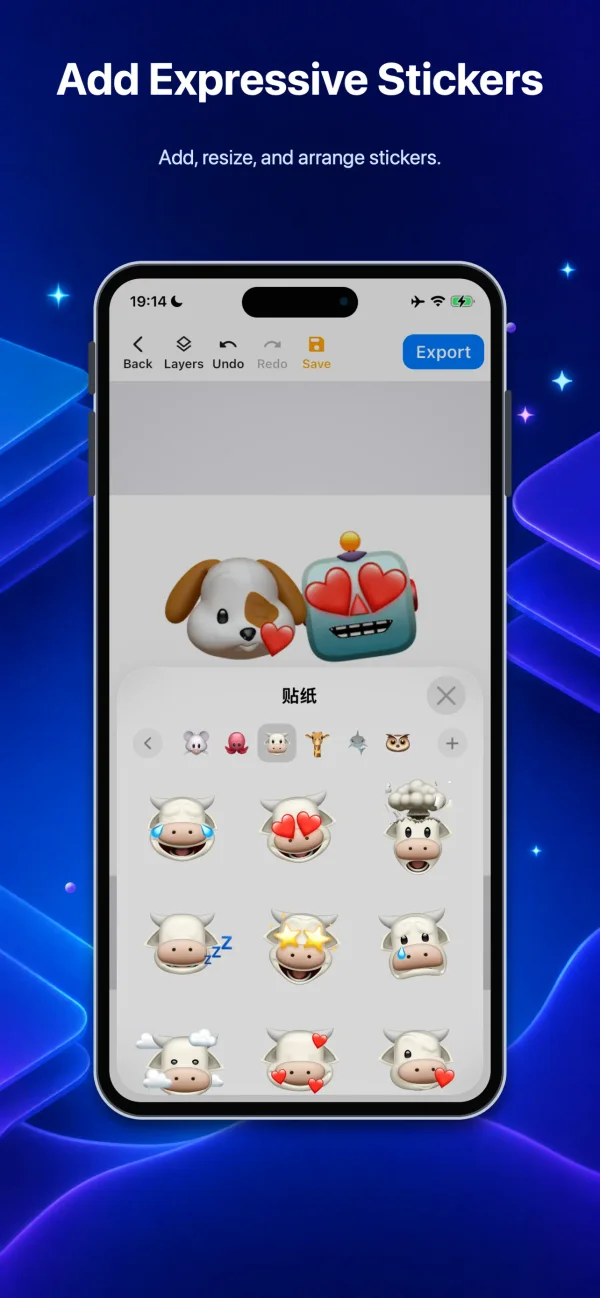
• Add images, text, and system stickers (stickers require iOS 26 or later)
• Set a background color or background image
• Create posters, covers, social graphics, and everyday designs
LOCAL DRAFTS, READY WHEN YOU ARE
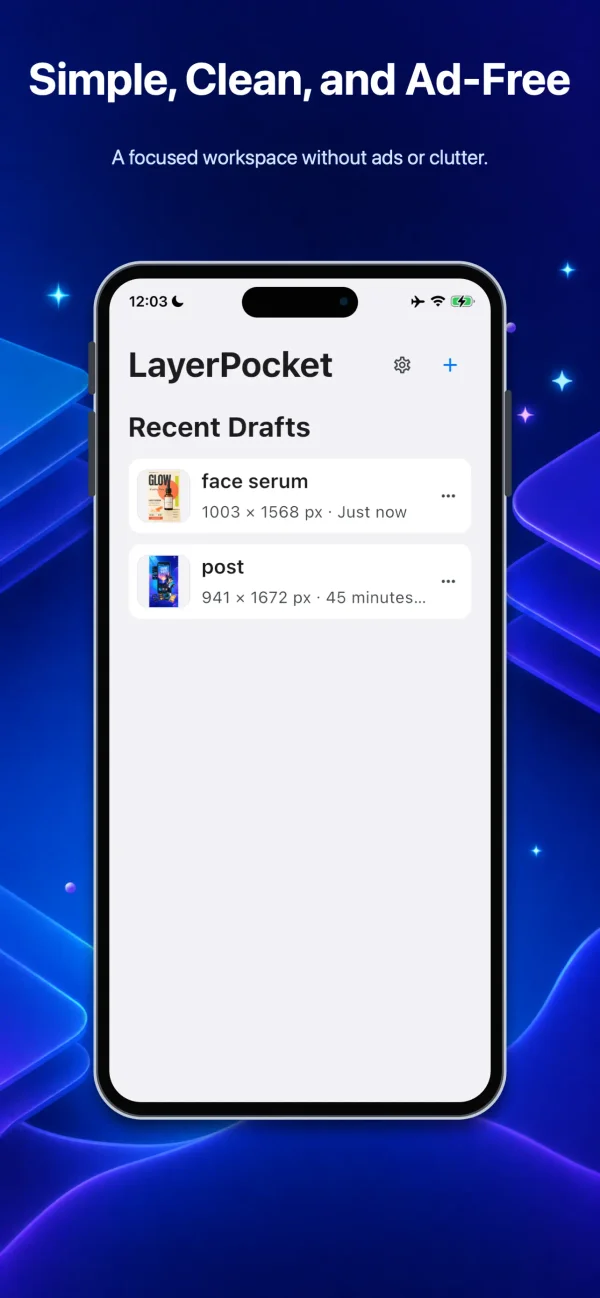
Drafts stay on your device. Preview, rename, duplicate, delete, and reopen them whenever inspiration returns. A clean light or dark interface works on both iPhone and iPad.
EDIT FREE. UPGRADE WHEN YOU ARE READY.
LayerPocket is free to download. Import, create, and edit without purchasing, then export finished work with a watermark. The app has no ads.
LayerPocket Pro unlocks:
• High-resolution PNG and JPG export without watermarks
• One purchase with lifetime access
• No subscription; purchases can be restored
PRIVATE BY DESIGN
No account is required. Documents, drafts, imported fonts, and processing stay on device. LayerPocket does not send your PSD files, images, fonts, or creative content to the developer.
COMPATIBILITY
Supports PSD v1, 8-bit RGB and grayscale files. Some complex PSD effects may look different from desktop software. LayerPocket never modifies the original PSD. It exports PNG or JPG images, not PSD files.
App privacy
What 旭鑫 汪 declares on the App Store about how this app handles data.
-
Data not collected
The developer does not collect any data from this app.
Privacy practices may vary, for example with the features you use or your age.
Information
- Seller
- 旭鑫 汪
- Category
- Graphics & Design
- Version
- 1.0.2
- Updated
- Jul 29, 2026
- Released
- Jul 29, 2026
- Size
- 22.8 MB
- Requires
- iOS 15.0 or later
- Age rating
- 4+
- Price
- Free
- In-app purchases
- Yes
- Languages
- English, Arabic, Dutch, French, German, Hindi, Indonesian, Italian, Japanese, Korean, Malay, Polish + 9 more
- Copyright
- © 2026 Garvey Wong
You might also like
-
 QuickImage - Photo LayersLayer Photo Editor
-
 PixShop - PDF, Image EditorPDF, PSD & PPTX Editor
-
 GlyphizGraphics & Design
-
 Photo Editor ViewerLayers, Filters & Touch Edit
-
 colorcoded.aiKpop lyrics video maker
-
 PSD Viewer: Open & View FilesPhotoshop & PSB File Inspector
-
 Font Creator StudioCreate & Export Custom Fonts
-
 PSD Viewer & ConverterPreview PSD file content.
-
 Flyer Maker and Poster MakerFlyer Maker, Design Poster
-
 CDR Viewer Editor.cdr, .cdt &.cmx ViewerEditor