HP Smart Printer App ⁃ iPrint
for HP, Canon, Epson, Brother
Designed for iPhone, iPad, iPod touch
Free · In-app purchases
- Age rating4+
- CategoryBusiness
- DeveloperMuhammad Hammad Ashraf
- LanguagesEnglish
- Size28.9 MB
Links to the official App Store page
Download.org hosts no file of HP Smart Printer App ⁃ iPrint. The button opens its official App Store page, published by Muhammad Hammad Ashraf. Listing last checked on Nov 14, 2026.
Screenshots

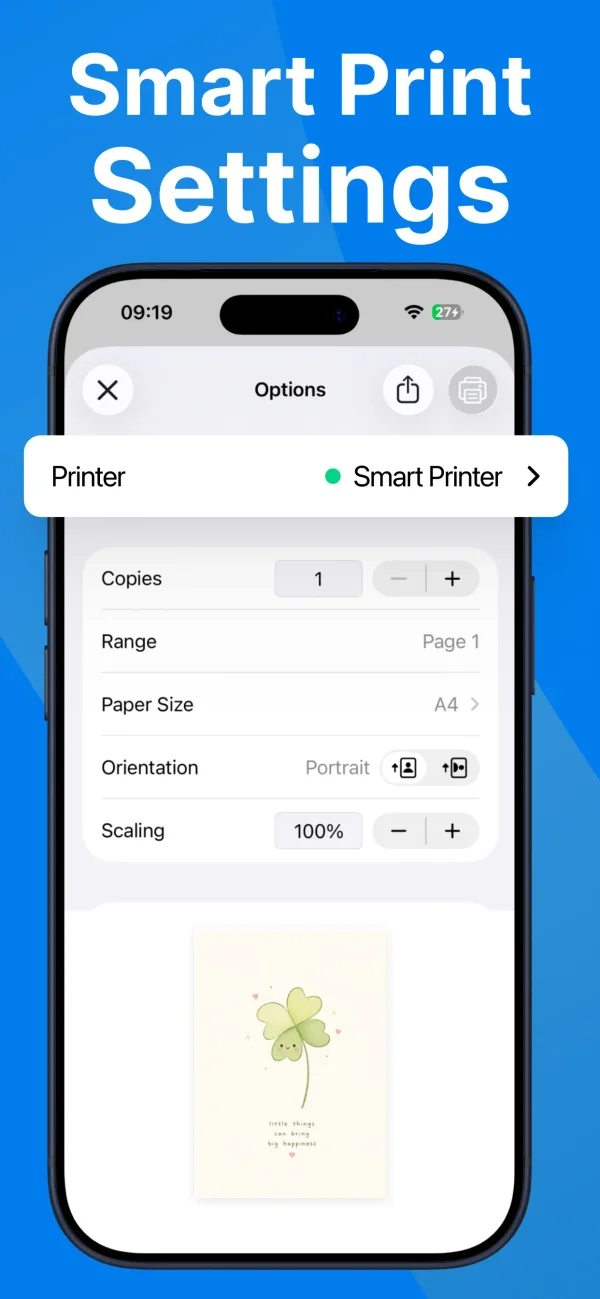
About
Printer App for HP makes wireless printing, scanning, and faxing
effortless — no hidden fees, no confusing setup, no surprises.
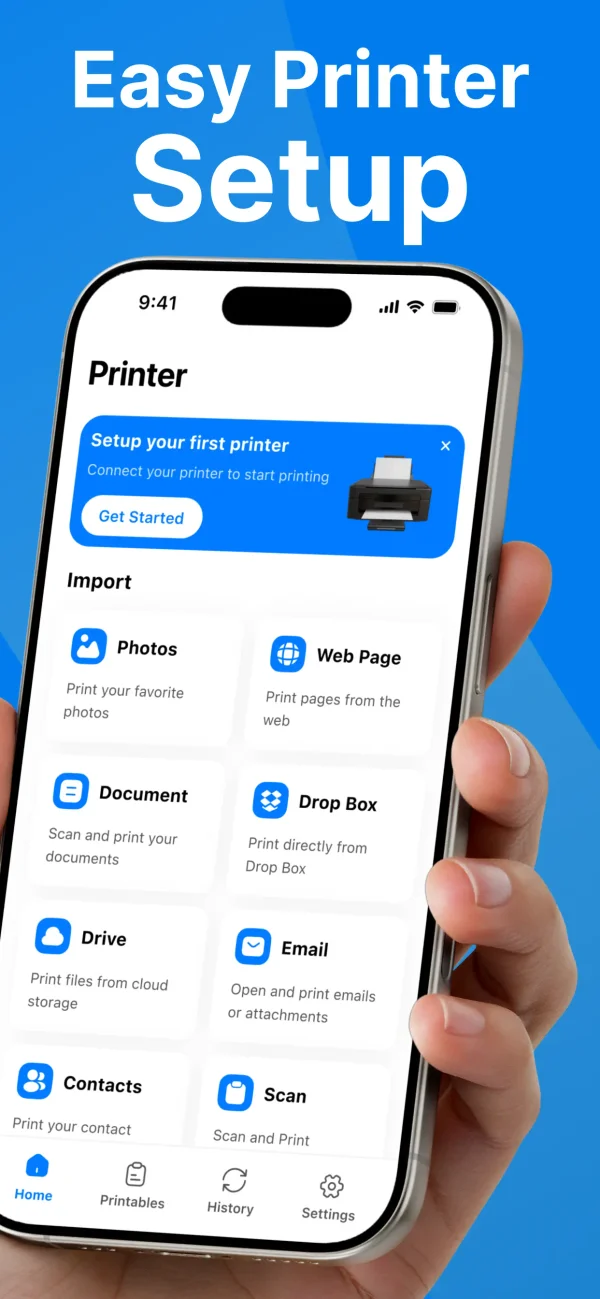
Connect your iPhone or iPad to any Wi-Fi printer in seconds.
Works with 7,500+ printer models from HP, Canon, Epson,
Brother, Lexmark, Samsung, and more — including AirPrint.
No drivers needed. Just open, connect, and print.
PRINT ANYTHING
- Print documents, photos, emails & web pages
- Print multiple photos on one sheet or as a poster
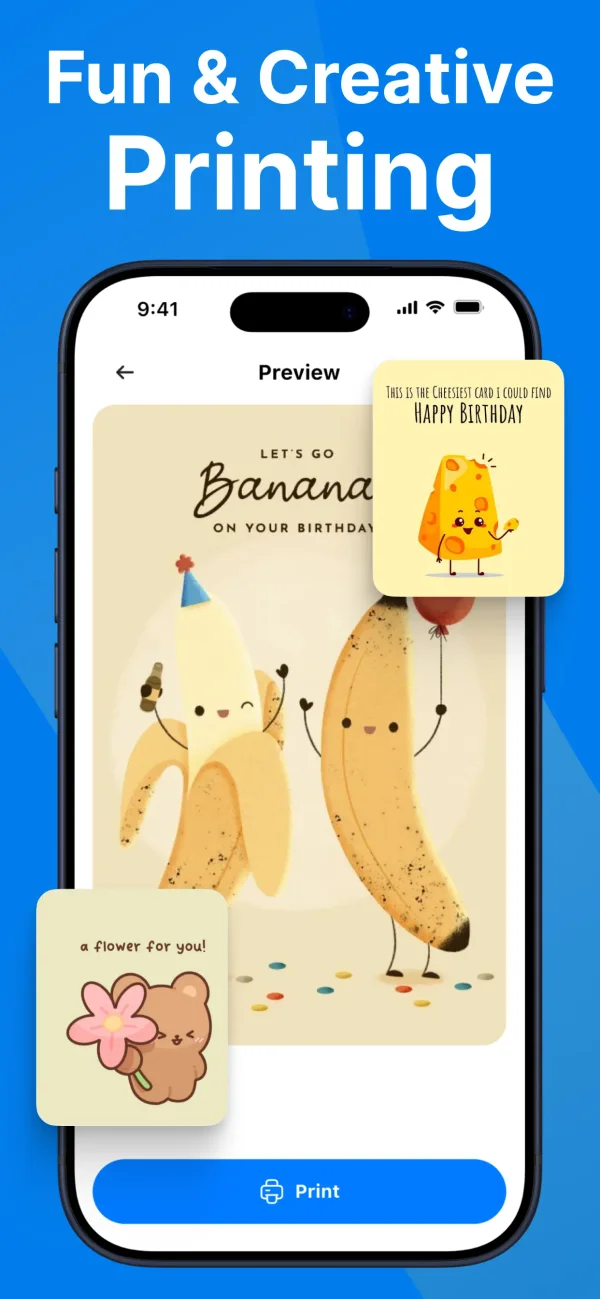
- Print labels, calendars, quizzes & greeting cards
- Print coloring pages & kids' learning worksheets
- Print from Google Drive, Dropbox, OneDrive & Files
SCAN & CONVERT
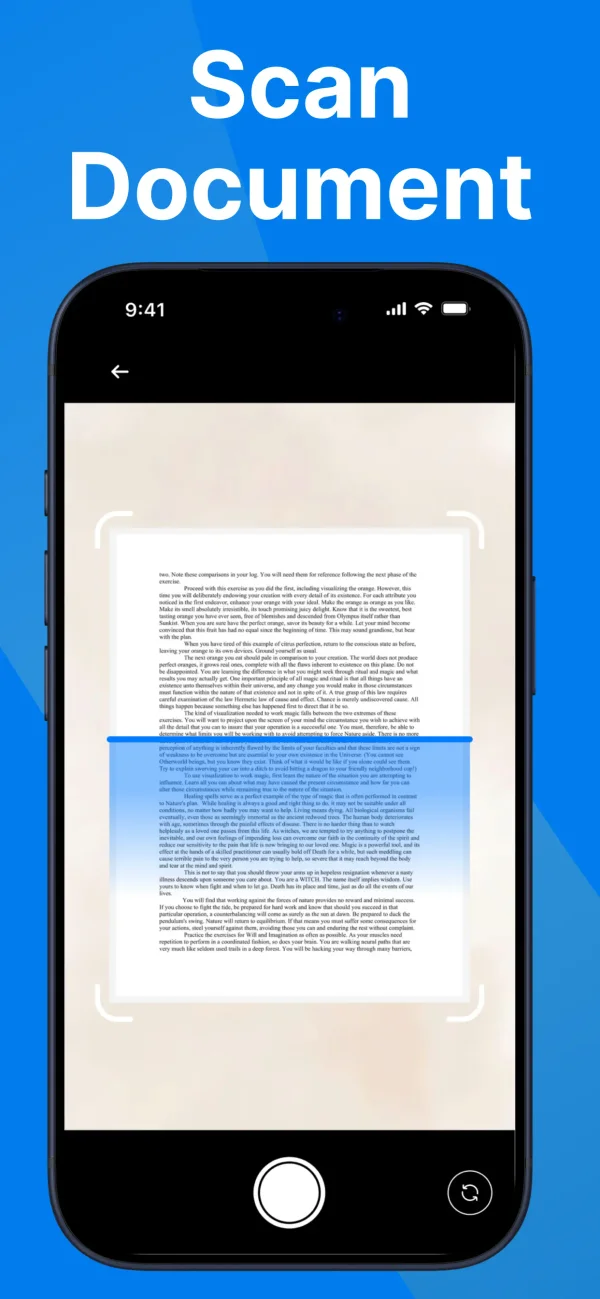
- Scan documents with crystal-clear quality
- Convert photos and scans to PDF instantly
- OCR support — make scanned text searchable
- Scan receipts, contracts, ID cards & more
- Share via email, AirDrop or messaging apps
PDF & OFFICE TOOLS
- Merge, compress & delete PDF pages
- Convert images to PDF with one tap
- Transfer files between PC and iPhone/iPad
- Organize and manage all your documents
- Cloud sync with Google Drive & Dropbox
SEND & RECEIVE FAXES
- Fax documents globally from your phone
- Encrypted connection for secure delivery
- Real-time delivery status notifications
- No fax machine needed — ever
SHARE PRINTER ACCESS
- Let family or teammates print on your printer
- Join a shared printer group from anywhere
- Perfect for home, office, and school use
HONEST, SIMPLE PRICING
We believe you should know exactly what you're paying.
No bait-and-switch trials. No surprise weekly charges.
No price increases after you subscribe. Just one clear
plan — try free, upgrade only if you love it.
WHY USERS CHOOSE PRINTSCAN
Works with virtually every wireless printer
Clean, intuitive interface — no learning curve
Real customer support that actually responds
Regular updates every 2–3 weeks
Your documents stay private — never shared
Whether you're printing from home, scanning at the
office, faxing a contract, or sharing printer access
with your team — PrintScan handles it all from one
simple, trusted app.
Download free and print your first document in under
60 seconds.
Privacy Policy:
https://sites.google.com/view/app-gennie/privacy-policy
Terms and Conditions:
https://sites.google.com/view/app-gennie/term-and-condition
What’s new
Version 1.1 · Sep 18, 2026
Multi-language Support
Added localized app experience
Translated screenshots for global regions
Performance & Fixes: Minor bug fixes
Enhanced printer connection stability
App privacy
What Muhammad Hammad Ashraf declares on the App Store about how this app handles data.
-
Data not linked to you
May be collected but is not linked to your identity.
- Purchases
- Identifiers
- Usage data
Privacy practices may vary, for example with the features you use or your age.
Information
- Seller
- Muhammad Hammad Ashraf
- Category
- Business
- Version
- 1.1
- Updated
- Sep 18, 2026
- Released
- Sep 12, 2026
- Size
- 28.9 MB
- Requires
- iOS 15.0 or later
- Age rating
- 4+
- Price
- Free
- In-app purchases
- Yes
- Languages
- English
- Copyright
- © 2026 Muhammad Hammad Ashraf
You might also like
-
 HP Smart Printer App ºHPSmart,Photos,iPrint and Scan
-
 Smart Printer App WirelessWireless Smart HP Printer App
-
 HP Smart Printer Free AppSmart Printer For HP & iPrint
-
 Air Printer App: Scan & PrintPhoto, PDF & Document Scanner
-
 HP Smart Printer App+ HPSmartPrint Photo & PDF Documents
-
 Smart Print Scan: Printer AppPrint, scan & sign anything
-
 Smart Printer-Support for HPFor HP, Canon, Epson, Brother
-
 Smart Printer・Setup & PrintMobile Wireless Air Printing
-
 Smart Printer App for HP Smartfor HP, Epson, Canon & Brother
-
 Printer Wireless PrintingiPrint - Smart Mobile Print