Smart Printer・Setup & Print
Mobile Wireless Air Printing
Designed for iPhone, iPad
Free · In-app purchases
- Age rating17+
- CategoryProductivity
- DeveloperMERAL KUTUKCU
- LanguagesEnglish
- Size32.9 MB
Links to the official App Store page
Download.org hosts no file of Smart Printer・Setup & Print. The button opens its official App Store page, published by MERAL KUTUKCU. Listing last checked on Nov 17, 2026.
Screenshots


About
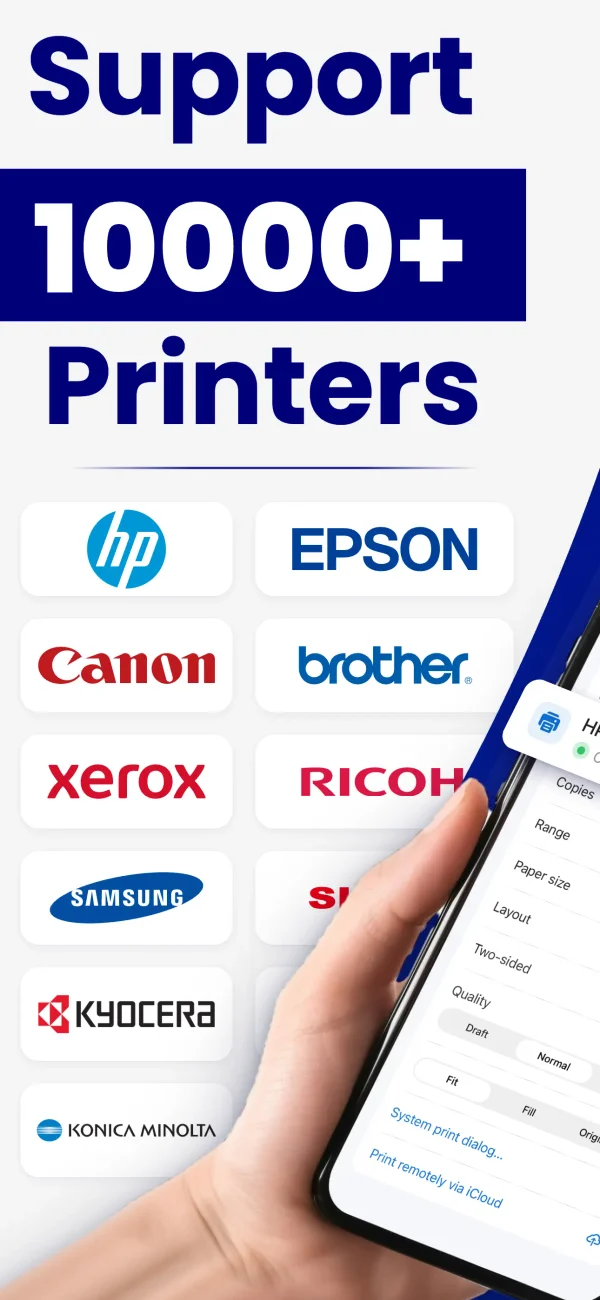
Turn your iPhone into a powerful printer and scanner. Smart Printer connects to 10,000+ Wi-Fi printers — with no drivers, no cables, and no setup.
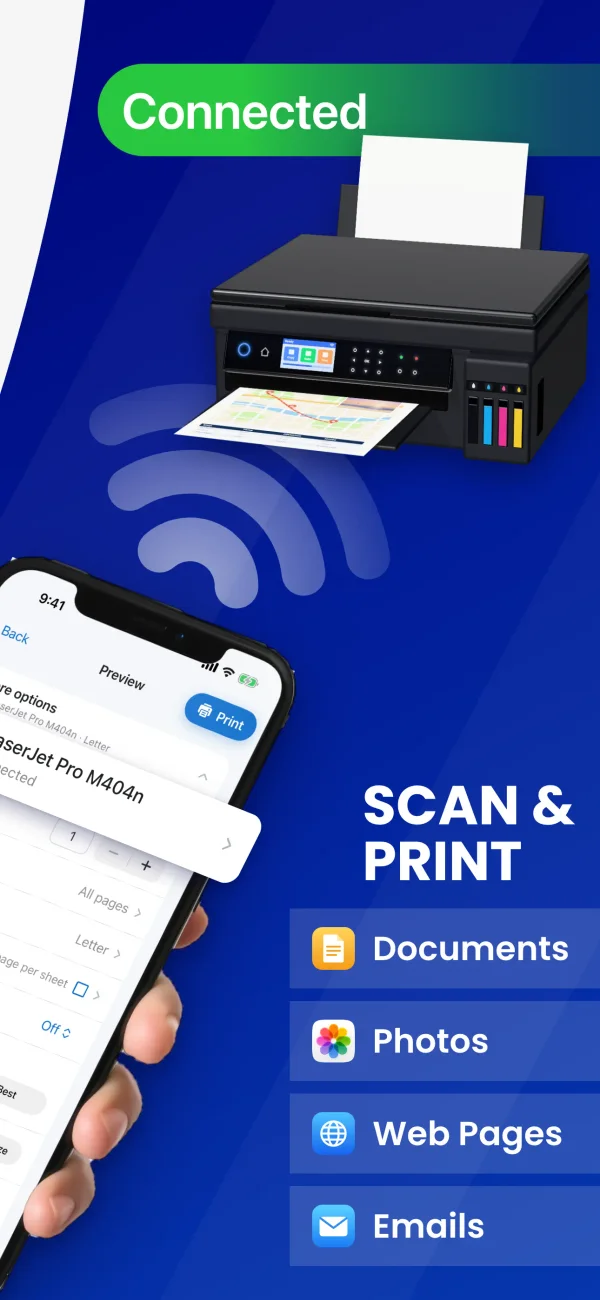
PRINT ANYTHING IN SECONDS
• Documents — PDF, Word, Excel, PowerPoint and more, straight from your files
• Photos — print any image from your gallery, with edits and enhancements before printing
• Email — print messages and attachments from any email client
• Web Pages — print full-size websites without cut-offs
• Notes — paste or type any text and print it instantly
SCAN LIKE A PRO
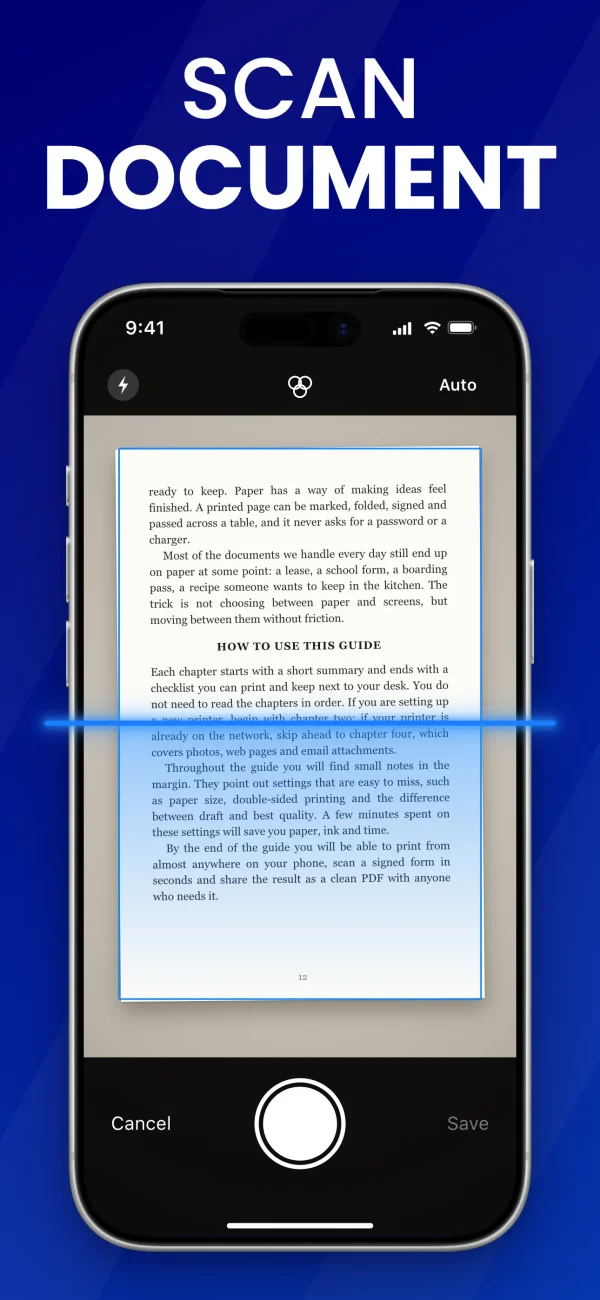
Turn your phone into a document scanner. Scan receipts, contracts, IDs and photos, then save, share, or print them — all inside the app.
WHY SMART PRINTER?
• Works with 10,000+ printer models over Wi-Fi
• No drivers or setup required — connect in seconds
• Edit and enhance photos before printing
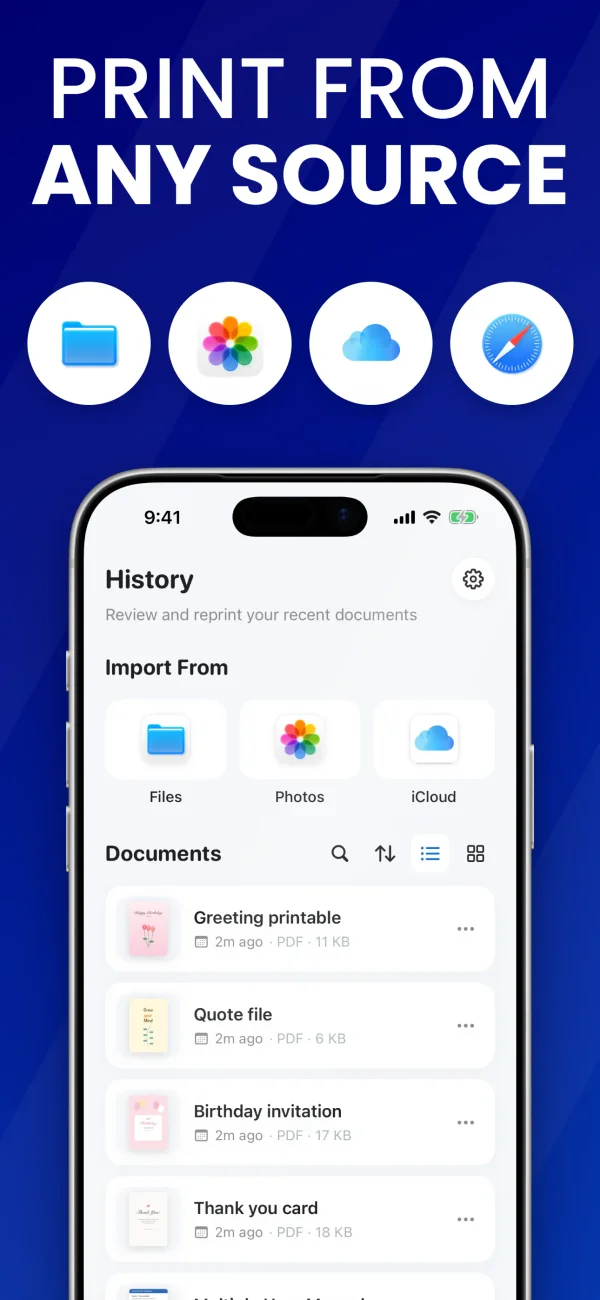
• Import files from cloud, email, or your device
• Simple, fast, and reliable printing every time
HOW IT WORKS
1. Open the app and select your printer model
2. Choose what to print — a file, photo, email, web page, or note
3. Preview, adjust, and print
PREMIUM SUBSCRIPTION
Smart Printer requires a Premium subscription to unlock unlimited printing and scanning, photo editing tools, and full ad-free access.
Subscription options: Weekly Premium with a 3-day free trial, or Yearly Premium (best value). Prices are shown in your local currency in the app before purchase.
Payment will be charged to your Apple ID account at confirmation of purchase, or after the free trial ends. Your subscription renews automatically unless auto-renew is turned off at least 24 hours before the end of the current period.
HOW TO CANCEL
You can cancel anytime: open Settings on your iPhone > tap your name > Subscriptions > Smart Printer > Cancel Subscription. Any unused portion of a free trial is forfeited when you purchase a subscription.
Questions or feedback? Contact us at hello@almertechnologies.com — we're here to help.
Download Smart Printer now and print anything, anywhere.
Privacy Policy: https://almertechnologies.com/smart-print/privacy
Terms of Use: https://almertechnologies.com/smart-print/terms
What’s new
Version 1.1.3 · Nov 1, 2026
Critical bug fixed.
App privacy
What MERAL KUTUKCU declares on the App Store about how this app handles data.
-
Data not linked to you
May be collected but is not linked to your identity.
- Purchases
- Location
- Identifiers
- Usage data
- Diagnostics
Privacy practices may vary, for example with the features you use or your age.
Information
- Seller
- MERAL KUTUKCU
- Category
- Productivity
- Version
- 1.1.3
- Updated
- Nov 1, 2026
- Released
- Jul 15, 2026
- Size
- 32.9 MB
- Requires
- iOS 17.0 or later
- Age rating
- 17+
- Price
- Free
- In-app purchases
- Yes
- Languages
- English
- Copyright
- © Almer Technologies
You might also like
-
 Smart Printer App WirelessWireless Smart HP Printer App
-
 iPrint for Epsom Printer AppFor Epson, Canon and HPSmart
-
 Smart Printer - AirPrintWireless Printing App
-
 Setup for HP Smart Printer AppInstant Setup, Print & Scan
-
 Smart Printer & Scanner: PDFPrint Photos, Scan Books & Fax
-
 Air Printer AppFor HP, Epson, Brother, Canon
-
 Word Editor: Edit Office WordEdit & Share Word Documents
-
 iLovePDF - PDF Editor & ScanFor Work, Study & E-Signing
-
 XLSX Sheets: Edit SpreadsheetCreate, Share XLS Office Files
-
 HiNoter - AI Note TakerAuto transcribe & summarize