Smart Printer App Wireless
Wireless Smart HP Printer App
Designed for iPhone, iPad, iPod touch
Free · In-app purchases
- Age rating4+
- CategoryProductivity
- DeveloperMuhammad Bilal
- LanguagesEnglish
- Size39.7 MB
Links to the official App Store page
Download.org hosts no file of Smart Printer App Wireless. The button opens its official App Store page, published by Muhammad Bilal. Listing last checked on Nov 12, 2026.
Screenshots

About
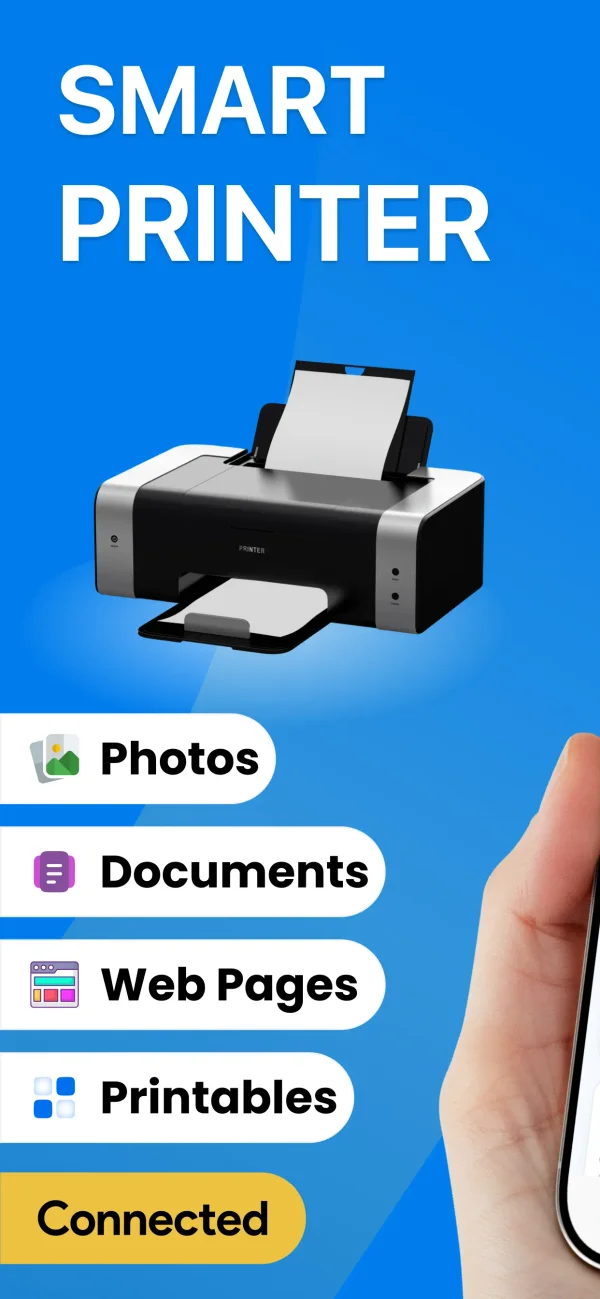
Printer App makes wireless printing, scanning, and faxing simple and convenient — right from your iPhone or iPad.
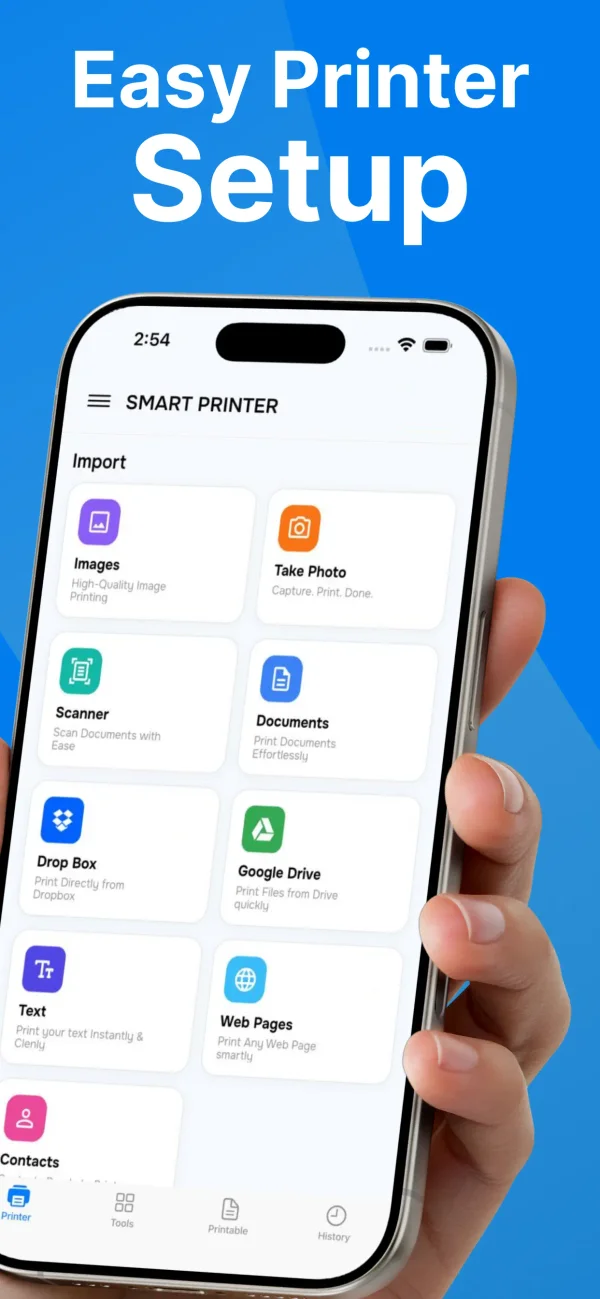
Connect your device to a compatible Wi-Fi printer and print, scan, manage documents, and send faxes from one easy-to-use app.
PRINT DOCUMENTS & PHOTOS
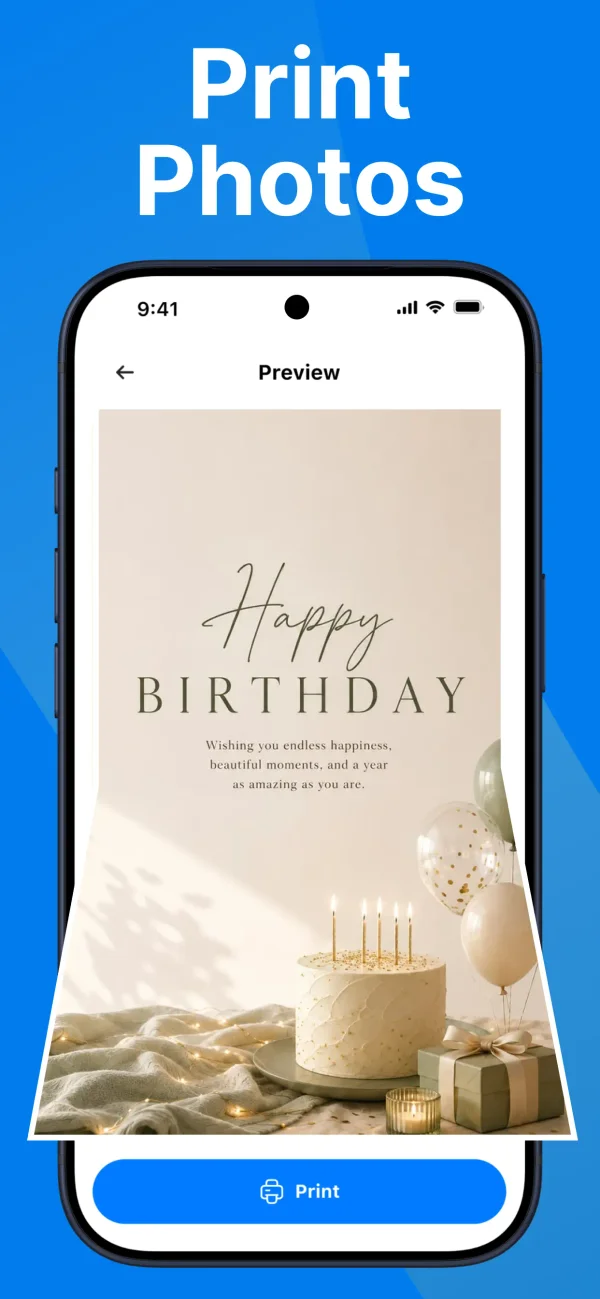
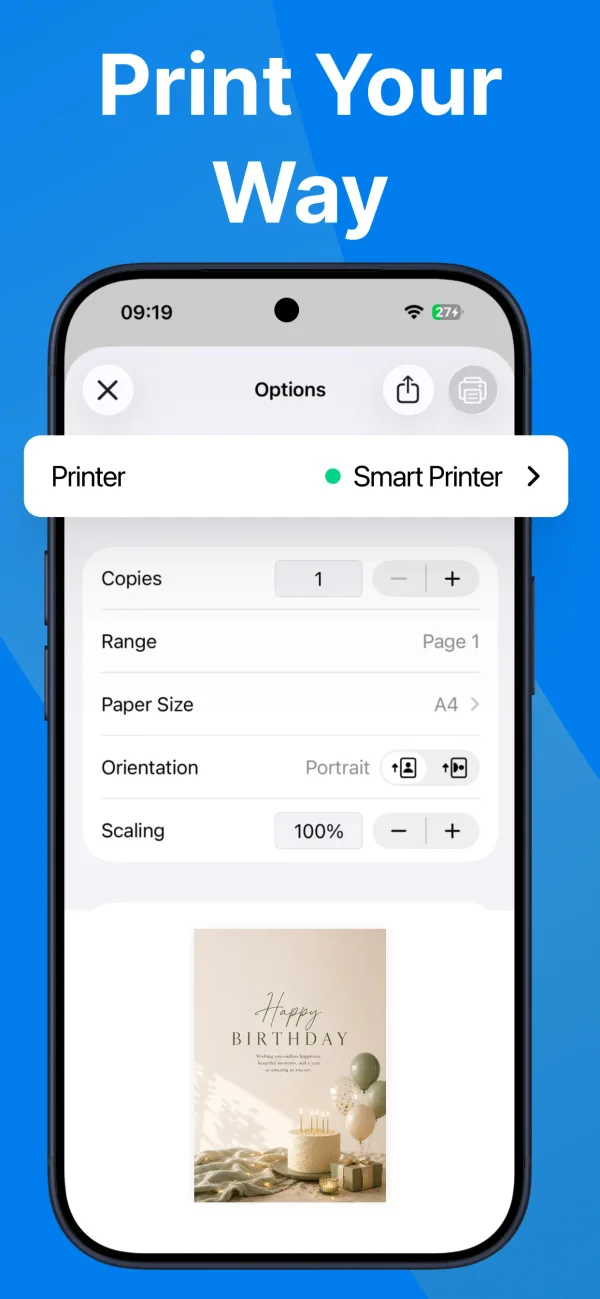
Print documents, photos, emails, and web pages
Print multiple photos on one sheet
Create poster-style prints
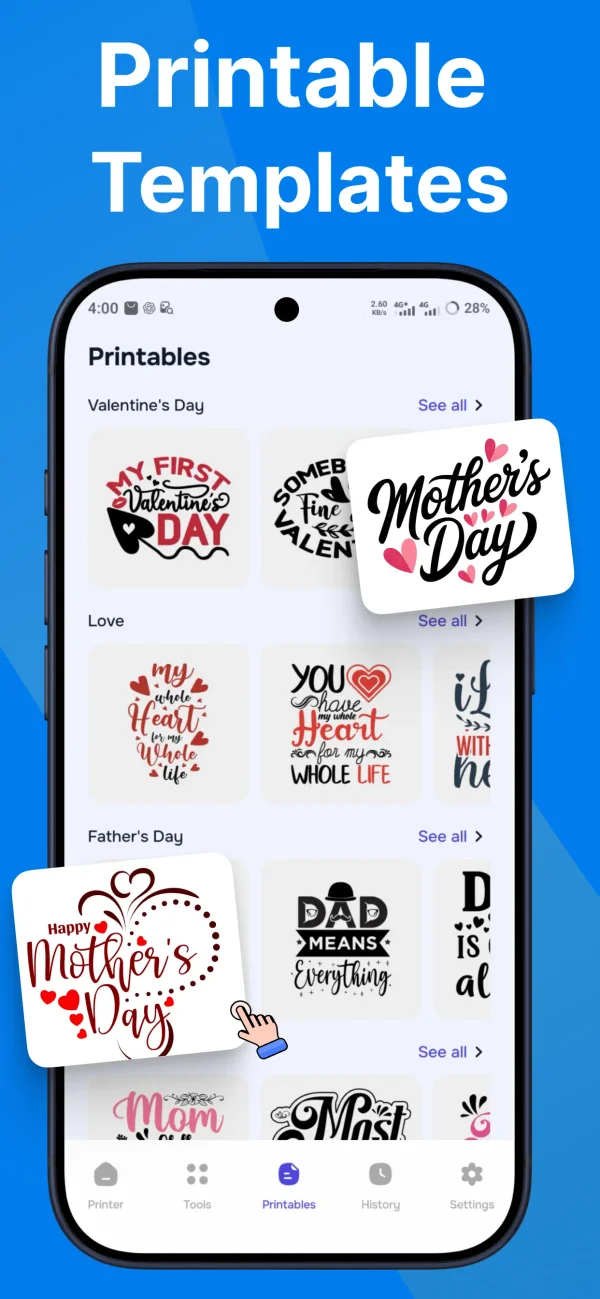
Print labels, calendars, quizzes, and greeting cards
Print coloring pages and learning worksheets
Print files directly from the Files app
SCAN & CONVERT
Scan documents with high-quality results
Convert photos and scans to PDF
OCR support to make scanned text searchable
Scan receipts, contracts, ID cards, and other documents
Share scanned files using email, AirDrop, and other sharing options
PDF & DOCUMENT TOOLS
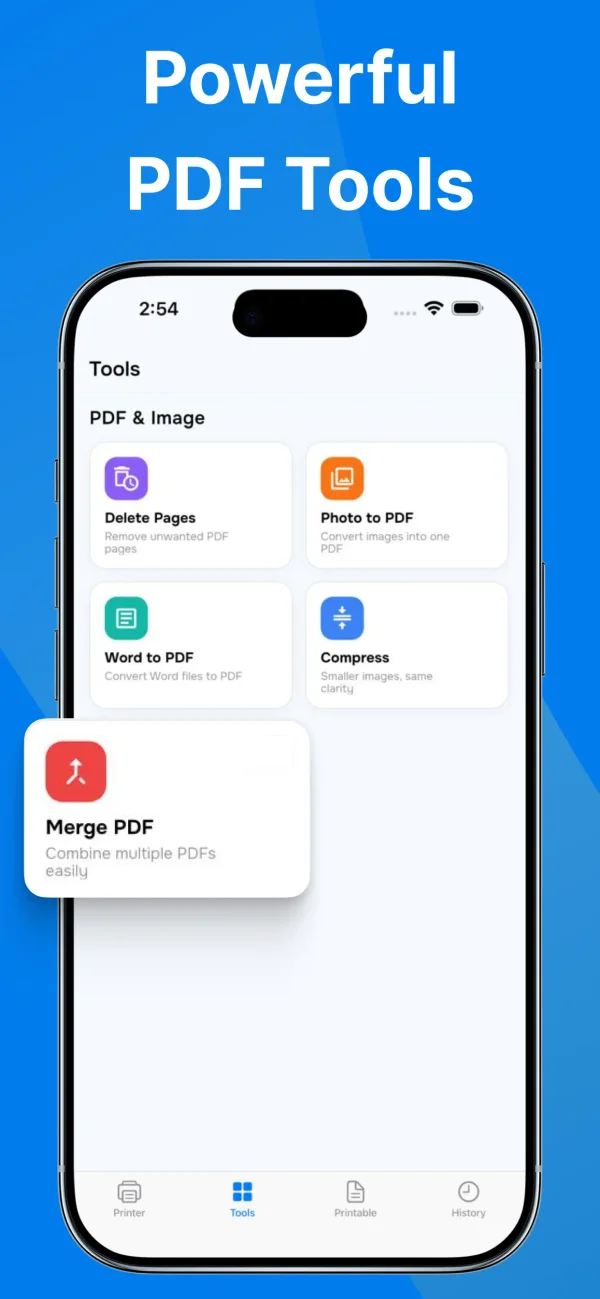
Merge and organize PDF files
Compress PDF documents
Delete and manage PDF pages
Convert images to PDF
Transfer files between your computer and iPhone or iPad
Organize and manage your documents in one place
SEND & RECEIVE FAXES
Send documents by fax from your iPhone or iPad
Secure transmission for supported fax services
Track fax delivery status
Send important documents without a traditional fax machine
SHARE PRINTER ACCESS
Share printer access with family members or teammates
Connect to shared printer groups
Convenient for home, office, and school environments
SIMPLE & TRANSPARENT PRICING
We believe you should always know what you're paying for.
Clear subscription options
Free trial available where offered
No unexpected charges
Upgrade only when you're ready
Manage your subscription through your Apple account
WHY USE PRINTSCAN?
Supports a wide range of wireless printers
Simple and intuitive interface
Designed for iPhone and iPad
Helpful customer support
Regular improvements and updates
Your documents are handled with privacy in mind
Whether you're printing at home, scanning documents at work, sending a fax, or managing important files, PrintScan brings essential printer and document tools together in one convenient app.
Privacy Policy:
https://sites.google.com/view/ugc-apps/privacy-policy
Terms and Conditions:
https://sites.google.com/view/ugc-apps/term-condition
What’s new
Version 1,4 · Oct 3, 2026
Performance & Reliability: Optimized wireless connection protocols for faster printer discovery and smoother pairing.
Enhanced Scanner: Upgraded automatic edge detection and image enhancement for crisper, higher-quality scans.
Streamlined Document Tools: Faster PDF generation and improved file compression speeds.
Bug Fixes: Resolved minor issues and improved overall application stability.
App privacy
What Muhammad Bilal declares on the App Store about how this app handles data.
-
Data used to track you
May be used to track you across apps and websites owned by other companies.
- Identifiers
Privacy practices may vary, for example with the features you use or your age.
Information
- Seller
- Muhammad Bilal
- Category
- Productivity
- Version
- 1,4
- Updated
- Oct 3, 2026
- Released
- Apr 8, 2026
- Size
- 39.7 MB
- Requires
- iOS 15.0 or later
- Age rating
- 4+
- Price
- Free
- In-app purchases
- Yes
- Languages
- English
- Copyright
- Copyright © 2026 Muhammad Bilal. All right reserved.
You might also like
-
 Setup for HP Smart Printer AppInstant Setup, Print & Scan
-
 Smart Printer・Setup & PrintMobile Wireless Air Printing
-
 Smart Printer & Scanner: PDFPrint Photos, Scan Books & Fax
-
 Smart Printer App Print, ScanHP, Epson, Brother iPrint Scan
-
 Smart Air Printer Pro & ScanPrint Photos and Scanner App
-
 Smart Printer - Air Print AppAirPrint for all brands
-
 Printer App: Smart Print App ·iPrint and Scan - Portable
-
 Smart Printer App ゜For Canon, HP, Epson, Brother
-
 iPrint for Epsom Printer AppFor Epson, Canon and HPSmart