
Folio — Offline HTML Viewer
Interactive HTML, anywhere
Designed for iPhone, iPad
Free
- Age rating4+
- CategoryProductivity
- DeveloperBrian Renshaw
- LanguagesEnglish
- Size4.1 MB
Links to the official App Store page
Download.org hosts no file of Folio — Offline HTML Viewer. The button opens its official App Store page, published by Brian Renshaw. Listing last checked on Nov 17, 2026.
Screenshots
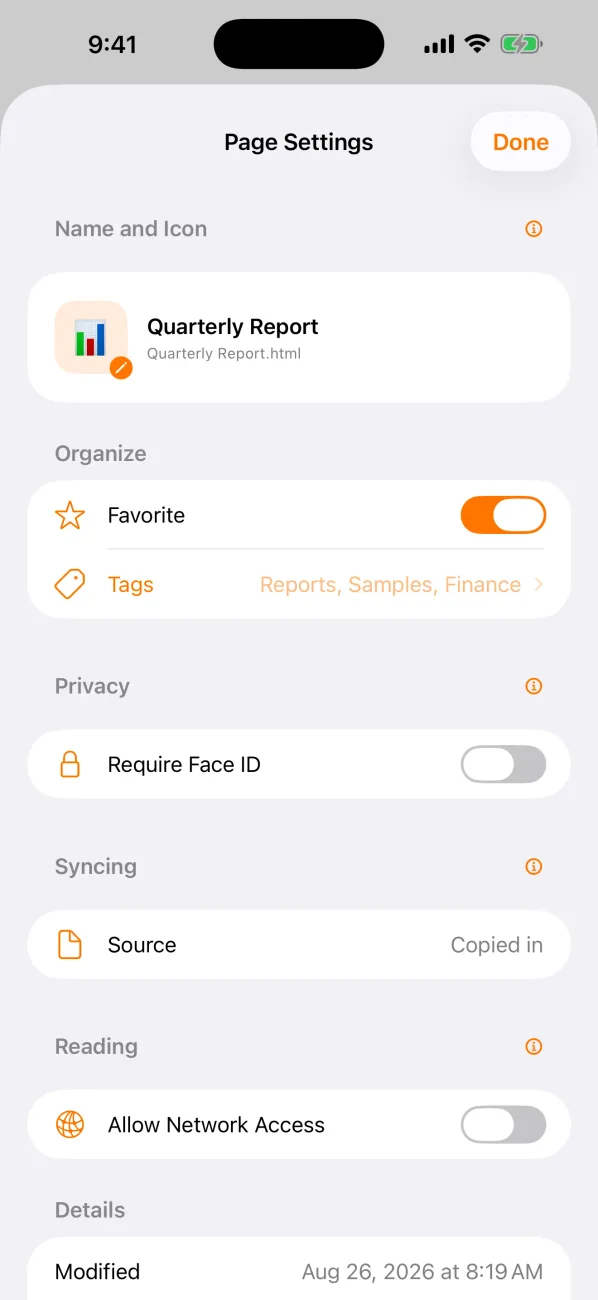
About
Folio keeps HTML files readable, interactive, and available offline—exactly the way they were made. No developer-operated server. No Folio account. No conversion that breaks the layout.
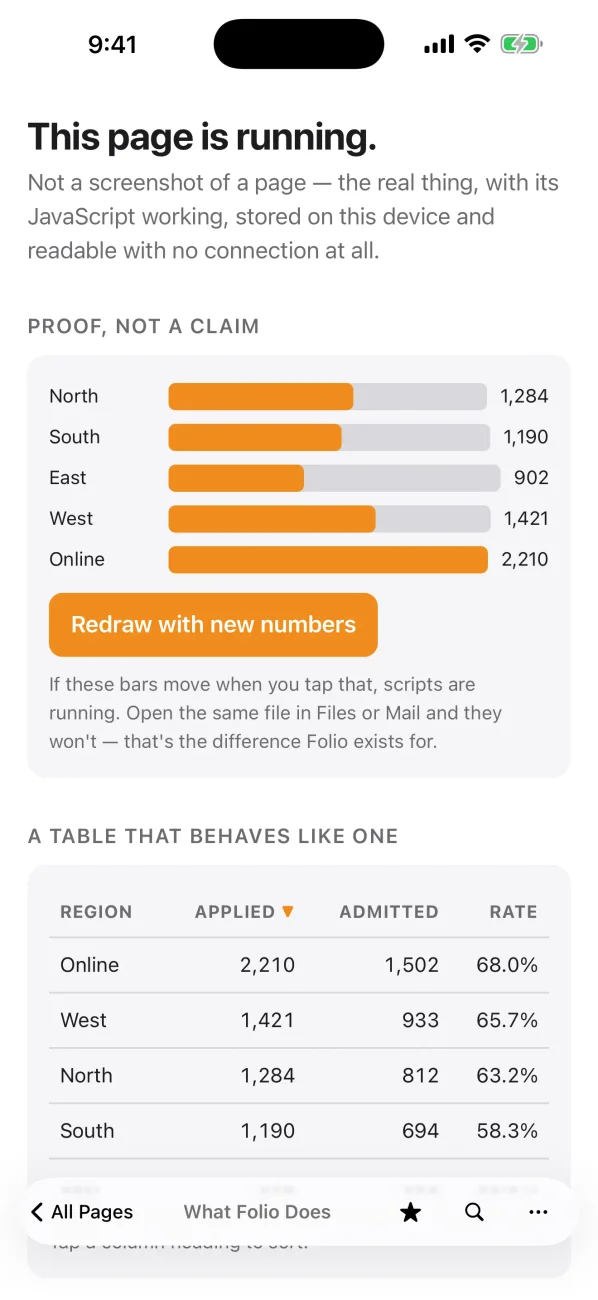
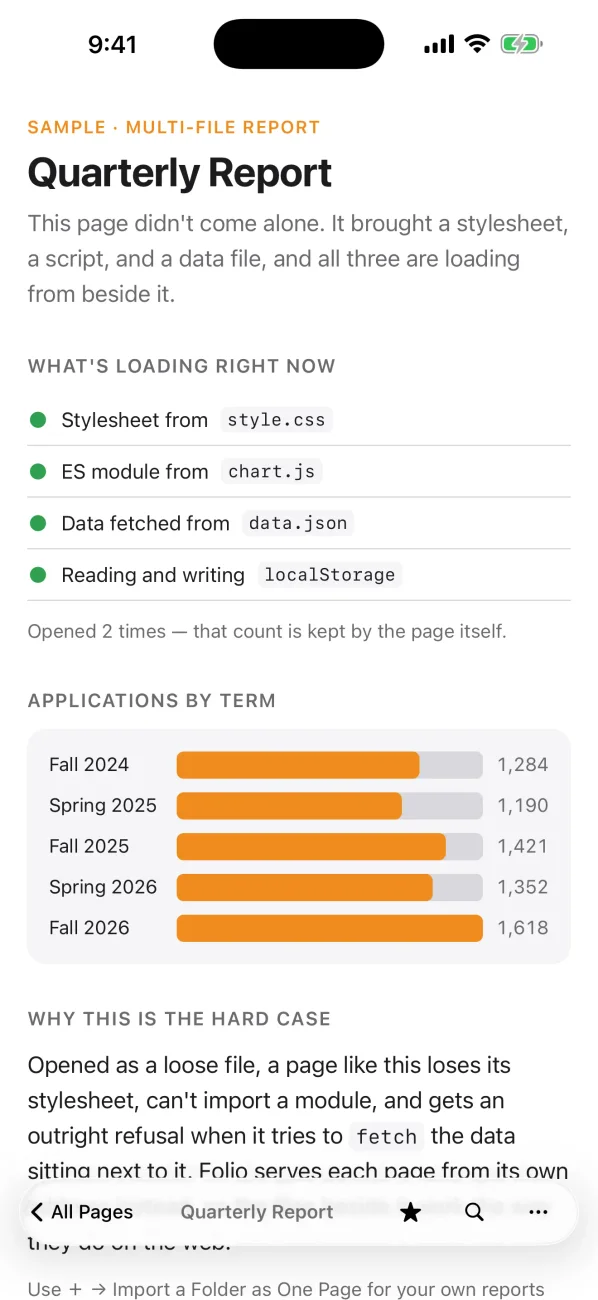
Bring in a single HTML file or a folder-based page with its referenced CSS, JavaScript, images, and data. Folio gives each page its own local origin so modern pages—including ES modules, fetch requests, and local storage—can work the way they should.
BUILD YOUR LIBRARY
• Import files from Files or another app's Share sheet
• Import a folder-based page with its referenced supporting files
• Watch a folder for new and updated pages
• Optionally add and refresh selected files from Google Drive
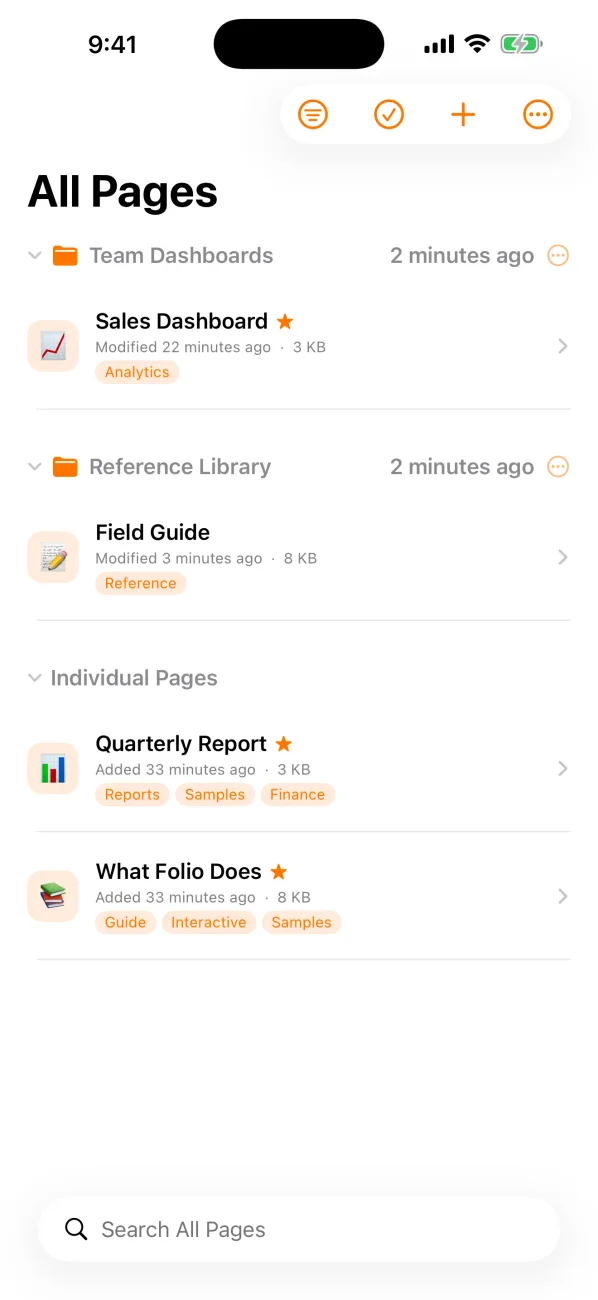
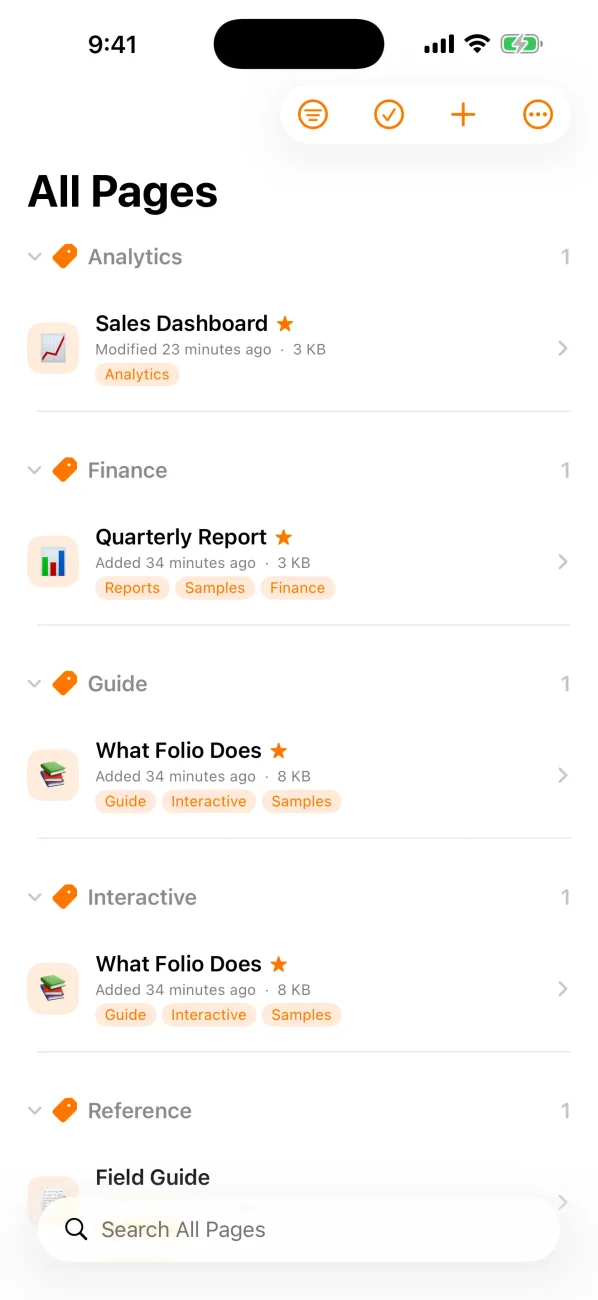
• Organize with favorites, tags, searchable icons, sorting, grouping, and library search
• Update many pages at once with bulk actions
READ AND USE YOUR PAGES
• Stay offline by default, with network access controlled separately for each page
• Navigate page history, find text, reload, inspect source, and see useful diagnostics
• Choose a top or bottom toolbar that gets out of the way as you read
• Download files generated by a page, print, or save and share a PDF
• Use a full three-column workspace on iPad or focus on the page full screen
• Open chosen pages from widgets, and favorites or recent pages from Home Screen quick actions
PRIVATE BY DESIGN
• No Folio account, advertising, analytics, or tracking
• Optional iCloud sync uses your private iCloud database
• Optional Google Drive access is limited to files you choose for Folio
• Lock individual pages with Face ID or your device passcode
• Locked pages are shielded in the app switcher and badged in widgets and quick actions
Two included interactive samples make it easy to explore Folio immediately. Keep reports, dashboards, exported notes, archived documentation, and other web files useful wherever you go—even when the network doesn't.
What’s new
Version 1.1.2 · Aug 30, 2026
Fixes a Google Drive refresh issue that could leave an already-open file showing an older version after the Drive file changed. Folio now verifies downloaded file contents, repairs stale saved copies in place, and preserves the last working copy if an update is interrupted.
App privacy
What Brian Renshaw declares on the App Store about how this app handles data.
-
Data not collected
The developer does not collect any data from this app.
Privacy practices may vary, for example with the features you use or your age.
Information
- Seller
- Brian Renshaw
- Category
- Productivity
- Version
- 1.1.2
- Updated
- Aug 30, 2026
- Released
- Aug 25, 2026
- Size
- 4.1 MB
- Requires
- iOS 17.0 or later
- Age rating
- 4+
- Price
- Free
- Languages
- English
- Copyright
- © 2026 Brian Renshaw
You might also like
-
 Atelier LibrettoDocuments simplified
-
 Atelier TablesSpreadsheets simplified
-
 Atelier DazzlePresentations simplified
-
 HTML Reader OfflineRead HTML & ZIP Files Anywhere
-
 HabitWing – Life TrackerBuild Habits, Breathe, Reflect
-
 ProUser: Command Your DayEdit your calendar like code.
-
 Triquid NotesNotes for Trilium, anywhere
-
 SELECT - Minimal pick launcherFor ADHD. Less choice. Focus.
-
 RoadPactYour shared road, on record.
-
 EveryJotFast notes in Markdown