
HTMLCollection
A new era of HTML storage
Designed for iPhone, iPad
In-app purchases
- Age rating4+
- CategoryUtilities
- DeveloperShigeki Karouji
- LanguagesEnglish+ 9 more
- Size69.1 MB
Links to the official App Store page
Download.org hosts no file of HTMLCollection. The button opens its official App Store page, published by Shigeki Karouji. Listing last checked on Nov 11, 2026.
Screenshots

About
Keep the HTML you use close at hand.
HTML Collection is a simple way to save, organize, and view HTML source itself—not just bookmark its URL.
Store templates, snippets, test pages, HTML-based notes, and other reusable content. Preview saved HTML instantly, edit the source, and update it whenever needed.
Tap + in your library to write or paste HTML, or import HTML files. Files with existing names are saved as separate, numbered cards, so you can keep both copies in your library.
Key Features
• Enter or paste HTML source and import HTML files
• Open saved HTML source offline
• Edit HTML with optional line wrapping
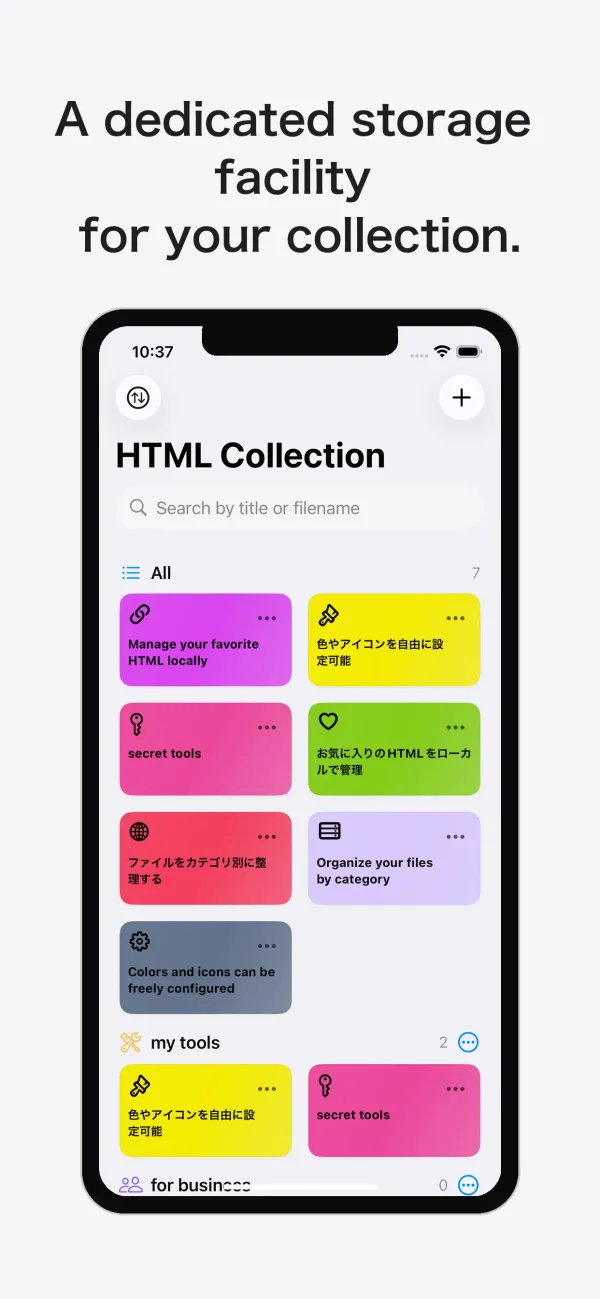
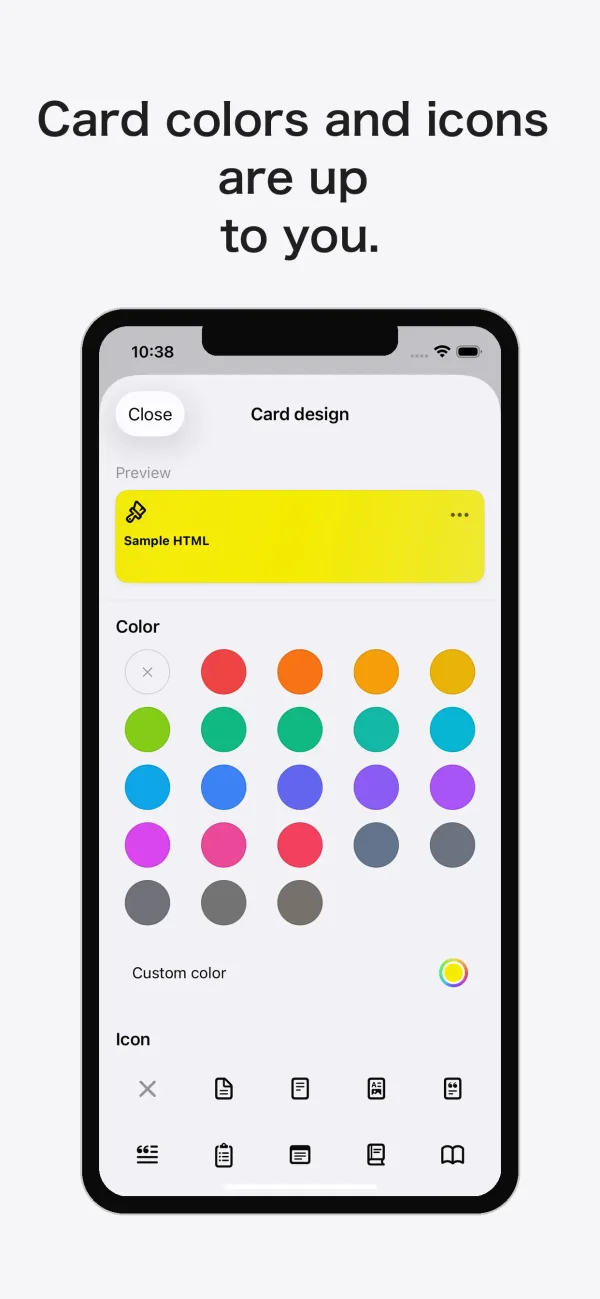
• Organize items with collections, icons, and colors
• Search by title or filename
• Export as HTML files, PDFs, or full-page images
• Open recent HTML from a Home Screen widget
• Sync across devices with iCloud
• Save and restore previous versions
• Summarize differences between saved versions with on-device AI
When your devices are signed in to iCloud with the same Apple Account, saved HTML, history, titles, collections, and other organization details stay in sync.
Change Summaries
Tap the summary icon in history to turn changes into a short note. On supported devices, the first use requires a summary model download of approximately 2.6 GB. Your HTML is processed on your device and is not uploaded for summarization. Download or delete the model in Settings.
History Plus
The free version lets you restore and edit the latest history entry.
A one-time History Plus purchase unlocks up to 10 history entries, protected versions, and notes for each version.
Save, organize, and view HTML comfortably on iPhone and iPad.
HTML Collection is your personal library for the HTML you want to keep and reuse.
External images, styles, scripts, and other linked resources may require an internet connection.
Official Website
App Website: https://studiok-apps.studio-k-developer.workers.dev/en/apps/html-collection/
Support: https://studiok-apps.studio-k-developer.workers.dev/en/apps/html-collection/support/
Terms of Use: https://studiok-apps.studio-k-developer.workers.dev/en/apps/html-collection/terms/
Privacy Policy: https://studiok-apps.studio-k-developer.workers.dev/en/apps/html-collection/privacy/
What’s new
Version 1.4.0 · Oct 30, 2026
Find HTML actions more easily with reorganized menus, and review changes to your saved versions.
New Features
• Generate short change summaries by comparing saved versions. Your HTML is processed on your device.
• Download or delete the summary model in Settings. Downloads outside Wi-Fi require confirmation.
• Undo closing a tab.
How to Use
Tap the summary icon in history to add a change summary to a version’s note. On supported devices, the first use requires a model download of approximately 2.6 GB. You can also download it from Settings → Summary model.
Improvements
• Open editing, title changes, and history directly from the browser menu for the current HTML.
• Actions are grouped into Share & Export, Organize & Info, and Display menus.
• Use + in the library to create or import HTML and create collections.
• Improved title editing and collection selection.
• Updated iCloud sync and history storage handling.
• Access support, terms, privacy information, and licenses from Settings.
App privacy
What Shigeki Karouji declares on the App Store about how this app handles data.
-
Data not collected
The developer does not collect any data from this app.
Privacy practices may vary, for example with the features you use or your age.
Information
- Seller
- Shigeki Karouji
- Category
- Utilities
- Version
- 1.4.0
- Updated
- Oct 30, 2026
- Released
- Dec 15, 2025
- Size
- 69.1 MB
- Requires
- iOS 18.6 or later
- Age rating
- 4+
- In-app purchases
- Yes
- Languages
- English, French, German, Japanese, Korean, Portuguese, Russian, Simplified Chinese, Spanish, Traditional Chinese
- Copyright
- © 2025 STUDIO.K
You might also like
-
 PeekMD: Markdown HTML ViewerPreview Read and Edit MD Files
-
 Web HTML Saver - 単一ファイルでサイトを保存Utilities
-
 Filecraft: File ConverterCompress PDF, HEIC, Video, GIF
-
 TiCaNo StopwatchLaps, splits, stats & export
-
 HTML Viewer (013653)AI HTML Rendering Studio
-
 Omnia ReaderUniversal ebook reader with AI
-
 Offline AI - Private ChatLocal LLM, PDF & Image Search
-
 HTML ServeLocal HTML project runner
-
 Local LLM - Offline AIPrivate LLM Chat
-
 Zip Extractor: Unzip RAR FilesArchive Opener & File Manager