Image to Base64 Plus
Image to Base64 to Image
Designed for iPhone, iPad, iPod touch
$2.99
- Age rating4+
- CategoryDeveloper Tools
- DeveloperHeng Jia Liang
- LanguagesEnglish
- Size1.4 MB
Links to the official App Store page
Download.org hosts no file of Image to Base64 Plus. The button opens its official App Store page, published by Heng Jia Liang. Listing last checked on Nov 7, 2026.
Screenshots



About
Image to Base64 is a flexible and easy-to-use Base64 image encoder. It allows you to convert an image to Base64 or decode a Base64 string back into an image effortlessly.
Features:
∙ Convert images to Base64 with ease.
∙ Copy the Base64-encoded string for use in other applications.
∙ Convert Base64 strings back into images effortlessly.
∙ Save the converted image directly to your camera roll.
∙ Works seamlessly on both iPhone and iPad.
∙ Lightweight, compact app optimized for everyday use.
∙ Ad-free and built with privacy in mind.
About Base64
Base64 encoding is used to embed image data in formats such as HTML, CSS, and JSON. Since the image is included directly in the content, the browser does not need to make a separate request to fetch the file. However, Base64-encoded images are larger than standalone image files, and for large images, the encoded string can be quite long. It is recommended to use Base64 primarily for small images and compare the performance of embedded vs. external images.
Base64 encoding generates characters from a set that includes Latin letters, numerals, plus, and slash. It is widely used in Multipurpose Internet Mail Extensions (MIME) for email transport encoding.
Why Use Base64 Encoding?
Base64-encoded images can be embedded in img tags or CSS, reducing load times for small images by eliminating additional HTTP requests. This technique is useful for:
Creating single-file mockups or demo HTML pages.
Embedding images in HTML email signatures to avoid "display images" warnings.
How to Convert an Image to Base64:
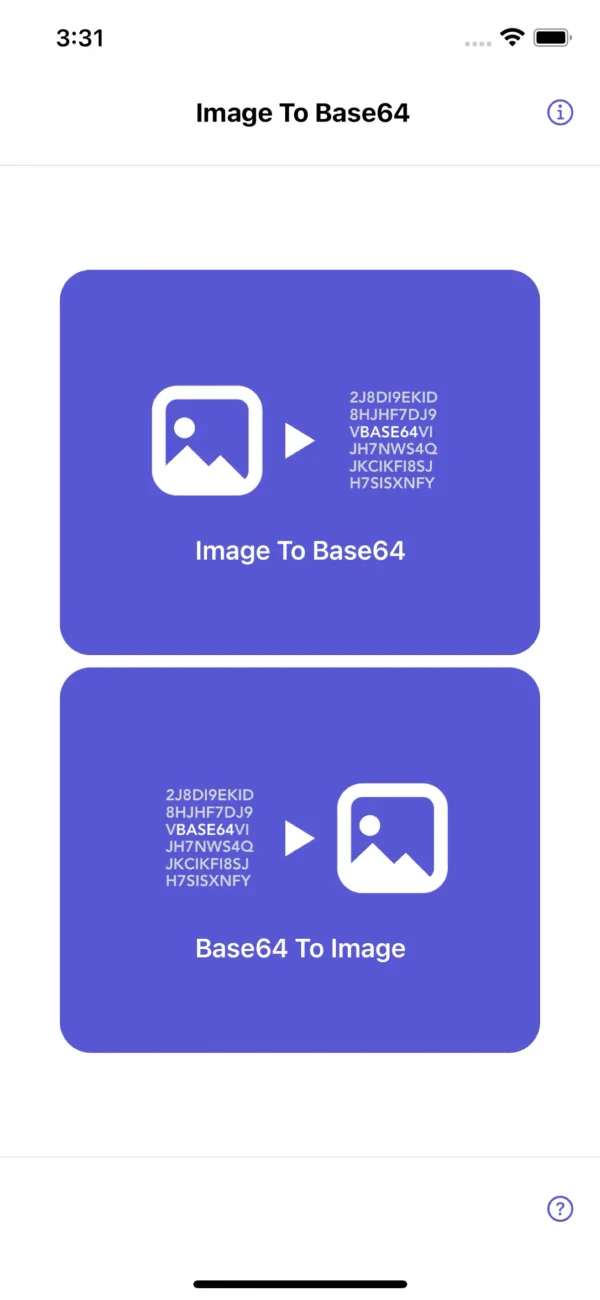
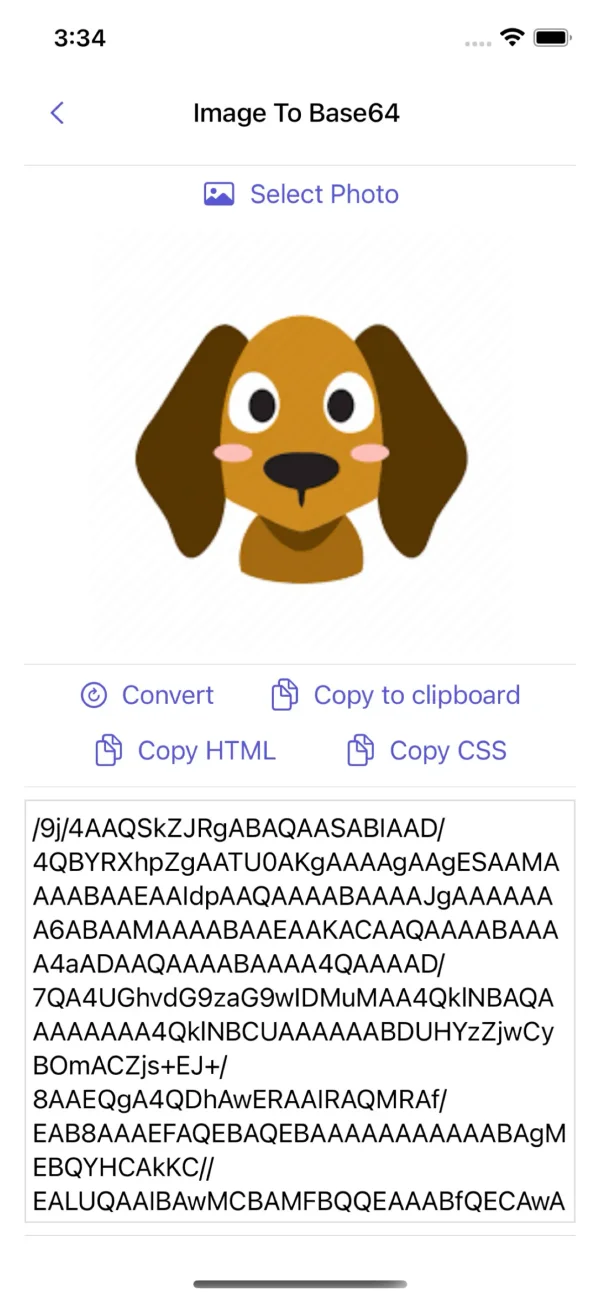
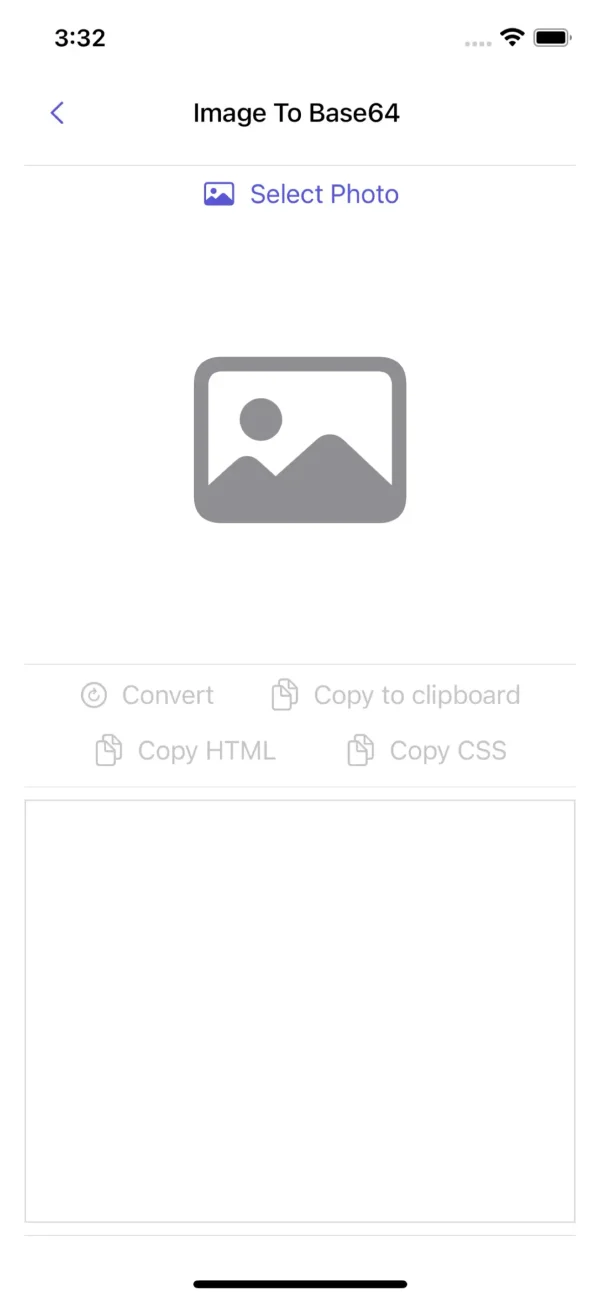
1. Tap Image to Base64.
2. Select the photo you want to convert.
3. Tap the Convert button.
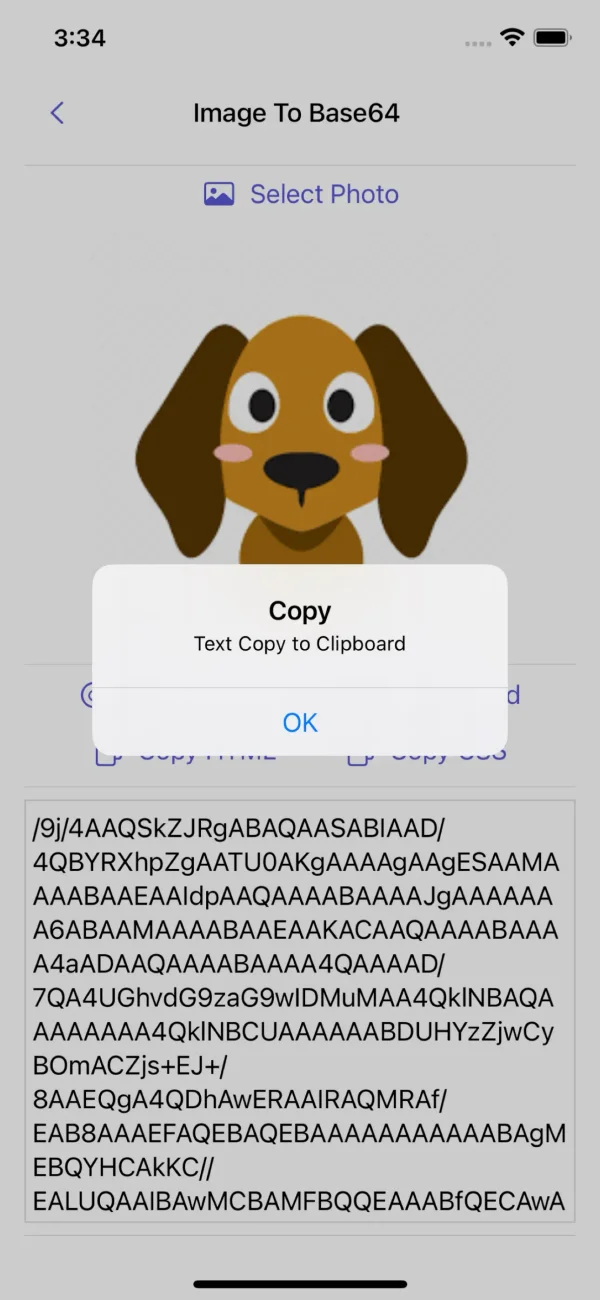
4. The Base64 string is generated instantly.
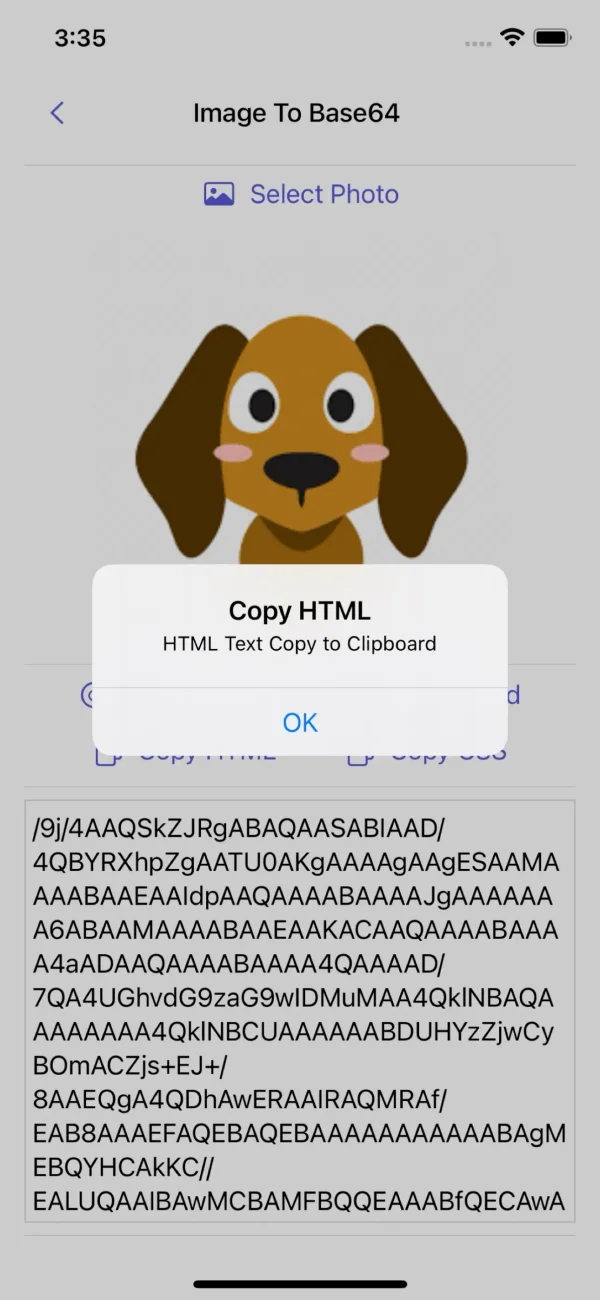
5. Copy the Base64/HTML/CSS code by pressing the copy button.
How to Convert Base64 to an Image:
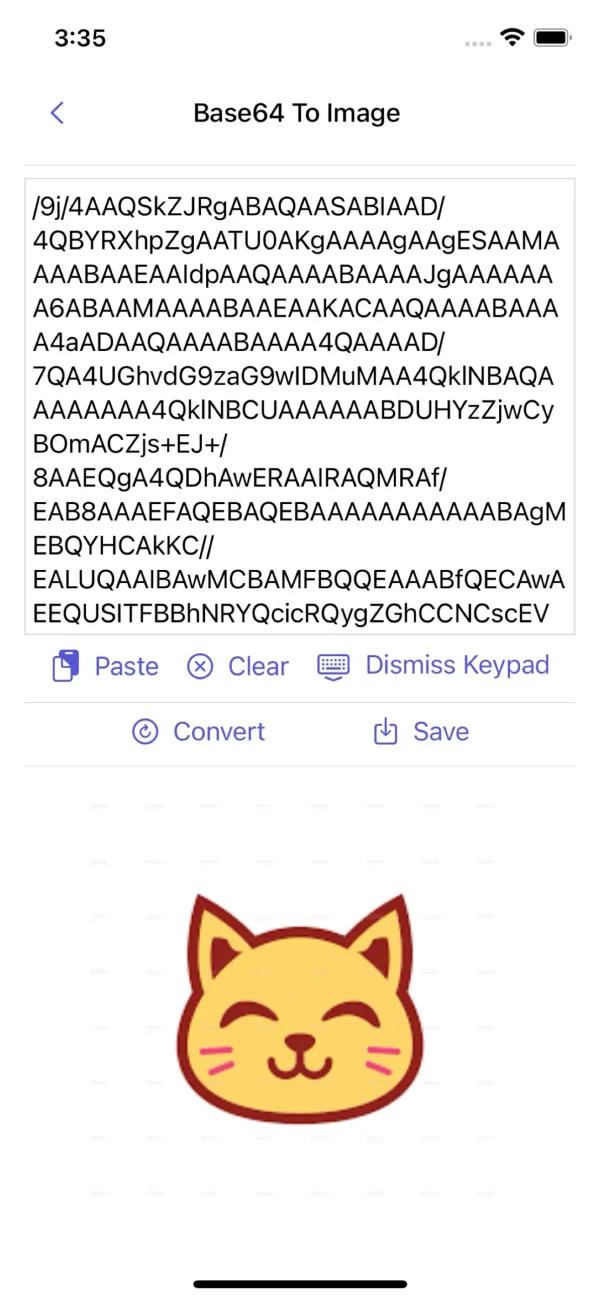
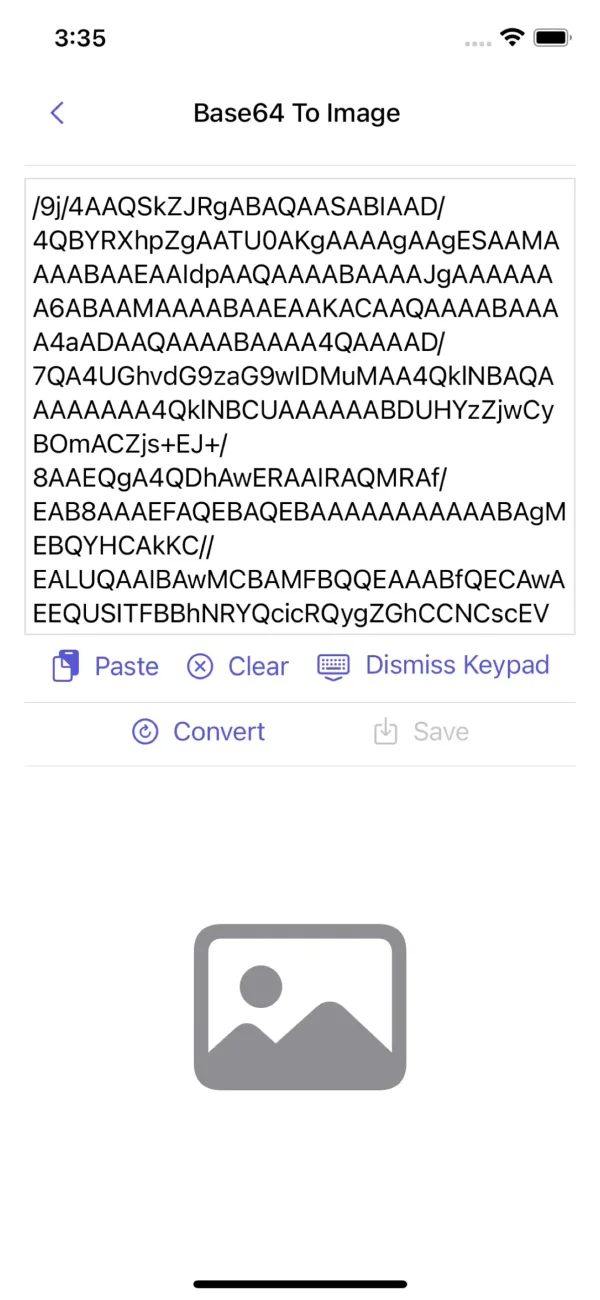
1. Tap Base64 to Image.
2. Paste the Base64 code into the text field.
3. Tap the Convert button.
4. If the code is valid, an image preview will appear.
5. Save the image to your camera roll.
The Base64 string is generated directly on your device using the Base64 algorithm—no data is sent to a server for conversion.
Thank you for your support! Visit nitrio.com for more apps for your iOS devices.
What’s new
Version 1.2 · Feb 6, 2026
- Updated for the newest devices.
- Minor bugs fixed.
App privacy
What Heng Jia Liang declares on the App Store about how this app handles data.
-
Data not collected
The developer does not collect any data from this app.
Privacy practices may vary, for example with the features you use or your age.
Information
- Seller
- Heng Jia Liang
- Category
- Developer Tools
- Version
- 1.2
- Updated
- Feb 6, 2026
- Released
- Dec 31, 2021
- Size
- 1.4 MB
- Requires
- iOS 15.0 or later
- Age rating
- 4+
- Price
- $2.99
- Languages
- English
- Copyright
- © Heng Jia Liang
You might also like
-
 Base64 Image ConverterImage to Base64 & Data URI
-
 PasteMe - Pastebin ClientPasteBin.com Client
-
 Image ∞ Base64Convert between image & Base64
-
 websta$-learn html css and jsA good helper for learning web
-
 XHelper: Developer ToolkitJSON, JWT, Base64 & more
-
 iCardVerify - Card ValidatorCredit Card Generator
-
 DevTutor: Learn Swift, SwiftUlDesign and code ressources
-
 Combine - Code Editor & GitCode Editor and Git Client
-
 TFLite LiteRT TensorFlow TestNeural Engine & GPU inference
-
 Unix/Linux CLI CommandsA pocket command-line guide