Image to Base64 Plus
Image to Base64 to Image
Dirancang untuk iPhone, iPad, iPod touch
Rp 59ribu
- Batasan usia4+
- KategoriAlat Pengembang
- PengembangHeng Jia Liang
- BahasaInggris
- Ukuran1,4 MB
Tertaut ke halaman resmi App Store
Download.org tidak menyimpan file Image to Base64 Plus apa pun. Tombol ini membuka halaman aplikasi di App Store, tempat Heng Jia Liang menerbitkannya. Halaman terakhir diperiksa pada 7/11/2026.
Tangkapan layar

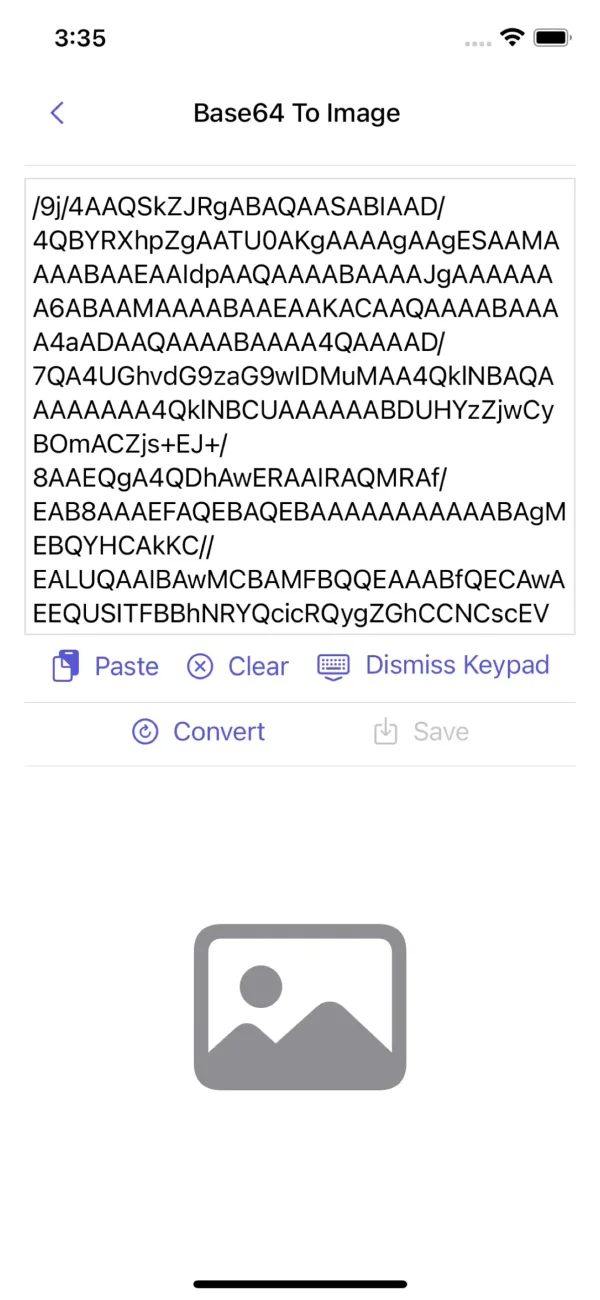

Tentang
Pengembang belum menyediakan teks ini dalam bahasa Anda.
Image to Base64 is a flexible and easy-to-use Base64 image encoder. It allows you to convert an image to Base64 or decode a Base64 string back into an image effortlessly.
Features:
∙ Convert images to Base64 with ease.
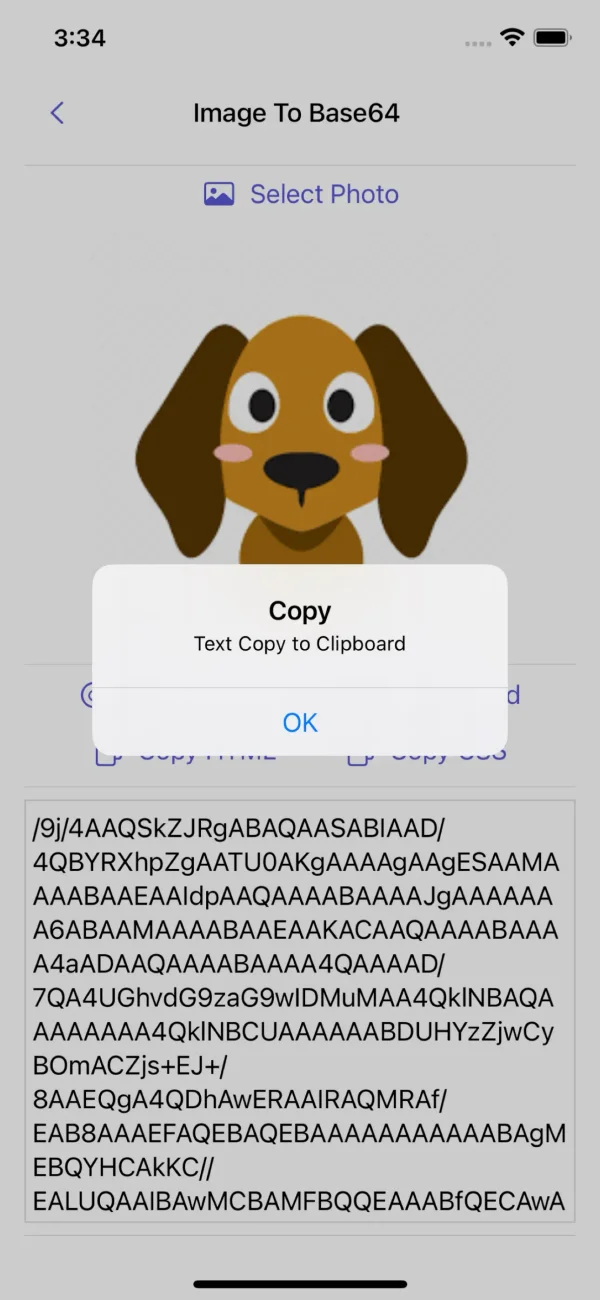
∙ Copy the Base64-encoded string for use in other applications.
∙ Convert Base64 strings back into images effortlessly.
∙ Save the converted image directly to your camera roll.
∙ Works seamlessly on both iPhone and iPad.
∙ Lightweight, compact app optimized for everyday use.
∙ Ad-free and built with privacy in mind.
About Base64
Base64 encoding is used to embed image data in formats such as HTML, CSS, and JSON. Since the image is included directly in the content, the browser does not need to make a separate request to fetch the file. However, Base64-encoded images are larger than standalone image files, and for large images, the encoded string can be quite long. It is recommended to use Base64 primarily for small images and compare the performance of embedded vs. external images.
Base64 encoding generates characters from a set that includes Latin letters, numerals, plus, and slash. It is widely used in Multipurpose Internet Mail Extensions (MIME) for email transport encoding.
Why Use Base64 Encoding?
Base64-encoded images can be embedded in img tags or CSS, reducing load times for small images by eliminating additional HTTP requests. This technique is useful for:
Creating single-file mockups or demo HTML pages.
Embedding images in HTML email signatures to avoid "display images" warnings.
How to Convert an Image to Base64:
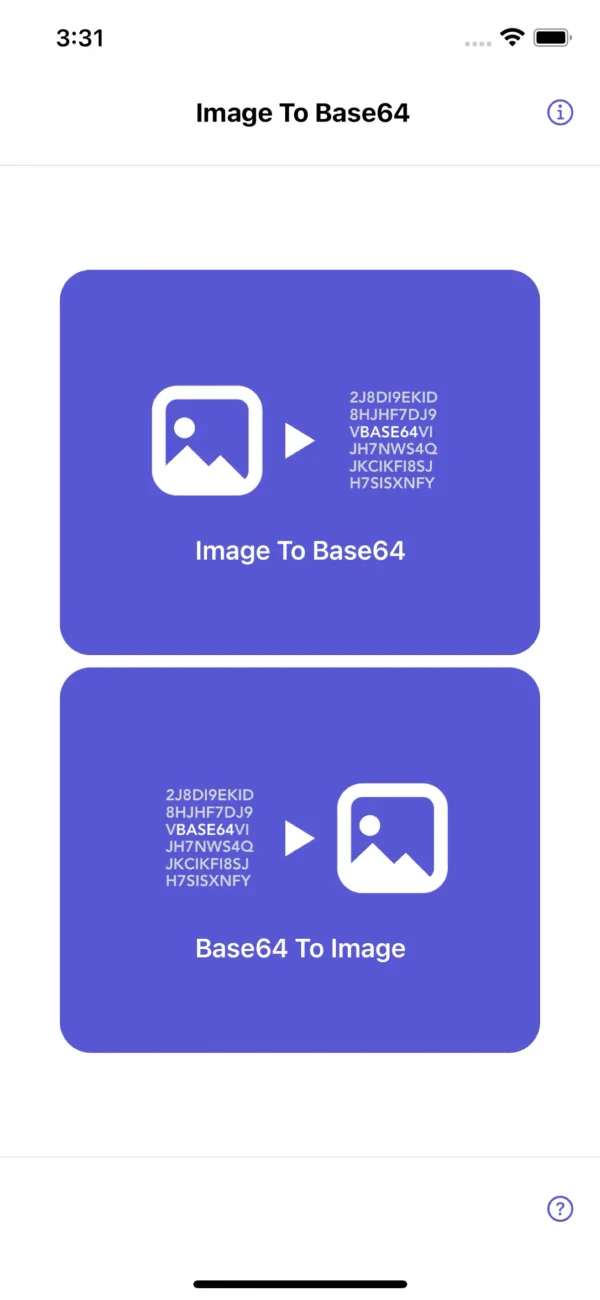
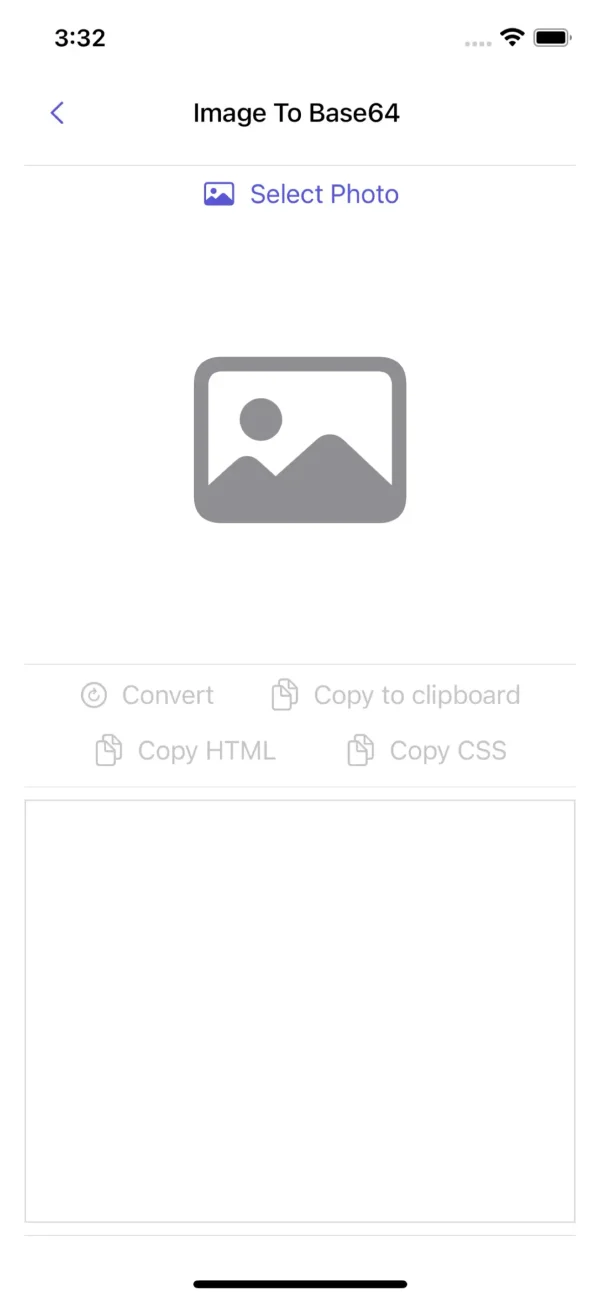
1. Tap Image to Base64.
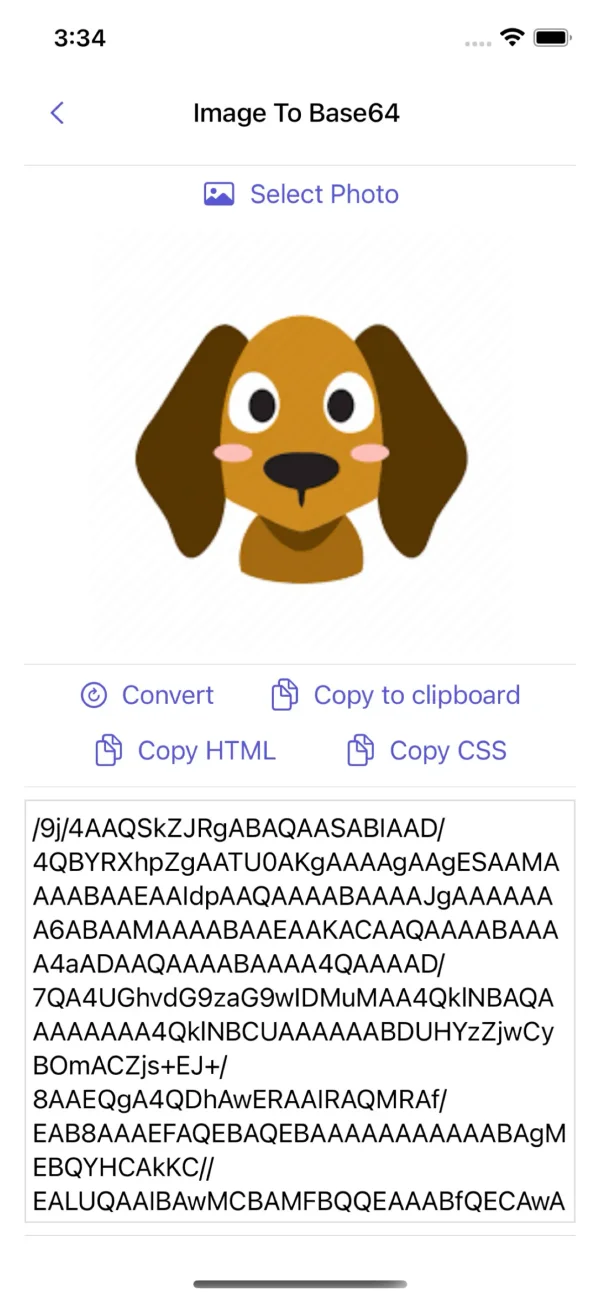
2. Select the photo you want to convert.
3. Tap the Convert button.
4. The Base64 string is generated instantly.
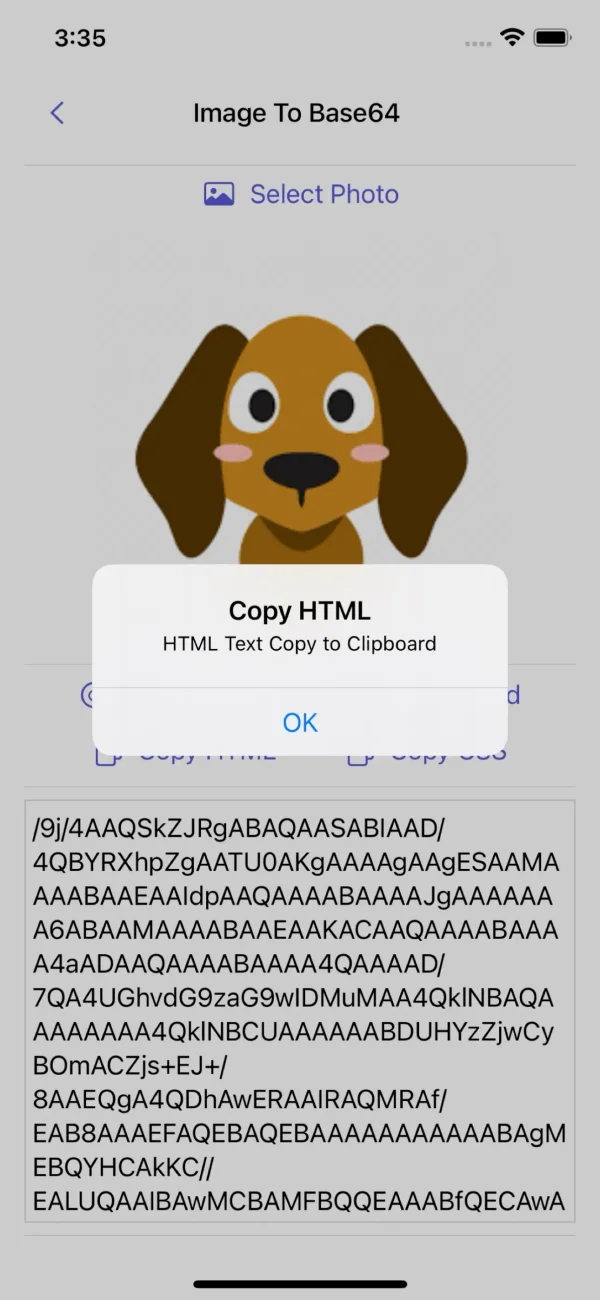
5. Copy the Base64/HTML/CSS code by pressing the copy button.
How to Convert Base64 to an Image:
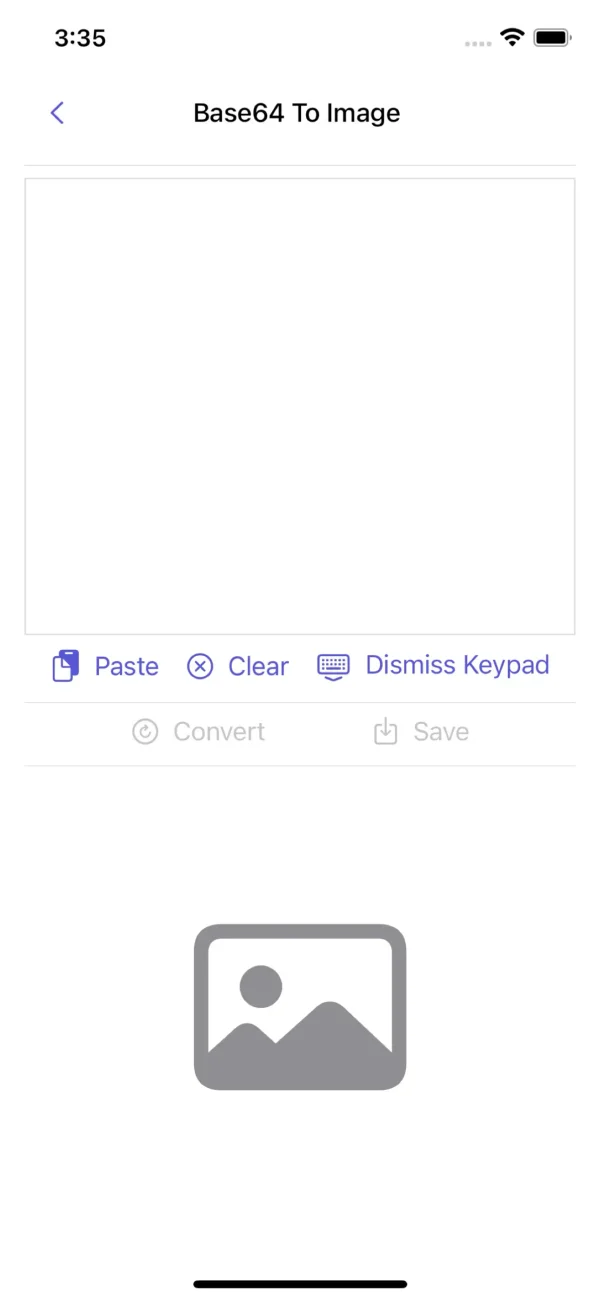
1. Tap Base64 to Image.
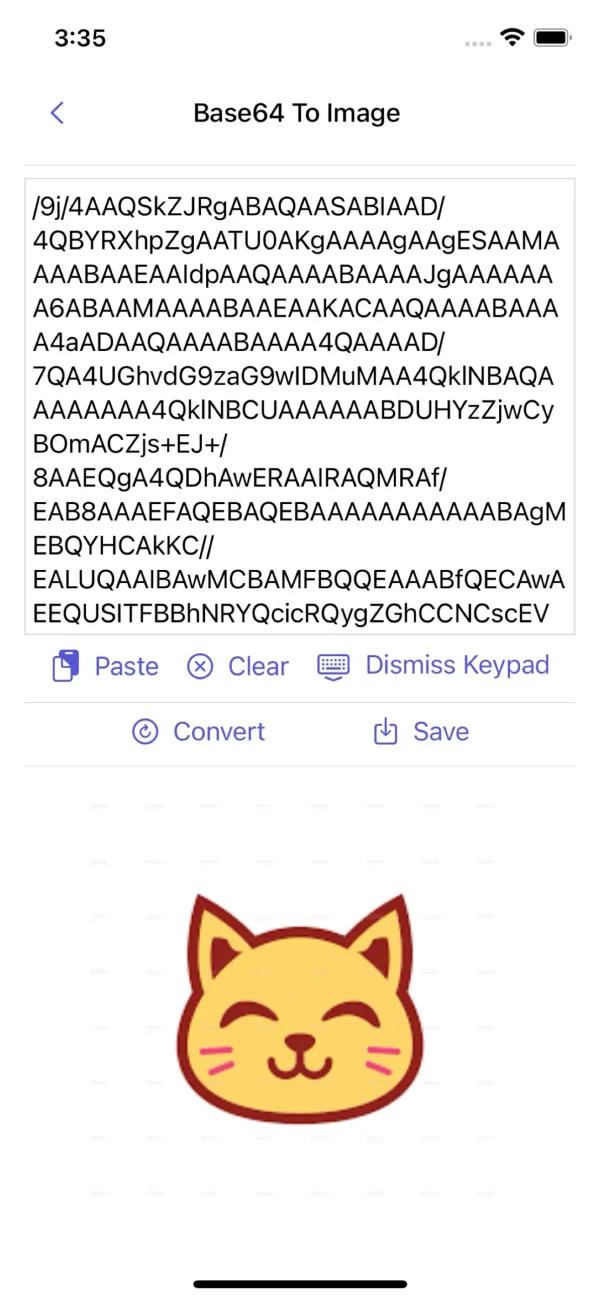
2. Paste the Base64 code into the text field.
3. Tap the Convert button.
4. If the code is valid, an image preview will appear.
5. Save the image to your camera roll.
The Base64 string is generated directly on your device using the Base64 algorithm—no data is sent to a server for conversion.
Thank you for your support! Visit nitrio.com for more apps for your iOS devices.
Yang baru
Versi 1.2 · 6/2/2026
- Updated for the newest devices.
- Minor bugs fixed.
Privasi aplikasi
Yang dinyatakan Heng Jia Liang di App Store tentang cara aplikasi ini menangani data.
-
Data tidak dikumpulkan
Pengembang tidak mengumpulkan data apa pun dari aplikasi ini.
Praktik privasi dapat bervariasi, misalnya berdasarkan fitur yang Anda gunakan atau usia Anda.
Informasi
- Penjual
- Heng Jia Liang
- Kategori
- Alat Pengembang
- Versi
- 1.2
- Diperbarui
- 6/2/2026
- Dirilis
- 31/12/2021
- Ukuran
- 1,4 MB
- Memerlukan
- iOS 15.0 atau yang lebih baru
- Batasan usia
- 4+
- Harga
- Rp 59ribu
- Bahasa
- Inggris
- Hak cipta
- © Heng Jia Liang
Mungkin Anda juga suka
-
 Base64 Image ConverterAlat Pengembang
-
 PasteMe - Pastebin ClientAlat Pengembang
-
 Image ∞ Base64Alat Pengembang
-
 websta$-learn html css and jsAlat Pengembang
-
 XHelper: Developer ToolkitAlat Pengembang
-
 iCardVerify - Card ValidatorAlat Pengembang
-
 DevTutor: Learn Swift, SwiftUlAlat Pengembang
-
 Combine - Code Editor & GitAlat Pengembang
-
 TFLite LiteRT TensorFlow TestAlat Pengembang
-
 Unix/Linux CLI CommandsAlat Pengembang