Image to Base64 Plus
Image to Base64 to Image
Diseñada para iPhone, iPad, iPod touch
2,99 €
- Clasificación por edad4+
- CategoríaPara desarrolladores
- DesarrolladorHeng Jia Liang
- IdiomasInglés
- Tamaño1,4 MB
Enlaza a la página oficial de App Store
Download.org no aloja ningún archivo de Image to Base64 Plus. El botón abre la página de la aplicación en App Store, donde la publica Heng Jia Liang. Ficha comprobada por última vez el 7/11/2026.
Capturas de pantalla



Acerca de
El desarrollador no ha proporcionado este texto en tu idioma.
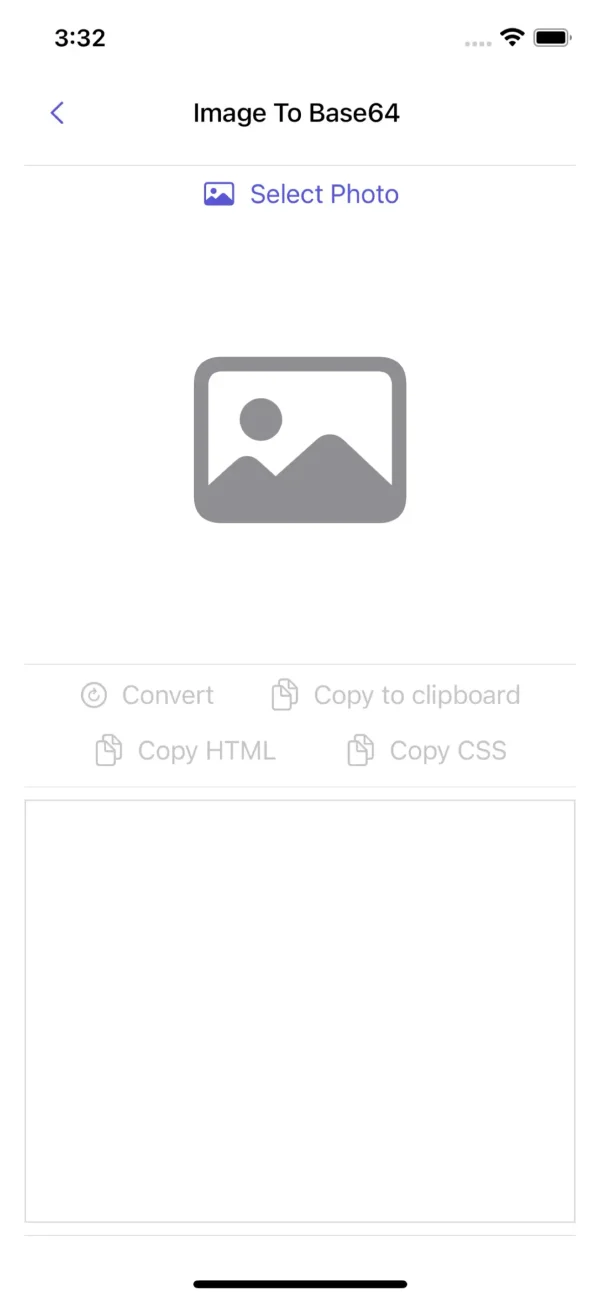
Image to Base64 is a flexible and easy-to-use Base64 image encoder. It allows you to convert an image to Base64 or decode a Base64 string back into an image effortlessly.
Features:
∙ Convert images to Base64 with ease.
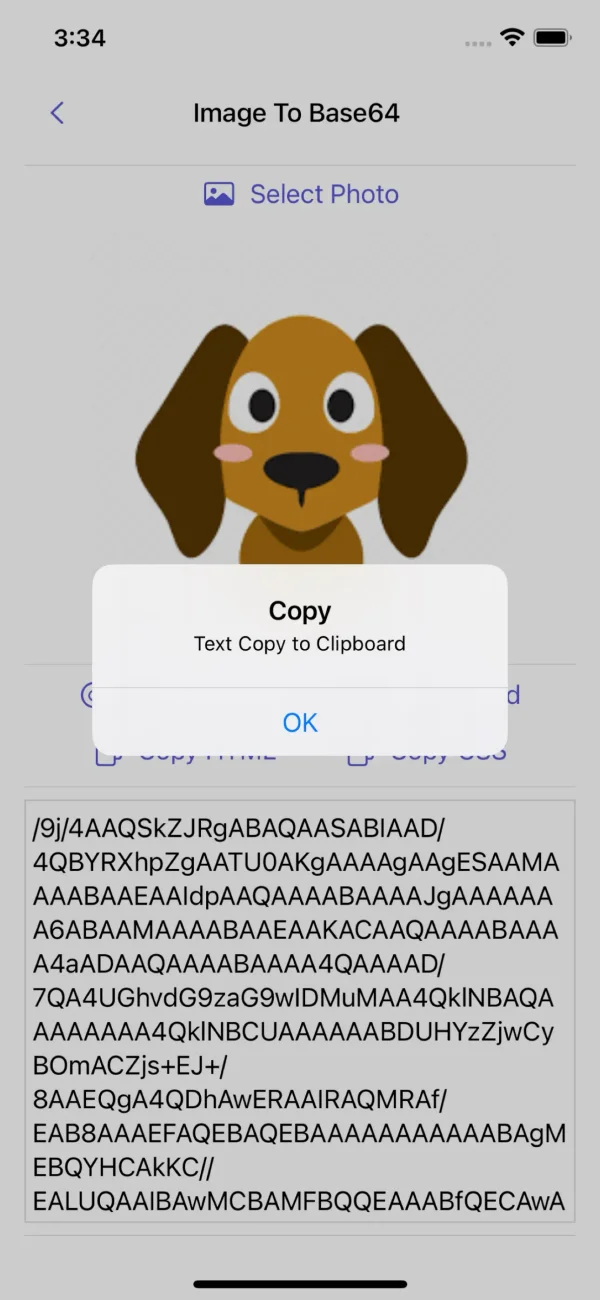
∙ Copy the Base64-encoded string for use in other applications.
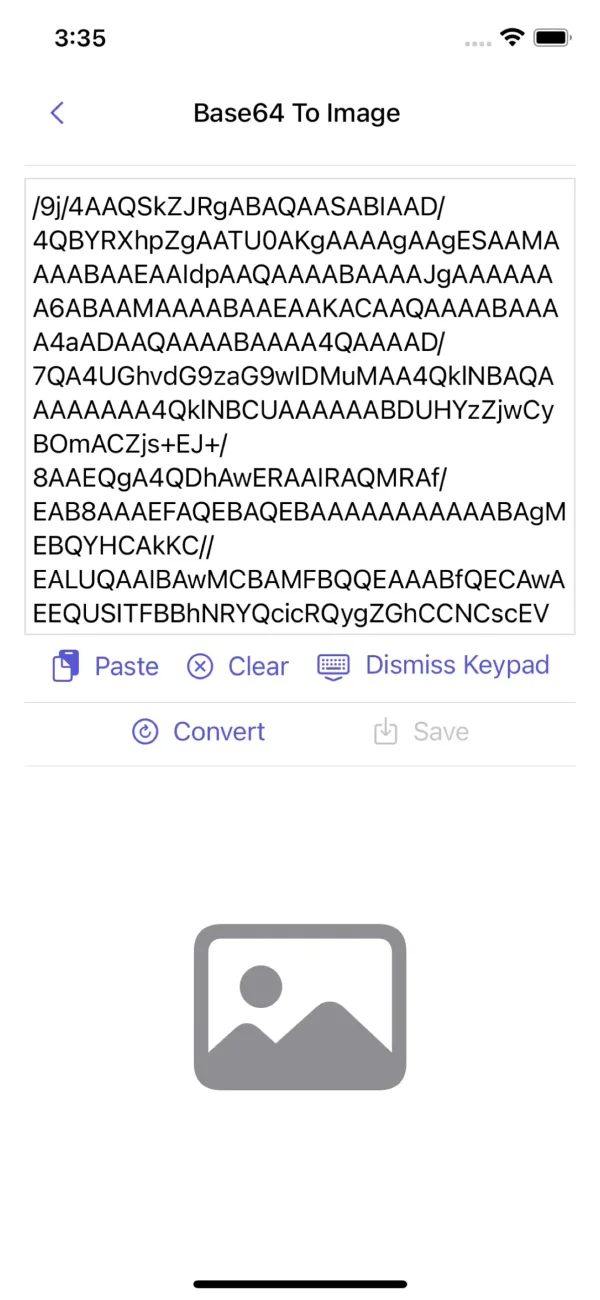
∙ Convert Base64 strings back into images effortlessly.
∙ Save the converted image directly to your camera roll.
∙ Works seamlessly on both iPhone and iPad.
∙ Lightweight, compact app optimized for everyday use.
∙ Ad-free and built with privacy in mind.
About Base64
Base64 encoding is used to embed image data in formats such as HTML, CSS, and JSON. Since the image is included directly in the content, the browser does not need to make a separate request to fetch the file. However, Base64-encoded images are larger than standalone image files, and for large images, the encoded string can be quite long. It is recommended to use Base64 primarily for small images and compare the performance of embedded vs. external images.
Base64 encoding generates characters from a set that includes Latin letters, numerals, plus, and slash. It is widely used in Multipurpose Internet Mail Extensions (MIME) for email transport encoding.
Why Use Base64 Encoding?
Base64-encoded images can be embedded in img tags or CSS, reducing load times for small images by eliminating additional HTTP requests. This technique is useful for:
Creating single-file mockups or demo HTML pages.
Embedding images in HTML email signatures to avoid "display images" warnings.
How to Convert an Image to Base64:
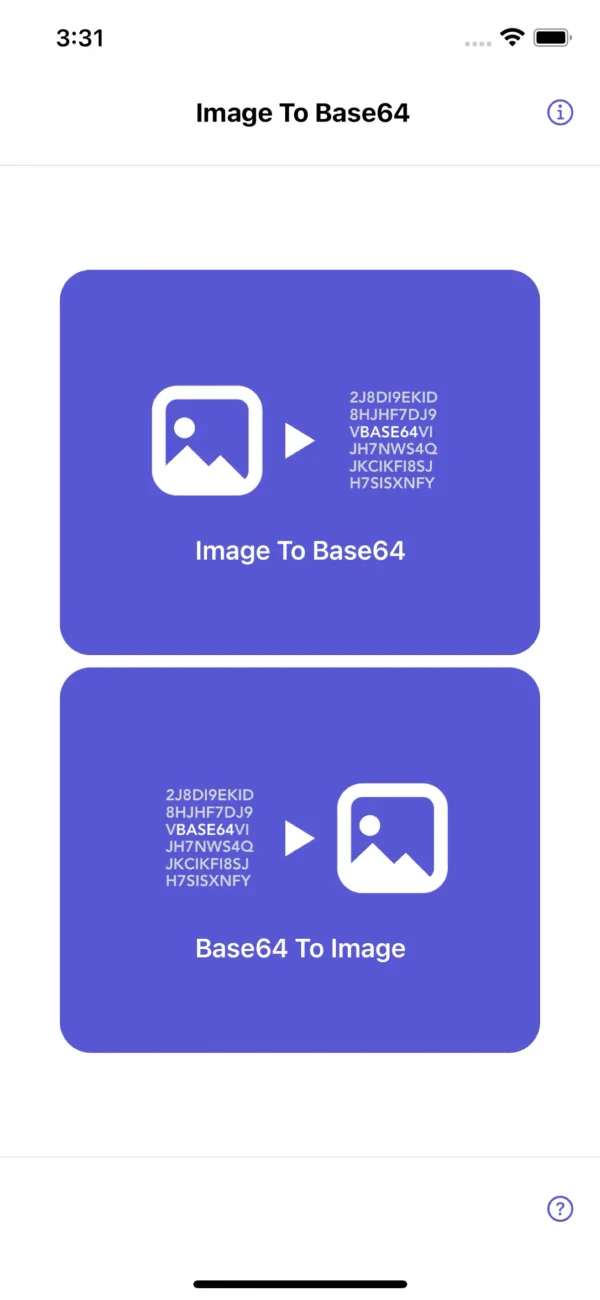
1. Tap Image to Base64.
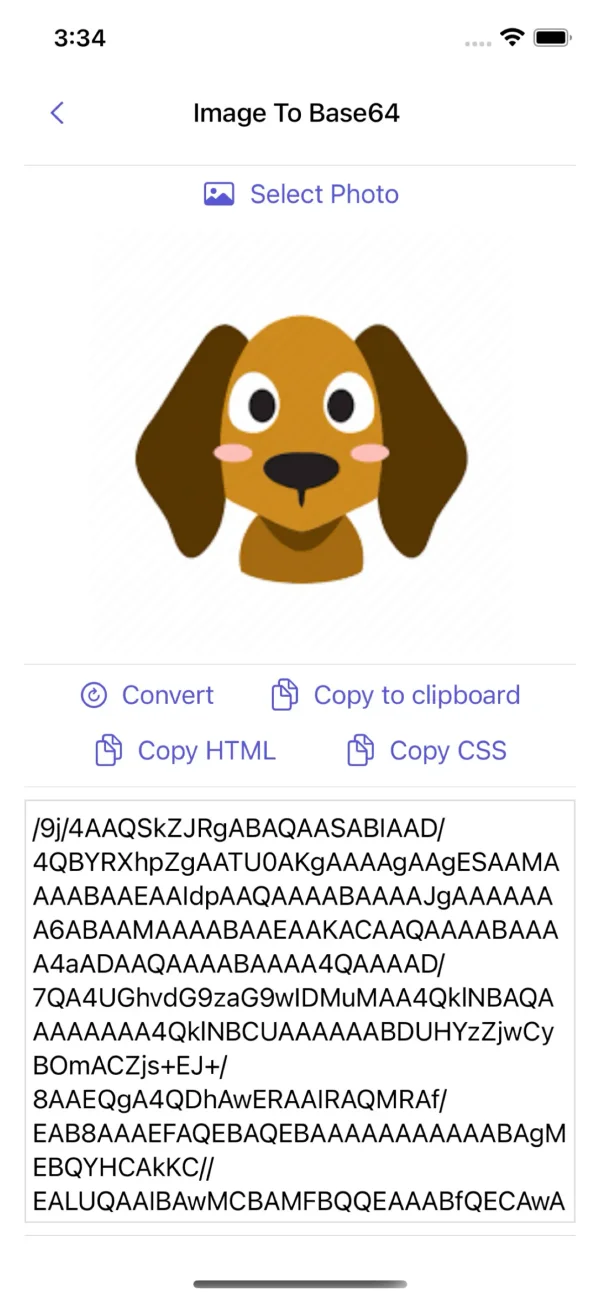
2. Select the photo you want to convert.
3. Tap the Convert button.
4. The Base64 string is generated instantly.
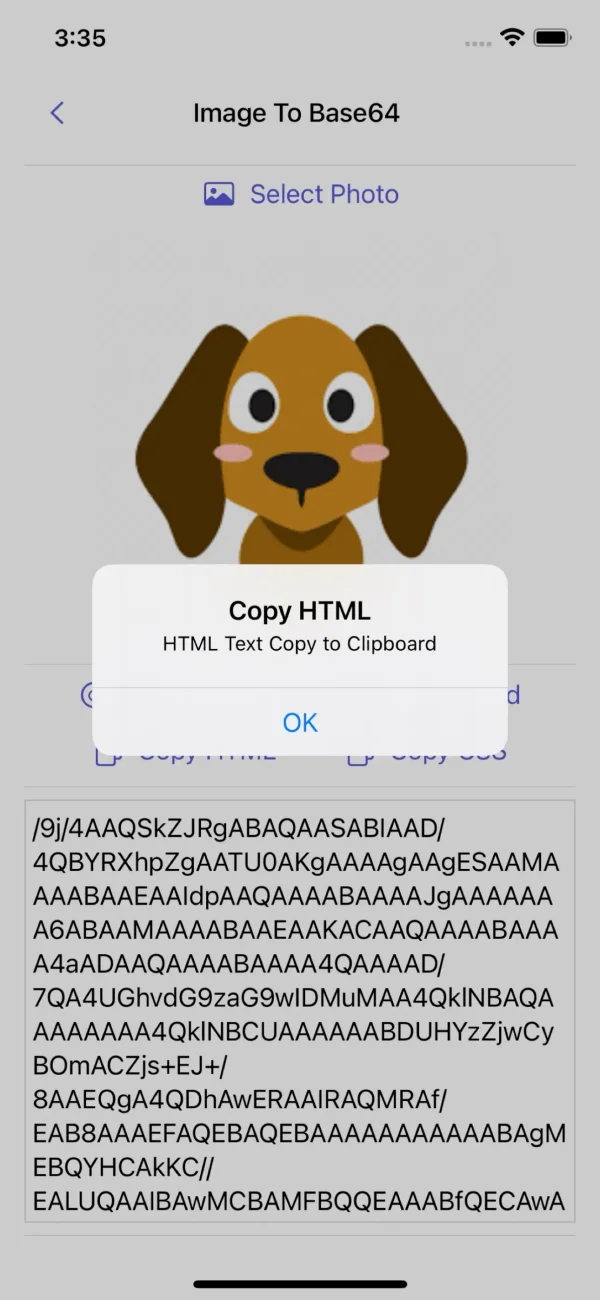
5. Copy the Base64/HTML/CSS code by pressing the copy button.
How to Convert Base64 to an Image:
1. Tap Base64 to Image.
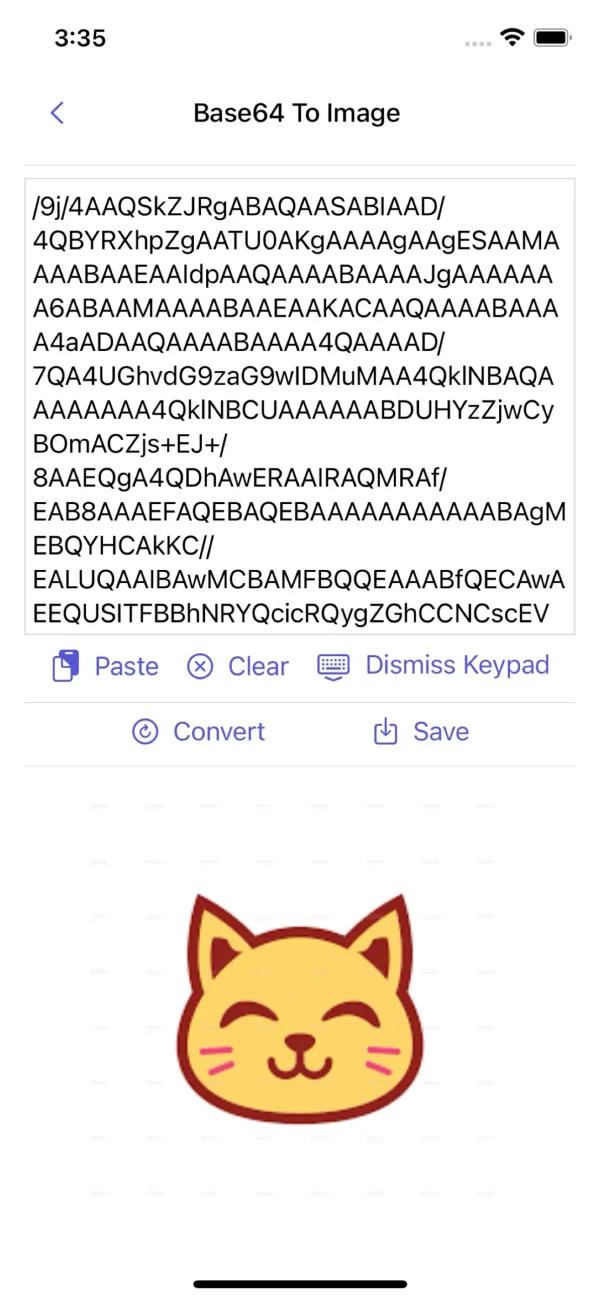
2. Paste the Base64 code into the text field.
3. Tap the Convert button.
4. If the code is valid, an image preview will appear.
5. Save the image to your camera roll.
The Base64 string is generated directly on your device using the Base64 algorithm—no data is sent to a server for conversion.
Thank you for your support! Visit nitrio.com for more apps for your iOS devices.
Novedades
Versión 1.2 · 6/2/2026
- Updated for the newest devices.
- Minor bugs fixed.
Privacidad de la aplicación
Lo que Heng Jia Liang declara en App Store sobre cómo esta aplicación gestiona los datos.
-
No se recopilan datos
El desarrollador no recopila ningún dato de esta aplicación.
Las prácticas de privacidad pueden variar, por ejemplo, según las funciones que uses o tu edad.
Información
- Vendedor
- Heng Jia Liang
- Categoría
- Para desarrolladores
- Versión
- 1.2
- Actualizado
- 6/2/2026
- Publicado
- 31/12/2021
- Tamaño
- 1,4 MB
- Requiere
- iOS 15.0 o posterior
- Clasificación por edad
- 4+
- Precio
- 2,99 €
- Idiomas
- Inglés
- Copyright
- © Heng Jia Liang
Quizá también te guste
-
 Base64 Image ConverterPara desarrolladores
-
 PasteMe - Pastebin ClientPara desarrolladores
-
 Image ∞ Base64Para desarrolladores
-
 websta$-learn html css and jsPara desarrolladores
-
 XHelper: Developer ToolkitPara desarrolladores
-
 iCardVerify Creador de tarjetaCreador validador de tarjetas
-
 DevTutor: Learn Swift, SwiftUlPara desarrolladores
-
 Combine - Code Editor & GitPara desarrolladores
-
 TFLite LiteRT TensorFlow TestPara desarrolladores
-
 Unix/Linux CLI CommandsPara desarrolladores