- 対象年齢4+
- カテゴリ開発ツール
- 開発元Heng Jia Liang
- 言語英語
- サイズ1.4 MB
App Storeの公式ページにリンクしています
Download.orgはImage to Base64 Plusのファイルを一切ホストしていません。ボタンを押すと、Heng Jia Liangが公開しているApp Storeのアプリページが開きます。ページの最終確認:2026/11/7。
スクリーンショット

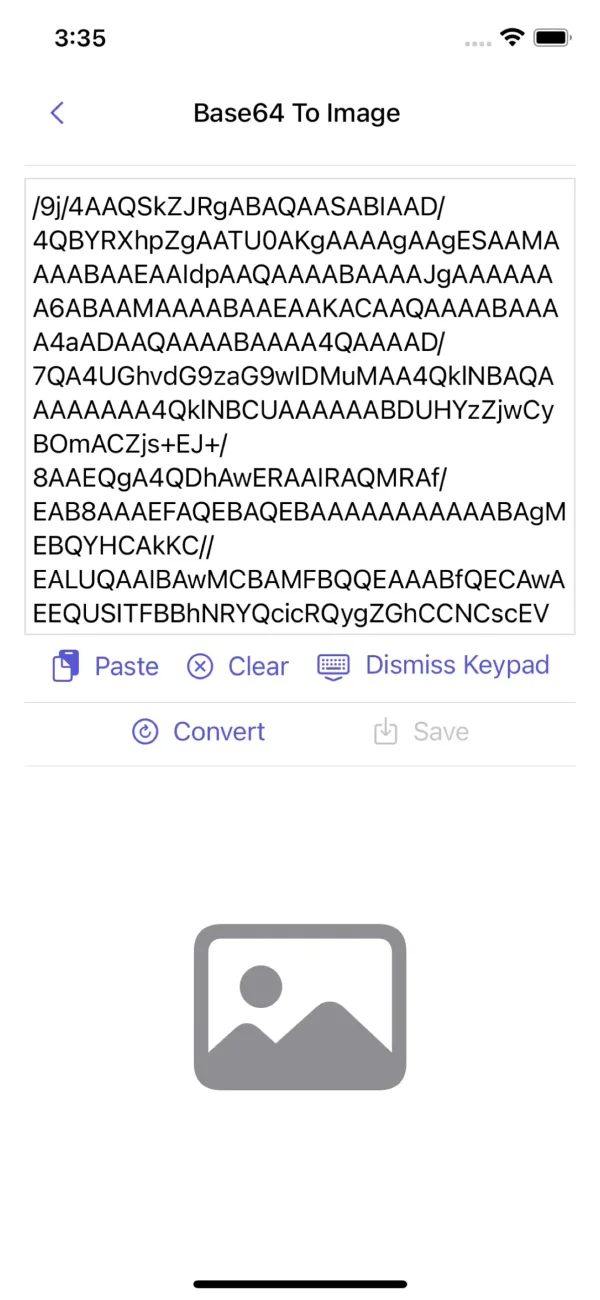

概要
開発元はこのテキストをお使いの言語で提供していません。
Image to Base64 is a flexible and easy-to-use Base64 image encoder. It allows you to convert an image to Base64 or decode a Base64 string back into an image effortlessly.
Features:
∙ Convert images to Base64 with ease.
∙ Copy the Base64-encoded string for use in other applications.
∙ Convert Base64 strings back into images effortlessly.
∙ Save the converted image directly to your camera roll.
∙ Works seamlessly on both iPhone and iPad.
∙ Lightweight, compact app optimized for everyday use.
∙ Ad-free and built with privacy in mind.
About Base64
Base64 encoding is used to embed image data in formats such as HTML, CSS, and JSON. Since the image is included directly in the content, the browser does not need to make a separate request to fetch the file. However, Base64-encoded images are larger than standalone image files, and for large images, the encoded string can be quite long. It is recommended to use Base64 primarily for small images and compare the performance of embedded vs. external images.
Base64 encoding generates characters from a set that includes Latin letters, numerals, plus, and slash. It is widely used in Multipurpose Internet Mail Extensions (MIME) for email transport encoding.
Why Use Base64 Encoding?
Base64-encoded images can be embedded in img tags or CSS, reducing load times for small images by eliminating additional HTTP requests. This technique is useful for:
Creating single-file mockups or demo HTML pages.
Embedding images in HTML email signatures to avoid "display images" warnings.
How to Convert an Image to Base64:
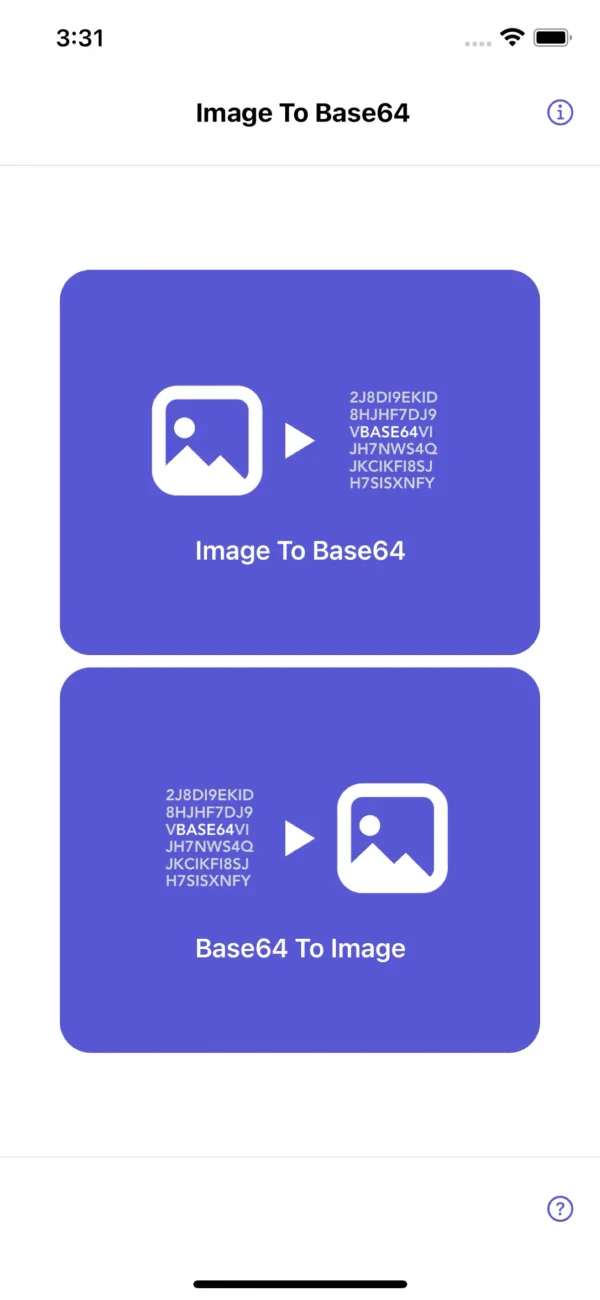
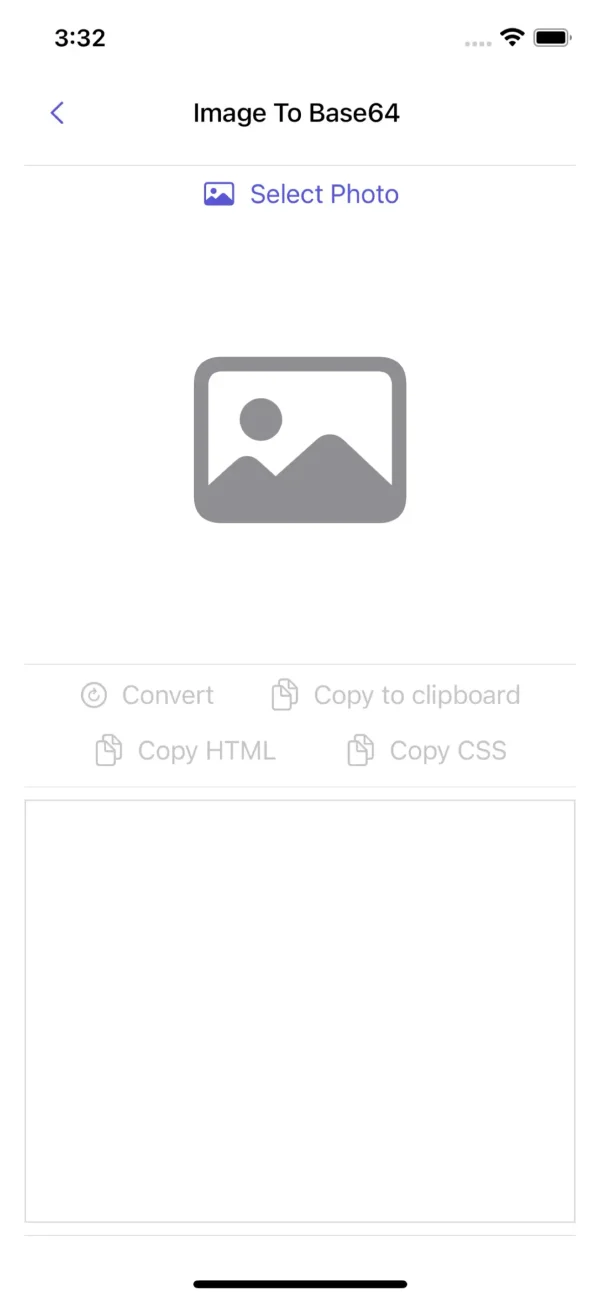
1. Tap Image to Base64.
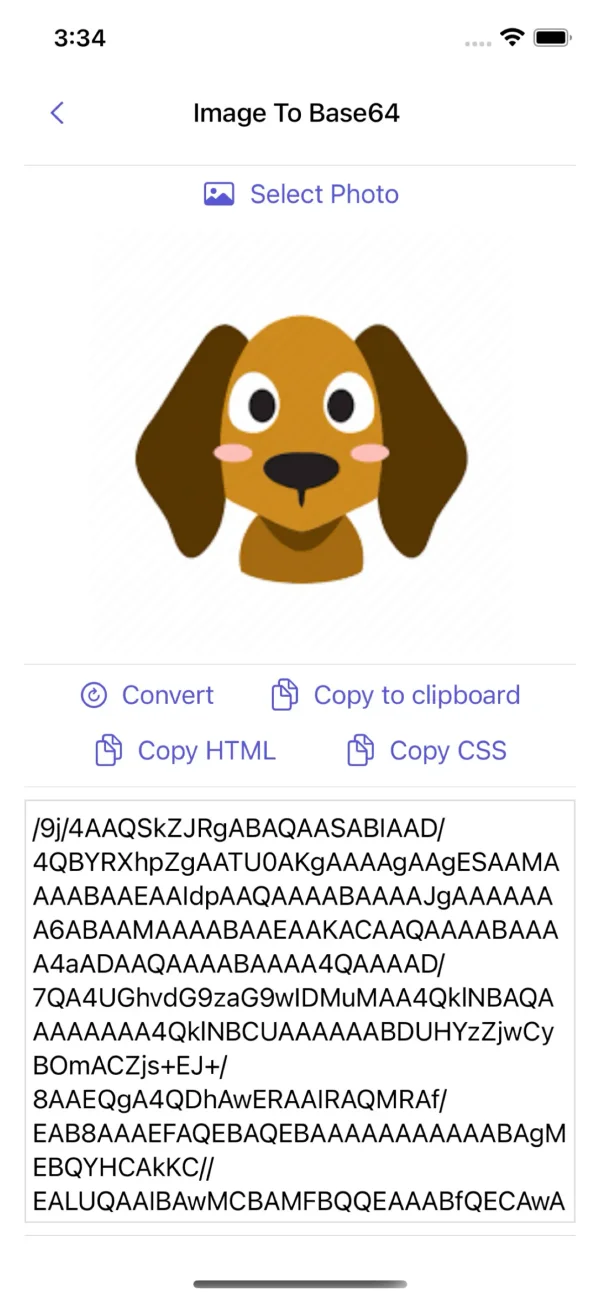
2. Select the photo you want to convert.
3. Tap the Convert button.
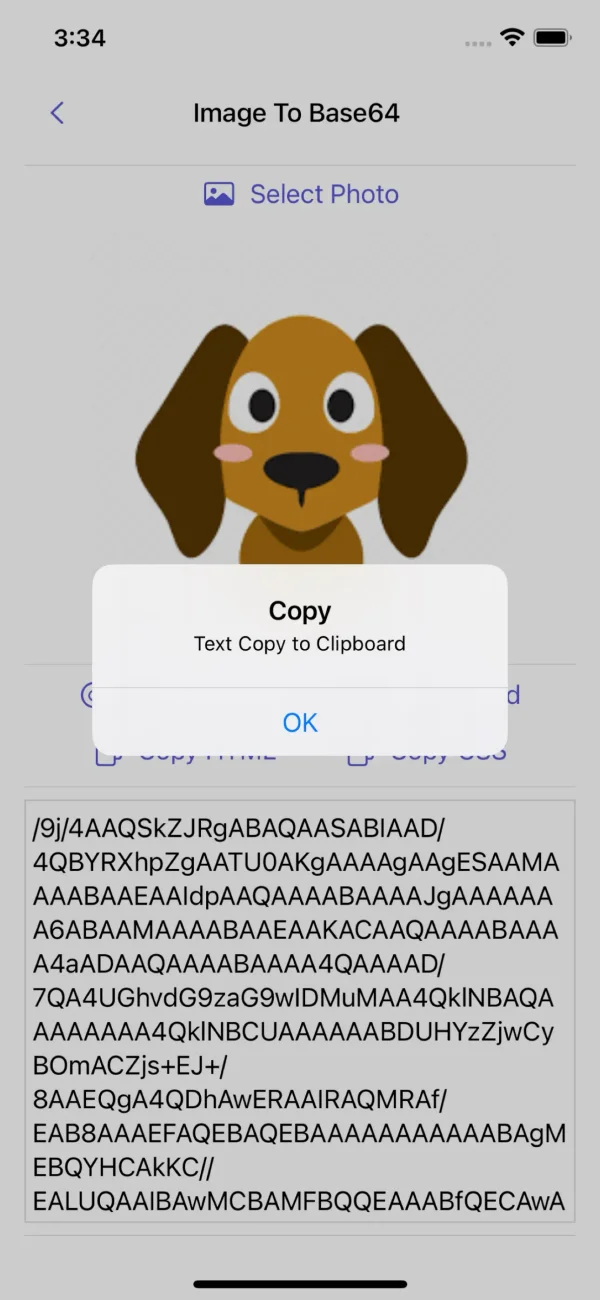
4. The Base64 string is generated instantly.
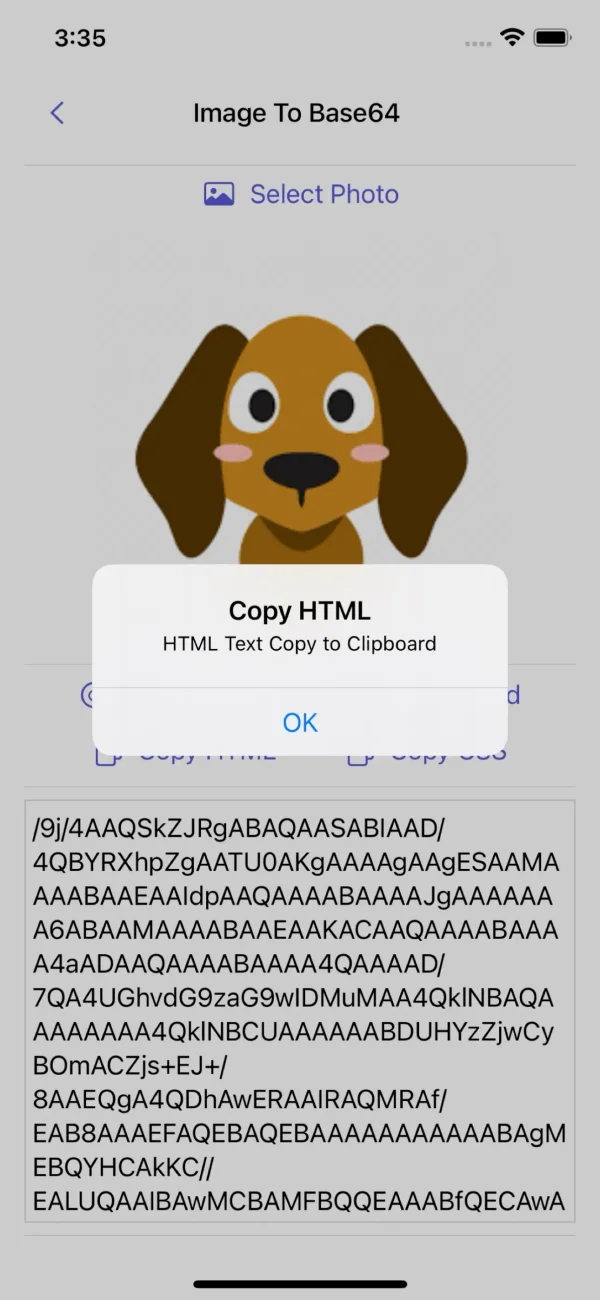
5. Copy the Base64/HTML/CSS code by pressing the copy button.
How to Convert Base64 to an Image:
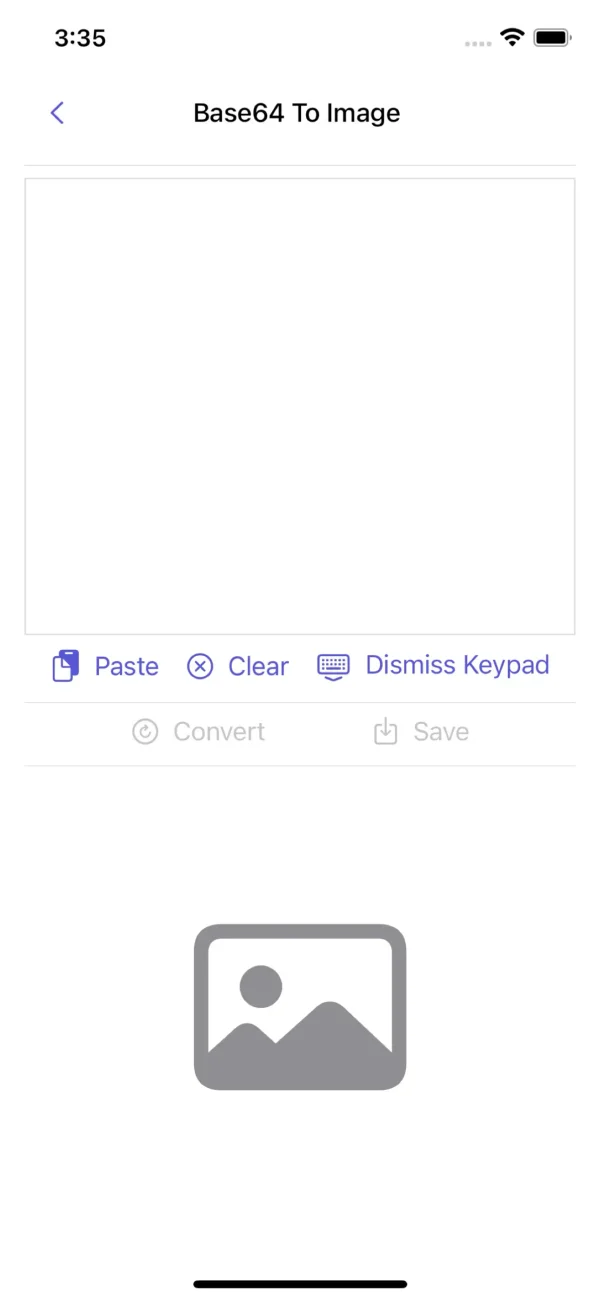
1. Tap Base64 to Image.
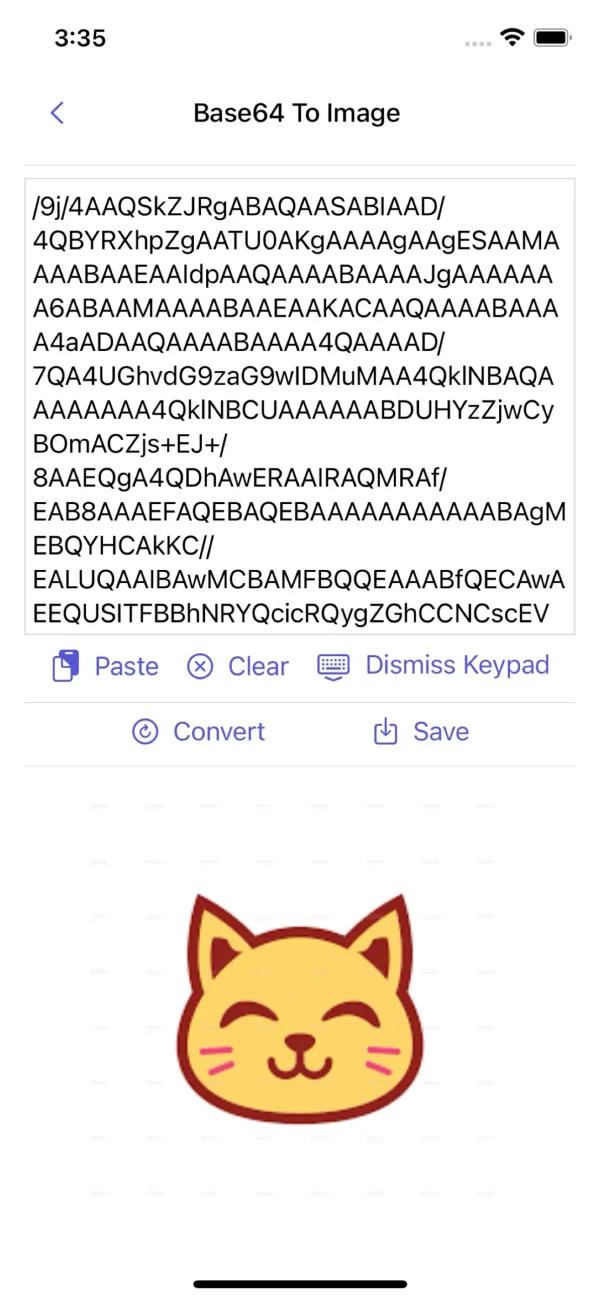
2. Paste the Base64 code into the text field.
3. Tap the Convert button.
4. If the code is valid, an image preview will appear.
5. Save the image to your camera roll.
The Base64 string is generated directly on your device using the Base64 algorithm—no data is sent to a server for conversion.
Thank you for your support! Visit nitrio.com for more apps for your iOS devices.
新機能
バージョン 1.2 · 2026/2/6
- Updated for the newest devices.
- Minor bugs fixed.
アプリのプライバシー
このアプリのデータの取り扱いについて、Heng Jia LiangがApp Storeで申告している内容です。
-
データの収集なし
開発元はこのアプリからデータを収集しません。
プライバシーの取り扱いは、ご利用の機能やお客様の年齢などに応じて異なる場合があります。
情報
- 販売元
- Heng Jia Liang
- カテゴリ
- 開発ツール
- バージョン
- 1.2
- 更新日
- 2026/2/6
- リリース
- 2021/12/31
- サイズ
- 1.4 MB
- 必要条件
- iOS 15.0以降
- 対象年齢
- 4+
- 価格
- ¥500
- 言語
- 英語
- 著作権
- © Heng Jia Liang
こちらもおすすめ
-
 Base64 画像変換:エンコード・デコードdata URI作成・Web開発者向けツール
-
 PasteMe - Pastebin Client開発ツール
-
 Image ∞ Base64開発ツール
-
 websta$-learn html css and js開発ツール
-
 XHelper: Developer Toolkit開発ツール
-
 iCardVerify - カードバリデータークレジットカード ジェネレーター
-
 DevTutor: Learn Swift, SwiftUl開発ツール
-
 Combine - Code Editor & Git開発ツール
-
 TFLite LiteRT TensorFlow 推論Neural Engine/GPU/CPUを実機で計測
-
 Unix/Linux CLI Commands開発ツール