
Inventory Tracker - StockCount
Offline Barcode Stocktake
Designed for iPhone
In-app purchases
- Age rating4+
- CategoryBusiness
- DeveloperTOJI LEON
- LanguagesEnglish+ 7 more
- Size6.2 MB
Links to the official App Store page
Download.org hosts no file of Inventory Tracker - StockCount. The button opens its official App Store page, published by TOJI LEON. Listing last checked on Nov 14, 2026.
Screenshots


About
StockCount is an inventory tracker for stocktakes in small stockrooms, supply cupboards, tools, market-stall stock, and home-business supplies—without setting up a complex inventory management system.
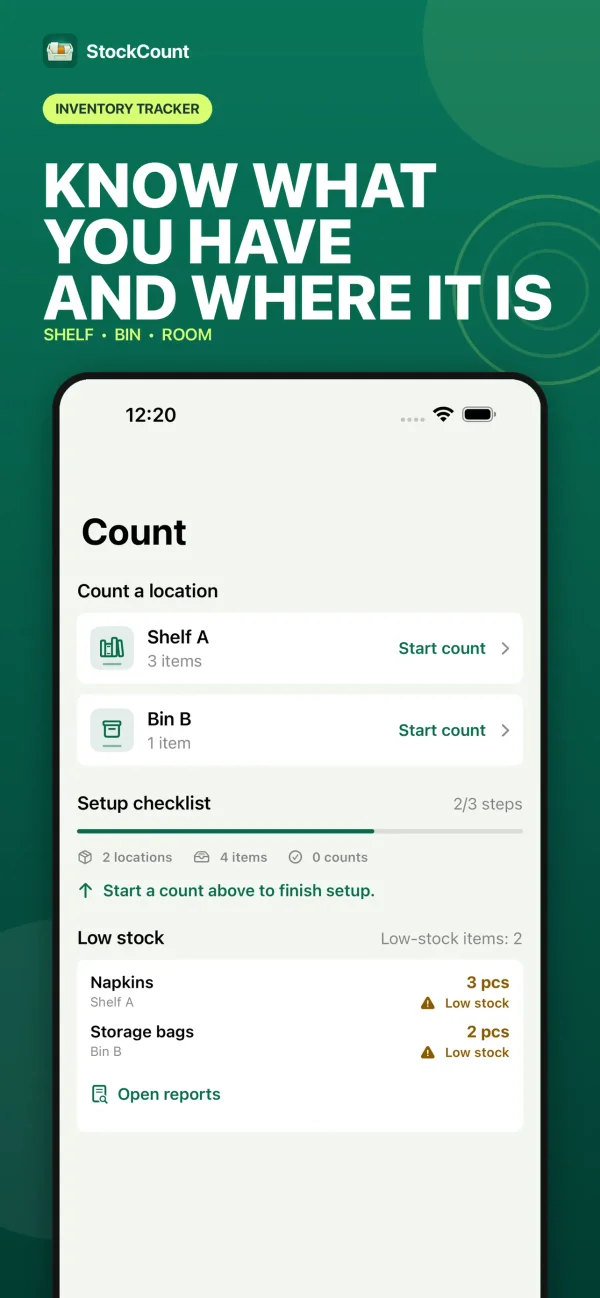
Know what you have and where it is
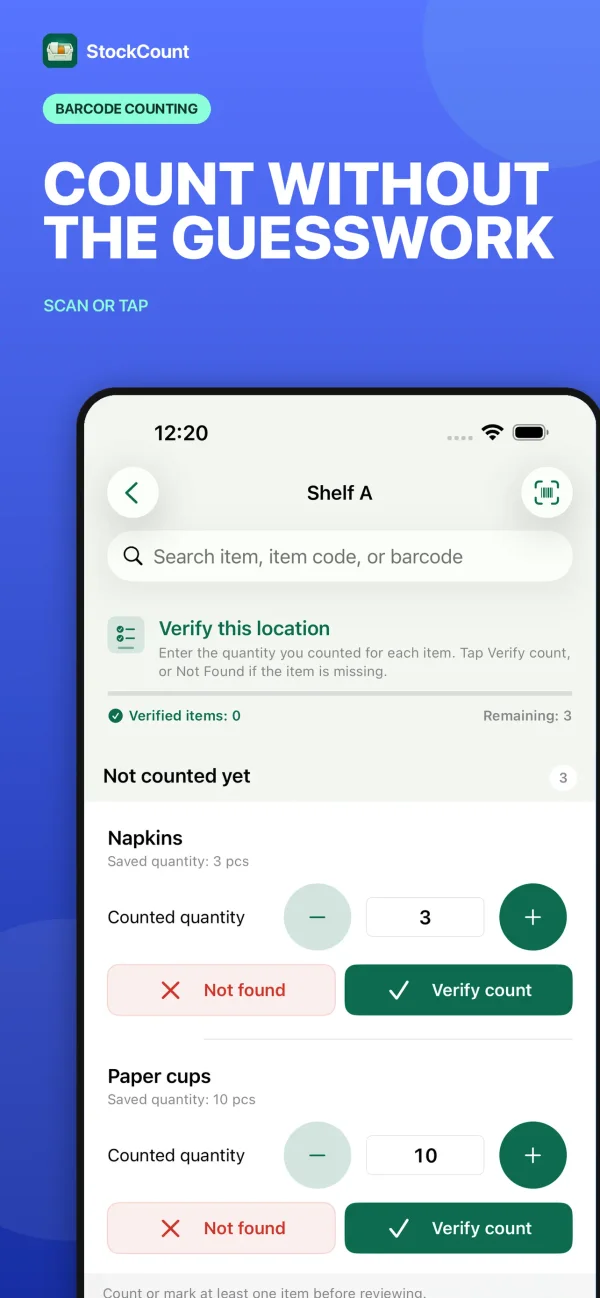
Organise inventory by shelf, bin, cupboard, room, box, vehicle, or kit. Start a stocktake for one location and work through its items in a focused session. Verify quantities with large controls, scan a barcode or QR code you have saved, or mark an item as not found. When the stocktake is finished, StockCount shows what changed, what is low, what is missing, and what still needs checking.
See what needs restocking
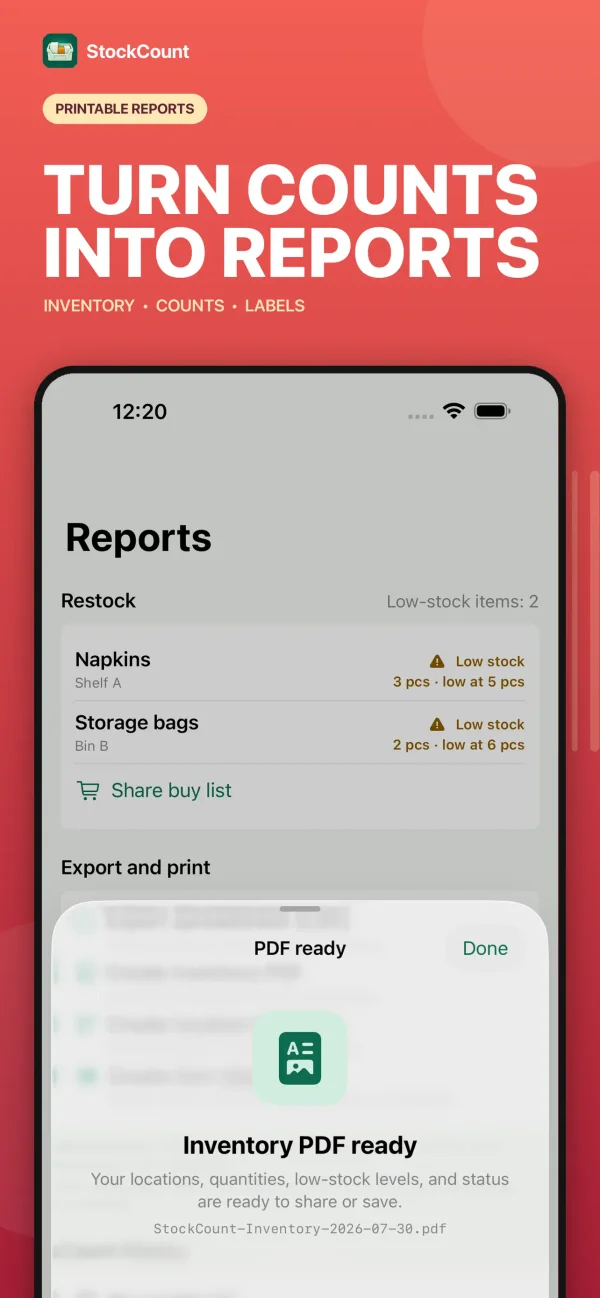
Set a minimum quantity for each item. StockCount gathers low-stock items into a practical restock list you can review and share.
Move beyond a spreadsheet without losing control
Import inventory from a CSV file with a preview before anything is saved. Export your raw inventory as a named CSV file whenever you need it, so your data is never trapped.
Built for real shelves, cupboards, and stockrooms
Use StockCount to:
- Complete stocktakes by location
- Track quantities, minimum levels, units, SKUs, notes, and photos
- Attach barcodes or QR codes to items
- Match a saved item by scanning its code during a stocktake
- Review count history and share stocktake summaries
- Create printable inventory and count PDF reports
- Search items by name, SKU, or location
- Make a low-stock restock list
Private by design
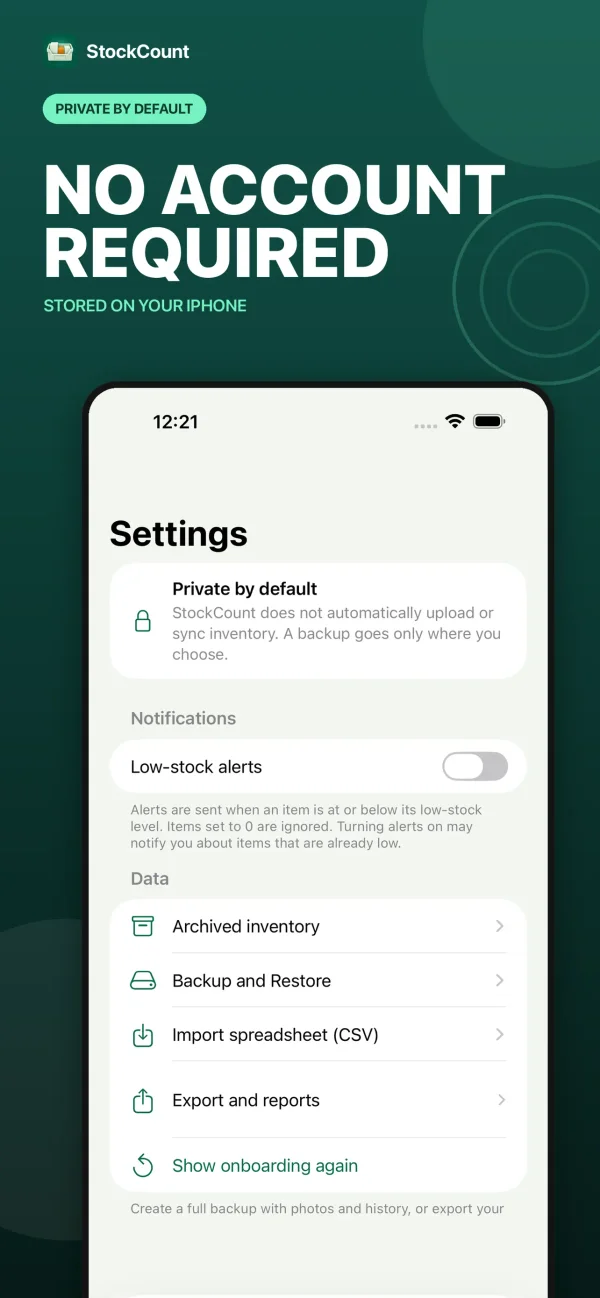
StockCount does not require an account or a team workspace. Your inventory is stored locally on your iPhone. There is no custom backend, cloud account, advertising tracker, or online product database. Scanning accelerates your stocktake, but manual entry always works.
Your first 25 active items are free, with every StockCount feature included. Monthly or yearly StockCount Pro unlocks unlimited active items. Existing inventory remains available if a subscription ends.
StockCount is intentionally focused. It is not accounting software, a point-of-sale system, ecommerce software, or warehouse ERP. It is a practical inventory tracker for knowing what you have, where it is, and what needs restocking.
Privacy Policy: https://stockcount-inventory.tojileon.chatgpt.site/privacy
Terms of Use: https://www.apple.com/legal/internet-services/itunes/dev/stdeula/
App privacy
What TOJI LEON declares on the App Store about how this app handles data.
-
Data not collected
The developer does not collect any data from this app.
Privacy practices may vary, for example with the features you use or your age.
Information
- Seller
- TOJI LEON
- Category
- Business
- Version
- 1.0
- Updated
- Aug 18, 2026
- Released
- Aug 18, 2026
- Size
- 6.2 MB
- Requires
- iOS 17.0 or later
- Age rating
- 4+
- In-app purchases
- Yes
- Languages
- English, French, German, Italian, Japanese, Portuguese, Simplified Chinese, Spanish
- Copyright
- © 2026 Toji Leon
You might also like
-
 Stock Count: Barcode CounterInventory & stocktake scanner
-
 86 InventoryRestaurant Inventory Counts
-
 Barcode Inventory: StockLiteStock Count & Variance Audit
-
 Physical Inventory: AssetsFixed Asset Tracker & Scanner
-
 Inventory Tracker StockpileTrack stock, sales and profit
-
 Inventory - StockManagerManage your Inventory
-
 zapMYstock CloudBusiness
-
 Inventory Offline TrackerStock Item & Inventory Tracker
-
 zapMYstock BasicBusiness
-
 SimpleStock: Inventory TrackerBarcode scanner, offline stock