
TouchDraw 2
Vector Drawing and Diagramming
Designed for iPhone, iPad, iPod touch
Free · In-app purchases
- Age rating4+
- CategoryProductivity
- DeveloperElevenworks LLC
- LanguagesEnglish
- Size114.6 MB
Links to the official App Store page
Download.org hosts no file of TouchDraw 2. The button opens its official App Store page, published by Elevenworks LLC. Listing last checked on Nov 16, 2026.
Screenshots
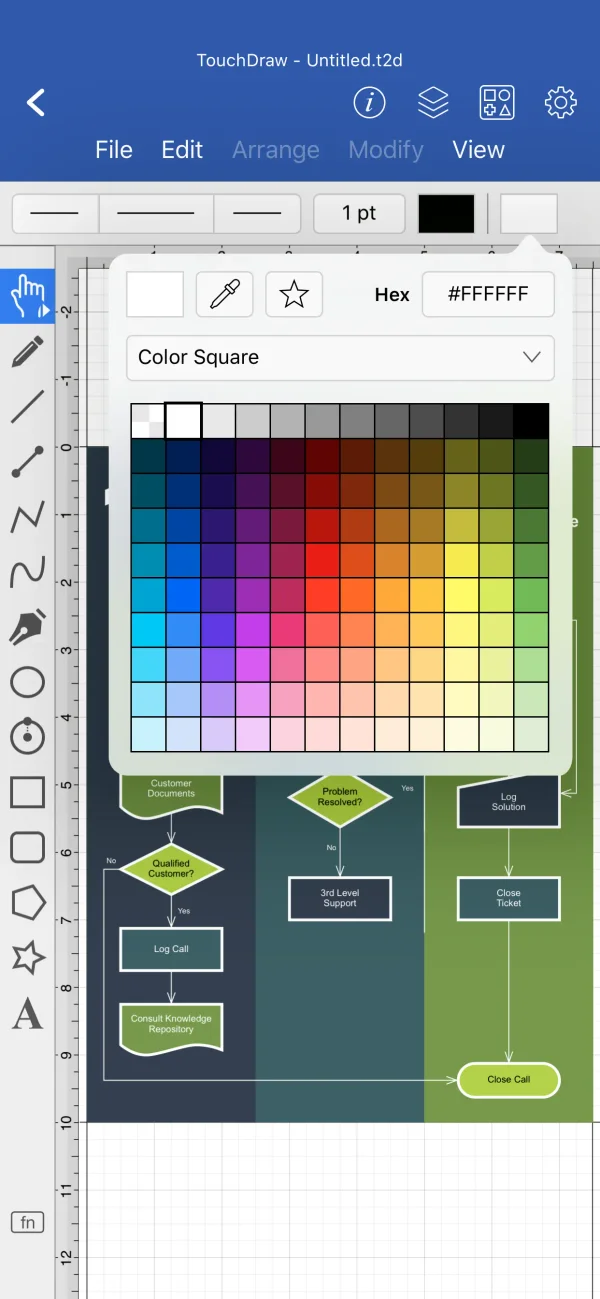

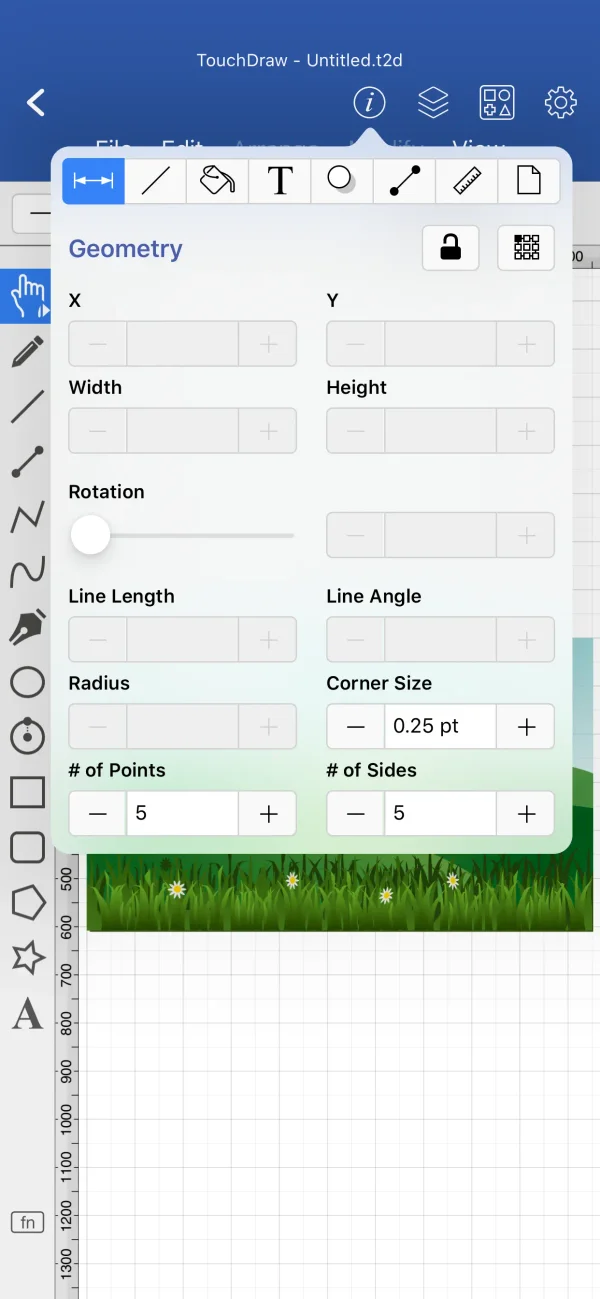
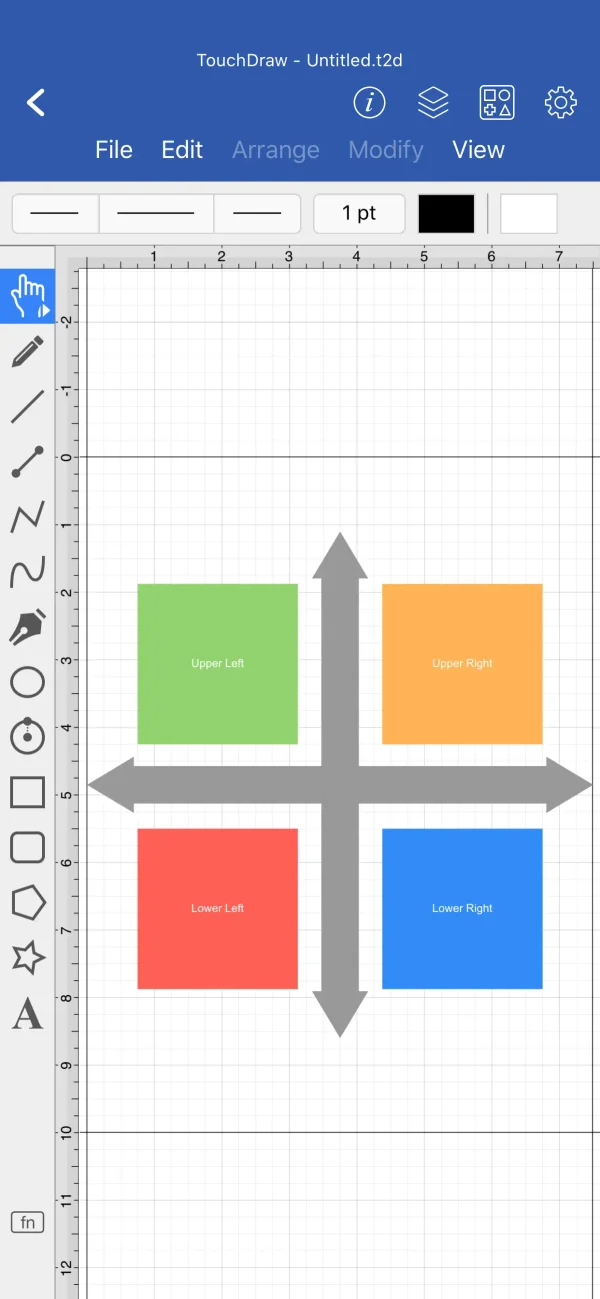
About
TouchDraw 2 brings the power of vector drawing and diagramming to your iPad and iPhone with an interface that's easy to learn and satisfying to master. Whether you're sketching out ideas, diagramming a process, or drafting a technical layout, TouchDraw gives you the flexibility to work quickly and precisely, without unnecessary complexity.
From the first tap, TouchDraw 2 feels intuitive. Use familiar multi-touch gestures and Apple Pencil to draw shapes and lines naturally. Smart guides, snap-to-grid tools, and shape recognition help beginners create polished results, while more advanced users can take advantage of layers, dimension lines, and connectors that stay intelligently linked as you move elements.
TouchDraw is perfect for countless scenarios—flowcharts, floor plans, mind maps, technical drawings, illustrations, and more. It adapts to your needs without locking you into a specific workflow. This version includes a free 7-day trial, after which you can unlock the full experience with a one-time purchase. No subscriptions, no recurring fees—just a single payment to own it forever.
Key Features:
* Designed for touch and Apple Pencil with an intuitive, gesture-based interface
* Smart shape recognition and snapping tools for easy alignment and layout
* Layers, dimensions, and connector lines for detailed, organized drawings
* Ideal for diagrams, plans, charts, illustrations, and other 2D visuals
* Import/export to SVG, PDF, PNG, and Visio® formats; iCloud Drive support
Includes a free 7-day trial with a one-time purchase to unlock the full app
What’s new
Version 2.5.7 · Nov 5, 2026
* Added a Number Format setting to follow the system's regional number format or choose decimal points or commas independently, with support for entering numbers using either decimal separator.
App privacy
What Elevenworks LLC declares on the App Store about how this app handles data.
-
Data not linked to you
May be collected but is not linked to your identity.
- Usage data
- Diagnostics
Privacy practices may vary, for example with the features you use or your age.
Information
- Seller
- Elevenworks LLC
- Category
- Productivity
- Version
- 2.5.7
- Updated
- Nov 5, 2026
- Released
- Sep 21, 2020
- Size
- 114.6 MB
- Requires
- iOS 13.0 or later
- Age rating
- 4+
- Price
- Free
- In-app purchases
- Yes
- Languages
- English
- Copyright
- © 2010-2026 Elevenworks LLC
You might also like
-
 EazyDrawDrawings that communicate.
-
 iDesignProductivity
-
 iPocket Draw LiteProductivity
-
 Lekh: Diagram & Flowchart AppWhiteboard, Mind Map & Sketch
-
 Arrette Sketch drafting toolsHand drawn designs at scale
-
 CADrawCAD Drawing tools
-
 Diagrams Notepad 3Diagram - Flowchart - Mind Map
-
 PureFlowFlowcharts and Diagrams
-
 Radius by CarlisleProduct catalog & resources
-
 HomeCAD — Design your homeHouse plans, drawings & PDF