iPrint for Epsom Printer App
For Epson, Canon and HPSmart
Designed for iPhone, iPad
Free · In-app purchases
- Age rating4+
- CategoryProductivity
- DeveloperCode Solix
- LanguagesEnglish+ 32 more
- Size25.1 MB
Links to the official App Store page
Download.org hosts no file of iPrint for Epsom Printer App. The button opens its official App Store page, published by Code Solix. Listing last checked on Nov 22, 2026.
Screenshots

About
iPrint – Smart Printer App
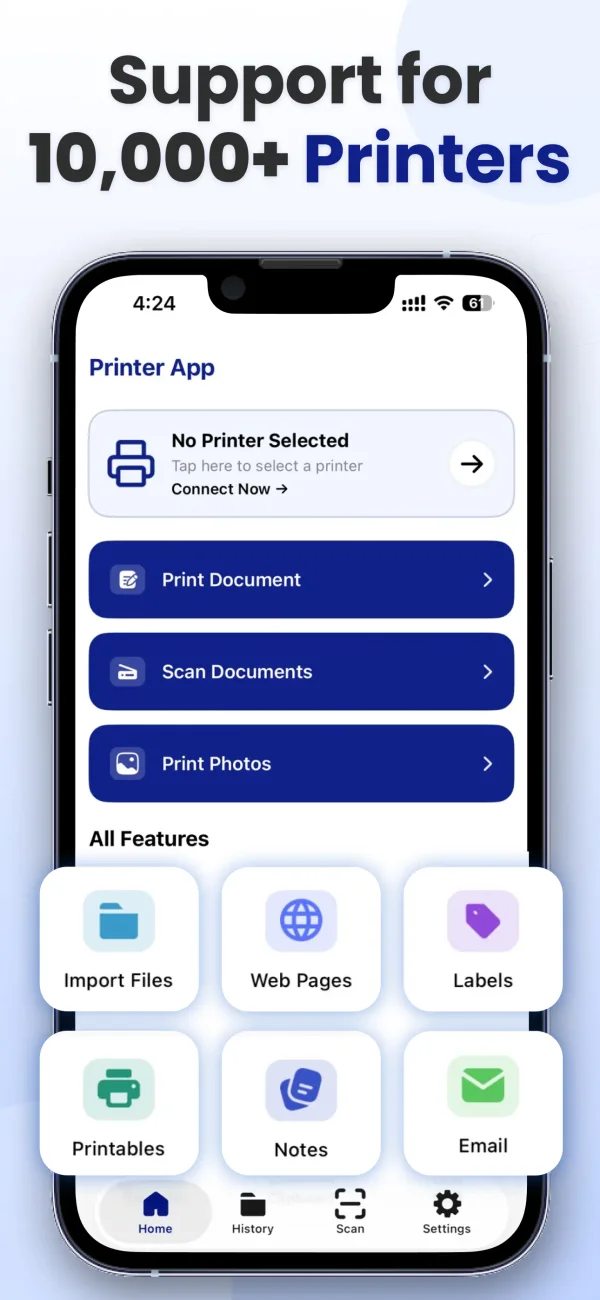
iPrint is an all-in-one printing and document management app designed to help you print, scan, organize, and share important content directly from your device. Whether you need to print documents for work, photos for memories, labels for organization, or notes for everyday tasks, iPrint provides a simple and convenient experience.
Connect to compatible printers and print a wide variety of content from your device with just a few taps. The app is designed to make everyday printing and scanning tasks easier, helping you stay productive at home, in the office, or on the go.
PRINT DOCUMENTS
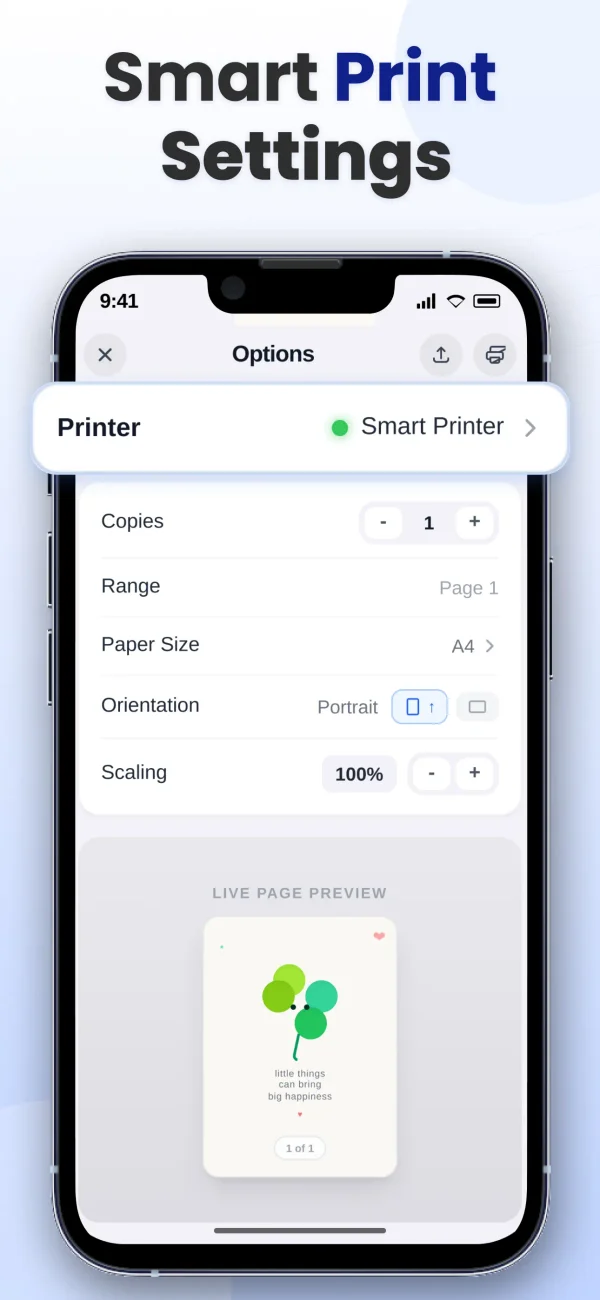
Print PDF files, text documents, presentations, and other supported file formats directly from your device. Preview your files before printing and customize settings such as paper size, orientation, and copies based on your printer's capabilities.
SCAN DOCUMENTS
Turn your device into a portable scanner. Capture documents, receipts, contracts, notes, and more using your camera.
PRINT PHOTOS
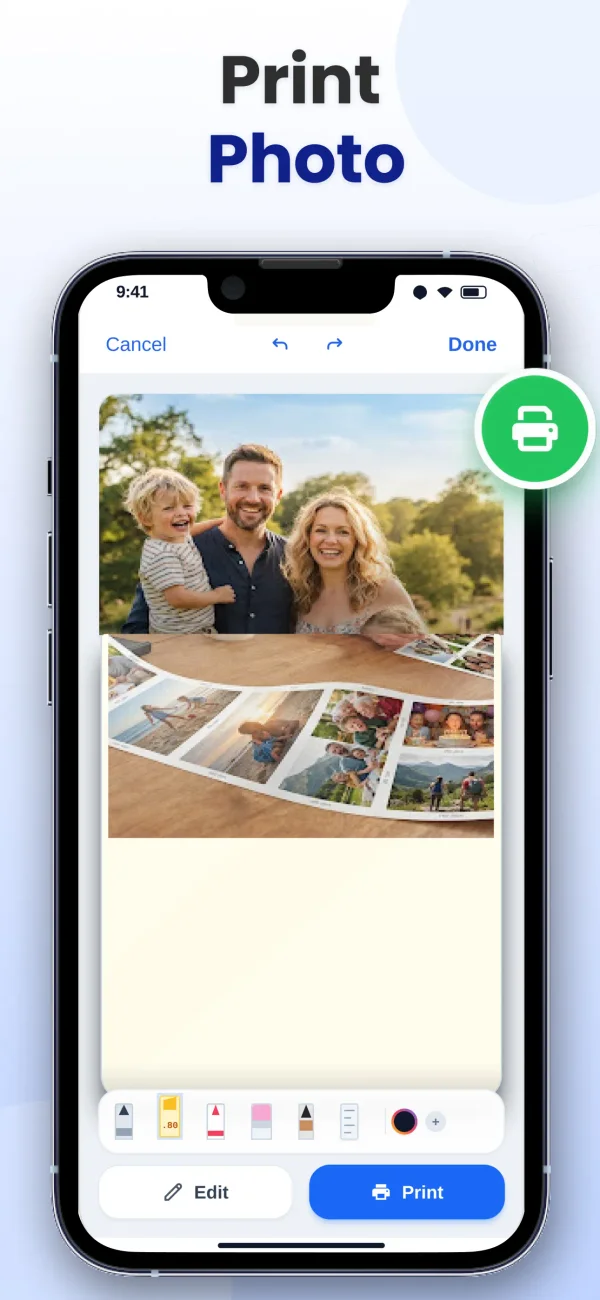
Print your favorite photos directly from your photo library.
PRINT WEB PAGES
Need a hard copy of information from the internet? Print web pages directly from within the app.
PRINT LABELS
Create and print labels for home, office, school, shipping, storage, and organizational needs.
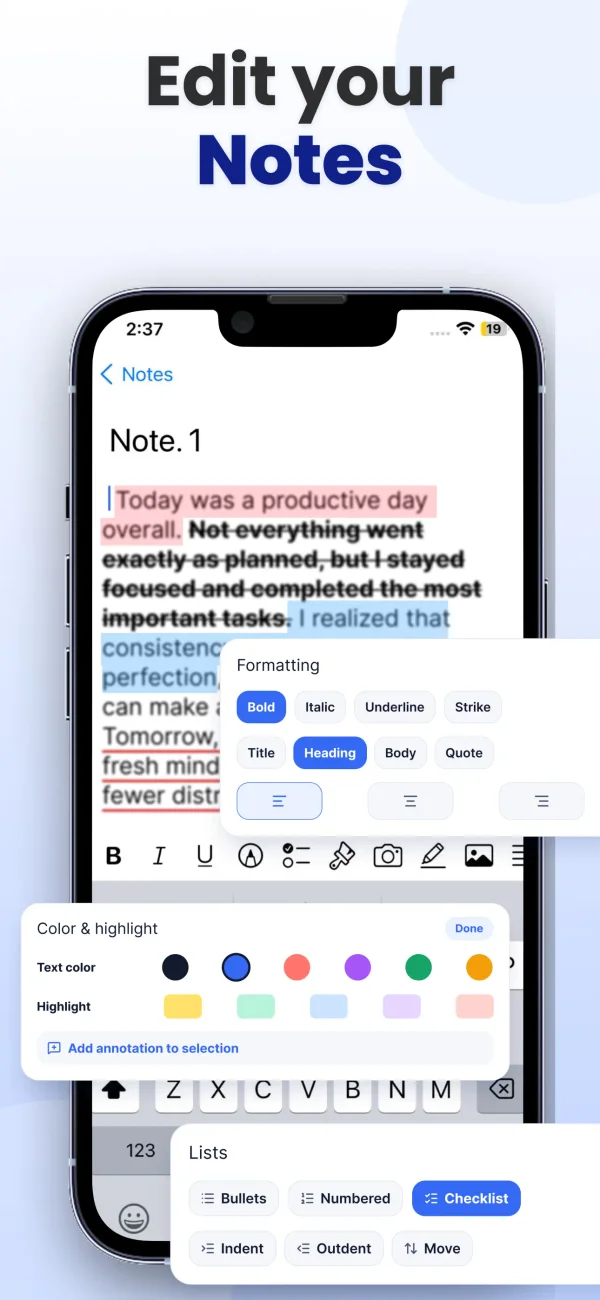
PRINT NOTES
Keep important notes accessible by printing them whenever needed. Whether you're preparing for meetings, studying, creating checklists, or organizing ideas, iPrint helps transform digital notes into physical copies.
PRINT EMAILS
Print email messages directly from your device. Print important conversations, invoices, confirmations, and business communications.
PRINT CONTACTS
Create printed copies of contact information when needed.
OCR TEXT EXTRACTION
Extract text from images using (OCR) technology. Capture text from printed documents, photos, signs, notes, and other supported image sources, then edit, copy, save, or print the extracted content.
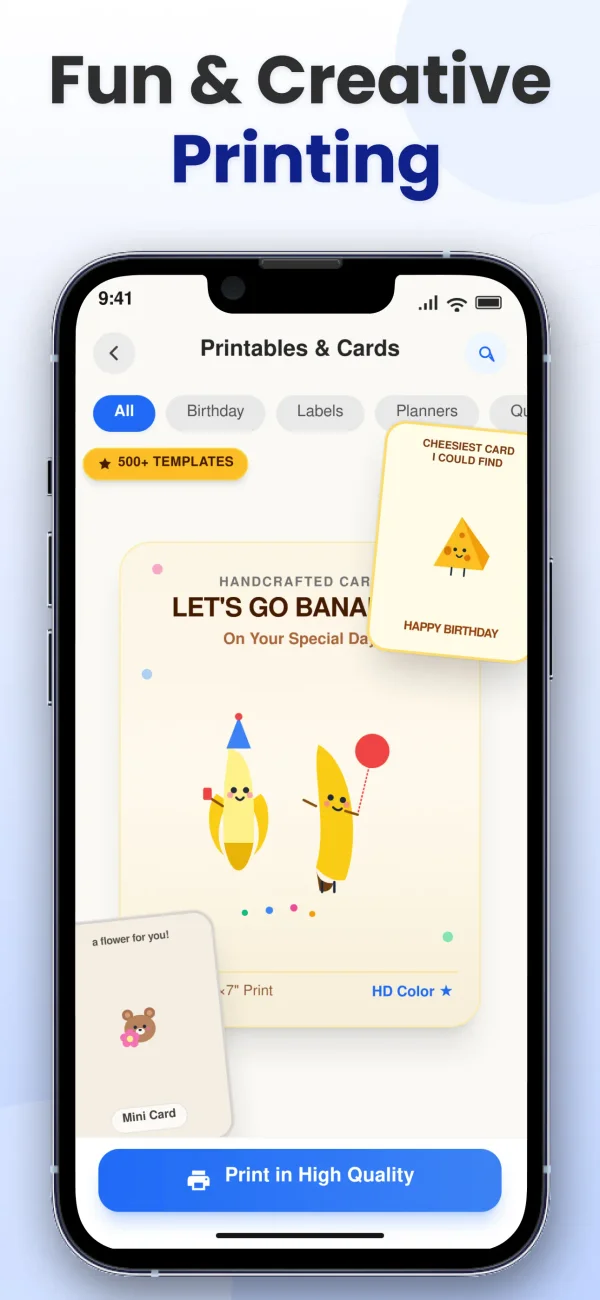
PRINTABLE TEMPLATES
Access a collection of ready-to-use printable templates designed to support everyday activities.
KEY FEATURES
• Print documents from your device
• Scan and save documents
• Print photos from your gallery
• Print web pages
• Create and print labels
• Print notes and text content
• Print email messages
• Print contact information
• Extract text from images using OCR
• Access printable templates
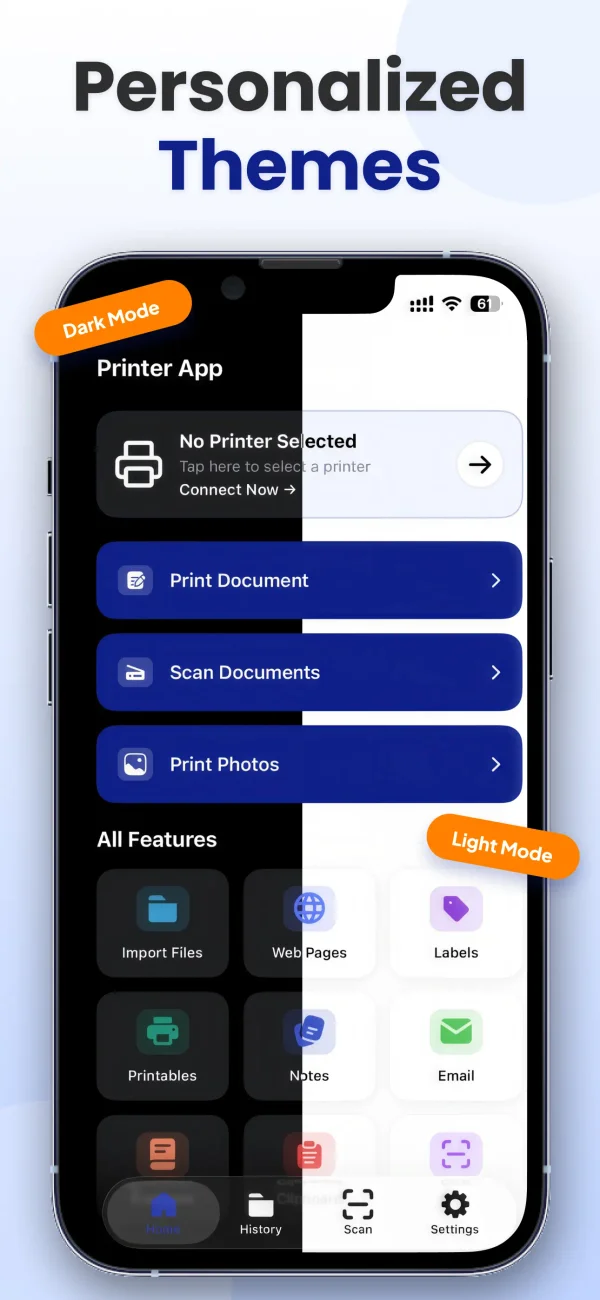
• Easy-to-use interface
• Preview content before printing
• Support for all compatible printers
PRIVACY AND CONTROL
Your documents, photos, scans, and personal information remain under your control. Access to device features such as Photos, Camera, Contacts, or Files is only requested when required for specific functionality you choose to use.
PLEASE NOTE:
Your iTunes account will be charged once your purchase is confirmed. Unless auto-renewal is disabled at least 24 hours before the end of the current subscription term, your subscription will renew automatically. Renewal charges will be applied to your account within 24 hours before the current subscription period expires. The renewal fee will be the same as the original subscription price. After subscribing, you can manage your subscription settings and disable auto-renewal through your App Store account settings. For additional details, please review our Terms of Service and Privacy Policy.
Download iPrint today and simplify your printing, scanning, and document management workflow from your mobile device.
Privacy Policy
https://sites.google.com/view/codesolix/privacy-policy
Terms & Conditions
https://sites.google.com/view/codesolix/term-of-use
End-User License Agreement (EULA)
https://sites.google.com/view/codesolix/eula
What’s new
Version 2.5 · Nov 3, 2026
• New Sign & Stamp Tool: Add your signature and stamps to documents quickly and easily.
• New PDF Editor Tool: Easily edit, customize, and manage your PDF documents.
• Enhanced design for easier navigation and better usability.
• Fixed minor issues to improve app stability and reliability.
App privacy
What Code Solix declares on the App Store about how this app handles data.
-
Data not collected
The developer does not collect any data from this app.
Privacy practices may vary, for example with the features you use or your age.
Information
- Seller
- CODE SOLIX (PRIVATE) LIMITED
- Category
- Productivity
- Version
- 2.5
- Updated
- Nov 3, 2026
- Released
- Jan 27, 2026
- Size
- 25.1 MB
- Requires
- iOS 17.0 or later
- Age rating
- 4+
- Price
- Free
- In-app purchases
- Yes
- Languages
- English, Arabic, Catalan, Croatian, Czech, Danish, Dutch, Finnish, French, German, Greek, Hebrew + 21 more
- Copyright
- © 2026 Code Solix. All rights reserved
You might also like
-
 Smart Printer・Setup & PrintMobile Wireless Air Printing
-
 Air Printer AppFor HP, Epson, Brother, Canon
-
 Smart Printer & Scanner: PDFPrint Photos, Scan Books & Fax
-
 Epson DocumentScanProductivity
-
 NokoPrint - Mobile PrintingPrint on your printer
-
 printer-printPrinter App: Print
-
 Smart Air Printer Pro & ScanPrint Photos and Scanner App
-
 Smart Printer App WirelessWireless Smart HP Printer App
-
 PrintHand Mobile PrintPrinting with ease!
-
 Smart Printer App Print, ScanHP, Epson, Brother iPrint Scan