
Smart Printer & Scanner: PDF
Print Photos, Scan Books & Fax
Designed for iPhone, iPad, iPod touch
Free · In-app purchases
- Age rating17+
- CategoryProductivity
- DeveloperMOBILE ALCHEMY LTD
- LanguagesEnglish+ 32 more
- Size69.2 MB
Links to the official App Store page
Download.org hosts no file of Smart Printer & Scanner: PDF. The button opens its official App Store page, published by MOBILE ALCHEMY LTD. Listing last checked on Nov 22, 2026.
Screenshots

About
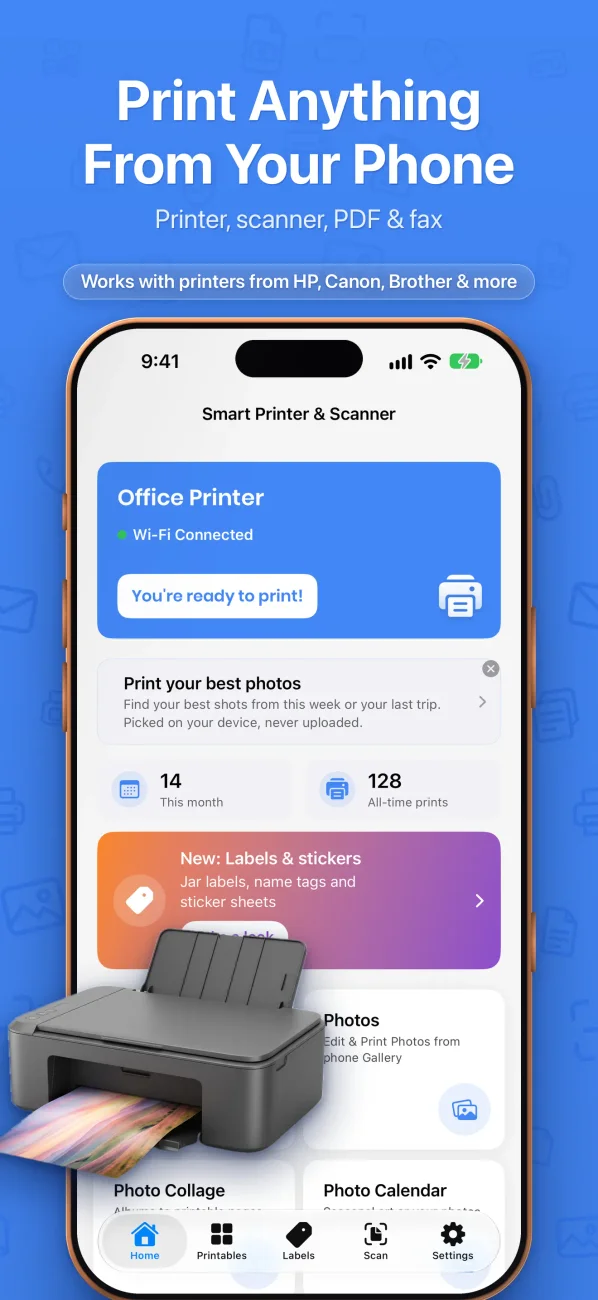
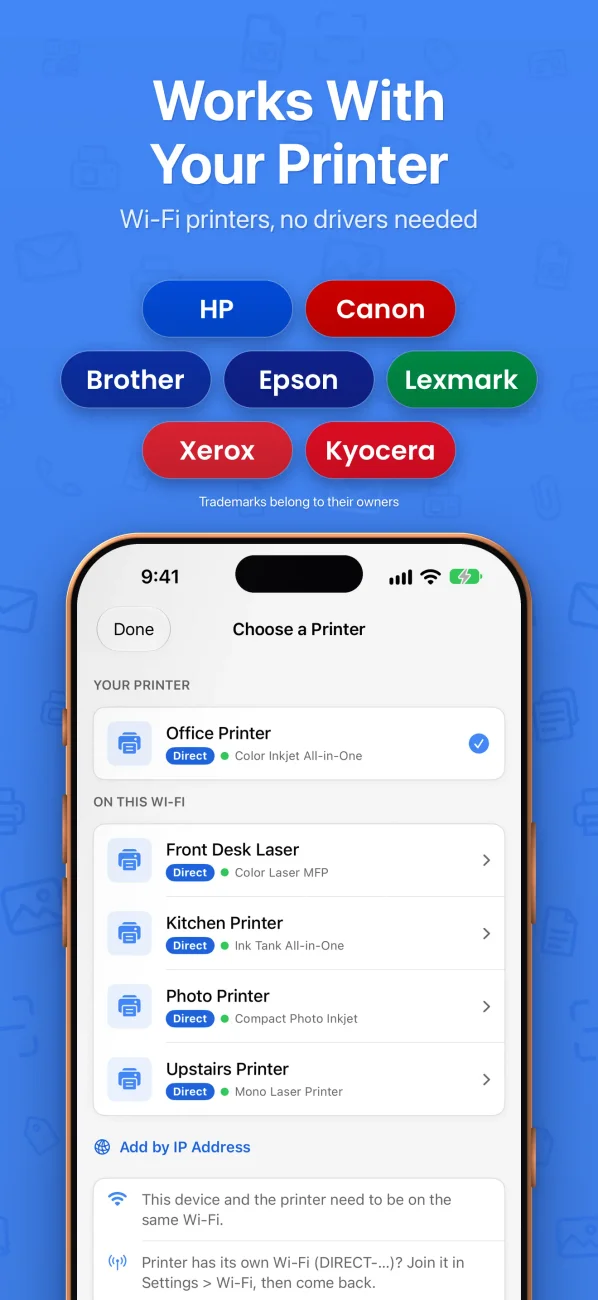
Smart Printer & Scanner is a mobile printing and document app that helps phone and tablet users print photos, documents and PDFs on a Wi-Fi printer, scan paper into PDF, make ID photos and send faxes, by combining a print queue, a camera scanner with OCR, an ID photo maker and label and template printing in one app. Print to more than 10,000 Wi-Fi and network printer models, with no drivers to install.
WHAT YOU CAN DO
• Print photos, PDFs, Word, Excel and PowerPoint files, webpages, emails, contacts and clipboard content straight from your phone
• Print from iCloud Drive, Google Drive and Dropbox without downloading the file first
• Scan paper with the camera, let auto-scan capture each page, extract text with OCR and save a PDF
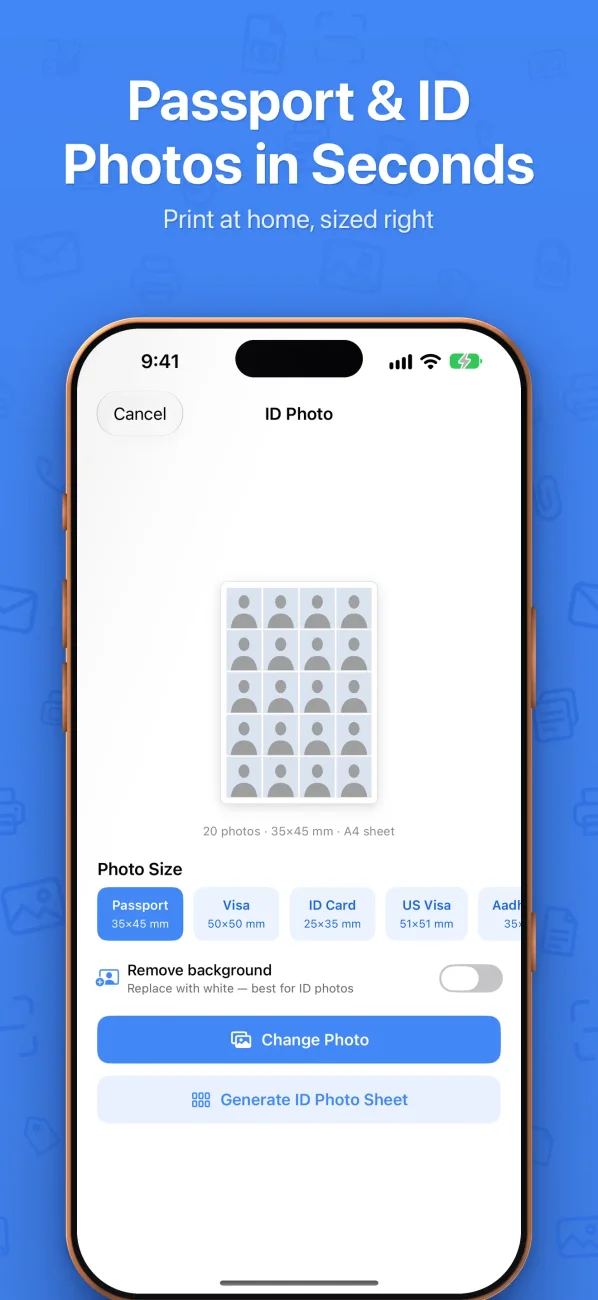
• Make passport, visa and ID photos in 35×45 mm, 50×50 mm and 25×35 mm and print them as a ready A4 sheet
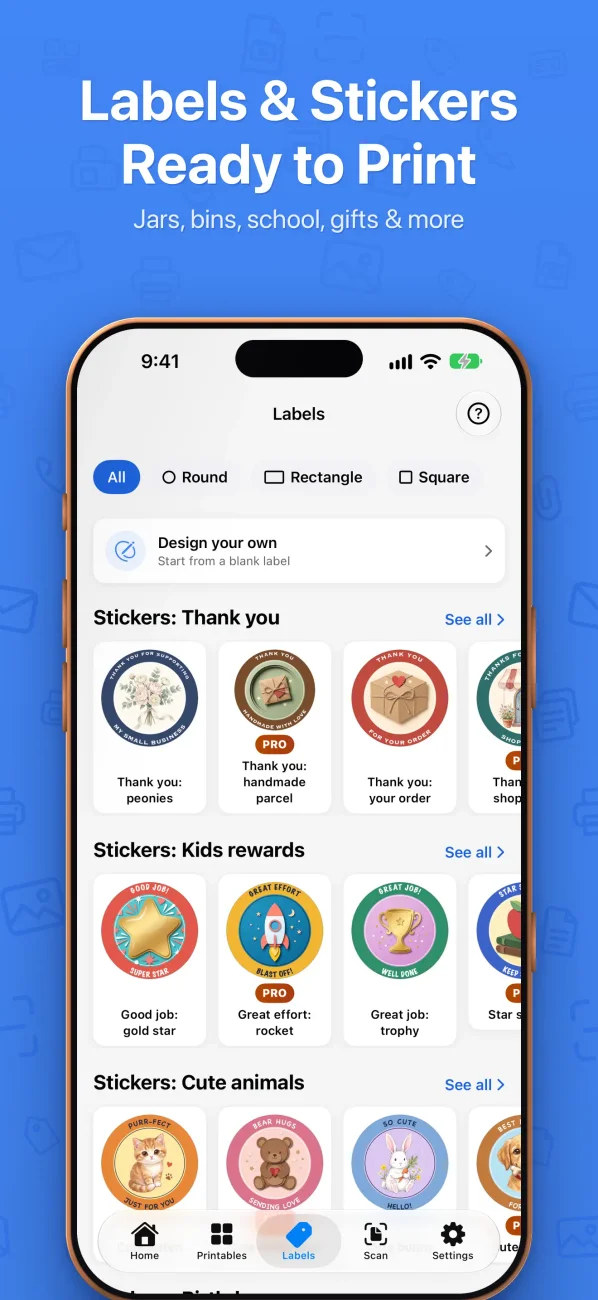
• Print labels, invoices, receipts and templates
• Fax documents to numbers worldwide with a country code selector
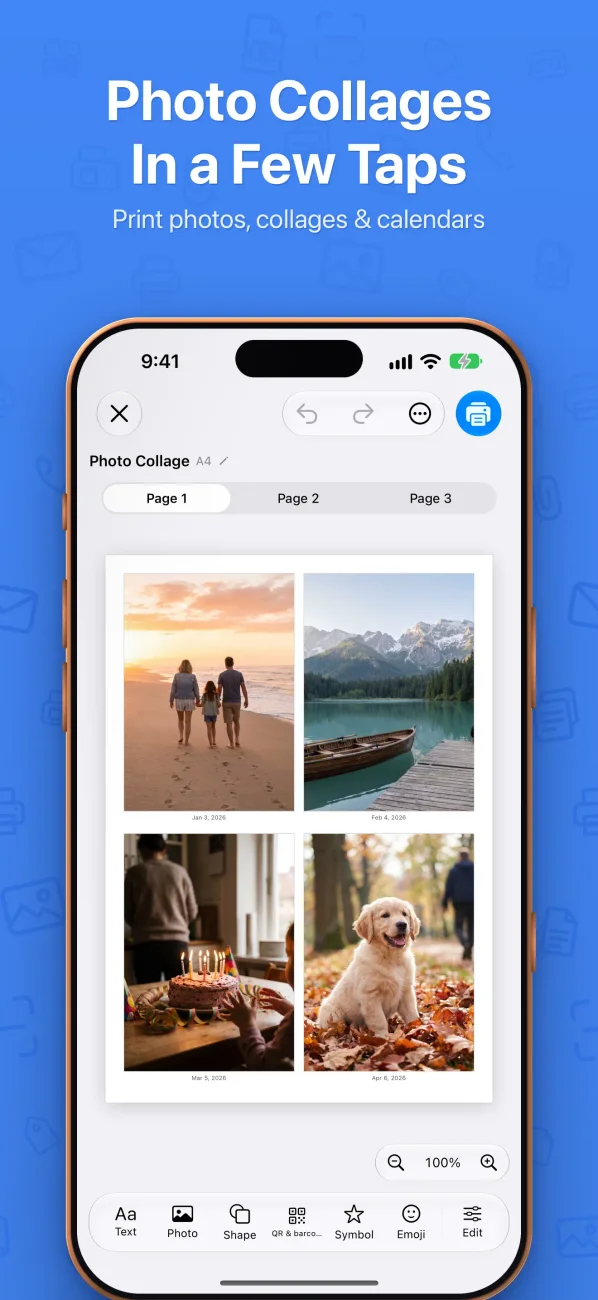
• Retouch photos before printing with 15 filters, crop, rotate, brightness, blur and collage layouts
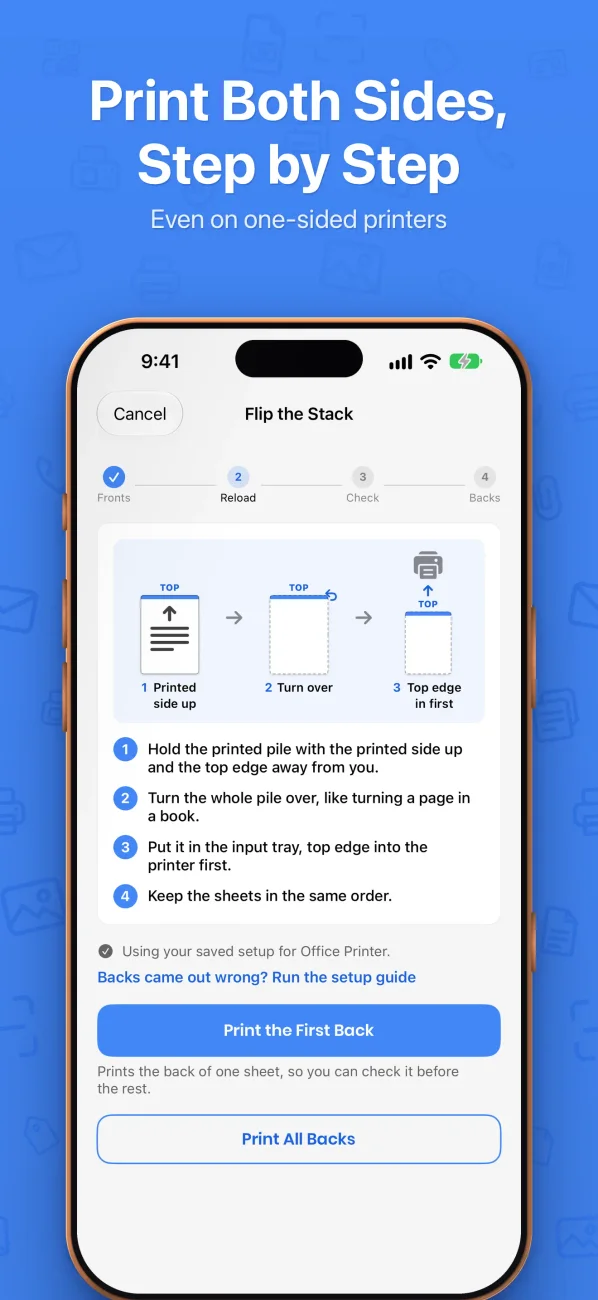
• Print many items in one go with a print queue, page ranges, watermarks and 10 paper sizes from A3 to Envelope
• Print from any app through the Share Sheet, or use the Home Screen widget
BUILT FOR SECURE, RELIABLE PRINTING
• Print jobs can use IPPS (IPP over TLS) for encrypted transfer
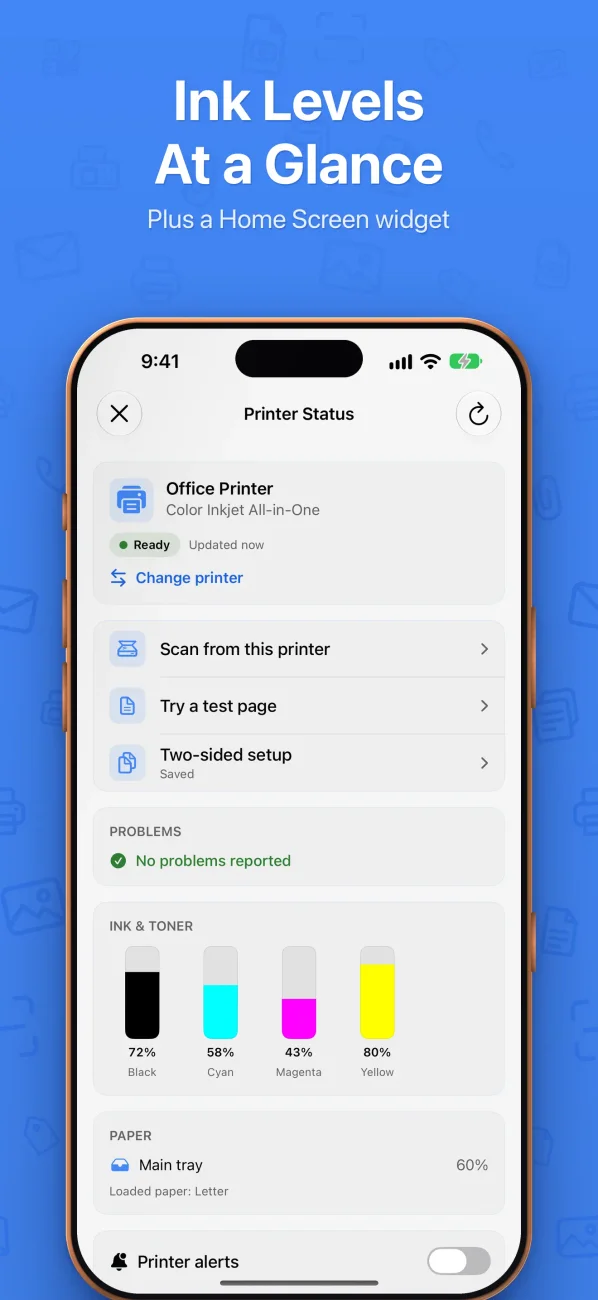
• Low ink and toner alerts come from IPP supply levels
• A step-by-step Wi-Fi setup guide covers WPS and laptop-assisted setup
• The interface uses a modern glass design and supports foldable phones, including their inner and outer displays
• 35 in-app languages
QUESTIONS AND ANSWERS
How do I print from my phone?
Connect the phone and the printer to the same Wi-Fi network, open Smart Printer & Scanner, pick a file and tap Print. A test page confirms the connection.
Can I scan a document to PDF?
Yes. Scan with the camera, use auto-scan for multi-page documents, run OCR to extract the text and save the result as a PDF.
Can I make a passport or ID photo?
Yes. The ID photo maker offers 35×45 mm, 50×50 mm and 25×35 mm sizes and lays them out on an A4 sheet for printing.
Can I send a fax from my phone?
Yes. Choose a country code, enter the number and send. Fax is part of the Premium subscription.
Can I print from cloud storage?
Yes. iCloud Drive, Google Drive and Dropbox files print directly.
Download Smart Printer & Scanner to turn your phone into a printing and scanning station.
SUBSCRIPTION INFORMATION
• Smart Printer & Scanner offers a Premium subscription for unlimited printing and full access to all features
• Payment will be charged to your account at confirmation of purchase
• Subscription automatically renews unless auto-renew is turned off at least 24 hours before the end of the current period
• Your account will be charged for renewal within 24 hours prior to the end of the current period
• You can manage and cancel your subscriptions by going to your account settings on the App Store after purchase
• Privacy Policy: https://printsmart.app/privacy.html
• Terms of Use: https://printsmart.app/terms.html
What’s new
Version 4.6 · Nov 14, 2026
What's new in 4.6:
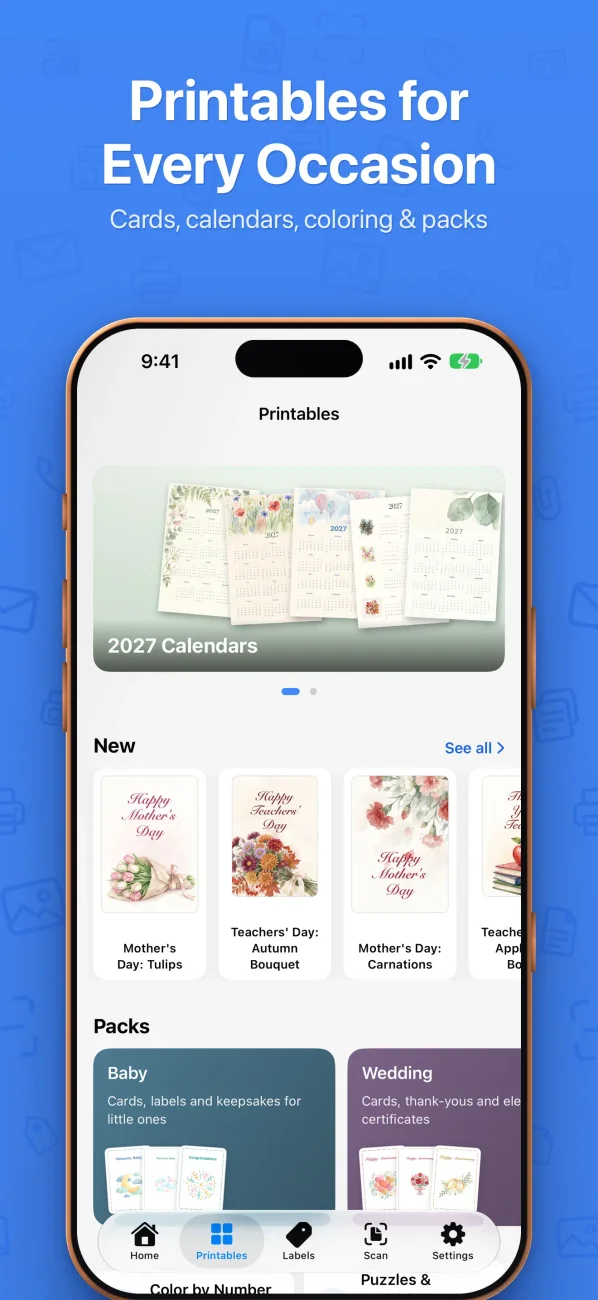
• New puzzles to print: Word Search, Sudoku, Bingo and Jigsaw Puzzle.
• Color by Number: two new styles, Squares and Circles, and richer pictures.
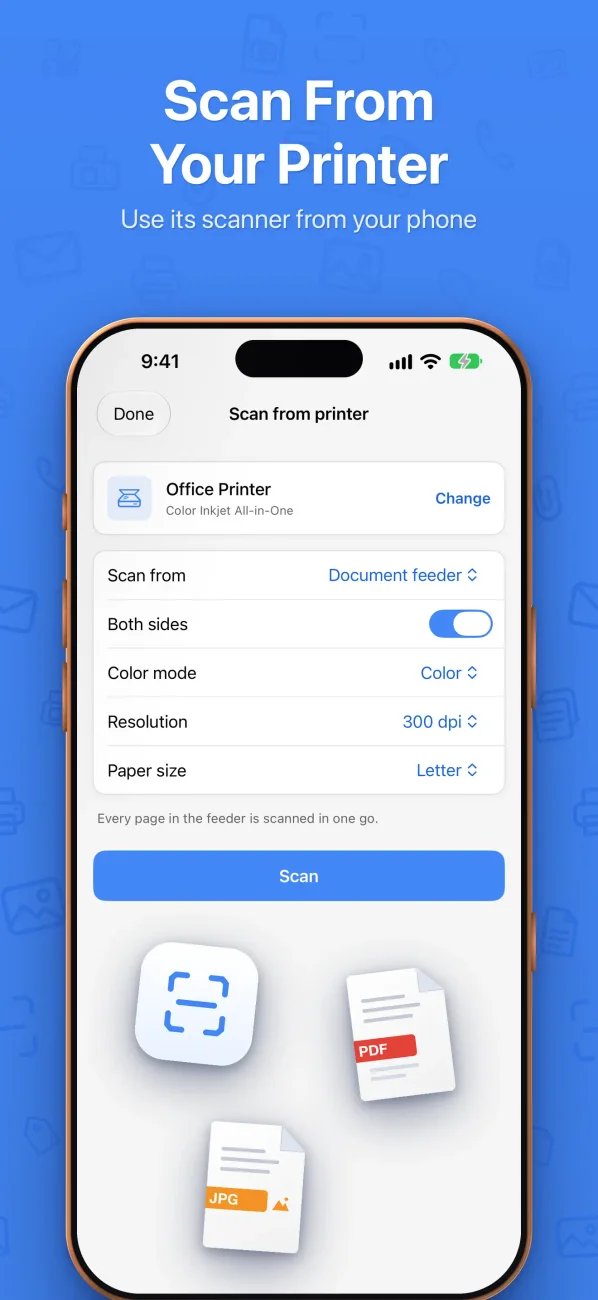
• Scan from printer: pages are cropped to the paper, and you can adjust the corners.
• Home: cleaner, with your printer at the top.
• Print Pro and PDF Tools: tools shown as cards.
• Scan: ID card & passport is now next to Document.
• Typing: easier to move between fields and close the keyboard.
• Fixes: lists in Printables end at the last page instead of starting over.
App privacy
What MOBILE ALCHEMY LTD declares on the App Store about how this app handles data.
-
Data not linked to you
May be collected but is not linked to your identity.
- Usage data
Privacy practices may vary, for example with the features you use or your age.
Information
- Seller
- MOBILE ALCHEMY LTD
- Category
- Productivity
- Version
- 4.6
- Updated
- Nov 14, 2026
- Released
- Mar 24, 2026
- Size
- 69.2 MB
- Requires
- iOS 16 or later
- Age rating
- 17+
- Price
- Free
- In-app purchases
- Yes
- Languages
- English, Arabic, Catalan, Croatian, Czech, Danish, Dutch, Finnish, French, German, Greek, Hebrew + 21 more
- Copyright
- © Mobile Alchemy LTD
You might also like
-
 Smart Printer App WirelessWireless Smart HP Printer App
-
 Smart Printer App Print, ScanHP, Epson, Brother iPrint Scan
-
 iPrint for Epsom Printer AppFor Epson, Canon and HPSmart
-
 Setup for HP Smart Printer AppInstant Setup, Print & Scan
-
 Smart Air Printer Pro & ScanPrint Photos and Scanner App
-
 BR RawPrinterBluetooth Network Printer
-
 PrinterShare: WiFi & PDFFor HP, Epson, Canon and more
-
 Air Printer AppFor HP, Epson, Brother, Canon
-
 Smart Printer・Setup & PrintMobile Wireless Air Printing
-
 Pos printer PrinterAppLabel printer, thermal printer