
- Age rating4+
- CategoryMusic
- DeveloperJLab Audio
- LanguagesEnglish+ 11 more
- Size110.9 MB
Links to the official App Store page
Download.org hosts no file of JLab. The button opens its official App Store page, published by JLab Audio. Listing last checked on Nov 24, 2026.
Screenshots

About
Compatible Models:
GO Pop+
GO Sport+
GO Tone+
JBuds Air Pro
JBuds Air Pro ANC
JBuds Air ANC (Gen 2)
JBuds ANC 3
JBuds Air Sport (Gen 3)
JBuds Mini
Work Buds
Epic Air ANC (Gen 2)
Epic Air Sport (Gen 2)
Epic Lab Edition
GO Work (Gen 2)
JBuds Lux ANC
JBuds Sport ANC 4
Rewind 2
Flex
Studio+
Studio Pro+
Epic Work ANC
JBuds Open Sport
GO Pop ANC
Epic Sport ANC 3
Epic Open Sport
GO Pods ANC
JBuds Pods ANC
GO Lux ANC
Epic Lux Lab Edition
Studio 2
GO Party
Pop Party
JBuds Party
Epic Party
Epic Pods ANC
JBuds Open Headphone
GO 3
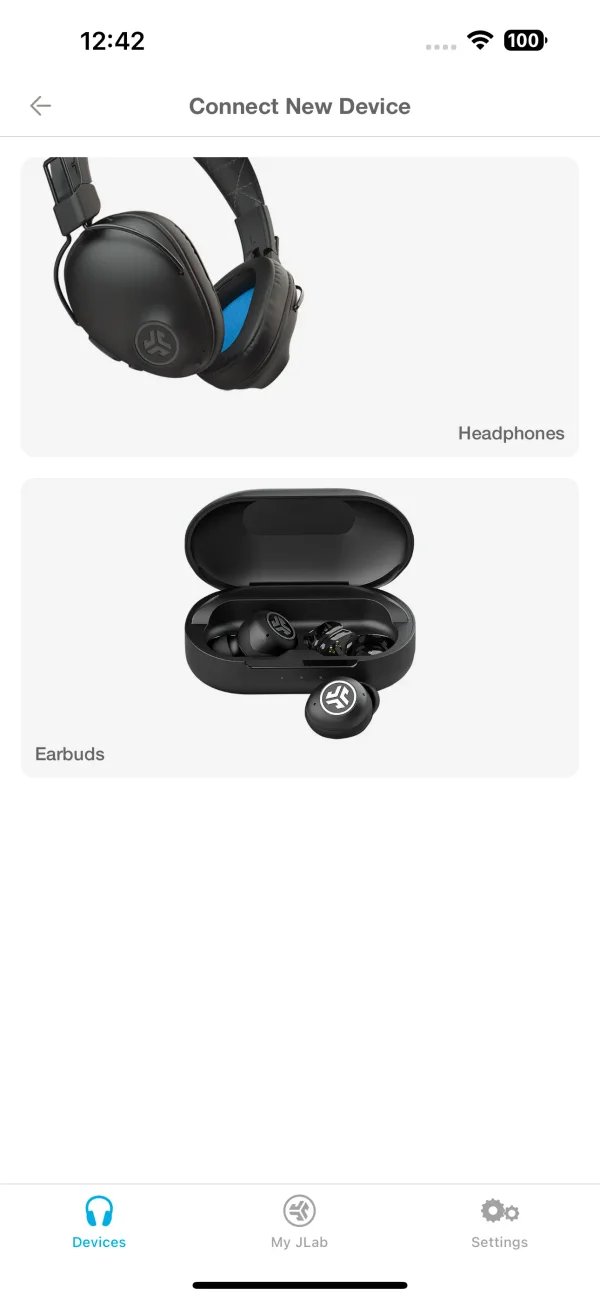
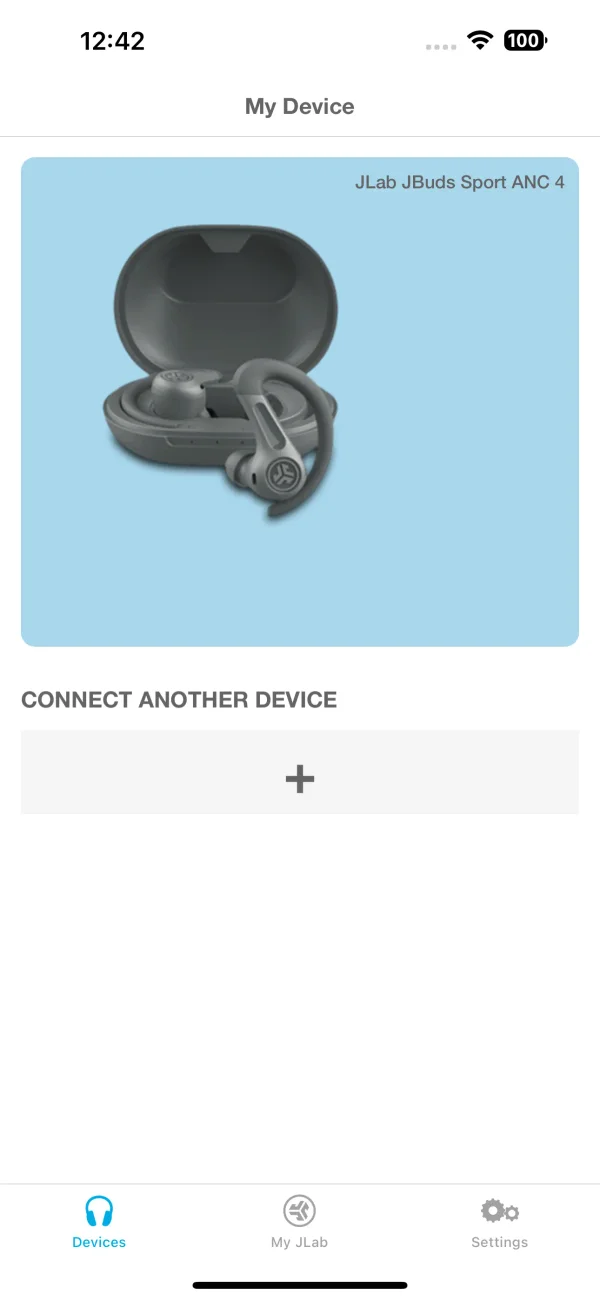
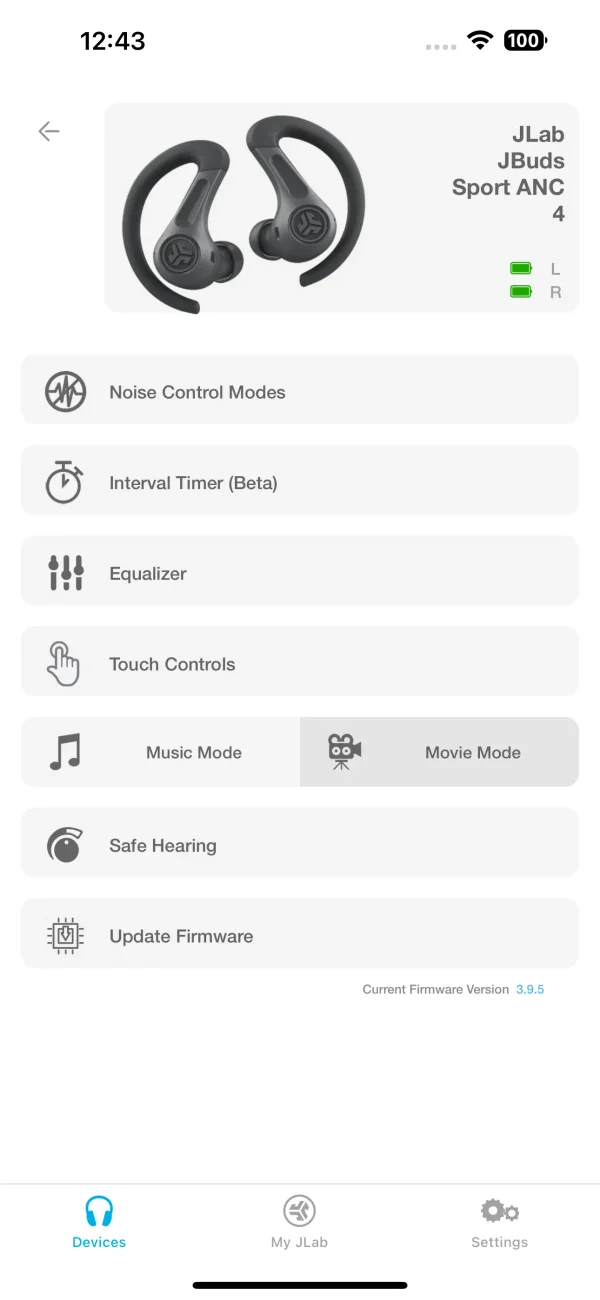
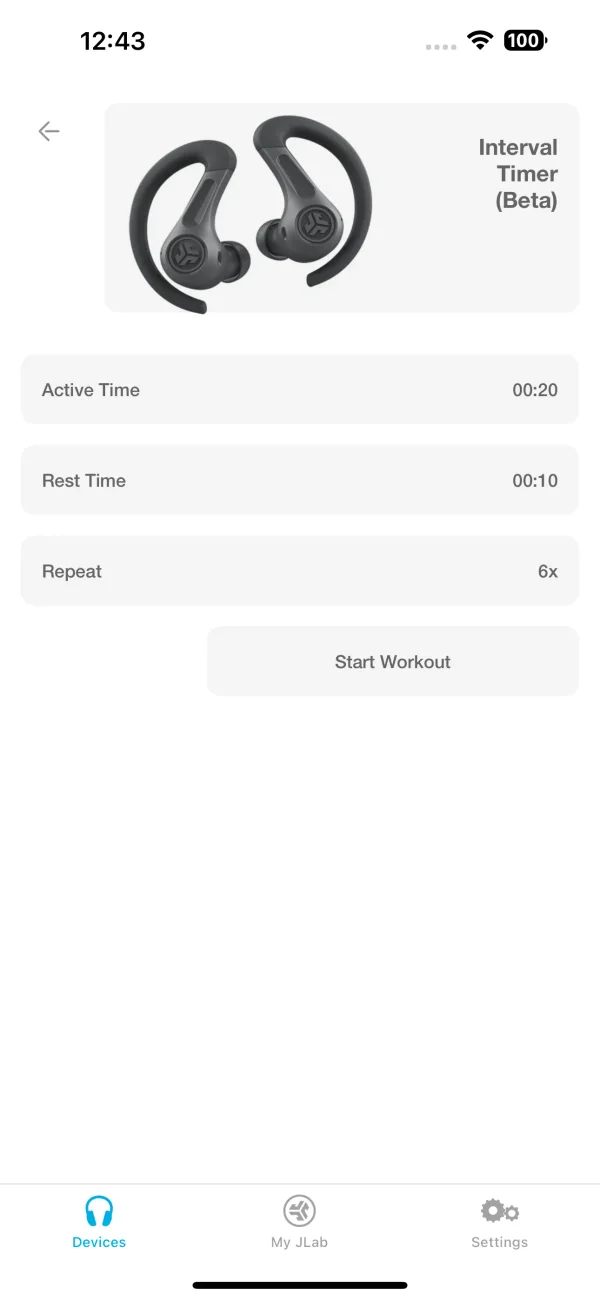
The new and improved JLab app offers complete customization for all JLab App compatible models. Adjust Noise Control settings, Be Aware, touch controls, safe listening levels, and sound to your personal preference – or use the presets for JLab Signature, Balanced, or Bass Boost. Plus, get software updates for your product right when they’re available.
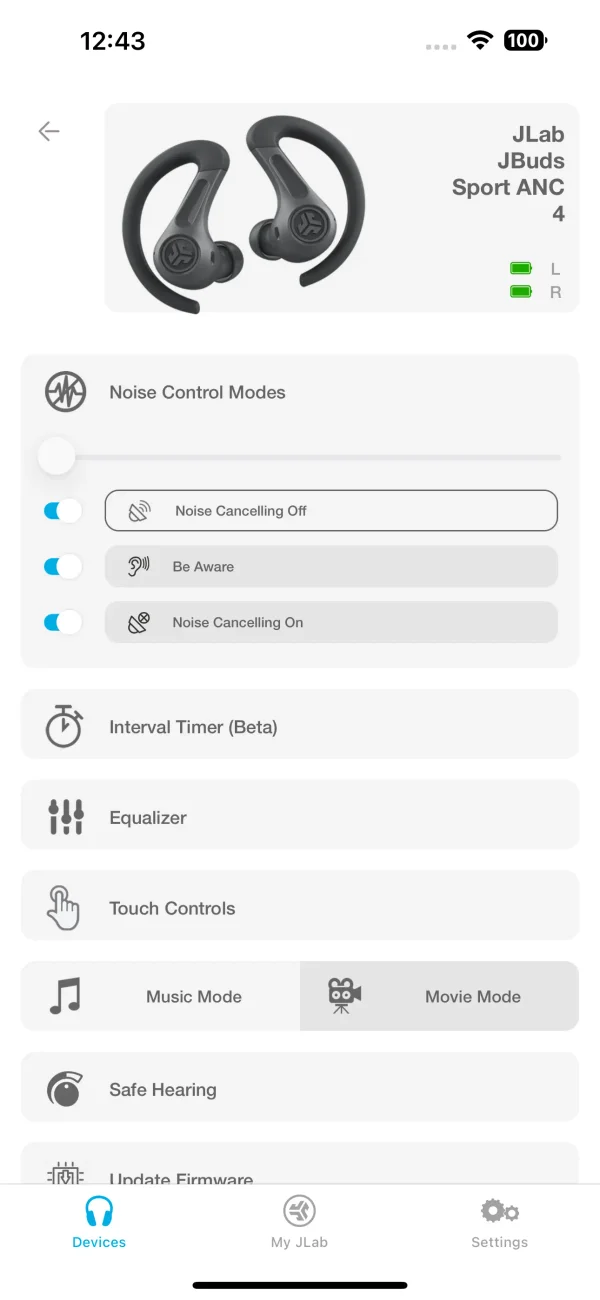
Active Noise Cancellation Control
With the new JLab App, you'll be able to increase the active noise canceling from off all the way to max ANC, (on your ANC compatible earbuds) while in the earbuds themselves you can only select on or off.
Be Aware Audio
Bring the outside in. Use the JLab App to increase or decrease the amount of outside noise you let in by adjusting your Be Aware settings. (For Be Aware Compatible earbuds only)
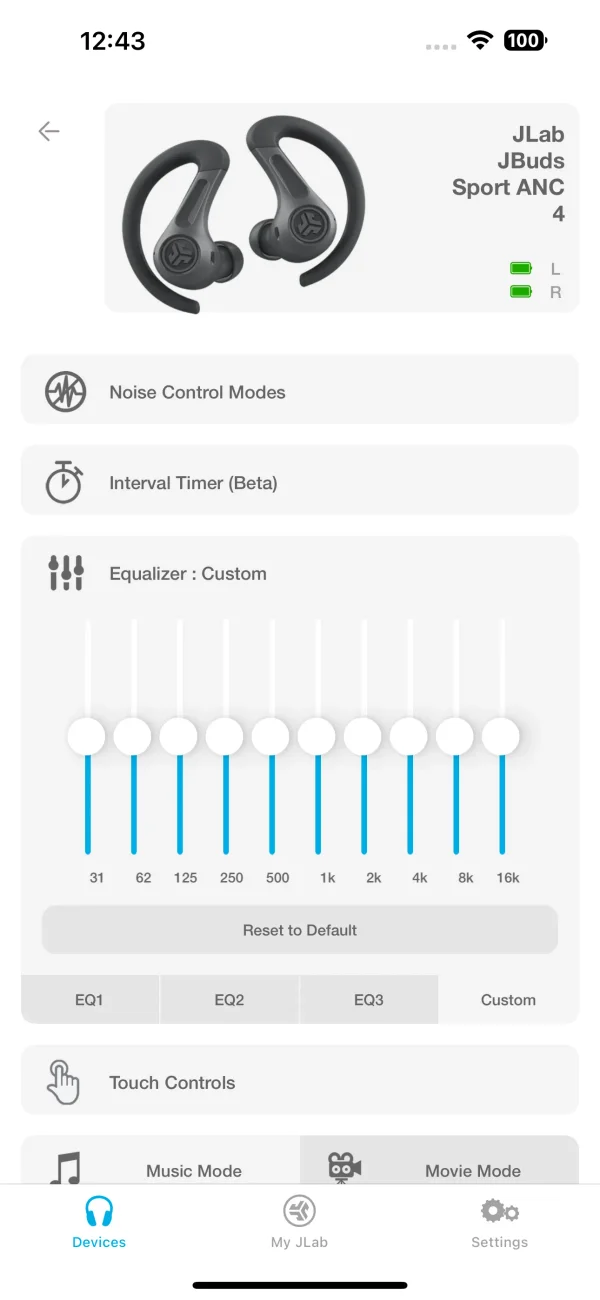
EQ Customization
Fine tune your sound by adjusting the equalizer settings. JLab products come set with three default settings - called Custom EQ3 Sound, which features JLab Signature, Balanced and Bass Boost and a 4th option 'Custom'. Use the JLab App to test and set your own equalizer settings by adjusting Bass (200, 280, 400 Hz levels), Mid-Range (550, 770, 1000, 2000 Hz levels) and Treble (4000, 8000, 16000 Hz levels).
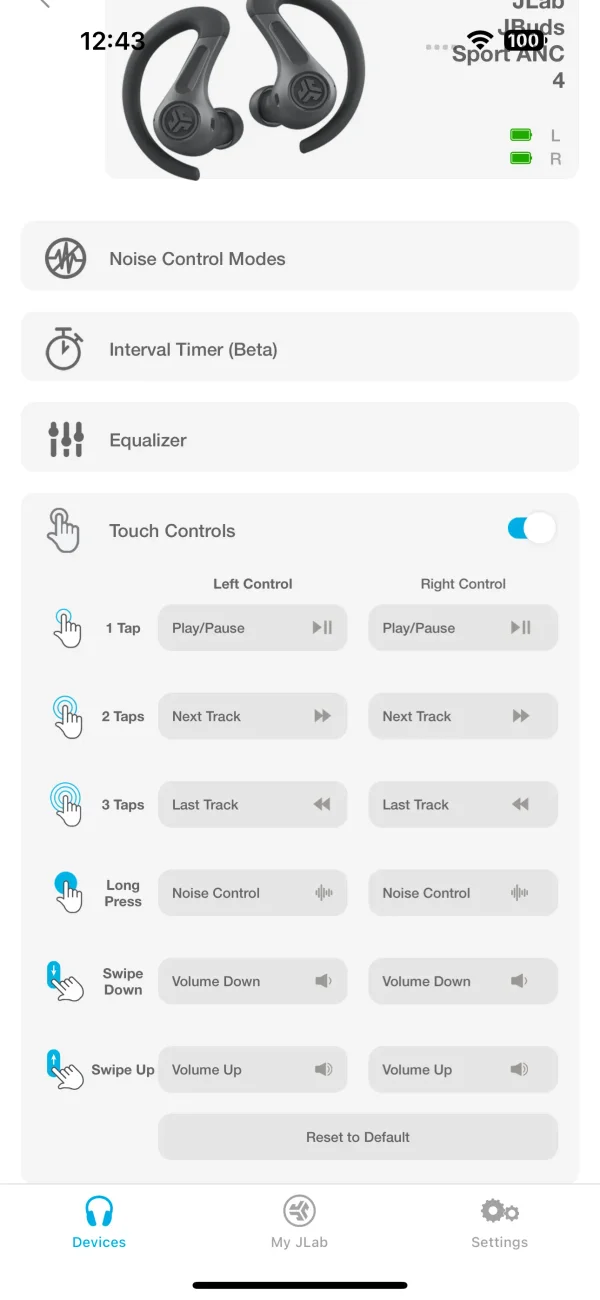
Custom Controls
JLab products come with controls in each earbud that control anything from volume, track changes, play/pause and more. If you'd like to switch the settings, you can customize your controls further via the app.
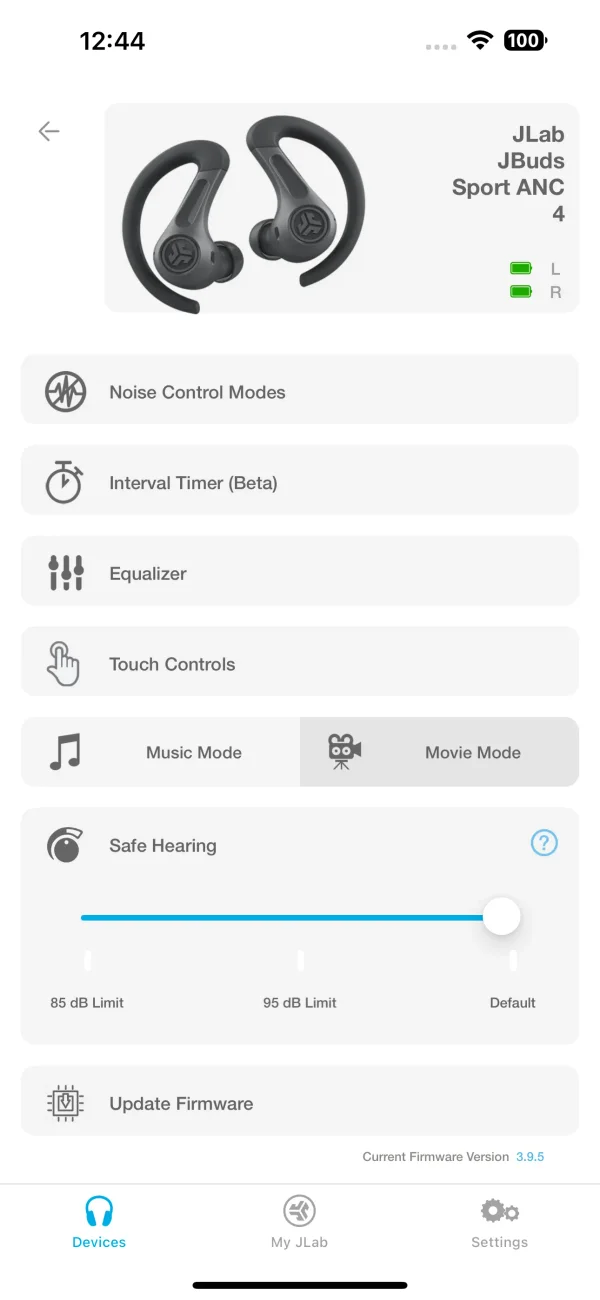
Safe Hearing
All future JLab models will now support Safe Hearing. Switch between the default output, 95 dB, or 85 dB for a safe listening experience.
What’s new
Version 1.4.3 · Nov 1, 2026
This update brings minor bug fixes and UI improvements.
App privacy
What JLab Audio declares on the App Store about how this app handles data.
-
Data not linked to you
May be collected but is not linked to your identity.
- Identifiers
- Usage data
- Diagnostics
Privacy practices may vary, for example with the features you use or your age.
Information
- Seller
- PEAG, LLC
- Category
- Music
- Version
- 1.4.3
- Updated
- Nov 1, 2026
- Released
- May 18, 2023
- Size
- 110.9 MB
- Requires
- iOS 15 or later
- Age rating
- 4+
- Price
- Free
- Languages
- English, Dutch, French, German, Italian, Japanese, Korean, Polish, Portuguese, Simplified Chinese, Spanish, Traditional Chinese
- Copyright
- © JLab Audio
You might also like
-
 SkullcandyThe Skullcandy App Experience
-
 TOZO-Tech Around YouTOZO-Tech Around You
-
 JBL HeadphonesMusic
-
 ShokzBe Open
-
 b Buds+ HEADPHONES CONNECTBEAT & BASS BOOSTER, EQUALIZER
-
 Anker soundcoreFormerly soundcore
-
 Headphones & Speaker connect +Connect Bluetooth Speakers
-
 Qobuz: Music & EditorialThe best music quality
-
 JBL Pro ConnectControls JBL Pro BT Speakers
-
 Speaker & Headphones ConnectConnect to Alexa, Bose, JBL