- Độ tuổi4+
- Danh mụcNhạc
- Nhà phát triểnJLab Audio
- Ngôn ngữTiếng Anh+ 11 ngôn ngữ khác
- Kích thước110,9 MB
Liên kết đến trang App Store chính thức
Download.org không lưu trữ tệp nào của JLab. Nút này mở trang ứng dụng trên App Store, nơi JLab Audio phát hành ứng dụng. Trang được kiểm tra lần cuối: 25/11/2026.
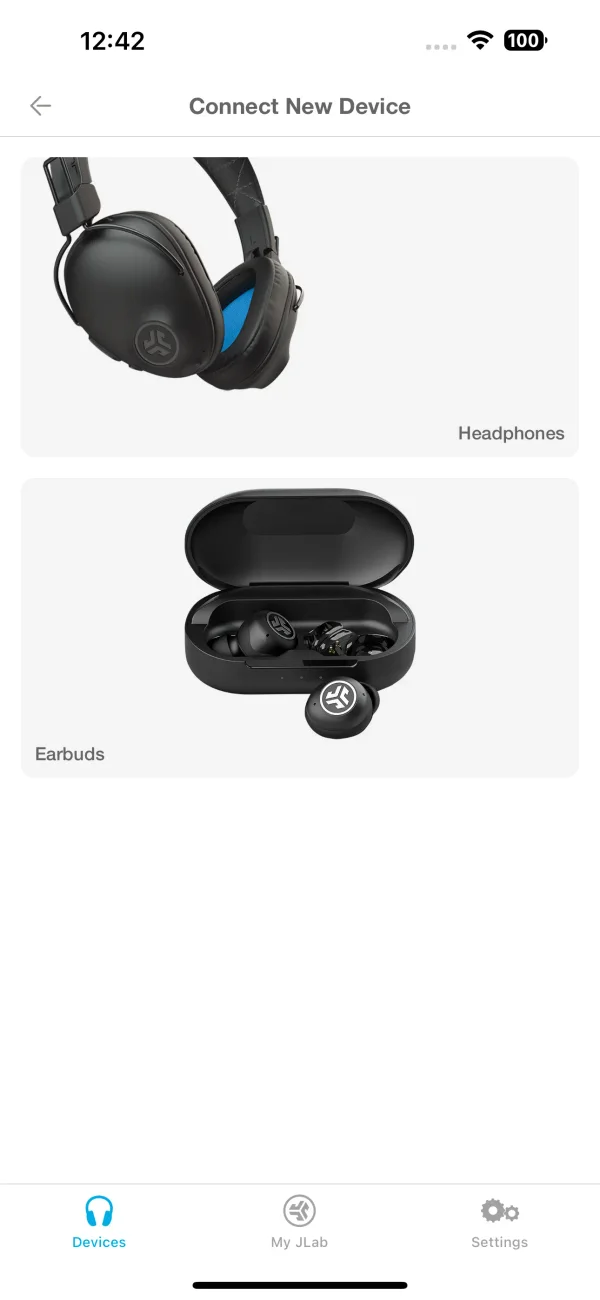
Ảnh chụp màn hình

Giới thiệu
Nhà phát triển chưa cung cấp nội dung này bằng ngôn ngữ của bạn.
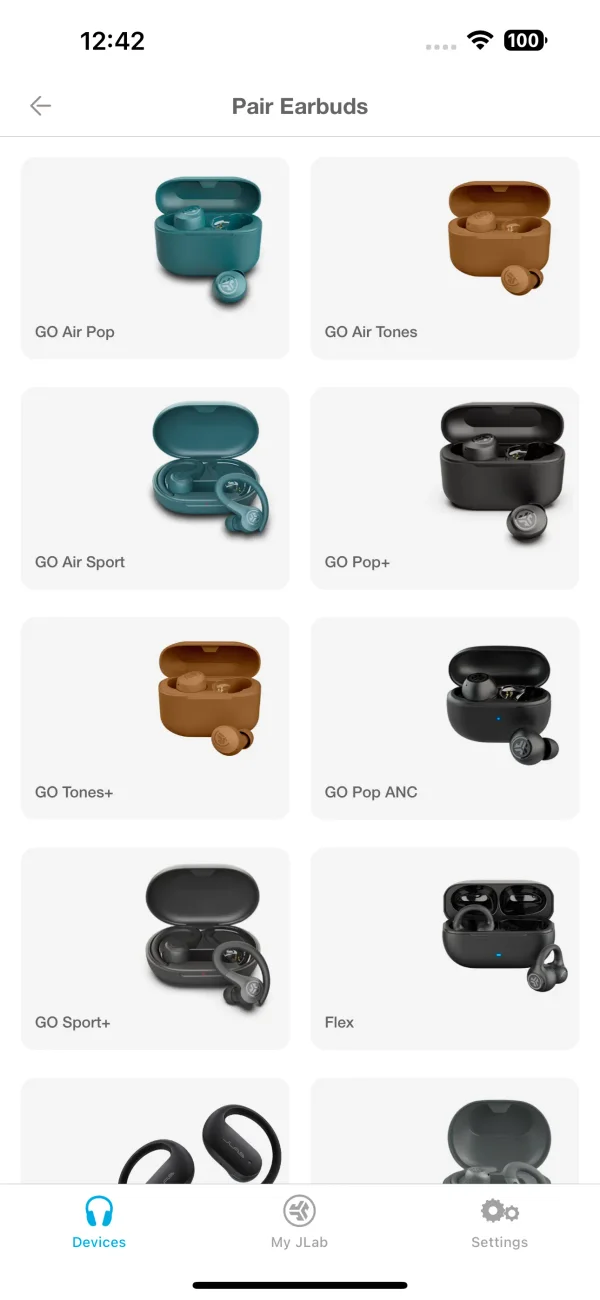
Compatible Models:
GO Pop+
GO Sport+
GO Tone+
JBuds Air Pro
JBuds Air Pro ANC
JBuds Air ANC (Gen 2)
JBuds ANC 3
JBuds Air Sport (Gen 3)
JBuds Mini
Work Buds
Epic Air ANC (Gen 2)
Epic Air Sport (Gen 2)
Epic Lab Edition
GO Work (Gen 2)
JBuds Lux ANC
JBuds Sport ANC 4
Rewind 2
Flex
Studio+
Studio Pro+
Epic Work ANC
JBuds Open Sport
GO Pop ANC
Epic Sport ANC 3
Epic Open Sport
GO Pods ANC
JBuds Pods ANC
GO Lux ANC
Epic Lux Lab Edition
Studio 2
GO Party
Pop Party
JBuds Party
Epic Party
Epic Pods ANC
JBuds Open Headphone
GO 3
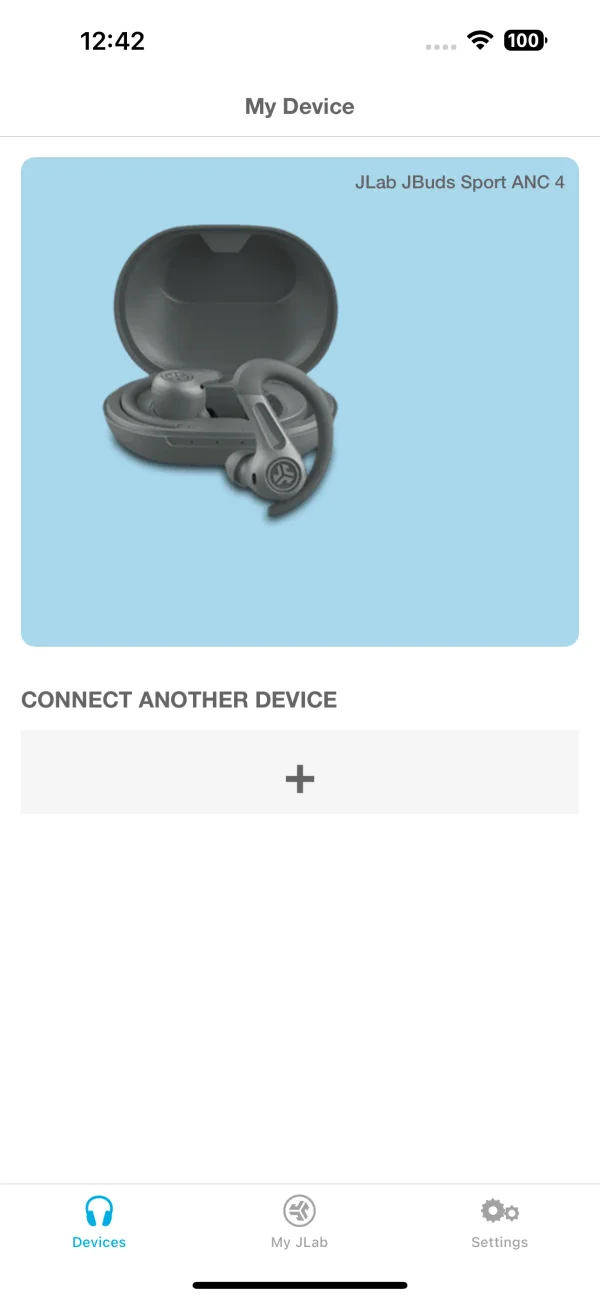
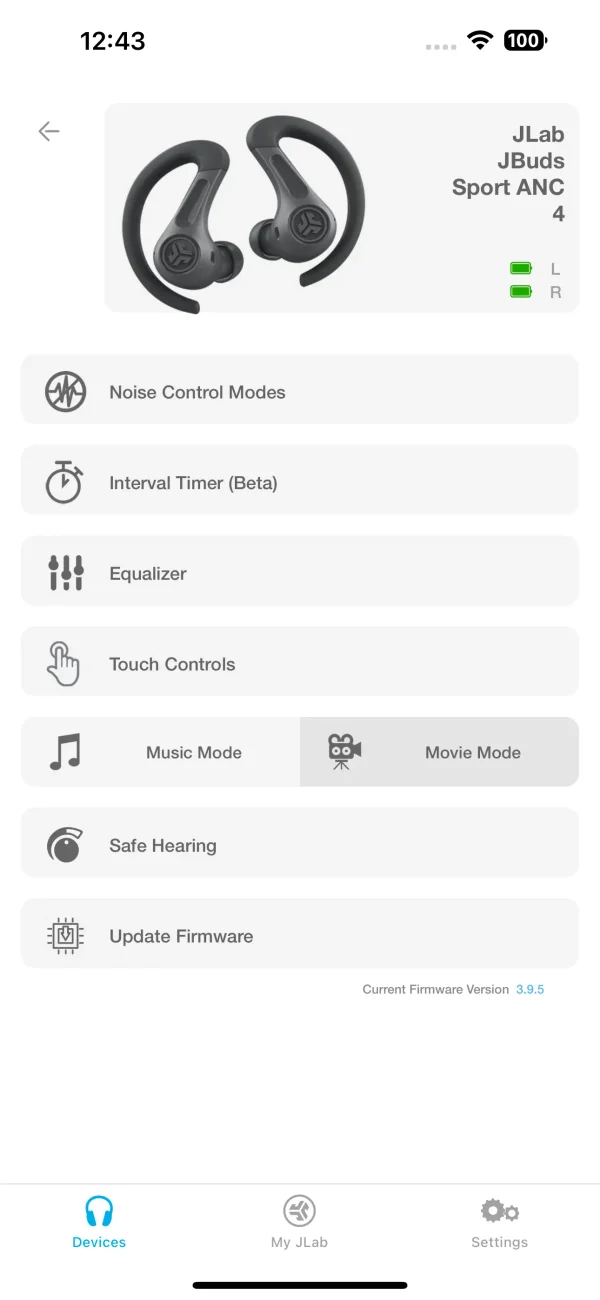
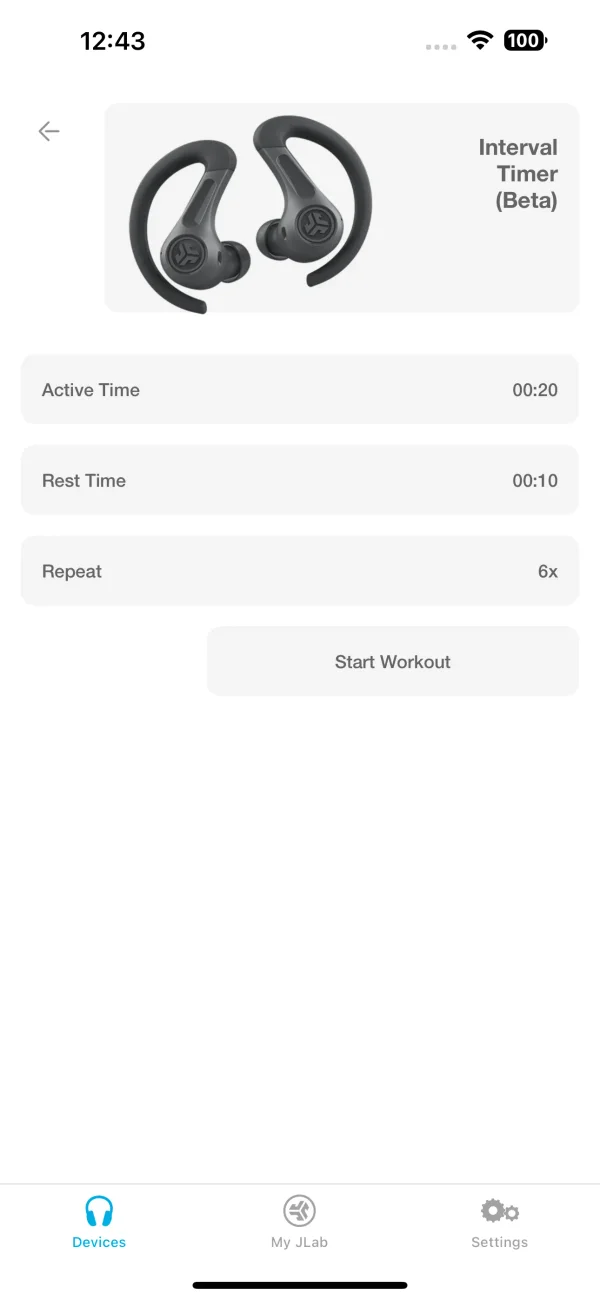
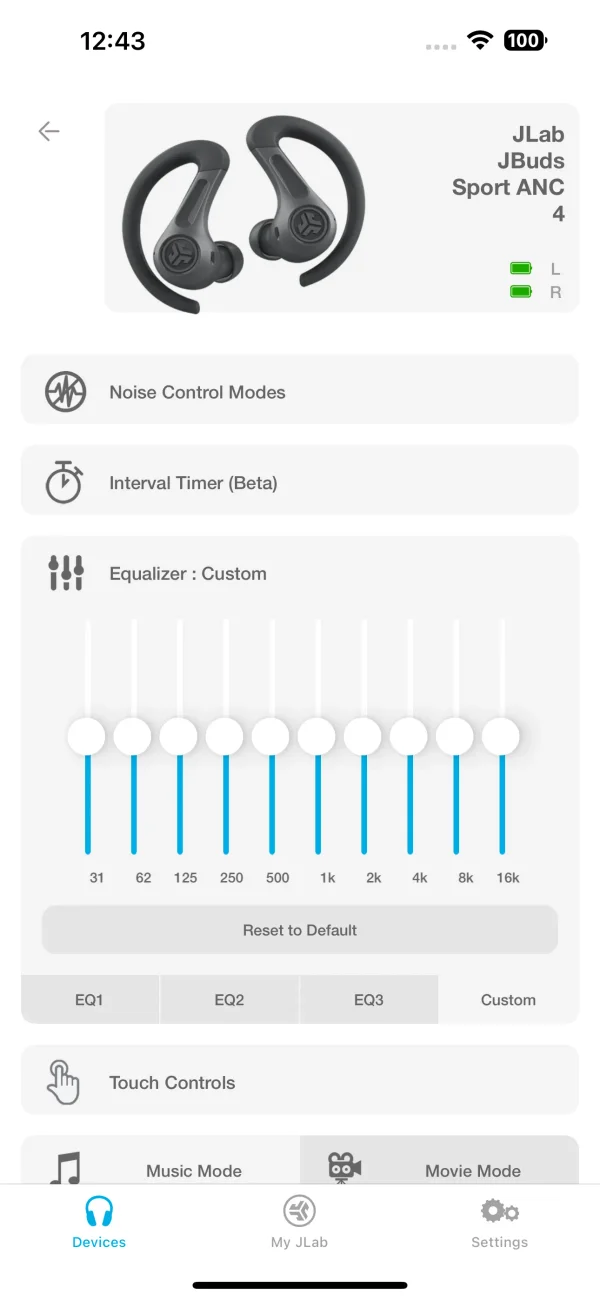
The new and improved JLab app offers complete customization for all JLab App compatible models. Adjust Noise Control settings, Be Aware, touch controls, safe listening levels, and sound to your personal preference – or use the presets for JLab Signature, Balanced, or Bass Boost. Plus, get software updates for your product right when they’re available.
Active Noise Cancellation Control
With the new JLab App, you'll be able to increase the active noise canceling from off all the way to max ANC, (on your ANC compatible earbuds) while in the earbuds themselves you can only select on or off.
Be Aware Audio
Bring the outside in. Use the JLab App to increase or decrease the amount of outside noise you let in by adjusting your Be Aware settings. (For Be Aware Compatible earbuds only)
EQ Customization
Fine tune your sound by adjusting the equalizer settings. JLab products come set with three default settings - called Custom EQ3 Sound, which features JLab Signature, Balanced and Bass Boost and a 4th option 'Custom'. Use the JLab App to test and set your own equalizer settings by adjusting Bass (200, 280, 400 Hz levels), Mid-Range (550, 770, 1000, 2000 Hz levels) and Treble (4000, 8000, 16000 Hz levels).
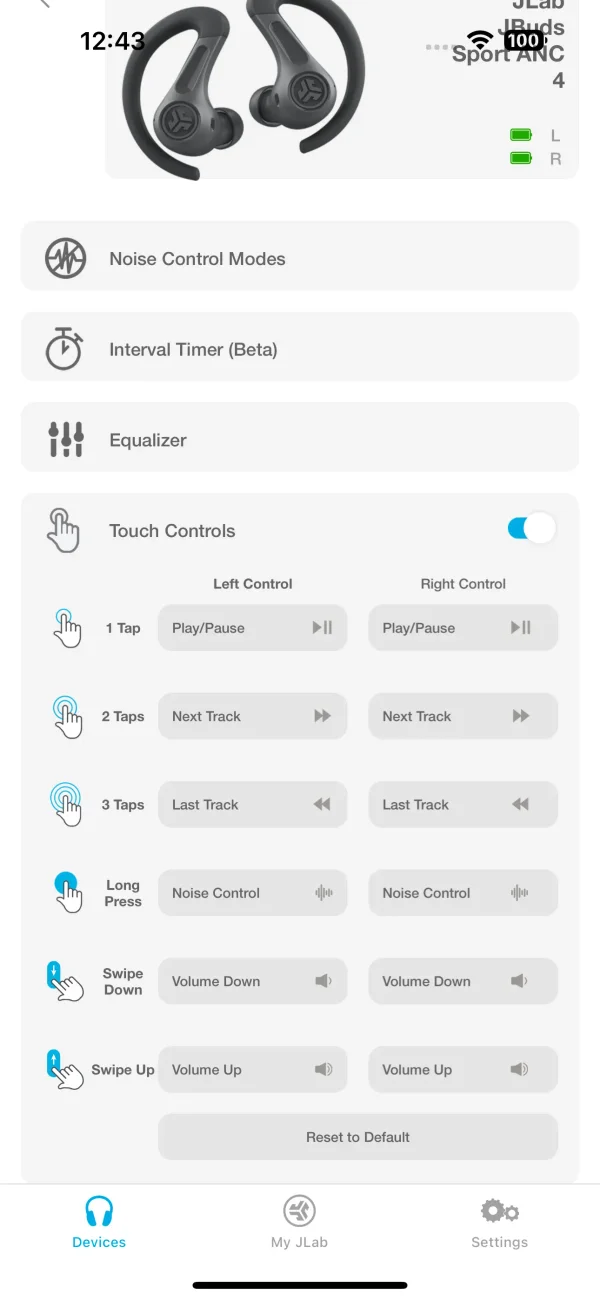
Custom Controls
JLab products come with controls in each earbud that control anything from volume, track changes, play/pause and more. If you'd like to switch the settings, you can customize your controls further via the app.
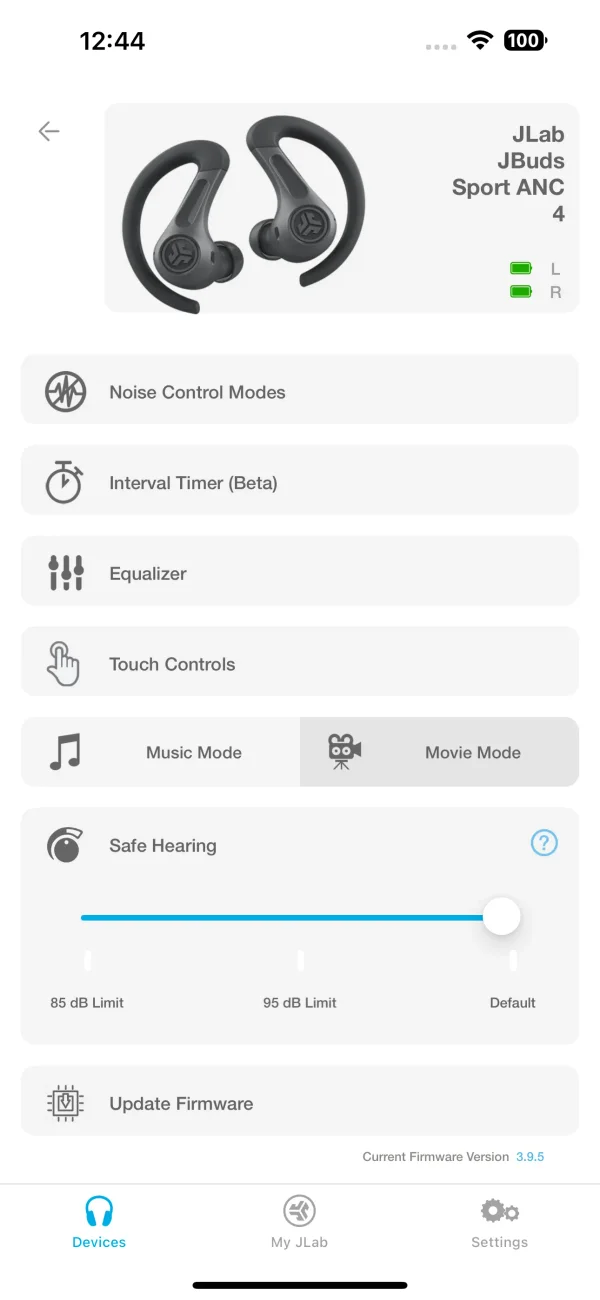
Safe Hearing
All future JLab models will now support Safe Hearing. Switch between the default output, 95 dB, or 85 dB for a safe listening experience.
Có gì mới
Phiên bản 1.4.3 · 01/11/2026
This update brings minor bug fixes and UI improvements.
Quyền riêng tư của ứng dụng
Những gì JLab Audio khai báo trên App Store về cách ứng dụng này xử lý dữ liệu.
-
Dữ liệu không liên kết với bạn
Có thể được thu thập nhưng không liên kết với danh tính của bạn.
- Mã định danh
- Dữ liệu sử dụng
- Chẩn đoán
Phương thức đảm bảo quyền riêng tư có thể khác nhau, chẳng hạn như tuỳ theo các tính năng bạn sử dụng hoặc độ tuổi của bạn.
Thông tin
- Người bán
- PEAG, LLC
- Danh mục
- Nhạc
- Phiên bản
- 1.4.3
- Cập nhật
- 01/11/2026
- Phát hành
- 18/05/2023
- Kích thước
- 110,9 MB
- Yêu cầu
- iOS 15 trở lên
- Độ tuổi
- 4+
- Giá
- Miễn phí
- Ngôn ngữ
- Tiếng Anh, Tiếng Hà Lan, Tiếng Pháp, Tiếng Đức, Tiếng Ý, Tiếng Nhật, Tiếng Hàn, Tiếng Ba Lan, Tiếng Bồ Đào Nha, Tiếng Trung Giản thể, Tiếng Tây Ban Nha, Tiếng Trung Phồn thể
- Bản quyền
- © JLab Audio