
- 対象年齢4+
- カテゴリミュージック
- 開発元JLab Audio
- 言語英語ほか11言語
- サイズ110.9 MB
App Storeの公式ページにリンクしています
Download.orgはJLabのファイルを一切ホストしていません。ボタンを押すと、JLab Audioが公開しているApp Storeのアプリページが開きます。ページの最終確認:2026/11/25。
スクリーンショット

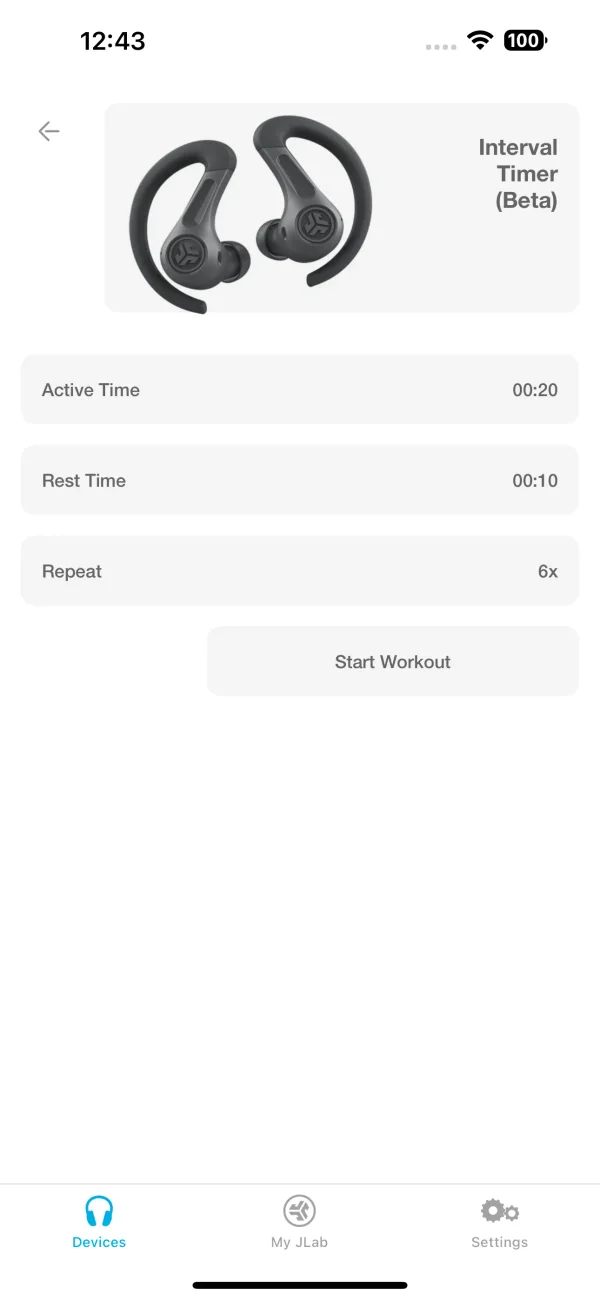
概要
開発元はこのテキストをお使いの言語で提供していません。
Compatible Models:
GO Pop+
GO Sport+
GO Tone+
JBuds Air Pro
JBuds Air Pro ANC
JBuds Air ANC (Gen 2)
JBuds ANC 3
JBuds Air Sport (Gen 3)
JBuds Mini
Work Buds
Epic Air ANC (Gen 2)
Epic Air Sport (Gen 2)
Epic Lab Edition
GO Work (Gen 2)
JBuds Lux ANC
JBuds Sport ANC 4
Rewind 2
Flex
Studio+
Studio Pro+
Epic Work ANC
JBuds Open Sport
GO Pop ANC
Epic Sport ANC 3
Epic Open Sport
GO Pods ANC
JBuds Pods ANC
GO Lux ANC
Epic Lux Lab Edition
Studio 2
GO Party
Pop Party
JBuds Party
Epic Party
Epic Pods ANC
JBuds Open Headphone
GO 3
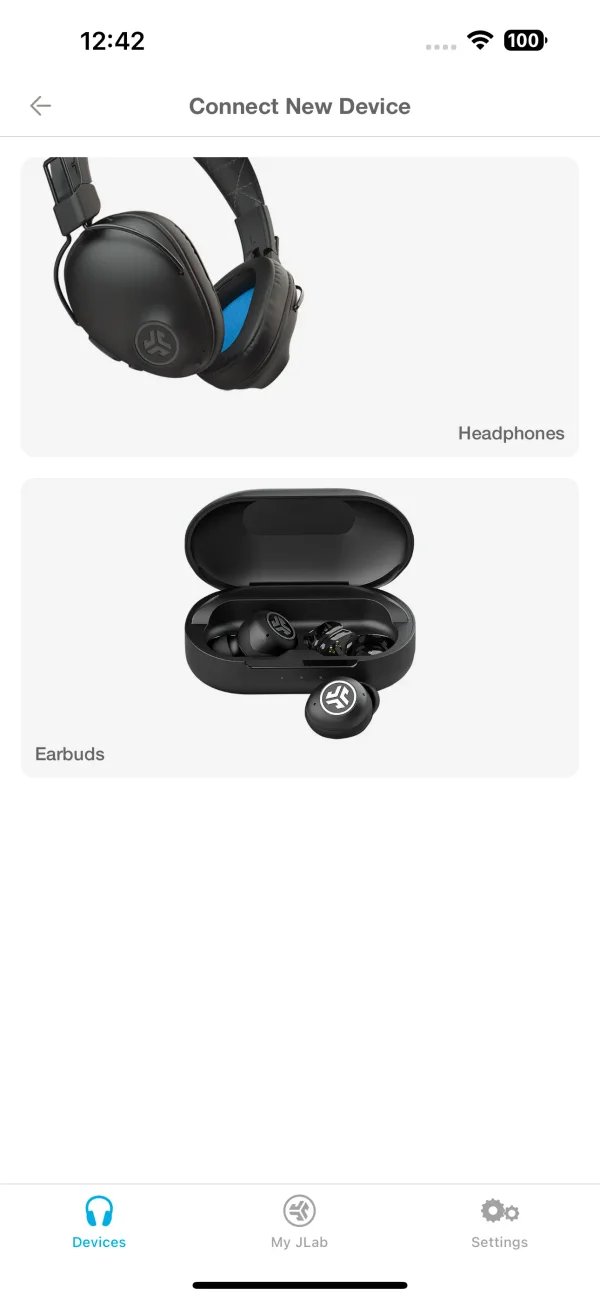
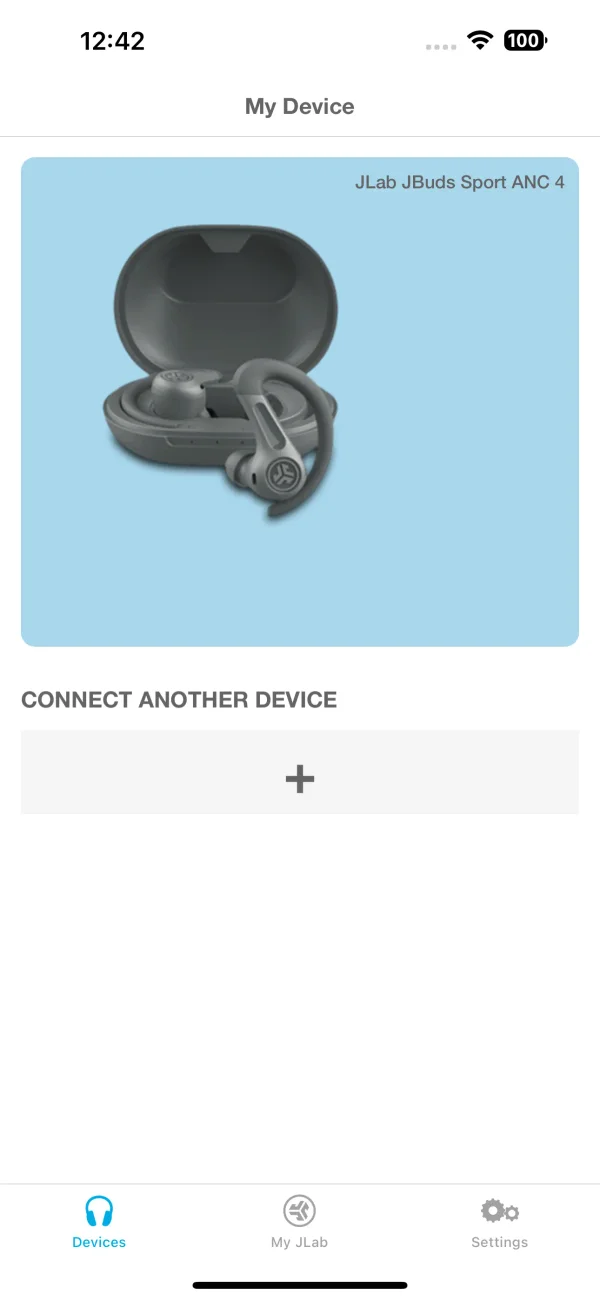
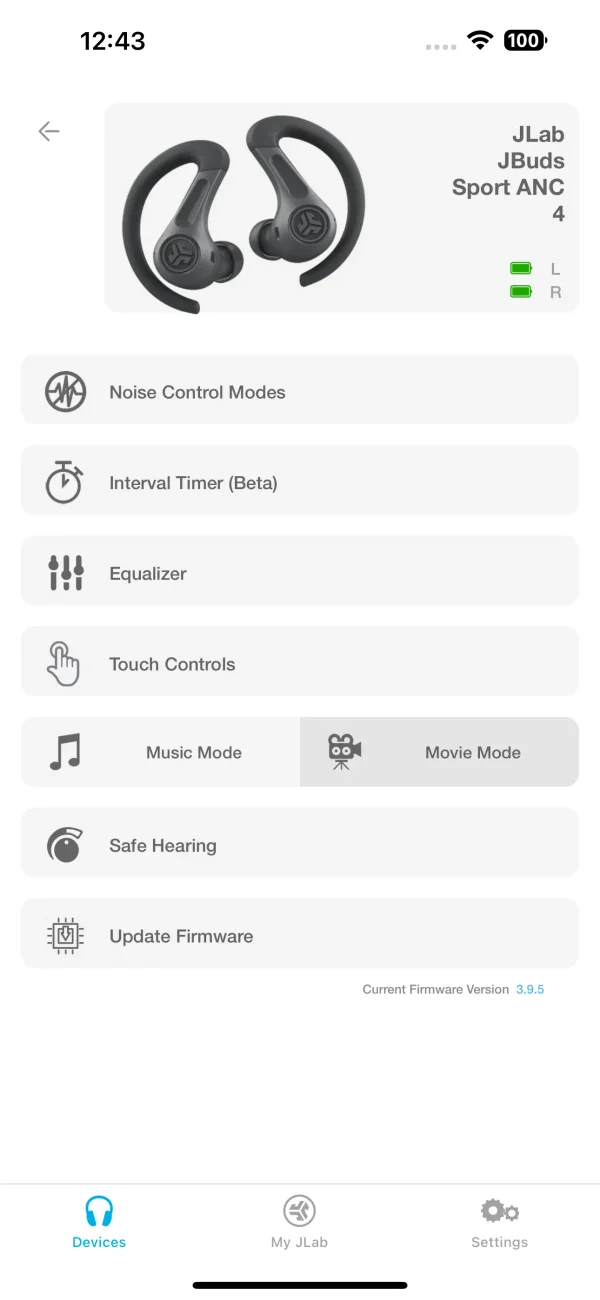
The new and improved JLab app offers complete customization for all JLab App compatible models. Adjust Noise Control settings, Be Aware, touch controls, safe listening levels, and sound to your personal preference – or use the presets for JLab Signature, Balanced, or Bass Boost. Plus, get software updates for your product right when they’re available.
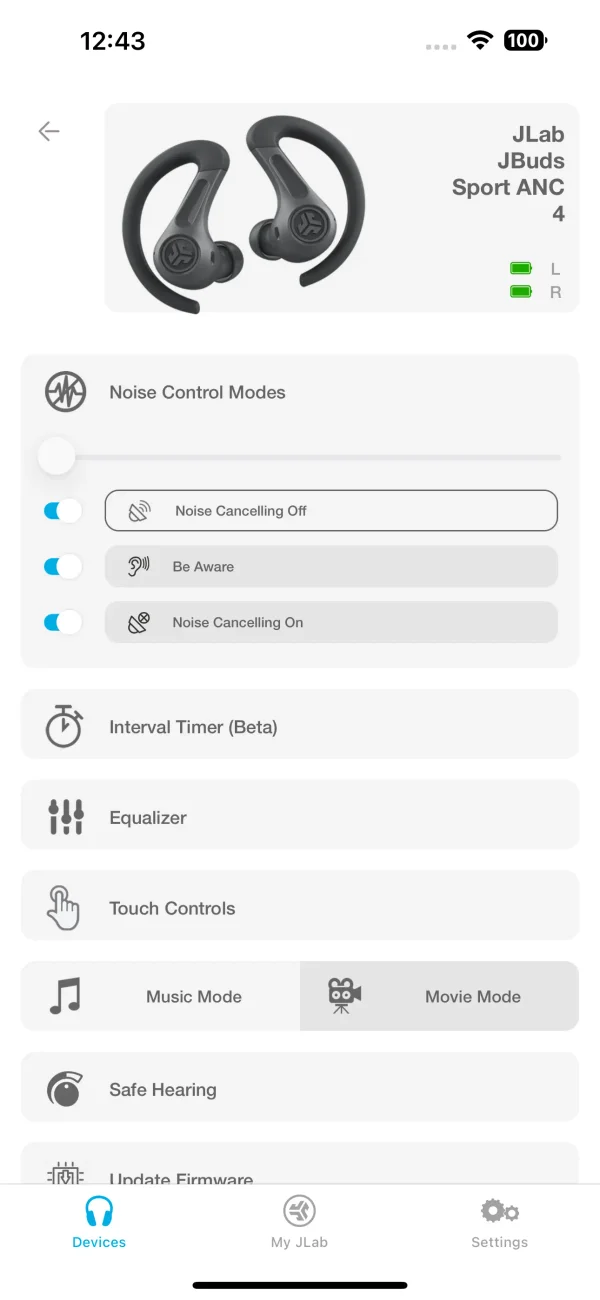
Active Noise Cancellation Control
With the new JLab App, you'll be able to increase the active noise canceling from off all the way to max ANC, (on your ANC compatible earbuds) while in the earbuds themselves you can only select on or off.
Be Aware Audio
Bring the outside in. Use the JLab App to increase or decrease the amount of outside noise you let in by adjusting your Be Aware settings. (For Be Aware Compatible earbuds only)
EQ Customization
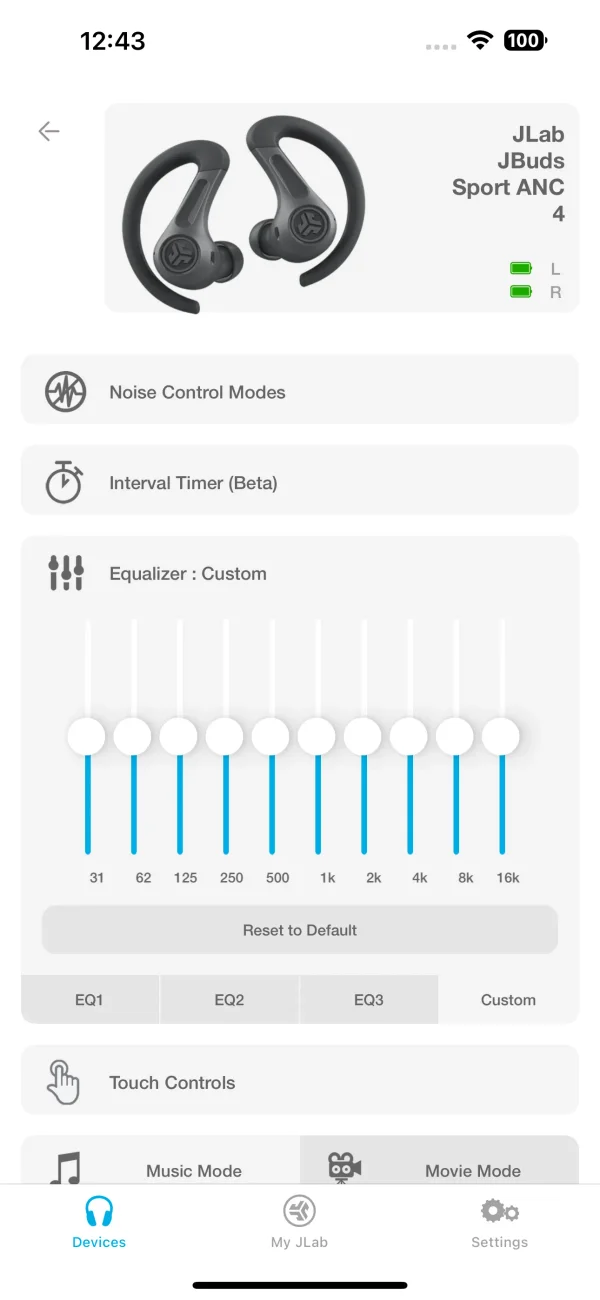
Fine tune your sound by adjusting the equalizer settings. JLab products come set with three default settings - called Custom EQ3 Sound, which features JLab Signature, Balanced and Bass Boost and a 4th option 'Custom'. Use the JLab App to test and set your own equalizer settings by adjusting Bass (200, 280, 400 Hz levels), Mid-Range (550, 770, 1000, 2000 Hz levels) and Treble (4000, 8000, 16000 Hz levels).
Custom Controls
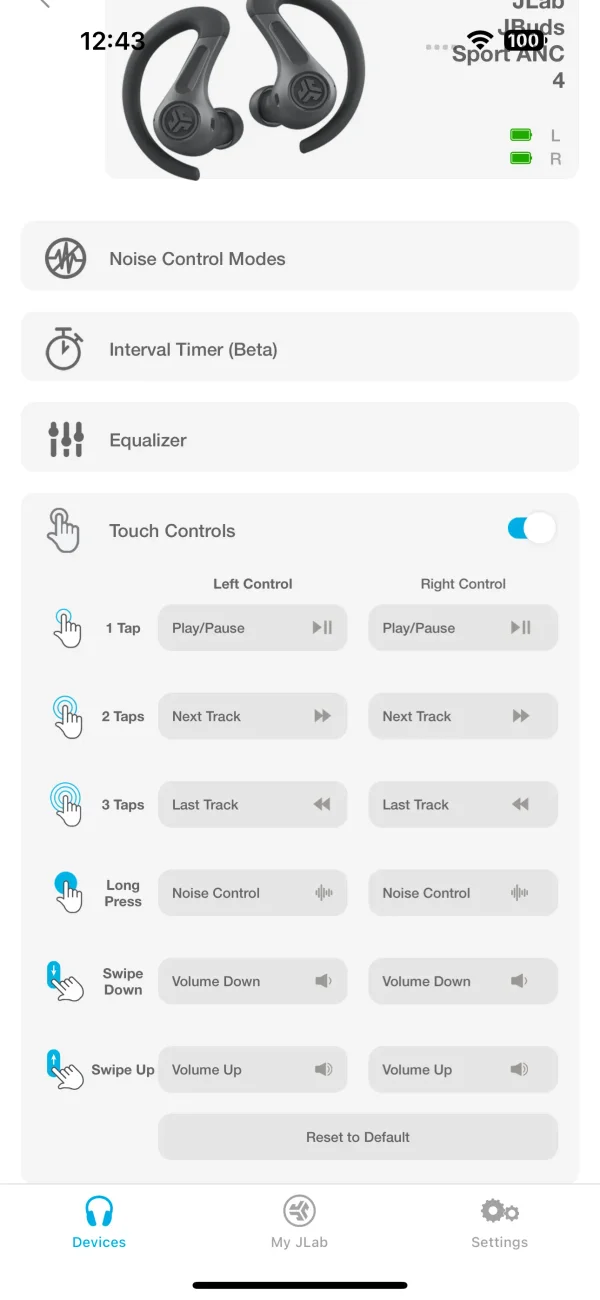
JLab products come with controls in each earbud that control anything from volume, track changes, play/pause and more. If you'd like to switch the settings, you can customize your controls further via the app.
Safe Hearing
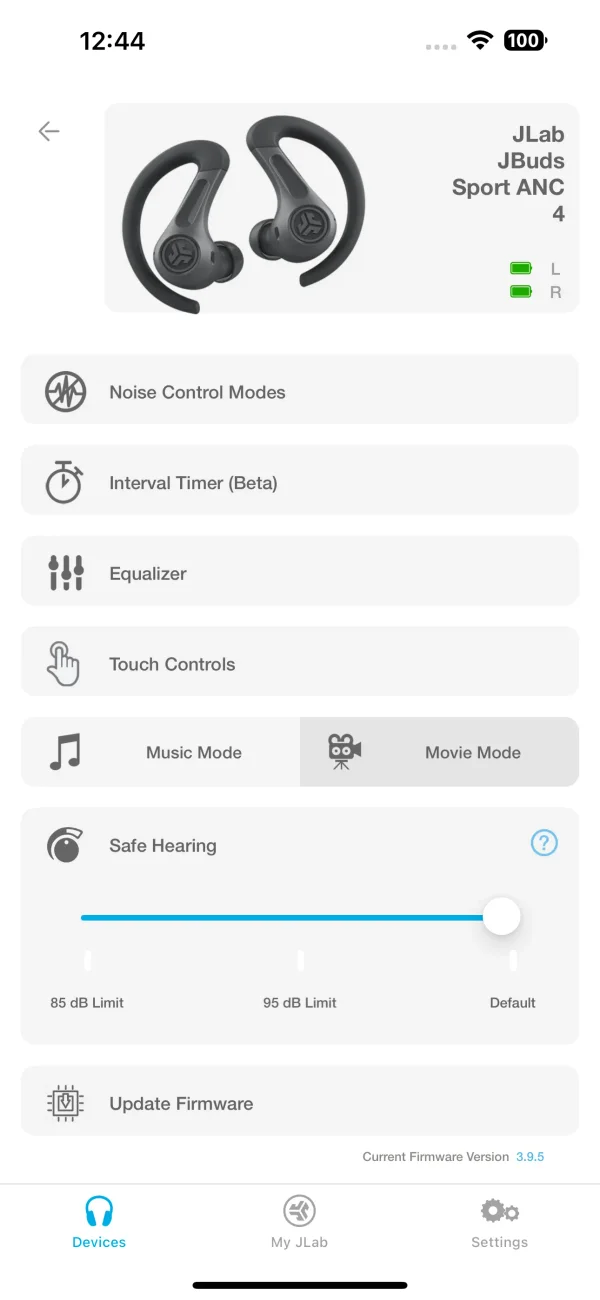
All future JLab models will now support Safe Hearing. Switch between the default output, 95 dB, or 85 dB for a safe listening experience.
新機能
バージョン 1.4.3 · 2026/11/1
This update brings minor bug fixes and UI improvements.
アプリのプライバシー
このアプリのデータの取り扱いについて、JLab AudioがApp Storeで申告している内容です。
-
ユーザーに関連付けられないデータ
収集される場合がありますが、ユーザーの識別情報には関連付けられません。
- ID
- 使用状況データ
- 診断
プライバシーの取り扱いは、ご利用の機能やお客様の年齢などに応じて異なる場合があります。
情報
- 販売元
- PEAG, LLC
- カテゴリ
- ミュージック
- バージョン
- 1.4.3
- 更新日
- 2026/11/1
- リリース
- 2023/5/18
- サイズ
- 110.9 MB
- 必要条件
- iOS 15以降
- 対象年齢
- 4+
- 価格
- 無料
- 言語
- 英語, オランダ語, フランス語, ドイツ語, イタリア語, 日本語, 韓国語, ポーランド語, ポルトガル語, 簡体字中国語, スペイン語, 繁体字中国語
- 著作権
- © JLab Audio
こちらもおすすめ
-
 Skullcandyミュージック
-
 TOZO-Tech Around Youミュージック
-
 JBL Headphonesミュージック
-
 ShokzBe Open
-
 BASS BOOSTER:HEADPHONES、音量、重低音いこらいざー、音量 調整、ノイズキャンセリング、イコライザ
-
 Anker soundcore旧 soundcore
-
 Headphones & Speaker connect +ミュージック
-
 Qobuz: ミュージックとエディトリアル最高の音楽クオリティ
-
 JBL Pro Connectミュージック
-
 Bluetooth Headphons Connectスピーカー, 音楽 & イコライザ