JLab
ANC, EQ sound controls & more
iPhone, iPod touch için tasarlandı
Ücretsiz
- Yaş sınırı4+
- KategoriMüzik
- GeliştiriciJLab Audio
- Dillerİngilizce+ 11 dil daha
- Boyut110,9 MB
Resmi App Store sayfasına bağlanır
Download.org, JLab için hiçbir dosya barındırmaz. Düğme, uygulamanın App Store üzerindeki sayfasını açar; uygulamayı orada JLab Audio yayınlar. Sayfanın son kontrolü: 24.11.2026.
Ekran görüntüleri

Hakkında
Geliştirici bu metni dilinizde sunmamış.
Compatible Models:
GO Pop+
GO Sport+
GO Tone+
JBuds Air Pro
JBuds Air Pro ANC
JBuds Air ANC (Gen 2)
JBuds ANC 3
JBuds Air Sport (Gen 3)
JBuds Mini
Work Buds
Epic Air ANC (Gen 2)
Epic Air Sport (Gen 2)
Epic Lab Edition
GO Work (Gen 2)
JBuds Lux ANC
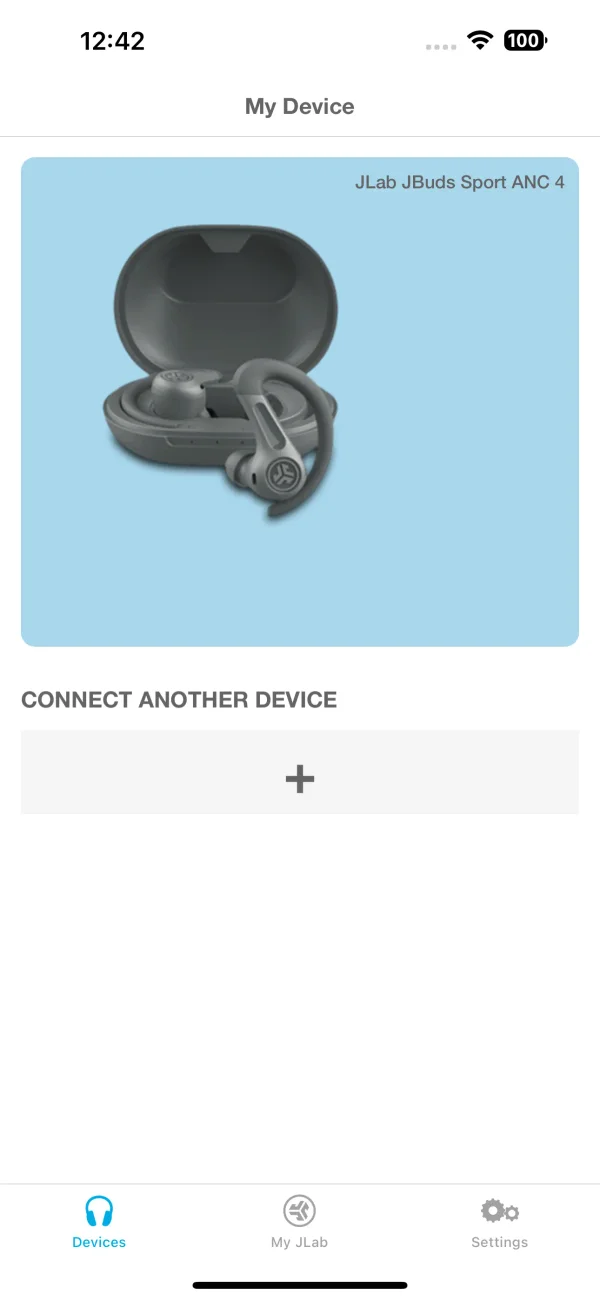
JBuds Sport ANC 4
Rewind 2
Flex
Studio+
Studio Pro+
Epic Work ANC
JBuds Open Sport
GO Pop ANC
Epic Sport ANC 3
Epic Open Sport
GO Pods ANC
JBuds Pods ANC
GO Lux ANC
Epic Lux Lab Edition
Studio 2
GO Party
Pop Party
JBuds Party
Epic Party
Epic Pods ANC
JBuds Open Headphone
GO 3
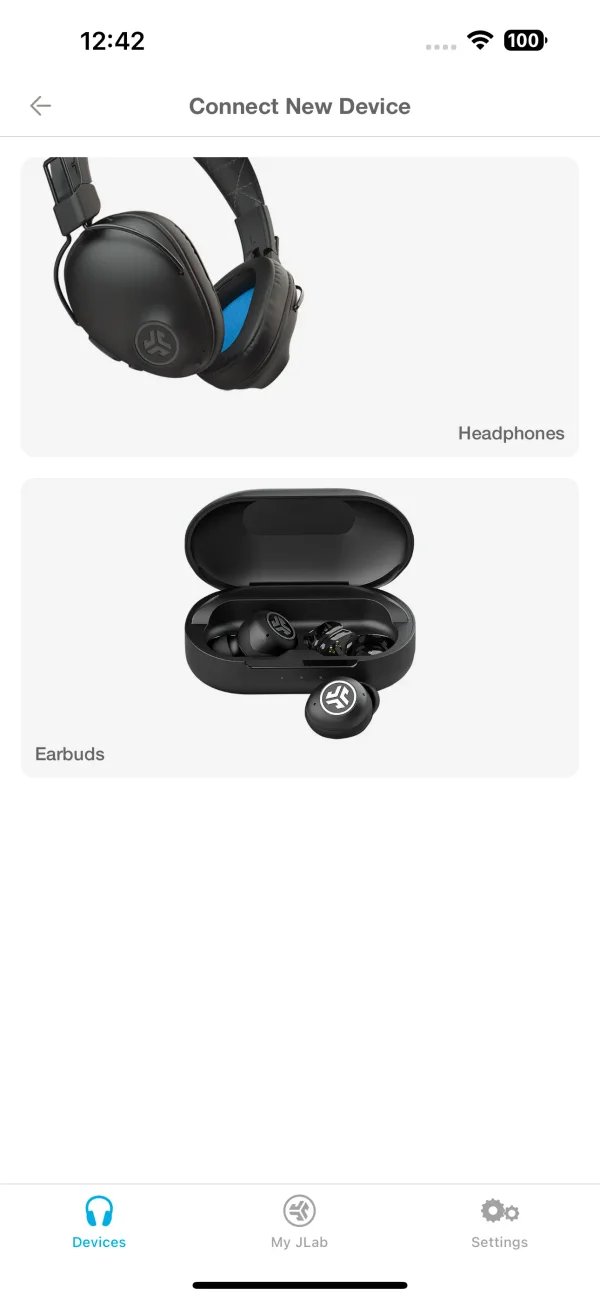
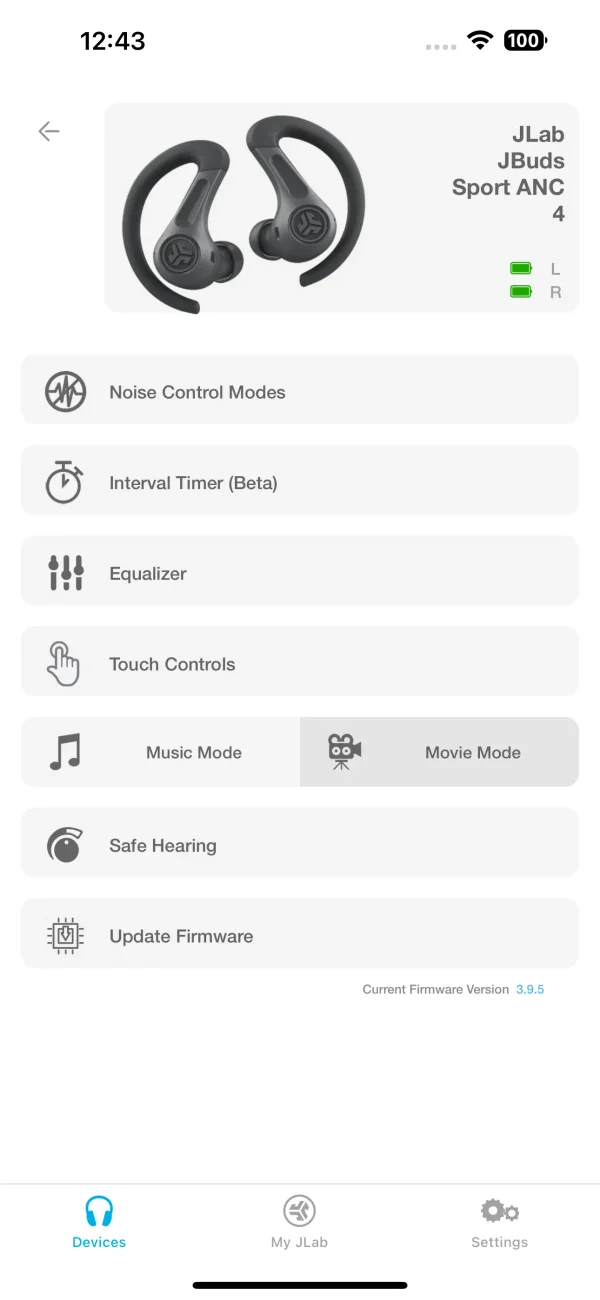
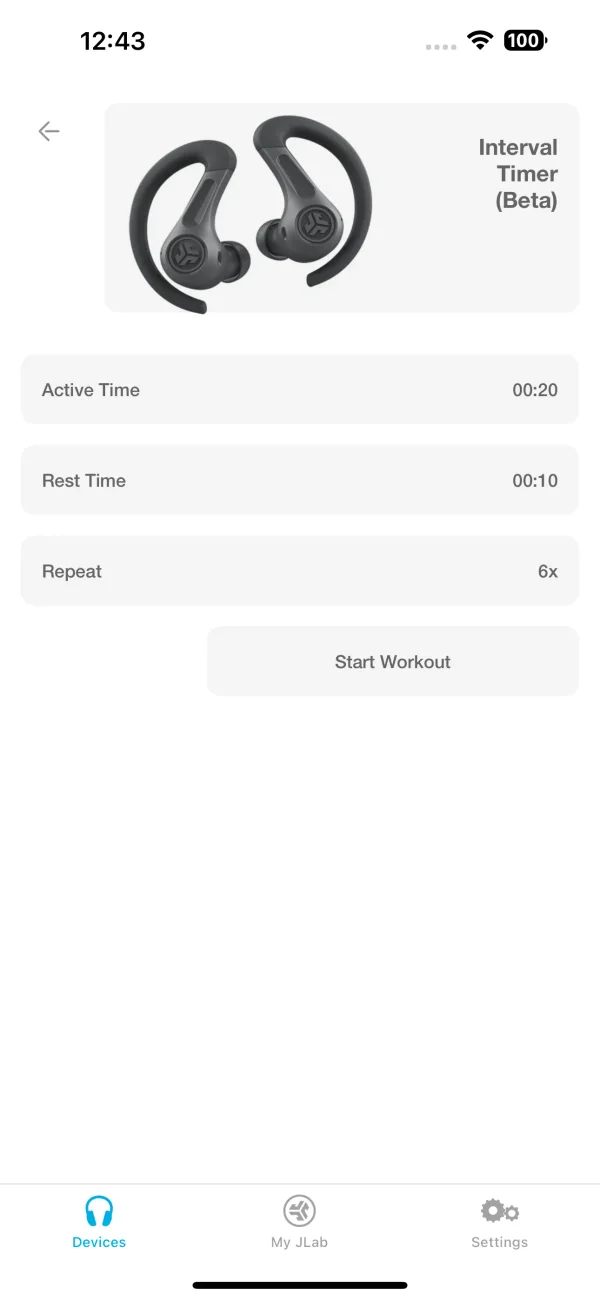
The new and improved JLab app offers complete customization for all JLab App compatible models. Adjust Noise Control settings, Be Aware, touch controls, safe listening levels, and sound to your personal preference – or use the presets for JLab Signature, Balanced, or Bass Boost. Plus, get software updates for your product right when they’re available.
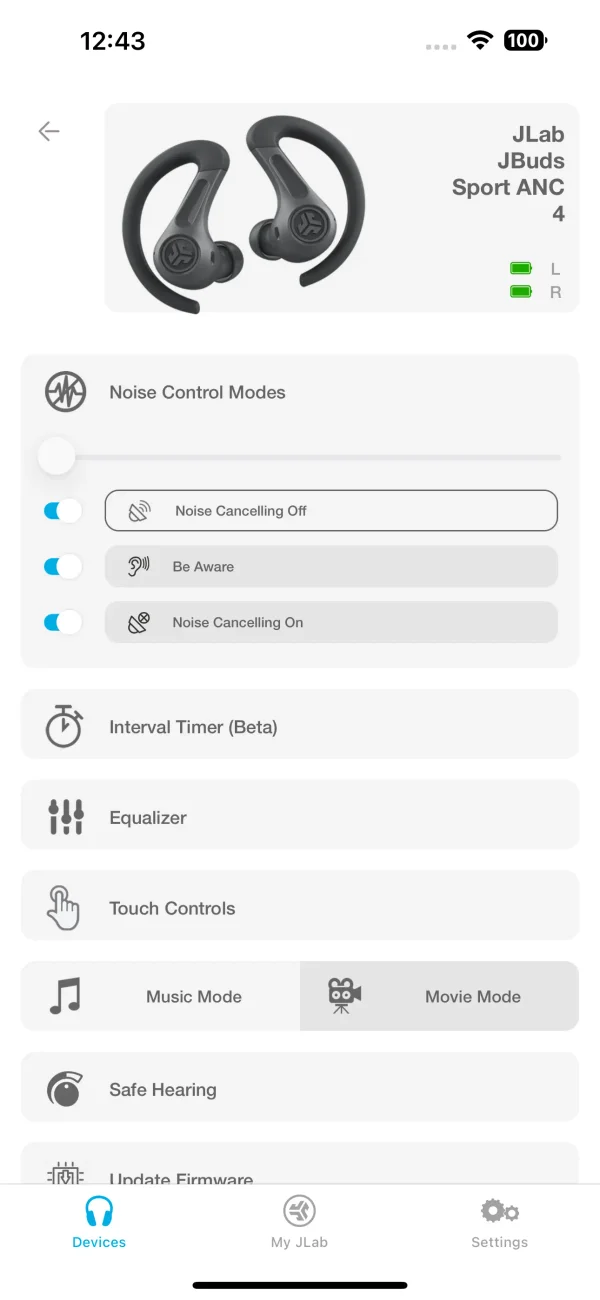
Active Noise Cancellation Control
With the new JLab App, you'll be able to increase the active noise canceling from off all the way to max ANC, (on your ANC compatible earbuds) while in the earbuds themselves you can only select on or off.
Be Aware Audio
Bring the outside in. Use the JLab App to increase or decrease the amount of outside noise you let in by adjusting your Be Aware settings. (For Be Aware Compatible earbuds only)
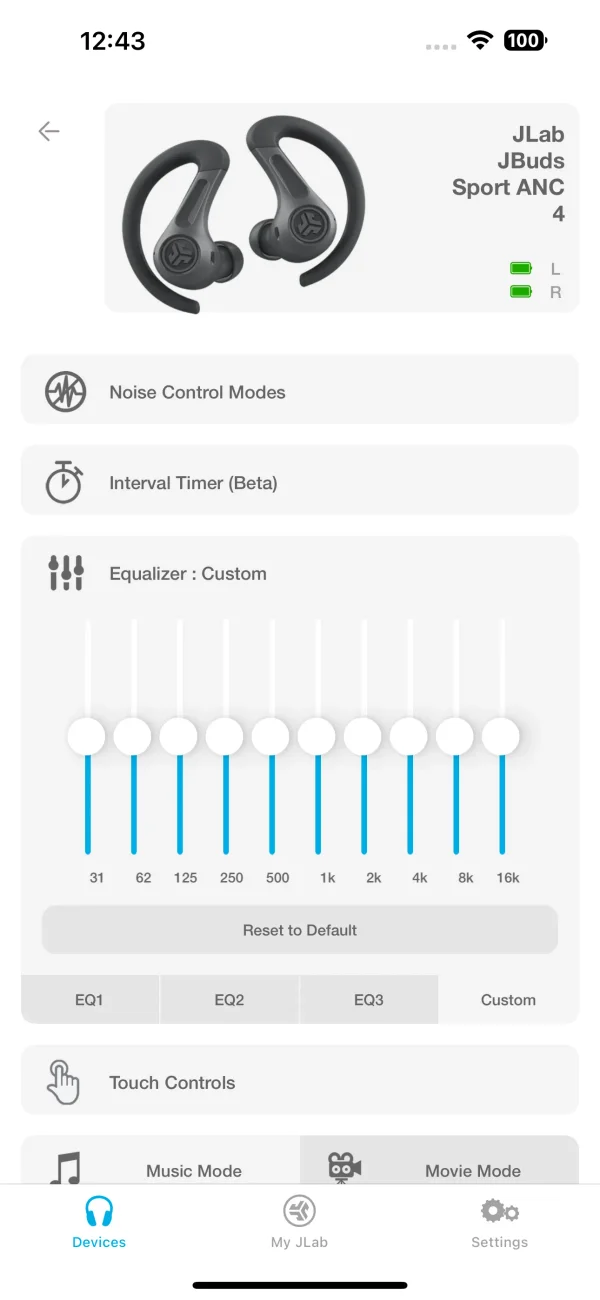
EQ Customization
Fine tune your sound by adjusting the equalizer settings. JLab products come set with three default settings - called Custom EQ3 Sound, which features JLab Signature, Balanced and Bass Boost and a 4th option 'Custom'. Use the JLab App to test and set your own equalizer settings by adjusting Bass (200, 280, 400 Hz levels), Mid-Range (550, 770, 1000, 2000 Hz levels) and Treble (4000, 8000, 16000 Hz levels).
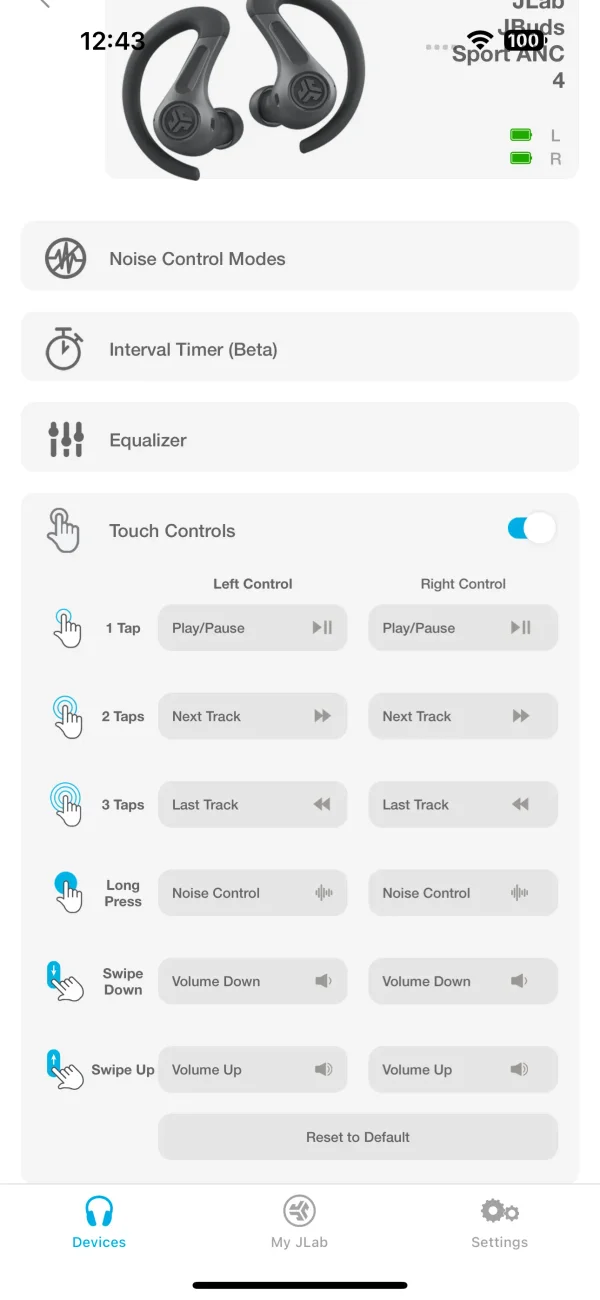
Custom Controls
JLab products come with controls in each earbud that control anything from volume, track changes, play/pause and more. If you'd like to switch the settings, you can customize your controls further via the app.
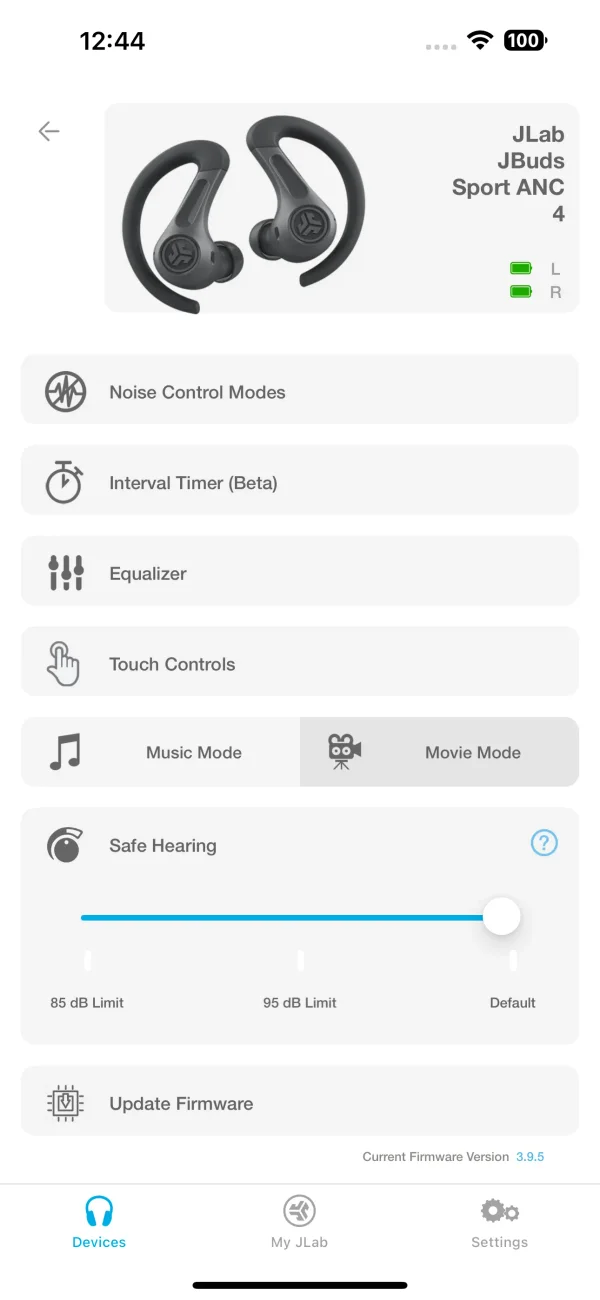
Safe Hearing
All future JLab models will now support Safe Hearing. Switch between the default output, 95 dB, or 85 dB for a safe listening experience.
Yenilikler
Sürüm 1.4.3 · 01.11.2026
This update brings minor bug fixes and UI improvements.
Uygulama gizliliği
Bu uygulamanın verileri nasıl işlediği hakkında JLab Audio tarafından App Store üzerinde yapılan beyan.
-
Sizinle ilişkilendirilmeyen veriler
Toplanabilir ancak kimliğinizle ilişkilendirilmez.
- Tanımlayıcılar
- Kullanım verileri
- Tanılama
Gizlilik uygulamaları, örneğin kullandığınız özelliklere veya yaşınıza göre değişiklik gösterebilir.
Bilgiler
- Satıcı
- PEAG, LLC
- Kategori
- Müzik
- Sürüm
- 1.4.3
- Güncellendi
- 01.11.2026
- Yayın tarihi
- 18.05.2023
- Boyut
- 110,9 MB
- Gereksinim
- iOS 15 veya sonrası
- Yaş sınırı
- 4+
- Fiyat
- Ücretsiz
- Diller
- İngilizce, Hollandaca, Fransızca, Almanca, İtalyanca, Japonca, Korece, Lehçe, Portekizce, Basitleştirilmiş Çince, İspanyolca, Geleneksel Çince
- Telif hakkı
- © JLab Audio