
OneKeePass - Password Manager
Store passwords safely
Designed for iPhone, iPad, iPod touch
Free
- Age rating4+
- CategoryProductivity
- DeveloperJeyasankar Thenmani
- LanguagesEnglish
- Size94.6 MB
Links to the official App Store page
Download.org hosts no file of OneKeePass - Password Manager. The button opens its official App Store page, published by Jeyasankar Thenmani. Listing last checked on Nov 19, 2026.
Screenshots
About
OneKeePass supports the well known KeePass-compatible database (Kdbx 4.x). It stores and manages all your passwords and other sensitive information in a single encrypted file that can be stored in any location, including local and public cloud solutions. You keep control of all your most sensitive information. The app relies on iOS provided integration with storage providers.
By using the most recent encryption standards your data and passwords are always secure. OneKeePass not only takes care of your passwords; it keeps all your credit cards, driving licenses, membership cards, passport details and identities secure.
Features
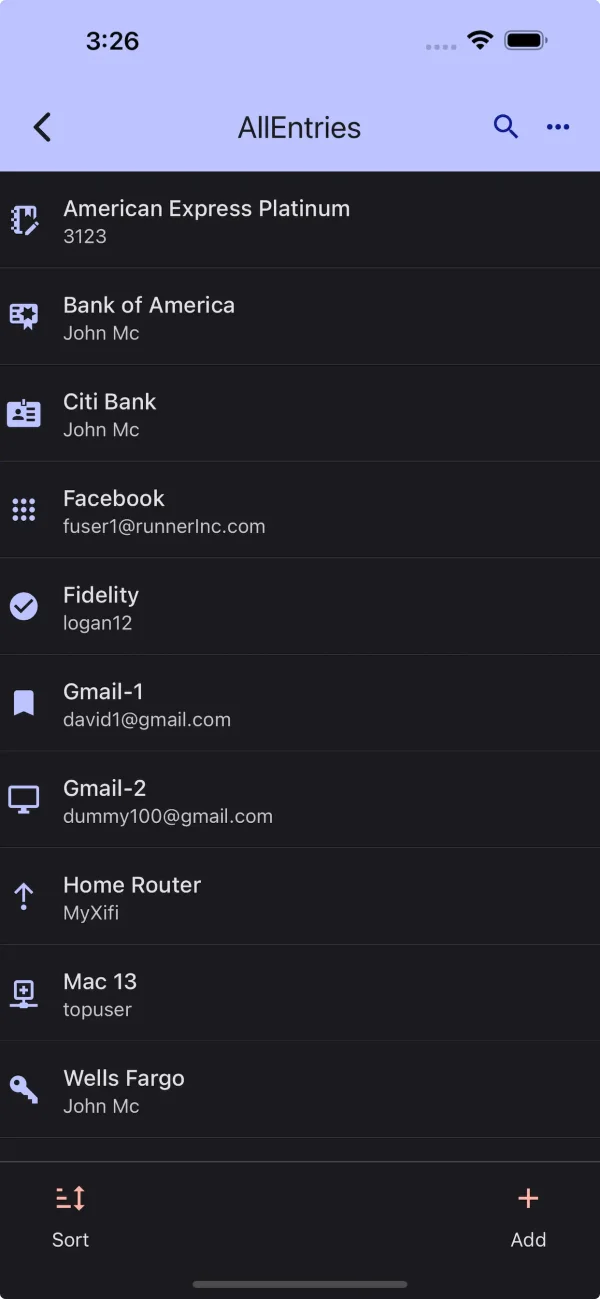
Entries are grouped as Types or Categories or the standard Group tree
Any number of custom fields can be added
Custom fields can be organized as sections
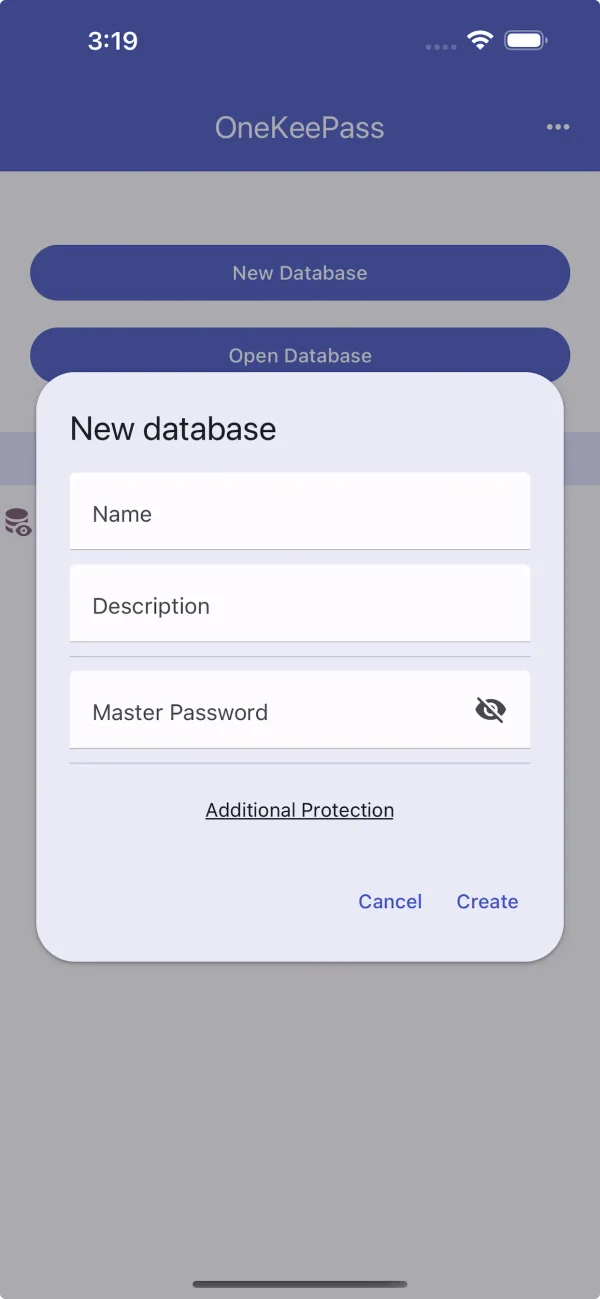
Any number of databases/vaults can be created and used - Separate your personal, family and work data in different databases.
Search for entries
Generate new strong passwords
Fully offline
Recycle bin to restore or permanently erase all deleted passwords
History of each entry
Multi-language support
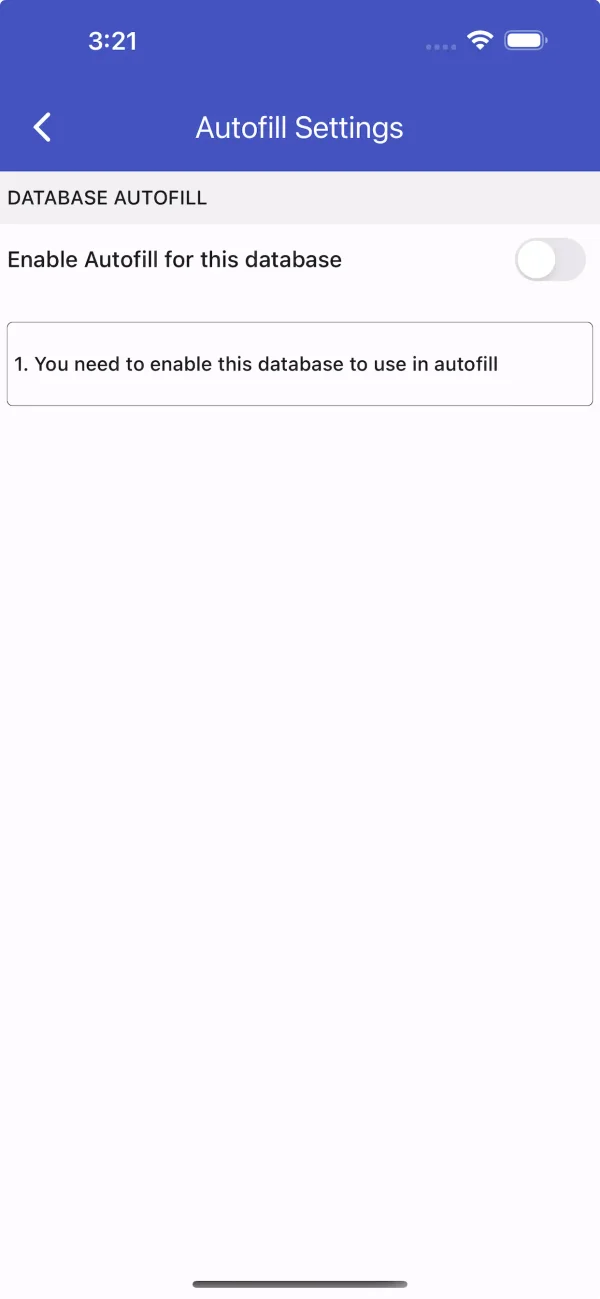
AutoFill supported - Username, Password and TOTP code
Passkeys can be stored and used for authentications
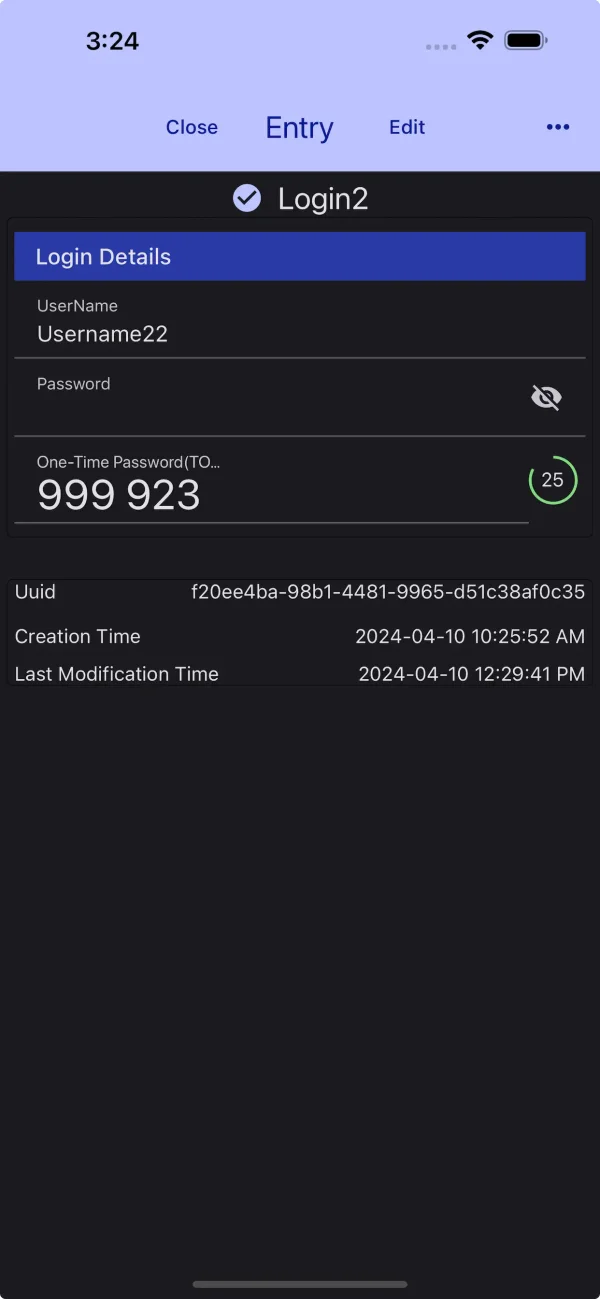
Time based One-Time Passwords (TOTP) can added and used
Supports Light or Dark Theme
Database quick opening using FaceID
Native SFTP/WebDav connection
Linked database opening support
App protection with PIN lock
Merging of databases
Moving an entry or a group from one group to another
Clone an entry
OneKeePass is open source and ad-free.
Please check the development status of the next updates: https://github.com/OneKeePass/mobile.
Send issues to: https://github.com/OneKeePass/mobile/issues
What’s new
Version 0.25.0 · Nov 18, 2026
New PIN pad
Enter the app PIN on a full-screen number pad. A new PIN can have 4 or 6 digits.
Block screenshots
An optional setting hides the app from screenshots, screen recordings, mirroring and the app switcher.
Remember key file
The key file is filled in for you the next time you open the database, including in AutoFill.
Copy icons on entry fields
Copy a field with the icon at the end of the row. Scrolling no longer copies a field by accident, and user names, URLs and notes can be partly selected.
Improvements
The app lock waits 60 seconds by default and doesn't lock while you pick a file or type. A database no longer times out while you are editing. The entry info panel shows the group. App data now goes into iCloud backup only where needed.
Fixes
A database now locks on timeout even after the phone is locked.
Deleted entries no longer show up in search, and entries without a passkey are no longer listed as passkeys.
App privacy
What Jeyasankar Thenmani declares on the App Store about how this app handles data.
-
Data not collected
The developer does not collect any data from this app.
Privacy practices may vary, for example with the features you use or your age.
Information
- Seller
- Jeyasankar Thenmani
- Category
- Productivity
- Version
- 0.25.0
- Updated
- Nov 18, 2026
- Released
- May 3, 2023
- Size
- 94.6 MB
- Requires
- iOS 15.1 or later
- Age rating
- 4+
- Price
- Free
- Languages
- English
- Copyright
- © 2026 OneKeePass
You might also like
-
 Strongbox - Password ManagerKeePass & Password Safe Vault
-
 KeeForge: KeePass ManagerPasswords, 2FA Codes, Passkeys
-
 KeePassium (KeePass passwords)Respects your privacy
-
 KeePass - Password ManagerPassword Saver and Autofill
-
 KeePass TouchThe Password Manager
-
 KyPass - KeePass in SyncKeepass always in sync
-
 KeyPass – Passwords ManagerPasswords, Passkeys & Autofill
-
 Psono Password ManagerGenerate & secure passwords
-
 IronCrypto: Password ManagerFree sharing + smart documents
-
 SamuraiSafe Password ManagerSimple, safe, totally private.