- Age rating4+
- CategoryUtilities
- DeveloperZachery Ng
- LanguagesEnglish
- Size37.2 MB
Links to the official App Store page
Download.org hosts no file of Klavette. The button opens its official App Store page, published by Zachery Ng. Listing last checked on Nov 16, 2026.
Screenshots
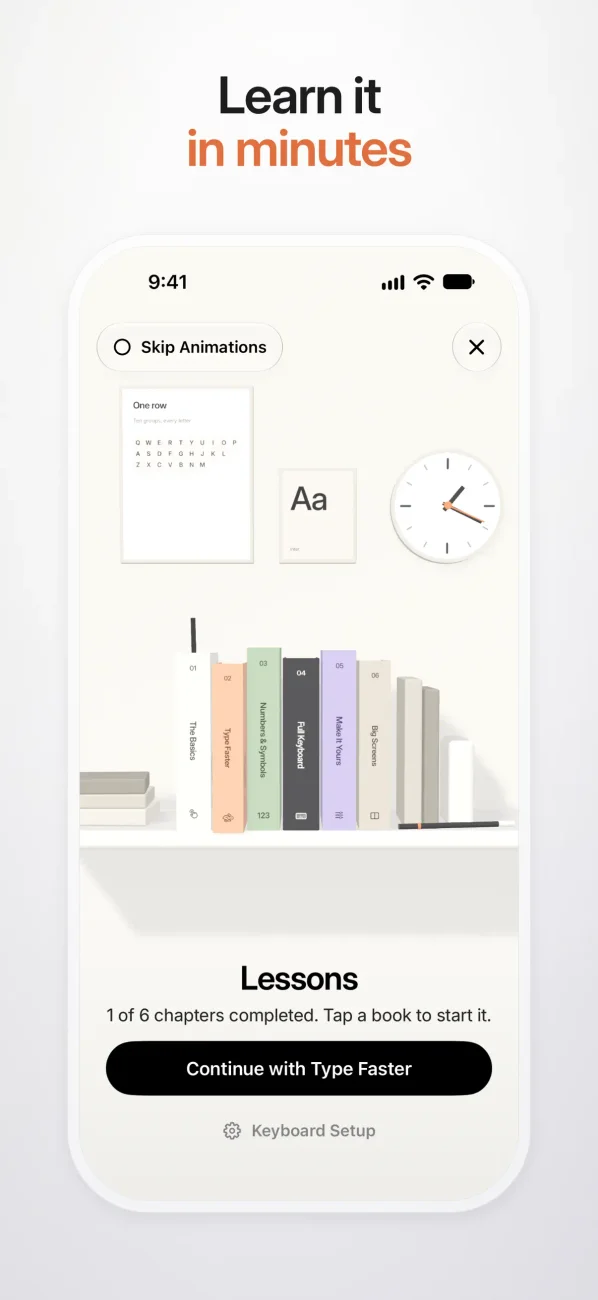

About
One Row. Every Word.
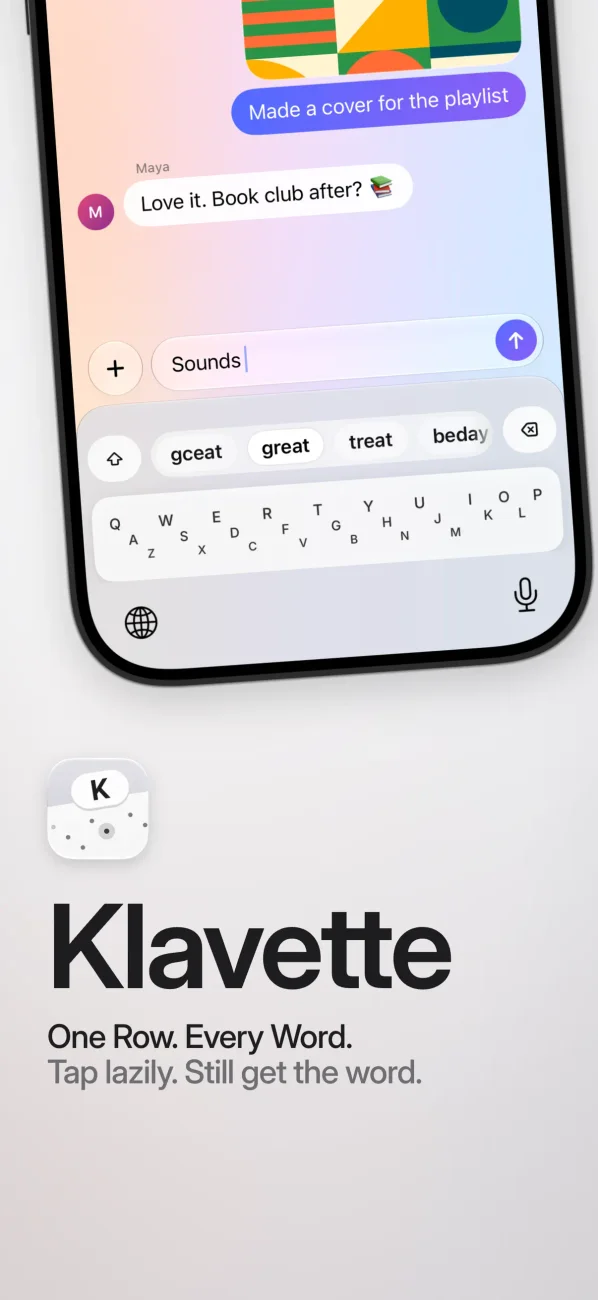
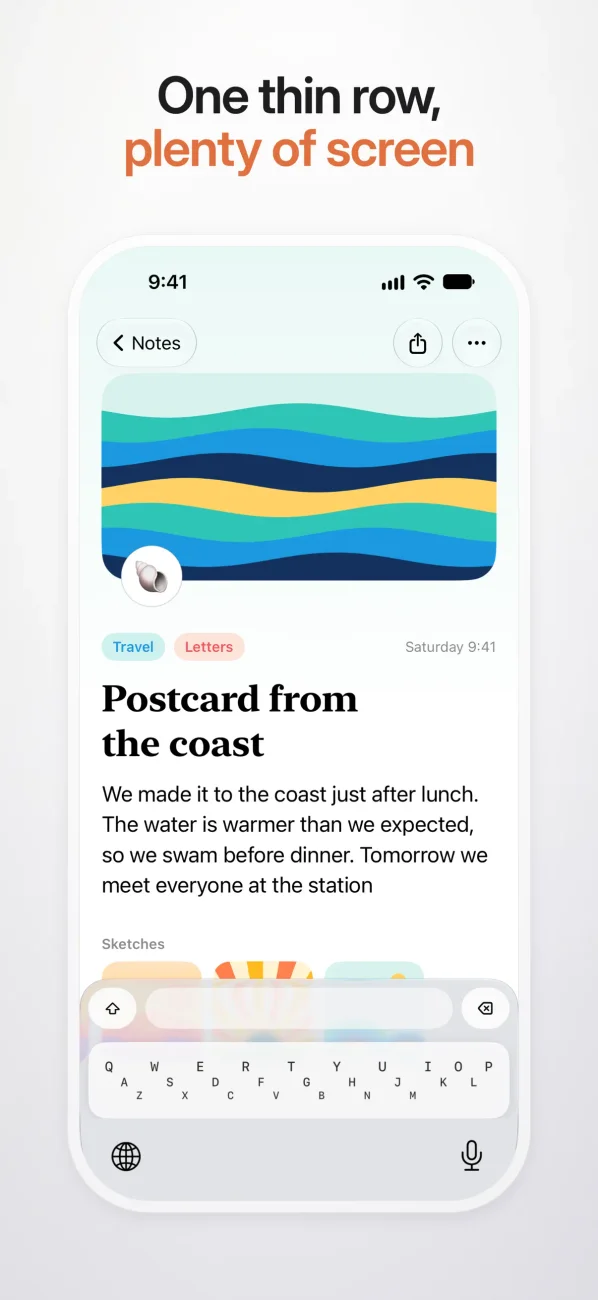
Klavette is a keyboard you don't have to aim. Tap close enough and it works out the word you meant, on one thin row that leaves more of the screen to what you're writing. When you want every key, a full keyboard is one swipe away.
FREE, FOREVER
• A full QWERTY keyboard with numbers, symbols and emoji search
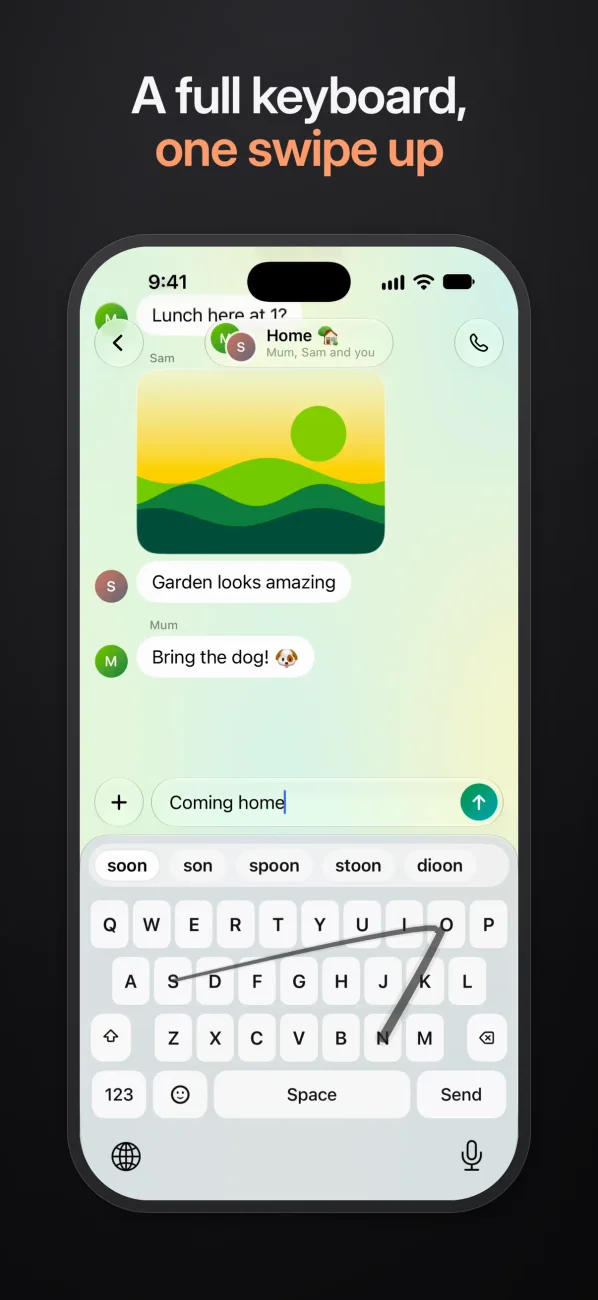
• Glide typing: slide across the letters to type a word
• Autocorrect that fixes typos and leaves real words alone. Every correction can be undone
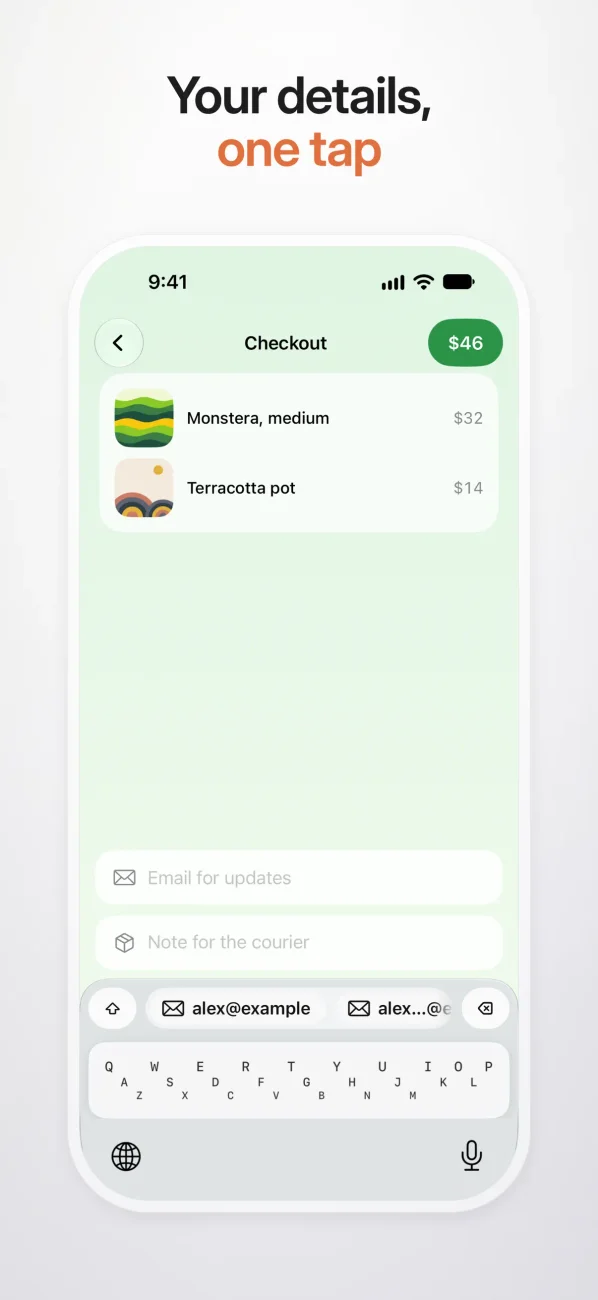
• AutoFill: your name, emails, phone and address appear as a tap in the fields that ask for them
• Keyboard macros for text you type again and again
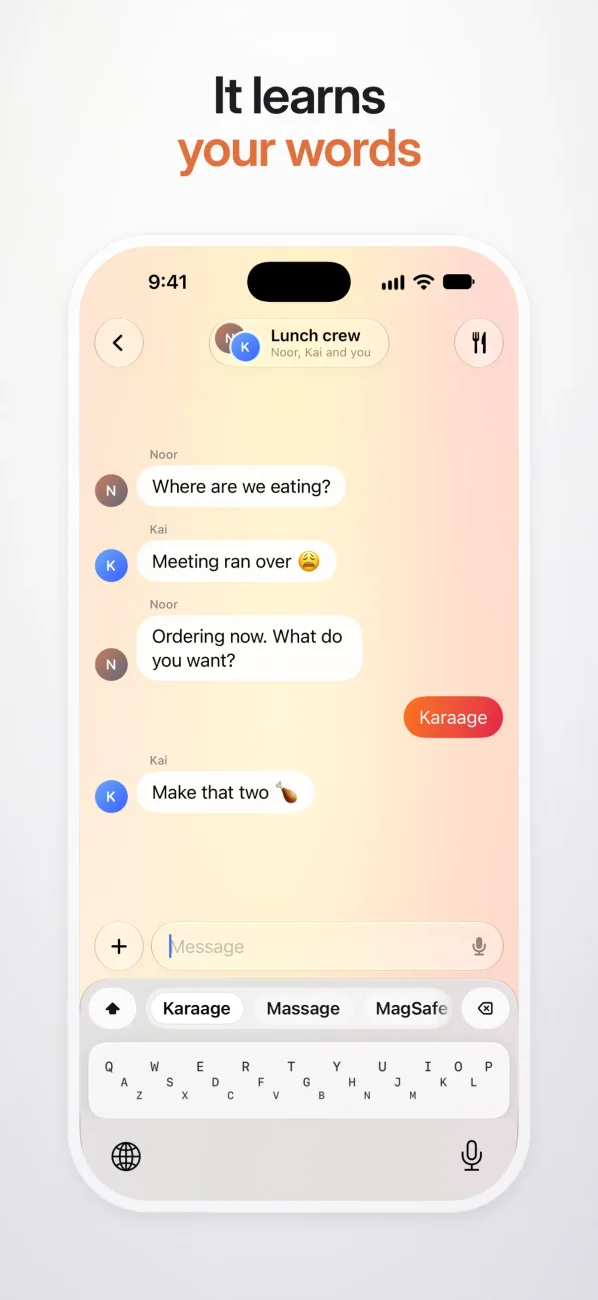
• It learns your words and your corrections, and forgets what you tell it to
• iCloud Sync: your learned words, AutoFill, macros and settings on every iPhone and iPad you use. Choose what syncs, or turn it off
• Lessons and typing practice in the app
KLAVETTE PRO
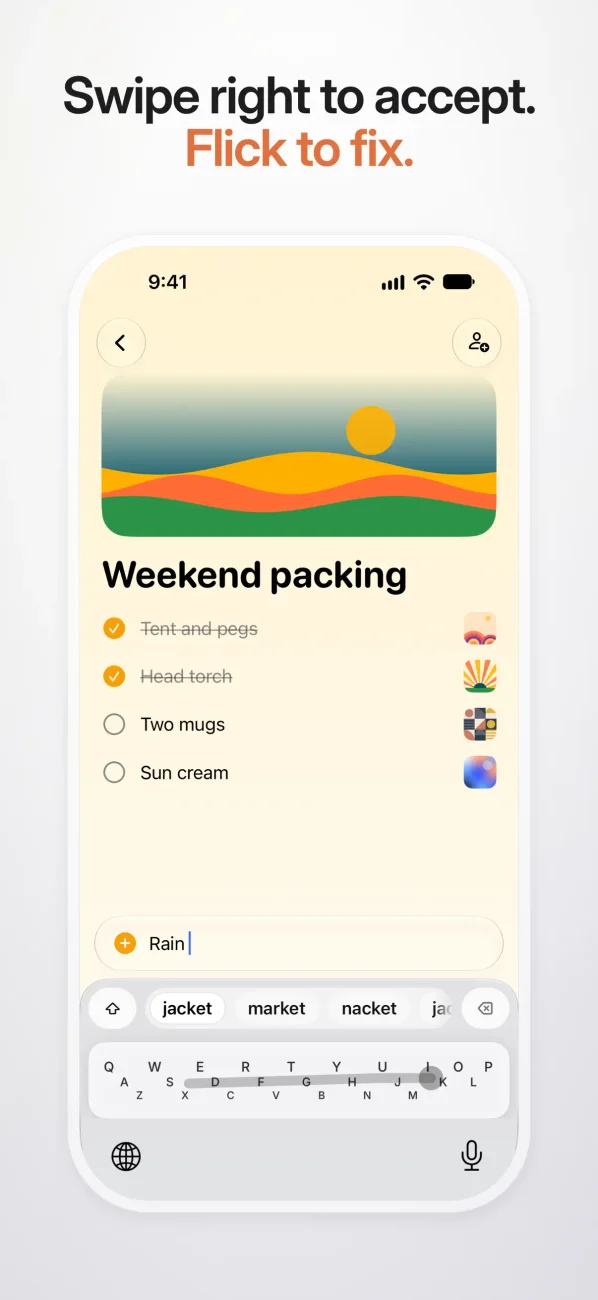
• Mini: one thin row of keys, in every app. Tap once per letter, close enough, and the bar above shows the words you most likely meant. Swipe right to accept a word, swipe left to delete it, flick up and to the left to swap it for the next best
• Docking and Split on iPad and the unfolded iPhone Duo: dock the keyboard to the left or right edge, or split it into two halves, one on each edge
DESIGNED FOR NARROW SCREENS
On the iPhone Duo's folded outer screen a full keyboard crowds out what you are writing. Mini's single row is built for one thumb and leaves room to read. Unfold the Duo and Klavette docks to a side or splits, like on iPad: Split puts the keyboard on the two edges, away from the fold.
YOU DON'T HAVE TO AIM
Taps are read for the word you meant, so a lazy tap still gets it most of the time. Wrong word? One flick swaps it. Need exact letters? Press and hold a key, or swipe up for the full keyboard.
PRIVATE BY DESIGN
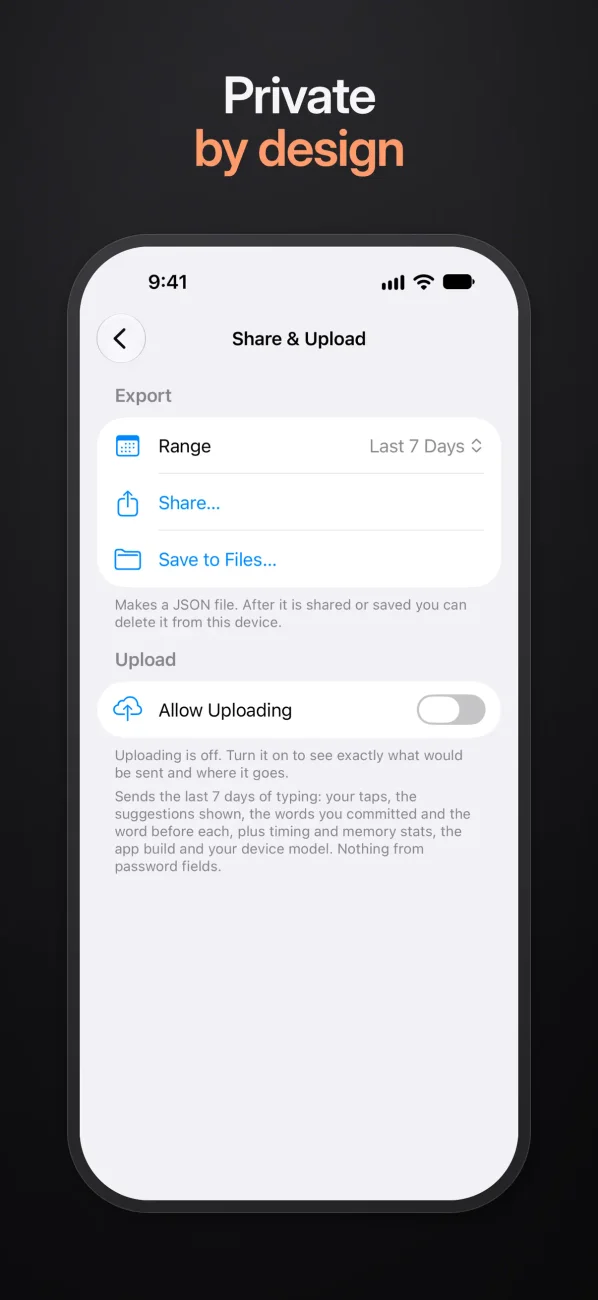
• Typing stats are recorded on your device only, never from password, email, web address, phone-number or other sensitive fields, and kept for 60 days
• Sending stats to the developer is optional and off unless you turn it on
• AutoFill details and macros stay on your device, or in your own iCloud, encrypted, if iCloud Sync is on. Klavette never receives them
• No ads, no tracking, no third-party SDKs
• Full Access is recommended, not required. The full keyboard works without it
GOOD TO KNOW
• English only. Needs iOS 26.2 or later
• To turn it on: Settings > General > Keyboard > Keyboards > Add New Keyboard > Klavette
KLAVETTE PRO SUBSCRIPTION
Klavette is free to download, and the full keyboard is free forever. Klavette Pro unlocks Mini, docking and Split. Choose:
• Yearly, with a 2-week free trial (US$34.99 per year)
• Monthly (US$4.99 per month)
• Lifetime, a one-time purchase (US$89.99)
Prices shown are for the United States. Other countries see Apple's local price. Payment is charged to your Apple Account at confirmation of purchase, or when the free trial ends. Yearly and monthly subscriptions renew automatically unless cancelled at least 24 hours before the end of the current period, and your account is charged for renewal within 24 hours before the end of the period. Manage or cancel in your Apple Account settings after purchase. Any unused part of a free trial is forfeited when you buy a subscription. Family Sharing is not available.
Terms of Use: https://klavette.app/terms
Privacy Policy: https://klavette.app/privacy
Apple's standard EULA: https://www.apple.com/legal/internet-services/itunes/dev/stdeula/
Help: https://klavette.app/support
What’s new
Version 1.1.1 · Oct 27, 2026
Lessons now live on a 3D bookshelf. Tap a book to open its chapter; skip the animations whenever you like.
Choose how you type on Mini in one place: Gestures, Spacebar or Glide.
Typing Practice shows a caret that glides to each next letter.
Short look-alike words you keep correcting (were and we're) now swap for good.
A word you taught stops jumping ahead once you keep correcting it away.
Fixed crashes that could switch you back to the system keyboard while you type.
Holding the suggestion bar now opens its reset options inside the keyboard.
"I'm" is offered again when you type "im", even after you've removed the lowercase spelling.
If you redeem an offer code during a trial, the Klavette Pro screen now shows when it starts.
The Macros lesson lets you try an example first, then set your own.
Setup explains Allow Full Access at a glance, including that passwords always use iOS's keyboard.
App privacy
What Zachery Ng declares on the App Store about how this app handles data.
-
Data linked to you
May be collected and linked to your identity.
- User content
- Identifiers
- Usage data
- Diagnostics
Privacy practices may vary, for example with the features you use or your age.
Information
- Seller
- Zachery Ng
- Category
- Utilities
- Version
- 1.1.1
- Updated
- Oct 27, 2026
- Released
- Oct 15, 2026
- Size
- 37.2 MB
- Requires
- iOS 26.2 or later
- Age rating
- 4+
- Price
- Free
- In-app purchases
- Yes
- Languages
- English
- Copyright
- © 2026 Zheng Hao Ng
You might also like
-
 4get: Event CountdownBirthdays, plans & milestones
-
 ReachTypeCustomizable Split Keyboard
-
 TalaKeyboardTalaKeyboard
-
 stoobit searchA Beautiful Way to Search
-
 Folder Fort - Cloud StorageSecure Cloud Storage
-
 SplitBoardSplit keyboard for iPad
-
 ARC Type KeyboardUltimate Productivity Tool
-
 Just Quick SearchFaster than anything
-
 Finale KeyboardMinimal gesture-based keyboard
-
 Keyboard Fonts & Cursive TextCustom Cursive Style Changer